



February 4th, todayKunlun WanweiIt's a global launchHeavenly Craftsmanship Skywork Desktop version, the desktop-end application SkyworkDesktop。
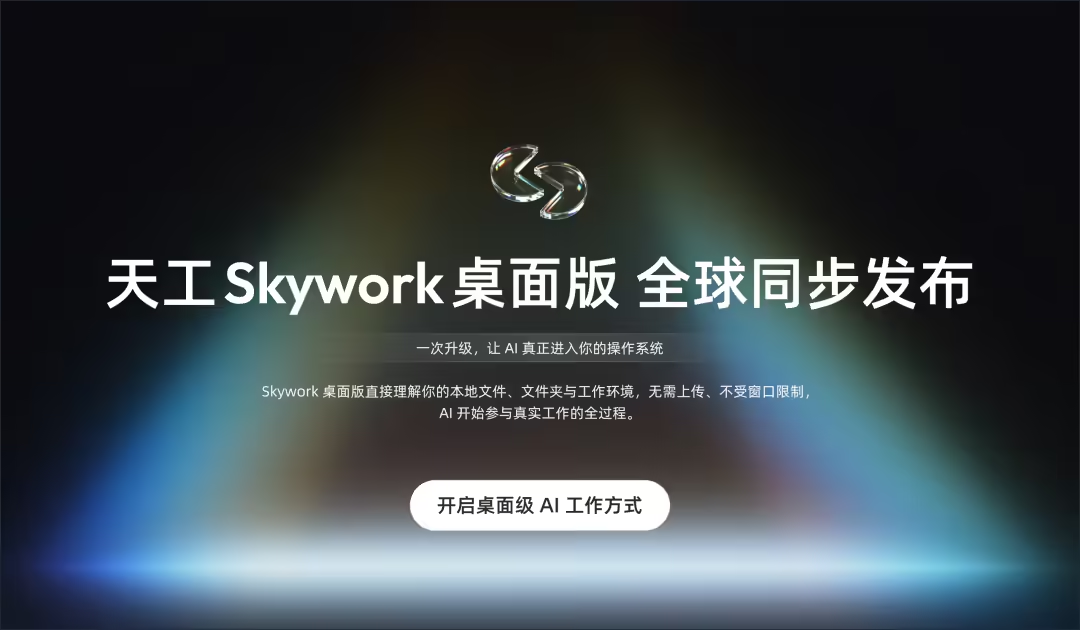
It was described that the “skywork desktop version” was carried out directly locally, without the need to upload documents to the cloud. It can directly read the large volume of documents on computers, aggregate, organize and generate new products based on content. At the same time, it has a “content understanding” at its core, not a “document format”: Both graphics, videos, tables, PPTs and document files can be understood, classified, performed under a unified semantic layer, and support multitasking in parallel。
1AI WITH THE FOLLOWING OFFICIAL DETAILS:
The Skywork desktop release is an important part of Skywork 2.0 capability systems。
Skywork desktop is designed to pierce AI Productivity cap, push AI Agent to the next era。
In May 2025, Skywork launched the "AI Office" - Skywork Super Agents (the Skywork web version) for the global launch, which greatly enhanced the efficiency of nearly a billion users。
So far, Skywork has occupied structural pre-emptive advantages in the direction of AI Agent, with sufficient knowledge of AI Agent products, user experience in the number and efficiency of office scenes。
Now, the official launch of Skywork desktops has pushed AI productivity back to the next stage, so that AI Agent no longer simply waits for instructions, but is willing to understand your intentions and respond to your work needs。
The goal of the Skywork desktop is to enter and integrate the last kilometre to the end of the desktop as an OS assistant to everyone。
THIS MEANS THAT AI, FOR THE FIRST TIME IN REAL LIFE, HAS EVOLVED FROM “WAITING FOR YOUR FEEDING MATERIAL” TO “DIRECT UNDERSTANDING OF THE WHOLE PROJECT” TO BEING AN OS-LEVEL CO-WORKER WHO CAN UNDERSTAND THE PROJECT, UNDERSTAND THE CONTEXT AND TAKE THE INITIATIVE。
Turning Agent can only deal with the “big task” dilemma, Skywork desktop allows AI to begin to address a variety of fragmented, complex, small-scale end-of-office issues and to improve overall efficiency。
More importantly, Skywork, which is a global user-driven, compatible Windows system and international office environment, is committed to enabling national production to run into the world's most advanced office scenes, permeating the last kilometre of everyone's work。
How to use "Skywork Desktop Edition":
official installation package download address: https://skywork.ai/disktop
2. Acquisition of Skywork Basic members or Plus members to use Skywork desktop
Note: Rules for the use of specific functions are based on official instructions
1, more than local execution, Skywork desktops need to be more advanced desktop AI
The advent of Claude Cowork validates the great demand of users for “task execution” in the working environment, and the emergence of OpenClaw (formerly Clawdbot, Moltbot) reflects the true and urgent desire of users for “local computer / desktop-level operations”。
Currently, the Skywork desktop is more intelligent, more advanced desktop AI. Compared to the current product, the Skywork desktop version has the following features:
Windows Native Cover, Better Know Windows Workforce Desktop AI
To meet the needs of users and workspaces that use Windows in large numbers, the Skywork desktop prioritizes Windows, which directly handles local historical documents and complex project scenarios without moving or matching to fit the real office environment。
Claude Work, Skywork"Windows Edition Claude Cowork"It's called "Windows Hit Workers" Gospel。
Support Claude and Gemini models to enable users to "freedom of model selection"
Compare Claude Cowork only to the Claude model, Skywork desktop evolution to"Gemini Edition Claude Cowork", not only supports Claude, but also supports Gemini。
To take full advantage of Gemini 's full-state understanding and generation, users can choose between Claude Opus 4.5, Claude Sonet 4.5 and Gemini 3 Pro and can also enable"auto" mode, where the system recommends the most appropriate model according to the type of task intelligence to achieve more efficient and accurate task processing。
3. Auto-alteration of volume Skills, smart and flexible selection models and Skills
To bridge the barriers of “thinking” and “execution”, the Skywork desktop contains 100+ selected, really useful Skills, which covers the three components of Office, web, photo, video, etc。
The system can be based on missionAutomatically filter and recommendThe most appropriate Skills and Models improve the efficiency of multi-task processing and save users more time. User alsoManually Select Skills and models address multitasking sites to make operations more flexible。
In addition to having more advanced and intelligent models and functional designs for the initial configuration of the product, the Skywork desktop is still significantly improving the quality and performance of task generation。
Not only can the tasks of "desktop cross-document understanding and delivery, cross-formatization, multi-modular content outputs, etc." be carried forward and carried out in a seamless manner at the local level, but they are also well above industry lead levels in three areas:
1. More advanced image/ video generation, output quality wins
Claude Cowork is good at logic, but with visual performance, the Skywork desktop generated images with higher quality and more semantics than Claude Cowork. Users are able to achieve more professional and performing results under multi-modular tasks in office, creative scenes。
2. Process speed up, output efficiency wins
Using the Gemini model, Skywork desktop tasks are processed at a much faster pace than is currently available in the industry. In the "auto" mode, Skywork desktop tasks are executed faster than Claude Cowork, making the office more efficient and without waiting
3. Safe, controllable and reliable AI Personal Desktop Assistant
All Skywork desktop operations are performed in the local virtual isolation environment without uploading files to the cloud. Both reduce the risk of data disclosure and provide security for original documents through virtual isolation, avoiding problems of error, damage and so forth, so that “data remain secure and safe”。
In addition, all tasks are based on local documentation to generate content, to reduce the wrong output resulting from network search or blind reasoning; to confirm the list of operations to the user before the task is performed, to ensure that the results meet expectations and to make the Skywork desktop version more manageable and reliable。
2-Skywork desktop entry of your computer into every day job
- Local desktop system-level office assignments: cross-file content recognition `help you work'
When there are dozens to hundreds of files in a desktop or a folder, not limited to Word / PDF / Excel / PPT / Picture/ Video, Skywork desktops can be cross-filed for content recognition, automatically sorted by " Project / Time / Content Type / Semantic " , generate a clear folder structure, automatically rename a file (explainable naming logic) to actually "work for you" and directly output the results。
For example, we would like to rename all the documents in a messy document。
- Query:
- please read all the files of the current folder (including sub-folders) that i have provided and rename each file the corresponding english filename. the request is as follows: process all documents in the folder (with subfolders) without missing any documents. change only the name of the document and not the content of the document. translation of chinese / japanese / other language filenames into natural and accurate english meanings. the english-named format is uniform: lower_snake_case (full lower case, underlined separated). all documents currently in english are also in uniform format: lower_snake_case。
The Skywork desktop version will read the files under your upload folder path (Doc, PDF, Excel, png, etc.) and will have several dozen of them in uniform and translated into English。
- Cross-format task output: generate reports on animals based on animal photographs in the folder
The most widely documented local computer forms are Doc, Excel, PPT, JPG, etc., which are stored in multiple directories or folders, so the conversion of Doc ↔Excel ↔PPT ↔ webpage is the most in demand。
For example, key information will be automatically extracted from Word / Doc to generate structured Excel (reasonable, direct use of fields); or from Excel to understand the meaning of data, to automatically generate a PPT with graphs; or there will be a need to read multiple websites (e.g. 3-5 web sites), to automatically generate Excel comparison tables, Doc analysis reports and PPT reporting, which are hand dishes for Skywork desktops。
For example, we want the Skywork desktop to read the animal photos in the 19 local folders (as shown in the figure below) and then help us automatically select 6 photos and organize a Doc report. We can "direct" it like this:
- Query:
- General a report based on the animal photos in the banker, which are organized into subfunders by animal type.
- Multimodular content generation: one based on documents and pictures SEO website
The Skywork desktop can also generate design products and videos using local document / ppt/ table / picture / html-like patterns. We made it use of locally uploaded documents and pictures to generate a SEO website。
- Query:
- Constructs a single page SEO landing page based on the product described in the attached folder. The original value proposition in the document must be used, and no content should be added or invented. The page must contain the following modules: Hero (first screen view), 3 core advantages (Benefits), 3 use scenarios (Use Cases), Price Teaser, FAQ (5 articles), and finally CTA (Final CTA). Price forecasts must include free (Free), 19.99, 49.99. The folder contains several pictures: please add them to the page as display material on the website and ensure that all pictures are uniform to the same width and height. Language / Style: Clear, modern。
The work case presented here is just part of the Skywork desktop capability. You're welcome to explore with us the infinite possibilities of Skywork from different industries, different jobs and diverse needs。
Use the portal
Skywork Super Agents (Skywork page version)
https://skywork.ai/
Skywork Desktop Official Address:
https://skywork.ai/desktop