



How to useChatGPTDrawingHow to ensure the consistency of the characters?
The output of DALL-E that comes with chatgpt is unstable, including unstable character consistency and unstable aspect ratio. Today, I will teach you the simplest way to achieve stable aspect ratio and character consistency, so that you can easily start hand-drawn book content production, lower the threshold, and quickly get positive and negative feedback.
1. Problem Controlling Aspect Ratio
Those of you who have used Midjourney know that we can control the size of the image we want with the -ar command, which doesn't seem to work so well in DALL-E.
Currently, DALL-E supports 3 resolutions:
- Square (1024×1024): this is the default resolution, the system automatically outputs this size if the prompt word has no special requirements.
- Horizontal (1792 x 1024): suitable for landscapes, panoramas or any image that requires horizontal orientation and is suitable for use in the production of horizontal content.
- Vertical (1024 x 1792): best suited for full body portraits, tall structures or any image that requires a vertical orientation for vertical content production.
- So how do you write prompt words to stably generate the desired image size? Start from scratch~
First I have no ideas, let gpt generate ideas for me.
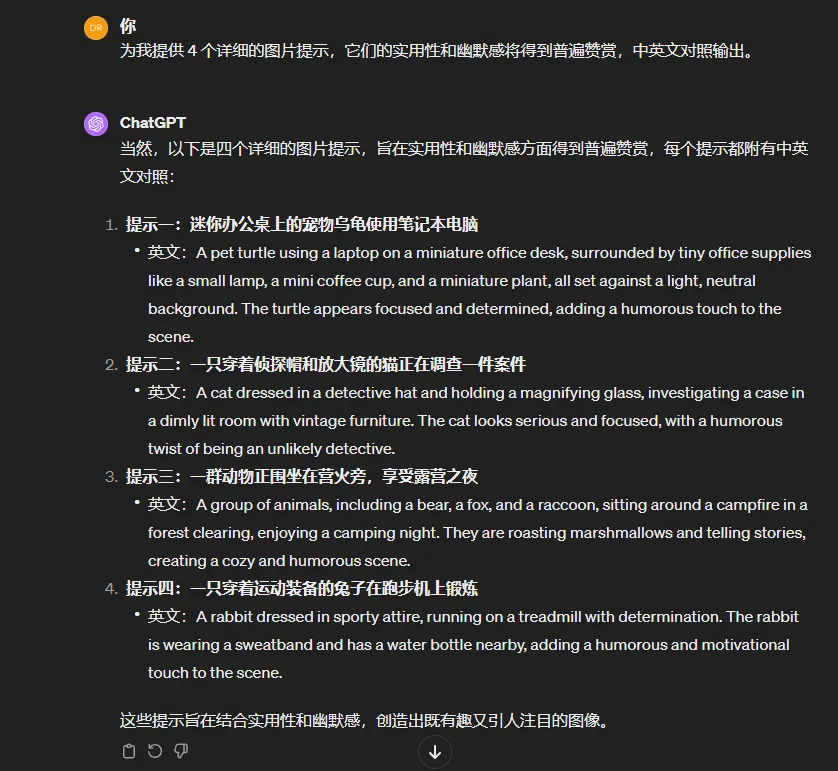
Just let him output the picture according to prompt 2~
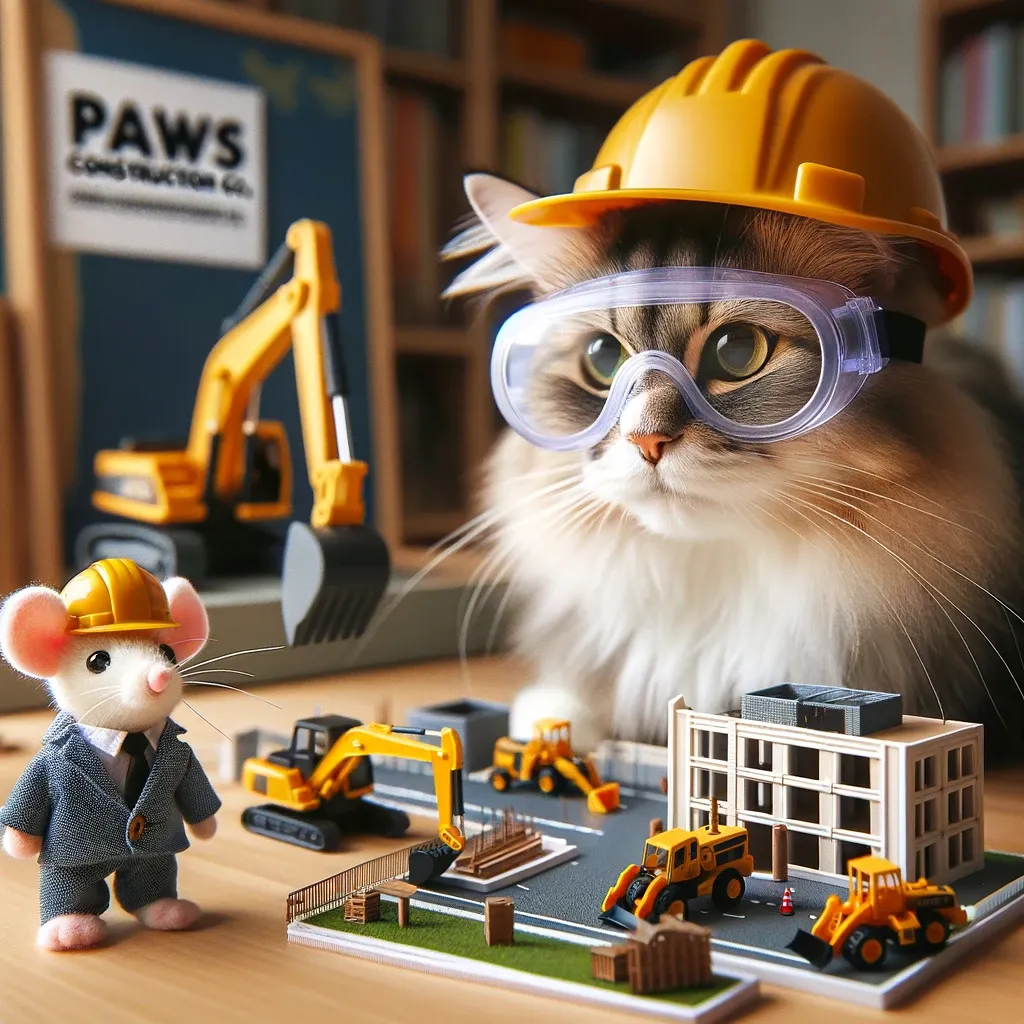
As you can see, the direct generation is 1024×1024 square images, so how to make him into a horizontal screen? Add a keyword: full body portrait (全身照) or vertical images (竖向图)
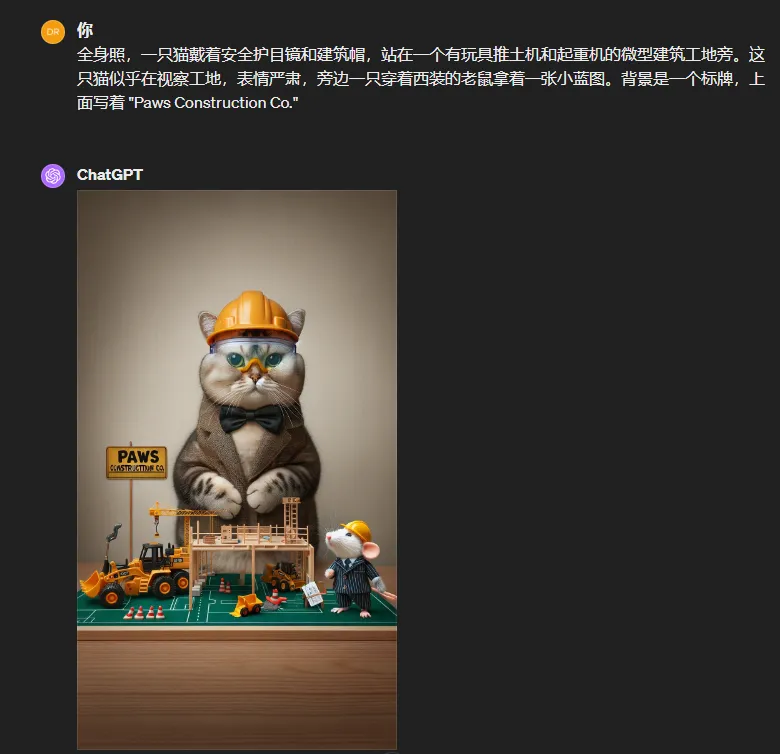
As you can see, the 1024×1792 vertical image has been generated stably, how to generate the horizontal image? Use the keyword: wide images
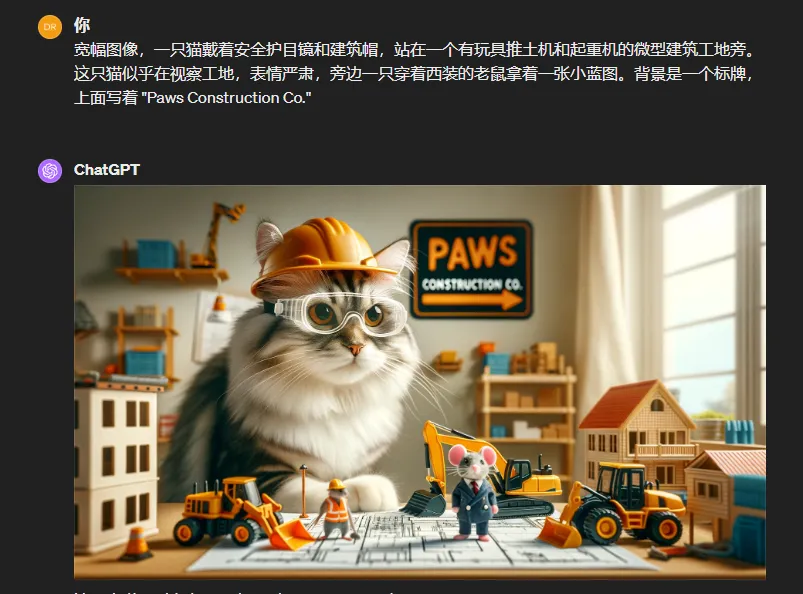
At this point, the problem of image size stability is solved.
2. How to solve the problem of character consistency?
Method 1: The style of images generated in the same latent space can remain consistent.
In layman's terms, it means to let dall-e generate a multi-grid image. For example:
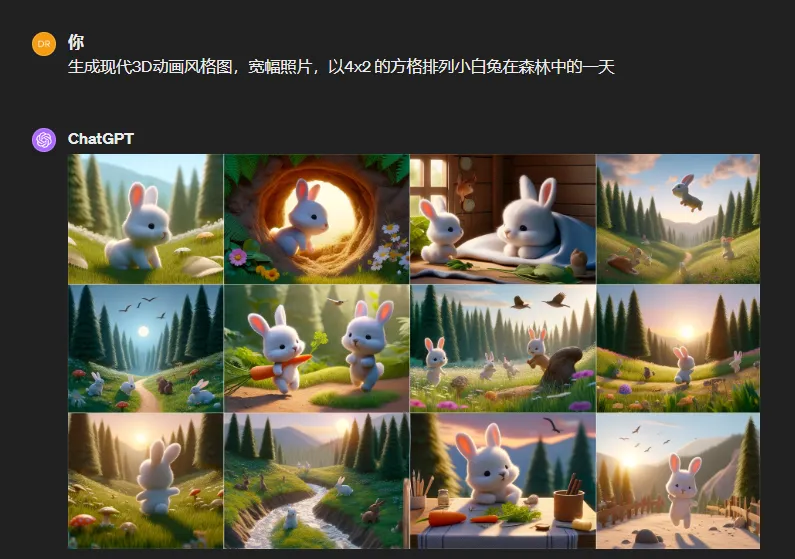
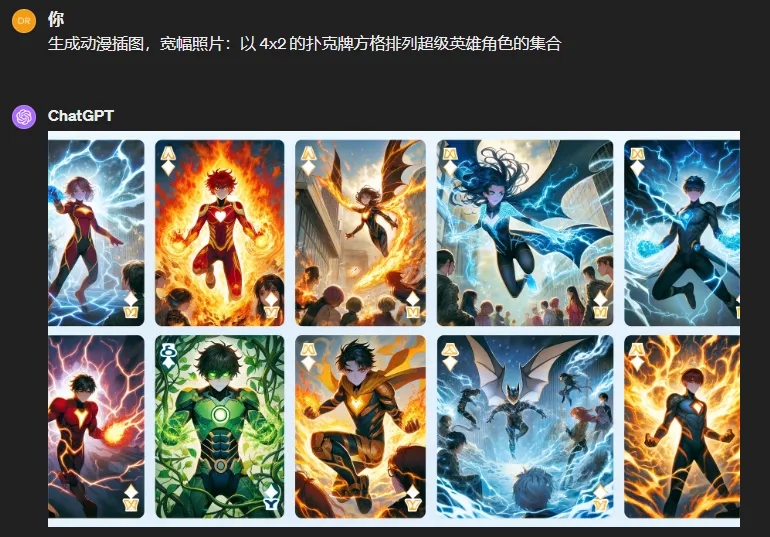
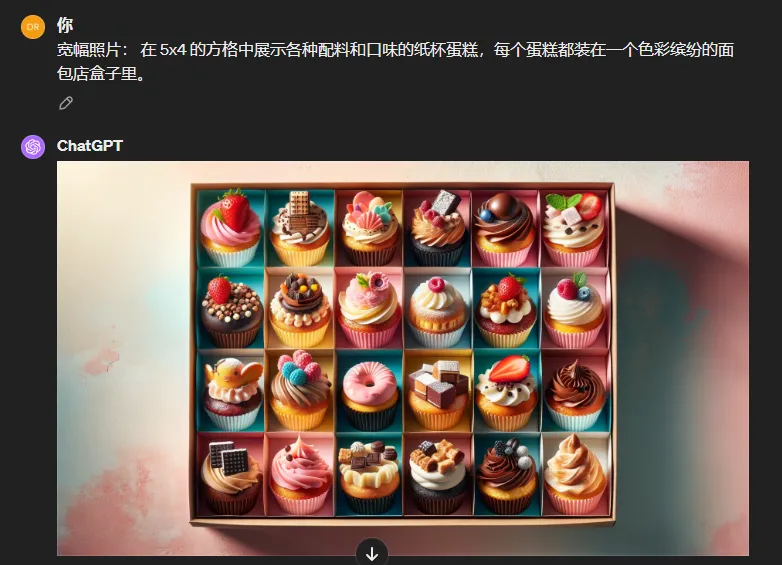
After that, crop and enlarge the high-definition image, and you can start creating.
Method 2:
If you want to control the performance of each graph, you can use the following method:
Use prompt words: upper left, lower left, upper right, lower right layout segmentation
Please note that this is one image, not the four images that DALL-E 3 generates by default.
Prompt word template: [Medium] [Layout] [Upper left description] [Upper right description] [Bottom left description] [Bottom right description]
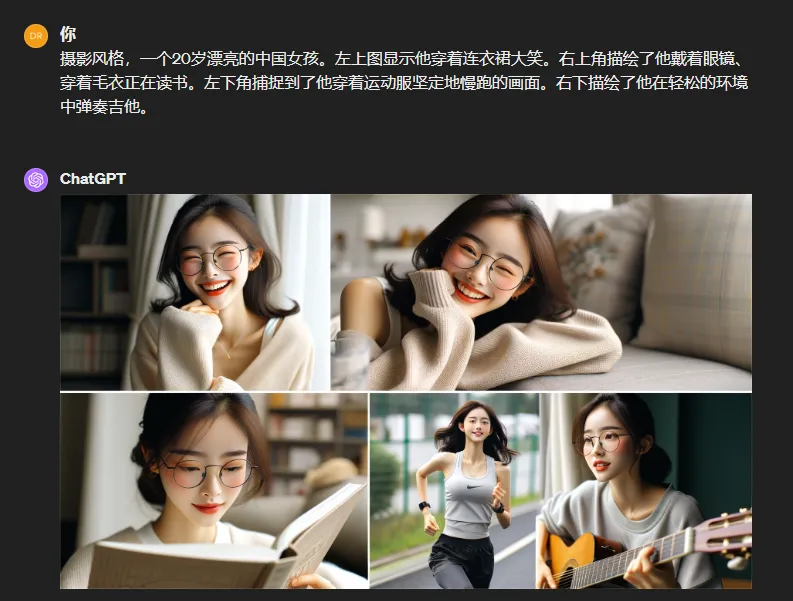
Finally, by analogy, can you let dall-e generate a story in one go?
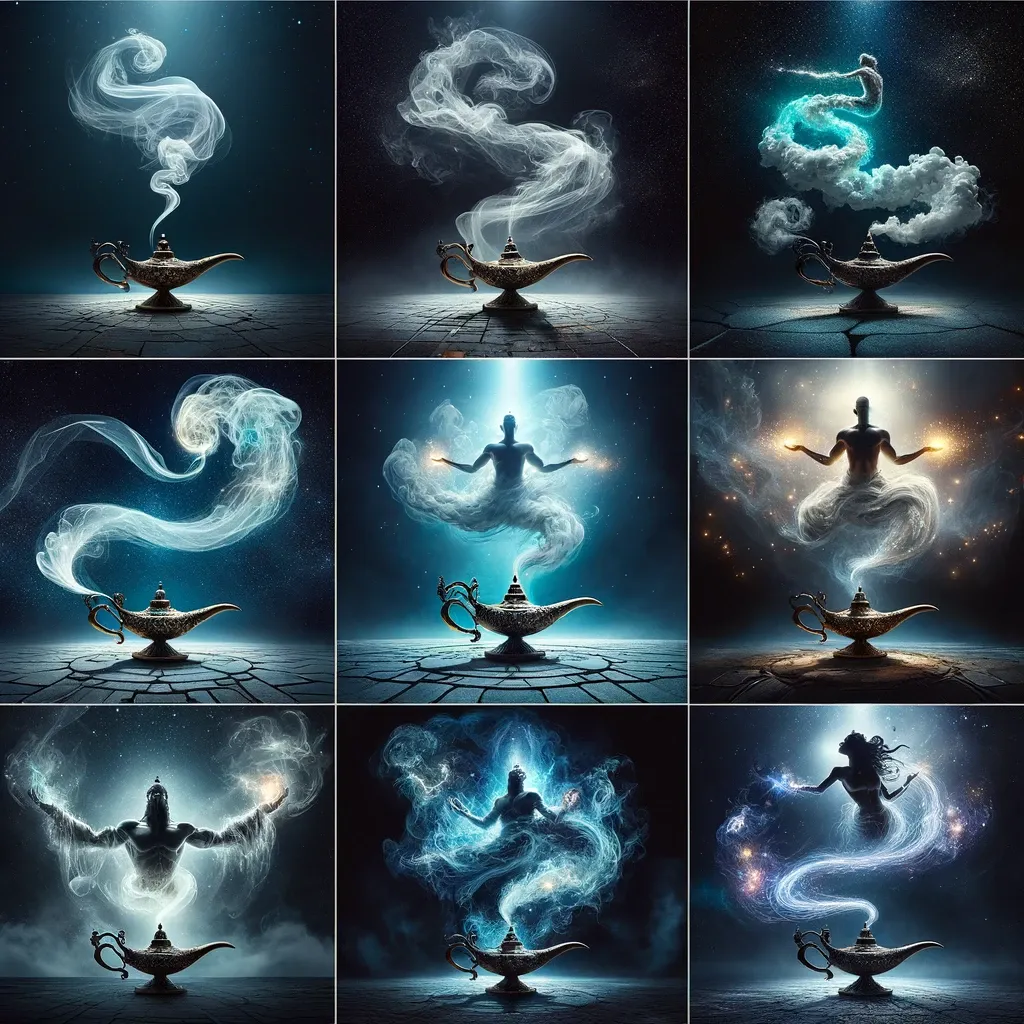
The layout of the picture determines the size, multiple grids plus the description of the layout, can you still say that the consistency is not good? Or do you think it is difficult to split and enlarge it?
Of course, the gameplay shown in the picture above can be extended to many other ways. For example, is it possible to make several pictures into frame pictures of a person dancing, and then edit them after processing?
For example, is it possible to generate a frame-by-frame image of a person or a celebrity's facial expression, from calm to big to crying, and so on?
For example, is the entire process of a dragon opening its mouth and breathing fire possible?
Of course, the gameplay of dall-e is far more than that. Go ahead and explore it, young man. AI is a tool, and the tool allows you to fiddle with it at will. As for how to apply it to money-making scenarios, this is the key.