



Since Blank Forest Labs released Flux, an open-source large-scale model of Wenshengtu, on August 1,AI ArtThe field immediately caused a great response. Given that many friends may have insufficient local computer configuration and are not familiar withComfyUIToday, I will share with you some online experience of Flux model.website.
Website 1:huggingface (completelyfree, requires scientific Internet access)
- Flux.1 schnell : https://huggingface.co/spaces/black-forest-labs/FLUX.1-schnell
- Flux.1 dev: https://huggingface.co/spaces/black-forest-labs/FLUX.1-dev
User Interface
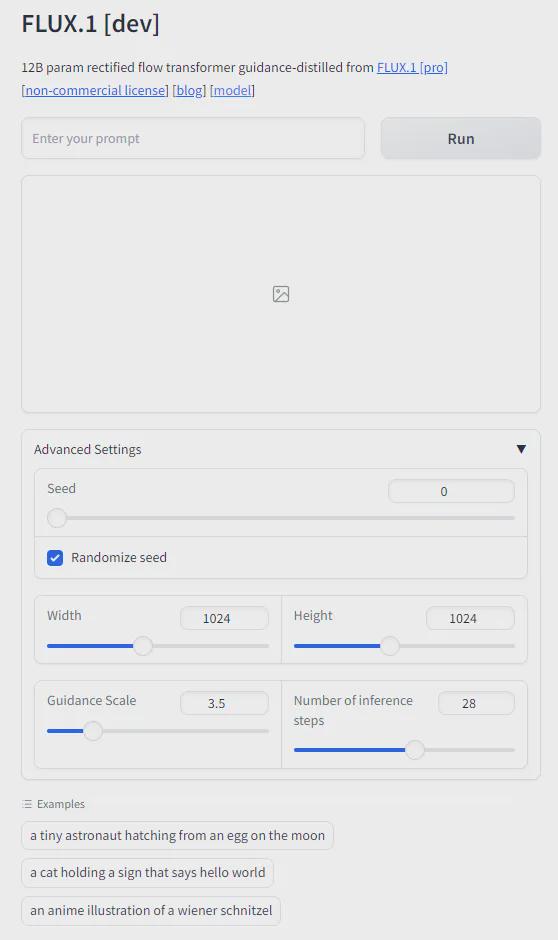
Related note: Currently, there are not many restrictions on the use of Flux.1 schnell, but after Flux.1 dev has produced multiple images, its use will be restricted for a period of time.
Website 2: fal.ai
- Flux.1 schnell :https://fal.ai/models/fal-ai/flux/schnell/playground
- Flux.1 dev: https://fal.ai/models/fal-ai/flux/dev/playground
- Flux.1 pro: https://fal.ai/models/fal-ai/flux-pro

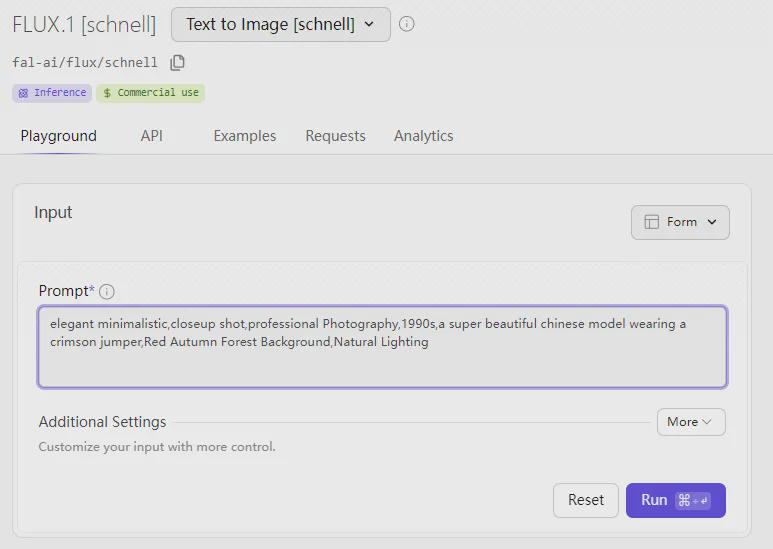
Website 3: LiblibAI
LiblibAI provides two ways to use FLux.
Method 1: Web UI (20 points per image)
- Visit address: https://www.liblib.art/modelinfo/488cd9d58cd4421b9e8000373d7da123
Currently the website provides 4 versions.
- dev-fp8 version: the most recommended version, fast and stable.
- dev version: also known as the fp16 version, which will be slightly slower in loading and more likely to use up video memory.
- Schnell version: turbo version, the effect is average, not recommended.
- VAE Version
Use the recommended settings in WEBUI:
- Sampling method: Only supports FlowMatchEuler. Embedding is compatible with SD1.5. There may be problems when using SDXL.
- cfg officially recommends 3.5.
- The default sampling step number is 20, which can be increased as appropriate.
Method 2: ComfyUI (5 points per picture)
- Visit address: https://www.liblib.art/modelinfo/ec6223dccd7b47658464eaf7b94d7dc5
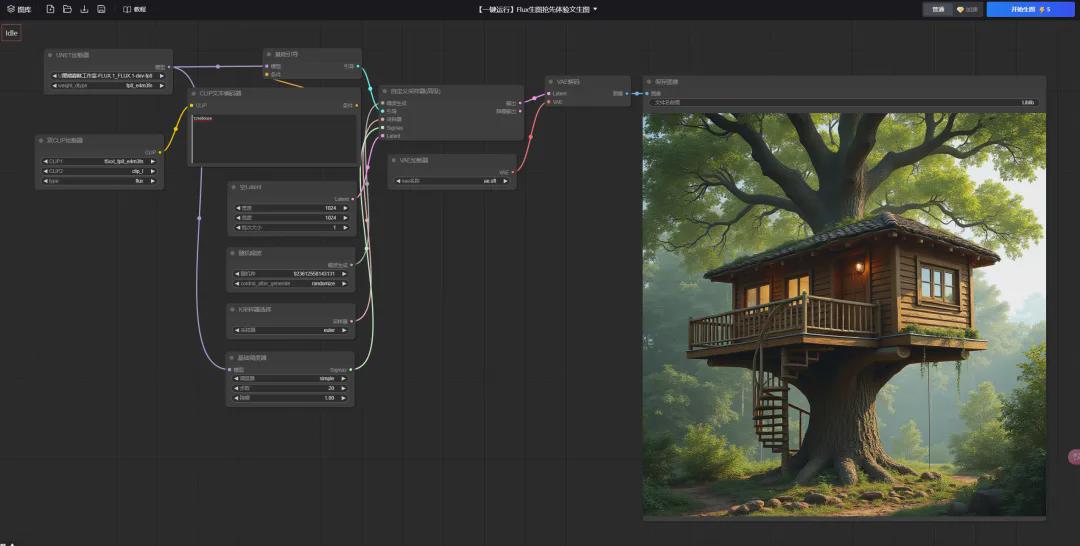
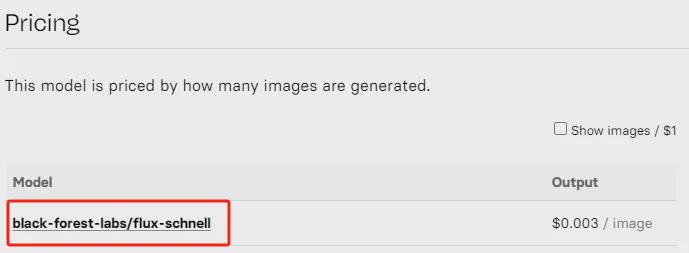
Website 4: replicate (currently charged, not recommended)
- Visit: https://replicate.com/black-forest-labs
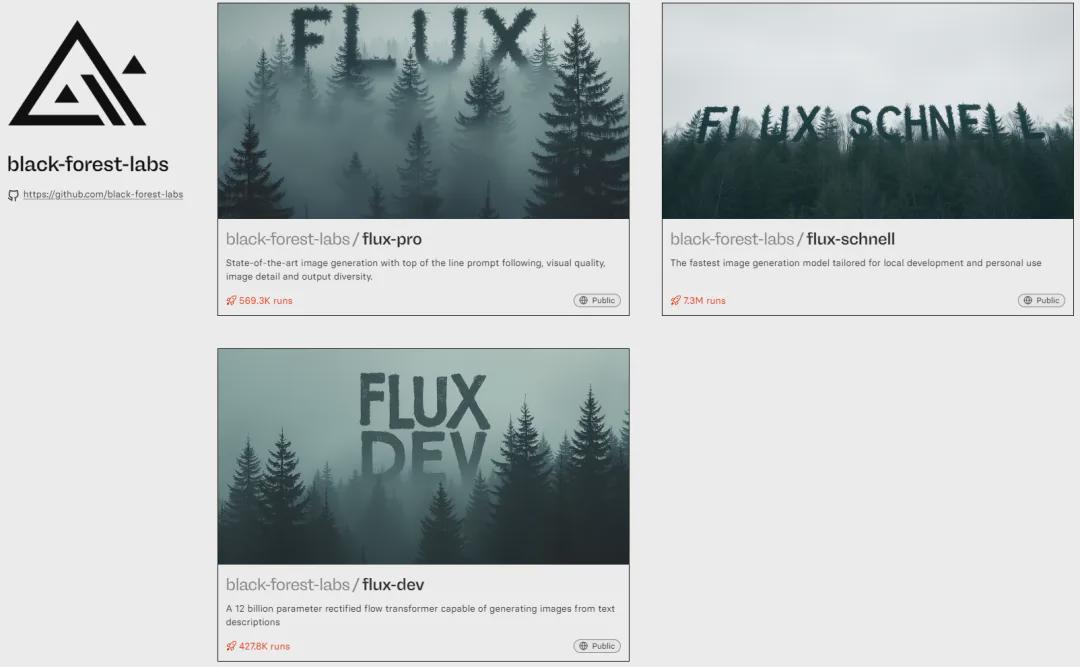
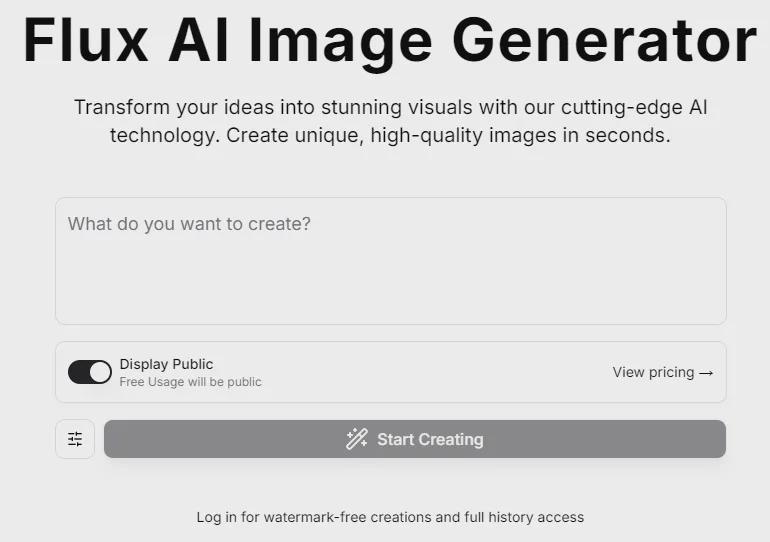
Website 5: Flux AI Image Generator
- Visit the URL: https://fluxaiimagegenerator.com/
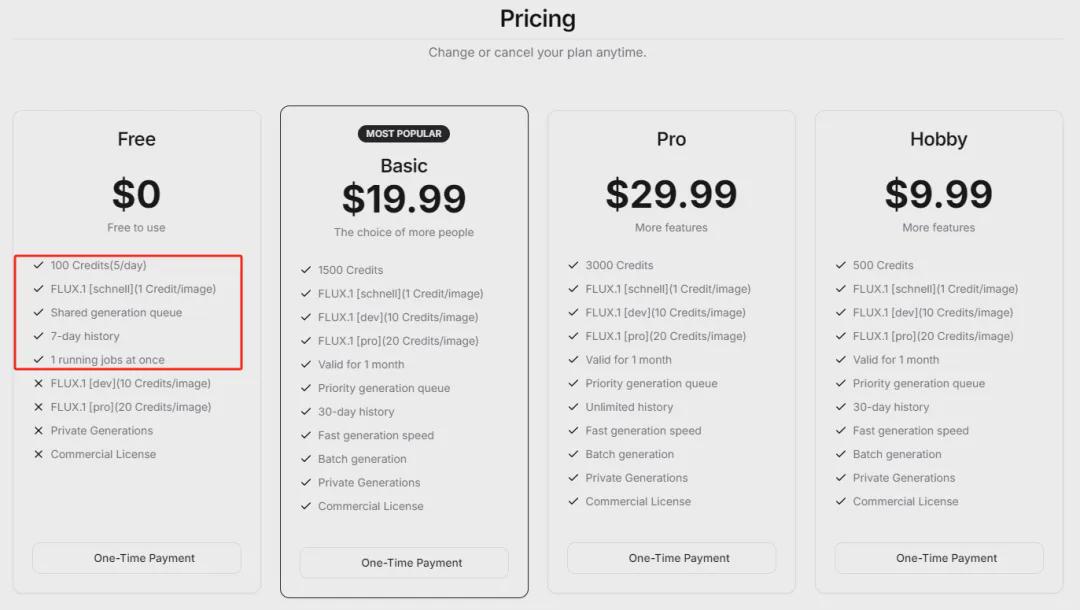
Currently, only the Flux.1 Schnell version is free to use, and the images generated for free must be published publicly. Register for free and get 100 points, and you can use 5 points per day. Each generated image consumes 1 point.
Okay, that’s all for today’s sharing. I hope that what I shared today will be helpful to you.