



Recently, I searched online for customized professional image photos and found that a lot of people are in demand for this.
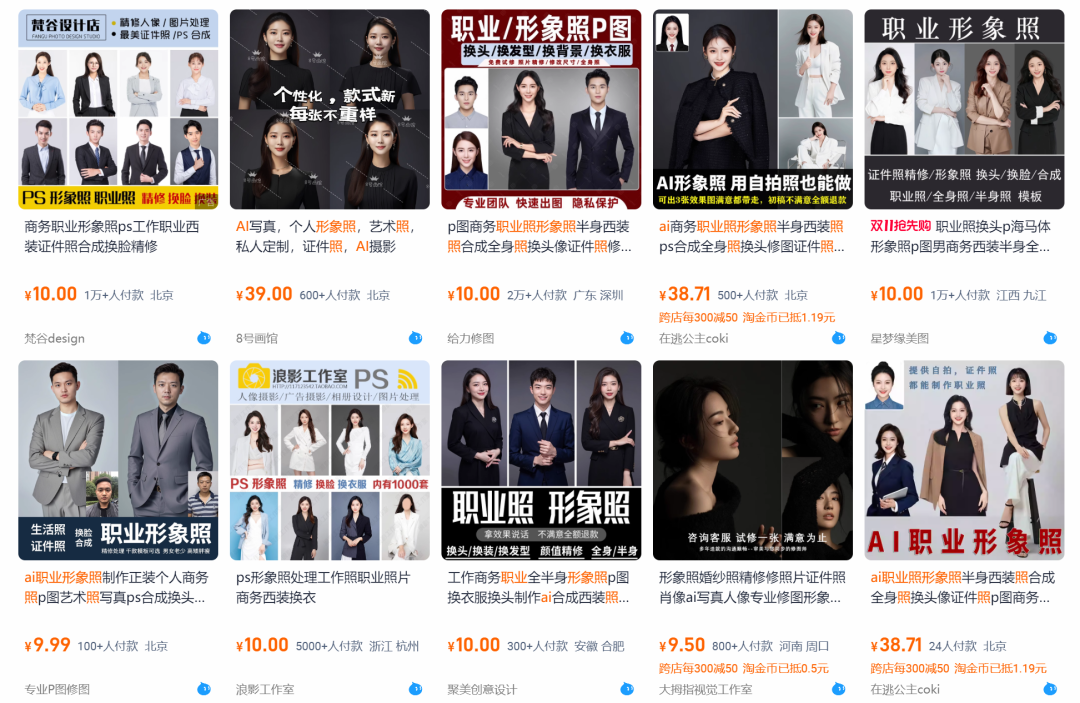
So, is it possible for us to customize our own creations with AI?
Require:Free, fast, batch customization, excellent results.
Today, want to try how well AI generates professional image photos?
Think and act immediately.
Solution
Generate ancient generals series portrait portrait photos by inputting the Vinyl Tips words + reference face images through AI sketch tool.
Prompt word
A very beautiful 23 year old Chinese girl, portrait photography, professionalImage Photos, bust shot, beautiful cheeks, delicate clear and real features, real and fine facial contours, firm and focused gaze, standing straight and upright, side view, wearing a black shirt, her left hand rests gently on her right arm, her right hand hangs down naturally, showing a calm and unhurried stance. Premium pure gray background, bright environment, soft lighting, high quality, premium feel, ultra high definition, 8k, excellent photography, masterpiece
[Here you should upload a clear picture of a person with a clear face], select [Refer to the person's looks] .
AI Tools
DreamAI
Learn how to create business professional image photos together below.
How to create business professional image photos?
Go to the homepage of jimeng.jianying.com and click [Image Generation].
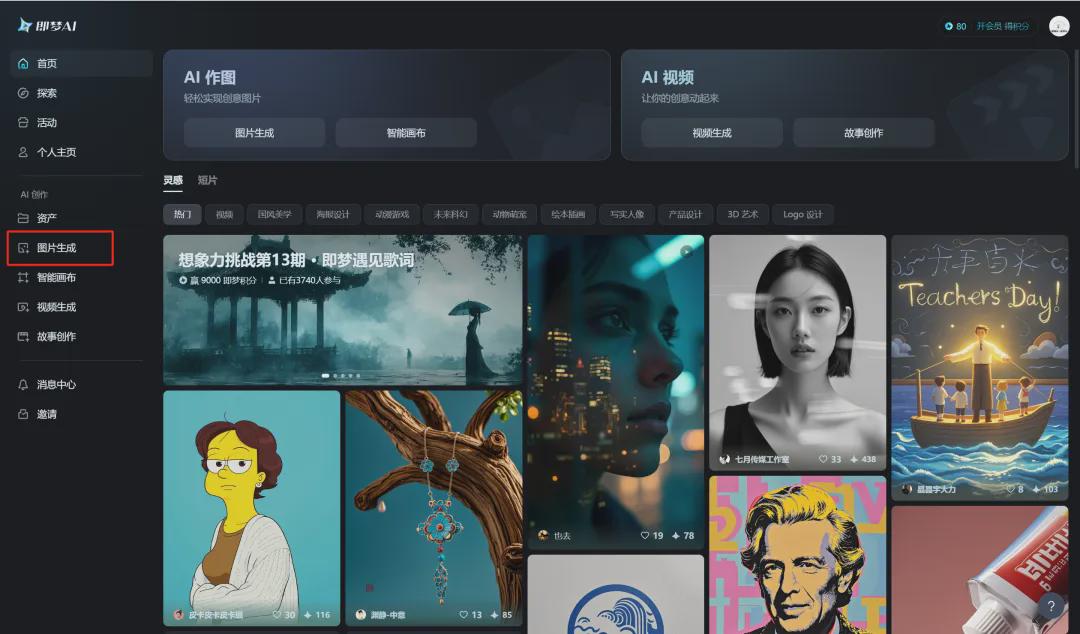
Go to the image generation page and click [Import Reference Image].

Open a computer folder, select a clear portrait picture and click [Open].

Select the [Character Looks] that you want to refer to this picture and click [Save].

After saving successfully, the picture of the reference character's appearance will be filled automatically. At this time, enter a description of the picture prompt words, select the model for the birth of the "Dream Universal v2.0", select the picture ratio "3:4", click [Generate Now].
Cue word: a very beautiful 23 year old Chinese girl, portrait photography, professional image photo, half-length photo, beautiful cheeks, delicate clear and real features, real and fine facial contours, firm and focused gaze, standing straight and upright, side view, wearing a blue shirt, her left hand rests gently on her right arm, her right hand hangs down naturally, showing a calm and unhurried stance. Premium pure gray background, bright environment, soft lighting, high quality, premium feel, ultra high definition, 8k, excellent photography, masterpiece

The generation of pictures is completed, four pictures are generated at a time, move the mouse to one of the favorite pictures and click [HD Ultra HD].

Generate a super clear image and click [Download Icon].

Save the image to your local computer when the download is complete.
Next, the prompt word slightly modified, such as clothing changed to a different color suit or shirt and other content, you can generate different content of the portrait photo, raw map is completed to do a HD Ultra HD processing, save the picture to the local computer can be.

Up to here, we have created business professional image photos together with Instant Dream AI, did you learn it?