


I don't know why the video of animal fusion and mutation is suddenly on fire, this is not, immediately a little friend asked me how to do this type of video.
It's really very simple, just draw two diagrams, the first one with two animals in the same frame, and the second one with two animals fused to become a mutant animal. Then utilize theKelingThe first and last frames function makes the video reusableClippingJust edit it.
Operation Demonstration
Step 1: UseDream AIpicture (e.g. of life in the city)
Open the Instant Dream AI homepage: https://jimeng.jianying.com/ai-tool/home
Use Jitterbug Swipe or cell phone verification to log in and select[Image Generation]

Let's do the pre-fusion picture first.
Enter the prompt word into the description field:
This is a photography of a gorilla on the left side of the frame and a polar bear on the right side of the frame, facing each other imposingly above, shot from a distance, overall tone of advanced gray and blue, surreal, misty, advanced grayscale, hazy light, fictional mystery, storytelling, cinematic atmosphere, exquisite details, ultra high definition, 8k.
Raw graph modeling:Image 2.0 Pro.Fineness:10.Picture scale:3:4.Image Size:906:1360, click[Generate Now]
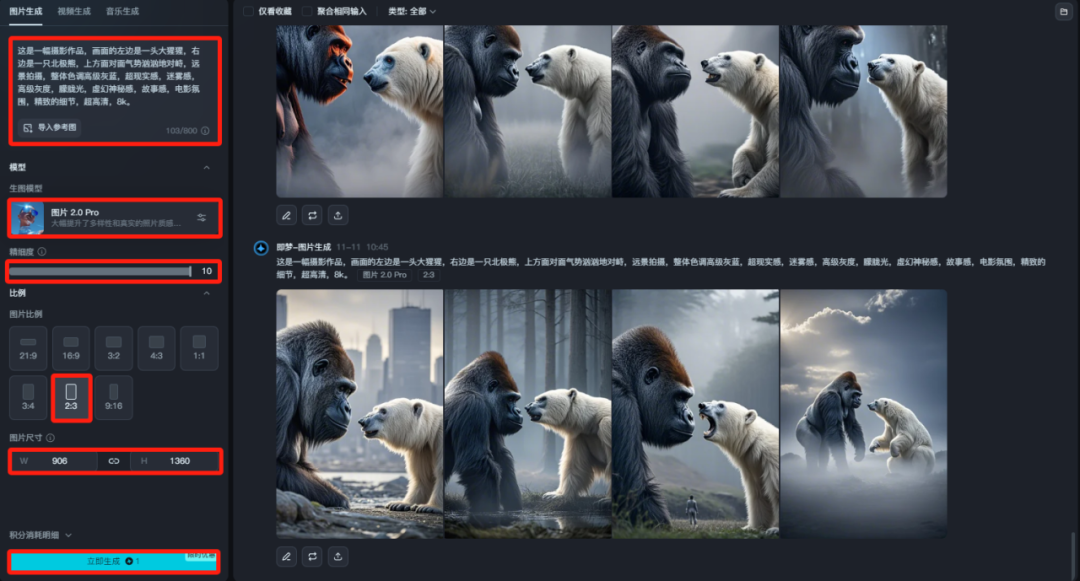
Wait for the generation to finish and then if there is no satisfactory image continue until there is a suitable image.
That is, Dream AI daily free gift 66~100 points, 1 points can generate 4 pictures, usually enough, not enough if you can register a few more numbers.
Then do the fused image.
Cue word for the post-fusion picture:
This is a photography of a mutant beast that is a fusion of a gorilla and a polar bear, shot from a distance, overall color palette of advanced grey-blue, surreal, misty, advanced grayscale, hazy light, fictional mystery, storytelling, cinematic ambiance, exquisite details, ultra high definition, 8k.
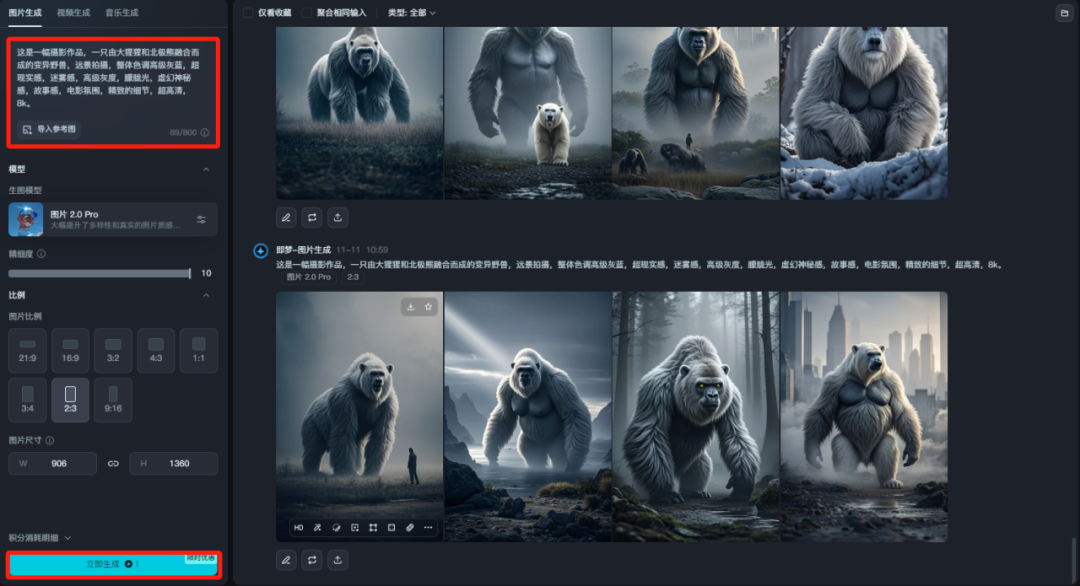
Other parameters remain unchanged, click[Generate Now]This way we get the picture.
Click on a favorite image to see a larger version, no problem clicking on[Ultra HD]The image will be generated in high resolution.
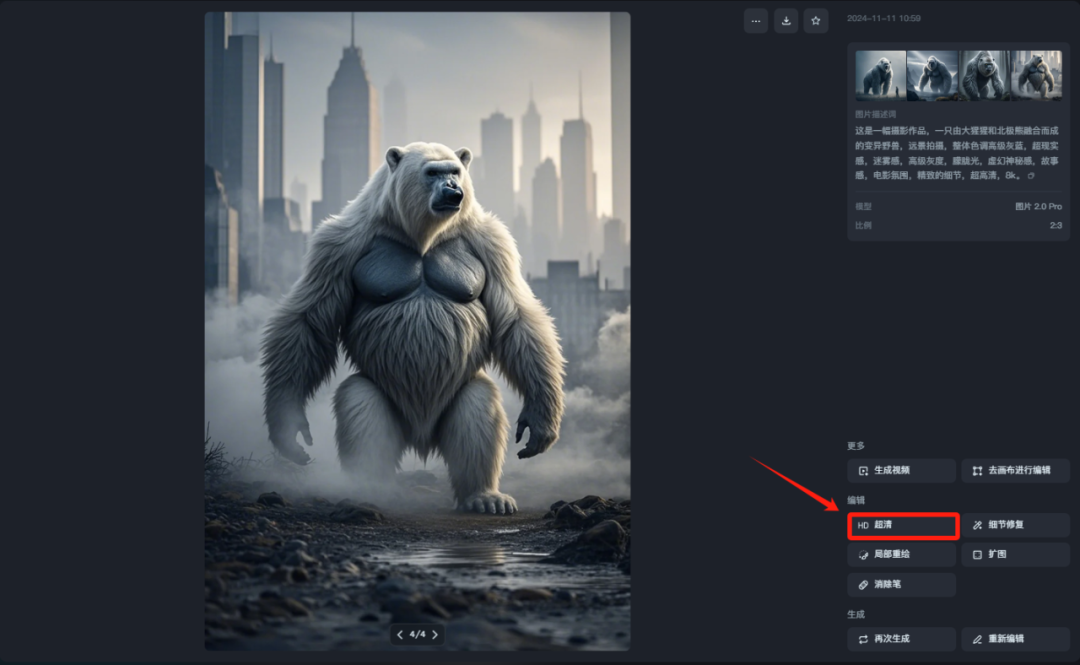
After the HD image is generated, then click below the image on the[Goes to canvas for editing]icon to access the Smart Canvas of Instant Dream AI.

Once inside, directly select the top right corner of the[Export]Click[Download, save the image locally so that the downloaded image is not watermarked.

Step 2: Generate a video with Koring
We chose Koring AI to generate the video at https://klingai.kuaishou.com/
After logging in, click[AI Video]

option[Toussaint Video]Open.[Add tailframe]switch, the first frame uploads the image saved earlier before fusion, and the last frame uploads the image after fusion.
fill inCreative Description:
The gorilla and polar bear jumped up together and crashed into each other, fusing into a monster with the characteristics of both a gorilla and a polar bear.

Generation mode:standards (with high quality available to members).Generation length:5s.Generate quantity:1 article.
Negative Descriptors:
Animated, blurred, distorted, disfigured, low quality, collage, grainy, logo, abstract, illustration, computer generated, distorted.

Set the parameters and click[Generate Now]If you are not satisfied with the result, you can re-generate it again.
Then a mutated video is generated again, closing the[Add tailframe]switch, upload the mutated image, the creative description can be left out, other parameters remain unchanged, click the[Generate Now]
Wait for the video to be generated and then click on the bottom of the video[DownloadThe icon downloads both videos.

Step 3: Video editing
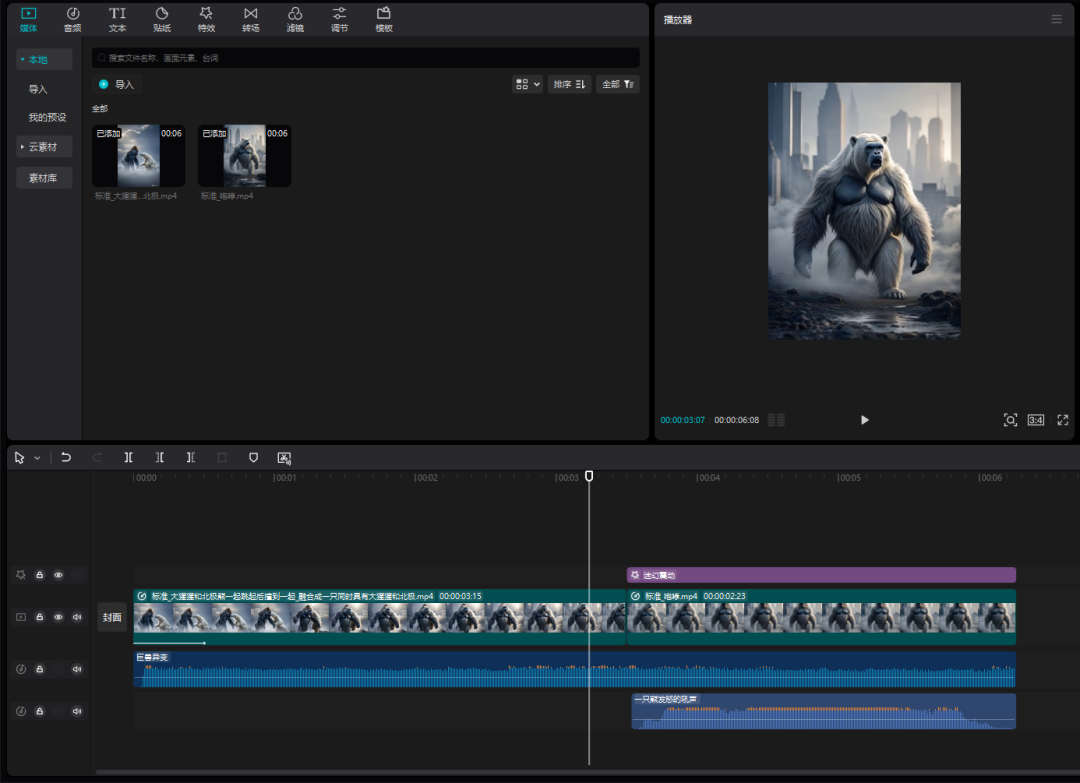
Import both videos into Cutting Screen, drag them into the timeline in order, and then match them with appropriate background music and sound effects, sound effects can be searched for: animals, monsters, monsters, and so on, you can also add transitions and screen effects again, and then export it on the line.