



Recently swipedShort VideosDiscovering a wave ofpapercutting (Chinese folk art)The style of the AI New Year's Eve video is really one of a kind, and the sense of New Year's Eve atmosphere is pulled right through!
What's even more exaggerated is that some bloggers rely on this kind of video, not only to increase the number of fans quickly, but also to receive advertising cooperation.
Envious? Don't worry, you can actually make this kind of video yourself, it's super easy and three steps!
I'll teach you to make a New Year's Eve paper-cutting style video, hand-posted friends or short video platform, can become the "atmosphere ceiling"!
The first step: the real picture is transformed into a paper-cut style in seconds
The first step is crucial, you have to prepare a picture, it can be a landmark building in your hometown, a Chinese New Year street scene, or any real picture that has a New Year atmosphere.
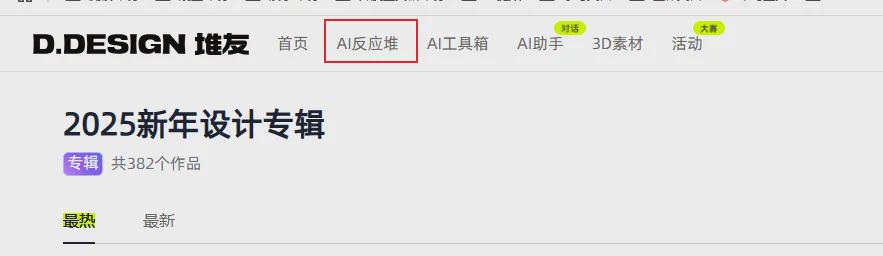
Open Pilemate AI (https://www.1ai.net/27515.html), the inside of the home page is very New Year's, and here we have chosen the New Year's Design Special.

Then click on the AI reactor
Find weibooo's workflow in the Inspiration Library and generate the same style in one click.
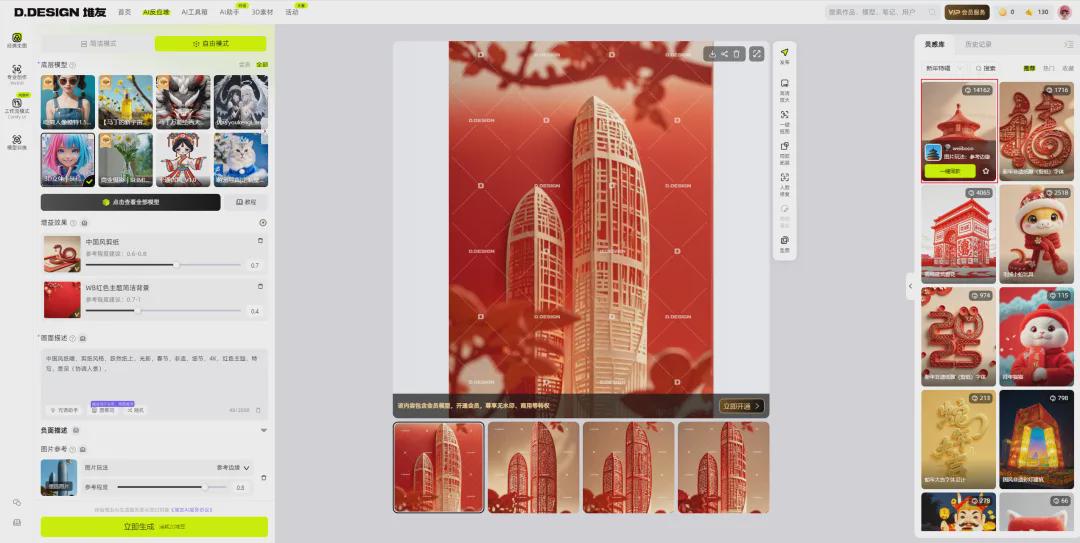
Parameters do not need to move, just upload the picture, wait a moment, wow! Paper cut style effect directly out, full of details, texture absolute absolute son!
Step 2: Paper cutouts turn silky smooth video
With the paper cut-outs in mind, the next step is the crucial "get moving" part of the process, using the Runway (https://www.1ai.net/78.html) easily realized.
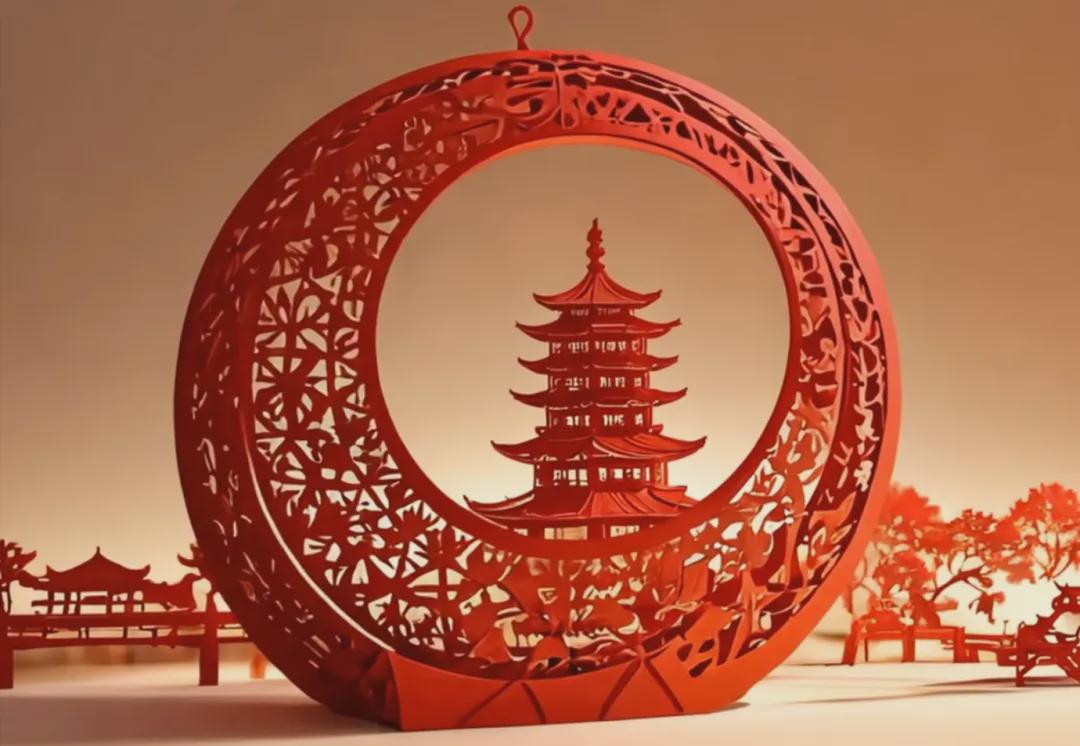

Recommended practice: cut paper wind transitions
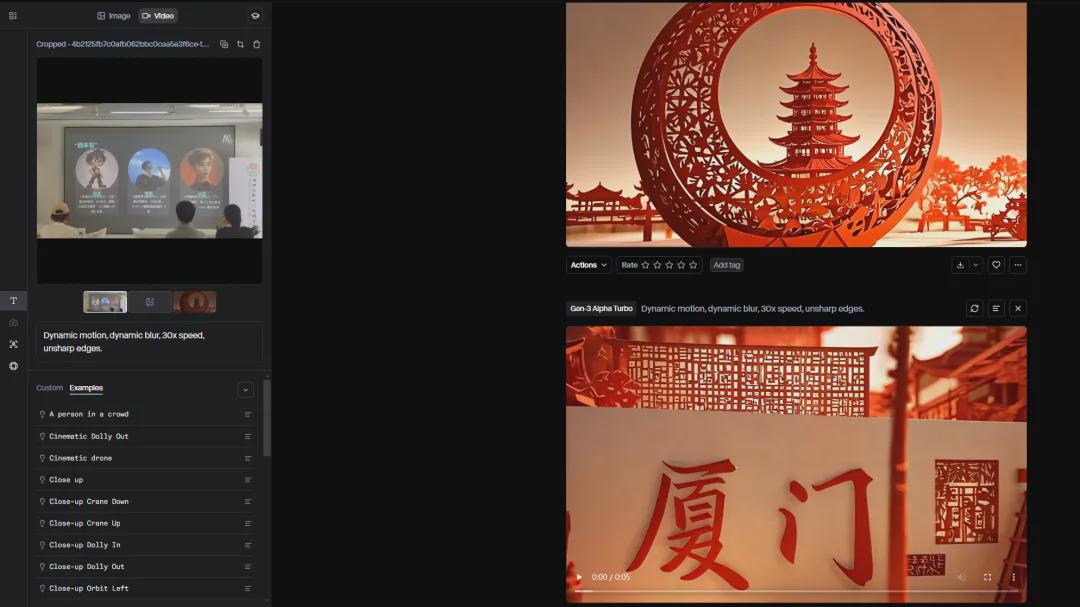
Prepare a few paper-cut style pictures (preferably with a unified theme, such as a set of hometown scenery), upload them to Runway, the effect is very explosive, the transitions are as smooth as movie special effects, and the video will be upgraded in minutes.
Live action to paper cuts
Want to be cool? Try the first and last frames feature, upload a live image and a paper cutout, and Runway will generate a transition effect for you that switches from live to paper cutout style.
Step 3: Editing + Soundtrack, the finished movie is out!
In the last step, trim a little bit with clipping.
- With rhythmic Chinese background music (e.g. guzheng, pipa type of light melodies).
- Add some transitions effects, such as slow pulling away, fast switching, etc.
- Adjust the proportions of the image and remember to use skinny tall fonts for an overall more ambient feel.
In a few minutes, a high-color New Year's paper-cutting video is ready to be sent out, and the likes and comments are easy-explosive.
Final Shredding
This paper-cutting style video is really so perfect for New Year's Eve, whether you want to record the New Year's Eve atmosphere in your hometown or give your account a little boost, it's well worth checking out.
2025 is the year of AI video outbreak, get on the bus in advance is the dividend, I hope this article can give you inspiration to make your own Chinese New Year blockbuster~