



In the previous section, we've looked at how to break down a scripted story to quickly form a subplot
ai short video production, AI script how to efficiently generate into the mirror script

So, once we have these split screens, how can we quickly convert them into cue words for AI drawing models?
At this point, we still need to use the power of AI. Using GPT, homegrown KIMI, etc. can all be
Specific steps: submit our previously created split-screen form, or the content of the screen in the split-screen form, to the AI, and instruct it to do the following
You need to know how to write good Midjourney V6 prompts, and then extract the contents of the table's screens individually, converting each screen into English in Midjourney V6 prompt format, with each English sentence followed by the suffix "-ar 16:9 "
First of all, let's talk about why we use MJ's cue word, because among all the drawing models, MJ has the highest proportion of use, its quality and efficiency are more outstanding, the pictures have an artistic sense, and it is more convenient to use. So here we use MJ's cue word as an example. Of course, the content of MJ's cue words can also be used in Dalle and SD after simple modification.
Why use English again, because the underlying training data of MJ is more in English, it may be difficult for MJ to understand what the user is trying to express when using Chinese prompts, so try to use English prompts as much as possible.
Let's look at a process:

Because not every AI macromodel understands the format of the Midjourney V6 cue words, here's how to get the macromodel to tell you in advance what the format of MJ's cue words looks like
Because the steps of the big model output are the steps of his thinking.Let him output this step first, after which he will know. What is the format of the cue words that the user wants to look like before letting him extract the content of the screen separately. Splitting it into cue words makes it a little better
In addition, recommend a very good GPTs, its function is to convert your Chinese into Midjourney prompt words, https://chatgpt.com/g/g-tc0eHXdgb-romidjourneyro-mj-prompt-generator-v6
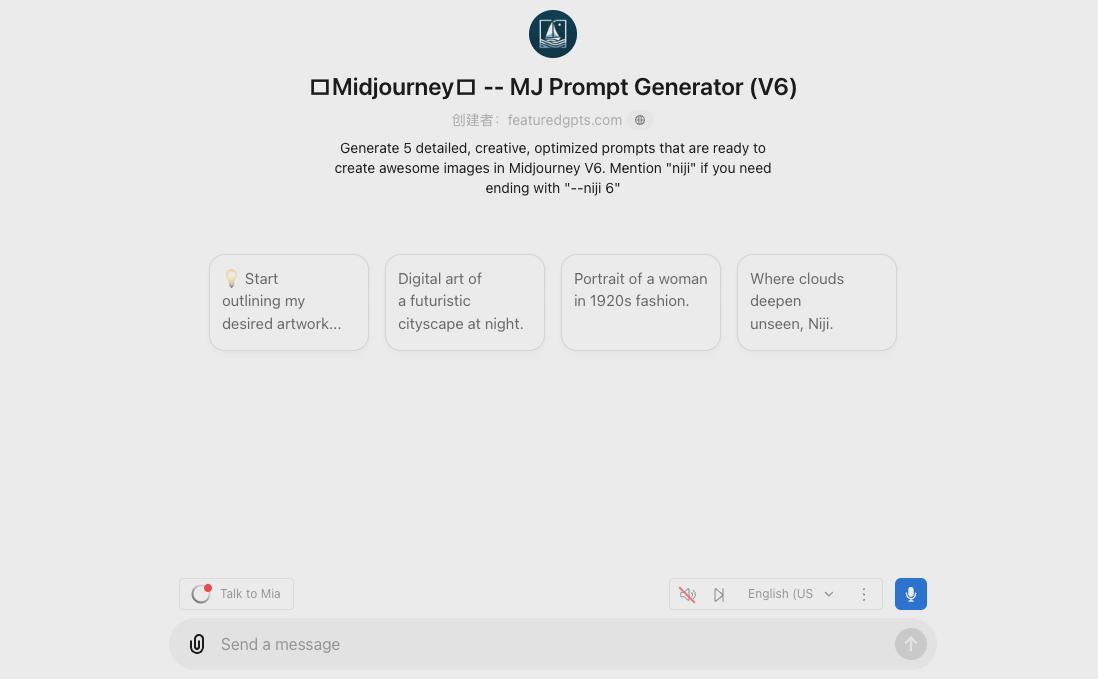
For example, enter "cool residential building exterior, medium, 16:9".
The output will provide 5 optional prompts, if there is a problem, you can adjust the prompts as appropriate

At the same time, it is highly recommended to use MJ's browser plug-in autojourney, this plug-in can directly enter a lot of prompts, line breaks can be, you do not have to use each prompt with "/imagine" command!

For example, let's just copy multiple cues in here

It's easy to click enter and automatically send multiple cues in succession

Not only does this save you the time of writing the "/imagine" command, but it also sends all the cues in one click, and then you can go back and select the image.
Of course, in the batch generation of cue words, in order to ensure the consistency of the painting style, you can let each cue word to add "-sref + style consistency mat image address", and then there are characters, but also according to the different characters in the screen, in the cue word to add "-cref + image address of character consistency mat", so that the generation will be more efficient. Specific use of the tutorial, in later chapters have been provided.