



DeepSeekThe fire has spanned the entire Spring Festival holiday and is still hot, from simple use to combined play with other tools.
By the way, we're going to bring you a big trick - DeepSeek + Midjourney + Conch to play soccer AI videos.
I. Can't cue words? Use the fill-in-the-blank method to let AI automatically fill in the blanks
What to do when you run out of inspiration? Don't be afraid if you can't write a prompt!
Many of my friends open DeepSeek and their minds go blank: "A soccer player runs on the lawn, um...and then what?"
Don't worry, DeepSeek's interaction is at its core - let the AI fill in the details for you.
Try the following actions:
Use a fill-in-the-blank template to make the prompt words plump in seconds: copy the template below and go to DeepSeek to enter it (just replace the [ ] part):
"You are an AI video coach, please optimize my description: original description: [a soccer player running on the grass].
Optimize by layer:" "Identity: (age/clothing/appearance details), Ambience: (time of day/weather/scene features), Camera language: (scene/style of movement), Emotional metaphors: as in..."
Generating results DeepSeek will output a picture full of details:
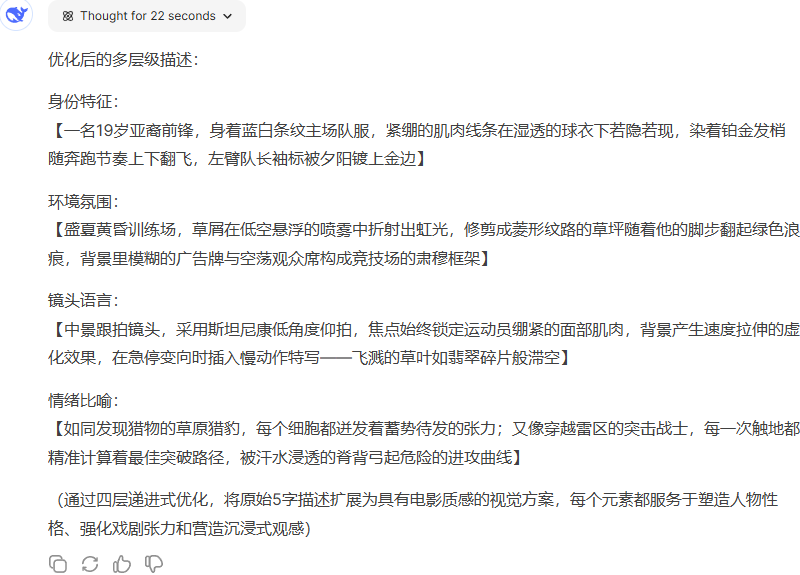
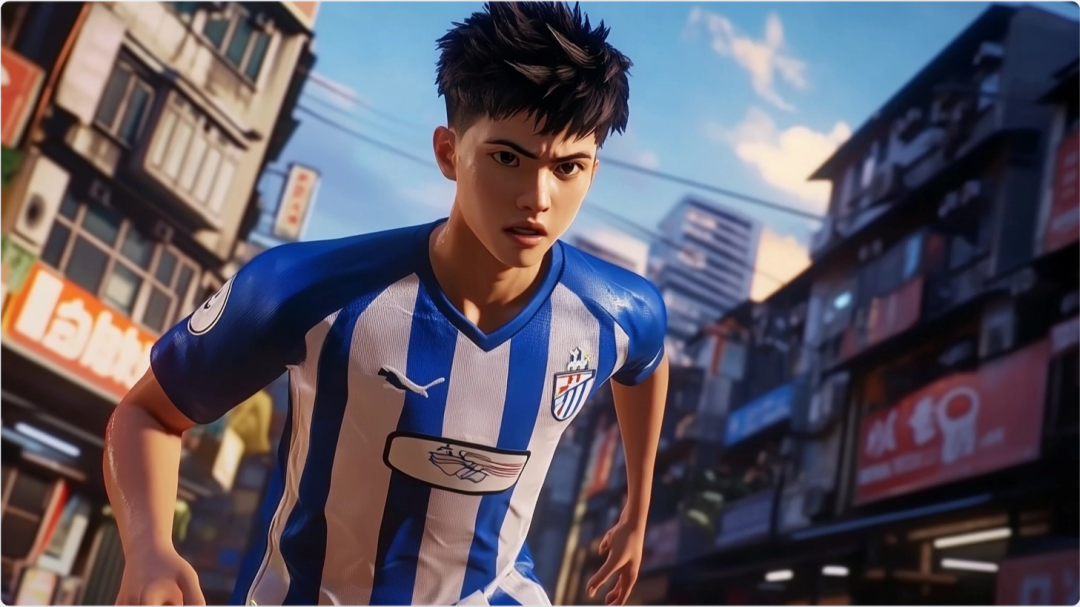
Isn't it instantly graphic? Next, we copy this cue to Midjourney or other AI drawing tools to generate the picture material.
Second, let the video have a sense of drama: four-step story conflict method
Make content where a sense of storytelling is the traffic code!
There are plenty of dramatic scenarios on the soccer field, but how do you make AI videos feel conflicted as well?
🎬 Four-Step Story Conflict Method:
"[Calm Opening] → [Sudden Crisis] → [Confrontation Escalates] → [Suspenseful Whiteout]"
Let's take a case study: "A player takes a penalty kick in the final". We let DeepSeek generate the full story:
"OPENING: Camera slowly pushes in close on players, crowd cheering enthusiastically in background; SURPRISE: Opposing player suddenly rushes out to interfere before referee's whistle is blown;
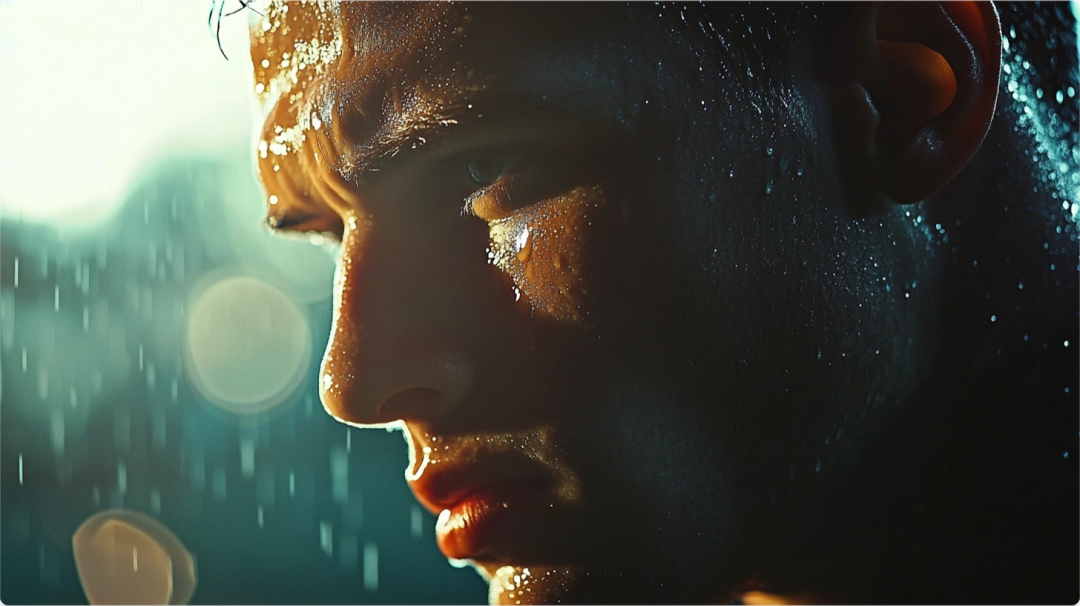
Escalation: the player steadies himself, close-ups show his cold sweat; Suspense: the camera switches to the trajectory of the ball through the air and the frame is frozen."
With a bit of AI-generated ambient lighting effects and slow motion, this video definitely whets the viewer's appetite!

III. Scoreboard thinking: planning ahead for video scripts
For videos with a story line, it's a good idea to write a subplot outline ahead of time.
- To generate a component mirror table with DeepSeek: enter the following prompt words:
"I'm a video creator looking to make a World Cup commercial, please help me generate a 30-second script, screen description and timeline."
DeepSeek output is presented directly in a table with screens, time points, and narration.

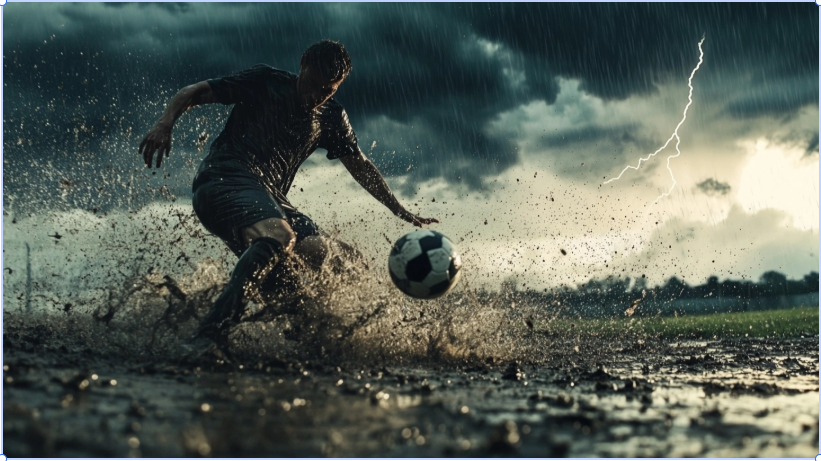
Split Screen Description For fine-grained reproduction, further DeepSeek is allowed to generate cue words for the AI painting model. For example:
"Dynamic medium shot: soccer ball splashing in a muddy field, players scrambling in the rain, lightning streaks in the distant background..."
Midjourney came out pretty much spot on.
IV. Editing and sound effects: making the picture more impactful
Once the footage is done, move on to the final step: editing!
Domestic recommended use of clipping, imported material according to the subrhythm card points.
The recommendation is:
- The BGM should be a little bit hotter, suitable for the soccer atmosphere
- With slow motion and camera switching to make the video more impactful
- Add a suspenseful whiteout at the end to keep the audience on their toes
V. Summary: Quickly create cinematic videos with AI
The secret to effective creativity for the average person is the trilogy:
- Questioning method: using templates to guide DeepSeek in generating specialized prompt words
- Conflict law: four-step storyline allows content to carry its own story hooks
- The split-screen method: planning ahead for split-screen, batch production of movie-quality content
When deepseek comes along, the gap between people will get wider and wider, use these AI tools first to get closer to the wind.