



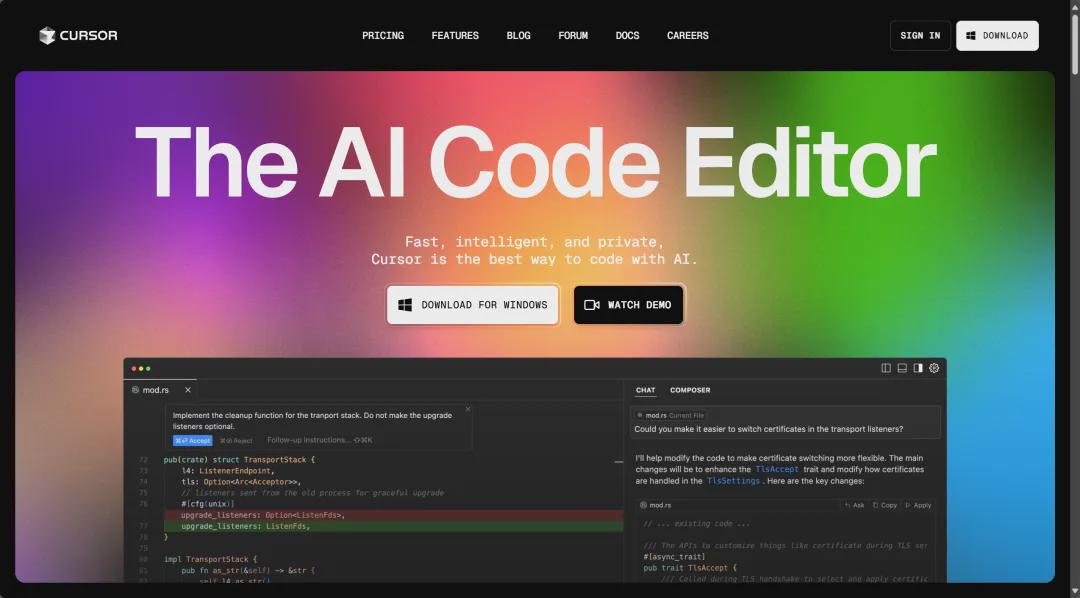
In useCursorthis kind (of)AI coding toolstime, many developers find that AI-generated code often doesn't meet expectations. In fact, without proper guidance, AI may mess up your codebase 8 times out of 10. Here's how to make sureCursorA practical way for the code to fit your needs.
1. Focus on planning over implementation
The key to AI coding success is:70% Planning, 30% Execution.
Most developers jump straight into the coding phase and expect AI to magically write perfect code. This approach will almost never work. Without proper context and structure, AI makes assumptions that lead to inaccurate output.
The key is to provide clear input to the AI so that it understands your intent without guessing.
2. Planning with ChatGPT Voice
Before you start coding, clarify what you want Cursor to accomplish. Use ChatGPT Voice to break it down:
- Core ideas
- essential function
- Application flow (pages, navigation, user actions)
ChatGPT was then asked to draft a structured project outline to ensure that there were clear objectives to guide Cursor in generating content before proceeding.
3. Using CodeGuide to generate project documentation
The quality of code generated by AI depends on the context it receives. Before using Cursor, generate comprehensive documentation with CodeGuide, including:
- Product Requirements Document (PRD)
- Technology stack overview
- file structure
- Front-end and back-end development guide
- Cursor Rules File
These documents provide structured, detailed context for the AI, avoiding random errors.CodeGuide can also provide a 50-step implementation plan, ensuring that the AI follows a clear roadmap rather than random guesswork.
4. Use starter kits, don't start from scratch
The biggest reason for early errors in AI coding is that developers expect it to handle the entire project setup. It's smarter to use a pre-built starter kit for that:
- Avoidance of set-up problems
- Ensure a structured code base
- Giving AI a solid base to work from
The starter kit usually contains:
- Pre-configured file structure
- Pre-installed dependencies
- Built-in document folder
5. Organization of the code base in Cursor
In the actual coding phase, the correct context is set first:
1. Create an Instructions folder in the root directory and add all generated documents.
2. Let the Cursor read the document:
Iterate through all the files in the Instructions folder and summarize your understanding of my project.3. Start coding according to the implementation plan:
按照@.implementation-plan.md文件开始编码 from step 1.4. Require Cursor to update the implementation plan after each step in order to track progress
6. Setting project rules: the secret to perfect AI code
Most developers struggle with AI code that doesn't meet expectations because they don't set explicit rules for Cursor. By default, AI generates code based on patterns, and it doesn't know your specific coding style unless you explicitly tell it to.
7. Why a single .cursorrules file is not enough
Cursor initially used a single .cursorrules file, but there were obvious flaws:
- A one-size-fits-all approach
- AI may ignore or misinterpret instructions
- Lack of scalability for large projects
- Unstructured rules lead to inconsistent AI responses
8. Project rules for the use of Cursor (.mdc file)
Cursor addresses these issues by introducing project rules (.mdc files) in the .cursor/rules/ directory, providing fine-grained control over AI-generated code.
Advantages of program rules:
- Rules are applied by module or file type
- Cursor loads only relevant rules to make AI output more accurate
- Modular rules are easy to edit and update
9. How project rules can improve code quality
The quality of AI-generated code improved significantly after moving to project rules:
- Reducing AI errors: Cursor follows strict, well-scoped rules
- No need to repeat corrections: AI remembers coding style
- Consistent coding standards across projects
- Faster development cycles: less code generated needs to be fixed
10. Best practices in constructing project rules
To take full advantage of the program rules:
Keeping the rules modular and specific
- Separate front-end, back-end and database rules
Use precise range positioning
- .tsx → React front-end components
- api/**/*.ts → backend API logic
- /*.sql → database query
Regular updating of rules
- Adjustment of rules as projects evolve
Use of global rules to maintain common coding standards
- general.mdc → global rules for code clarity and readability
Summarize
The key to successfully using AI to generate code is:
- Setting a clear project context before coding
- Structuring a Project with ChatGPT Voice
- Generate detailed documentation to provide the right guidance for AI
- Avoid setup problems with starter kits
- Load project documents into Cursor
- Use of project rules (.mdc files) to enforce coding standards
With the right structure and guidance, AI will be able to write code that precisely meets your needs.