



E-commerce modelChanging clothes many people may have seen similar tutorials, but changing shoes, whether you have to go with AI to figure out how to achieve it, today we will take you to a one-stop full solution, dry goods process is more, you collect good, slowly look!
Okay, here's where we get into the practicalities.
There are AI tools that need to be used on this:
1. Raw map tool: i.e. Dream https://jimeng.jianying.com/
2. Video tool: Kerin https://app.klingai.com/
3. Graphic tools: Mito Design Studio: https://www.designkit.com/
4. Editing tools: Cutting and mapping
Change clothes
Let's start by looking at the fitting together, first we need a model. Here we use instant dream to generate one:
The prompt words are as follows:
High-definition photography, full-body photo, a young woman, shoulder-length black hair, airy bangs, smiling, wearing a white sailor suit top, black sailor collar with white stripes, pink bow tie, black and white stripes on the cuffs , with a black pleated skirt, standing and looking at the camera, the background is an indoor scene, there is a light-colored sofa, the sofa is placed on the pink cartoon cat pillows and light-orange pillows, part of the backdrop area is lavender color. The background wall is partly lavender, and there is a white shelf with decorative items on it. (Here the beauty is directly in the group with the trainee generation, the model can be customized all)
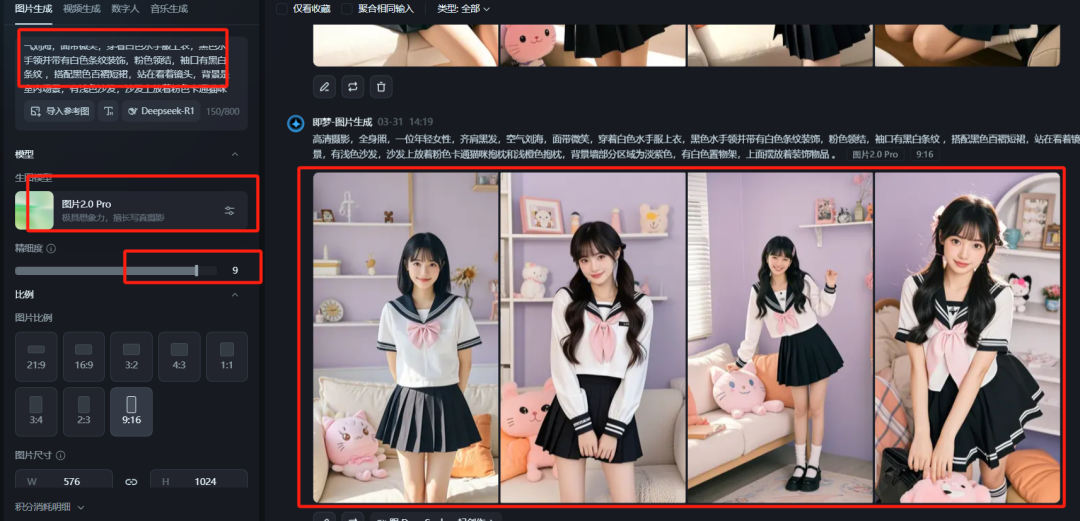
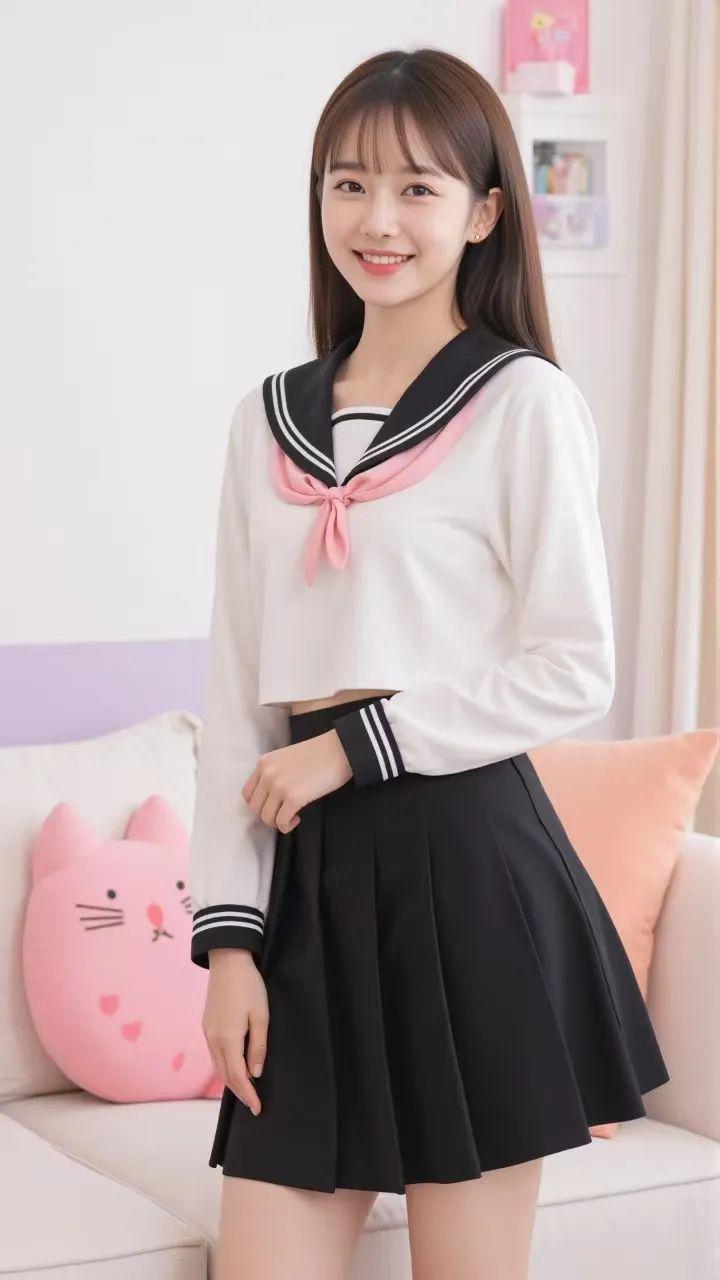
Of course, if you generate a solid color background is also possible, easy to key after the rapid replacement of custom background. Finally get the following picture
second stepAI Clothes Changing
After getting the model, we need to change the model into various kinds of clothes (at present, clothes can be roughly divided into 3 categories, clothes, pants, dresses, etc.)
Open Korin-AI fitting-AI dressing up
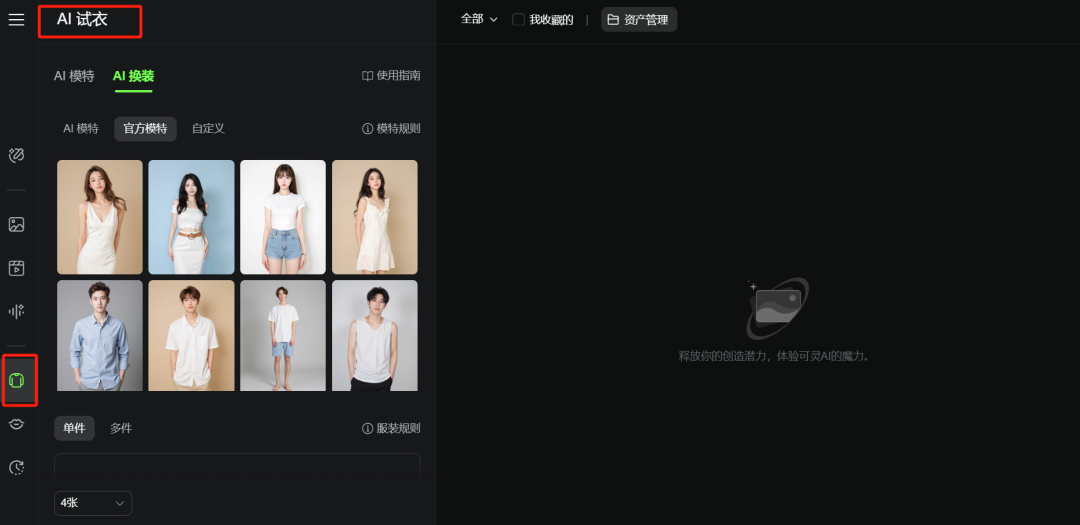
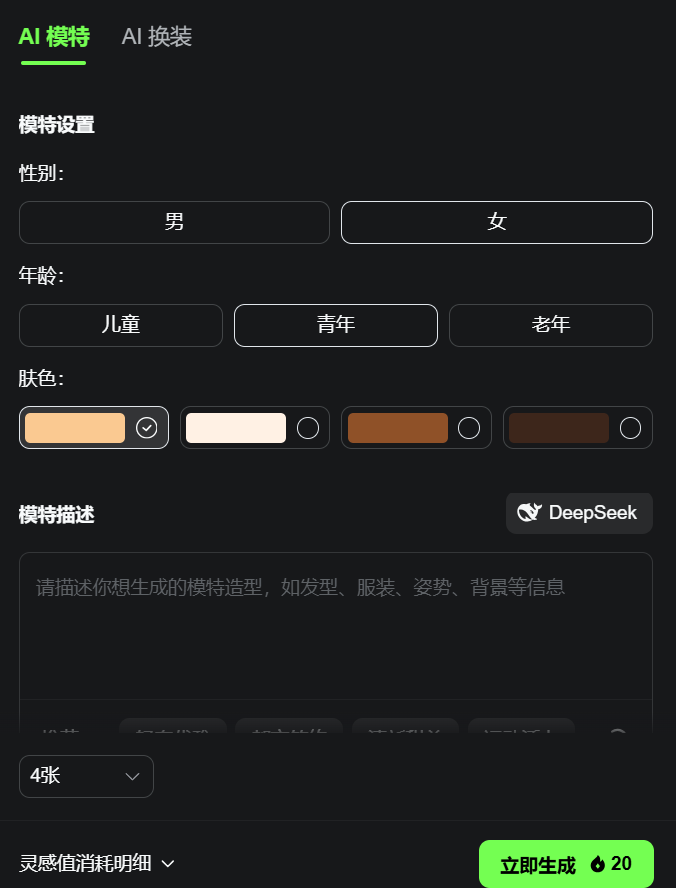
Here you can generate the model directly - or you can choose the system public model - or customize the upload
Here we chose the customization, here the cheering duck teacher first added the system provided by the last piece of clothing
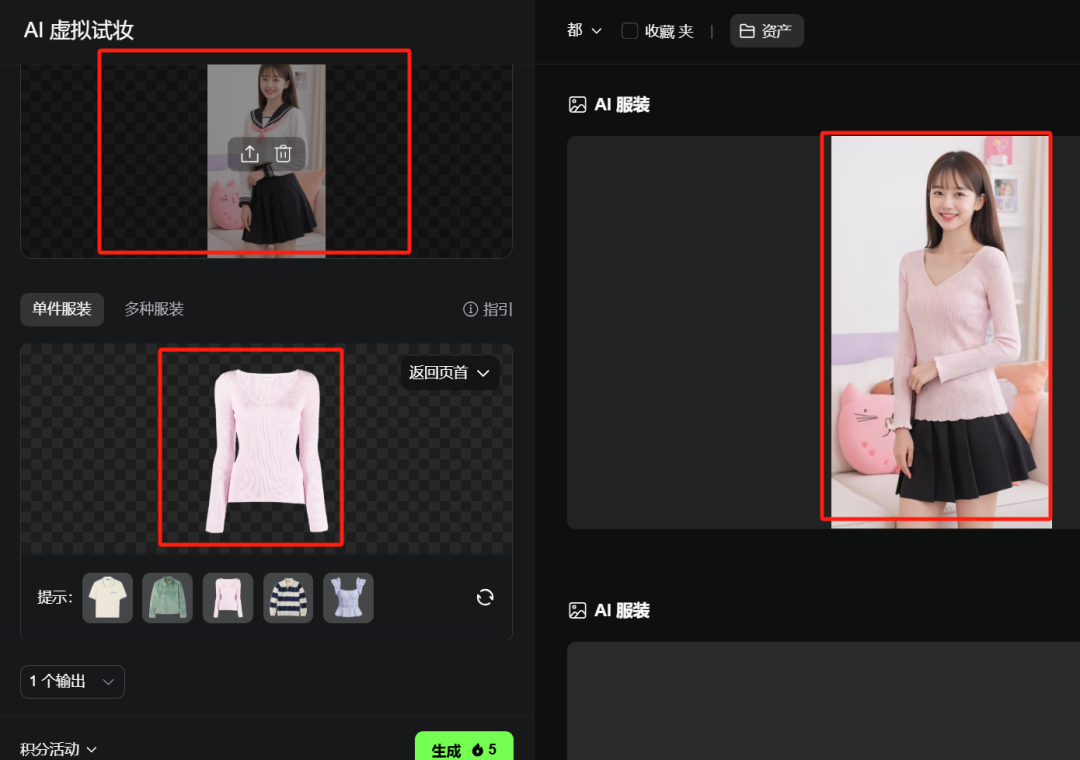
Then I found a random bottom from the Internet, a pair of pants, and continued the model generated above.
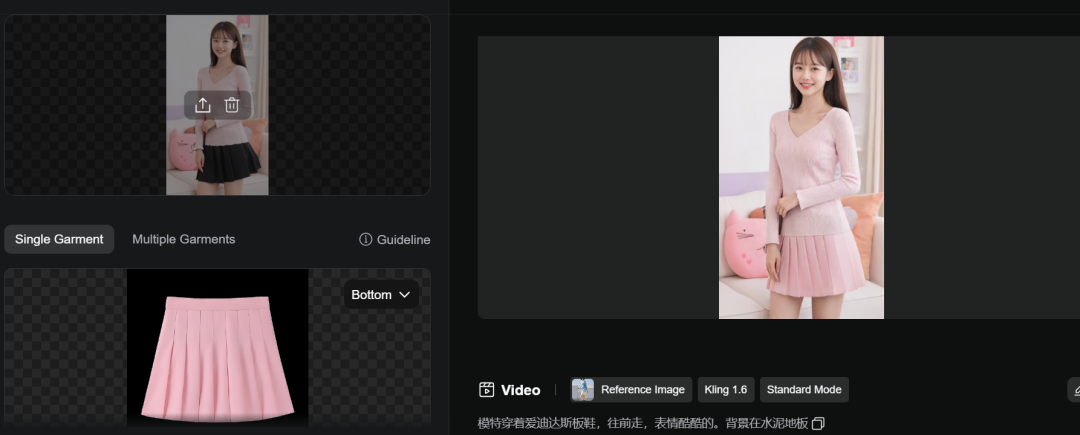

Finally also find a random cheongsam from the Internet, the continuation of the above model to generate.
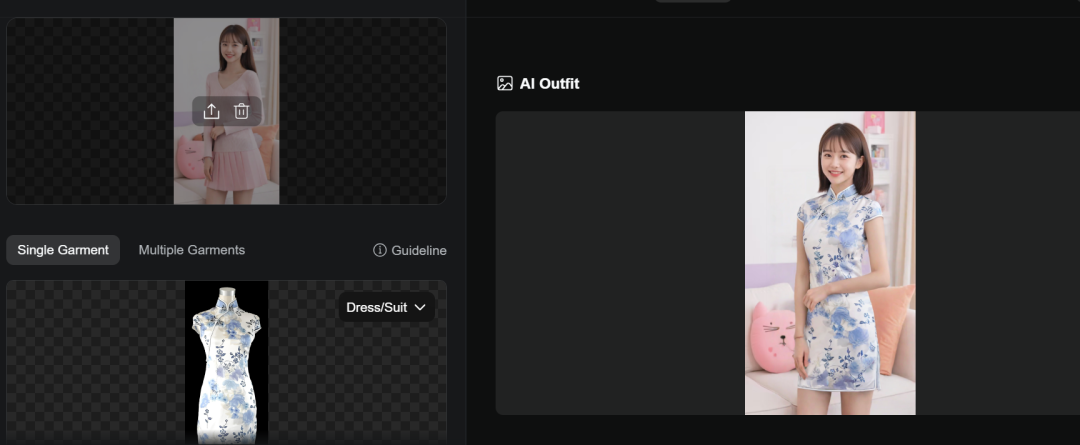
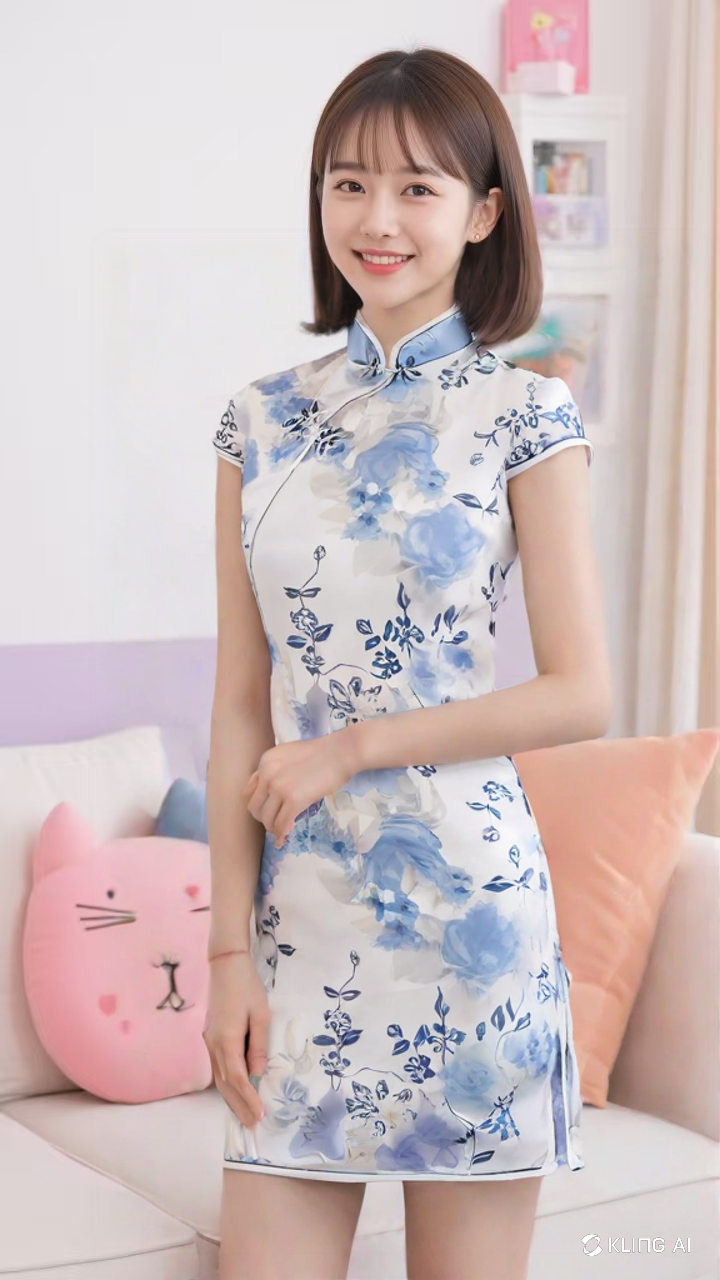
You can watch the results are fantastic.
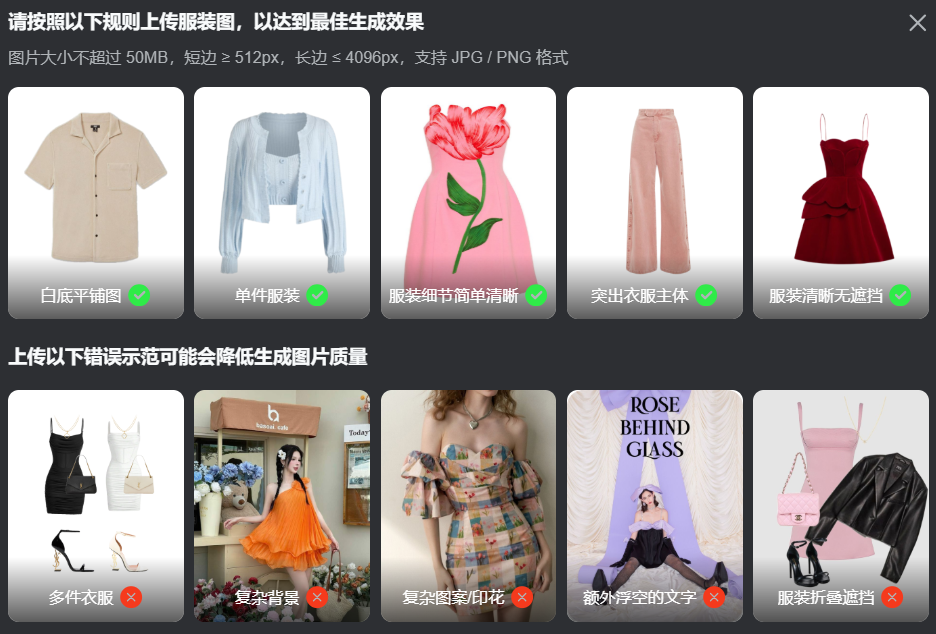
Note: You can refer to these requirements below when uploading your own costume. Otherwise it is easy to recognize or turn over the car with bad effect. Of course, the tools for changing clothes are far more than Keling, which has been packed into the toolbox.
fitting
Step 1: Mr. Become a Leg Model Shoes
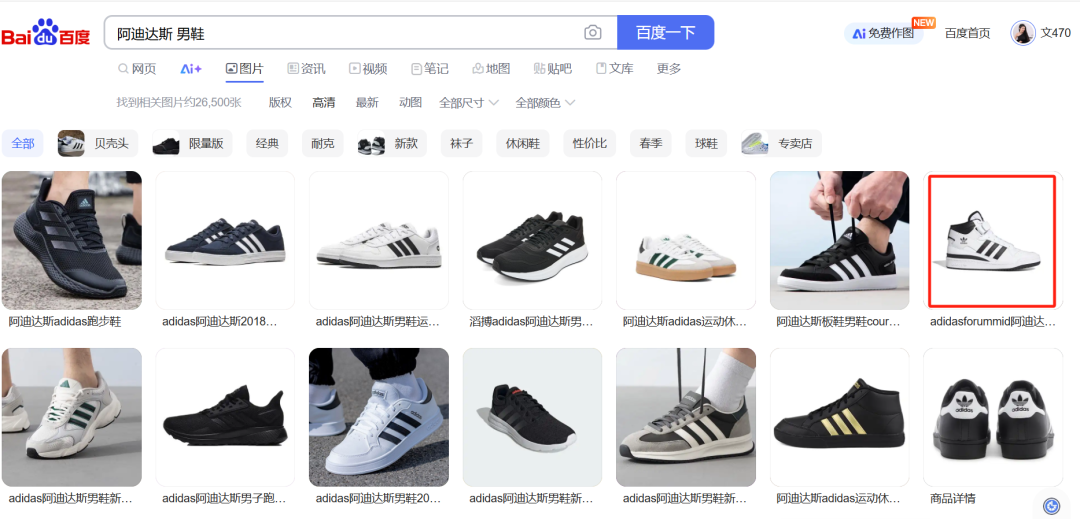
Casually start by finding a branded shoe right away.

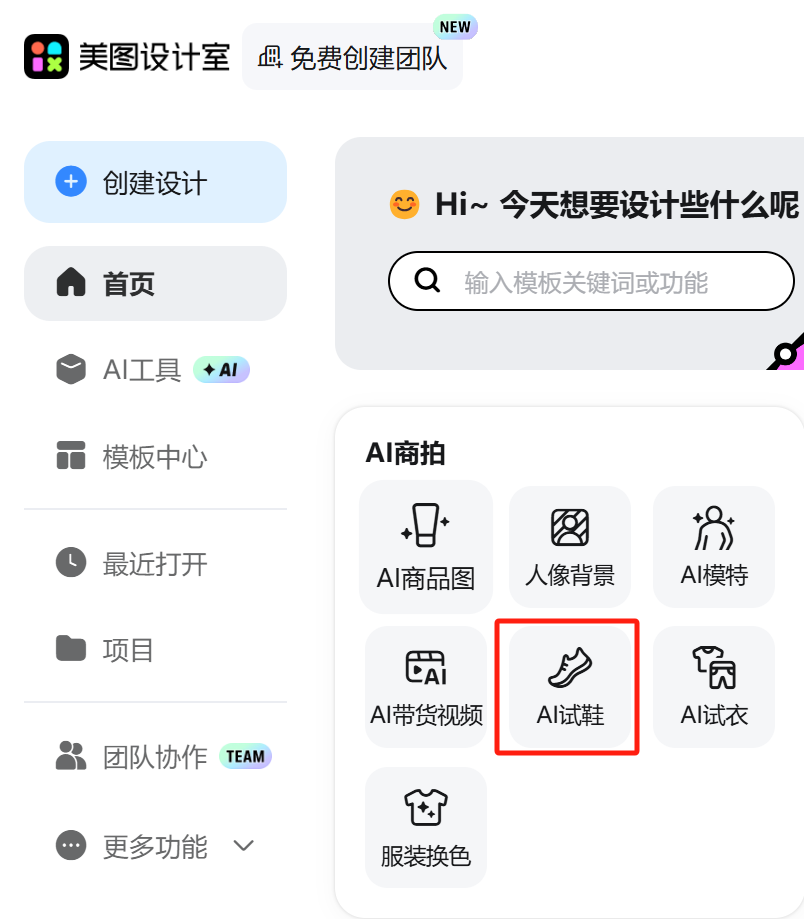
Open Mito Design Studio - Login - Click [AI Shoe Trial
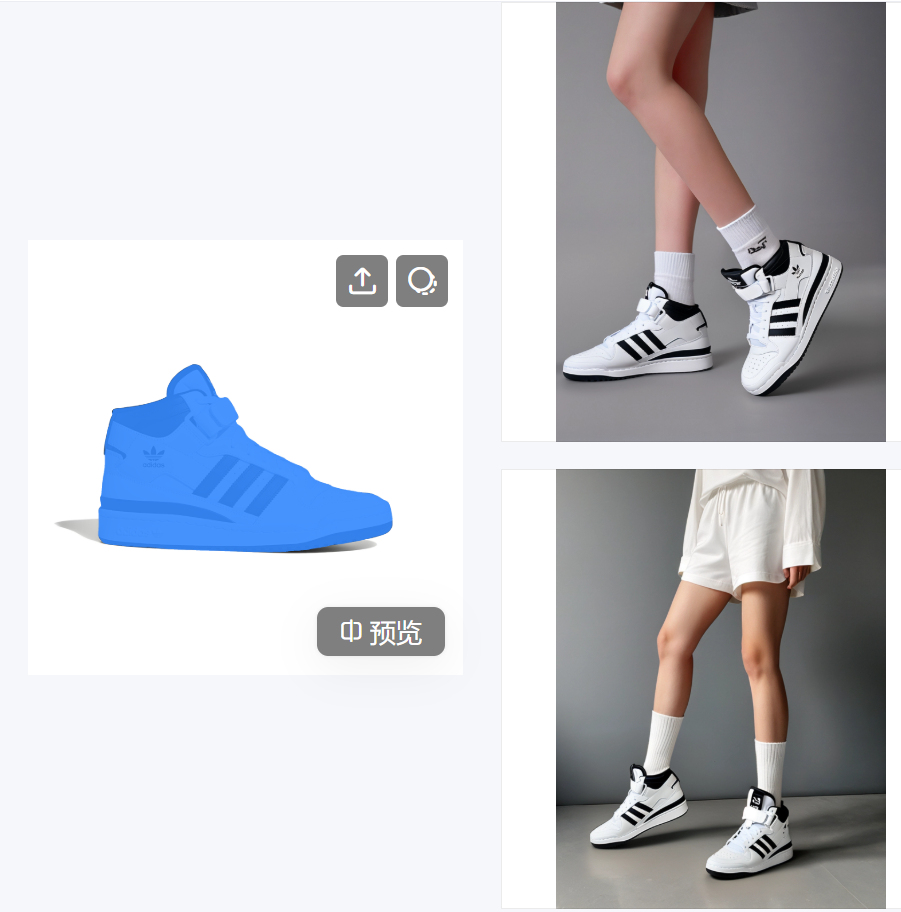
Upload our high resolution shoe pictures


Generated effect
In Putting Pictures in HD HD
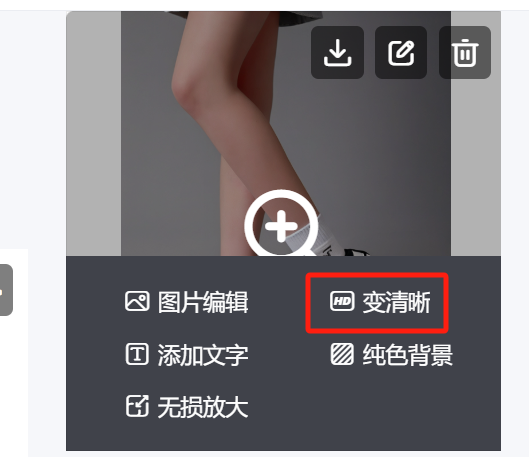
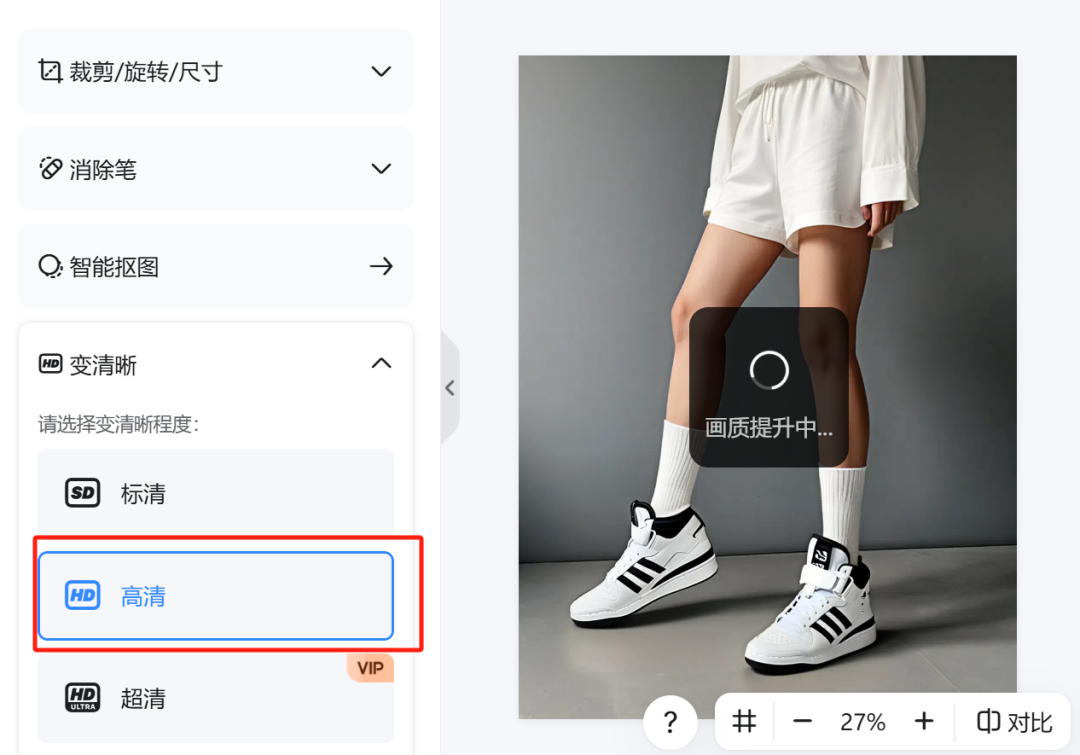
Download and save for later after lifting.
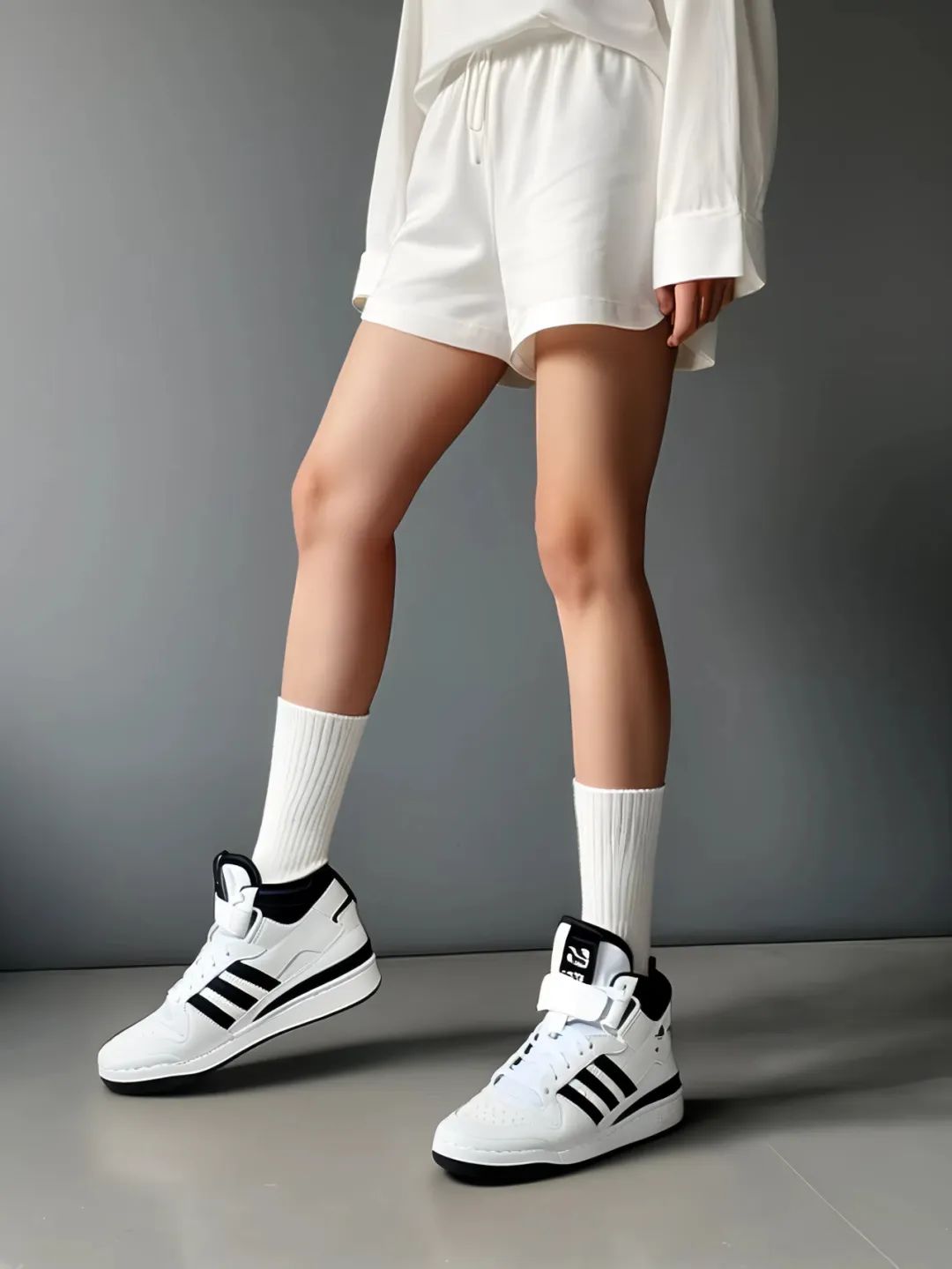
The overall shoe style is relatively good, of course, to 100% exactly the same or need to P point, for example, some logo text on the upper will still be deformed.
Step 2: Generate images/videos
Still utilizing Instant Dream AI we generate a full body portrait of a beautiful woman with white shoes.
For example, let's type in the prompt: frontal full-body photo of a young 18-year-old girl against a backdrop of a clean floor, light gray walls, and a clear blue sky. The girl is wearing a light blue loose-fitting T-shirt, light beige shorts, and white shoes with low-top socks. The photo is taken from the front, and the style of the photo is fresh and simple, emphasizing the casual and fashionable sense of sportswear.
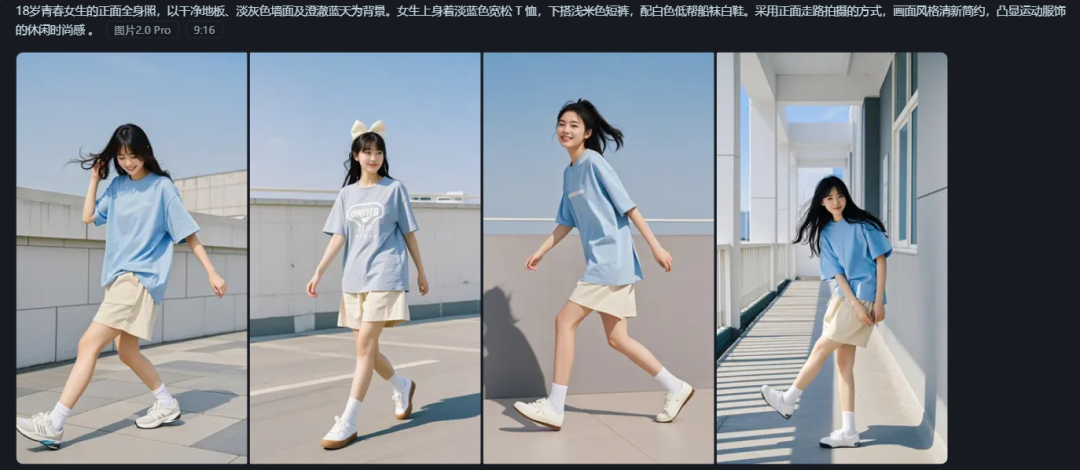
Choose the picture you are satisfied with, canvas HD export without watermark spare.
Step 3: Generate a dynamic display shoe video
first type
Use the Dream Chart to generate a video, upload the image - choose the model S2.0pro (more points but good results) - synchronize our previous shoe chart to generate a video.

The results are all good.
second type
Multi-graph reference generation
Open Kerin and use [Multi-Picture Reference] to generate the modeling picture and AI shoe trial picture generated in i.e. Dream separately.
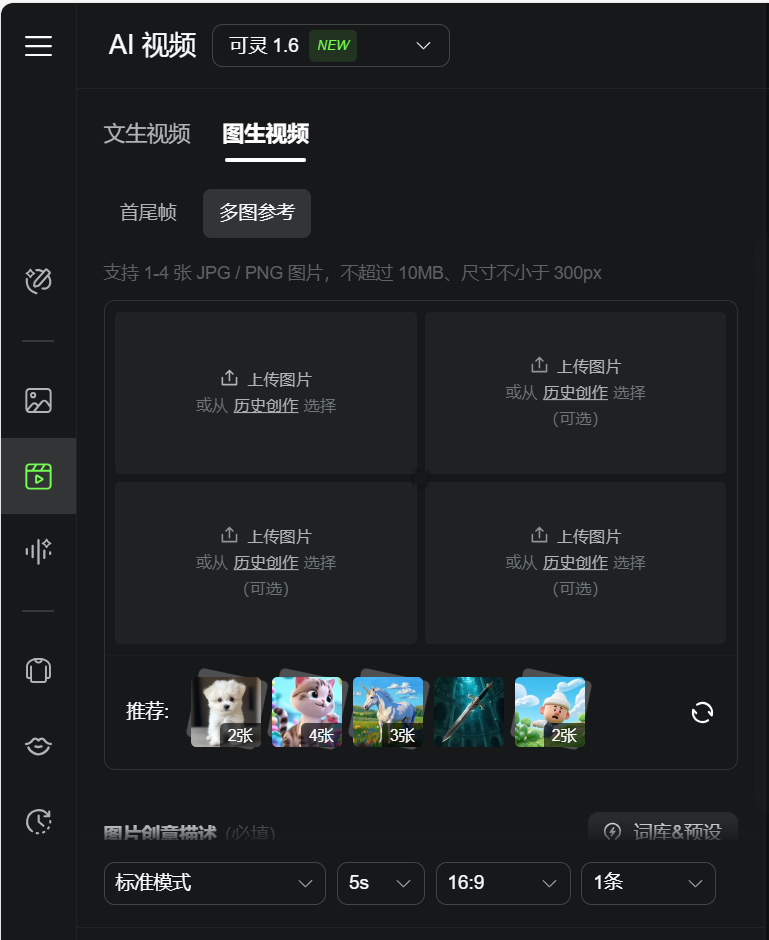

After getting the change of clothes, change of shoes final video, our next step was to cut it.
Step 4: Editing
1, open the cut screen PC Professional Edition, enter the main interface, click [+ start creating].
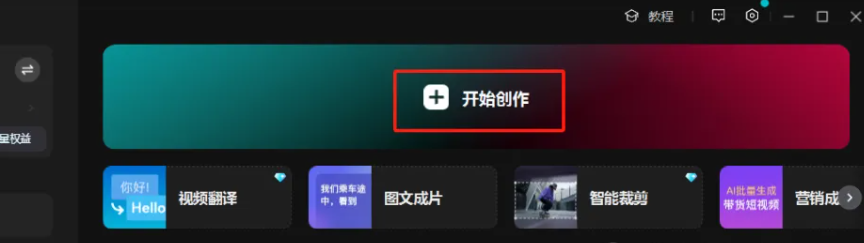
2, add the saved video clips, add background music, you can directly search in the cut screen
3, the appropriate location to add the right sound effects, you can double the effect of the video.
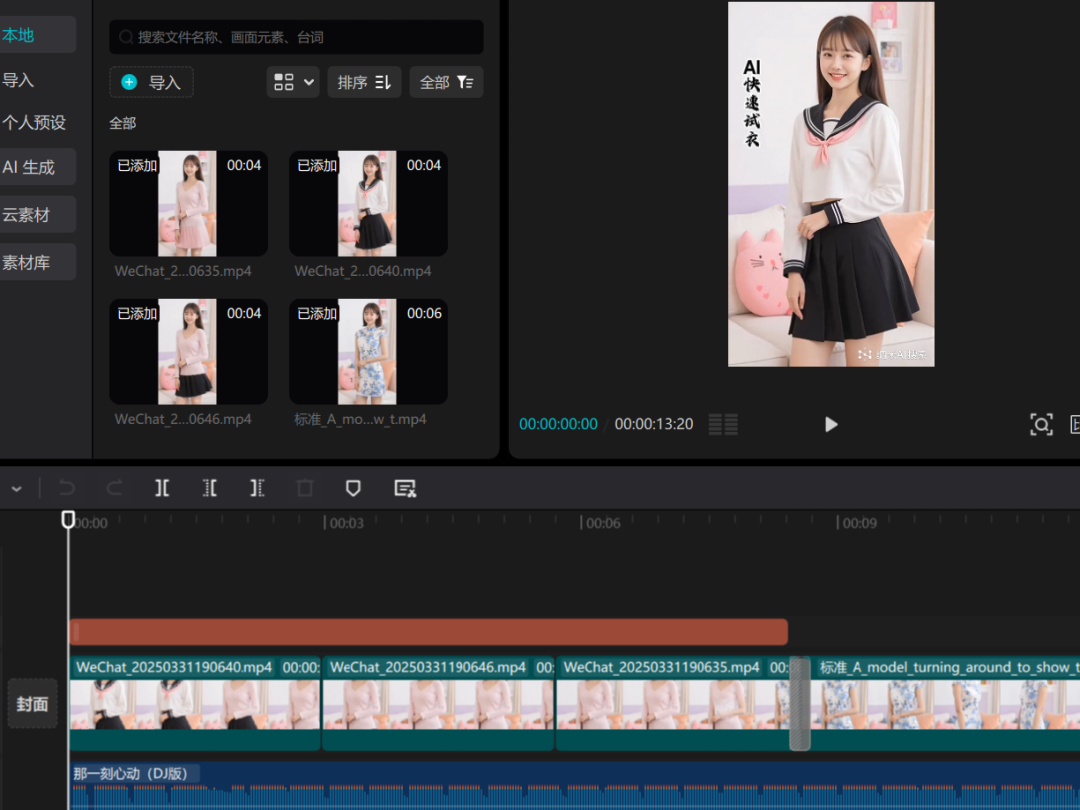
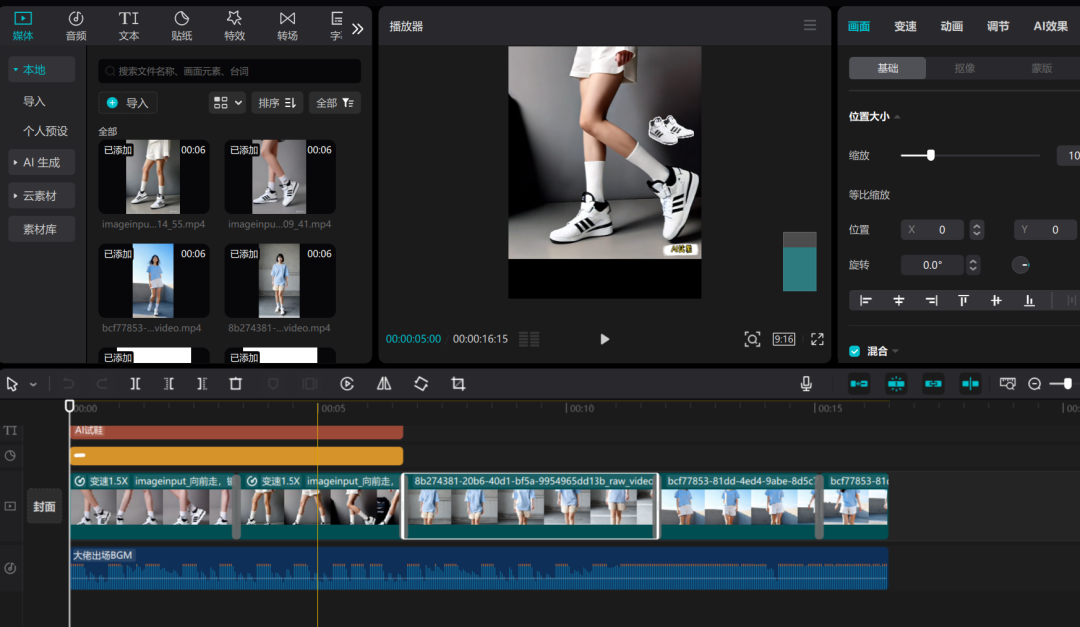
Everyone can get hands-on, easy to learn, hurry up and try it~!
Cautions and Operational Recommendations
1. Maintain originality: Do not directly copy the content of other people's cue words, by modifying the creative body of the cue words or adjusting the details of the screen video, to ensure that the work has a certain degree of originality.
2. Optimize the rhythm of the video: too long animation content may lead to viewers skipping, it is recommended to control the video time to ensure a compact rhythm.
3. Accurately locate the audience: choose a platform and time period where the target audience is clear to publish the video, for example, uploading it in the evening for better results.
4. Interaction to enhance fan stickiness: actively reply to fan comments, increase the interaction rate, attract more users to pay attention to and forward.