



April 17 news.MicrosoftArtificial Intelligence CEO Mustafa Suleiman announced today on Bluesky that Microsoft's AI assistant feature "Copilot Vision"It's now possible to get a good deal on the Edge BrowserThe feature, which is free to use, interprets what's on the screen and helps users use the app.
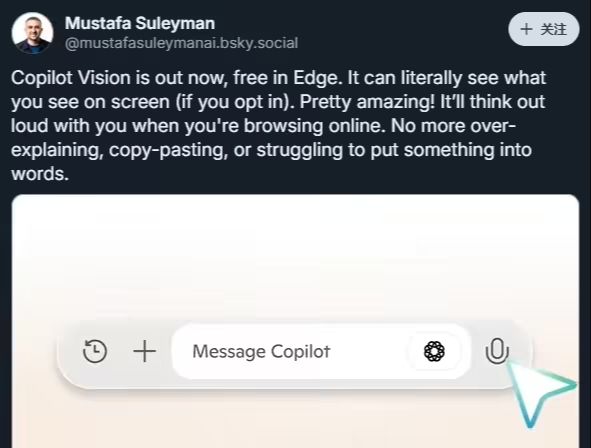
According to 1AI, "Copilot Vision" is a "voice-based experience" that allows users to interact with it through voice commands. Suleman said that when users enable the feature, the"Copilot Vision" can "see what you see on the screen in real time."For example, users can let Copilot Vision guide them through a recipe while cooking, or let it "read" a job description and go straight to customized job interview preparation or interview preparation. For example, users can let Copilot Vision guide them through a recipe while cooking, or let it "read" a job description and take them directly to a customized interview preparation or cover letter creation session. However, Microsoft's official support page reminds users that while Copilot Vision can highlight parts of the screen to help users find relevant information, it does not replace the user's ability to click on a link or perform any specific action.
It is worth noting thatThere are limitations to the Copilot Vision feature currently available for free in the Edge browserThe more general, cross-application, system-level Copilot Vision functionality. Broader, cross-application, system-level Copilot Vision capabilities, such as guidance in Photoshop, video editing software, or games like Minecraft, still require a subscription to the Copilot Pro service.
To try out the Copilot Vision feature, users will need to visit a specific official link provided by Microsoft in the Edge browser. After visiting this link, the browser will usually pop up a prompt asking for authorization to enable the feature. Once the user agrees and authorizes, they can open the Copilot icon in the browser's sidebar and click the microphone button while browsing any web page. A Copilot Vision session is activated when a tone sounds and the color of the browser interface changes slightly.
Microsoft says that during a Copilot Vision session, the company records Copilot's responses to the user, but does not collect user input, images, or web content. When a user does not want to continue sharing their screen with Copilot, they can choose to end the session or close the browser window.