



recentMidjourneyhas been updated quite frequently, last week the image editor was updated, yesterday the - exp parameter was added, and today the Omni-Reference omnidirectional reference is back online.
Honestly, already ready to not renew Midjourney next month after the instant dream 3.0 update.
But today's update re-withdraws the hand that wasn't going to be renewed, and then says one thing: it's awesome!
Today, we'll share a few new features that have been recently updated, as well as usage scenarios to make it easier for you to understand.
I. Picture editor function optimization
1, open to all members, no longer need annual membership, or generate more than 10,000,000 pictures to use.
2.Intelligent selection. You can directly select the objects in the picture to delete. You can also erase the background with one click.
3, you can import multiple layers for stitching, more convenient.
New - exp parameter
This is a new aesthetic parameter. It allows for more detailed, vivid and creative pictures.
Values are 0-100, with a default value of 0. As the value gets higher, the cue word is followed less closely and the diversity of the images decreases.
It is recommended to use multiples of 5, such as 5, 10, 25, 50, 100.
There will be more variation between 5 and 50, and less variation after 50.
Similar to the previous -stylize, it can also be used in combination with stylize -p. However, when mixing multiple parameters, it is recommended to keep the individual values as low as possible for better results.
III. Omni-Reference
This is a new feature in today's heavy Midjourney update. Similar to the previous -cref character consistency.
But with a new upgrade that can be used for consistent character, object, vehicle or non-human creature.
That's why Midjourney calls it an omni-directional reference.
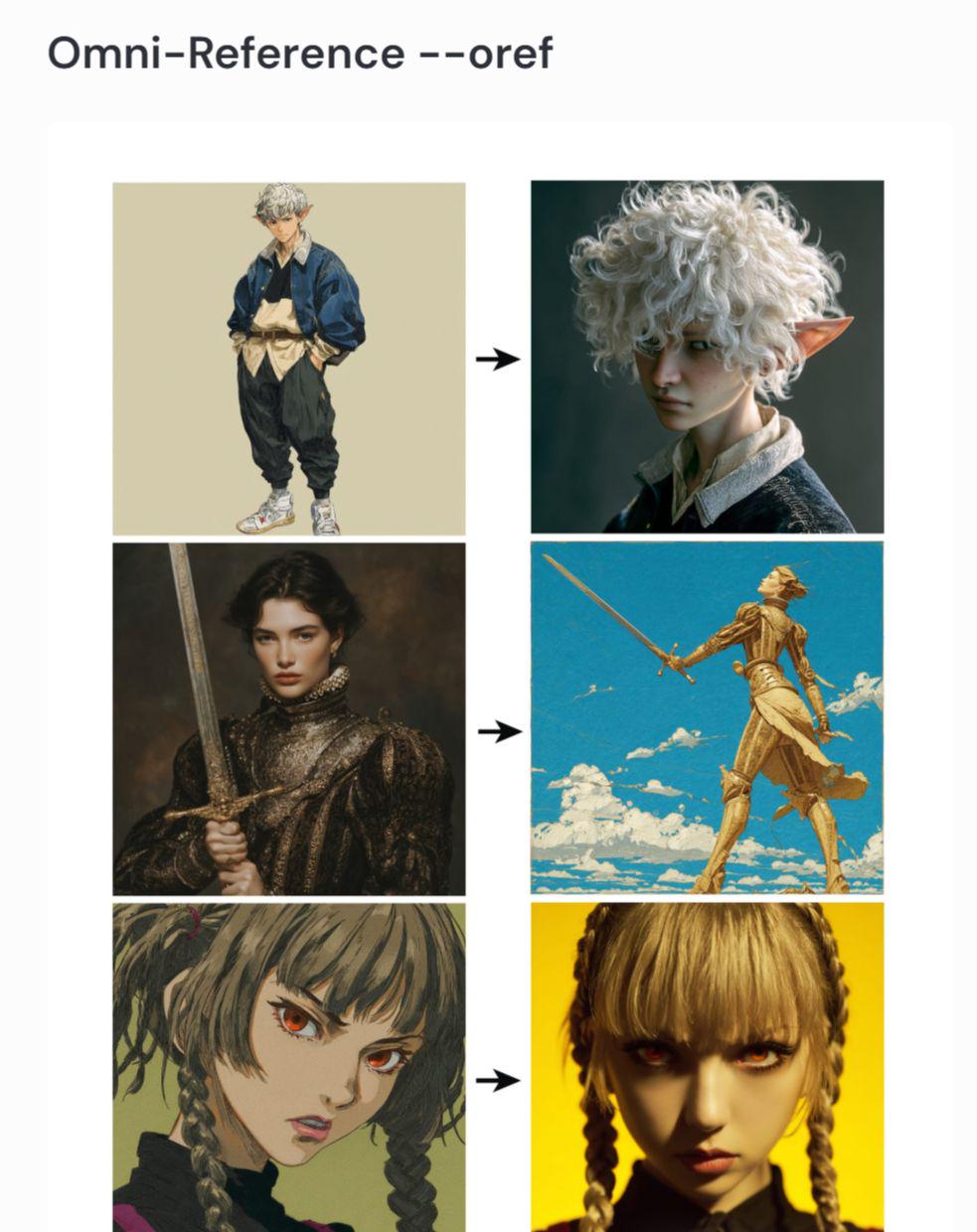
The method of use is as follows:
Click on the picture icon to the left of the input prompt word and select Omni-Reference on the far right.
Upload the images we need to reference and then choose different weights.
You can also change the parameter by outputting - ow at the prompt. The value of this parameter ranges from 0 to 100 to 1000 (the default value is 100).
Selection of parameters:
1, if you want to change the style of the picture. You should reduce the weight appropriately, such as adjusting to - ow 25 or so.
2, If you want to keep the faces of the characters visible, or keep the details of the clothing, you can adjust it to - ow 400 or so.
3. If you add - exp - s and keep it higher, then - ow should be higher too.
4. If you don't use excessive - exp - s, then never let - ow exceed 400.
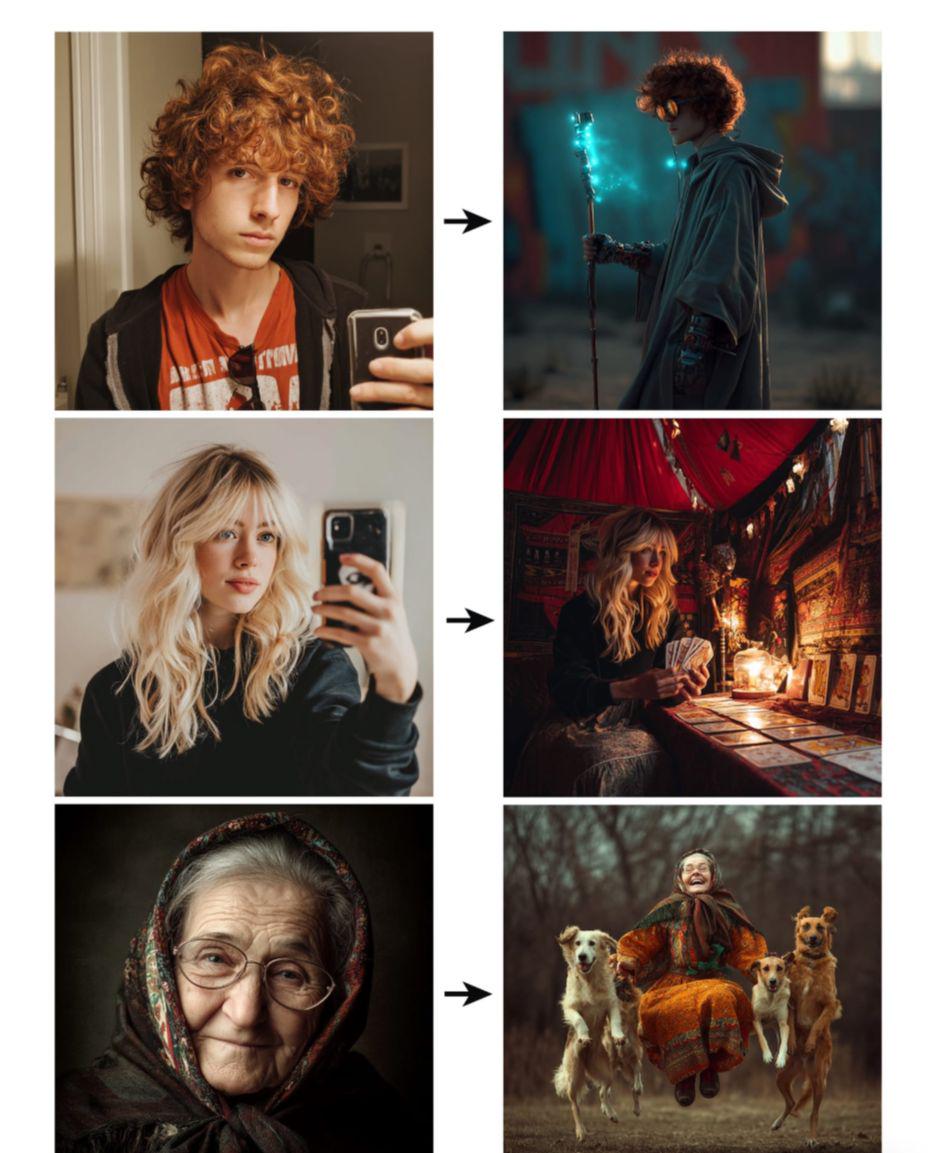
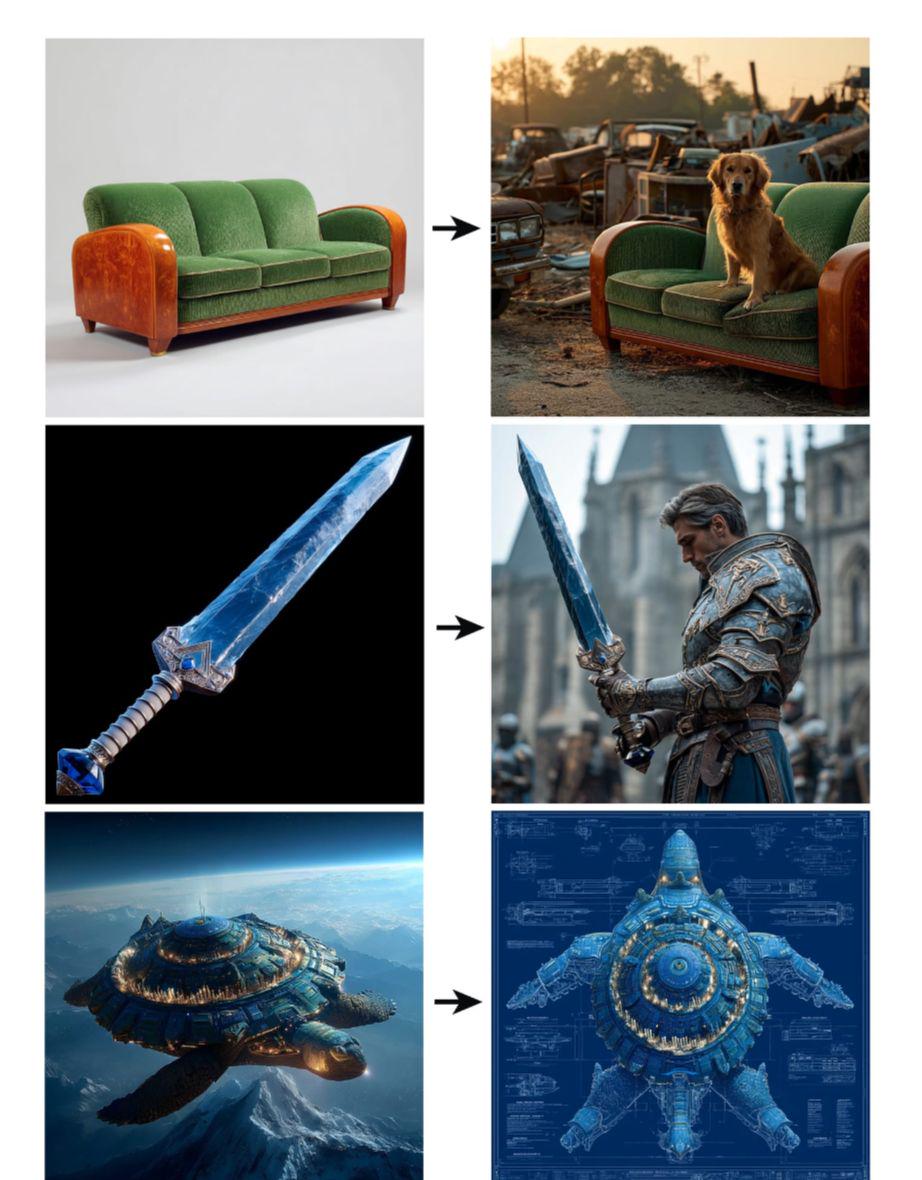
From a limited number of dozens of tests, the character consistency is indeed much better than -cref, which basically allows for a similarity of more than 80%.
Since there has been a lot of focus on character consistency, the restoration of items or non-humans has not been tested, so anyone interested can test more.
At least from these updates, Midjourney is still an indispensable raw tool for us to make AI videos.