



Today, I'd like to share with you a super dry goods: even if you are a little white person who has never even touched the editing software, you can still use AI to make 100,000+ broadcast hometownsCultural and Tourism Promotional Video!
Don't believe me? Then read on, I guarantee you'll be able to do it by the time you're done!
A few days ago, I made a cultural and tourism promotional video with AI, and the effect was so good that it was bursting! Friends asked which professional team made it...
They were stunned when I said, this is me alone, done in two hours with AI! My friends have been asking for a tutorial, so I have to fulfill them.
So today I will share my "unique secret" without reservation, after learning you can also give their hometown to shoot a professional-grade promotional video!
The secret core: the four-step rule, from zero to blockbuster
Don't look at the professional team to spend tens of thousands of dollars to do promotional videos, with my set of "AI four-step method", only a few dozen dollars (or even free) can be done! And all domestic AI tools, do not have to turn over the wall, and especially good, YYDS!
Kimi Sang Copywriter
Let AI write scripts and cue words
an image of a dream come true
Generate high quality scene images with one click
Korin AI Raw Video
Turn static images into dynamic blockbusters
clip
Integration of all materials, dubbing and subtitling
Sounds easy, right? Then get your hands on the practical!
Step 1: Get Kimi to help you write copy and scripts
To be honest, a lot of people get stuck at the first step and give up-can't write a good script or narration. But with AI, that's no longer a problem!
It's the script that's soul-bearing!
Highlights: copy script, with kimi or Deepseek can be generated, script content is different picture is also different, you can use a combination of tools, the video is more perfect Oh ~!
- Open Kimi.
- https://www.1ai.net/3878.html)
- Enter your needs:
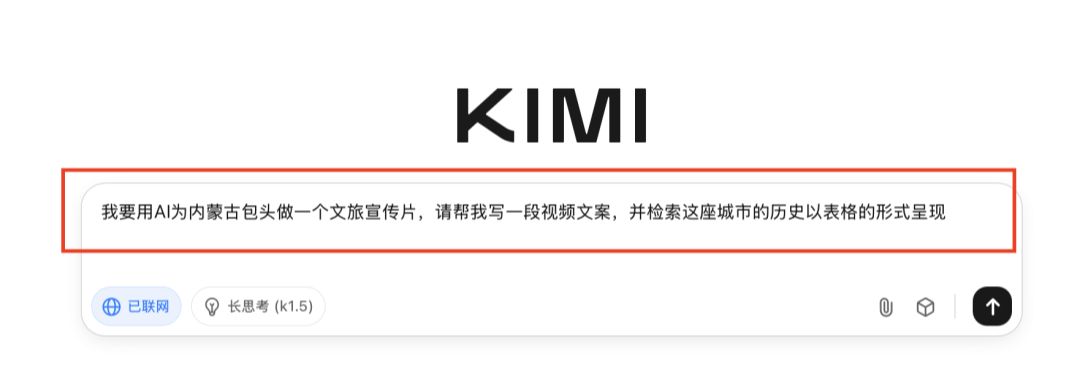
I want to use AI to make a cultural and tourism promotional video for Baotou, Inner Mongolia, please help me write a video copy and retrieve the history of the city in the form of a table
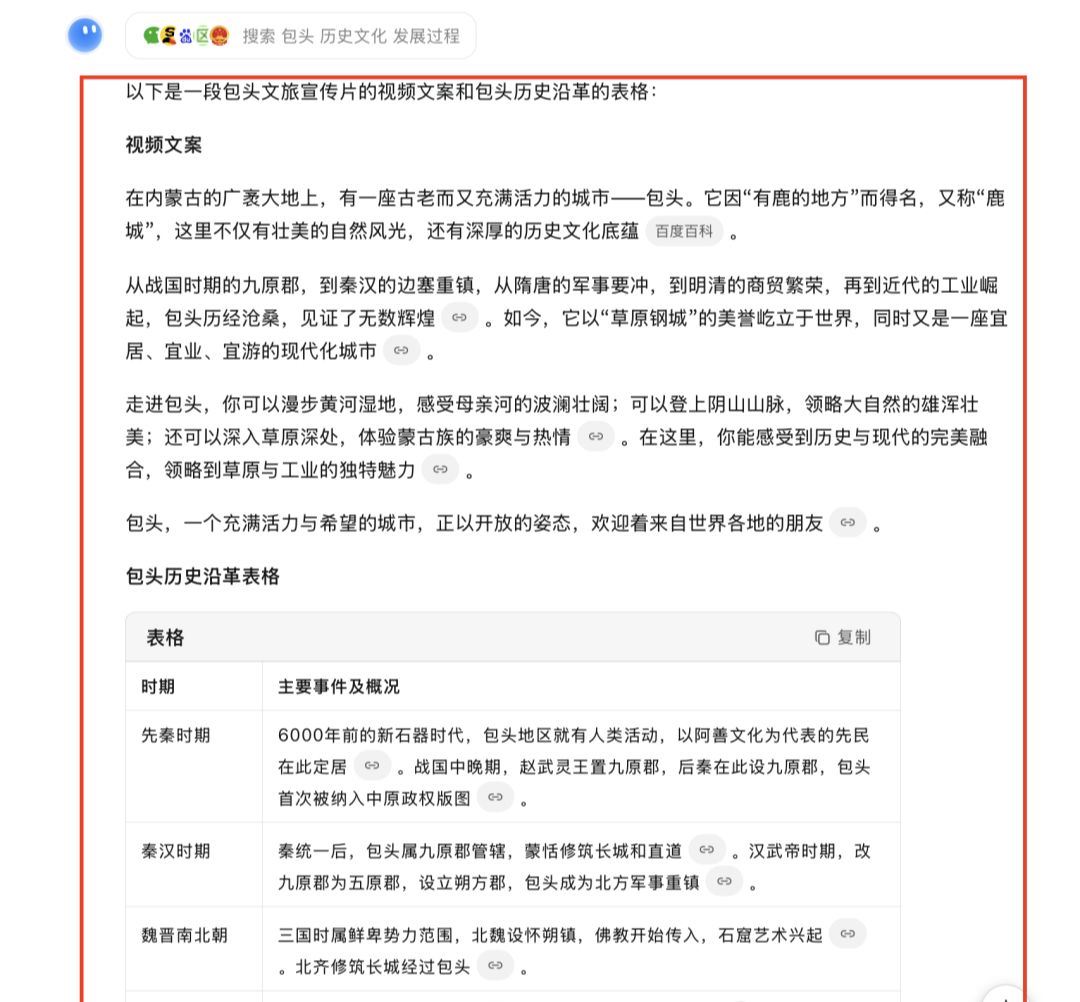
See, Kimi immediately wrote video copy organizing the historical and cultural highlights of her hometown! Just like cooking, this is the base, and the seasoning is next:
Keep asking questions:
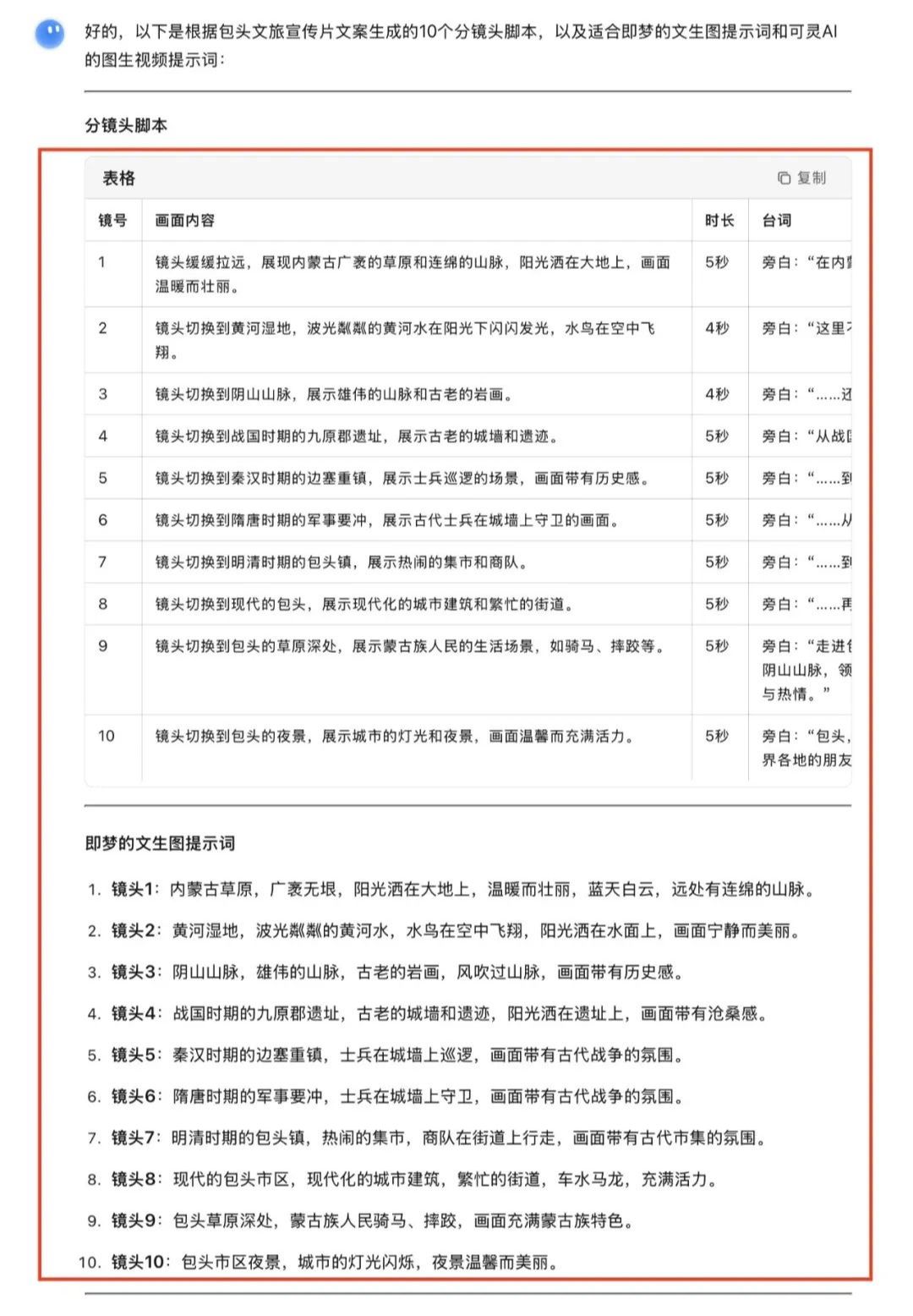
Please generate 10 subplot scripts for me based on the above as well as text-generated graphic cues suitable for instant dreams and graphic-generated video cues for Spirit AI"
Boom! a professional split script sheet is here! Contains:
- Screen content
- chorus line (as a subsidiary character in a play)
- i.e., the prompt words for the Dream Manson chart
- Klingon Video Prompts
This step saved days of looking up information and racking my brain to write a script! I was looking at this form and just wanted to kowtow to Kimi...
Step 2: Turn text into stunning images with Instant Dreams
With scripts and cue words in place, the next step is to turn these scenes into high-resolution images using Instant Dreams:
- Open the i.e. Dream website:https://www.1ai.net/10005.html
- Select the 3.0 model (you have to select 3.0 for this one, it's much better!)
- Copy and paste the Deepseek-generated "Wenzhengtu prompt words" into it.

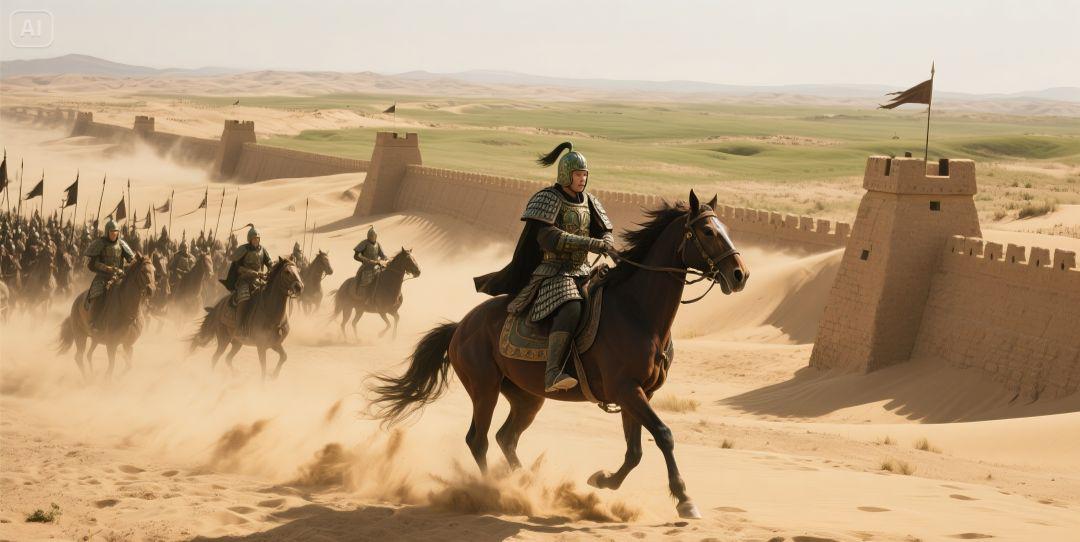
By default 4 drawings are generated at a time, pick the one you're most satisfied with and save it. If none of them are satisfactory, draw again!
That dream every day to give 60 points, generated once 1 points, you can generate 60 times Oh ~!
Followed this method and generated all 10 scene images from the script. The quality of these images amazed even myself, not at all inferior to professional photography!
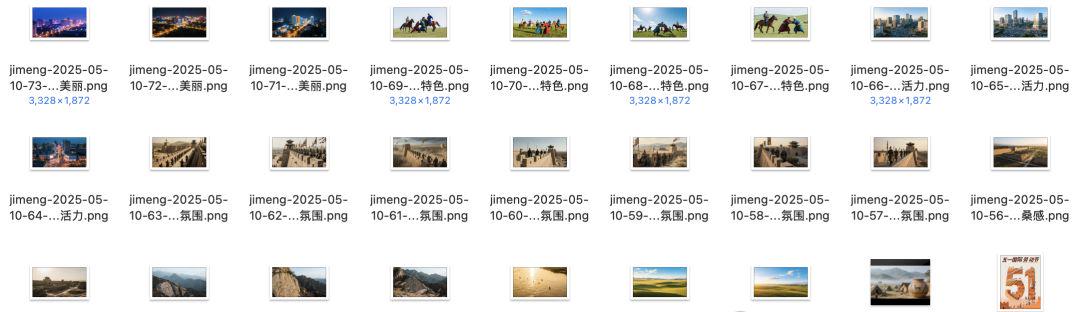
Step 3: Keling AI Magic - Make Static Pictures "Move"!
This step is the most amazing! We're going to use Koring to turn a static image into a moving video:
- Open Koring (URL:https://www.1ai.net/12558.html)
- Select the video generation, recently can be updated to the latest model 2.0, generation of points to 100, 1.6 as long as 35, the effect is also good!
- Copy the "Tusho video prompts" generated by Kimi into it.
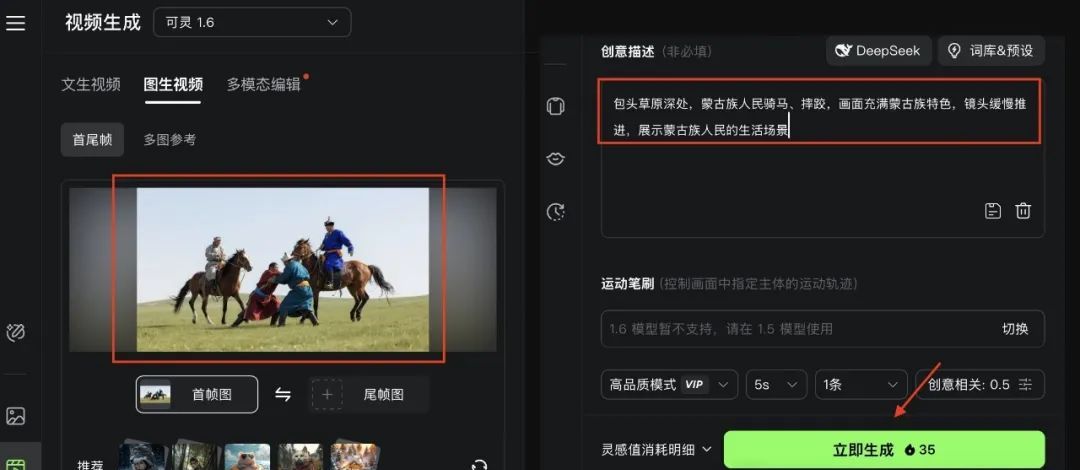
After clicking Generate Now, you will see that the image is actually "alive"!
Kerin automatically generates smooth 5-second video clips based on the cue words, including professional camera effects!
Turn all 10 scenes into videos in this way and you have 10 professional grade video clips!
In the past, only Hollywood has special effects technology, now we click the mouse to get it done!
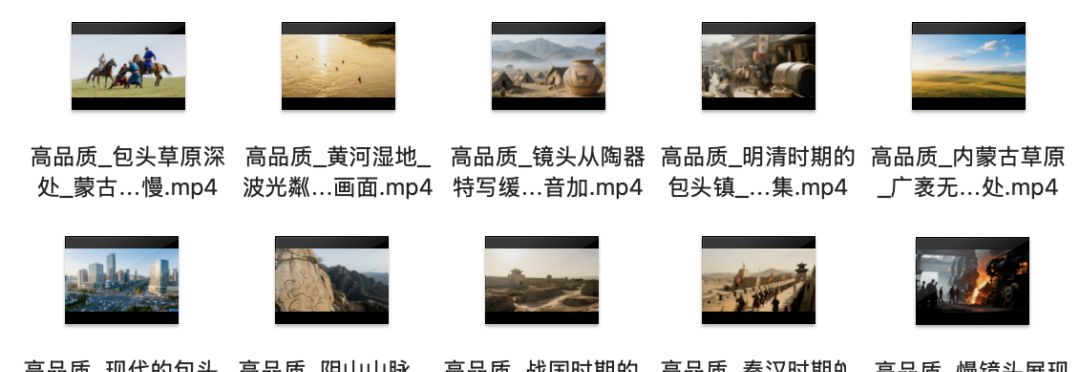
Step 4: The Cutting and Screening Technique - Turning Pieces into Big Shots
In the final step, we're going to combine these video clips with a cutscene, adding narration and music:
- Drag and drop all generated videos into Cutscene
- Add background music
- Add narration and subtitles
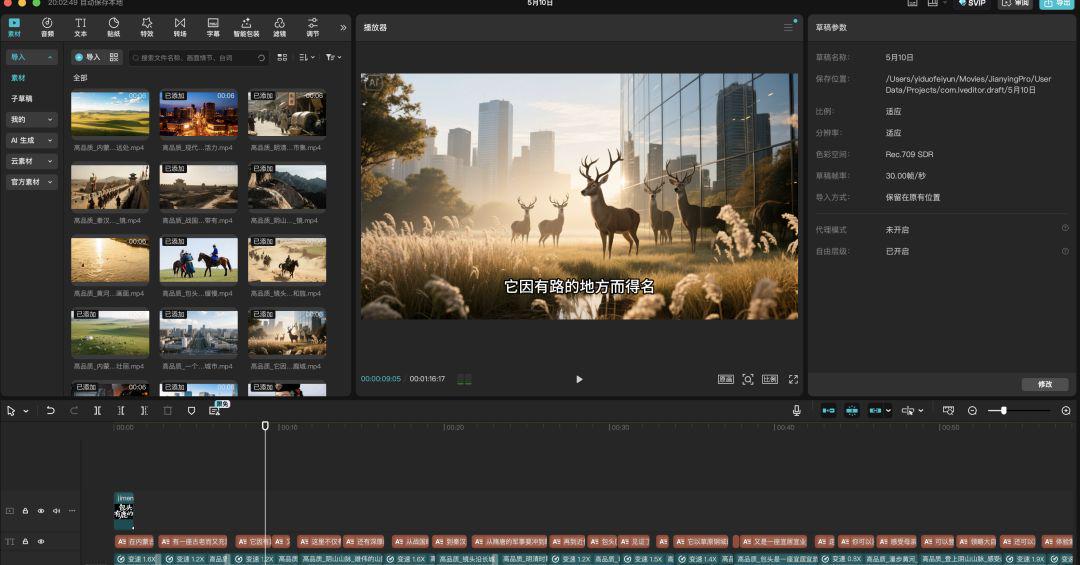
Focusing on the creation of the narration audio, which many of my friends are not very good at doing, it's actually super easy:
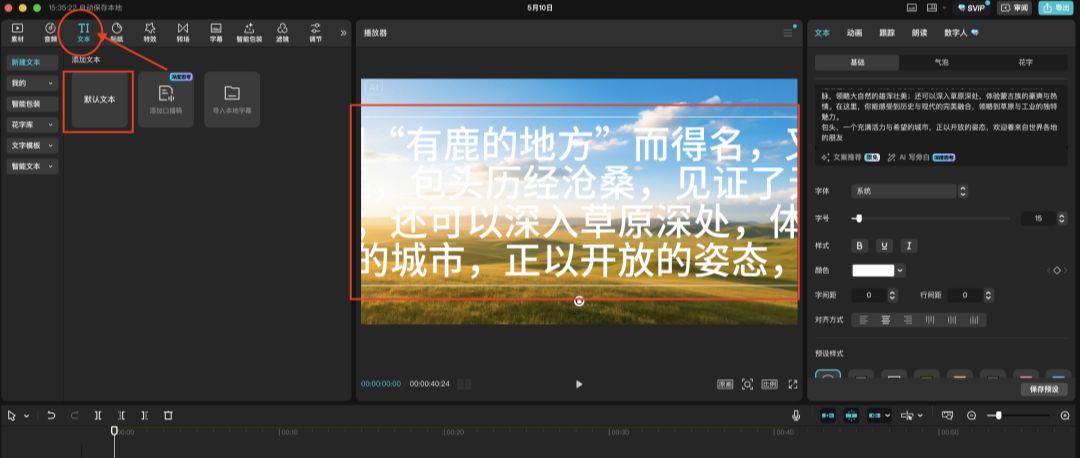
- Click on "Text" -> "Add Default Text" in the cutout.
- Copy the copy text generated by kimi into it
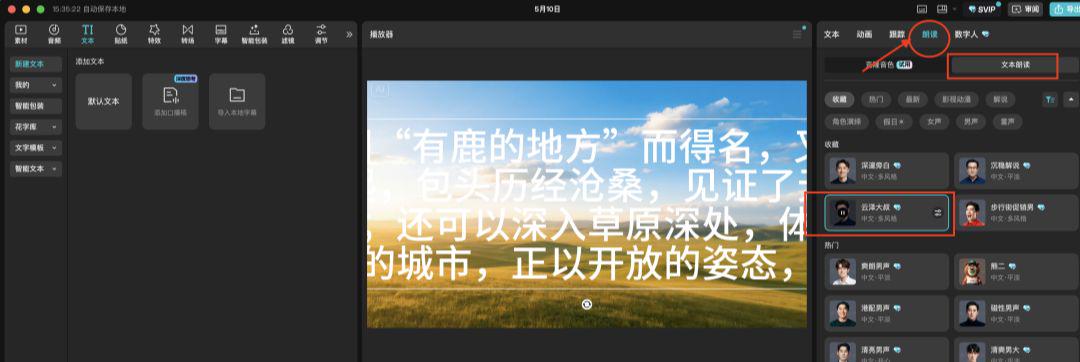
- Choose the right tone (I used the voice of "Uncle Yun Ze", which has a richness that is particularly suited to travel movies)
- Click to start reading aloud and drag to the bottom of the corresponding video
After all the scenes have been matched with audio and subtitled (you can use the auto-recognition feature of the cutscene), a complete promo is complete!
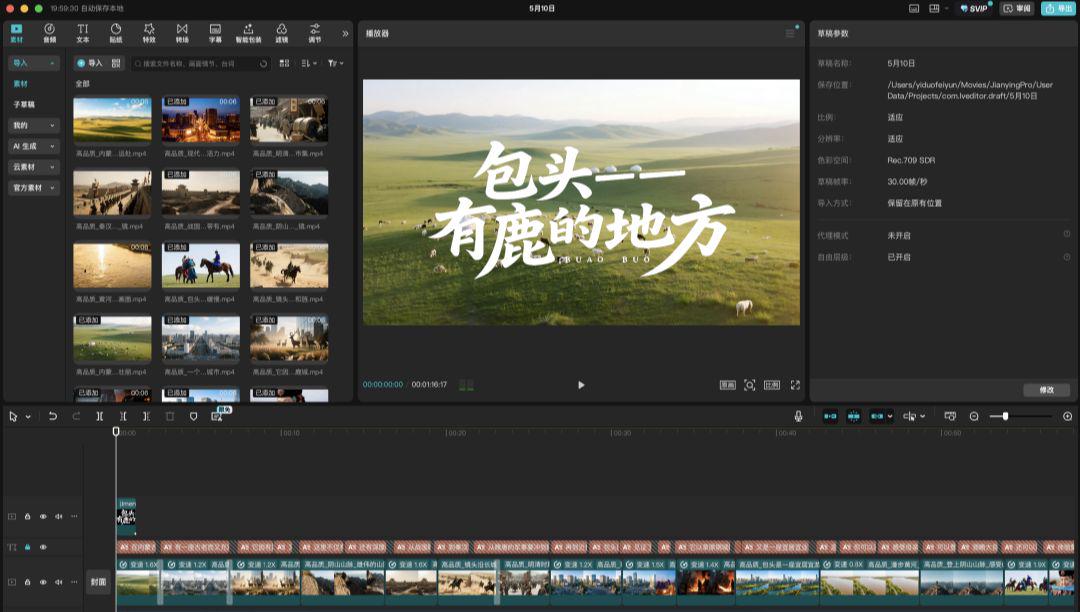
After doing the four steps above, you've got a decent promo.
But to hit the breakout 100,000+ plays, sneak in a few more of these tricks:
1. Emotional empathy approach
Add emotional expressions in the voice-over, such as "This is where I grew up" and "Every time I go home, I can feel a strong sense of nostalgia" to increase the audience's emotional connection.
2. Suspenseful design method
Don't put all the best views up front, leave a highlight at the end of the credits to keep the viewer's desire to see it through to the end.
3. Musical sublimation
The background music is low in the front and high in the back, and in the climax at the end of the movie, it matches the most beautiful images, creating an audio-visual impact.
4. Eye-catching headlines
Posted with "Shocking! My hometown is so beautiful!" This kind of title, than the simple "XX city promotional video" click rate is 3 times higher!
Frequently Asked Questions Q&A
Q1: How much does this cost?A1: KIMI and Cutting Screen are completely free, i.e. Dream has free credits every day, Korin needs to pay but has bonus points every day, and points are not enough to recharge the membership. It all adds up to $58 for the whole thing!
Q2: How long does it take to make a promo?A3: When you get good at it, it only takes 3-5 hours from start to finish! It took me most of the day the first time I did it, and now I can produce a movie in 2 hours.
Q3: Are there any copyright issues with AI-generated content?A4: AI-generated content is copyrighted by the user and you can use it with confidence. However, for commercial use, it is recommended to check the latest copyright policy of each platform.
Final Shredding
To be honest, a year ago I didn't even know how to use editing software, let alone make any promos.
But the age of AI is really so crazy that it's taking something that only a team of professionals can do and turning it into a skill that everyone can master.
I've used this method not only to make promos for my hometown of Baotou, but I've also helped a few friends make ones for their hometowns. Every time I send it out, the response is especially good! Some of them were even seen by the local government and contacted me for material, saying that they wanted to release them in official channels...
That's the magic of AI, which allows even us regular folks to create professional-grade content and show more people the beauty of our hometowns.