



Do you sometimes envy other people who make blockbuster movies, but you feel that it's hard to get started? If the heroes of the myth of the sky you can do a batch all over you will start? Today's issue of less talk, more to see the actual practice it.
Let's start with the practical exercises.
production step
It's roughly 4 steps: get the cue word - sit back and wait for a picture to come out - come out with a video - sit up and add some sound effects.
1. Write a painting prompt
2. Use AI to generate images
3. Use AI to generate video
4. Clip soundtrack release (both mobile and computer versions)
- 4 tools used: i.e. dream, vidu, cutscene
1.Prompt words
Cue word this, e.g. Monkey King, out of 8 split screen cue words
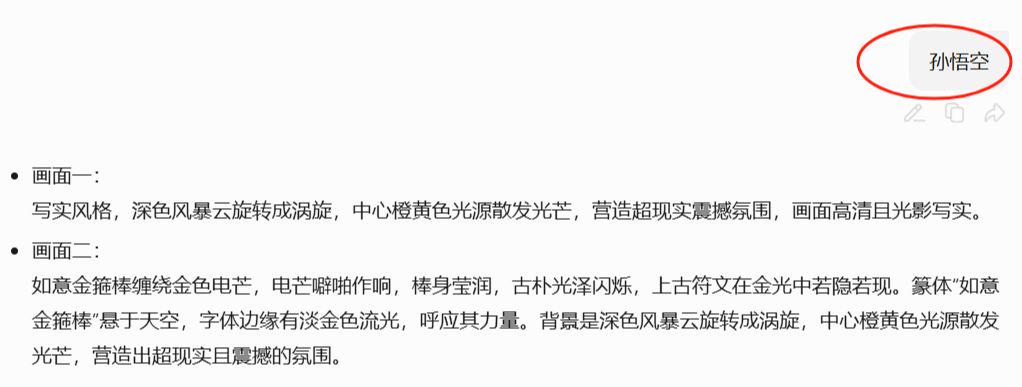
1-8 split screen cues
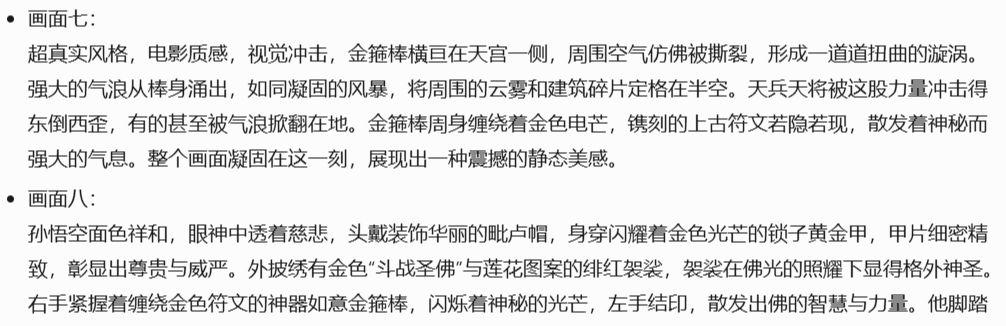
Of course, 8 cues does not mean 8 pictures, we can choose the number of pictures according to the need. To achieve the final desired effect can be, 1 cue word is available out of 2 pictures.
2.Cue word out of the chart
Using the same old friend, i.e. Dream, (80 points for daily login, 1 point for each production, which is equivalent to free production)
Open that dream - picture generation - model 3.0 - size 9:16 - out of the picture
Enter the prompts given by the previous intelligences
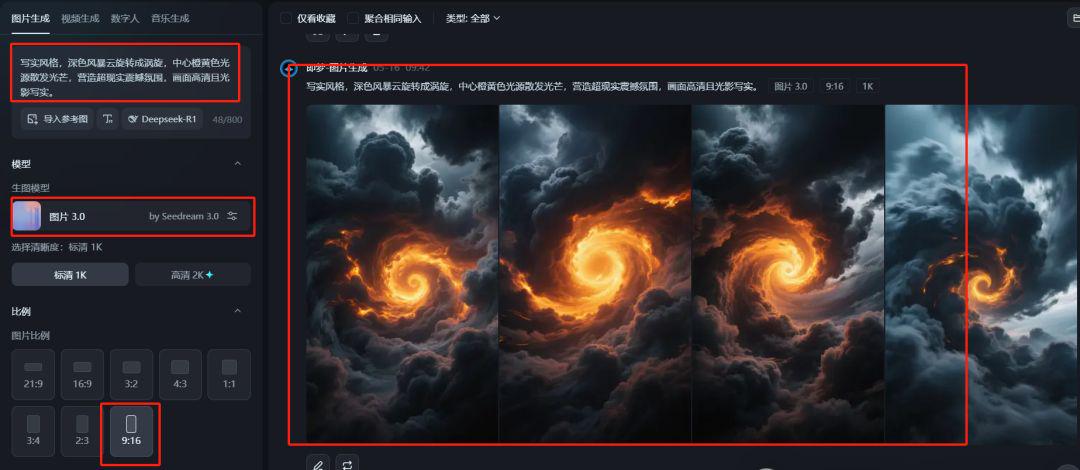
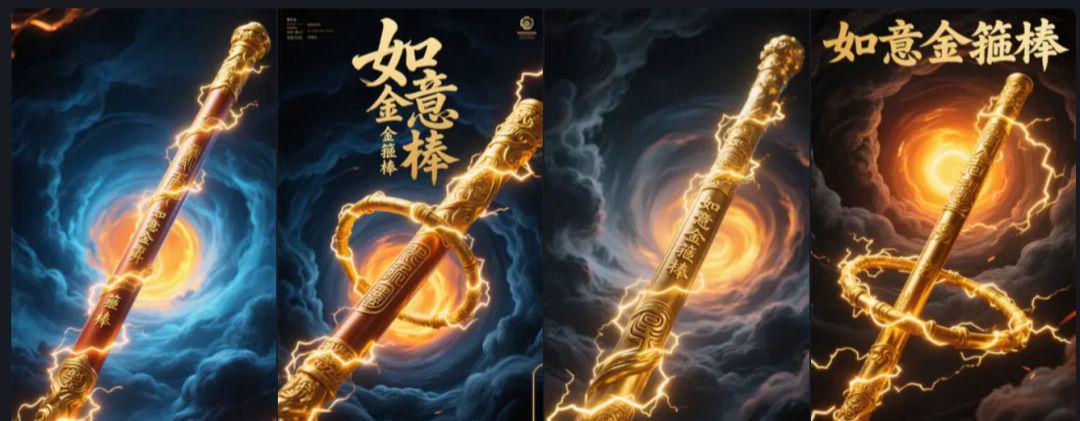
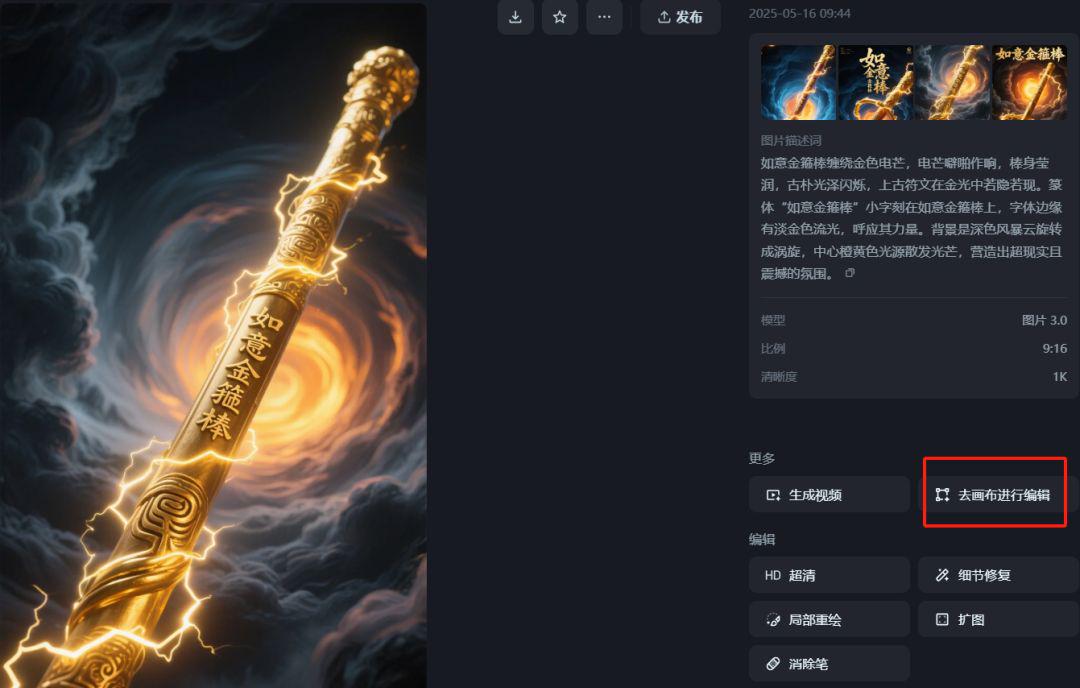
Just choose the image canvas we are happy with, super clear, and export it without watermark.
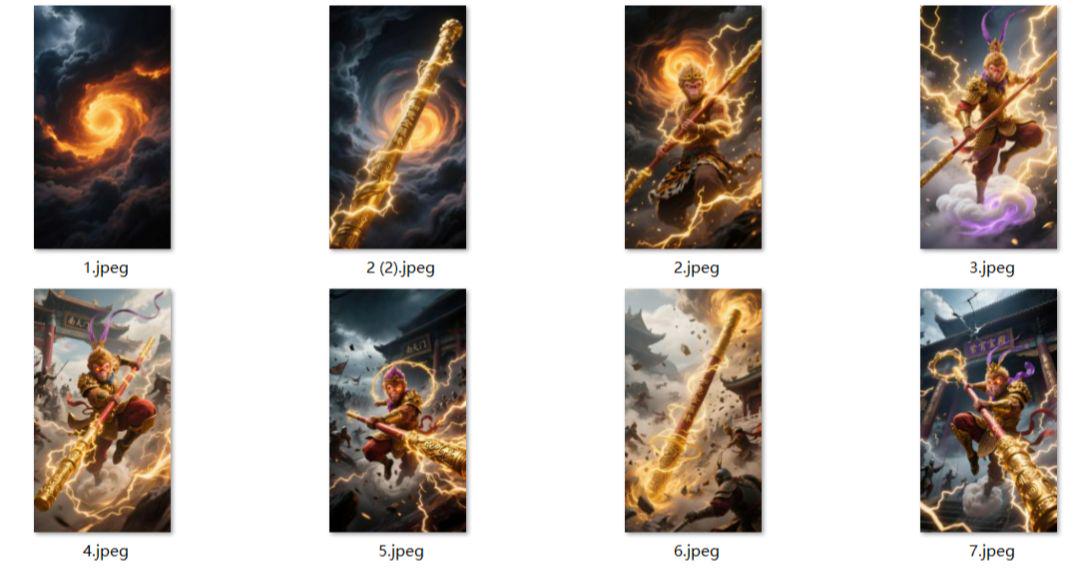
Here I'll show you all the graphs that were actually generated by the prompt words
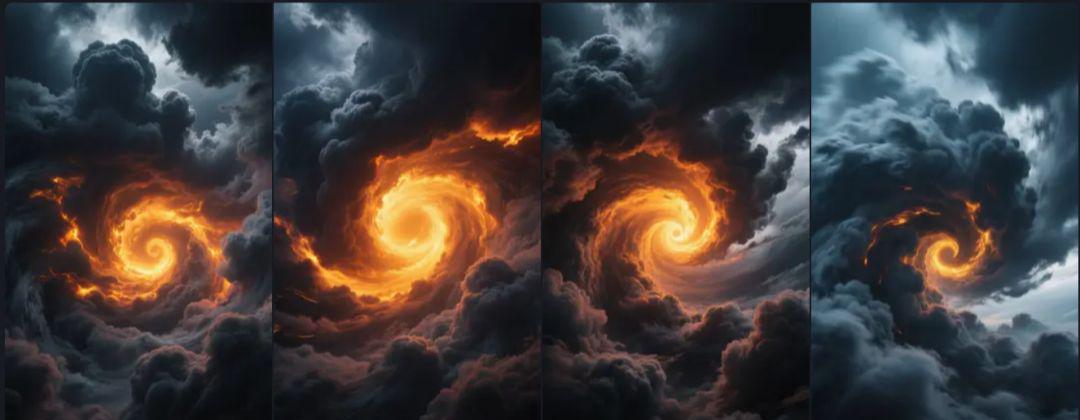
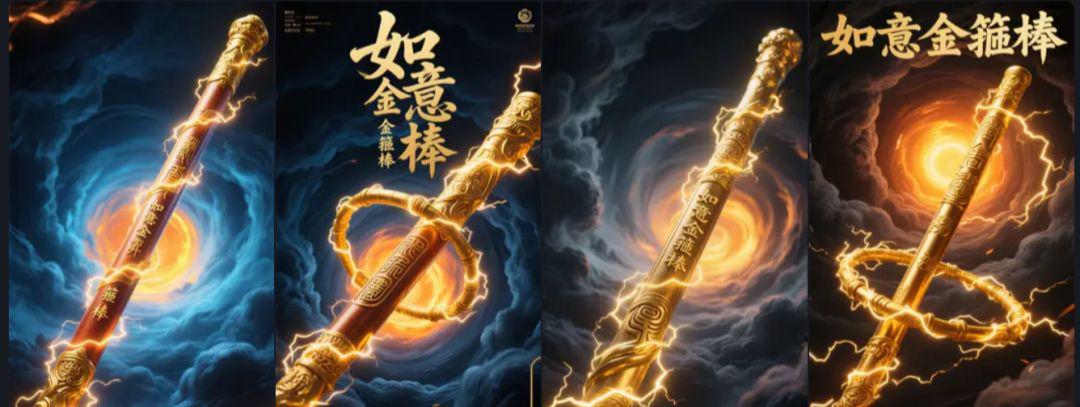
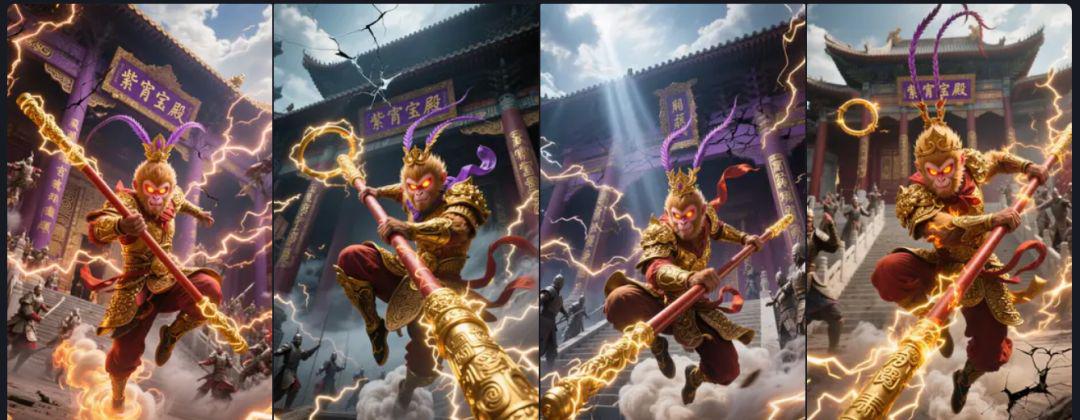
From the generated diagrams, choose the effect image you are most satisfied with, and keep downloading without watermarks to your computer. You can first mark an order to facilitate the back of the raw video
3.Figure video
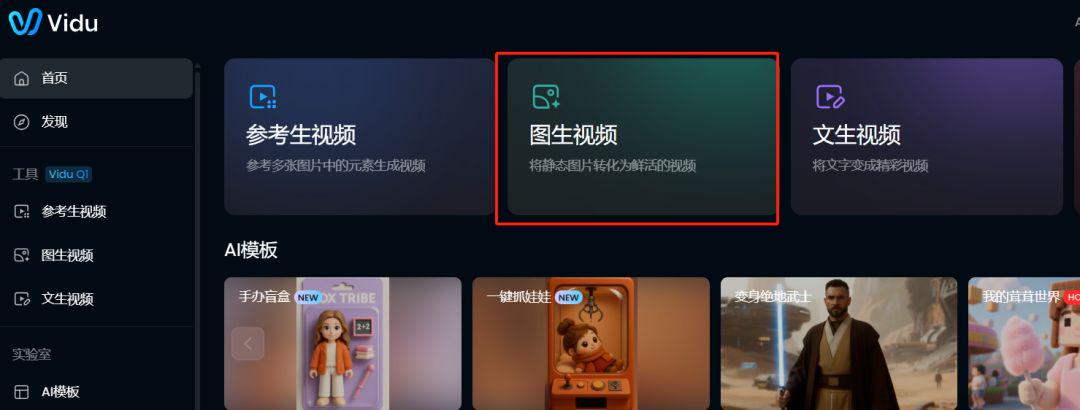
This time the production of video is required to use on the first and last frame function, mainly used VIDU, address: https://www.vidu.cn/. Raw video tools are too many, has been organized to put the toolbox. We use the smooth which can be.
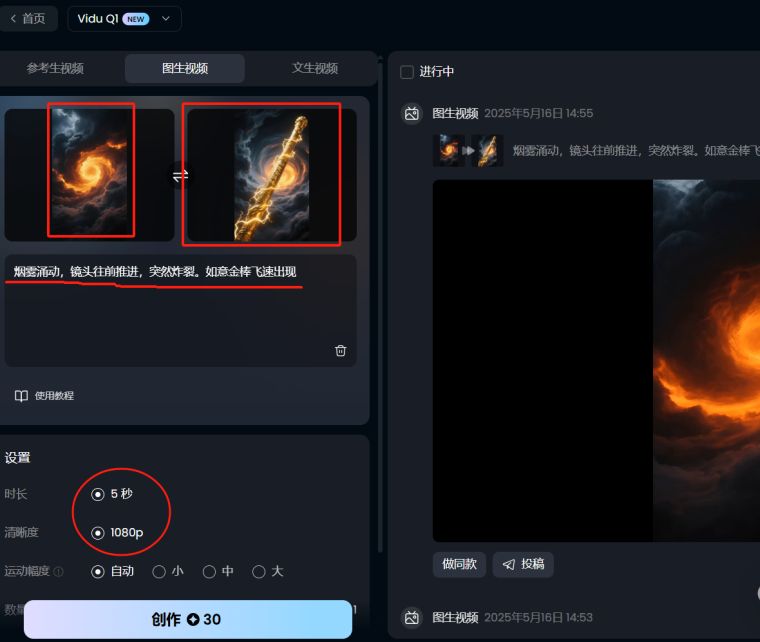
To better test the effect, paid for another membership for everyone. Remember to use vidu Q1's model effect here. 2.0 tested the effect is not so silky smooth. Time default 5S, 1080P (if you don't have a member, it's really troublesome, the points are not enough)
Upload the 1st and 2nd images and enter the following descriptors
Smoke surges as the camera pushes forward and suddenly explodes. Ruyi's golden rod appears at speed
Upload the 2nd and 3rd images and enter the following descriptors
Special effects screen as the stick spun and flew back into the Monkey King's hand. The Monkey King has a grim expression.
Upload the 3rd and 4th images and enter the following descriptors
Sun Wukong quickly jumped into the air, silk-slip illusion in the air into a war armor Qi Tian Da Sheng, feet on the purple clouds
Upload the 4th and 5th images and enter the following descriptors
Sun Wukong asked for the golden rod in the air. The movements were drawn out and cool. A smashing, very exaggerated.
Upload the 5th and 6th images and enter the following descriptors
The Monkey King picked up the golden rod in the air. A smashing blow, the action is drawn out and cool.
Upload the 6th and 7th images and enter the following descriptors
Sun Wukong jumped up and swung his golden rod, smashing it into the ground
Upload the 7th and 8th images and enter the following descriptors
Special effects screen, the stick flew back to the Monkey King's hand. The Monkey King's expression was hideous. Slamming into the screen
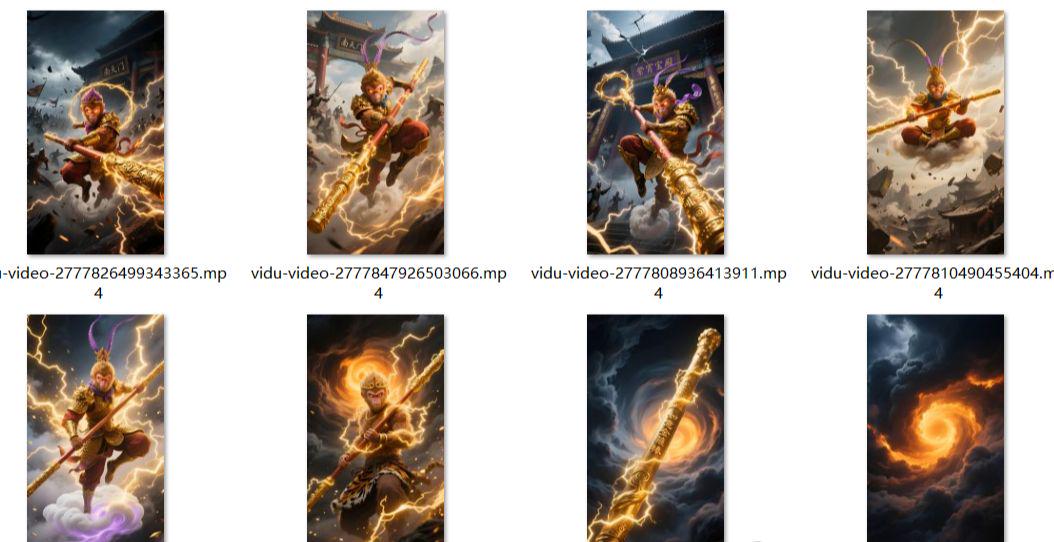
The latter we then follow this method in turn to complete all the graphic raw video, describing the prompt words have been packed.
4.edit a film
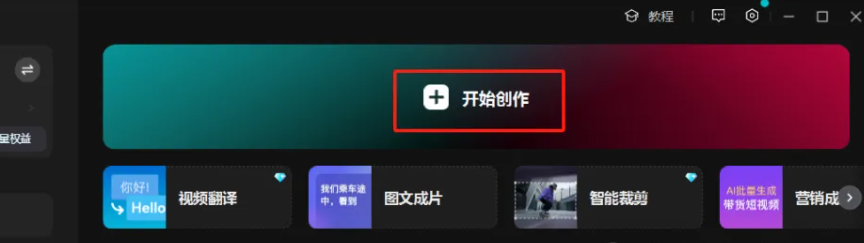
1, open the cut screen PC Professional Edition, enter the main interface, click [+ start creating].
2, add all the saved video clips, start adding background music, copywriting content, it is basically ready.
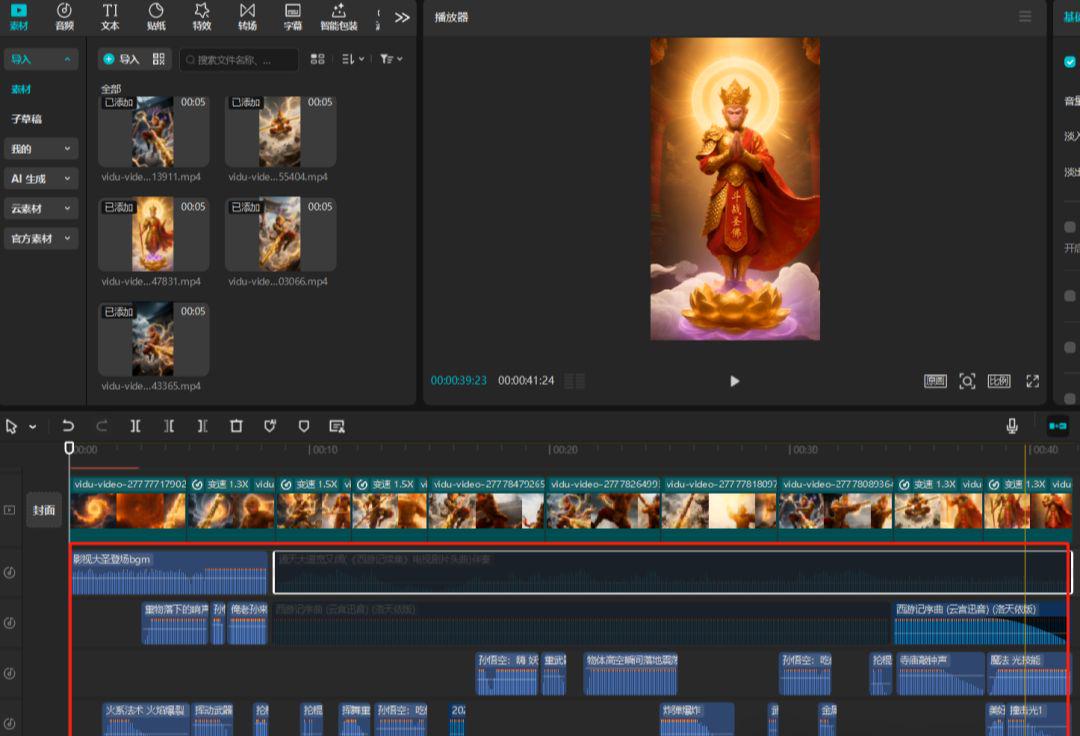
Learning Points: music, sound effects can be added to make the picture more sweet feeling, the prompt word according to the previous said can be more innovativemythological figure(Erlangshen, Piggyback, Nezha and other characters), draw more pictures to choose the satisfactory one. When you send it, declare that it is generated by AI.
It still looks good, doesn't it?Everyone can get hands-on, easy to learn, hurry up and try it~!