



We usually brushShort VideoWhen it comes to the time, is not it also like to watch the kind of cooking video? A lot of people with millions or even tens of millions of followers on a certain voice got their fire by making cooking videos.
This kind of video traffic is very high, but it is not easy for us common people to make a video once. But now we have AI that can generate food tutorial videos for us in one click. The video for this tutorial was created byDream AIVincent videos made with one click.
The production is divided into a total of three steps:
1. deepseek write prompt words
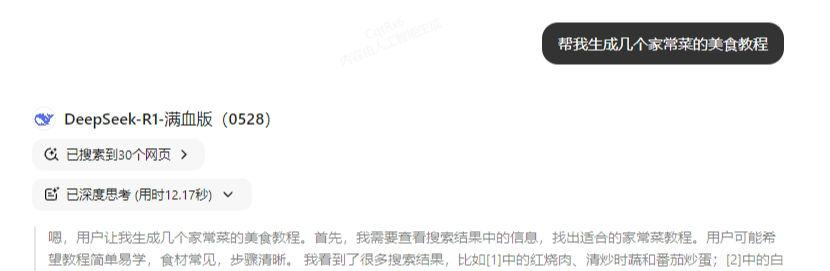
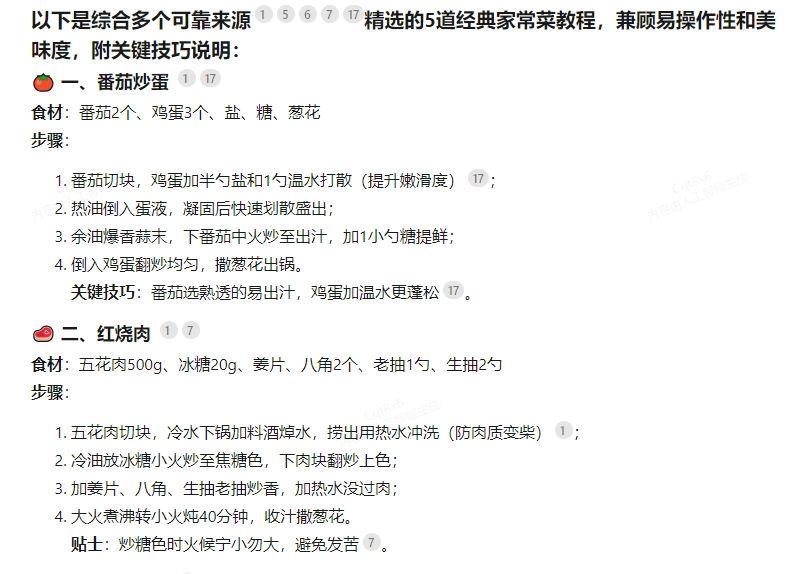
Let's open up deepseek, and we'll start by asking him to give us the steps to make a home-cooked meal.
Enter the command: help me generate a couple of home-cooked food tutorials.
Continue entering commands:
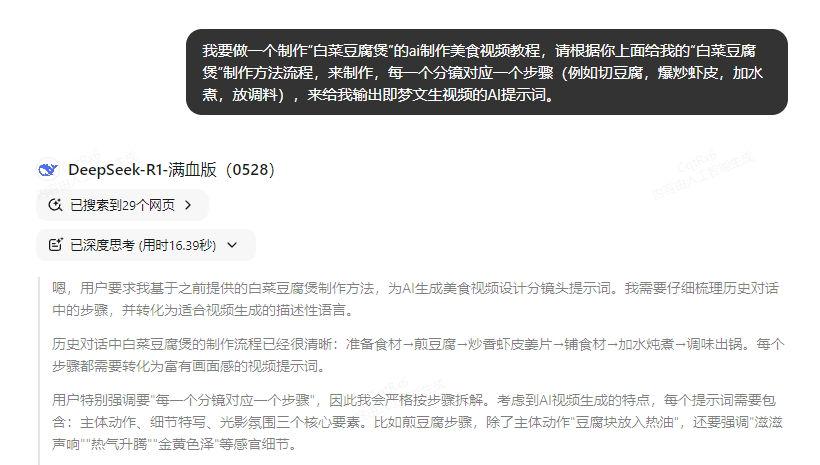
I want to make a production of "cabbage and tofu casserole" ai production of food video tutorials, according to your above give me the "cabbage and tofu casserole" production method flow, to produce, each sub-photograph corresponds to a step (for example, cut tofu, stir-fried shrimp, add water to boil, put), to give me the output that Meng Wensheng video AI cue words. (e.g. cut tofu, stir-fry shrimp, add water and boil, put seasoning), to give me the output of the AI prompts of the video of Meng Wensheng.
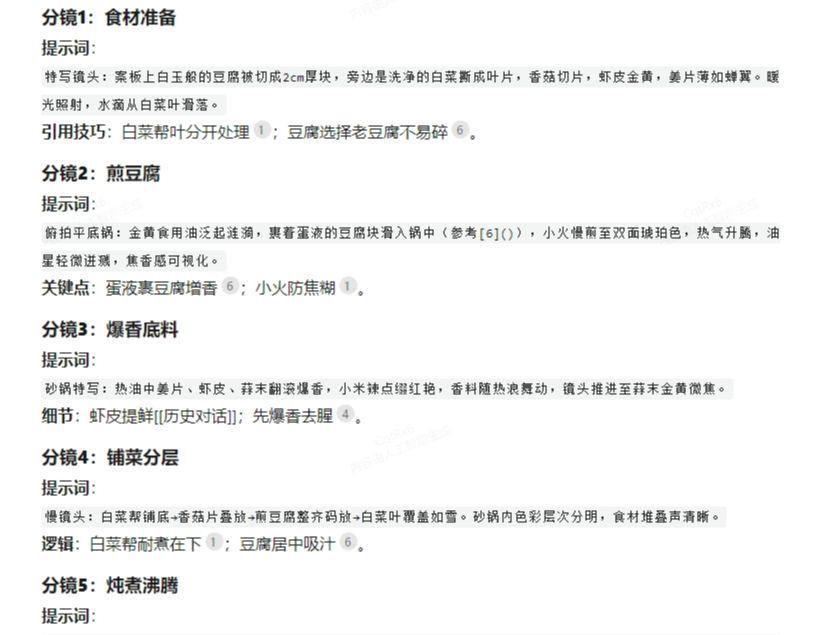
Okay, so now we've got the Vincennes video cue word.
Step 2: Create a video using Instant Dream AI
For today's tutorial we're skipping the text-to-picture process and going straight to the picture-to video.
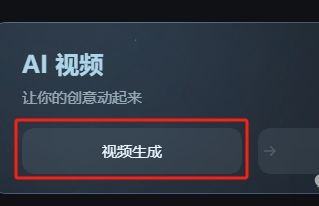
Open Imagine Dreams and click on Video Generation.
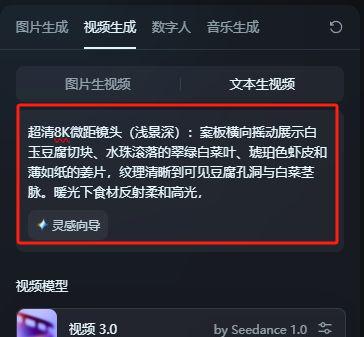
Enter the prompt word on the left side and choose a size of 16:9.Of course you guys can make it vertical.
We clicked Generate Now and waited a few seconds for the video to be generated.
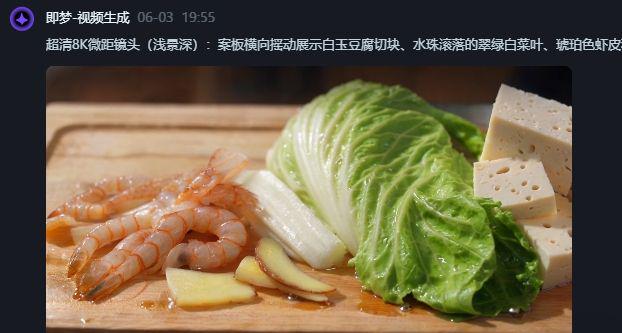
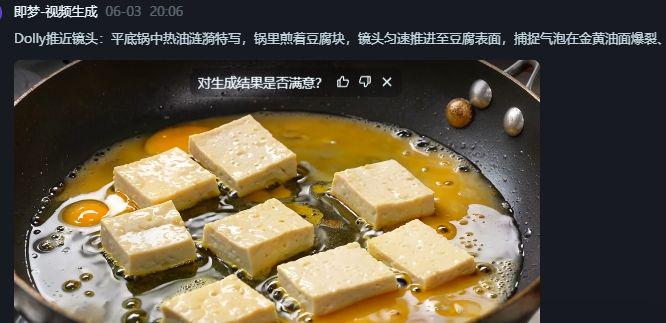
It should be noted that when you guys make your own Vincent videos, you still need to refine and modify the prompts a bit, because the prompts given directly by deepseek are still quite rough.
So if we want to do a good job with the video, we need to use our own brains, and we can't rely on AI for everything.
Step 3: Edit the video using Cutscope
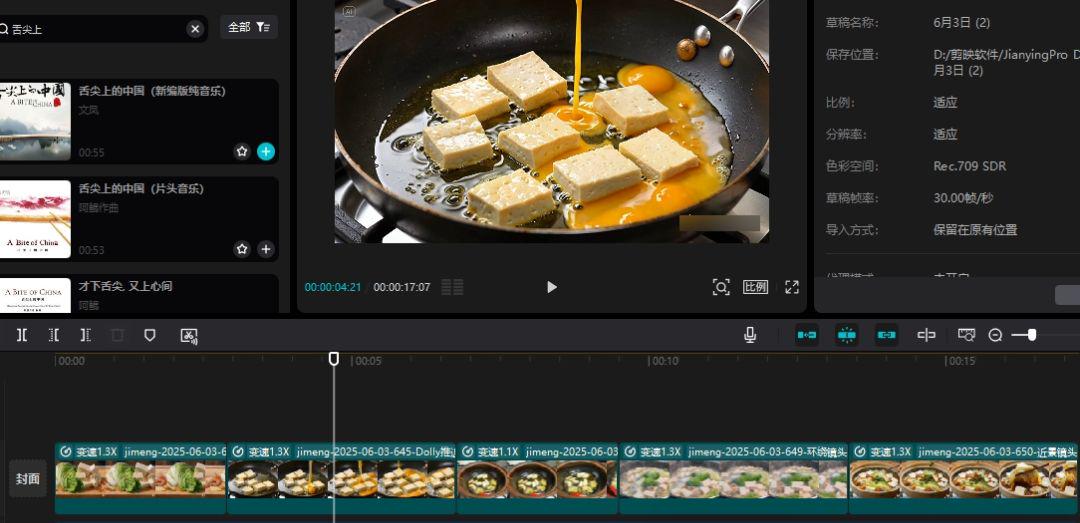
We then take the video generated by Dream and drag it to the cut screen to edit it and add music.
If you have more time, it's best to do the step-by-step captions again.
The tutorial ends here, did you learn it?