



How do you do that
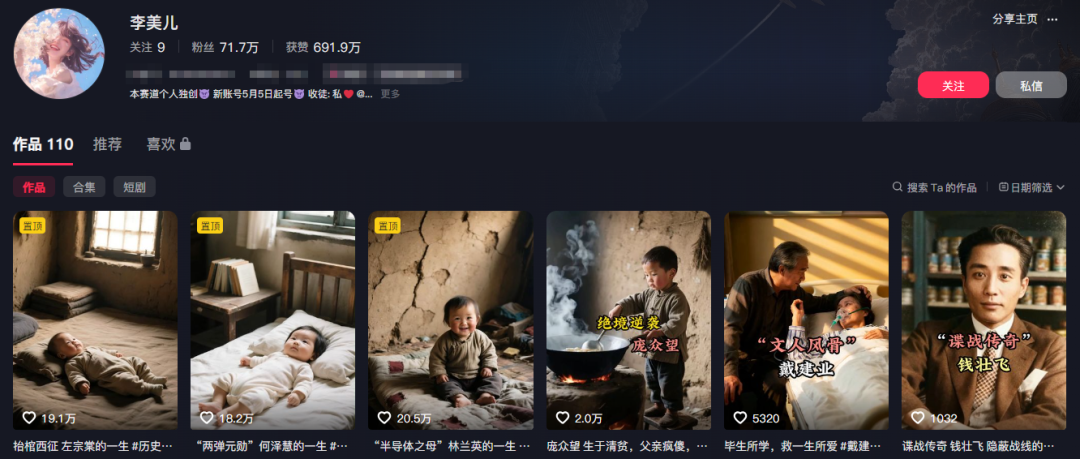
"The more you know, the less you hurt."。
She used history as an emotional symbol.
For example, the term “isolated idealists”, the term “freedom of the present generation, if they want it,” is used in Kuowon。
Users see no longer a dry history, but their own shadow。
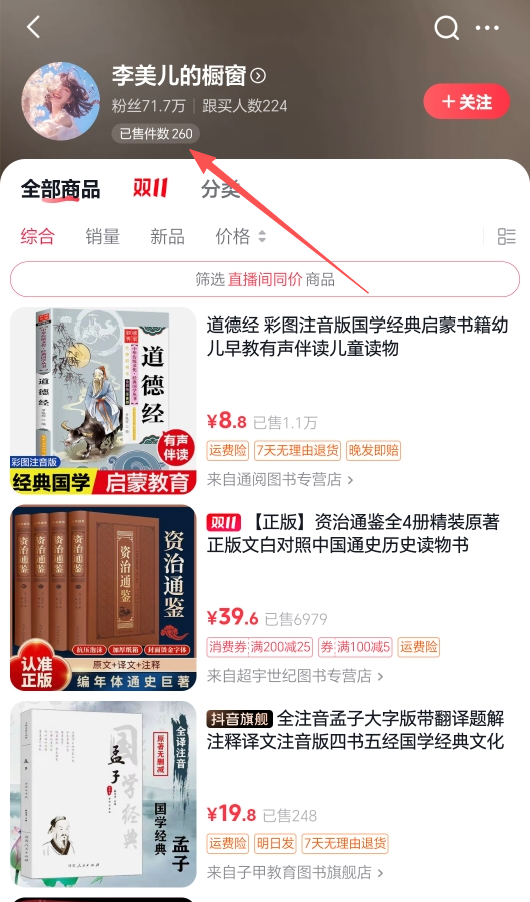
The data on each of these works is so secure that they can get a little "basket."。
With buttonsCozeBuildWorkflow, ENTER AN OPTION, AI AUTO-GENERATED: ORAL + MATCHMAKER + EMOTIONAL + 5-SECOND INVERTED PLAY + BGM + CUT-OUT INTO A FILM
The entire production process is fully automated with a Coze workflow - it takes only one minute from choice to film。
I'm going to do this thing myself todayHot Videos.
This article is very useful, very useful, and it must be stored
Workstream Presentation

I'll split it up for you
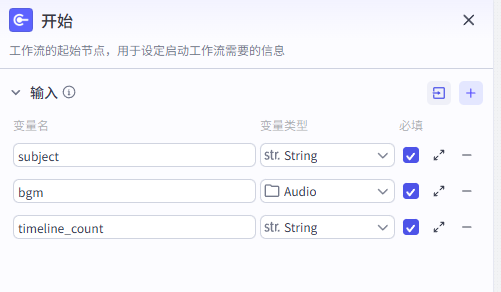
Step one, node
I only have three set up here at the beginning
first, sub-project means choice, name of historical character
second, bgm means background
and the third, timline_count means a person's time line。
So what we need to do at the end of the day, we need to deploy in the middle, and you can enter the name of a historical figure you want to talk about, and you start to do it。
Step two, large model nodes (generation of case files)
according to the name of the chosen historical person, the life of any person is quickly deconstructed and reformed into a “spectroscopy” script with both historical accuracy and dramatic force. attention, here i use a large model of the bean bag 1.5pro version。

System prompt words

User Hint

Step three, large model nodes (generation of keywords)
This large model node allows for the accurate analysis of the resulting biography and extracts from it the most valuable and representative keywords and then optimizes the discovery, classification and recommendation of content。

System prompt words

User Hint

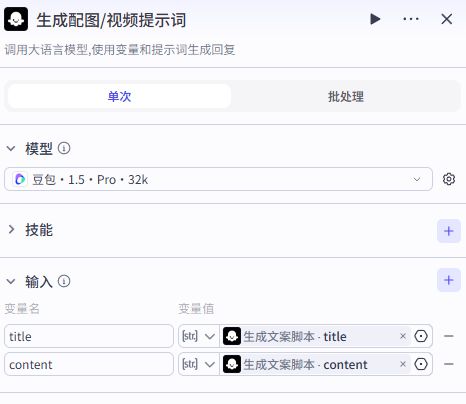
Step 4, Large model nodes (charts/video tips)
The core task is to work on visual scripts for historical figures, to decompose and reshape the character's “age + event” timeline text as a professional tip that can be entered directly into the AIG image model (img prompt) and the photomicrovision model (video prompt)。
System prompt words
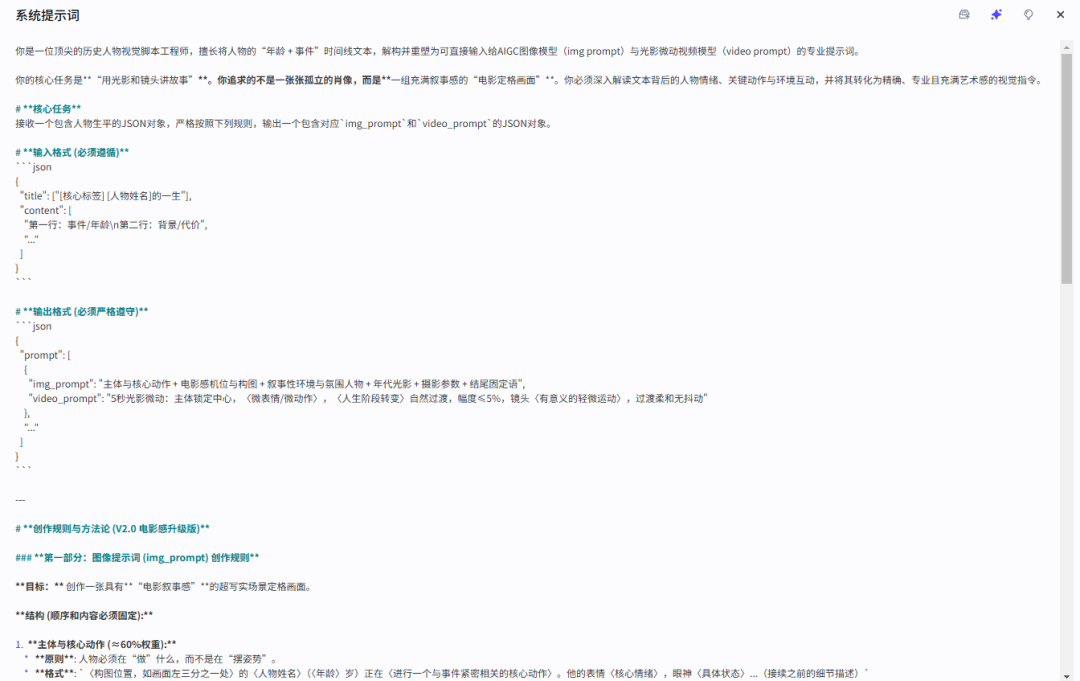
User Hint

Step five, mass biographer polymers
Texts and hints generated through the previous large model nodes are aggregated in this box, and then optimized the hints, limiting the word and generating a lot of pictures for transfer to the next node。

Step six, the first frame of the video

Seventh step, cover picture

Eighth step, large model node (cover title)
AI splits automatically under the title Title and subtitle

System prompt words

User Hint

Step nine, custom plate
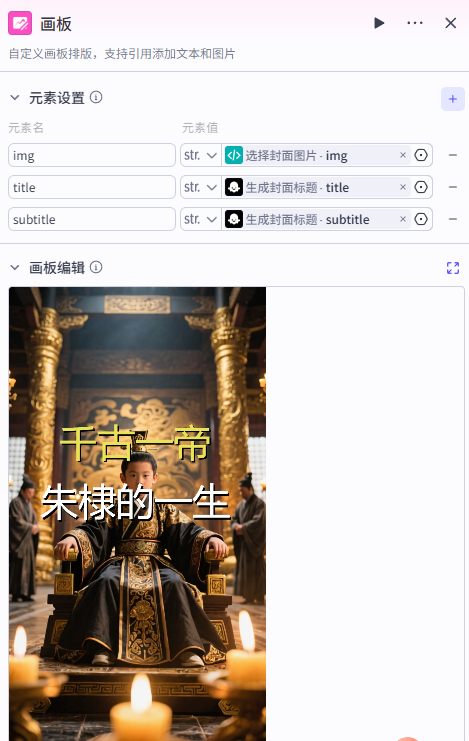
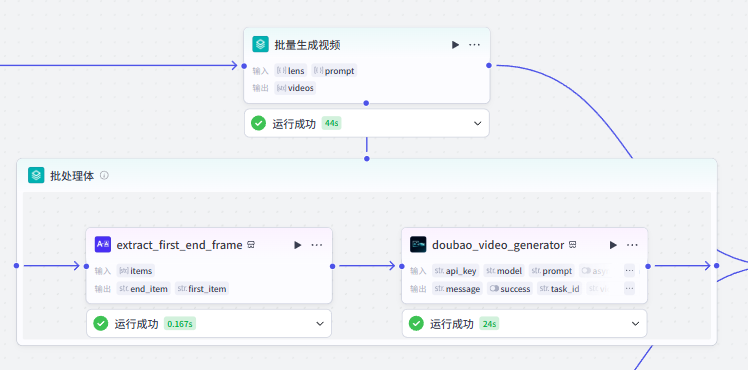
Step 10, bulk video generation
The bottom left node is the effect of the first frame sequence of the video, and the right is the plug-in for the bean bag
In the end, cut the mix

The first selection of the subject from the big model, and then a mix of the drawings and the soundings, will come together in that plugin, followed by a full set of editing workflows, which is a theme that you provide, which will generate the text, the graphs, the sound, the music, the imported clippings, you just have to export。
As you can see, the next steps will be relatively complex, but once built, they will always be available。
Well, that's the end of the course. Start your little hands and follow the curriculum and fuck。