



When usingMidjourneyIn the process of learning, many people will encounter a problem:
DiscordWhen inviting a Midjourney robot, an error message appears: Unable to accept invite
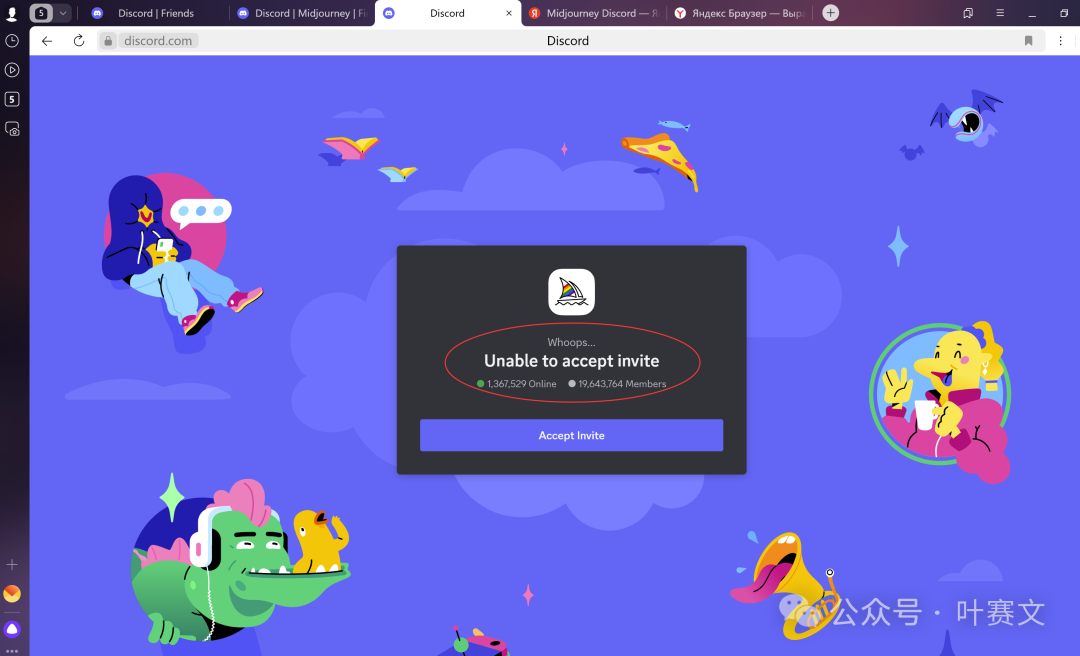
Because Midjourney is currently mainly used in Discord.
If Discord fails to invite the Midjourney bot, the end result will be:Cannot use Midjourney.
I tried many methods and finally usedThe cloud server solution.
My guess: computer problem (too much cache on the PC), international network problem
I use Lightnode's Singapore cloud server. (You can use anything else as long as your computer is clean.)
Step 1: Rent a cloud server
Website:
https://www.lightnode.com/
I chose Singapore, Asia.

Step 2: Open the console
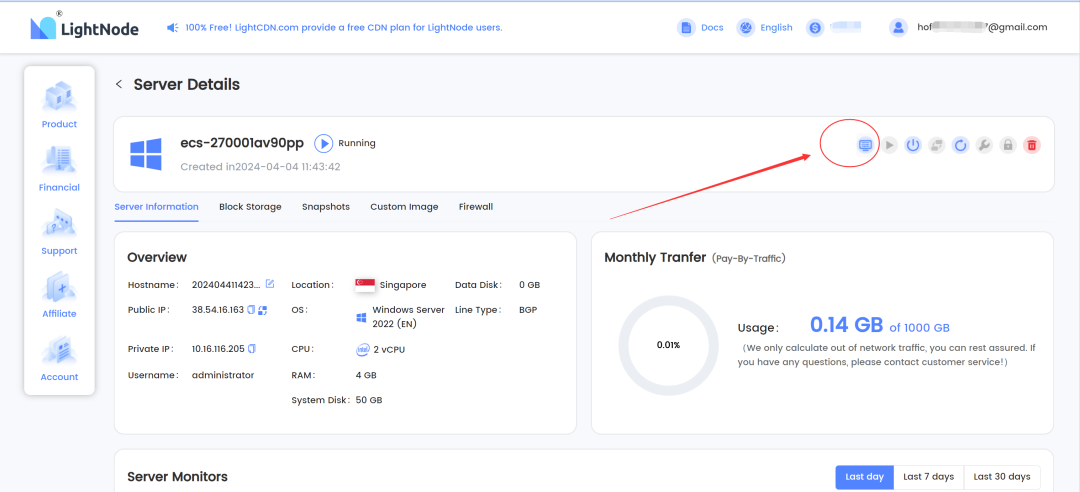
Directly access through the web page.
It can also be accessed through remote control of the computer
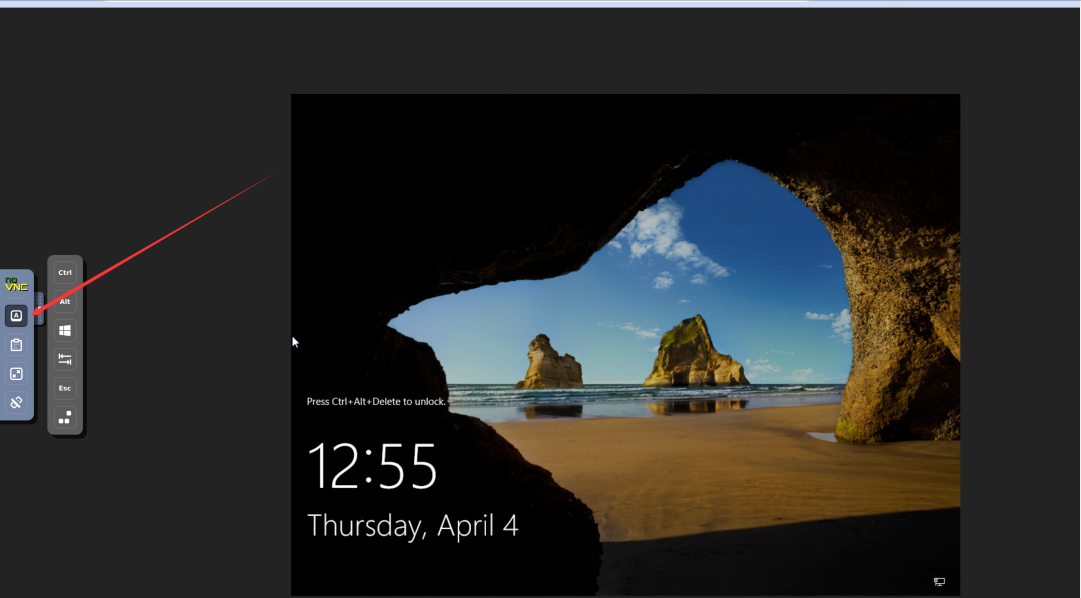
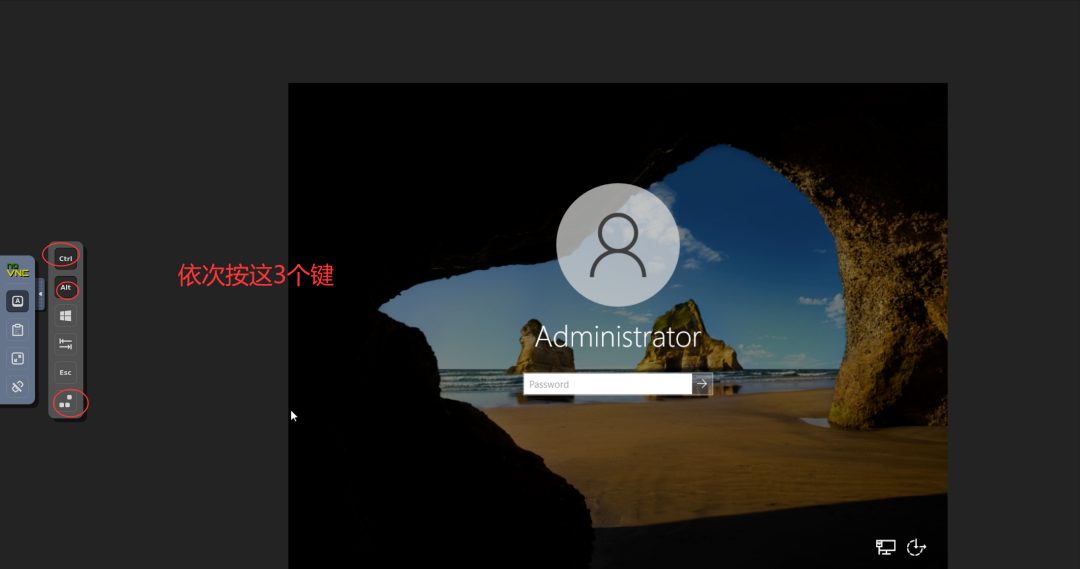
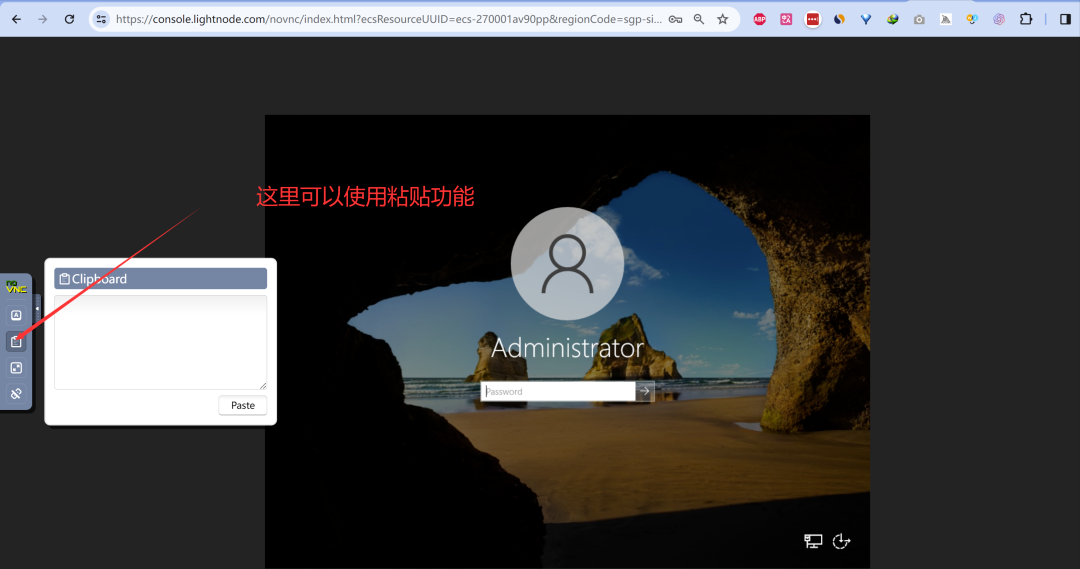
Press these three keys on the screen in sequence to bring up the login window.
You can use the paste function here
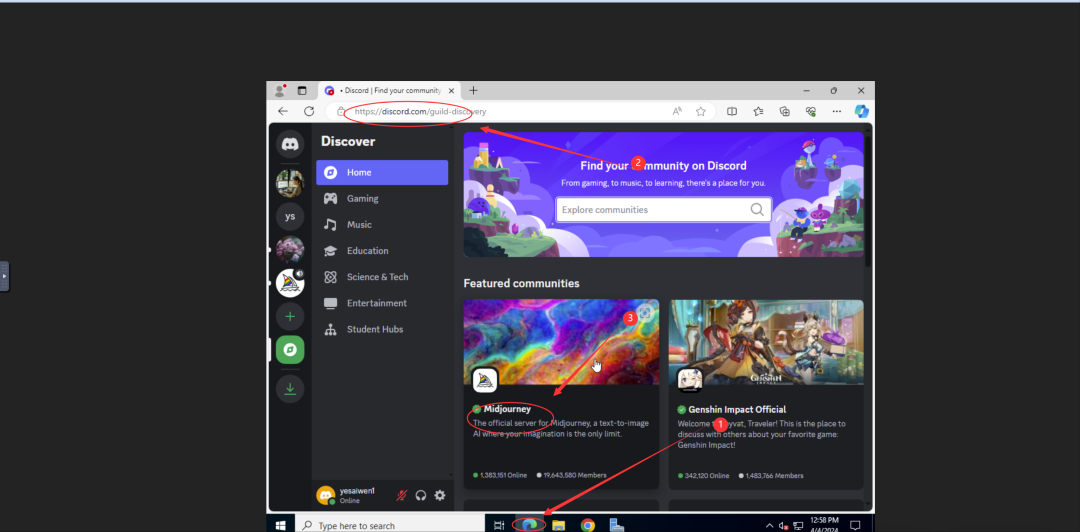
Here, open the Edge browser that comes with the Windows system, open the official website of Discord, then find the Midjourney robot, invite the robot, and you can successfully invite.
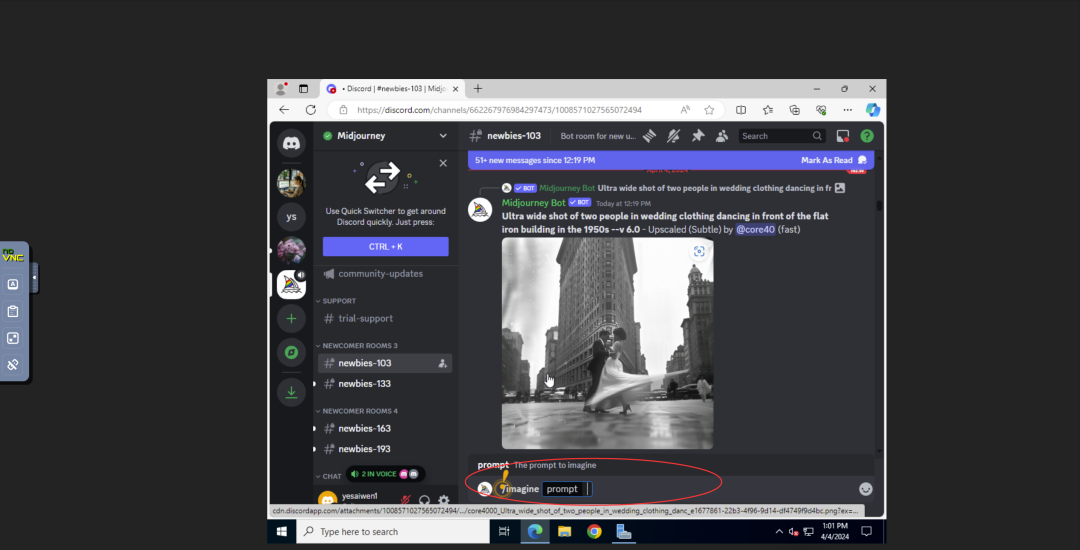
Invite Success
After the invitation is completed, you can start painting with Midjourney.
Close the cloud server and open Discord on your local computer and use it normally.