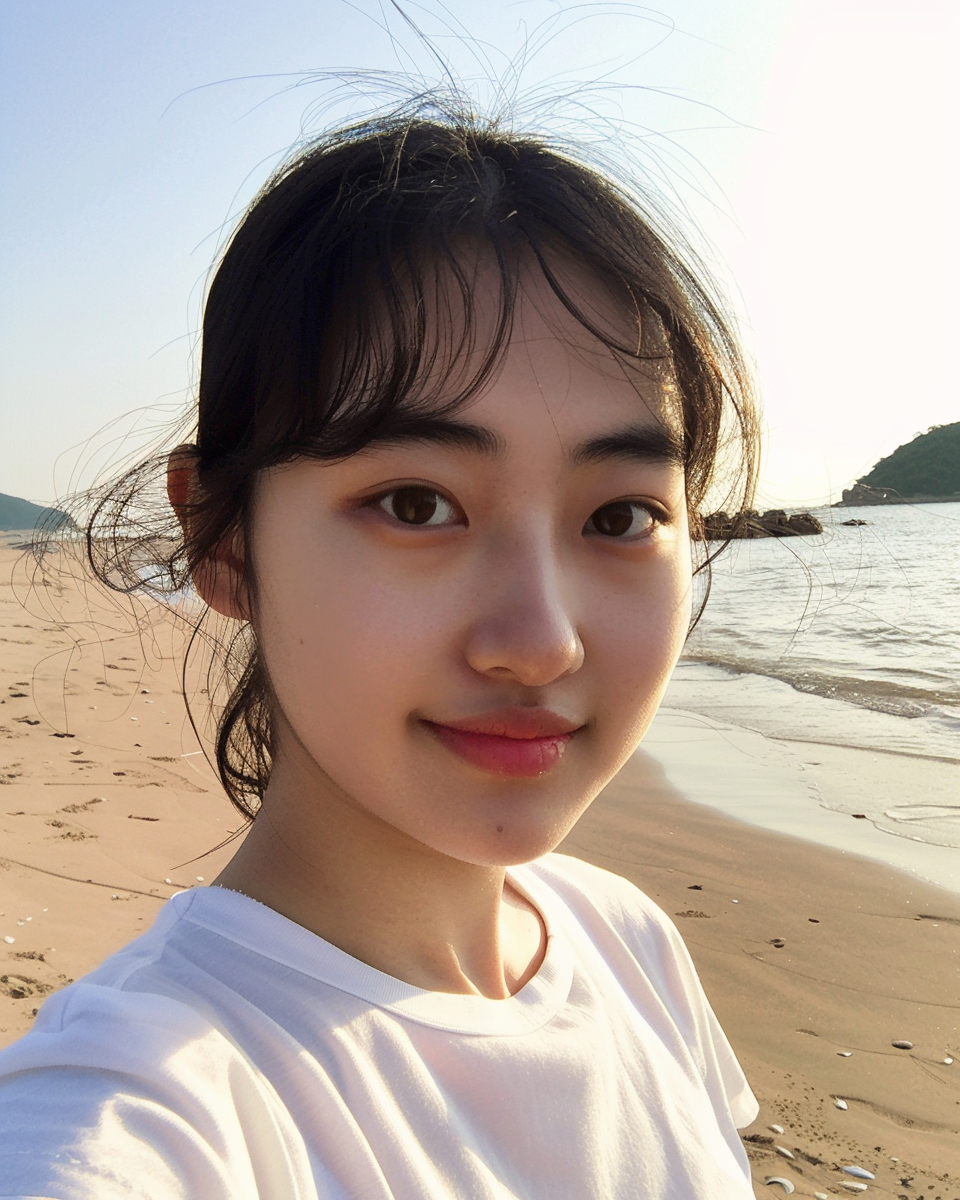
We are usingMidjourneyWhen generating real people, they are often too perfect and lose the authenticity of the characters. In fact, we can use some clever techniques to generate more naturalReal person photos, without any AI flavor. Here are 5 techniques.
1. Use Style raw
In Midjourney, we can further enhance realism by using Raw styles (i.e. -style raw) to get a more photographic image. In my experience, this is an essential parameter to create naturalistic and realistic character images.
2. Minimize stylization
Second, if you want images that resemble the average, I recommend using stylization values as little as possible (e.g., -s 50). Normally, I like to try to use higher stylization values to produce more stunning artistic images, but in this particular case, we need images that are "less artistic" and more compatible with the cue.
a photo of a young Chinese woman against the backdrop of a beautiful park -ar 4:5 -style raw -s 50
A photo of a young Chinese woman with a beautiful park in the background -ar 4:5 -style raw -s 50
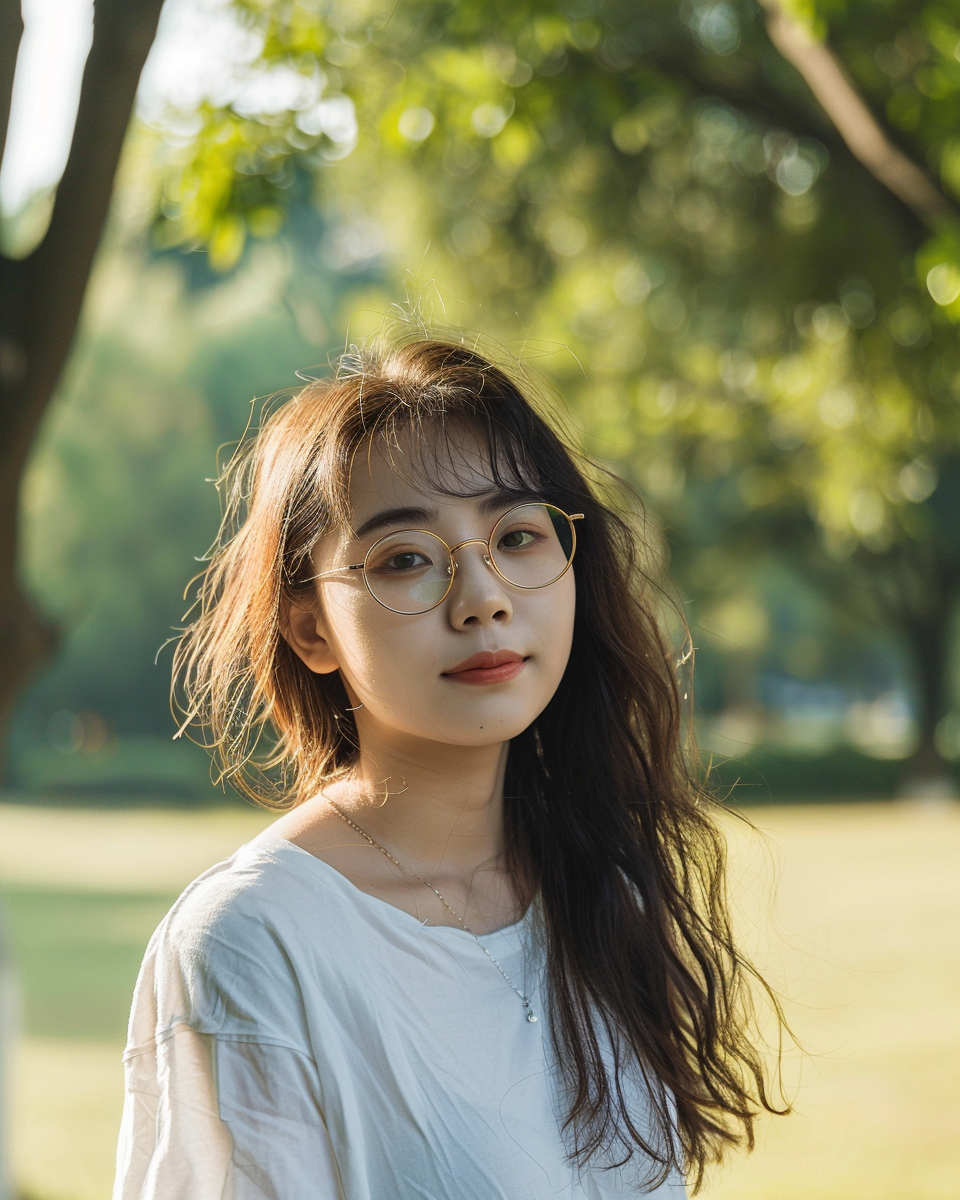
As the image above shows, using just these two parameters can produce a fairly natural image. However, we can go even further to enhance the realism of the characters.
3. Including negative tips such as makeup and filters
Often, it helps to include keywords such as makeup, filters, and Photoshop in the negative tips. Essentially, we are looking for unedited and filtered images of people without makeup. However, the key is to include these keywords as negative hints, i.e. after the -no parameter, to avoid getting the opposite result. If you include "no makeup" in the prompt, Midjourney will most likely ignore "no makeup" and generate heavily made-up character images instead.
To include more than one component in the negation prompt, separate the -no arguments with commas. (e.g. -no makeup, filters, photoshop).
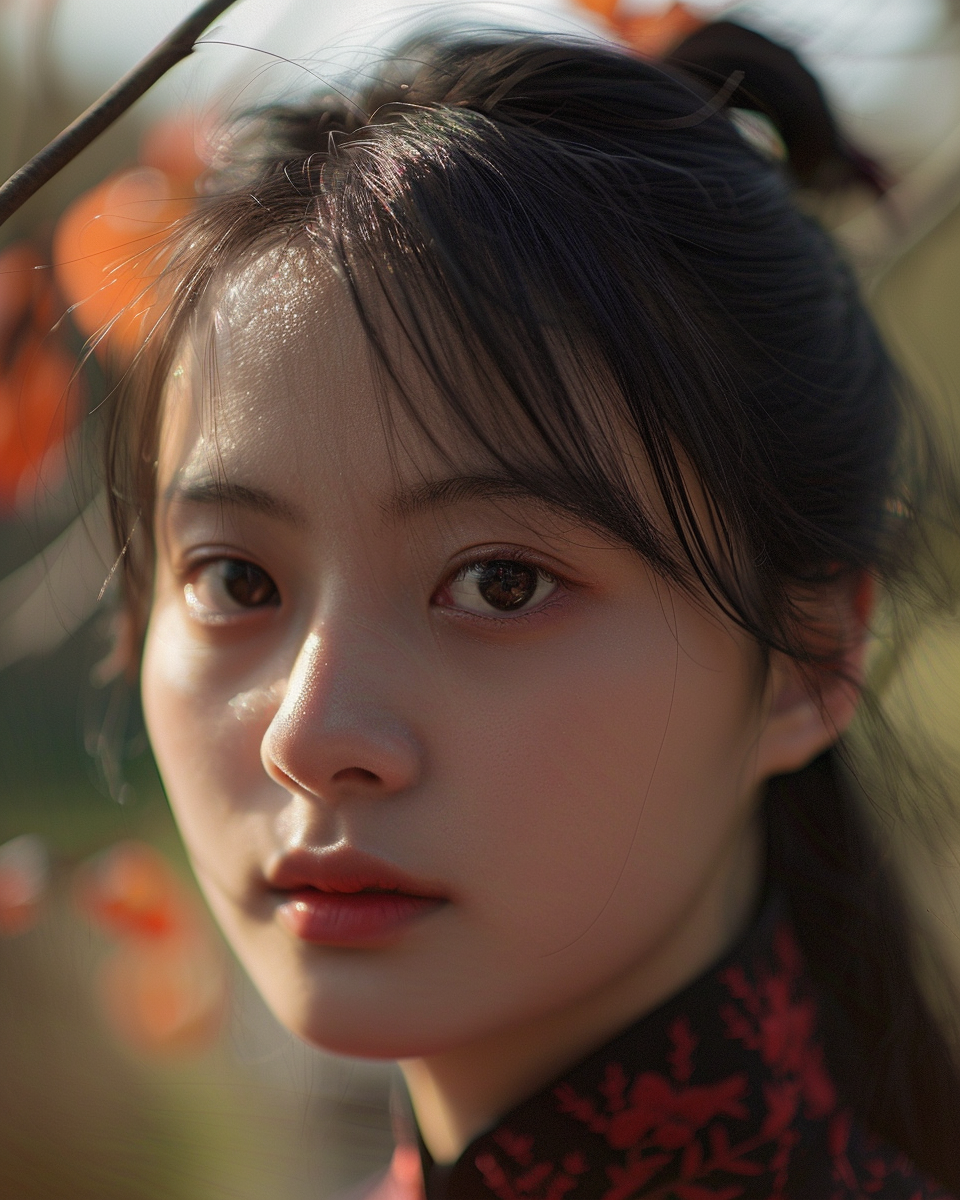
a close-up photo of a young Chinese woman in a beautiful park, very natural, everyday life -ar 4:5 -no makeup, filters, -s 50 photoshop -style raw -s 50
Close-up photo of a young Chinese woman in a beautiful park, very natural, everyday life -ar 4:5 -no makeup, filters, Photoshop -style raw -s 50
4. Use the "selfie" keyword
The realism of images and people can be further enhanced by utilizing the keyword "selfie". Simply replace "photo" with "selfie".
a selfie of a Chinese woman on the beach -ar 4:5 -no makeup, filters, Photoshop -style raw -s 50
Selfie of a woman on the beach -ar 4:5 - no makeup, filters, Photoshop -style raw -s 50
5. Add more “natural” keywords to your photos
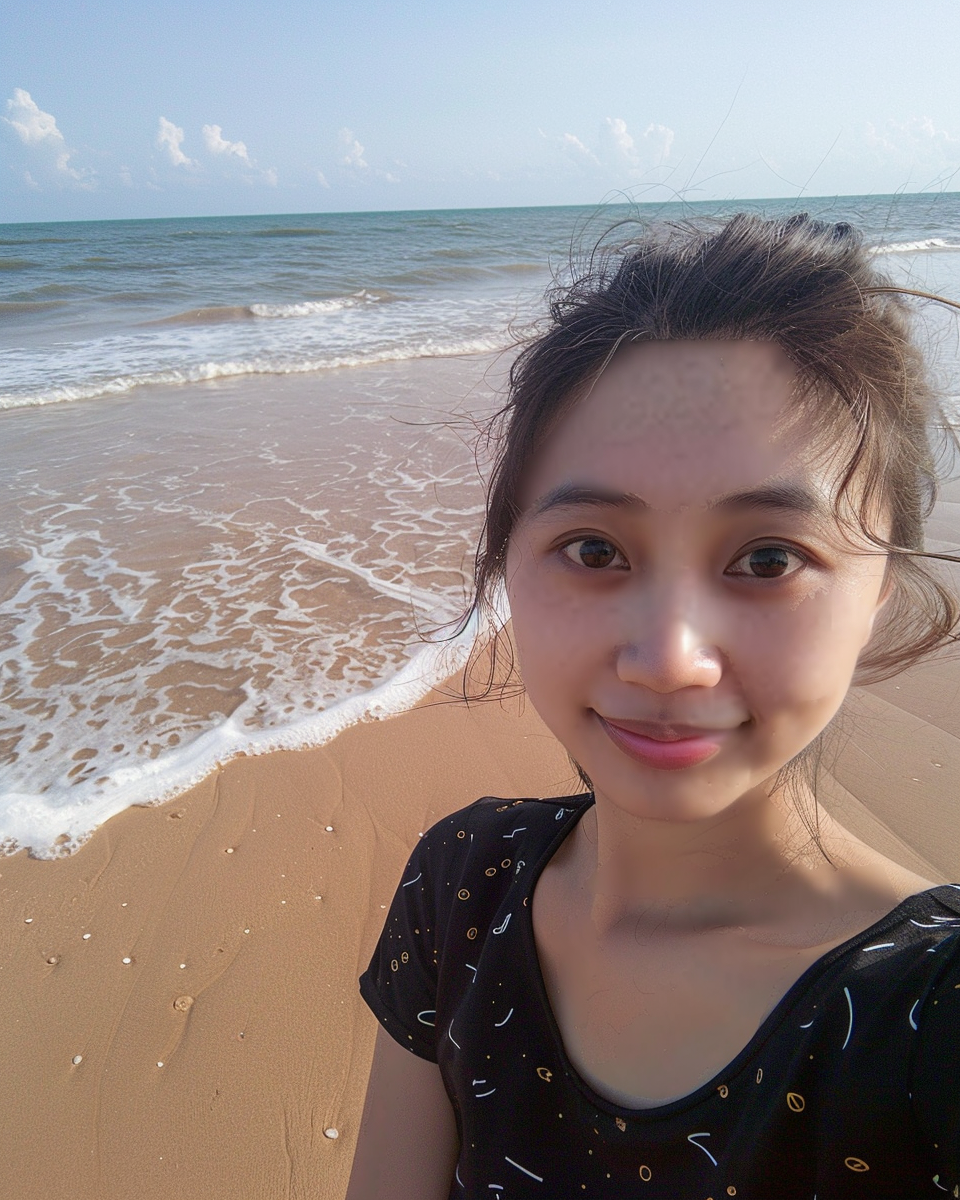
Finally, you can utilize supplemental keywords to enhance the authenticity of your images. These words might include "natural", "everyday life", "authentic".The effects of these keywords are not necessarily very obvious, but sometimes they help to achieve more realistic results.
a selfie of a Chinese woman on the beach, natural, everyday life -ar 4:5 -no makeup, filters, Photoshop -style raw -s 50
Selfie of a Chinese woman on the beach, natural, everyday -ar 4:5 - no makeup, filter, photoshop -style raw -s 50