On many video sharing platforms, certain video content seems to have the innate ability to catch the viewer's eye, such as videos that showcase beautiful women or handsome men.
These videos are often made according to the viewer's preferences; after all, the pursuit of beauty is human nature, and appreciating beautiful people and things always brings pleasure and comfort.
Recently, these types of videos have been rapidly gaining popularity on all major platforms, attracting a large number of new fans. A certain book is very hot onAI BeautyAccount, 3 days on the rise of powder 50,000 +, a 5-second video, it is easy to harvest thousands of tens of thousands of small red heart.
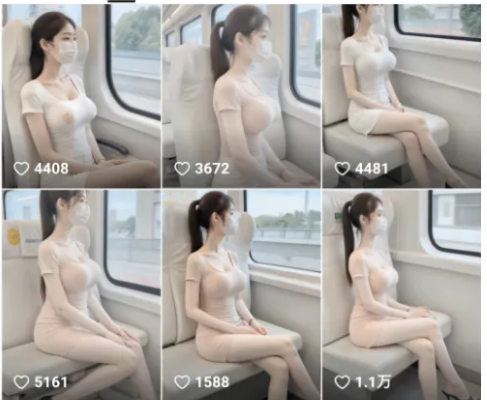
Today, we will use AI tools to create one of these beautiful videos.
Partners can add their own creativity and modify the cue words according to the operation process to produce a distinctive video effect.
ZeniumProcedure
Step 1: AI drawing
We directly use Libli AI graph generation function to apply Flux large model to produce graphs.
The big model here usesTaro FLUX - Realistic style large model:
https://www.liblib.art/modelinfo/17e5ab10e4074355936be1c88c02fd2e?from=pic_detail
Lora usesF1 Jitterbug Stream Slaughter Edition 2.0_Jitterbug Stream Slaughter Artifact:
https://www.liblib.art/modelinfo/dbe6de3e063f42daae95aba7bfe753ef?from=sd&versionUuid=95bcbf37452647a78da51b31a37e31e5
Open the URL above, log in and click[Join the model library]Add the Big Model and Lora to our model library for later use.
Click on the left list of[Raw Online], jumps to the Raw Image page.
The large model in the upper left corner selects the previous additions to the model library[Taro FLUX - Realistic Style Big Model]The following Lora model optionsF1 Jitterbug Stream Slaughter Edition 2.0_Jitterbug Stream Slaughter Artifacts
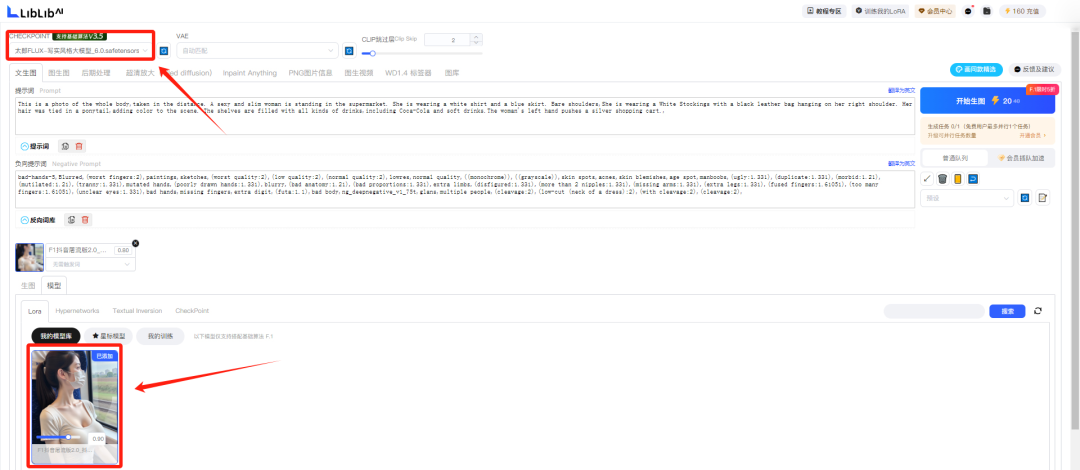
Positive prompt words:
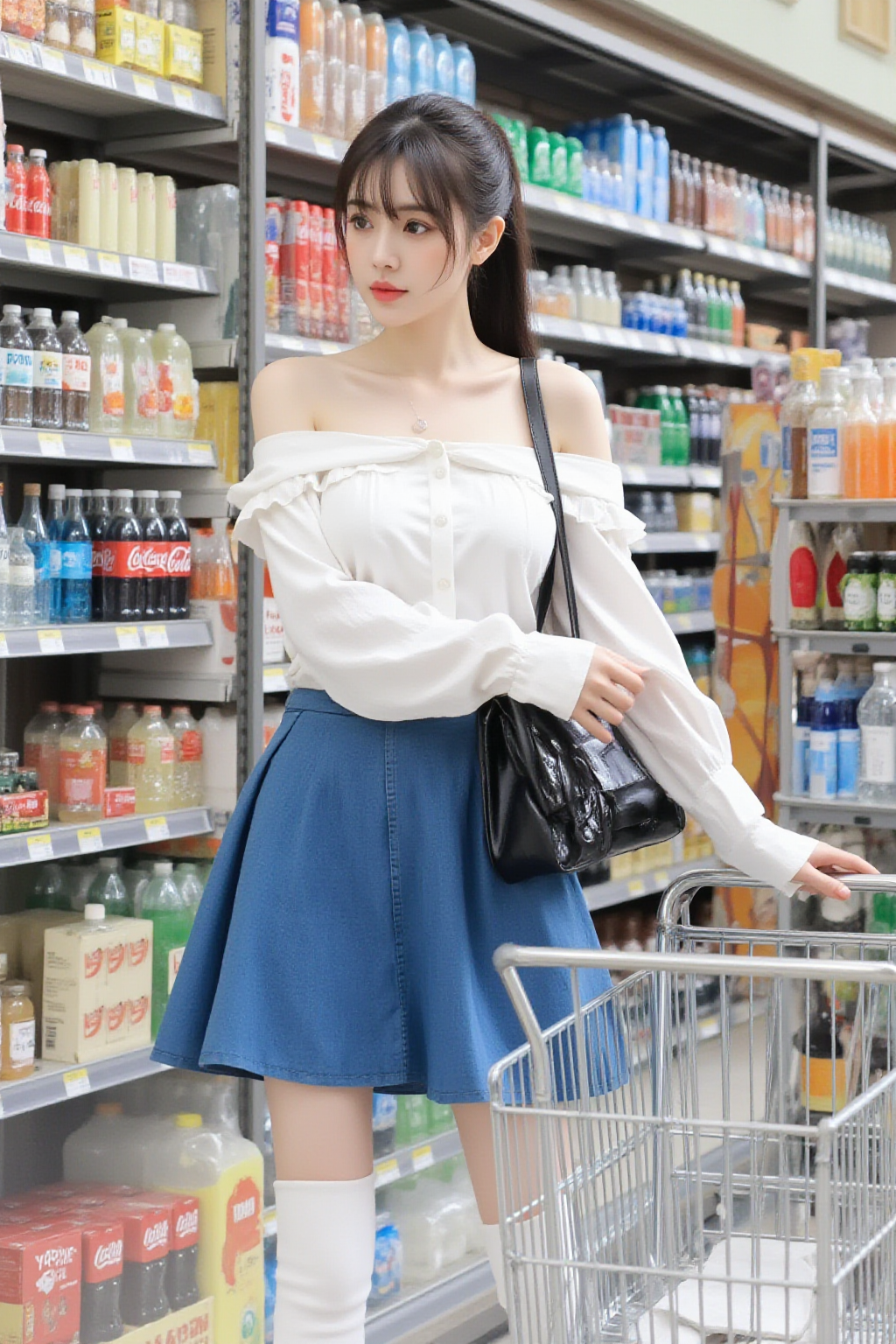
This is a photo of the whole body,taken in the distance. A sexy and slim woman is standing in the supermarket. She is wearing a white shirt and a blue skirt. Bare shoulders,She is wearing a White Stockings with a black leather bag hanging on her right shoulder. Her hair was tied in a ponytail,adding color to the scene. The shelves are filled with all kinds of drinks,including Coca-Cola and soft drinks.The woman's left hand pushes a silver shopping cart. The woman's left hand pushes a silver shopping cart.
Negative prompt words:
bad-hands-5,Blurred,(worst fingers:2),paintings,sketches,(worst quality:2),(low quality:2),(normal quality:2),lowres,normal quality,(((monochrome)),((grayscale)),skin spots,acnes,skin blemishes,age spot,manboobs,(ugly:331)),331 monochrome)),((grayscale)),skin spots,acnes,skin blemishes,age spot,manboobs,(ugly:1.331),(duplicate:1.331),(morbid:1.21),(mutilated. 1.21),(tranny:1.331),mutated hands,(poorly drawn hands:1.331),blurry,(bad anatomy:1.21),(bad proportions:1.331),extra limbs,(disfigured. 1.331),(more than 2 nipples:1.331),(missing arms:1.331),(extra legs:1.331),(fused fingers:1.61051),(too many fingers:1.61051),(unclear eyes :1.331),bad hands,missing fingers,extra digit,(futa:1.1),bad body,ng_deepnegative_v1_75t,glans,multiple people,(cleavage:2),(low-cut ( neck of a dress):2),(with cleavage:2),(cleavage:2),(cleavage:2),(cleavage:2),(cleavage:2),(cleavage:2)
Set the image ratio and the number of generated images, click[Begins to make a picture]You can generate images by consuming a certain number of points.
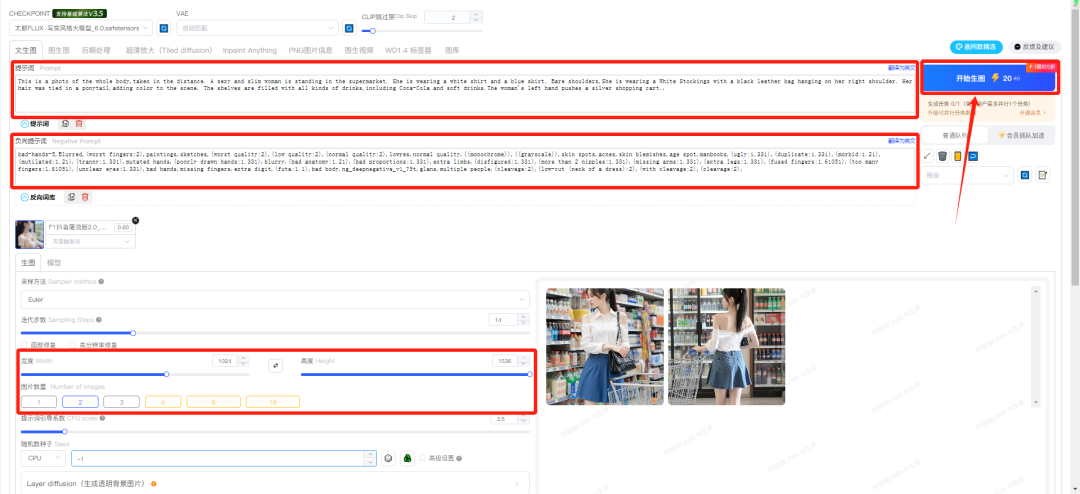
Let's take a look at the image generated:
Step 2: Generate Video
After a period of internal testing, theDream AIVideo Generation ModelS2.0 ProandP2.0 ProIt is officially fully online and open for use.
It's just as well that we stopped by to try out how well the new video model of Immanuel works.
Go to the i.e. Dream homepage: https://jimeng.jianying.com/ai-tool/home
option[Video Generation], go to the video generation page.
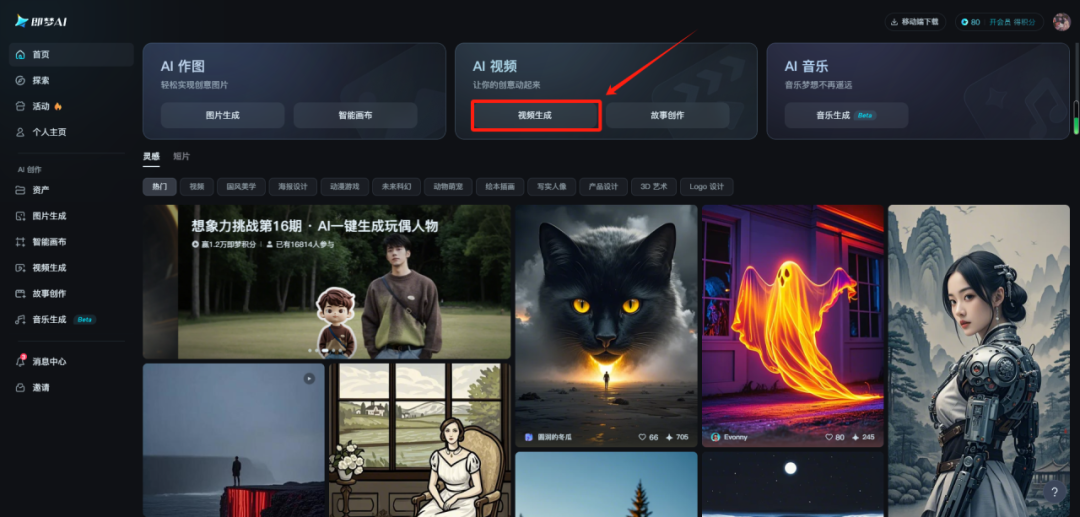
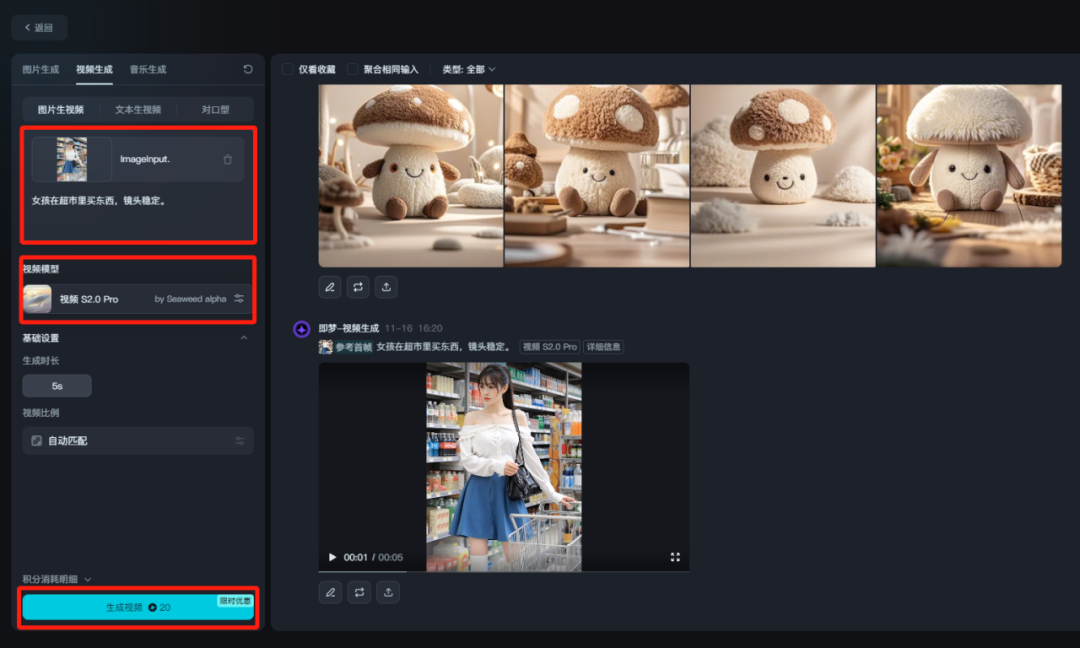
Upload the beauty image generated in the previous step and enter a descriptor:
Girl shopping at the supermarket, camera stabilized.
Video Model Selection[Video S2.0 Pro]Click[Generate Video]
Step 3: Edit the video
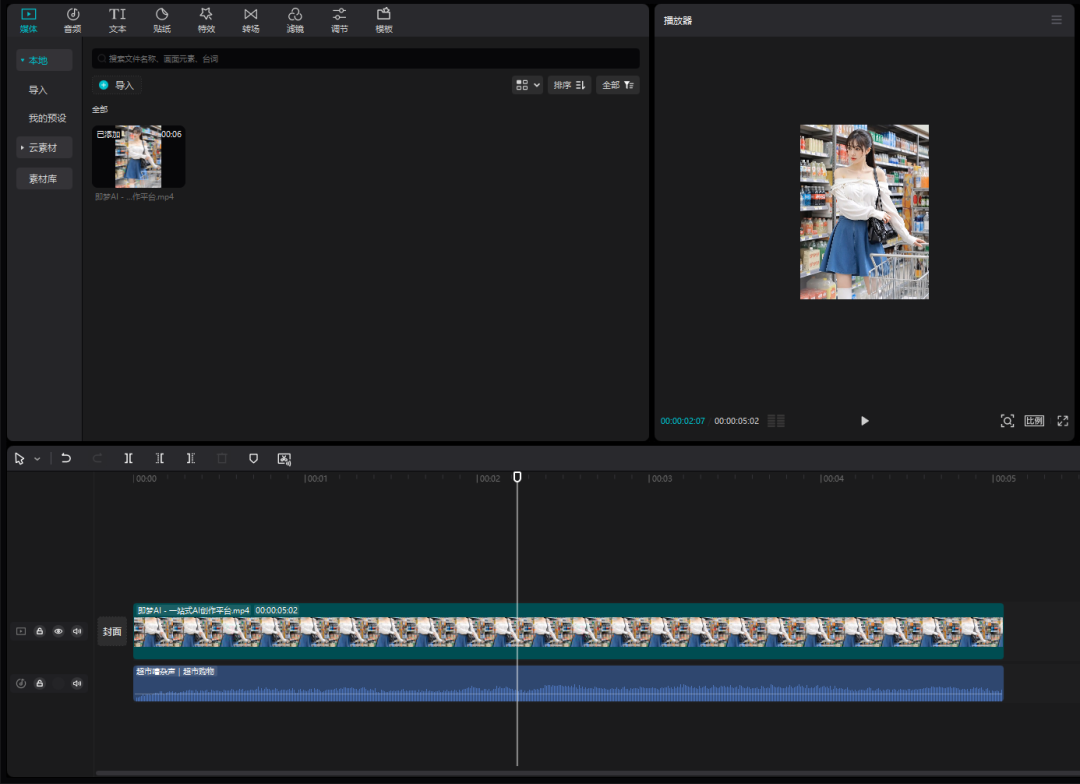
We open the clipping, import the generated video into the track, add a suitable background music and export the video.