



In 2025, when AI technology fully empowers digital content production, the field of video generation tools has ushered in explosive innovation. From the technological breakthrough of domestic tools to the continuous iteration of international manufacturers, various platforms have reconstructed the ecology of video creation with their unique technological advantages.
In this article, from the functional characteristics, applicable scenarios, operation threshold and other dimensions, for creators to deeply analyze the 10 mainstreamAI Video ToolsThe most important thing is to help you find the best creative partner for your work.
Part.01
Domestic Powerhouse: Technology Breakthrough and Localization Adaptation
I. Keling AI - an industrialized video generation engine built by Racer
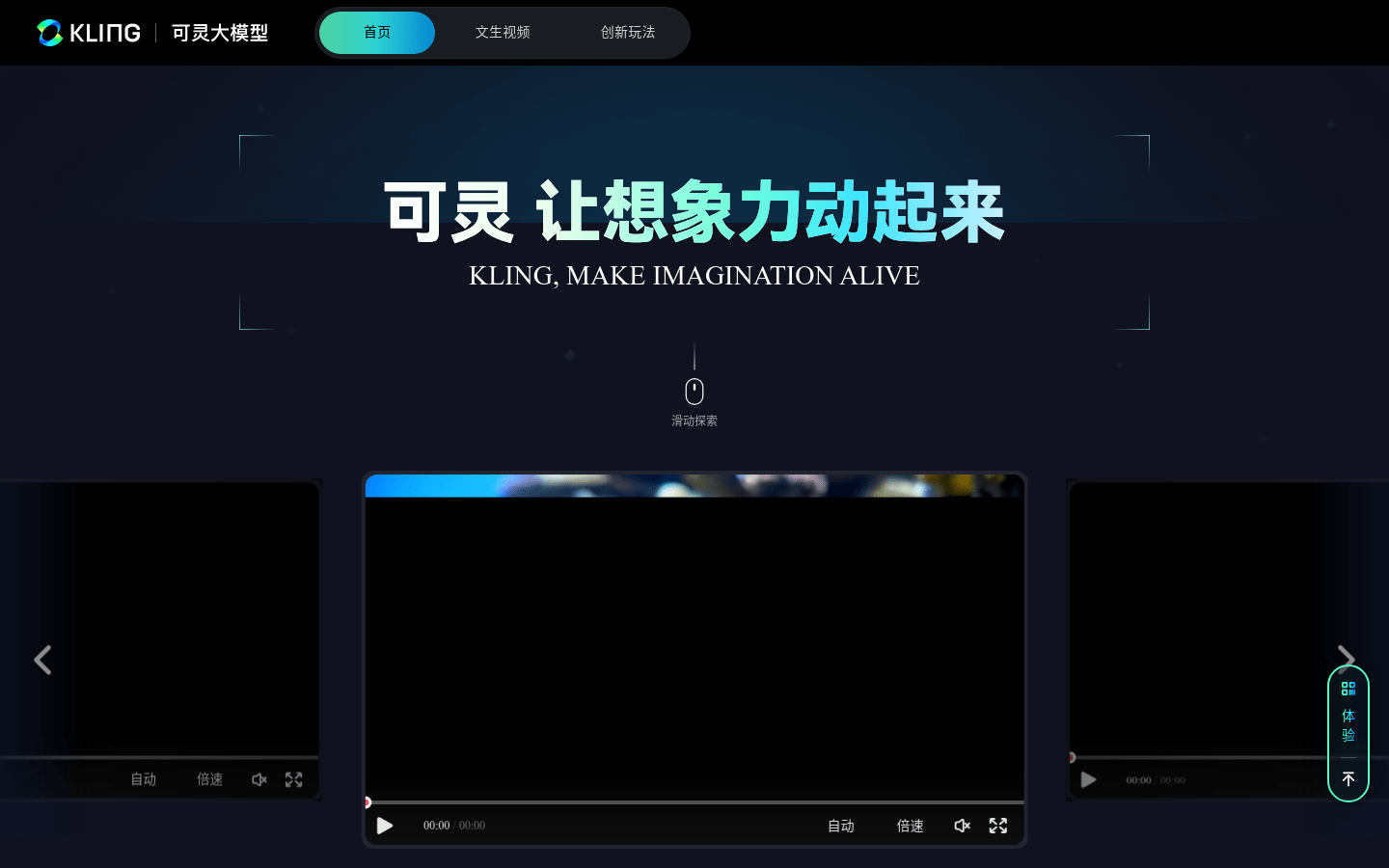
Tool Features:
1、As the first domestic tool to top the graphic video track, Keling AI shows strong engineering capabilities.
2, its 1.6Pro model is outstanding in theater-level image quality rendering, supports more than 2 minutes of long video generation, and solves the problem of character consistency through the multi-diagram reference mode.
Optimized cue word system for Chinese creators, so that the "emotion + action" description can be accurately converted into dynamic images, suitable for teams that need high-quality drama clips or advertising materials.
Payment Methods:
Free trial (points are issued periodically); pay-as-you-go (one-time purchase of points); member-pay (purchase of points, and member-specific services); free users can try out the system through the points system, and enterprise-level users can purchase member services on demand.
Network conditions:
No special network required
Official website address:
https://www.1ai.net/12558.html
Suggestions for use:
1, prompt word optimization skills
Avoid abstract representations and prioritize the use of concrete and visual action descriptions to convey emotions. For example, use "clenched his fists and took three steps back" instead of "showed an emotion of fear" to make the picture more vivid.
2. Segmented creation strategy
It is recommended to adopt the creative process of "short paragraph first + extended supplement": first complete the core paragraph of 50-100 words to ensure the stability of the scene framework, and then enrich the details layer by layer through the extended function, which can control the overall rhythm and ensure the coherence of the content.
3. Parameter adjustment method
- Interference exclusion: Add negative filters (e.g. "blurred background" "cluttered light spots") to the input box to precisely circumvent unwanted elements;
- Character Unification: Enable multi-image reference mode, upload 2-3 character setup images, the system will automatically capture feature anchors to ensure high consistency of character images when creating across images.
II. Instant Dream AI - a short video production tool of ByteDance
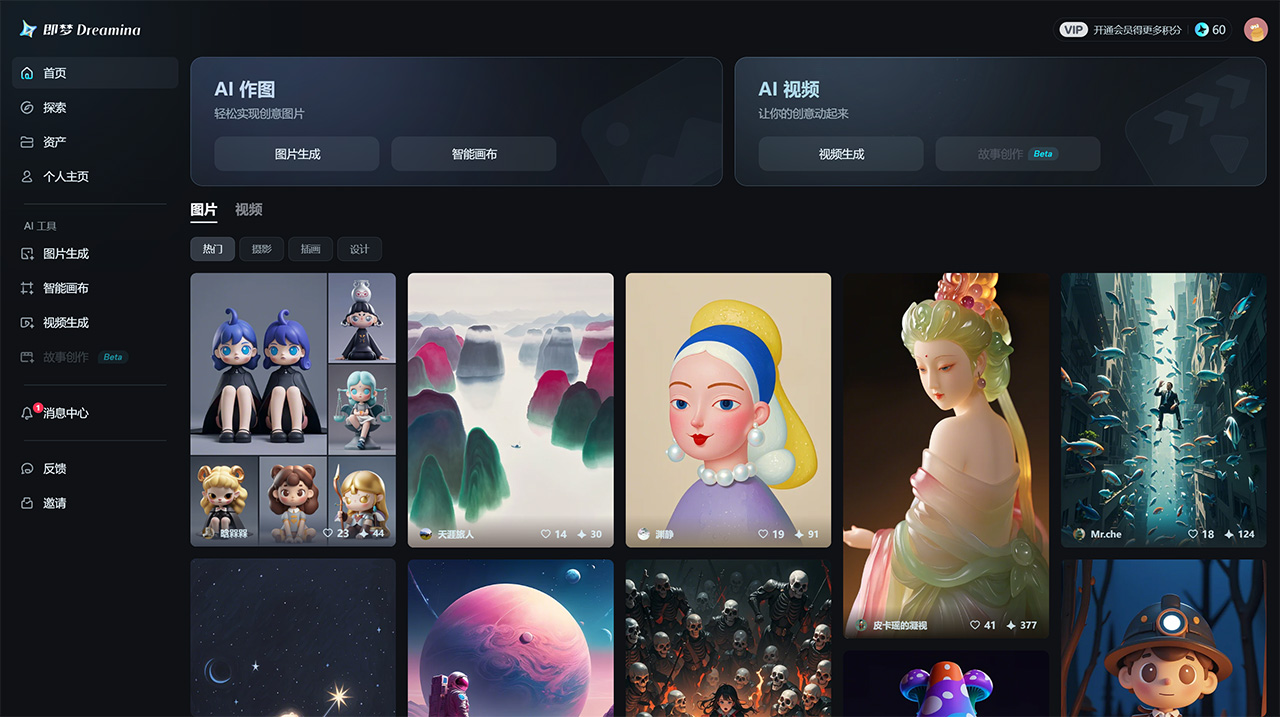
Tool Features:
1, namely dream AI rely on byte ecological advantages, become the efficiency of short video creators preferred.
2, its core advantage lies in "fast": single-frame generation speed ahead of competitors 30%, with digital people, intelligent dubbing and other functions, can realize the "copy - picture - audio" of the whole process automation.
3, the minimalist interface designed for novices, with a stylized filter library, so that users with zero editing foundation can also quickly produce jittery, fast hand explosion.
4, it is recommended to use the "split-screen script + first and last frame control" strategy to enhance the coherence of the long video, cost-effective points system suitable for high-frequency small-cost creations.
Payment Methods:
Free trial (points are issued periodically); pay-as-you-go (one-time purchase of points); member-pay (purchase of points, and member-specific services); free users can try out the system through the points system, and enterprise-level users can purchase member services on demand.
Network conditions:
No special network required
Official website address:
https://www.1ai.net/10005.html
Suggestions for use:
1. Long video narrative strategy: split-screen script + first and last frame anchoring
Given the limited ability to generate coherent long videos for Instant Dreams, it is recommended to adopt the "Segmented Production - Articulated Anchoring" workflow:
- Scene splitting: split the complete narrative into 10-15 seconds short video clips, control 2-3 core shots in a single clip (e.g. dialog scenes can be split into "character close-ups - action interactions - environment switching").
- First and last frame design: add scene positioning elements (e.g. door frame/lighting changes) to the first frame of each clip, and reserve an extension interface (e.g. direction of character's line of sight/limb dynamics) for the last frame, so as to realize the natural transitions through the phrase "action in the last frame of the previous clip → take over in the first frame of the next clip".
2. Model adaptation techniques: dynamic testing + functional combinations
For the performance differences of multivariate models within the platform, it is recommended to perform combinatorial debugging through the 'Function Label Matching Method':
- Action Priority Scene: Choose "Smooth Body Model" to generate action sequences, optimize facial details with "Accurate Expression Model", and finally unify the action trajectory with "Enhanced First and Last Frames Model";
- Precision Priority Scene: Use "High Detail Static Model" to determine the key frame composition, then import "Dynamic Complementary Model" to fill in the transition frames, and continue to use "Contradiction Detection Tool" to eliminate limb misalignment problems during the process.
- Note: Whenever a new model is assembled, it is recommended that a 3-5 second test clip be generated to observe the smoothness of the animation and the consistency of the features.
3. Short video rapid generation solution: single-frame optimization + functional integration
Relying on the one-stop tool chain of Instant Dream, we recommend the "triple-core driven" creation model:
① visual cornerstone: Enhance single-frame image quality (resolution/light/color) through "AI Image Refinement" to ensure that the core image has a communication-grade texture;
② Dynamic empowermentThe "Digital Human Intelligent Driver" function automatically matches the character's mouth and body movements, and synchronizes with the "Copyrighted Music Library" to generate mood-appropriate background music;
③ Process efficiency: Using the "Templated Combination" function, save commonly used "Scene Presets + Model Configurations + Sound Solutions" as a customized workflow to achieve minute-by-minute mass production of similar videos.
III. Vidu-- A benchmark for long video consistency developed by Tsinghua team
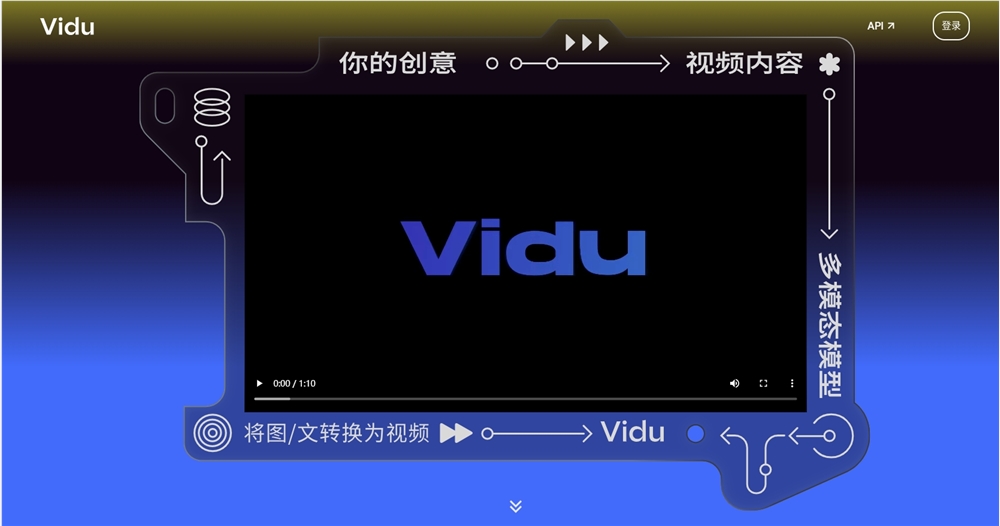
Tool Features:
1. Vidu, jointly developed by Beijing BioDigital Technology and Tsinghua University, has overcome the problem of character collapse in long video generation.
2. Its "Reference Raw Video" function supports multi-frame anchoring, ensuring that character expressions and movements remain uniform over long sequences, and that the drawing style is detailed and smooth.
3, suitable for animated short films or novel adaptation videos that require continuous narrative. However, it is necessary to pay attention to avoid multi-person interactive scenes, cue words as much as possible to use the "subject-verb-object" structured description, the free version can be obtained through the daily sign-in to the basic generation of credits.
Payment Methods:
Free trial (daily check-ins); subscription-based (purchase of points, and other member services such as clarity, hours, quick generation, commercial support, etc.).
Network conditions:
No special network required
Official website address:
https://www.1ai.net/16856.html
Suggestions for use:
1. Multi-player scene creation strategy: focus on the core subject + subplot avoidance
Scene Characteristics: When dealing with complex interactive scenes with more than 3 people, the platform is prone to misalignment of limbs, low synchronization rate of expressions and other detail loss problems.
- Main character streamlining method: Limit the interaction group to 2-3 people, and highlight the core character through "action-guided focus" (e.g., keep the secondary characters in a static position, and the main character performs a clear action such as waving/handing);
- Split-screen dismantling technique: If more than one person must be in the same frame, use the "staged interaction" model:
① The first frame fixes the group station (e.g., static compositions sitting around a dining table) to avoid dynamic synchronization calculations;
② Single characters take turns triggering key actions (first a close-up of A handing the microphone to B, then a reaction shot of B receiving the microphone), which are combined into a coherent scene through post-production editing;
③ Hide non-essential details (e.g., vignette of limbs in the foreground with greenery / props) with "Ambient Element Masking".
2. Cueing principles: visualization + double validation mechanism
Tool characteristics: text parsing accuracy is weaker than similar products, response to abstract concepts (e.g., "sense of atmosphere", "emotional tension") is prone to bias.
- Three-dimensional visualization formula: "visual anchors (concrete objects) + action trajectories (precise to the joints) + environmental feedback (observable changes)".
- Counterexample: "Showing a happy party atmosphere"
- Example: "The girl in the blue dress raises the glass with one hand and tilts her wrist inwards at 30°, the walls of the glass reflect the six shadows of the chandelier, and the figure on the right grins in synchronization with her teeth.
- Validate the process:
① Keep the first draft cue to 50 words or less, focusing on a single core action;
② After generation, check whether there is "feature loss" (e.g., the required glasses-wearing character does not show lens reflection), if there is, then add "mandatory feature words" ("Note: characters wearing metal-framed glasses need to clearly present the shadow of the nosepiece").
3. Free version of the image quality improvement program: generate - repair - output three-stage process
Limitations: The free version outputs 720p low-definition video by default, and there are problems of edge jaggedness and color breaks.
① Foundation generation stage:
- Add "Low-Definition Adaptation Parameters" at the end of the prompt: "Note: Control the screen elements within 10, avoid complex light and shadow levels";
- Select "Base Model" generation to reduce picture quality compression caused by system resource consumption.
② Post-restoration link:
- Image restoration: Super-resolution processing with Topaz Video AI (2x zoom recommended, focusing on restoring character facial textures);
- Color Optimization: DaVinci Resolve's Noise Reduction Panel was used to deal with color blocking, and the Skin Tone Range was manually adjusted to ensure natural skin texture.
③ Output settings:
- Select "H.264 Encoding + Medium Bitrate (8-12Mbps)" when exporting to avoid secondary loss of image quality due to high compression.
Part.02
International Vanguard: Technical Ceiling and Creative Freedom
IV. Runway - an industrial-grade platform for full-process video production

Tool Features:
1. AsAI VideoAs a pioneer in the field, Runway's Gen-4 model represents the current technological ceiling, supporting 4K resolution, dynamic simulation of complex scenes, and leading the industry especially in the naturalness of character movement and the reproduction of light and shadow textures.
2, 30 + function module covers the whole process from generation to editing, intelligent keying, style migration and other tools can be seamlessly connected to the post-production.
3, higher learning costs and subscription fees (requires scientific Internet access) makes it more suitable for professional teams, newcomers are recommended to use free points to familiarize themselves with the combination of "cue word + parameter adjustment" play.
Payment Methods:
Free trials (points for new numbers); subscription-based (points for purchases, and other membership services, etc.).
Network conditions:
Requires special network
Official website address:
Suggestions for use:
1. High-value, low-cost start-up programs: point system functional testing methodology
Tool Features: As the industry benchmark for picture quality, Runway has a high average monthly subscription cost, and there are probabilistic fluctuations in the generation of 4K UHD effects (e.g., hairline-level light and shadow, complex material reflections) (about 30% top-level effects need to be regenerated 2-3 times).
2. Path to breakthrough for zero-based entrants: modularized capacity building system
Threshold analysisThe tool contains 12+ professional-grade modules (e.g. timeline keyframing, multi-track audio synchronization, AI frame repair) and has 3 core barriers for users with no editing experience:
- Non-linear editing logic (timeline track layering operations)
- Parameter tuning sensitivities (e.g., frame rate vs. motion blur correlation effects)
- Expectation management (judgment of the match between AI-generated results and cue words)
V. Sora - The King of Language Understanding for OpenAI
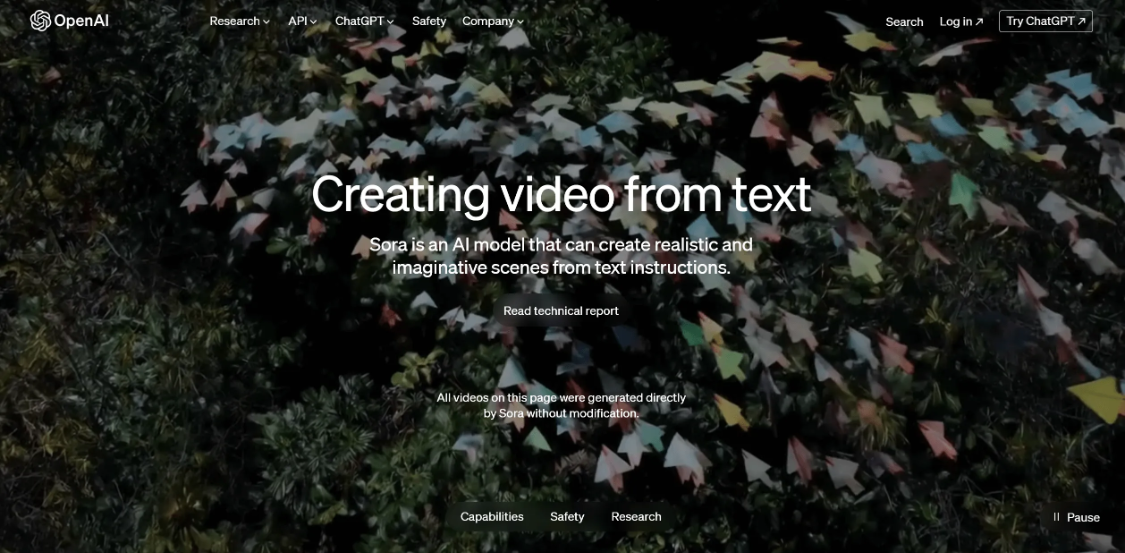
Tool Features:
1. Relying on GPT-4o's semantic parsing capability, Sora (sora.com) responds accurately to the physical attributes (such as material and occlusion relationship) in the cue words, and supports customized resolution and composition layout.
2. However, limited by the allocation of arithmetic power, the registration of new users is temporarily restricted, and segmented generation is required in complex scenarios such as fluid movement and age change.
3、It is suitable for creative advertisements or conceptual short films that require very high accuracy of text-video mapping, and need to be accessed through the ChatGPT membership system.
Payment Methods:
Subscription-based (shared with ChatGPT membership system bundle).
Network conditions:
Requires special network
Official website address:
https://www.1ai.net/25487.html
Suggestions for use:
1. Limitations of the Sora video generation function:
Due to the fact that GPT-4o takes up a lot of arithmetic resources in the process of generating images, which puts a big burden on the system, OpenAI has suspended the Sora video generation function for new users. This means that newly registered users will not be able to use Sora to generate videos for the time being.
2. Strategies to improve the smoothness of AI video generation:
When using relevant AI for video generation, content involving precise physical laws, such as complex fluid motion, should be avoided in order to obtain better smoothness, as such content requires higher simulation and computation capabilities of AI, and it is more difficult to achieve smooth and accurate presentation.
VI. Pika - a template factory for viral content
Tool Features:
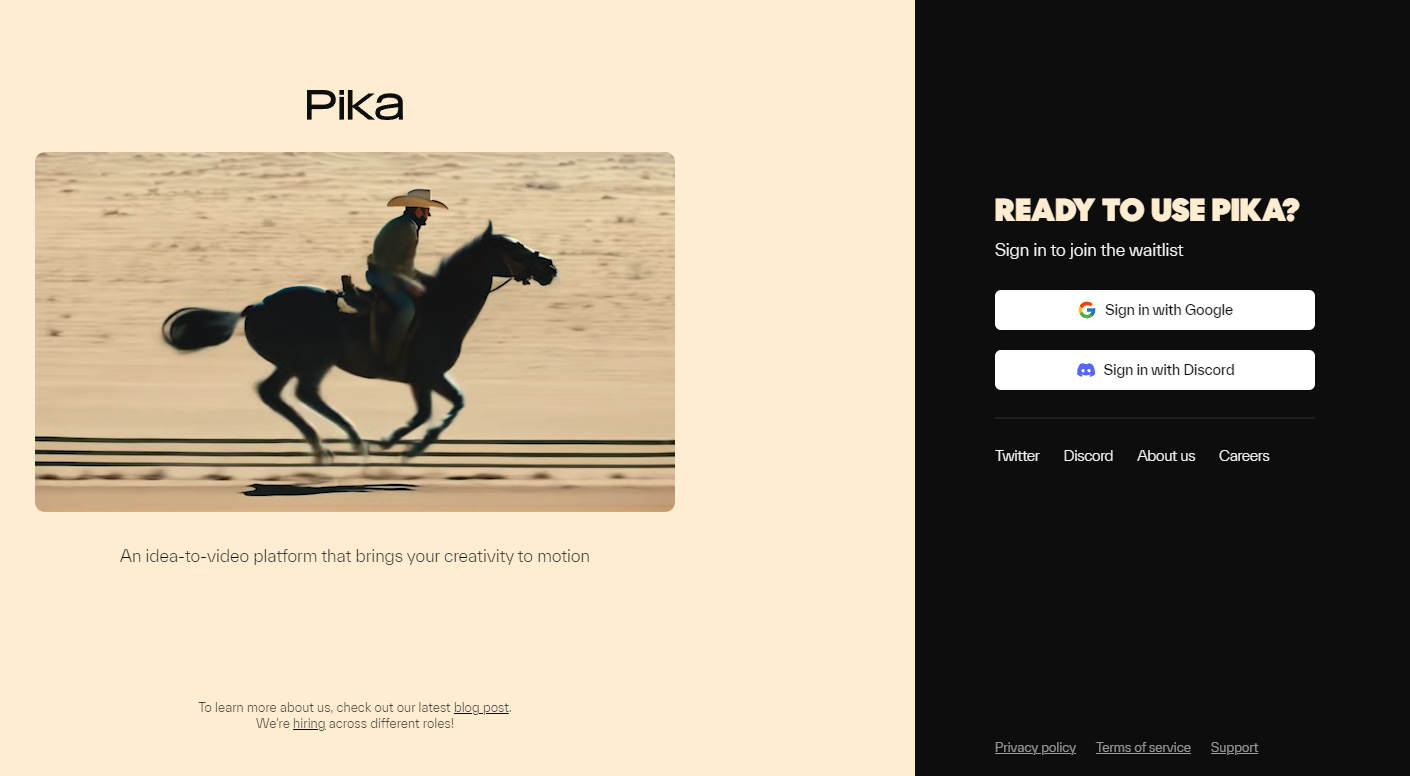
Founded by a Chinese team, Pika (pika.art) focuses on "zero-threshold creative landing", with hundreds of built-in pop-up templates that support one-click generation of short videos such as cross-dressing and special effects conversion. Its local editing features (such as clothing replacement, frame expansion) make secondary creation more flexible, and the interface design is mobile-friendly, suitable for social media bloggers to quickly produce eye-catching content. However, the duration of generation is limited to 20 seconds, and complex narratives need to be spliced with multiple clips. Free users can exchange points for the number of basic generation times.
Payment Methods:
Free trial (regular distribution of credits); subscription-based (purchase of credits, and other membership services such as rapid generation, commercial support, etc.)
Network conditions:
Requires special network
Official website address:
Suggestions for use:
1. Zero Threshold Creative Transformation Engine
For creators with "no professional editing experience + strong creativity", Pika has built a "creativity-first - technology-simplified" production chain:
- Extremely Fast Creative Verification: Relying on the 5-second fast preview generation function (1/3 of the industry average speed), creators are allowed to complete the closed-loop test of "brainstorming conception → AI generation → effect adjustment" in 10 minutes, which is especially suitable for explosive incubation scenarios (such as reversed plots, close-ups of exaggerated expressions, etc.) that require high-frequency trial-and-error;
- Modularized encapsulation of functions: professional editing functions such as green screen keying, dynamic subtitles and rhythmic jams are transformed into "one-click smart templates", for example, input "office exaggerated slip + funny sound effect", the system automatically matches slow motion dribbling and ground reflections, without the need to manually adjust the parameters.
2. The natural fit of virality
Pika's product design is in line with the "three-second golden rule" of short-form video dissemination, and strengthens the dissemination power of content through technological mechanisms:
- Focusing on visual memory points: actively weakening the rendering of complex scenes (e.g., defocusing background crowds), and focusing computing power on the core creative unit of "subject prominence" -- for example, when generating the fantasy shot of a "coffee cup suddenly speaking", priority is given to guaranteeing the accuracy of the details of the lip shape and the reflection of the light, and sacrificing the texture of the distant tablecloth in order to improve the stability of the generation. The texture of the distant tablecloth was sacrificed to improve the stability of the generation;
- Built-in social fission attribute: Supporting the sharing function of "Creative Seed Templates", users can package their customized "explosive opening animation + popular BGM clips" into templates for other creators to reuse quickly, forming the ecological closed-loop of "creativity - tool - dissemination".
Part.03
Vertical domain specializer: deep empowerment in niche scenarios
VII. Conch Video -- Physical Simulation and Emotional Expression Specialist
Tool Features:
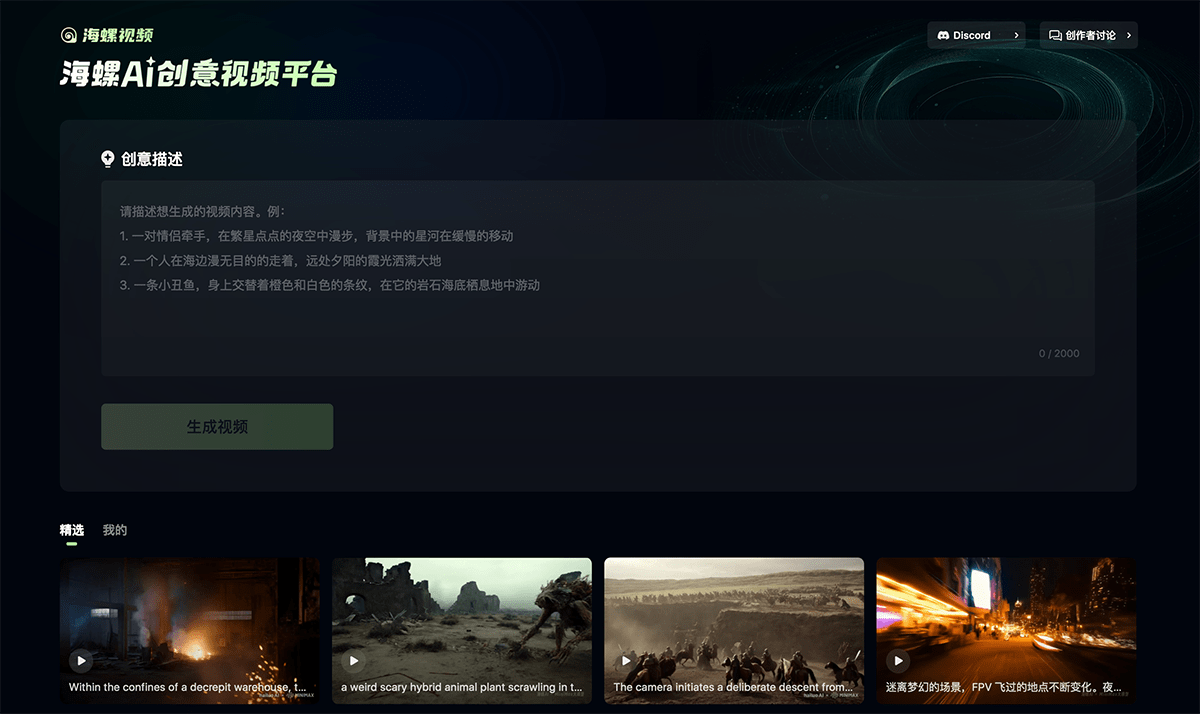
1, MiniMax developed the conch video in the field of dynamic special effects is unique, pyrotechnics, water flow and other physical phenomena of the simulation to the level of film.
2. Character micro-expressions are captured delicately, suitable for commercials or game CGs that require strong visual impact.
3, Chinese and English dual-language support reduces the threshold of operation, automatic optimization of the prompt word function is friendly to newcomers, but the function module is relatively single, it is recommended to use with the later tools to expand the scene.
Payment Methods:
Free trials (daily check-ins); subscription-based (purchase of points, and other membership services such as rapid generation, etc.)
Network conditions:
No special network required
Official website address:
https://www.1ai.net/21428.html
Suggestions for use:
1. Functional synergy strategy: single point of breakthrough + modular material library construction
Tool PositioningAs an early stage tool (focusing on dynamic effects generation), Conch Video has the advantage of precision in a single function (e.g. dynamic texture rendering of elements such as flames/water flow), but needs to realize the complete creation process through a combination of "external tools".
2. Complex Scene Attack: Cue Word Structuring + Split-Screen Preview Method
technical limitations: The generation logic of multi-element interaction scenes (e.g. flame and water collision, dynamic matching of characters and special effects) in the current version is not perfect, and the system needs to be guided to focus on the core elements through the "cue word project".
① Cue word formulaic design(Resolving semantic ambiguity):
Use the "5W1H rule" to build structured instructions:
- Who (subject): a sword-wielding knight-errant in costume (clear characterization to avoid model bias)
- What (action): Leap 30cm from the ground and draw a semicircular arc with the sword (quantify the trajectory of the action).
- When: 0.8 second slow motion articulation at normal rate (to control dynamic rhythm)
- Where (environment): solid-color gray-screen background, clear ground projection (excluding interference from complex scenes)
- Why (purpose): for post-synthesis of ancient style battle scenes (clear application scenarios)
- How (parameter): resolution 1080p, frame rate 24fps (specified output standard)
- ▶ Counter-example: "Generate a good-looking battle screen" (abstract representations can easily lead to missing elements)
- ▶ Example: "Generate a green screen clip of a knight in a hat holding a sword in one hand, swinging the blade at 45° from the bottom left to the top right, with the sword trailing for 0.3 seconds, with a solid blue background, clear folds in the character's clothing, and no molding at the joints.
② Split-screen preview process:
- Sketch the keyframes (e.g. 3 core movements: start→swing→finish) on paper, and mark the "special effects connection points" for each shot (e.g. spark trigger position when swinging the sword);
- Split the generation task by 1-3 seconds for a single shot (to avoid exceeding the system's processing limit), check the cross-shot continuity in the timeline tool (e.g., Premiere) after generation, and fill in the frame transition with a still image for the missing part.
VIII. Luma AI - 3D Vision and Cinematic Quality Benchmarking
Tool Features:
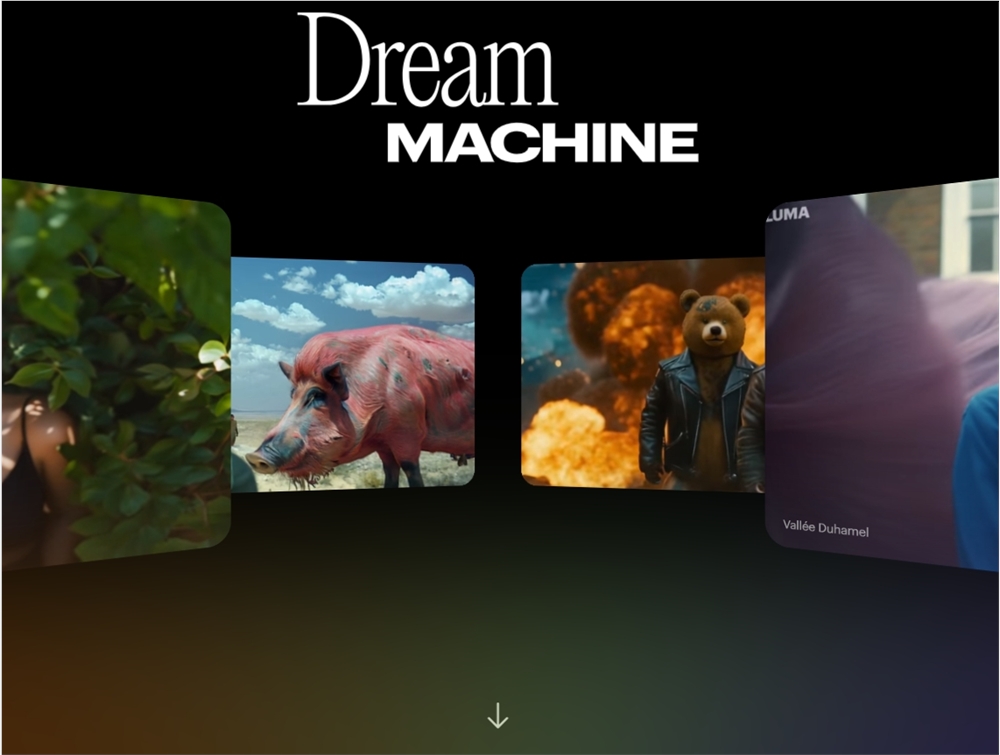
1, focusing on 3D content generation Luma AI, its Dream Machine tool in the light and shadow rendering and motion coherence excellence, support for 4K resolution output, suitable for generating product demonstrations, architectural roaming and other professional-grade video.
2. However, the processing capability of multi-object interaction scenes is limited, and the cue words need to accurately describe the camera movement (e.g., "the camera is slowly wrapping around"), and the subscription-based service is more suitable for enterprise-level users.
Payment Methods:
Free users can only experience the AI image generation feature, while subscribers can use the AI video generation feature.
Network conditions:
Requires special network
Official website address:
https://www.1ai.net/13078.html
Suggestions for use:
1. When dealing with complex scenes such as multi-object interactions, there are some limitations in the processing capability of the model.
2. Therefore, when using the model to generate video content, it is recommended to refine the description in the cue words, such as the lens slowly panning the way to operate the camera, the realistic style of visual settings, etc., in order to avoid the abstraction of concepts that lead to the model can not be accurately understood.
IX. Higgsfield - AI Director of Lens Language

Tool Features:
1, unlike traditional generation tools, Higgsfield focuses on lens motion control, providing 360-degree surround, dynamic tracking, bullet time and dozens of professional lens templates.
2, creators can realize movie-level lens scheduling through parameter adjustment, suitable for short films or MVs that require complex lens design.
3, it is recommended to use with other generation tools, open the "Enhanced Mode" to enhance the lens execution accuracy, free trial version can experience the basic template.
Payment Methods:
Free trial (daily check-in); subscription-based (purchase of points, and other membership services, etc.)
Network conditions:
Requires special network
Official website address:
https://www.1ai.net/33281.html
Suggestions for use:
1. Positioning of tools and the logic of long-form video creation
The tool is not a comprehensive video creation platform covering the whole process, but a vertical field tool focusing on "lens controllability", with its core strengths lying in the precise control of lens movement, frame composition, and visual details (e.g., speed adjustment of push-track lenses, depth-of-field defocusing of close-ups, and anti-shake processing of dynamic lenses).
2. Tips for using lens template features and Higgsfield enhancement options
The tool's built-in lens templates (e.g., "Cinematic Narrative Lens," "Dynamic Gameplay Lens," "Static Product Presentation," etc.) can be used for the cueing words.Degree of detail accuracy and scene concretenessHigher requirements:
- Template adaptability: different templates preset specific lens language rules (e.g., "Handheld Follow Shot Template" requires prompts to include "Lens Shake Amplitude" and "Direction of Character Motion", while "Static Close-up Template" requires clear "Lighting Angle" and "Texture Details"), and fuzzy or abstract descriptions (e.g., "Take a good-looking shot") may Vague or abstract descriptions (e.g. "take a good-looking shot") may cause the generated effect to deviate from the expected;
- Higgsfield Enhancement Option: This feature improves the accuracy of generation of complex scenes by enhancing the model's understanding of shot syntax and visual details.
X. PixVerse - Extreme Generation and Ecological Synergy PixVerse - Extreme Generation and Ecological Synergy
Tool Features:
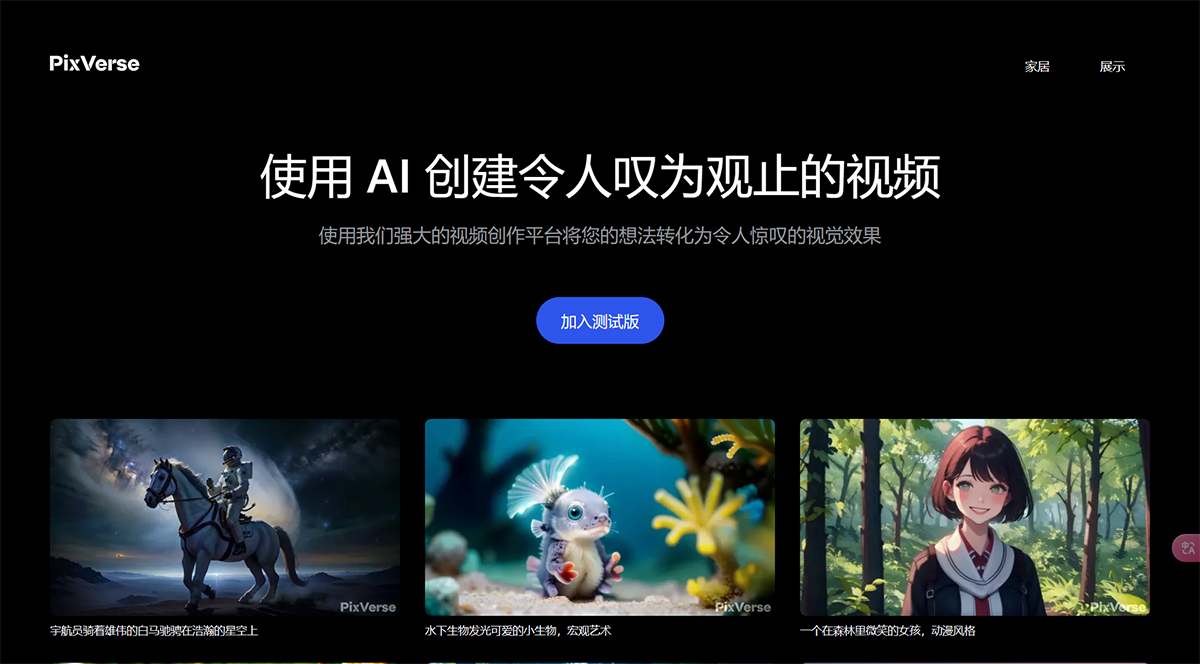
1, Aishi's PixVerse to "5 seconds out of the film" to refresh the speed record, support for multi-clip splicing to generate 40 seconds of continuous video, local dynamic control function can be accurately adjusted to the amplitude of the action and angle.
2、Built-in UGC community provides a huge amount of template reuse, suitable for e-commerce short video mass production.
3, domestic users can look forward to the upcoming opening of the local version, the current need for scientific Internet use, it is recommended that through the "picture bottoming + text fine-tuning" to enhance the efficiency of creation.
Payment Methods:
Free trial (daily points); pay-as-you-go (one-time purchase of points); member-pay (purchase of points, as well as special member services)
Network conditions: special network required
Official website address:https://www.1ai.net/3268.html
Suggestions for use:
1. Community template reuse + personalized fine-tuning: the golden rule for efficient start-up creation:
The tool's built-in library of community templates is a core resource for accelerating creation
- Lower the threshold of creativity: the templates cover a variety of mature camera solutions (such as "Japanese anime transitions", "documentary followers", "product 360° display", etc.), including preset camera movements, visual styles, compositional parameters, especially suitable for novices or urgent need to quickly produce the scene;
- Accurate positioning needs: By filtering tags (e.g. "lens type", "style classification", "applicable scene"), you can quickly find templates that match your needs (e.g. search for "Wedding Follow-up Photography - Hand-held Lens - Softening Filter" to directly get similar high-quality lens solutions).
2. The two-step "Picture → Motion" method: A low rework creation path from static to motion
For shots involving complex dynamics (e.g. character movements, object trajectories), it is recommended to adopt a layered creation model of "static frame positioning + dynamic detail adjustment".
Step 1: Generate a static reference map to lock down the visual foundation
- Core objective: first determine the picture composition, color, and subject details to avoid repeated revisions due to visual deviations during dynamic adjustments.
- Cue word spotlightStatic elements: clear subject form ("close-up of a woman in a red trench coat with her hair blown up by the wind"), scene environment ("rainy night street, street lamp light spots reflected on the ground"), light and shadow effects ("backlit shot, silhouette light of the character Clear");
- Example: The production of "characters waving goodbye" lens, Mr. Cheng into the "character standing at the station, waving action of the static close-up picture", to confirm that the clothing, expression, background details are correct and then enter the dynamic generation.
Step 2: Fine-tune dynamic parameters based on static images
- Dynamic cue word refinement: based on the static image to supplement the movement trajectory ("the camera slowly pans up to the face from a close-up of the character's hand, the waving action lasts 2 seconds, the arm swings at 45°"), timing changes ("the hand is raised in the first second, the wrist is waved in the second, and the arm slowly falls back in the third second"); and ");
- instrumentalLocal Adjustment Function: For the part of the screen that needs to move, use the text to specify the amplitude and speed of the motion, keeping the other static elements unchanged;
- Staged validation: After generating dynamic clips, check the key actions frame by frame; if there is any deviation, only the dynamic-related parameters are modified without readjusting the visual style.
- dominance: By "setting the vision before adjusting the dynamics", the rework rate is reduced from over 40% in the traditional process to below 15%, which is especially suitable for complex action scenes (e.g., dance sequences, sports and athletic images).
Tool Selection Guide
beginner's introduction
i.e. Dream AI (extremely fast film production), Pika (templated creation), Conch Video (low-threshold special effects)
Professional Creation
Runway (full-flow editing), Luma AI (cinematic image quality), Korin AI (long video narrative)
vertical scene
Higgsfield (lens control), PixVerse (e-commerce mass production), Vidu (character consistency)
Generative technologies from text to video are reshaping the content production paradigm, and these tools are not only efficiency tools but also creative amplifiers.
It is recommended that friends choose a combination of solutions based on their own needs (duration, quality, budget, skill base), and release the maximum potential of AI video generation through the whole process of "cue optimization + split-screen design + post-processing" collaboration.
In a time of rapid technology iteration, it's important to maintain continuous learning about the features of your tools.