



AI-generated images or AI videos arewatermarksHow was it handled?Actually, a quick internet search will give you the answer, so I always avoid it.
But can't resist the enthusiasm to learn, so let's share a fewMy everyday method of watermark removal!
Without further ado, on to the talent!
2 types of removalImage watermarkmethodologies
- Mobile Beanbag Elimination Features
- practical step: Open Beanbag on mobile → AI raw image → add reference image → import image → select "eliminating"→Paint the area you eliminated →Wait for the raw image →Download the watermark-free image
- Hands-on Demonstration:





- special attention: Beanbag will use AI technology to intelligently fill in the elimination area to make the picture clean and tidy. If the picture is not satisfied, you can repeat the modification haha!

- Instant Dream AI Watermark Removal
Web version:: https://jimeng.jianying.com/
- practical step: Open Imagine Dreams → Enter the prompt word to generate a picture → Click on the picture on the"..."→Select "Go to canvas for editing."→You can choose to adjust the settings such as picture sharpness on the editing page. After you finish editing, click "Export" and select "Download".
- practical step:
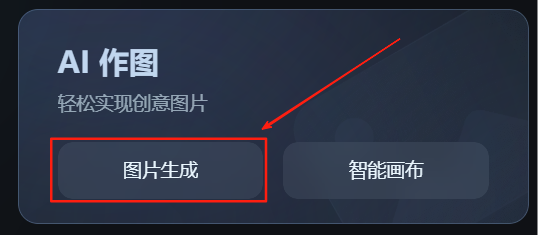



Special note: i.e. Dream Mobile is not going to the canvas editorYou can.Click on No Watermark to save and share, jump to Shake Publishing and click Next to cancel the publishing. By this time the watermark-free image is in your phone.
2 types of govideo watermarkmethodologies
1.Clipping: The cutout is also an old friend! Violence is the most common method used by Yee.Enlarged picture method! Just dry out!
- practical step: Open the clipping → import the video, select the editing mode → zoom in the video screen, until the watermark is not in the display area → export the video
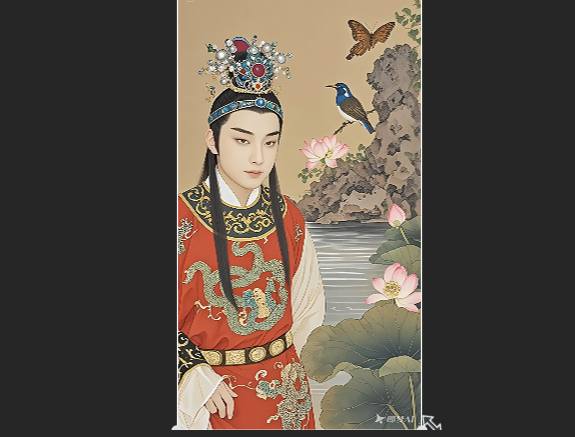
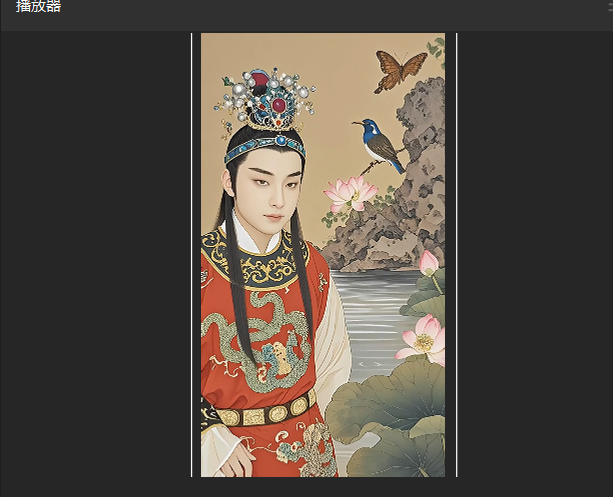
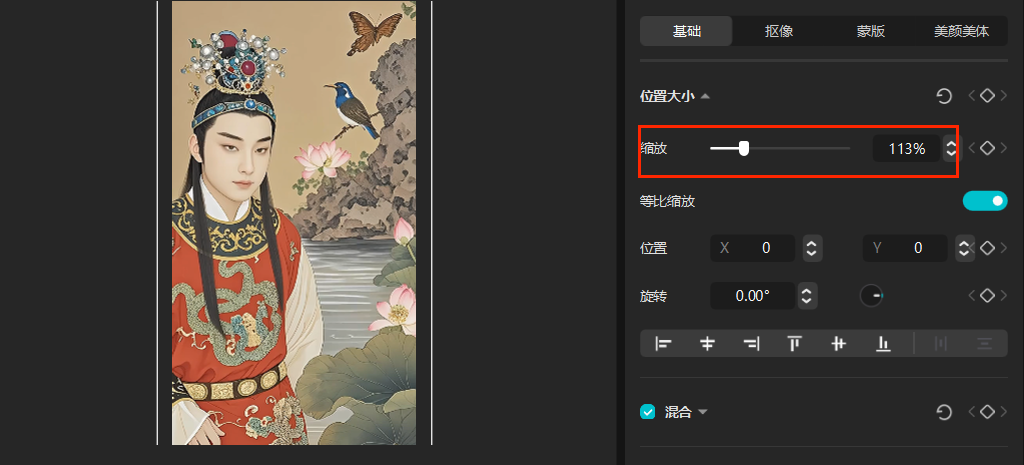
- Special attention:You can also use picture-in-picture masking, sticker method, mask + blur method, member's exclusive and other methods to remove video watermarks!
2.cat scratch: a good use ofWebpage Extraction Video Plugin, but you need to download and add it yourself in your browser.
- practical step: OpenBrowser Microsoft Edge→¡£The upper right corner of the square picture → Get Extension → Edge Extension page → Search for "Cat Scratch" and install it → Open the webpage of the short video → Click on the upper right corner of the "Cat Scratch" → Get the video to download without watermarks
- Hands-on Demonstration:





- special attention: Web version exclusive!
Mobile users can trymobile appletThere are a lot of watermark removal apps like "Shake", which is usually just a small advertisement to unlock the app!

My own usual tools are shared here. I don't know if any of them work for you? Or you have a better way to share with Yi!