



Yesterday I gave a chat about how to write prompts for newbies thatHow to Use Prompt Words for Ai Painting? Hands-On AI Prompt Word WritingSo today I would like to give you a chat about theShort VideoandskitHow AI is utilized in the creation of plots as well asscriptsetc~
In the process of communicating with everyone, I found that many partners have content in their hearts, but they don't know how to present it and can't write a script. In fact, now with the help of AI, these are not difficult~!
Today, we will teach you by hand, learn this trick, you can also create excellent works of art!
Without further ado, on to the practical exercises!
Feed your thoughts to the AI
1. Define the theme and style of creation: Before you start, you need to determine the core theme of the story, such as love, sci-fi, adventure or suspense, etc. At the same time, define the desired style, such as warm and healing, grand epic, or suspense. At the same time, define the desired style, such as warm and healing, grand epic, brain-burning suspense, etc., which will guide the direction of the AI's creation.
2、Provide background setting: Describe in detail the background of the story, including the era, location, etc.. For example, if it is a fantasy story, it needs to describe the magic system, racial characteristics, geographical environment and other elements, so that the AI can build a plot in line with the setting.
3. Character Setting: portray the main character's personality traits, physical appearance, backstory, etc.. In this way, when the AI generates the plot, it can make the characters' behaviors and dialogues conform to its settings, making the story more coherent and believable.
4. Plot Outline: Provide a simple plot outline, including the beginning, development, climax, end and other key nodes of the story. This helps the AI to maintain the integrity and logic of the overall structure when generating specific scripts.
Next, I'll show you the example, which is what I'm feeding the AI.

Generate a first draft and then create a subplot
Create a subplot based on the script. Feed the AI relevant subplot requirements, such as descriptions of camera views, angles, screen elements, etc.
When I fed it a second time, the AI generated a five-episode outline of the script's content for me, as follows:

At this point for the script content, I made a third pitch to have him birth separate subplots of the first episode for me, as follows:
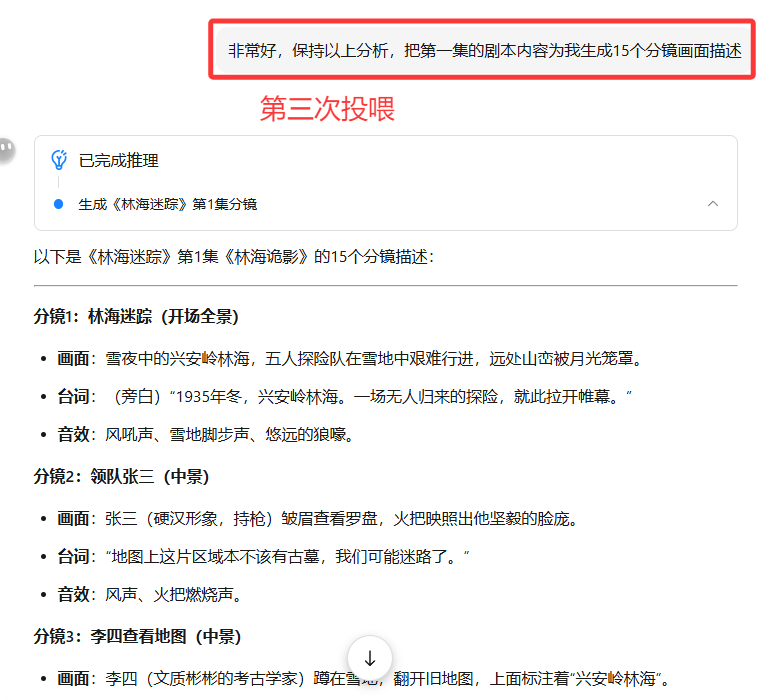
The AI will continue to give birth to the picture descriptions as we have requested
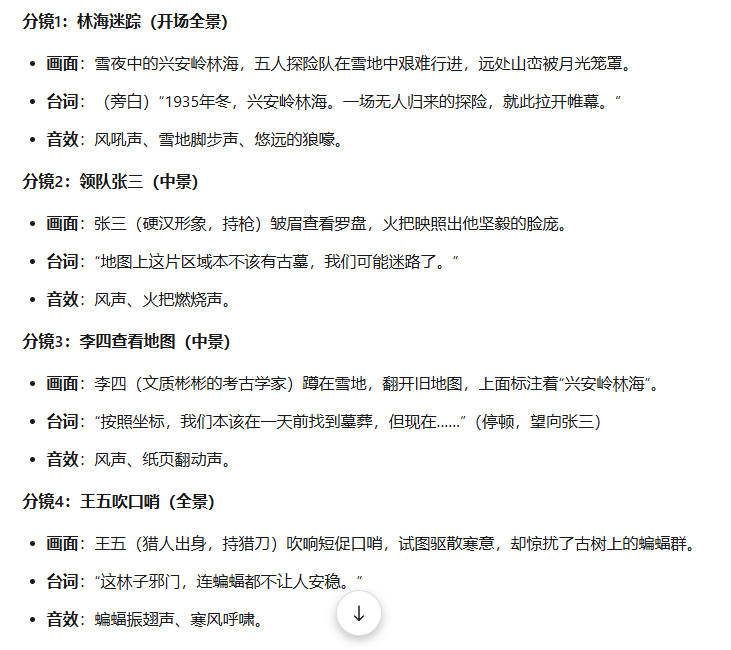
With the screen description, I needed the AI to generate another cue word for me, so proceeded to the fourth feeding as follows:
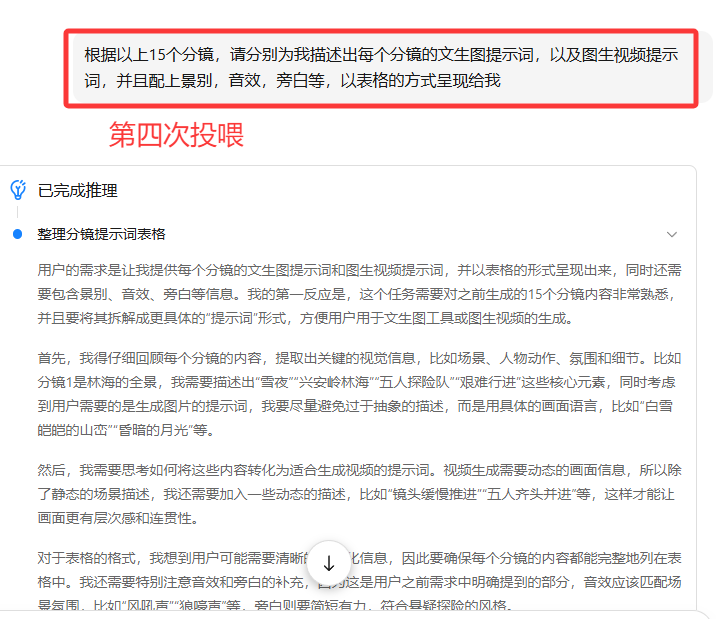
After four rounds of feeding, the AI then spawned for me all the cues for the first episode's subplots, including text-generated graphic cues, graphic-generated video cues, sound effects, narration, etc., and presented them in a table as follows:
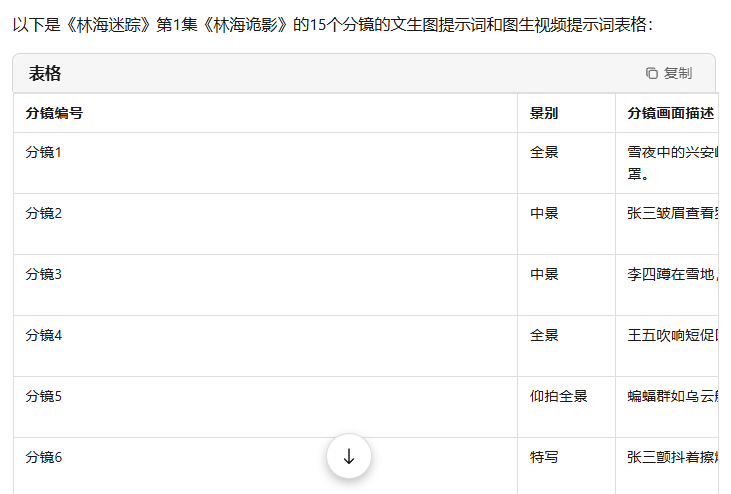

This way a detailed script including cue words is basically complete~
Of course, in this process, there are still a lot of places that can be adjusted, such as the optimization of the camera language, the adjustment of the details of the screen, the optimization of the character description, etc., we will follow this feeding method, little by little, let the AI to adjust, until adjusted to our satisfaction~