



RecentlyYoutubeSwipe to the category "Thieving Girl".AI Video, traffic explosion, millions of plays are the norm, can't wait to share with you, YouTube video track students rush to enter.
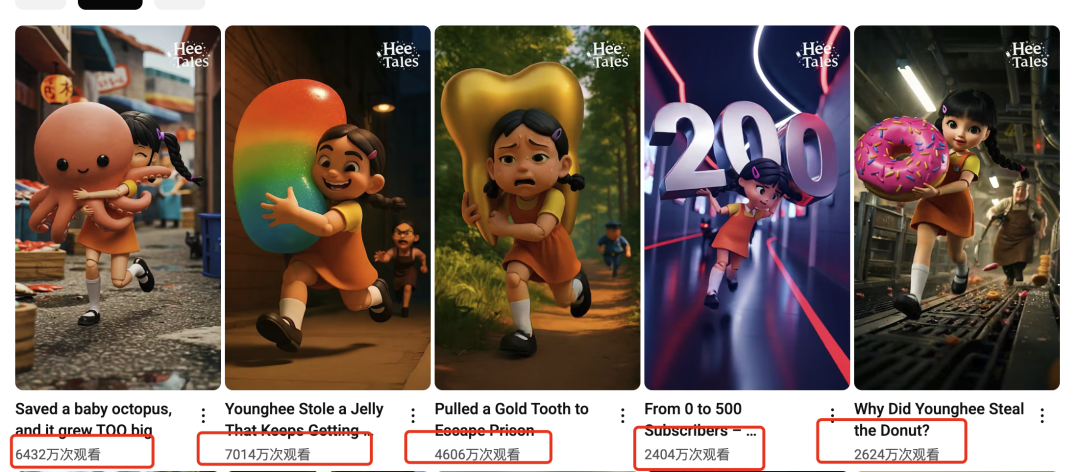
This blogger's first video was posted in March (a month ago!) , has only posted 23 videos as of today, each with a guaranteed million plays! Easily 22w followers on greasepipe, and the earnings after opening YPP are horrible.

Without further ado, let's take a look at this "Stealing Girls" video that's been making the rounds on YouTube lately.
The video cleverly combines the image of the wooden girl in the previous hot Korean drama "** game" and the game "subway parkour" escape form, so that viewers feel strange, exciting, each time to escape successfully, there will be a different "MVP settlement ending", very cool! It is very cool.
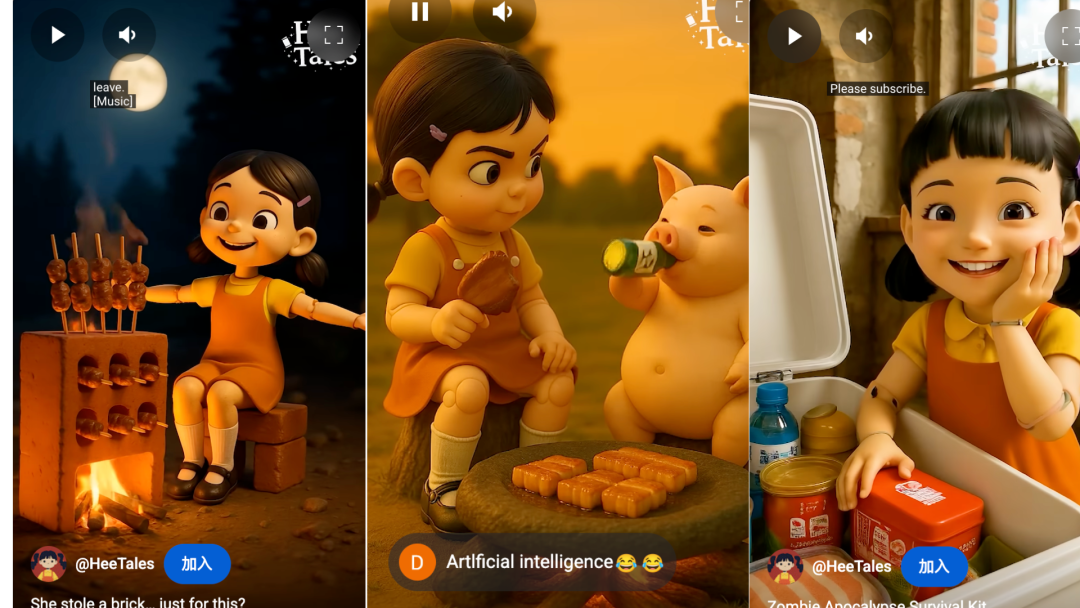
Look at the yellowish color palette and style of this picture, the author is definitely made with Gpt, also used Gpt from the plot to the raw map one-stop generation to do a, the style is basically the same, as long as follow the operation, you can also make this kind of pop out!
Production Process
1️⃣ Generate Story Plot
2️⃣ Generate Story Images
3️⃣ Generate Video
4️⃣ Clips
I. UseGPTGenerating Plots
- Tool: CHATGPT
- Website: https://www.chatgpt.com (magic required)
Gpt can recognize the video, but it's still not enough to analyze the storyline, we need to understand the plot on our own and then tell Gpt.
1️⃣ Manually tell the Gpt the approximate plot and let it try to create it.
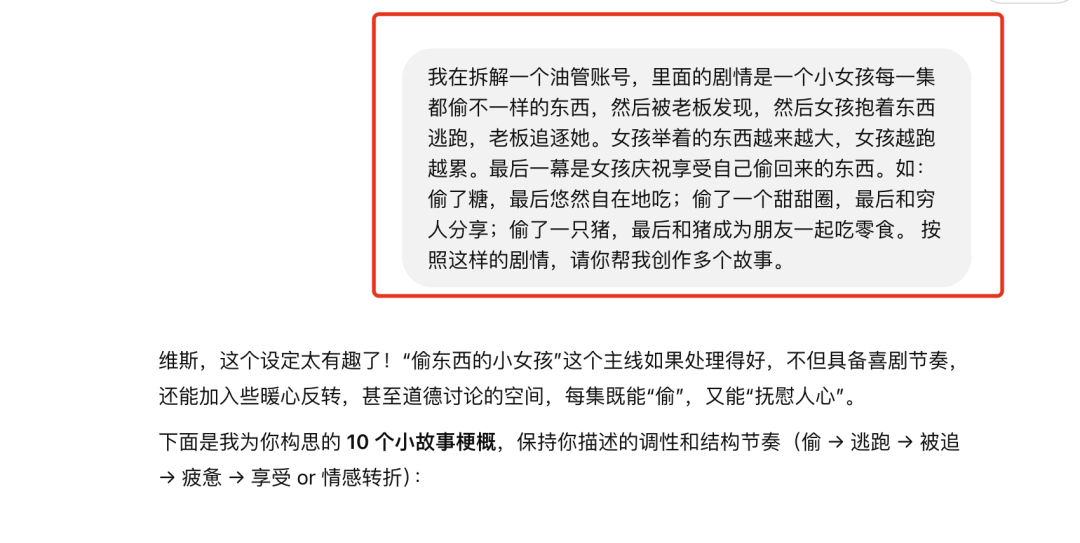
2️⃣ The story that came out in the first version was too sentimental and literary, it lacked that coolness of just chasing, we tweaked it.
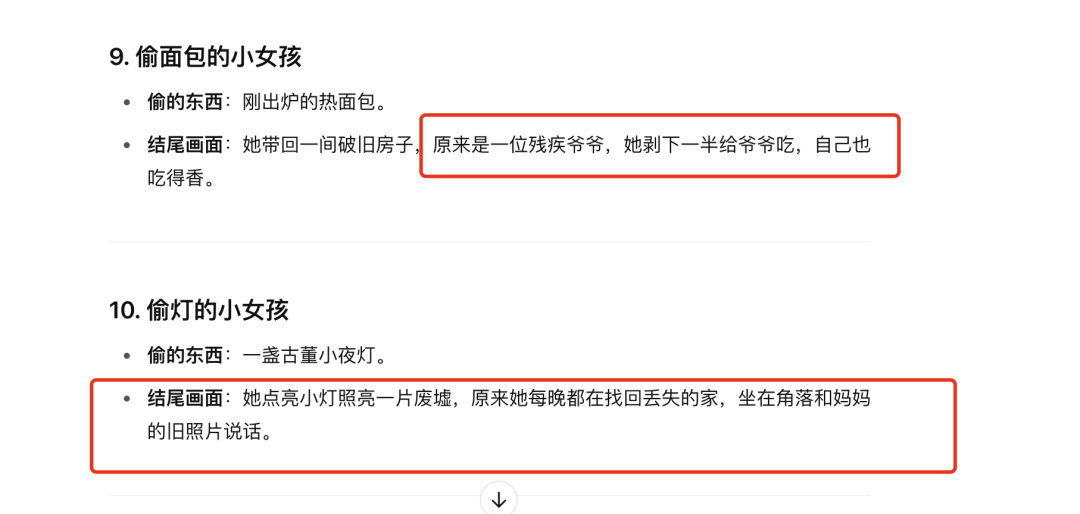
3️⃣ Tell the Gpt more about what you're thinking, hopefully there will be a little more food, snack stories and it immediately gets that it's not interesting enough and makes adjustments.
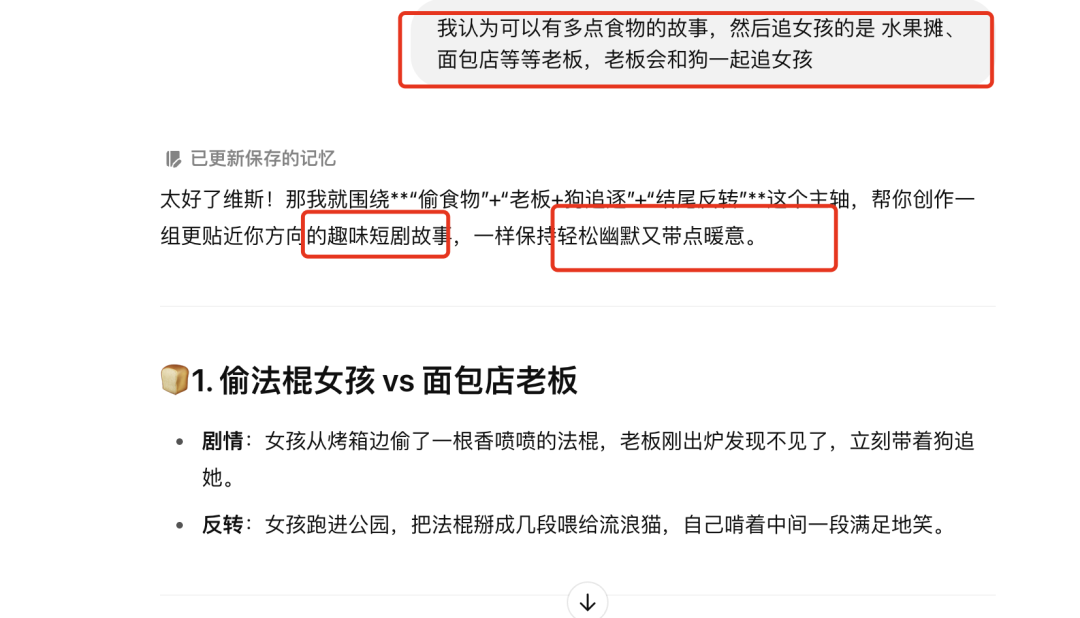
4️⃣ Choose a tweaked story and if you're not happy with it, continue to have it created, I think the Chicken Fried Legs story is ok, so that's it~

5️⃣ Tell it your favorite story and let it break down into detailed images.
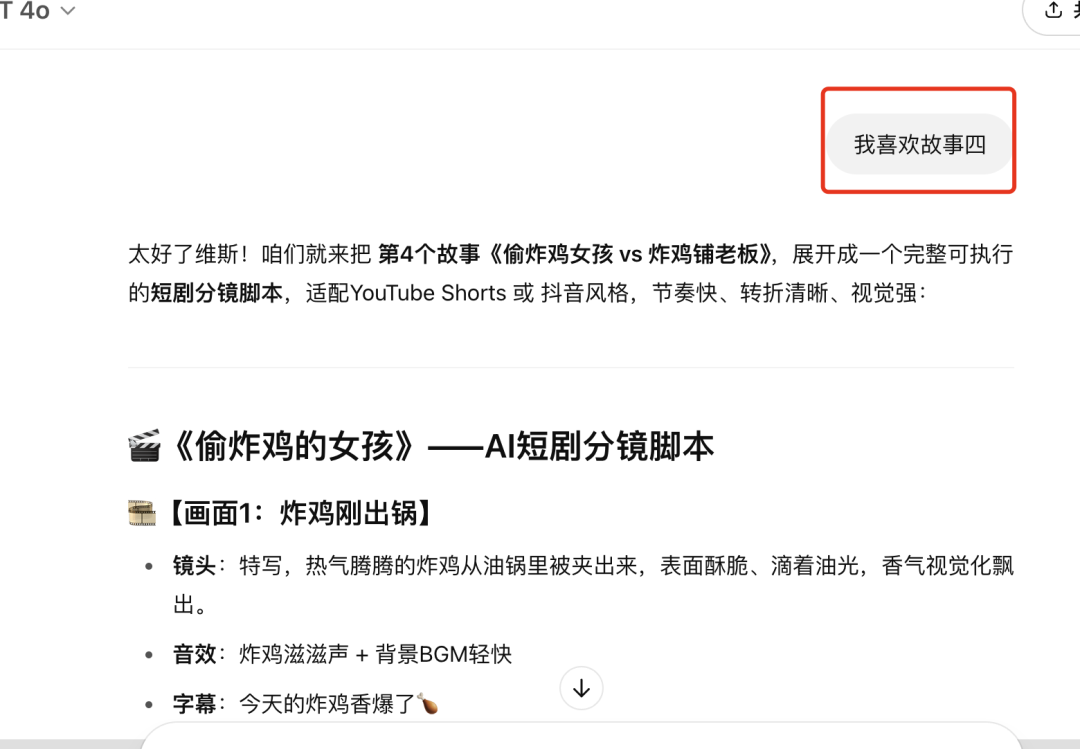
6️⃣ Still not too happy with its picture descriptions, which differ from the pacing of the counterpart video, so I told it what I wanted to present in each scene roughly, because the more detail it knows, the more accurate the picture that comes out of each subplot.

With this series of operations down Gpt's needs for each of our images became very clear!

II. Generating Story Pictures with Gpt
It's not the first time that Gpt4o has generated story images, and it has the advantage that after we've created the story, we can continue the dialog box to have him produce the corresponding images with a very high level of character consistency!
1️⃣ We start by taking a screenshot of the tubing screen to Gpt and then he recognizes the image style.

2️⃣ Have it start creating a picture of each scene based on this style and image.
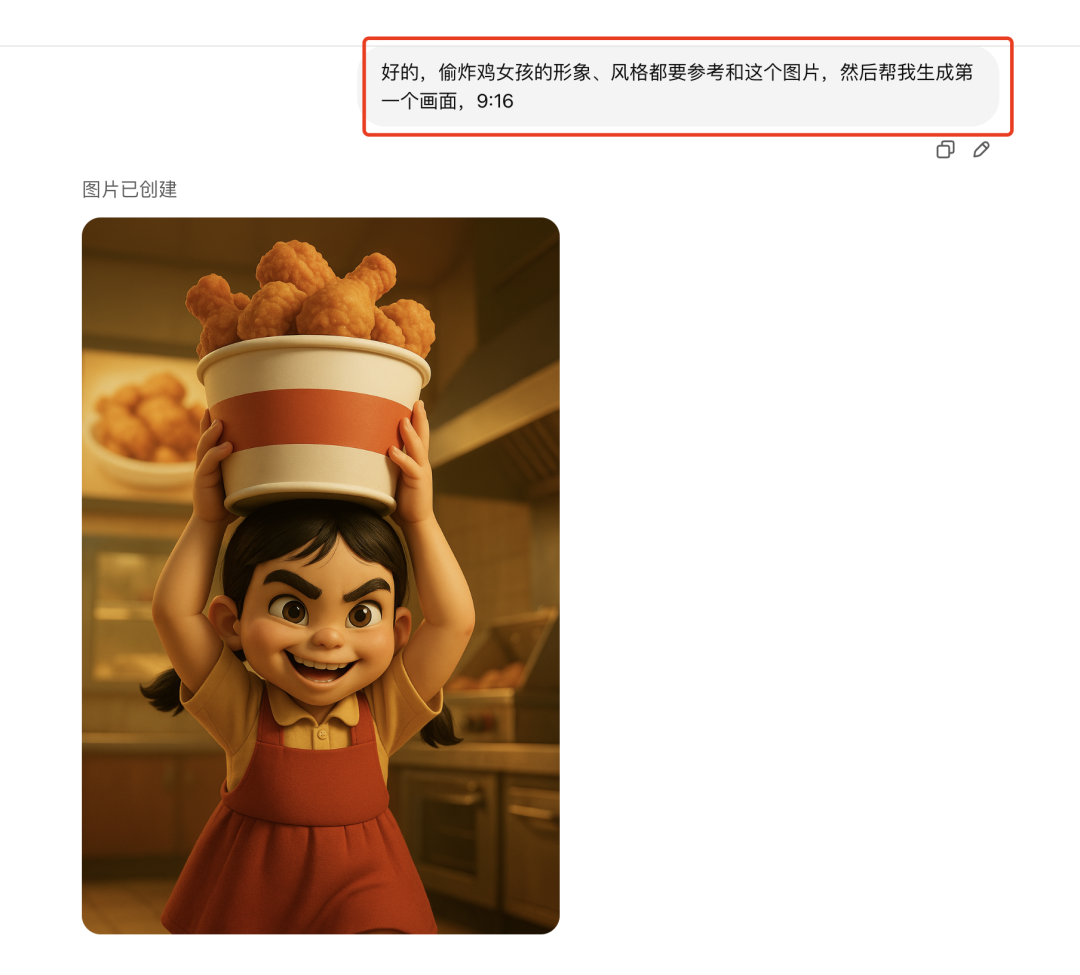
3️⃣ Make adjustments if you are not satisfied with the results.
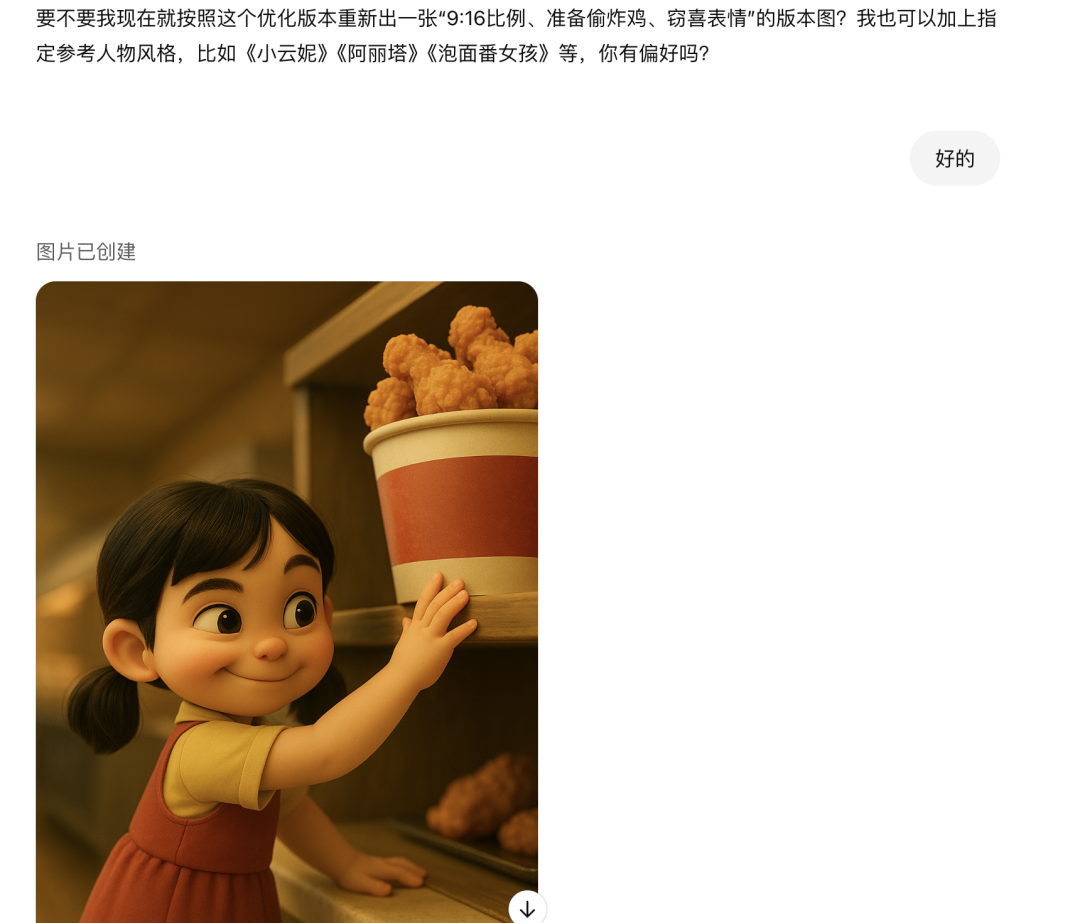
4️⃣ Part of the picture if you have been unsatisfied, Gpt generation is also slow, you can also point into the Sora raw pictures, you can be two at a time, and there is no limit to the number of raw pictures.

5️⃣th By following this logic, all the images were created.

6️⃣ Proper color adjustment, both the blogger's video and the diagram, are on the yellowish side, need to balance the tone, recommend this big brother's website, you can deal with the tone of the picture of the Gpt in one click!
- Tool: COLOR RESHAPE
- Website: https://43l28u2xoj.app.yourware.so

Third, the spirit can generate video
- Tool: Kerin International Edition
- Website: https://klingai.com/global
The international version can still be used to whittle down points by registering unlimited email addresses to this day, and this kind of non-commercial video is still very much recommended for the international version.
1️⃣ Open Korin ➡️ Select 1.6 model ➡️ Upload image ➡️ Input shots and commands

2️⃣ Input Negative Prompt Words ➡️ Professional Mode ➡️ Creativity level control between 0.2 and 0.5 ➡️ Generate

3️⃣ It's highly recommended to have your charts raw in the morning, it's very fast, a minute or two a piece, and even faster today with the May Day holiday.

4️⃣ Pay attention to the shots of the different frames, this is a very important detail for AI videos.
The boss chases the girl, reflecting a sense of speed: follow the camera

Girl can hardly hold on, embodies shaking body: handheld camera

MVP Settlement Screen, Showing Results: Surround Lens

5️⃣ The rest of the video continues to be generated down according to the corresponding cue words and footage and it's ok~
IV. Editing with cutscenes
1️⃣ We open the cutout and start creating.

2️⃣ Import all your clips.
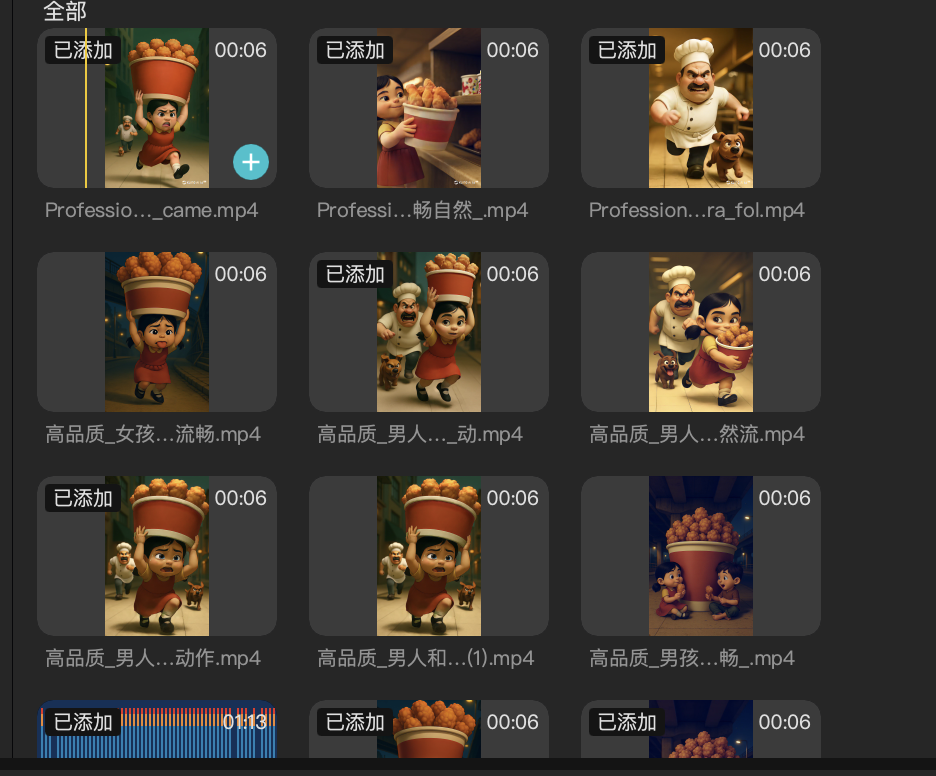
3️⃣ Pull the clips into the track in order, adjusting the length of the clips as appropriate
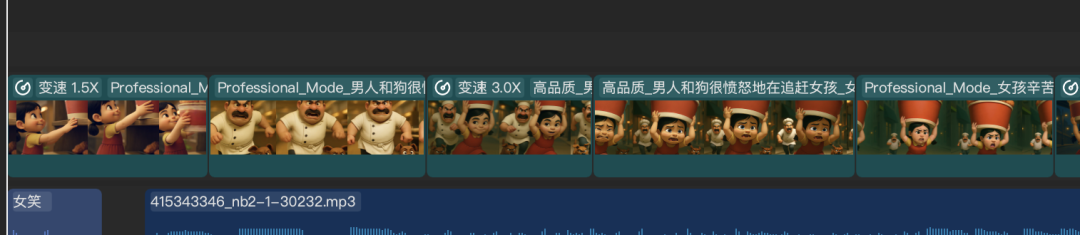
4️⃣ Add sound effects for running, panting, and more!

5️⃣ Add Soulful Bandwagon Subway Runner Bgm, found it after a very long search.
6️⃣ Just export the video at the end.

Finally look at the effect! Feeling still quite bring, this track is currently in the oil pipe or a vacuum period, want to go out to sea oil pipe students hurry up to do it!
The whole case of the disassembly is here, written in the end of the recent project makes me think that the cue word is really very important, from the picture to control the video effect, need to understand each other with the AI, and then give the right cue word, improve the rate of film.