



I saw a particularly interesting play today with AI production3Dalso called Pilgrimage the West or MonkeyThe nude eye effect allows the character images to move directly on the book, the same way we look at the 3D effect, sharing the full disassembly process and cue words.
Let's start with the practical exercises.
Step 1: Cue word acquisition
Prompt words are currently briefly explained here, if we can't write them we can throw them to the AI to write them, remembering the core words below.
A yellowed ancient book with a long history and torn edges is laid flat on the old book spot and unfolded. On the left side of the book page, the ancient Chinese characters are neatly arranged, exuding a strong historical flavor, and uniformly written with three big words "xxxx". On the right side of the book page, the classic images and scenes of xxxx are presented with naked eye 3D effects, and the characters are required to be 3D real characters, not cartoon style. All the characters should not exceed the book, the edge of the yellow pages are slightly rolled up, the texture of the paper is real and touchable, and the warm light adds a warm atmosphere to the whole picture.
Here I will take the Journey to the West as a case study, of course, we can change the red content for other books such as Dream of the Red Chamber, Water Margin, Romance of the Three Kingdoms and other masterpieces.
Send the above textual content to DK: https://chat.deepseek.com/ for AI help in refining the content words.
Open the website - open a new dialog - enter the above command
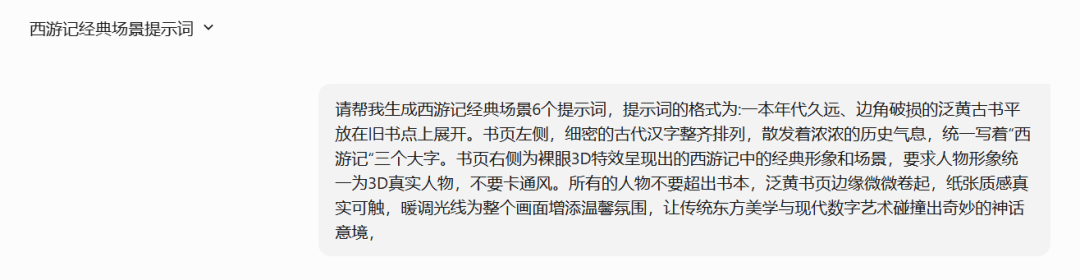
You'll get your cue word in a minute.
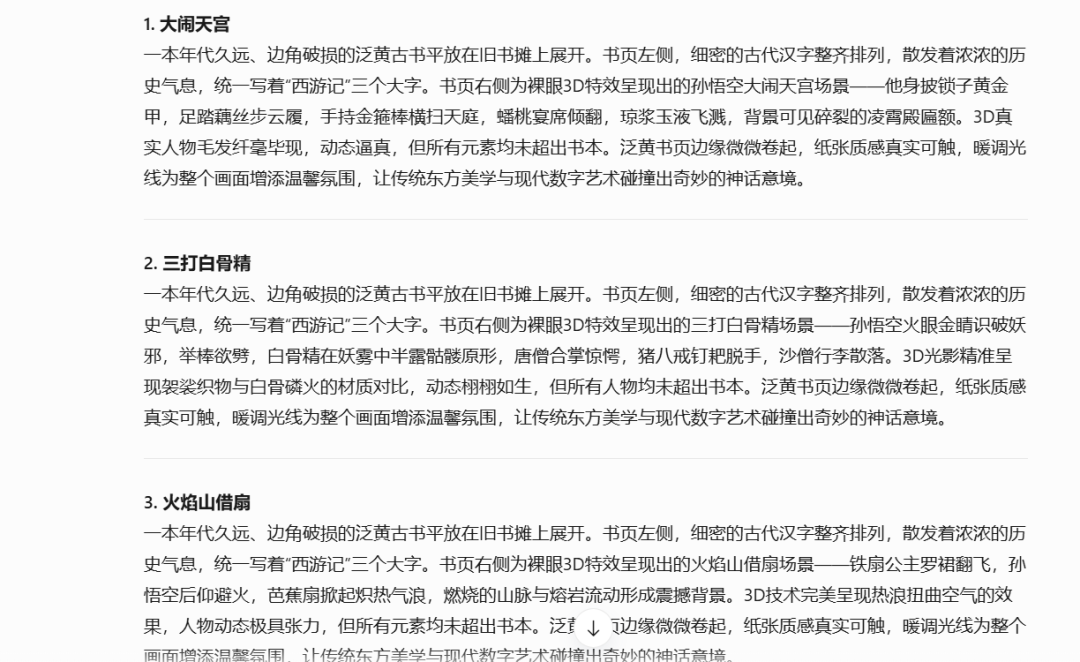
Of course, it is also possible to specify classic single episodes for example:
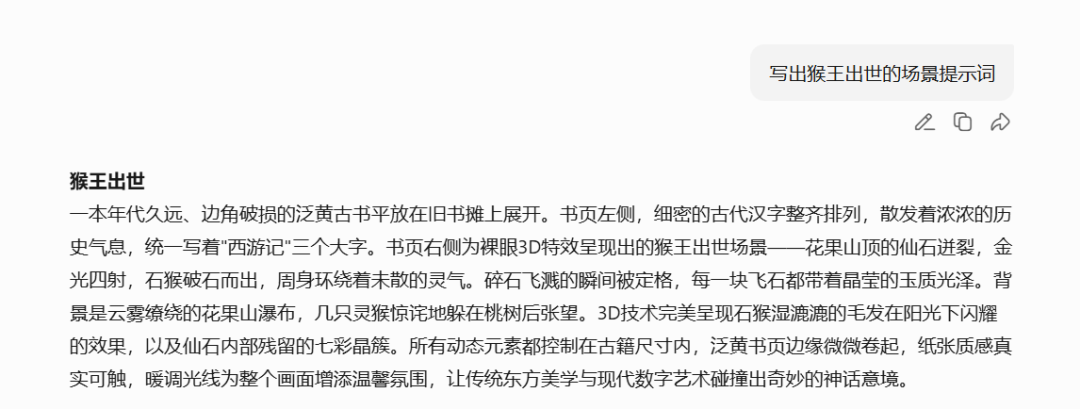
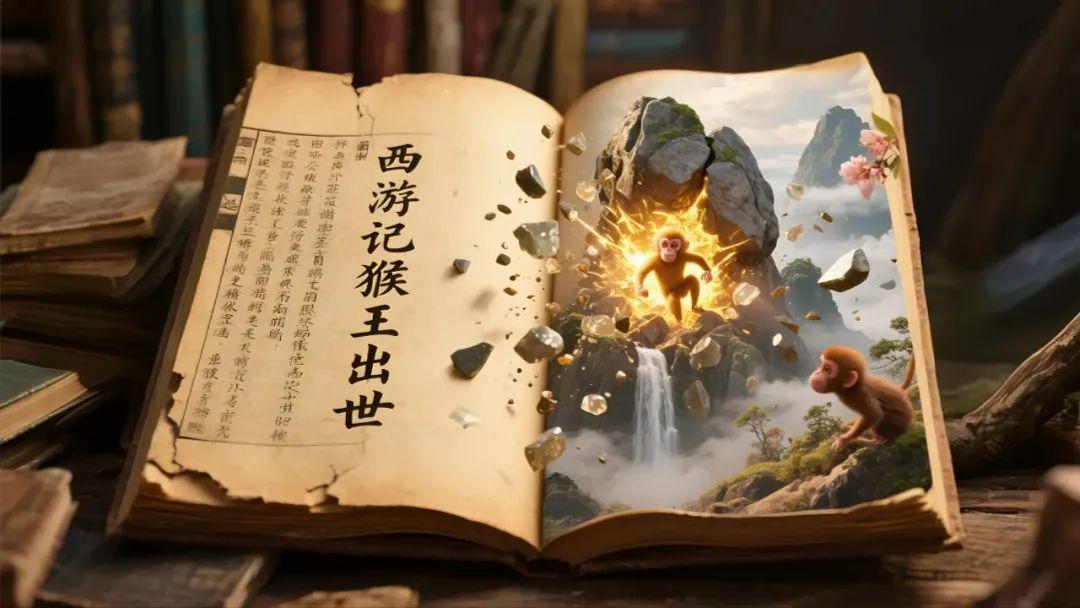
The prompts are as follows: a long time ago, the corners of the yellowish ancient book is placed flat on the old bookstore to unfold. On the left side of the book page, fine ancient Chinese characters are neatly arranged, exuding a strong historical flavor, and uniformly written in three big words, "Journey to the West, the Monkey King came into being". On the right side of the book page, the naked-eye 3D effects present the scene of the Monkey King's emergence - the immortal stone on the top of Mount Huaguo bursts open, golden light shines in all directions, and the monkey breaks through the stone and comes out, surrounded by the undispersed aura. The moment of the splash of broken stones is framed, each flying stone carries a crystalline jade luster. In the background is the cloudy Huaguo Mountain waterfall, a few monkeys are hiding behind the peach tree and looking around. 3D technology perfectly presents the monkey's wet hair shining in the sunlight, as well as the colorful crystal clusters left inside the immortal stone. All the dynamic elements are contained within the size of the ancient book, the edges of the yellowed pages are slightly rolled up, the texture of the paper is real and touchable, and the warm light adds a cozy atmosphere to the whole picture.
By following this method we can quickly get the desired screen cue word.
Step 2: Wensheng Diagram
Some cue words we direct, the old rules that dream out of the map: https://jimeng.jianying.com/ (raw model 3.0, SD 1.0, size ratio 9:16)

Type in the prompts above to get a direct image

A yellowish ancient book with old age and torn edges was laid flat on the table and unfolded. On the left side of the page, fine ancient Chinese characters are neatly arranged, exuding a strong historical flavor, uniformly written "Journey to the West, real or fake Monkey King" three big words. On the right side of the page is a scene of the Monkey King in naked-eye 3D effects - two identical three-dimensional images of the Monkey King, wearing a phoenix-winged purple and gold crown and locks of golden armor, battling in the clouds, with sparks from the collision of the golden batons splashing down on the page, and beams from a demon-shooting mirror penetrating through the clouds. 3D technology distinguishes between the wear and tear of the armor of the real Monkey King and the fake Monkey King, and the hairs behind the ears of the six-eared macaque. The hairs behind the ears of the six-eared macaque stand up slightly due to the fluctuation of spells, and all the characters are dynamic and realistic, but none of them go beyond the book.
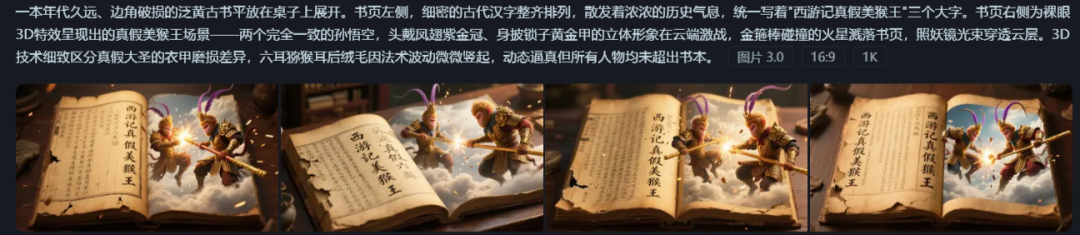


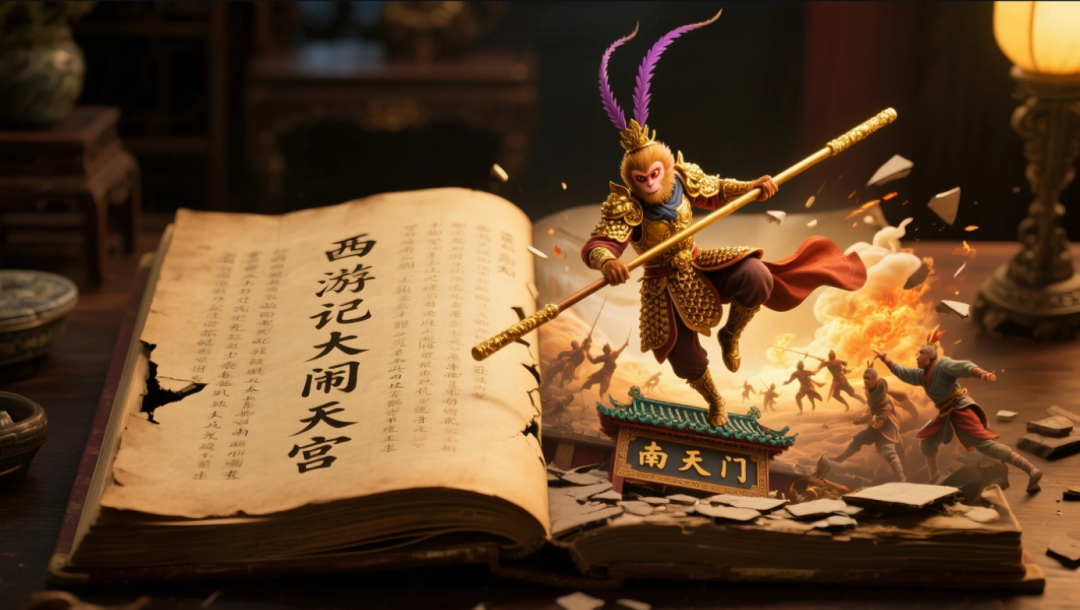
A yellowed ancient book with a long history and torn edges was placed flat on the old bookstall and unfolded. On the left side of the book page, fine ancient Chinese characters are neatly arranged, exuding a strong historical flavor, uniformly written "Journey to the West, three white bones" three big words. The right side of the book page for the naked eye 3D special effects presented by the three beat the white bone spirit scene - the Monkey King fire eyes to recognize the evil, wearing phoenix wings purple gold crown, clad in locks of gold armor three-dimensional image, jumping in the air, raise the stick to split. 3D light and shadow accurately rendering the white bones of the phosphorus and fire of the contrast between the materials, the dynamic lifelike, but all the characters have not exceeded the book. The edges of the yellowed pages are slightly rolled up, the texture of the paper is real and touchable, and the warm light adds a cozy atmosphere to the whole picture, letting the traditional oriental aesthetics collide with the modern digital art to create a marvelous mythological mood.

Then generate images in turn, here for the control of the consistency of the role, the Monkey King are with the head wearing phoenix wings purple gold crown, clad in locks of gold armor three-dimensional image.
Step 3: Graphic Video
Here still use that dream, raw video tools are too many, we use the smooth which can be, if anything else remember to choose the picture is suitable for ultra-high-definition without watermark export.
Click on a satisfactory image - Generate video - Enter descriptor - Video 3.0 mode - Click Generate
The cue words are relatively simple: a rock explodes with a golden light and a monkey jumps up from it in a natural movement


Just a simple description of the action will do.
Step 4: Edit the movie
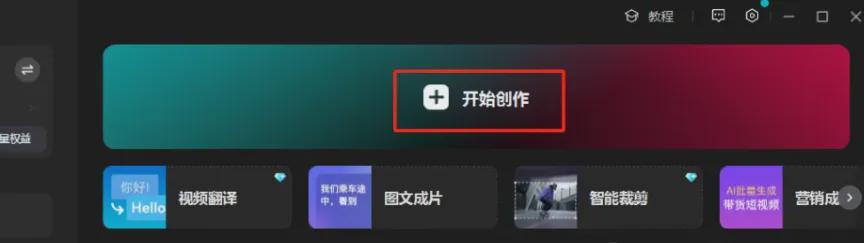
1, open the cut screen PC Professional Edition, enter the main interface, click [+ start creating].
2, add the saved video clips, add the background Journey to the West music, you can cut the movie in the music library and sound effects directly search for the "Tongtian Avenue wide and broad
3, the appropriate location to add the right sound effects, you can double the effect of the video.
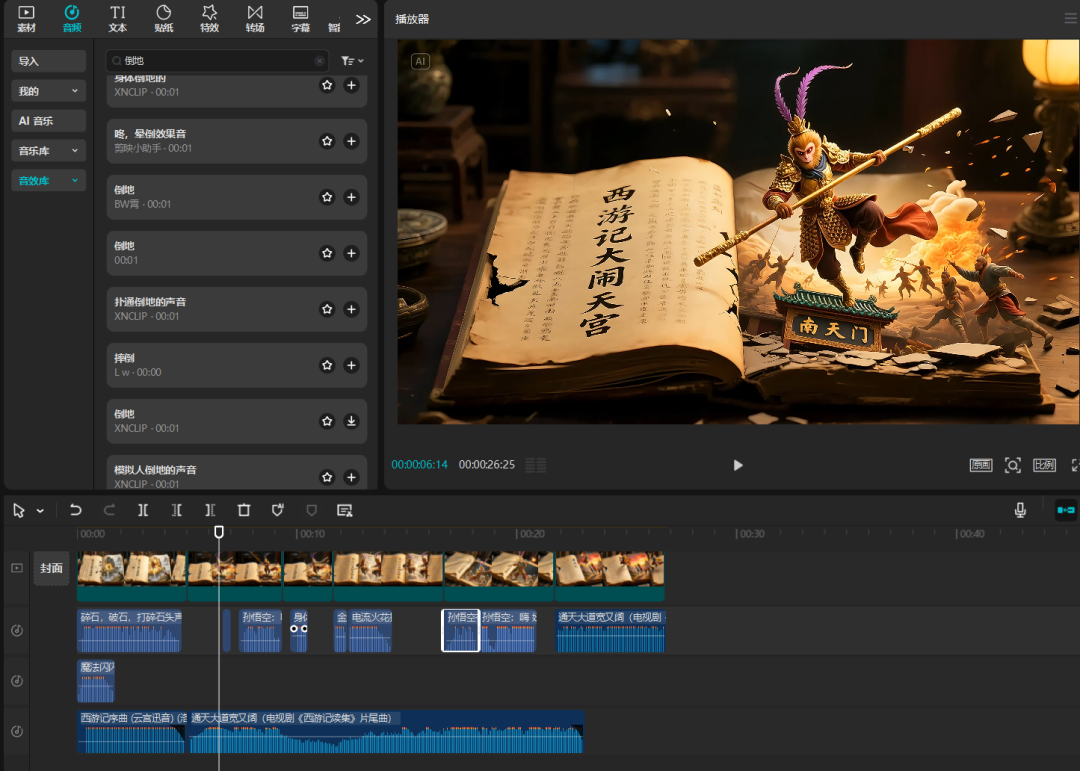
Learning points: music, sound effects can be added to make the picture more feeling, prompt words as said earlier more drawings in order to choose a satisfactory.
It still looks good, doesn't it?Everyone can get hands-on, easy to learn, hurry up and try it~!