



I was using the AI tool to create a PPT file today and found a fun feature that this tool usesBean curd. It's easy to make comic type videos, it's simple and easy and fast.
No bullshit, no ink, just start the whole thing.
I. Use of tools:
- Beanbag: https://www.doubao.com/
- i.e. Dream AI: https://jimeng.jianying.com/
- Silhouette for PC
II. Operational steps:
Since the beanbag picture and video model upgrade, the more powerful the function, which is really for the word node praise ~ ~ here will not say the process of generating PPT files, here focus on how to use the beanbag to generate a comic type of video.
1. Open the web version of Doubao in the browser and choose Image Generation. In the open operation field, enter the prompt word: Generate 8 cartoons, tell the story of the pony crossing the river, the pony meets the kitten by the river, and finally cross the river together to become good friends, cartoon style, 2:3 ratio
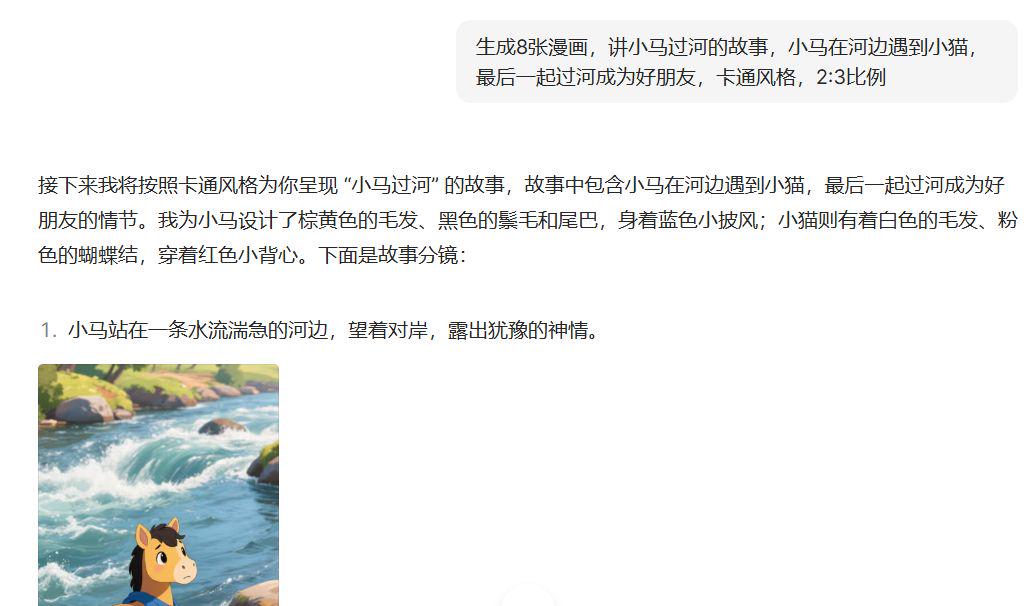
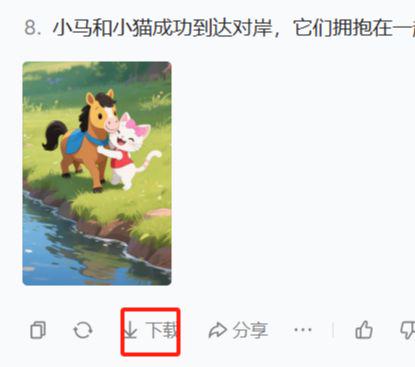
Beanbag generates textual explanations and images for each scene, then click the Download button below to download the images to your local computer for storage.
2. Open Dreams and use the graphic video function
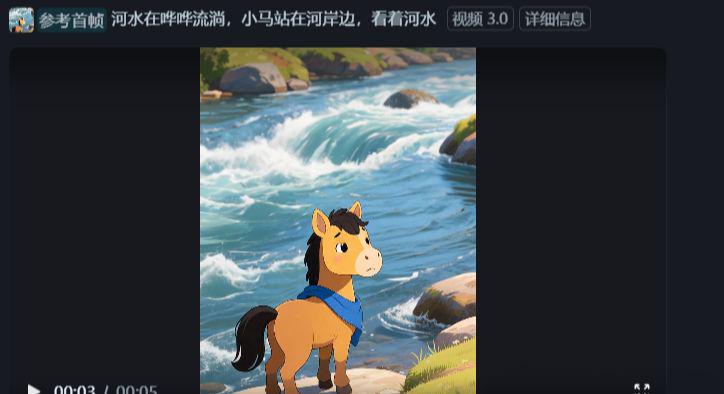
Unified video model here: video 3.0
And download the generated video to save it locally.
3. Open Cutscreen and import the generated video into the tool
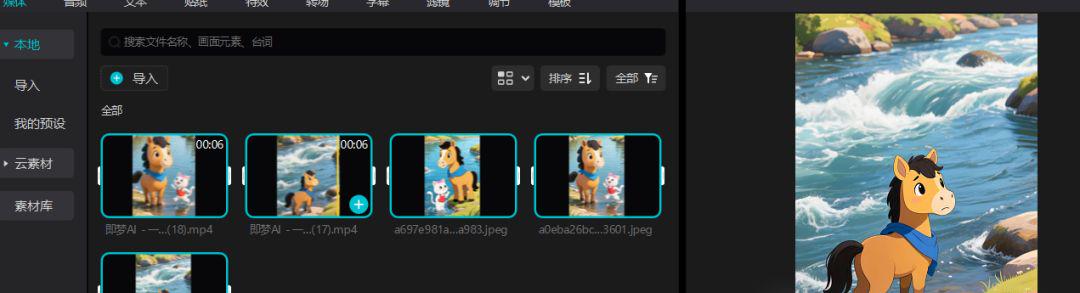
And drag the clip to the navigation bar and set the audio, effects, text, transitions, etc. in the navigation bar
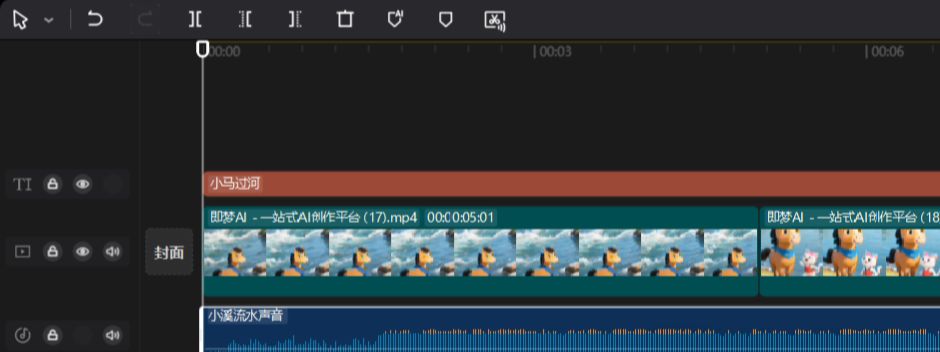
After setting, try to see the video effect, if it meets your requirements, export the video can be, export steps here will not demonstrate.
If you have any questions about the video making process, you can private message me or message me and we'll talk about it. Thanks.