



DoPPTWhat's the most annoying thing? I don't think it's a layoutI'm looking for information.
BEFORE WRITING AN INDUSTRY ANALYSIS OR A REPORT, WE HAD TO GO TO GOOGLE AND GO OVER DOZENS OF PAGES, COPY WHAT WE THOUGHT WAS USEFUL INTO THE DOCUMENT, SORT OUT THE LOGIC, AND FINALLY DO THE PPT. THIS PROCESS GOES DOWN FOR HALF A DAY。
I've been trying a lot latelyAI ToolsI found Google NotebookLM IN TERMS OF OUTPUT, IT CAN BE SAID THAT THE COMPLETE SUSPENSION OF ALL PPT PRODUCTS CURRENTLY ON THE MARKET ..
How does it work
There's some obstacles, but I've cleared the road for you。
How to use
Open this site first:
https://www.1ai.net/35781.html
You'll see this page:
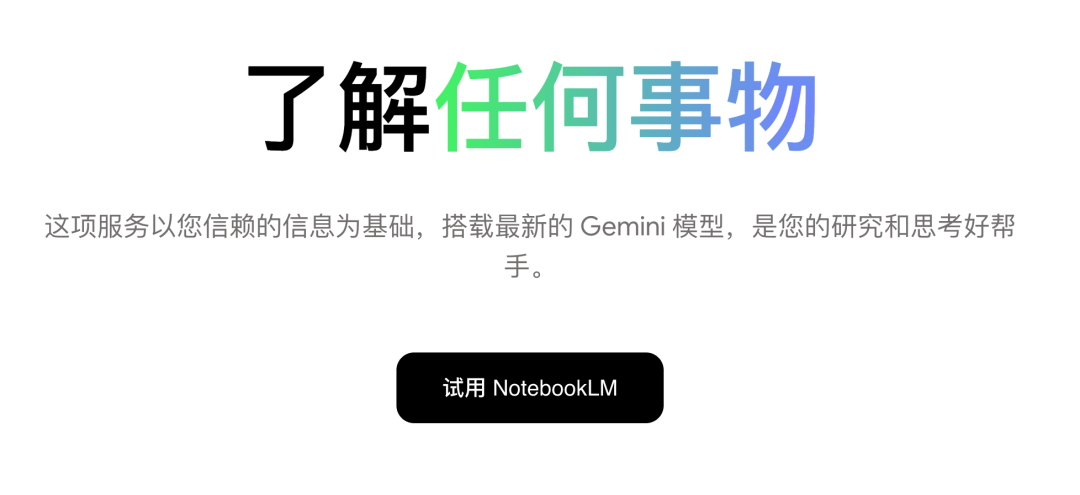
Click [Try NotebookLM]。
At this point, it is important to note that the user ' s ip address is needed in the United States, or it is time to jump to the App download page or open-ended loop on the current page。
The normal way to open is to click on a red circle to create a notebook in two places:
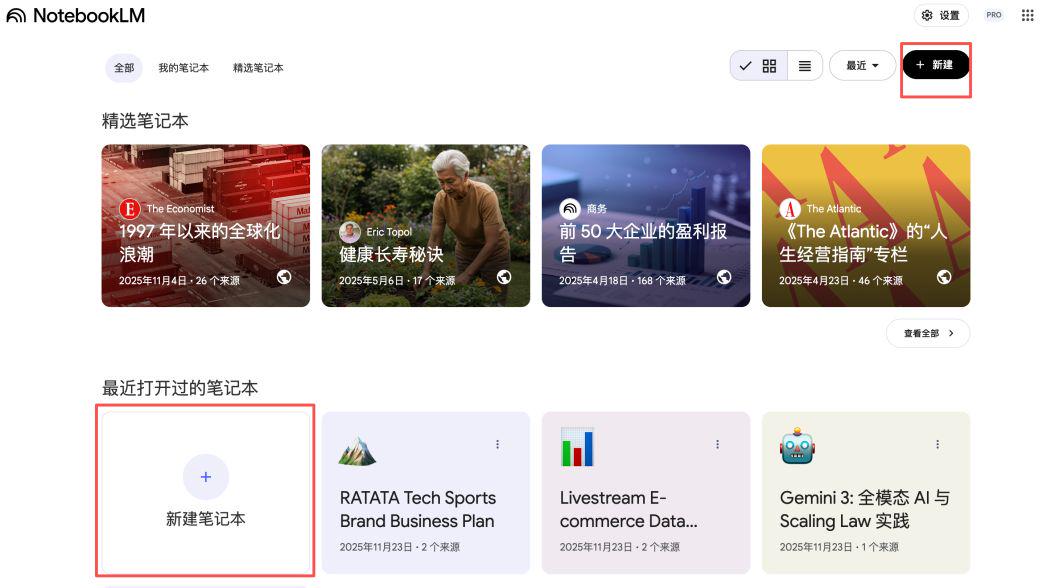
And then you'll come to this addition page:
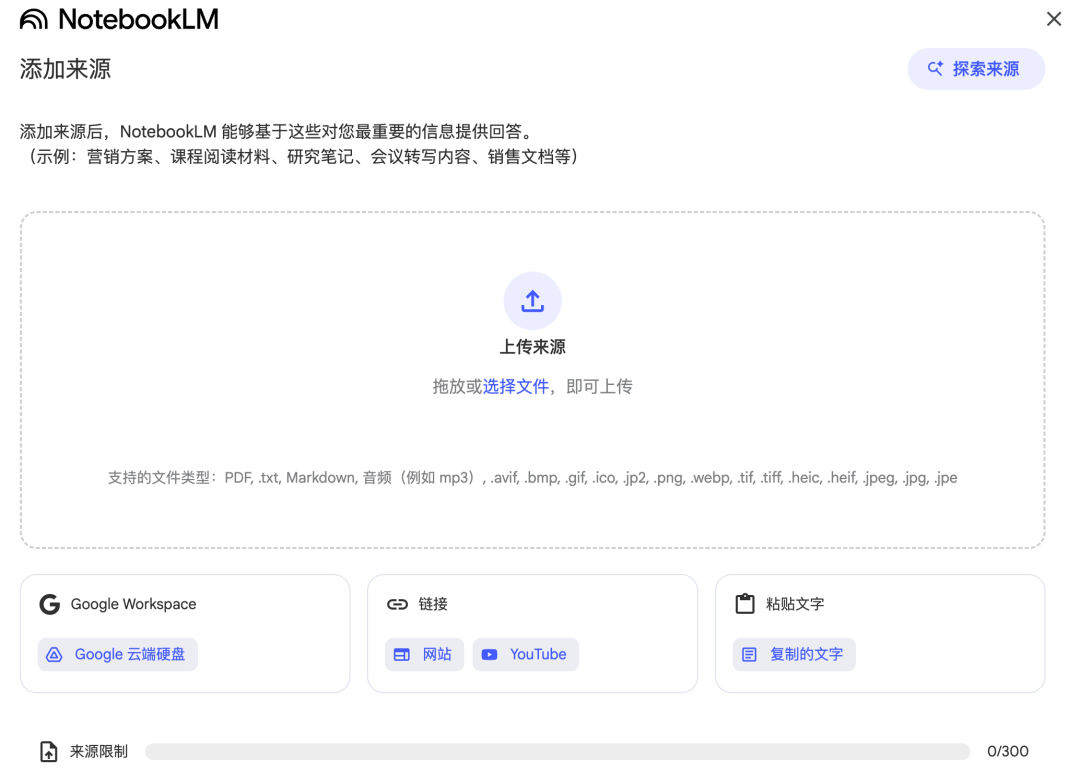
You can add a variety of types of documents as reference for PPT, documents, audio, pictures, plain text and even YouTube links。
note that word and ppt formats are not allowed。
so if your local document is these two formats, you can turn pdf and then feed it, or copy the pure text in the word and then click the lower right corner of the text。
Then click on the editing button next to the right [presentation]:
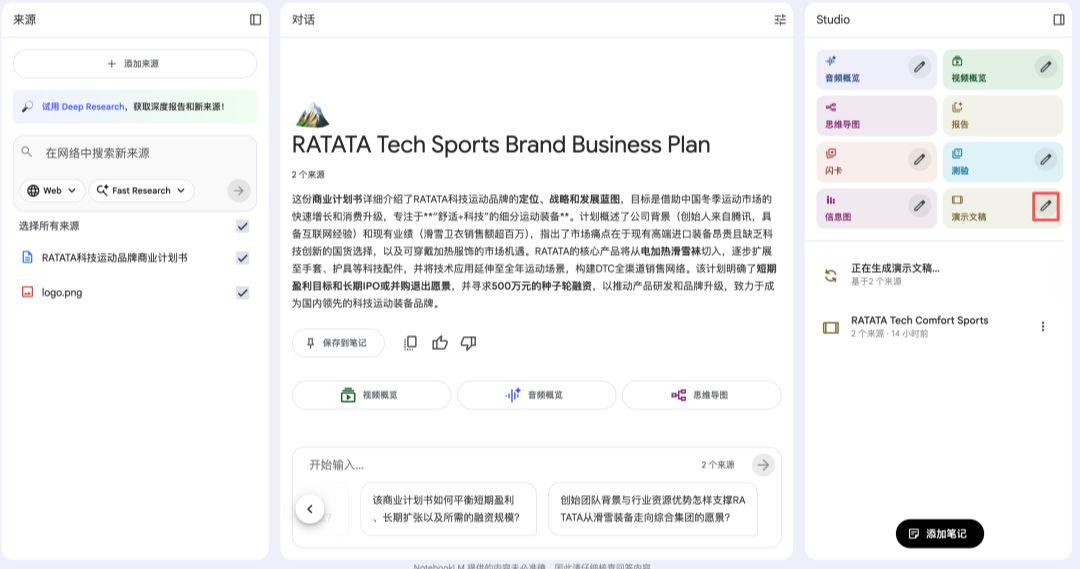
DIRECTLY CLICKING ON [PRESENTATIONS] IS GENERATED BY DEFAULT, AND CLICKING ON THIS EDITOR ALLOWS YOU TO ACCESS THIS PAGE TO MAKE SOME SETTINGS, SUCH AS THE LANGUAGE IN WHICH PPT PRODUCES A DETAILED NARRATIVE OR A SHORT VERSION THAT IS MORE SUITABLE FOR SPEECHES, AND IF YOU HAVE SOME SPECIAL REQUIREMENTS, YOU CAN SPECIFY BY DESCRIPTION:

IN ADDITION, IT CAN NOT ONLY DO PPT, BUT ALSO MAKE INTERACTIVE THOUGHT MAPS:
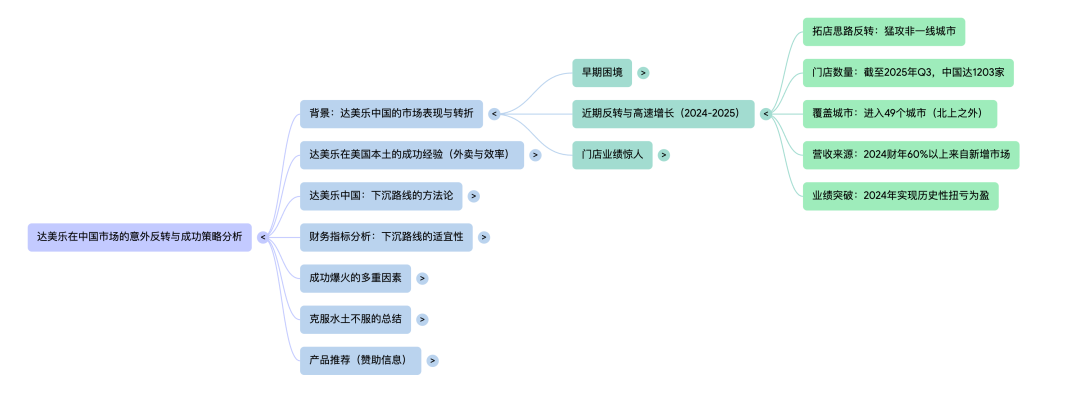
Anyway, whatever material you're giving, it's going to tear you apart and make you understand。
Case Studies
LET ME SHOW YOU SOMETHING DIFFERENT ABOUT PPT:
AUDIO TRANSFERPPT
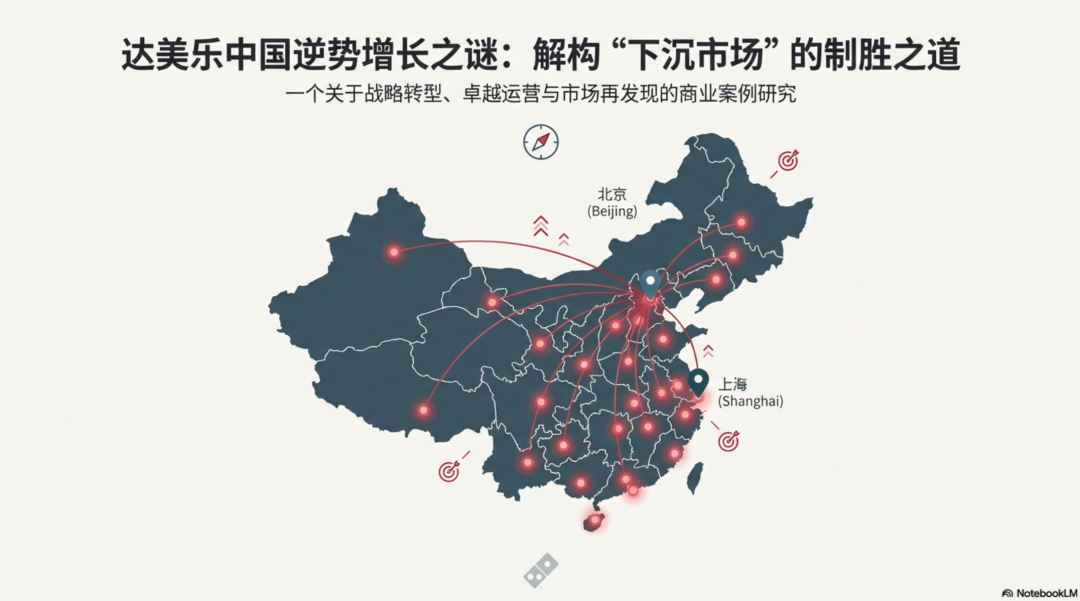
The material comes from Business: How can Dame's Chinese performance reverse
Audio source files for the podcast were provided and Chinese output was set。
Tips:
A presentation based on the material, with a rigorous and professional business style, single-page text is not too much and can be expressed in more graphs。
I DIDN'T MOVE ANYTHING ELSE, SO I GOT A COMPLETE 12 PAGES OF PPT:
YouTube to PPT
The material is from Silicon Valley 101: A live analysis of Google Gemini3, which I directly recorded on YouTube:
https://www.youtube.com/watch?v=1pgCnlJRuxE&list=TLGGPFviZEcjLdUyNDExMjAyNQ
The others didn't edit anything
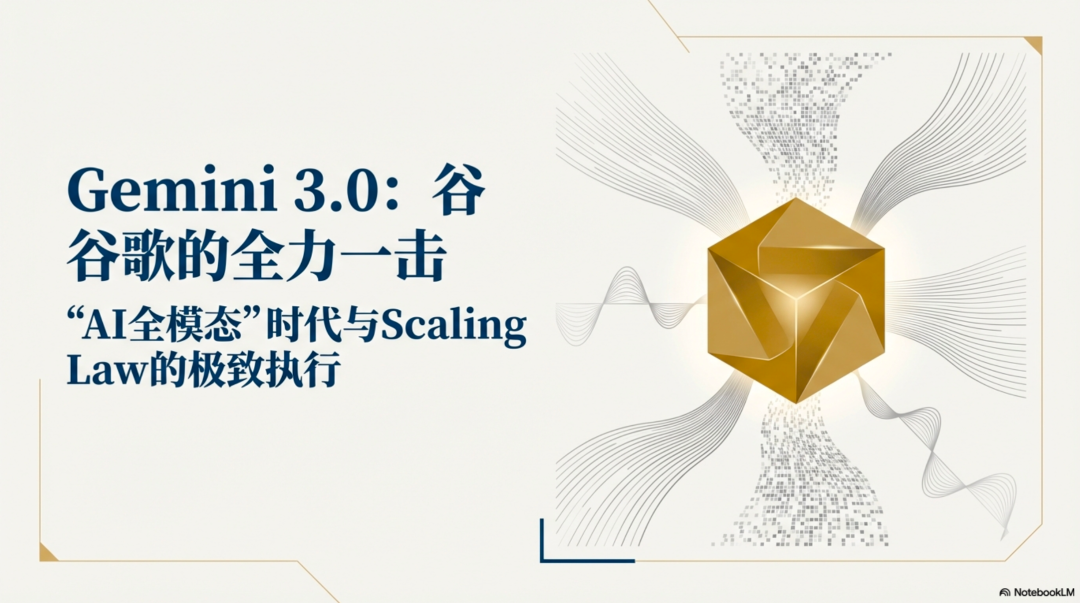
That's how it's so unconscionable..
But I'm going to give you all this detail, and I'm sure you've also found that there are a few parts of the text that are clearly blurred。
I HAVE ALSO TRIED TO USE HINTS TO KEEP SINGLE-PAGE TEXT AS LOW AS POSSIBLE FOR THE AI OUTPUT TO AVOID THIS PROBLEM, AND YOU CAN LOOK AROUND。
Final Thoughts
This function, I can see, is particularly suitable for three scenarios:
1. TO QUICKLY DO LESS FORMAL PPTS AND SHARE THEIR IDEAS WITH BETTER VISUAL EXPRESSION。
AS A LEARNING RESOURCE, IF YOU WANT TO GET A QUICK LOOK AT SOMETHING WITHOUT HAVING TIME TO LOOK AT IT, LET AI READ IT AND STRUCTURE IT, AND ASK QUESTIONS TO HELP YOU DIGEST IT。
Three, make a formal PPT, and let AI do a version of it for you, and you can do a copying exercise, and some of the material that AI makes, if you want to use, can be removed using Loveart's "editing elements" function, which can be described as an all-powerful learning partner plus productivity tool。
Finally, this feature has a limit on the number of times a free user can be used and upgraded to Gemini's fee-paying user (at least I do a dozen now without a ceiling)。