



Recently, Tiangong open-sourced a 100 billion-dollar model, and then Meta Llama3 also announced that it would be open-source.
In addition to investigating the use ofAI Application ToolsWe have also considered writing an AI application tool based on the open source large model.
Development tools are indispensablePython, so you have to install Python first.
I heard that Kimi is also a good helper in writing code, so I asked Kimi out of habit to see what his answer would be.
Tip: How to install Python on your computer? (Windows users)
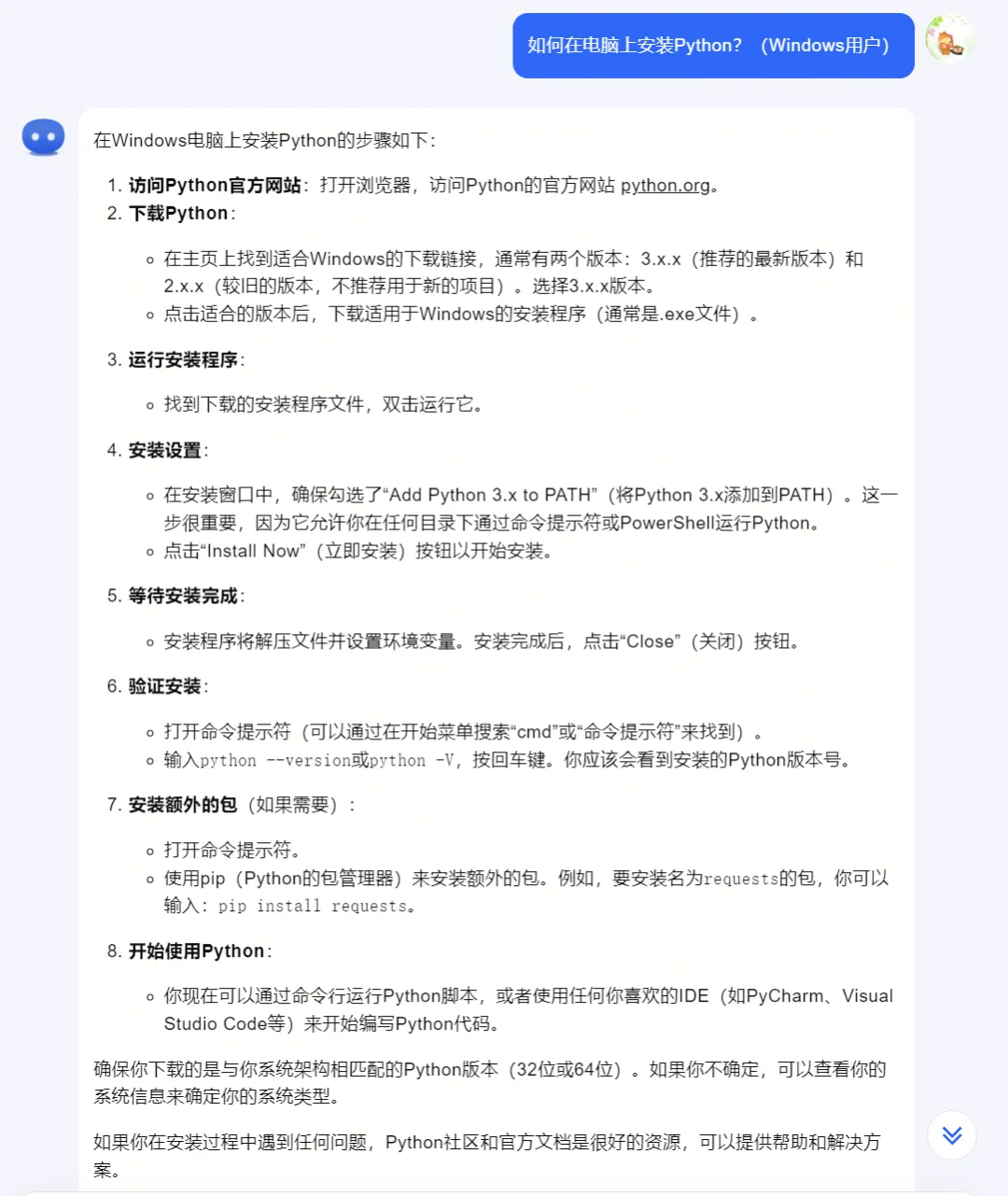
Next, let’s learn step by step how Windows users can install Python on their computers.
Download and install Python
Open Python's official website download page: https://www.python.org/downloads/
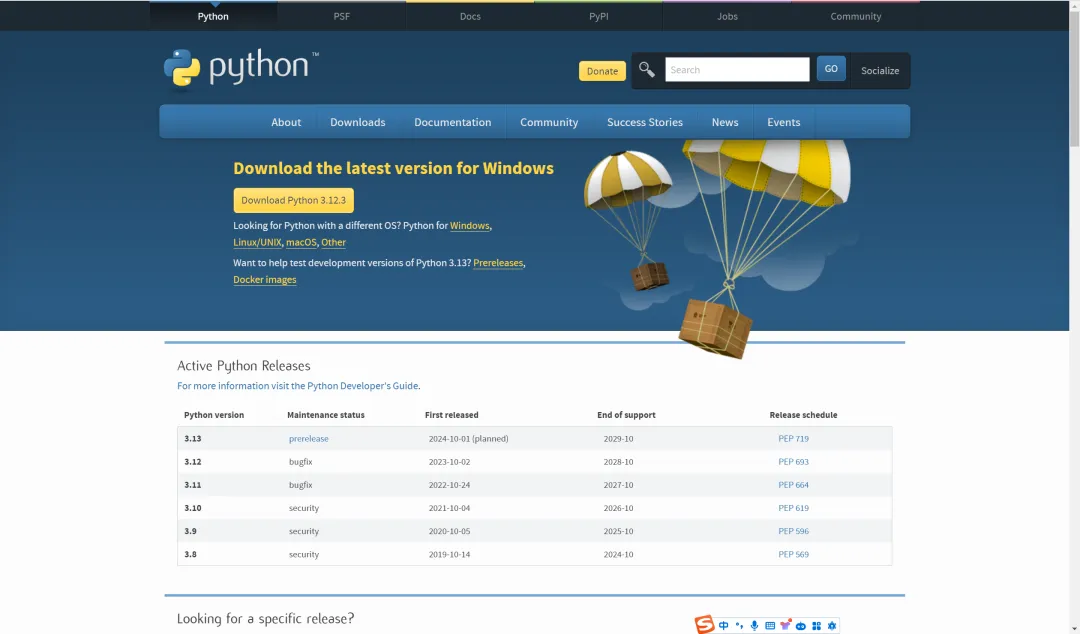
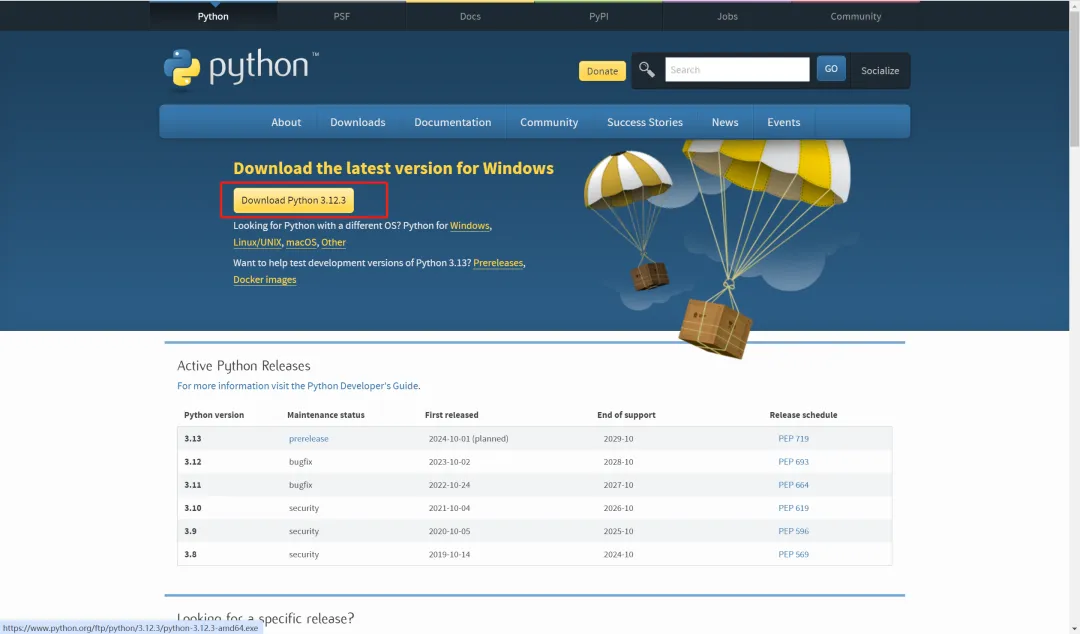
The website will usually automatically recommend a version of Python for your Windows system. We'll just click here on "Download Python 3.12.3" button to download.
Downloading.
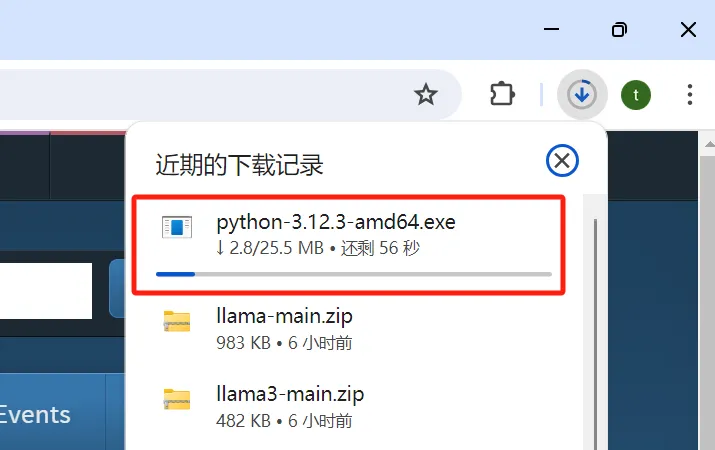
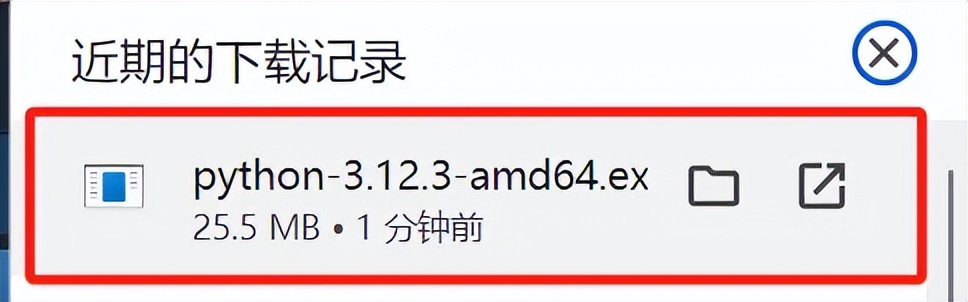
After the download is complete, double-click the installation file to start the installation.
A very important step in the installation window is to make sure that "Add Python 3.x to PATH" is checked. This will add Python to your system path, so you can run Python directly from the command line from any directory.
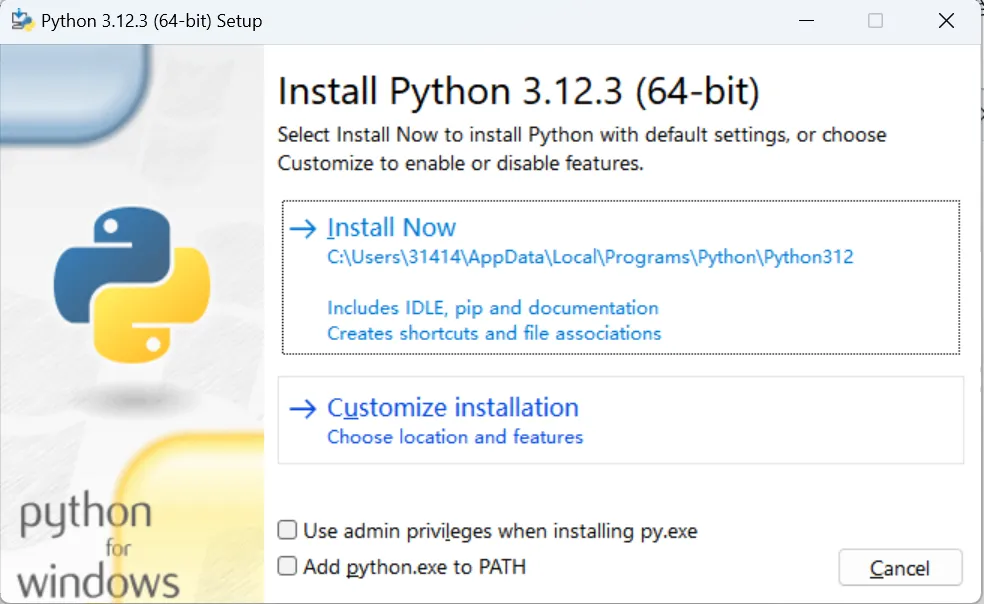
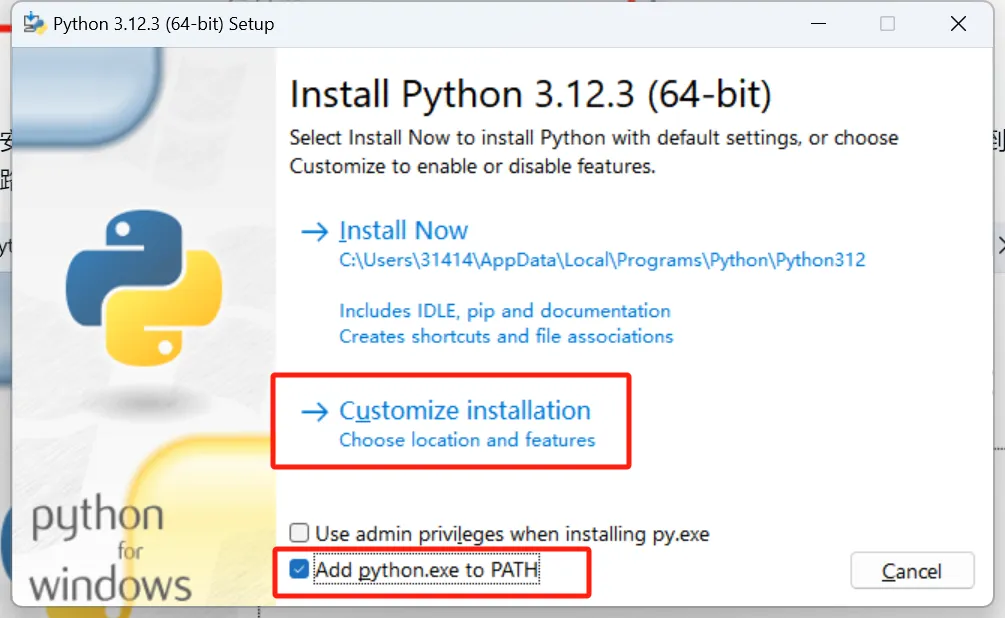
Select Customize installation and check Add python.exe to PATH.
Click [Next].
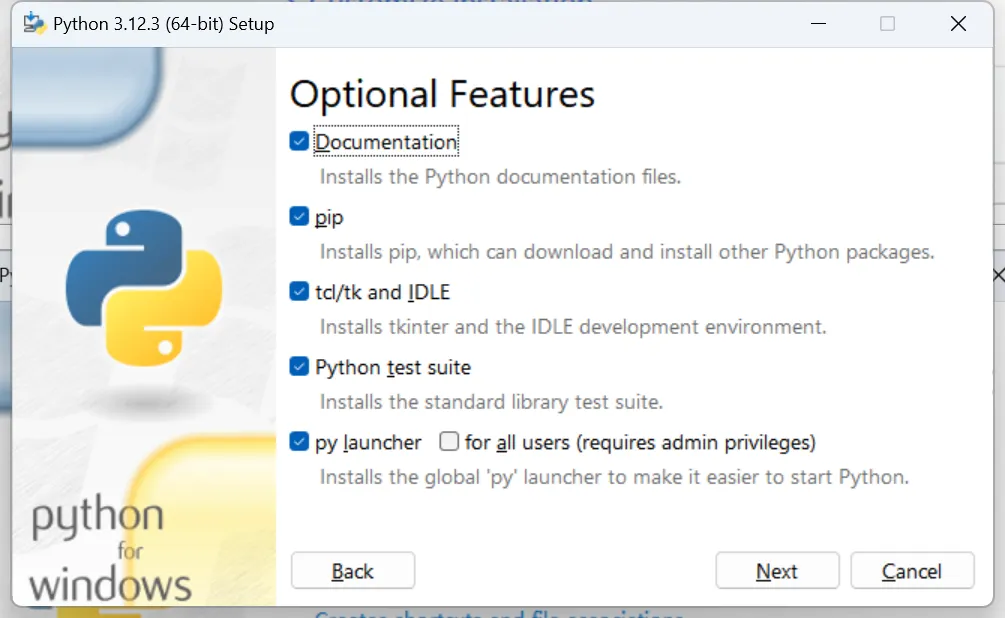
Enter the installation option configuration interface.
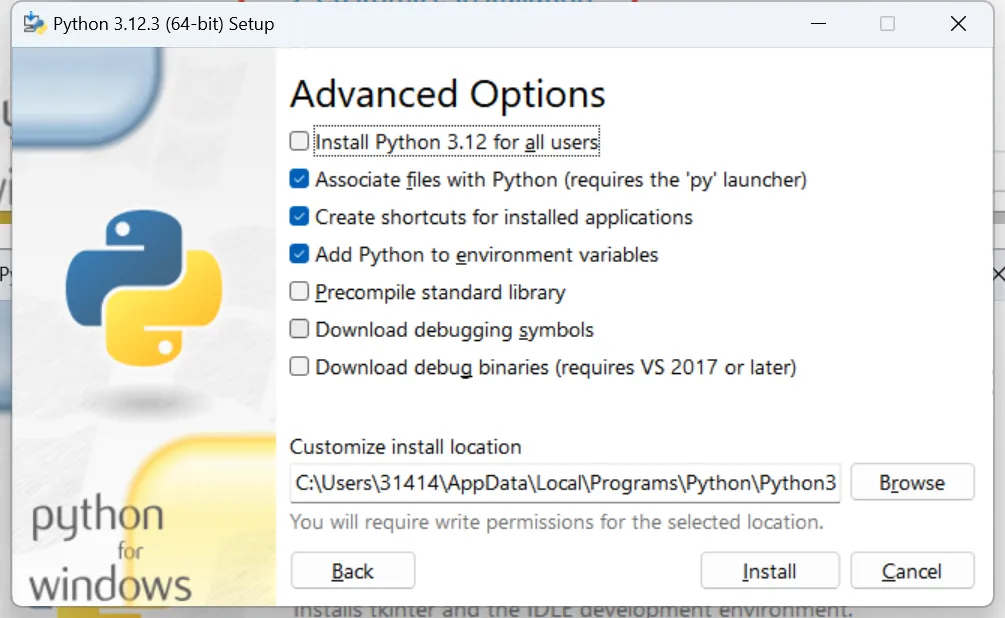
Other options can be configured by default, but you need to reselect the installation path that suits you.
(PS: The C drive is usually the system drive, it is not recommended to install it in the C drive directory)
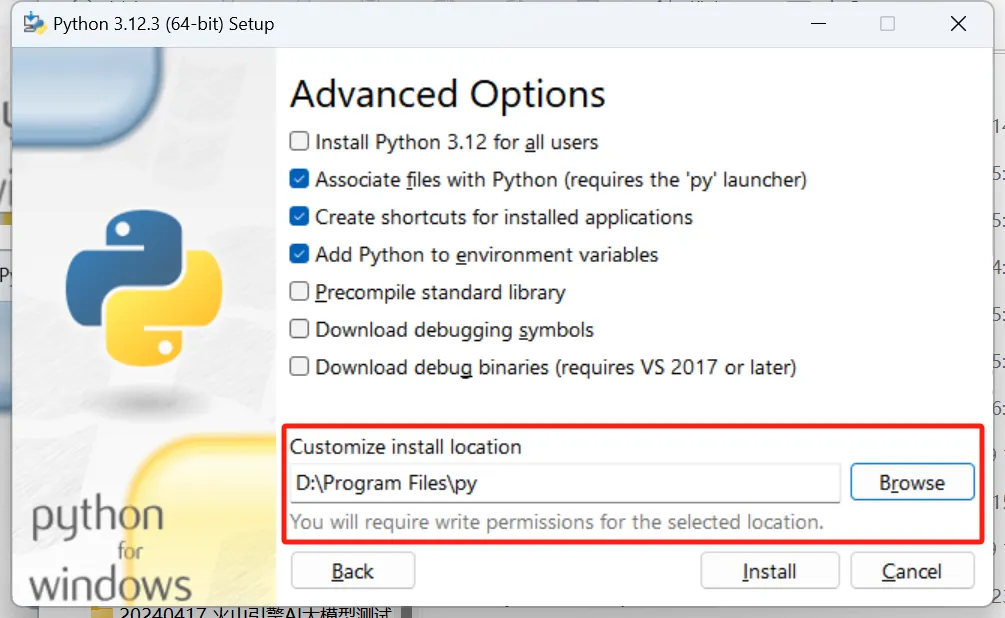
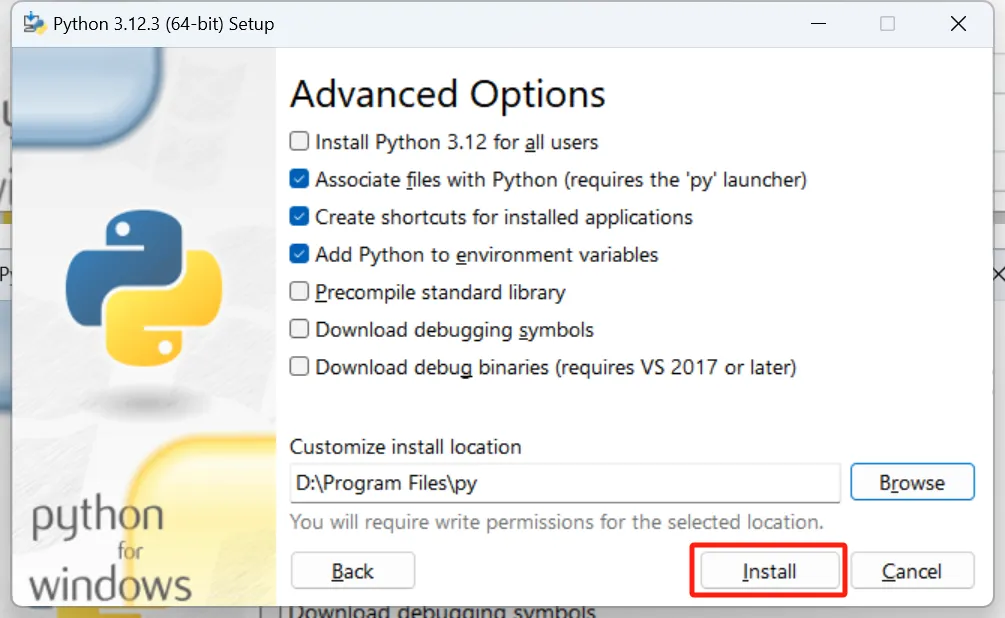
After selecting the installation configuration option, click [Install] to install.
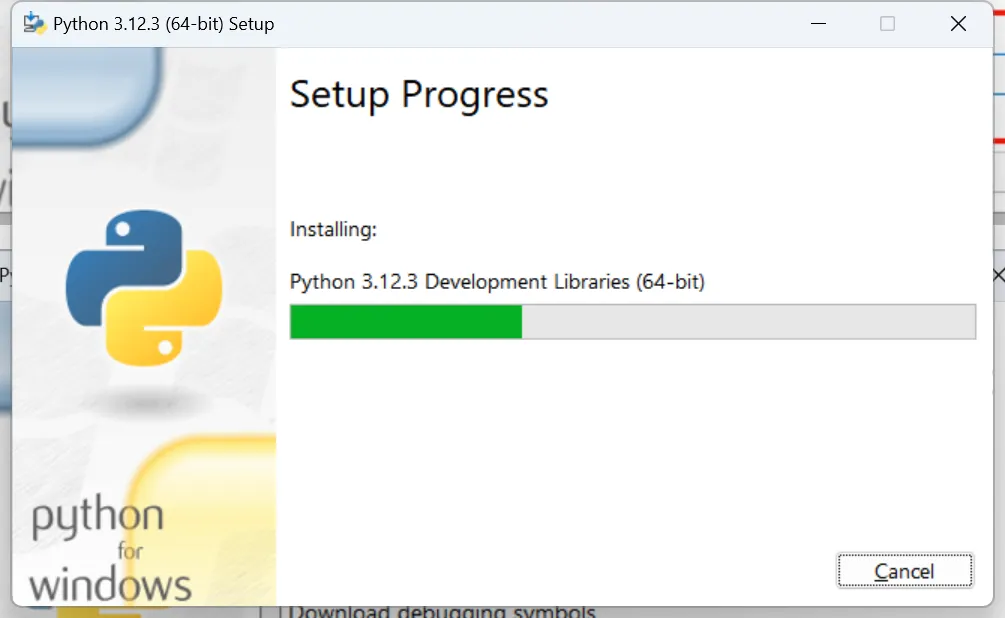
Installing.
After the installation is complete, click [Close].
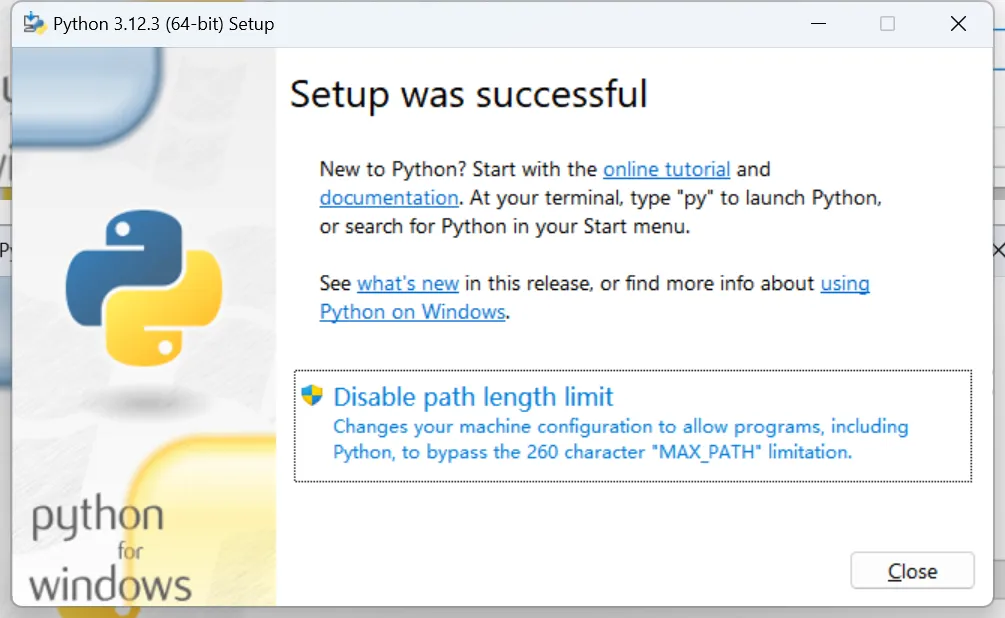
Verify Installation
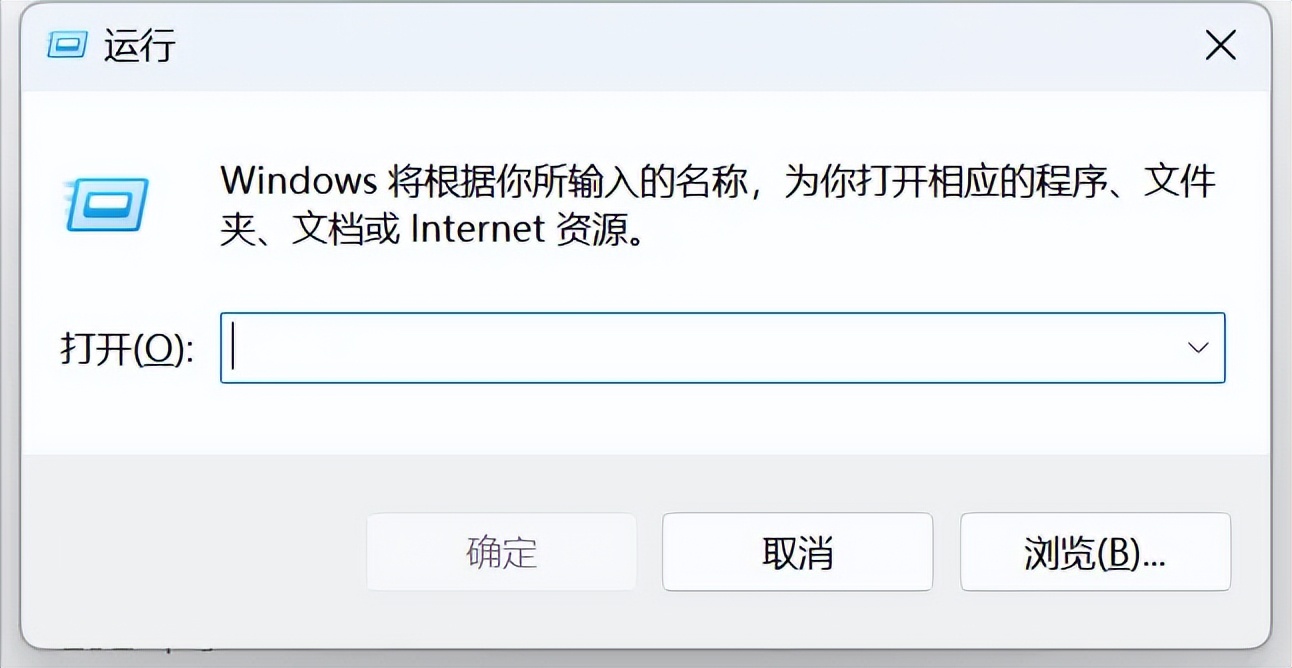
Enter the shortcut key [win] + [R] to open the run window.
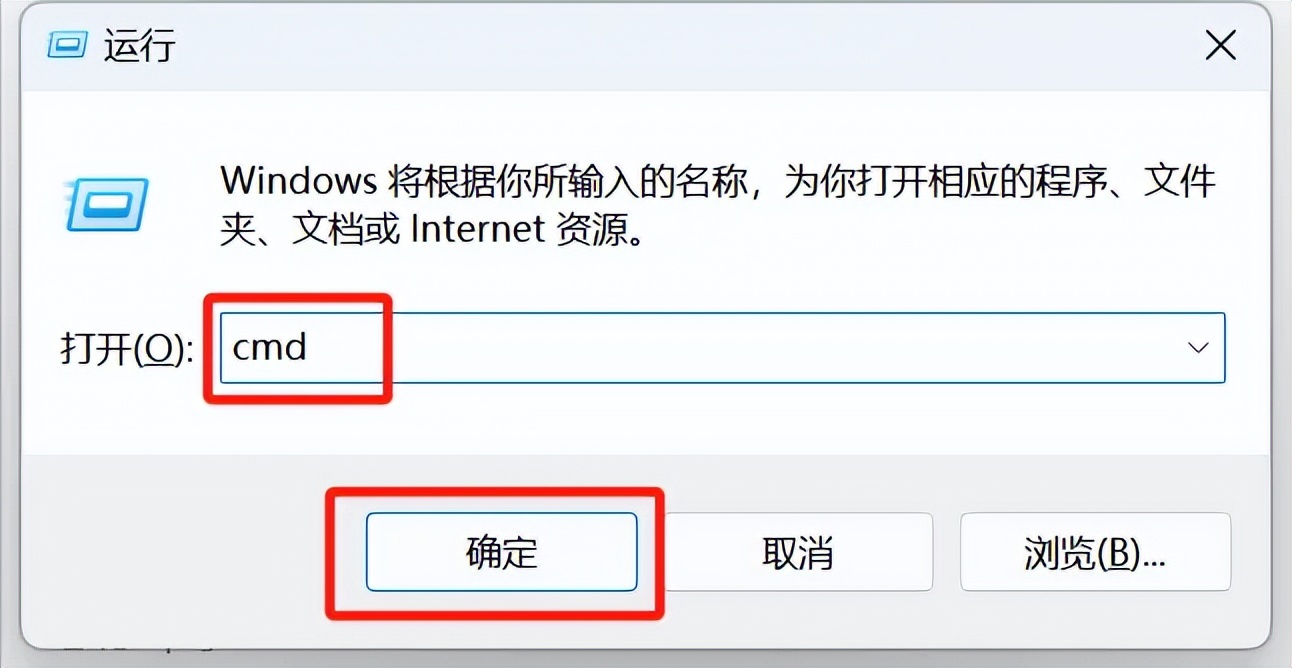
Enter "cmd" and click OK.
Go to a command prompt window and enter the command: python -version.
python --version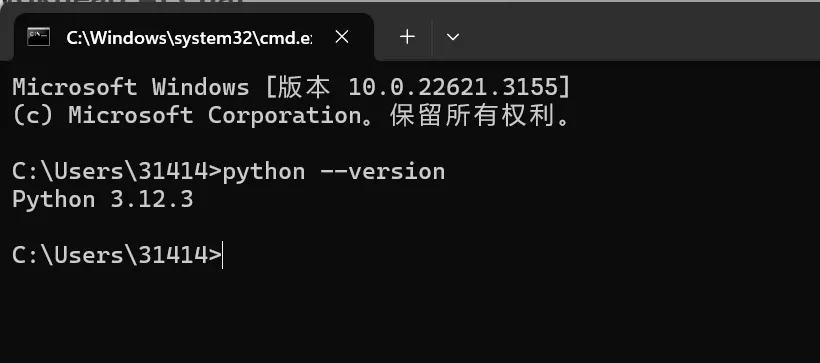
You can see that the Python version just installed, Python 3.12.3, is displayed.
So far, we have successfully completed the installation of Python 3.12.3.
Learning Summary
- Download and install Python.Go to the Python official website and download the Python version that suits your operating system. During the installation process, remember to check "Add Python.exe to PATH" and try not to put the installation directory in the C drive (operating system drive).
- Verify after successful installation.Whether the installation was successful or not, remember to check by typing python -version.
- Kimi answers comments and feedback.Although not as detailed as Guotou's description, the steps and operation procedures are fine. If you still have questions, you can continue to ask Kimi.
Now it's your turn to download and install Python and learn to make AI applications together.