




Introduction
Learn to develop your ownAI Application ToolsIn addition to using Python, you will also useGit.
In recent articles, we have learnedHow to install Python [AI Learning] Nanny-level tutorial, step-by-step how to install Python on your computer (Windows users).
In this article, let’s learn how to install Git.
Before we learn, let’s ask Kimi and see what his answer is.
Tip: How to install Git on your computer? (Windows users)
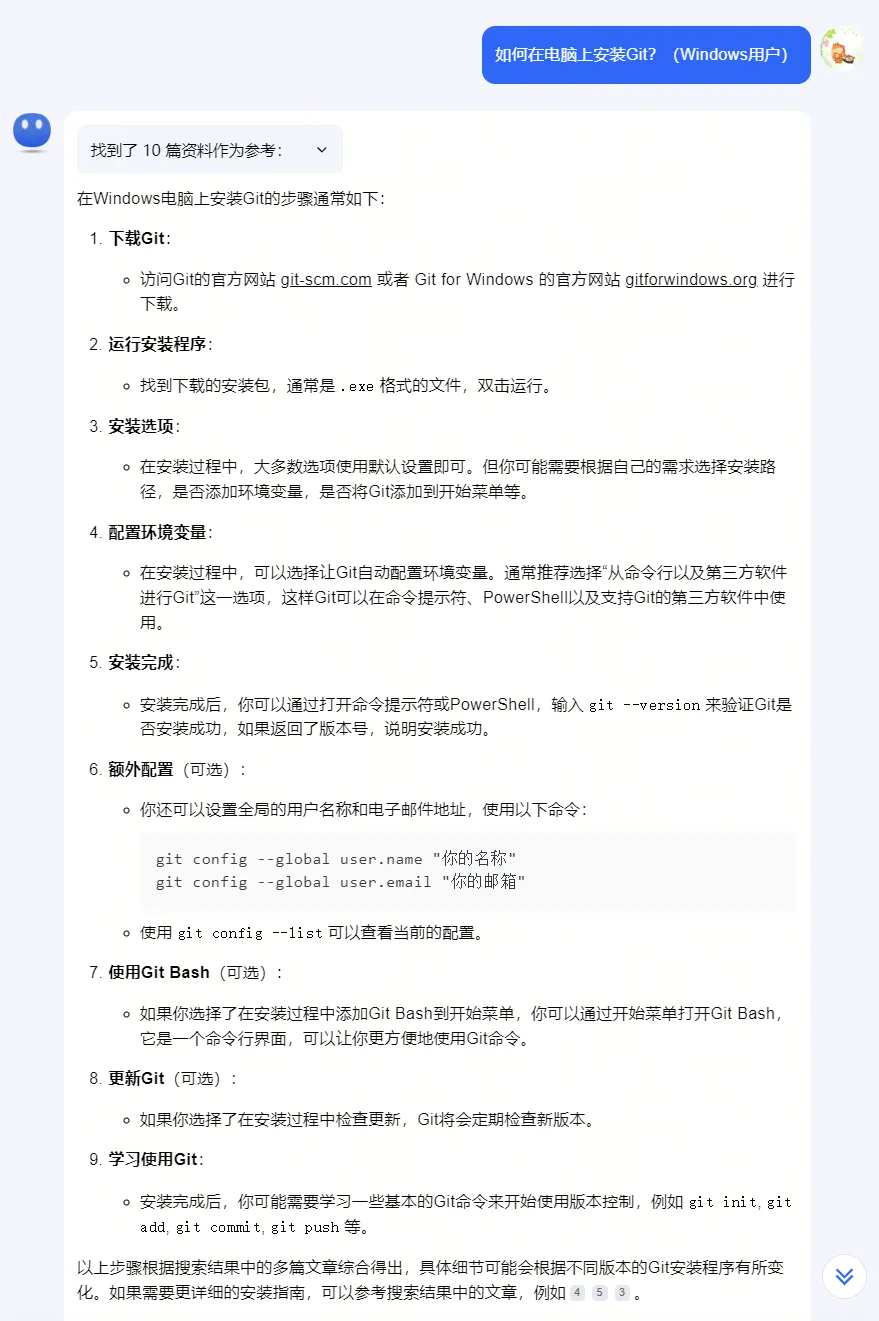
Next, let’s learn step by step how Windows users can install Git on their computers.
Download and install Git
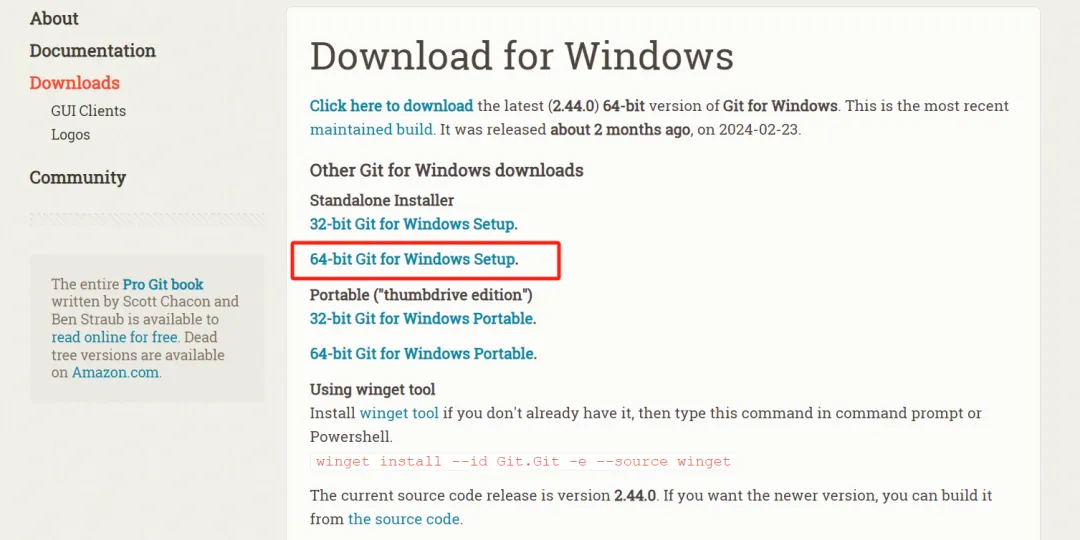
Open the download page of the Git official website: https://git-scm.com/downloads
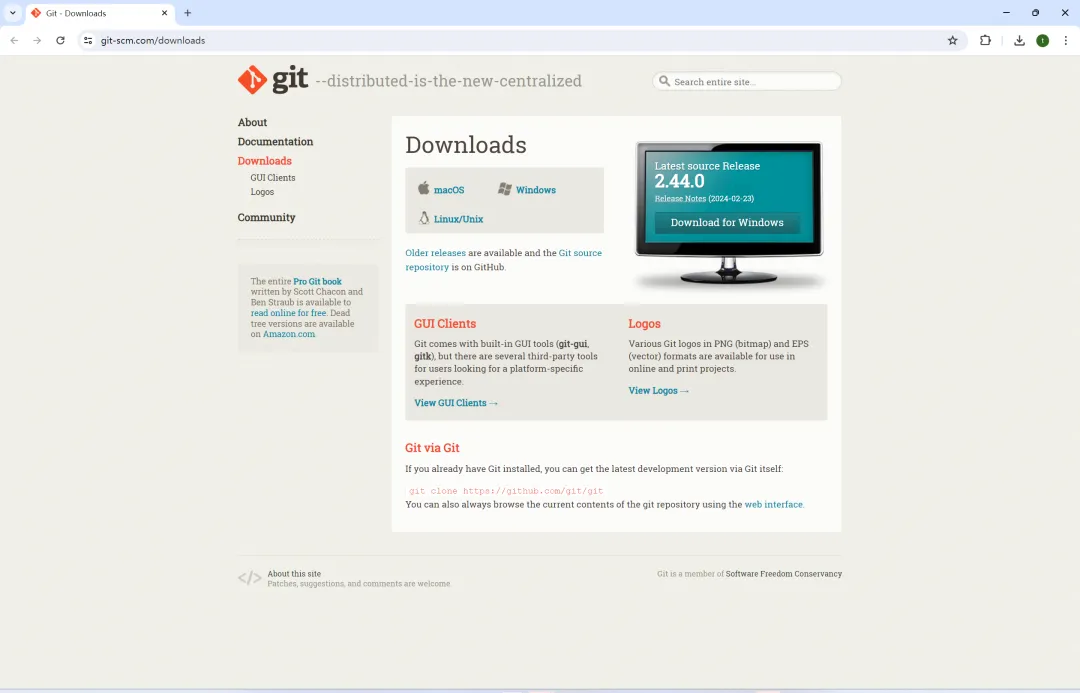
Click on the corresponding Windows link to download Git。
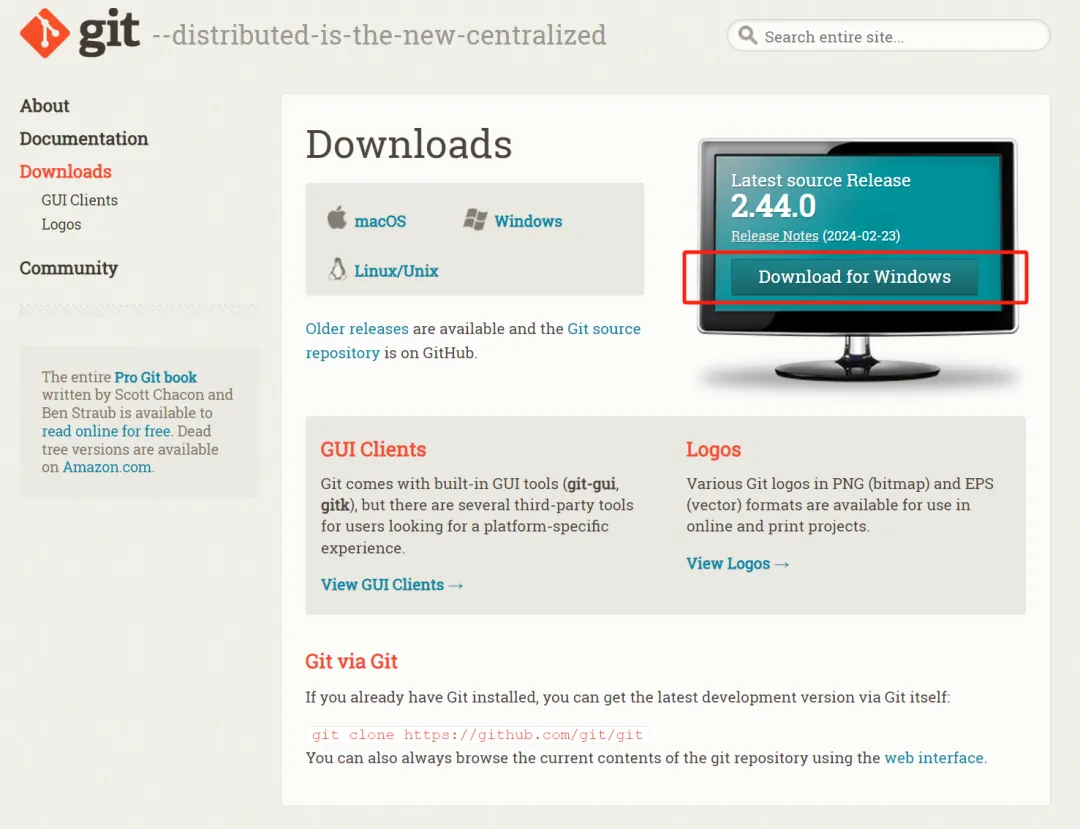
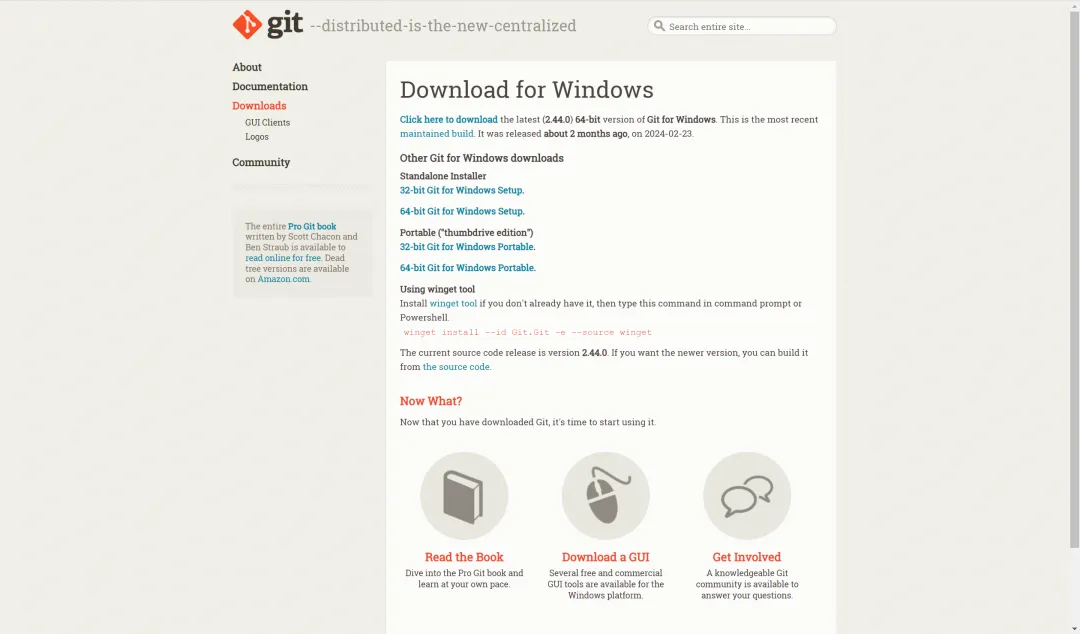
Knowledge expansion: What is the difference between Standalone Instiller and Portable (“thumbdrive extension”)
“Standalone Insteller” and “Portable” are two different types of software installation packages with their respective use scenarios and advantages。
Standalone Installer: Standalone Installer is the regular installation method, which installs and sets up the software on your computer. This usually involves copying files to the program folder, creating necessary registry entries, creating menu and desktop shortcuts, etc. Once installed, the software is directly integrated into your system, and you can run the program by simply opening the corresponding shortcut or typing the corresponding command in the command line. This installation method is suitable for software that you use frequently and needs to be deeply integrated into the system.
Portable ( "thumbdrive edition"): Portable software, by definition, that can be carried and run on any computer without having to be installed on that computer. All you have to do is copy a portable version of the software to the USB flash drive or any mobile storage device, and then insert the device on any supported computer, so you can run the software directly. This is very convenient for users who need to use the software on multiple computers but do not wish to install it repeatedly. In addition, portable software does not leave any trace of the computer's program folder or registration form, so it also applies to users who wish to keep the system clean。
Since the computer is a 64-bit operating system, Git is used on your local computer. So click [64-bit Git for Windows Setup].
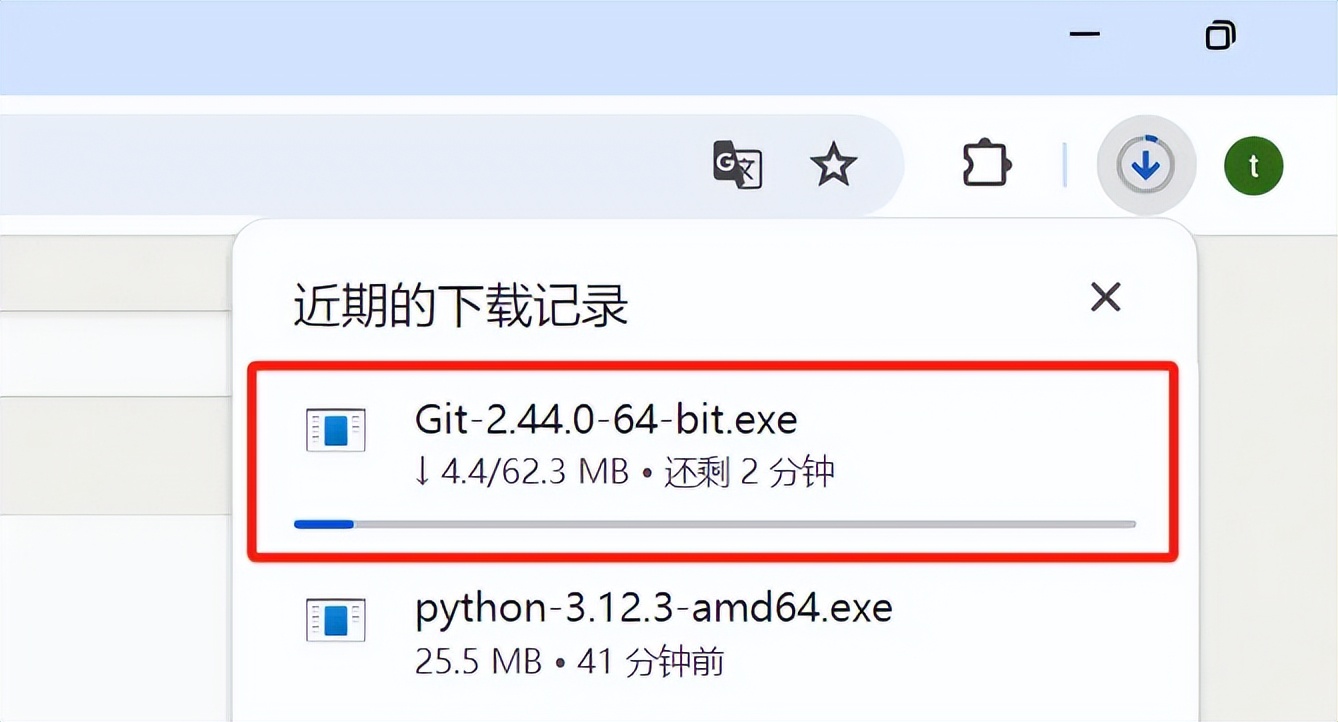
Downloading.
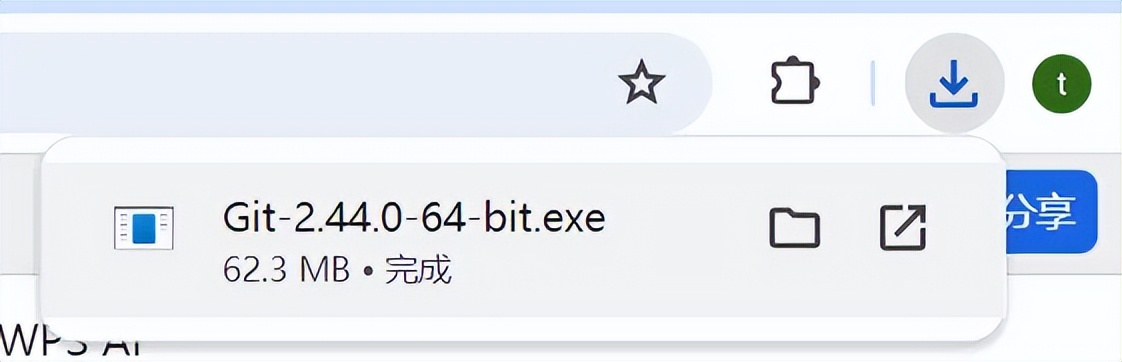
Download complete. Double-click to run the Git-2.44.0-64-bit.exe file.
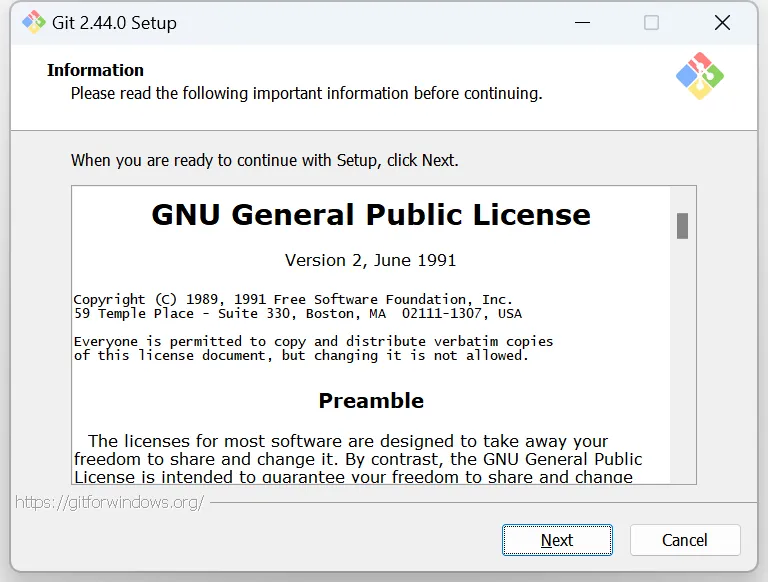
Click [Next].
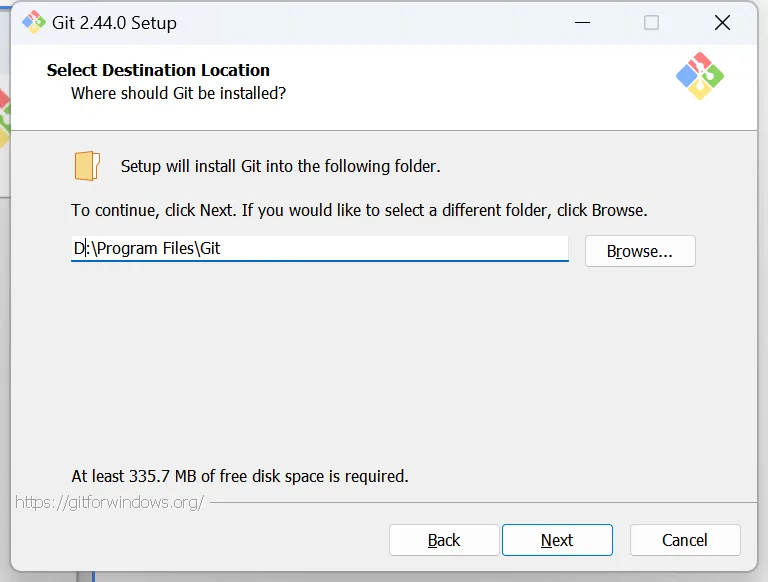
Enter the installation directory interface and change to your own software installation directory.
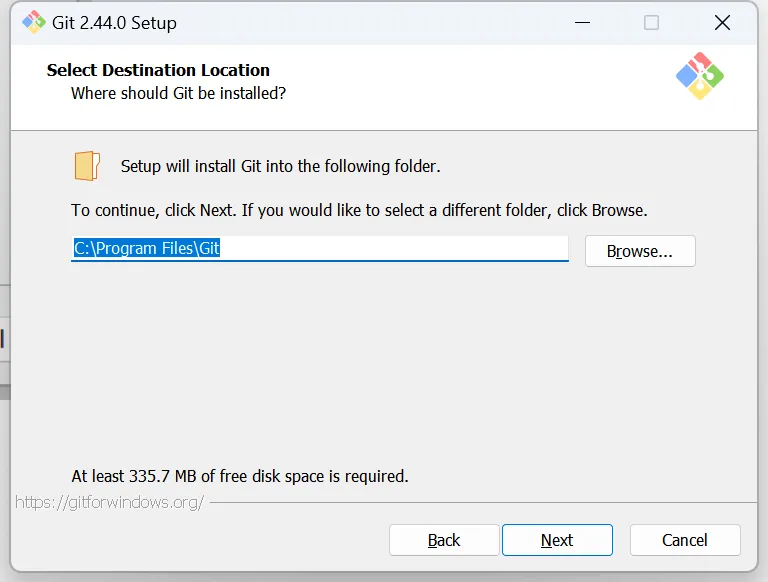
Change the installation path to drive D and click [Next].
Select the default options and click [Next].
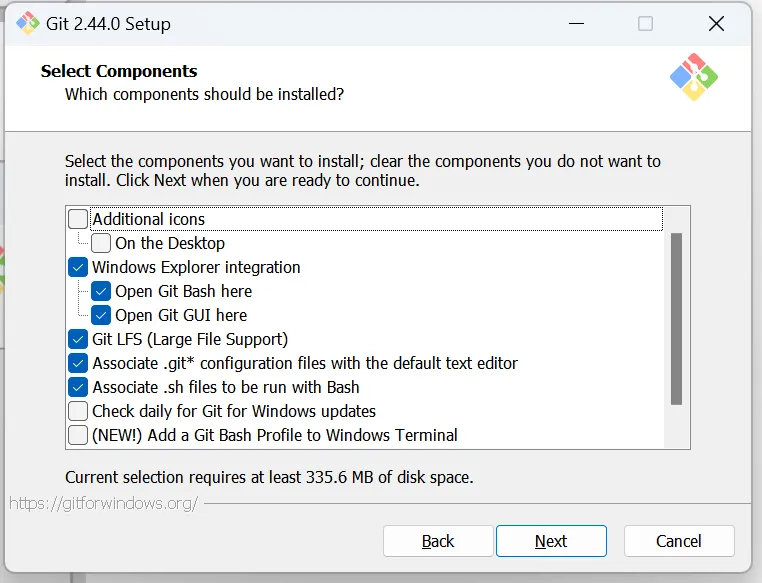
Click [Next].
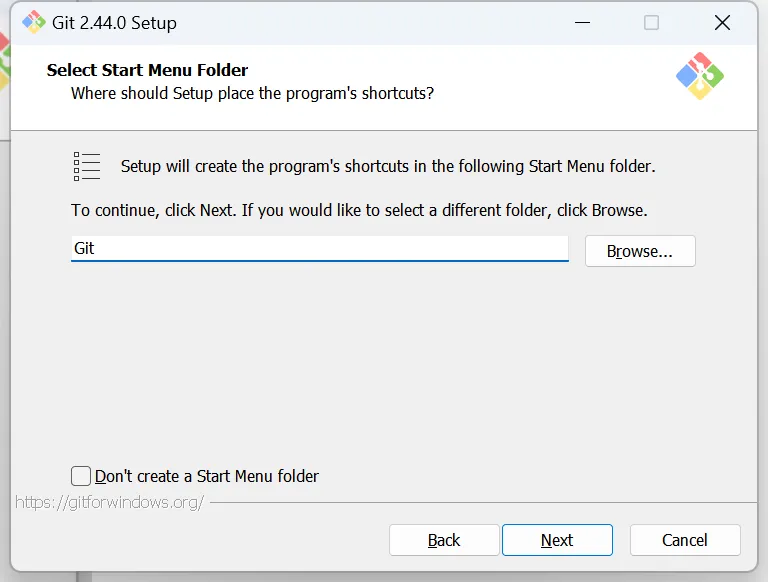
Click [Next].
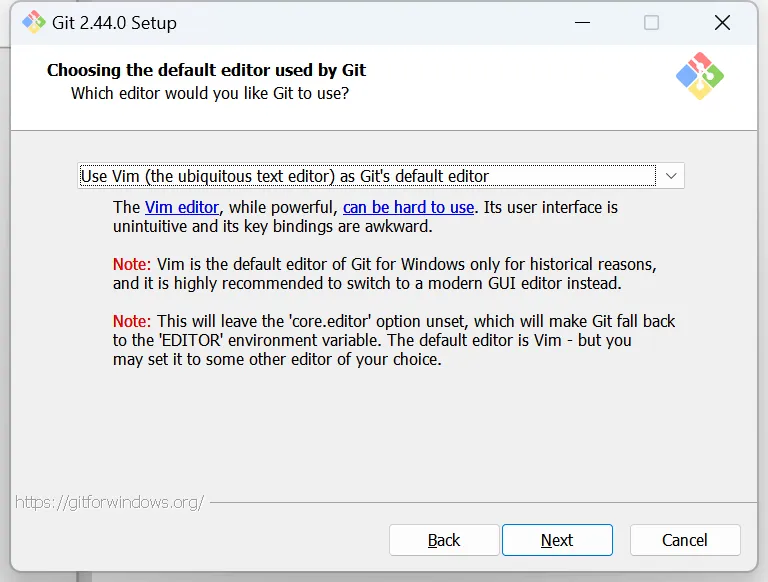
Click [Next].
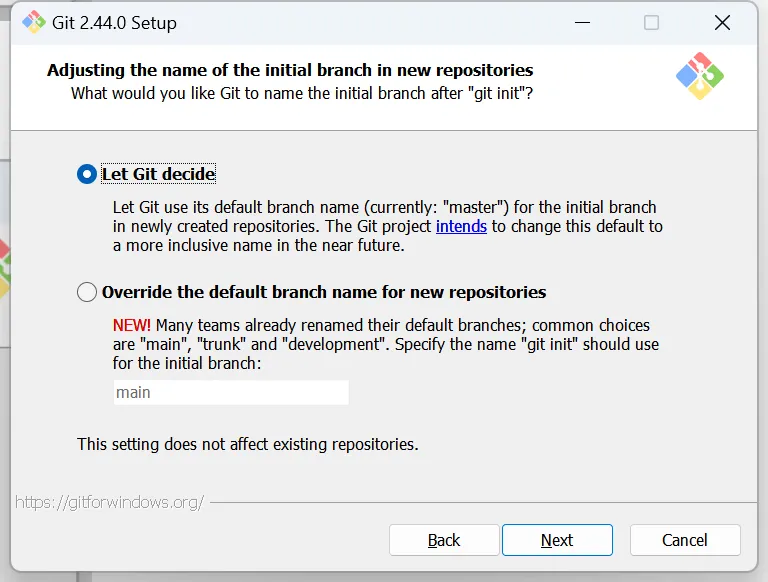
Click [Next].
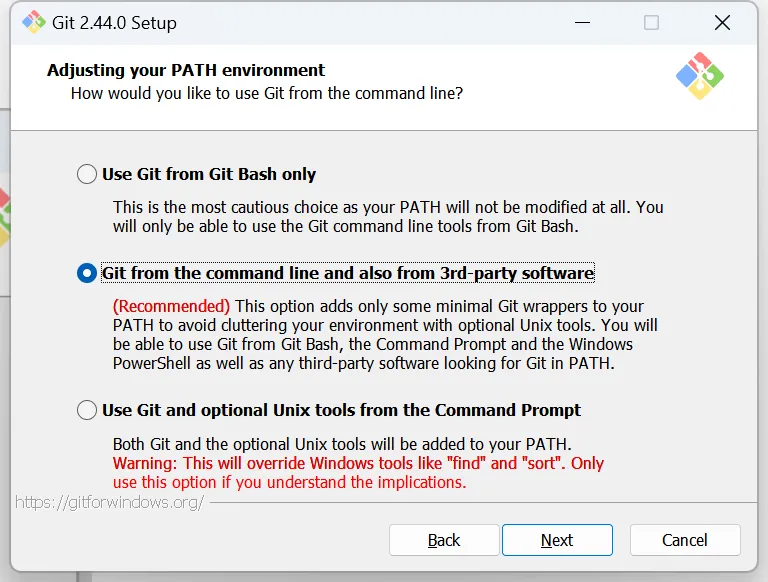
Click [Next].
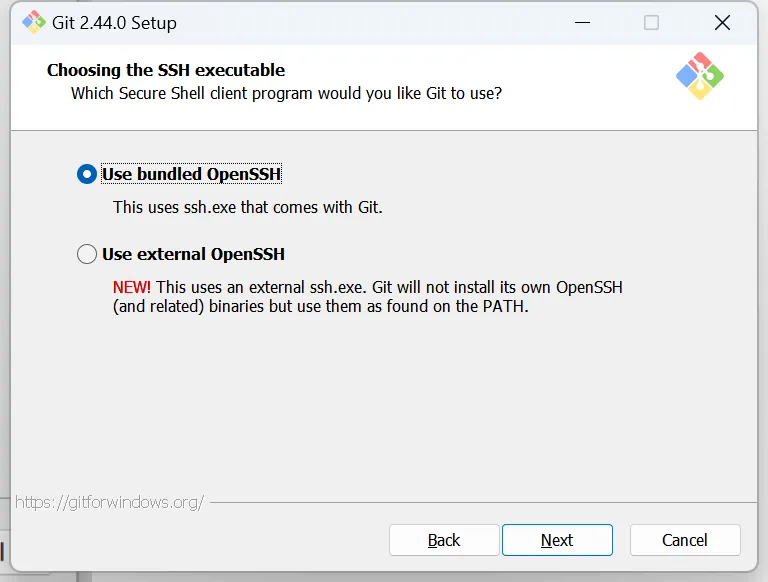
Click [Next].
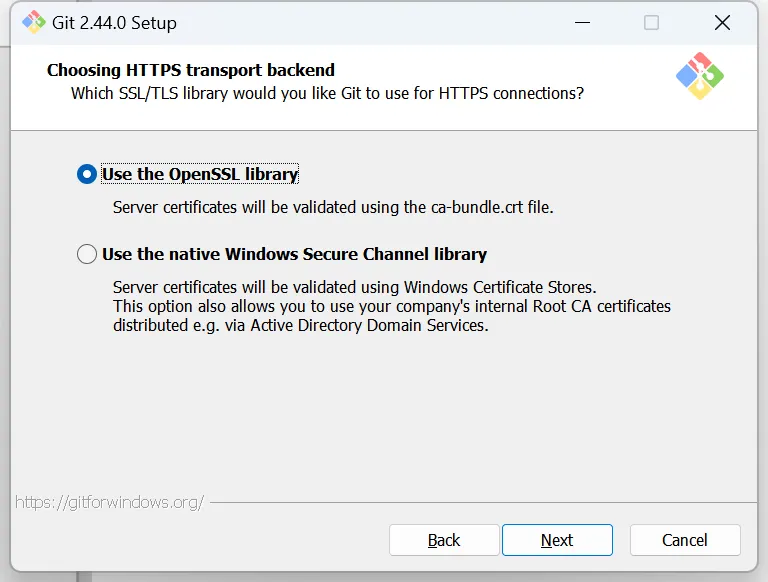
Click [Next].

Click [Next].
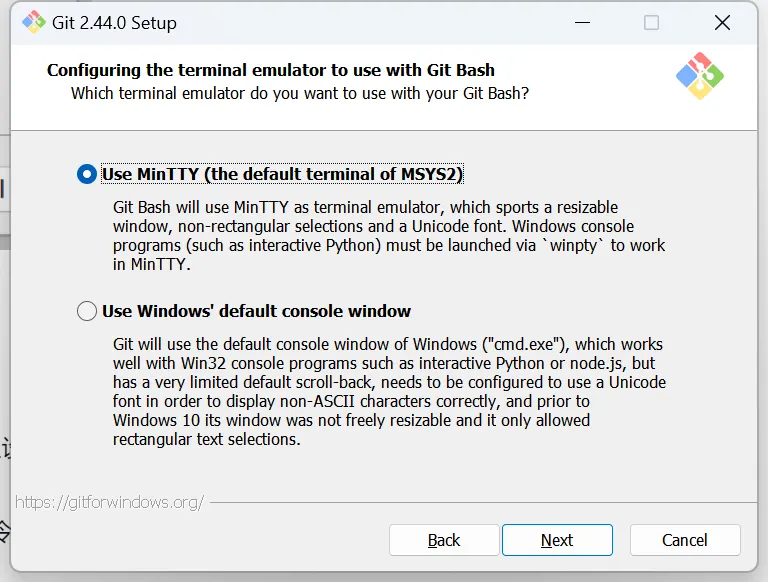
Click [Next].
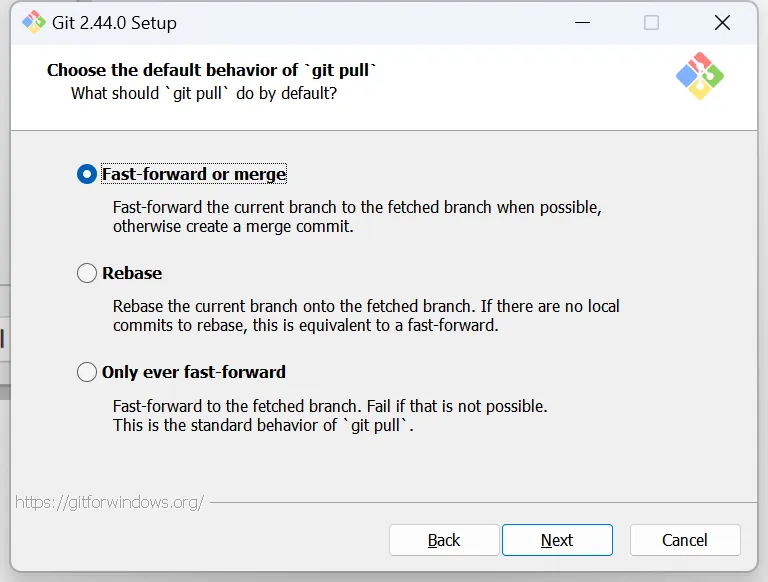
Click [Next].
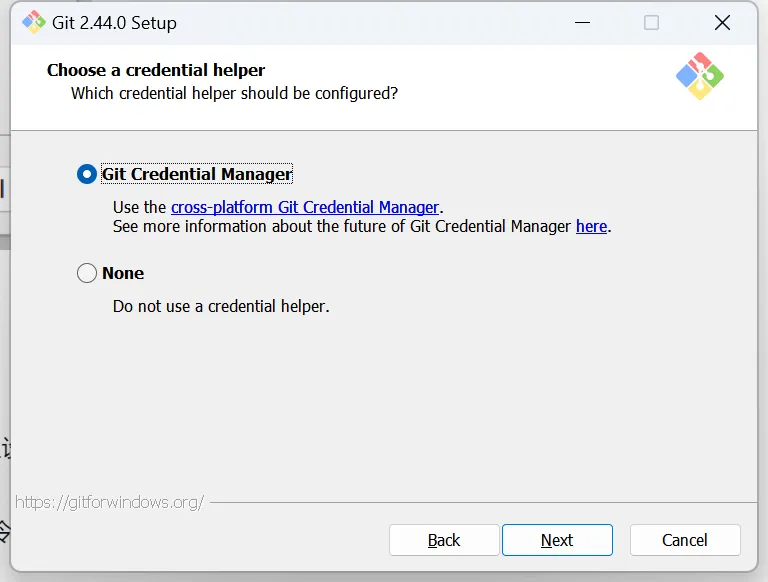
Click [Next].
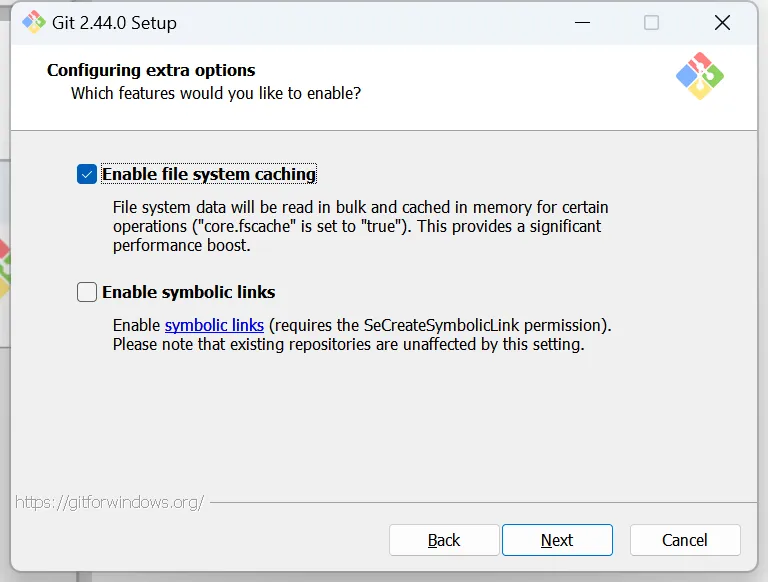
Click [Install].

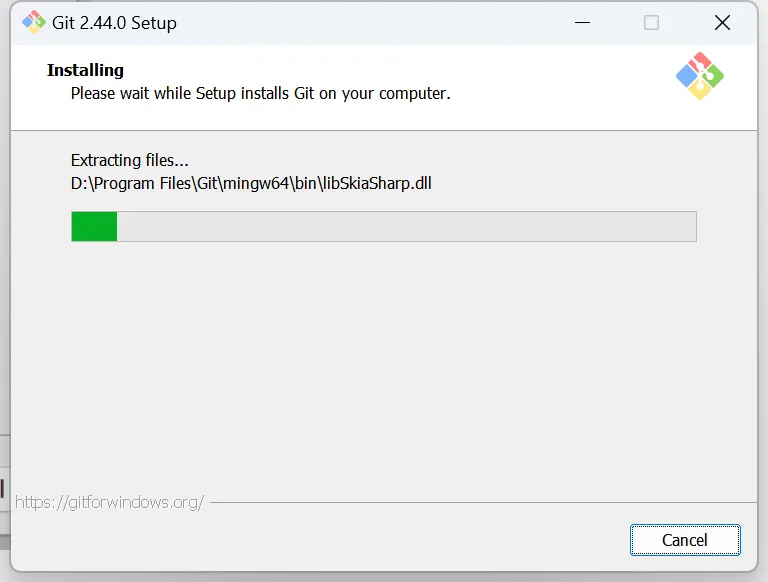
Installing.
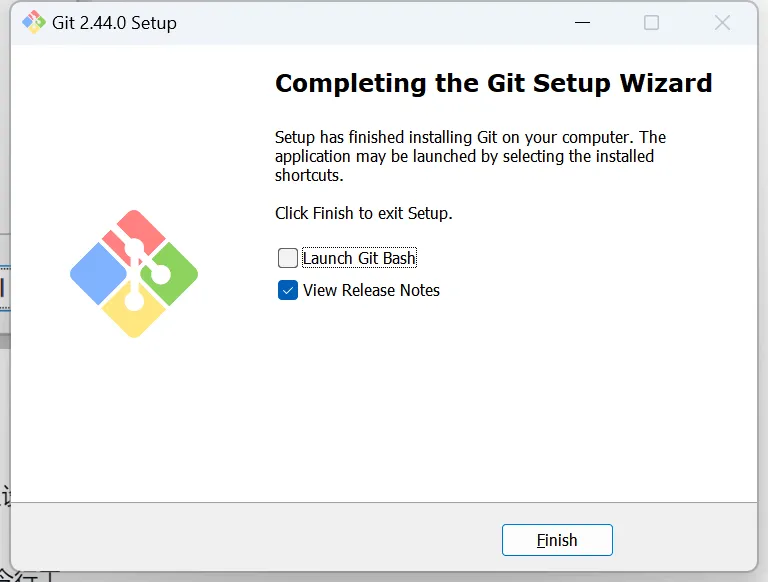
After the installation is complete, click [Finish].
Verify Installation
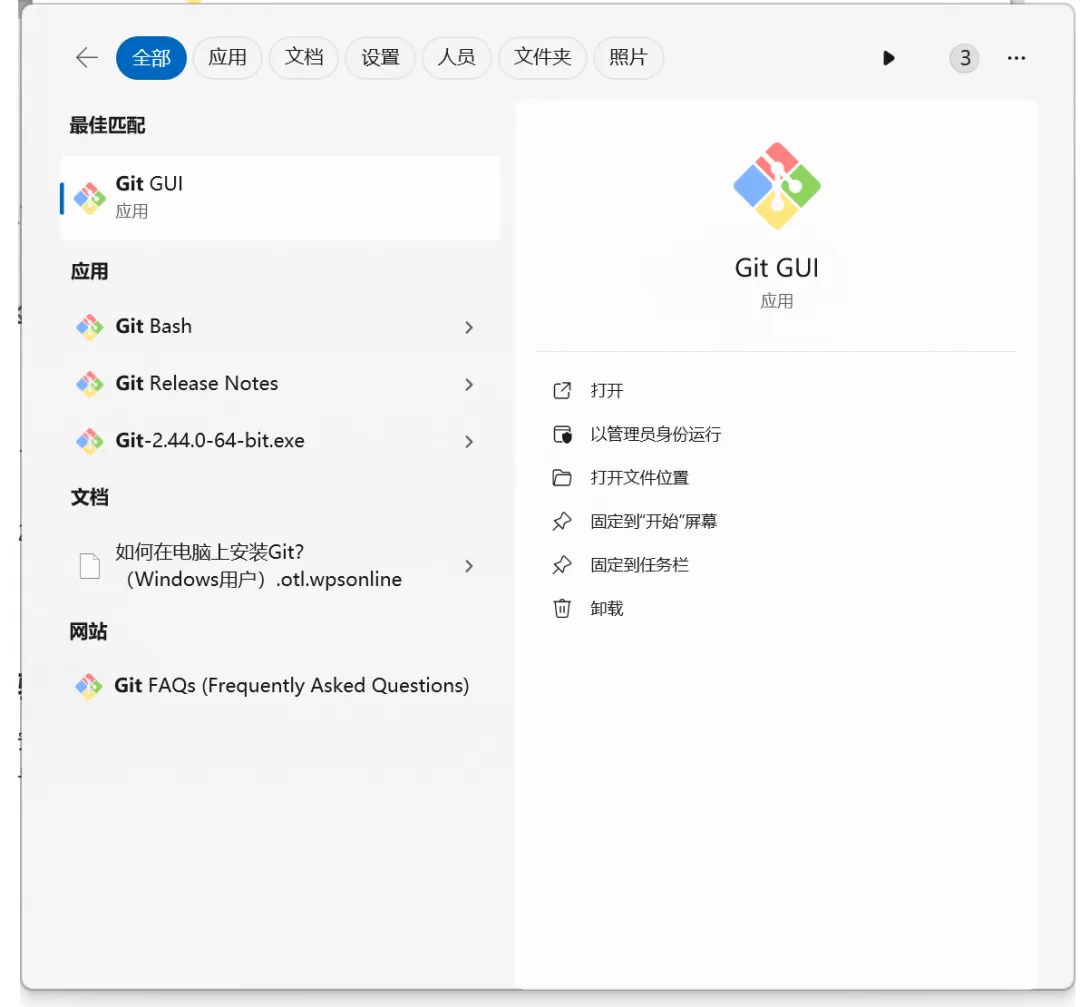
After the installation is complete, search for Git and you can see the Git application.
See further whether Git has been successfully installed and the current version number by running Git-version in the command line/end。
Enter the shortcut key [win] + [R] to open the run window.
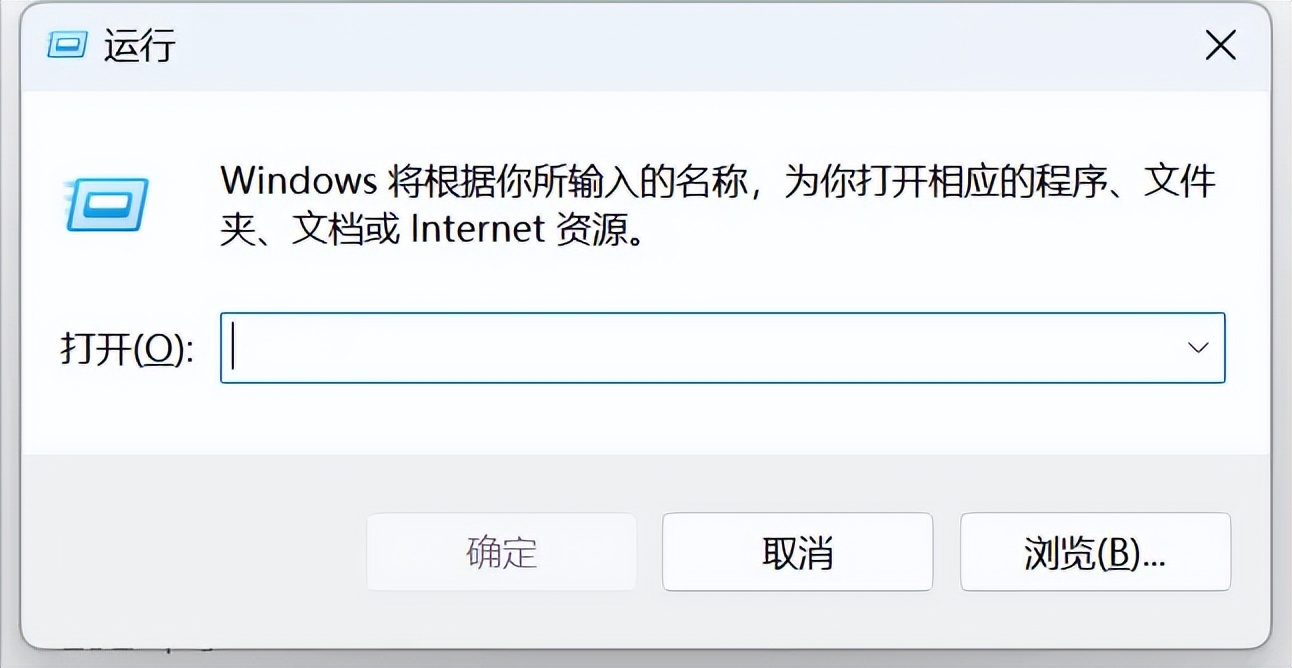
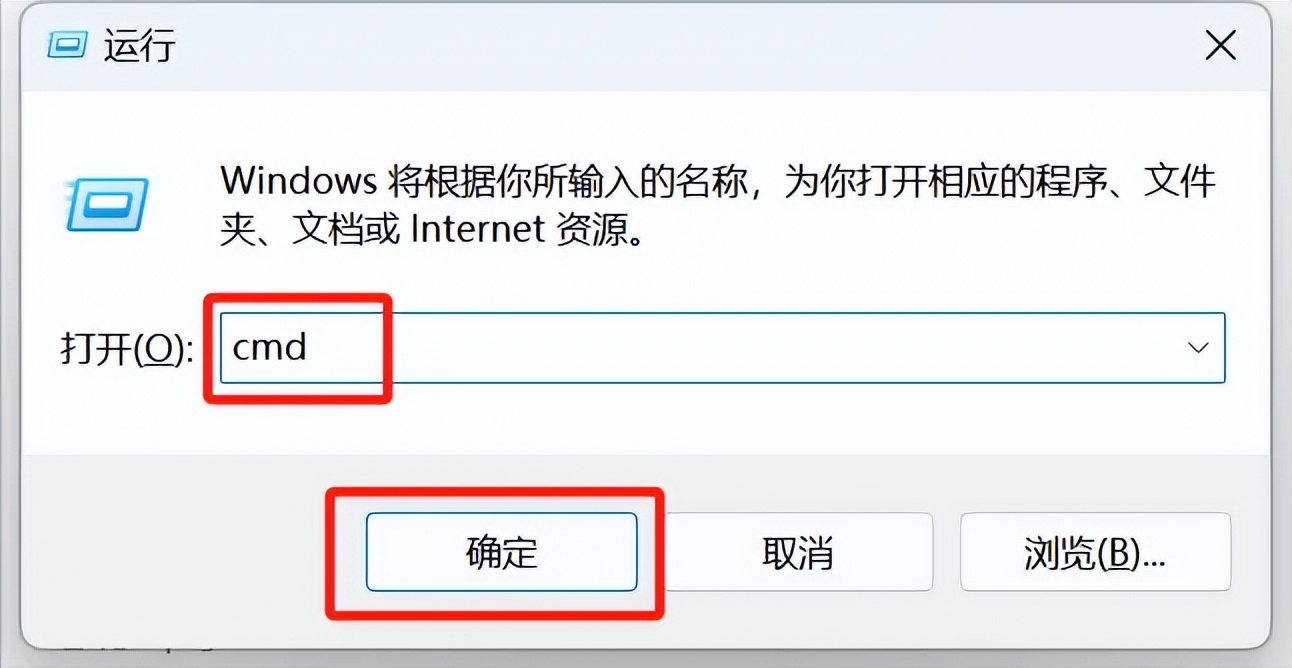
Enter "cmd" and click OK.
enter the command hint window, enter the command: git –version。
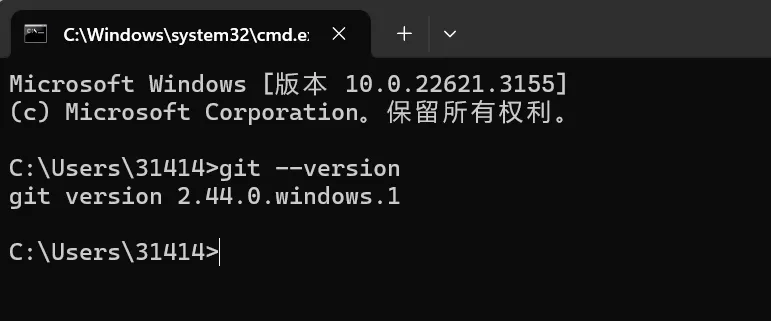
You can see that the Git version 2.44.0 just installed is displayed.
So far, we have successfully completed the installation of Git2.44.0.
Learning Summary
- Download and install Git.Go to the Git official website and download the Git version suitable for your operating system. During the installation process, if you use it on your own computer, it is recommended to select the Standalone Installer type installation package, and try not to place the installation directory on the C drive (operating system drive).
- Verify after successful installation.whether the installation was successful, remember to enter the git-version check。
- Kimi answers comments and feedback.The steps and operation procedures answered by Kimi are correct, and some optional steps are added, but it may still be a bit vague for students who have no programming foundation. If there are still unclear points, you can continue to ask Kimi, or just follow the tutorial and practice directly. ^_^
Now it’s your turn to download and install Git and learn how to make AI applications.