



I'm sure you've all seen it recently.DeepSeekThe AI tool that's exploding around the world has added 100 million new users in just seven days, making it a king-size product.
What would be the chemistry of combining this ace product with another ace AI tool?
Today we'll see how we can use DeepSeek and the Kimi Generate blow-up PPTs with one click!
First, open the official DeepSeek website.
https://www.1ai.net/24339.html
Ask it questions on the official page:
"Help me write a PPT about DeepSeek, for those who don't know much about DeepSeek, and output the content of the PPT in Markdown format."
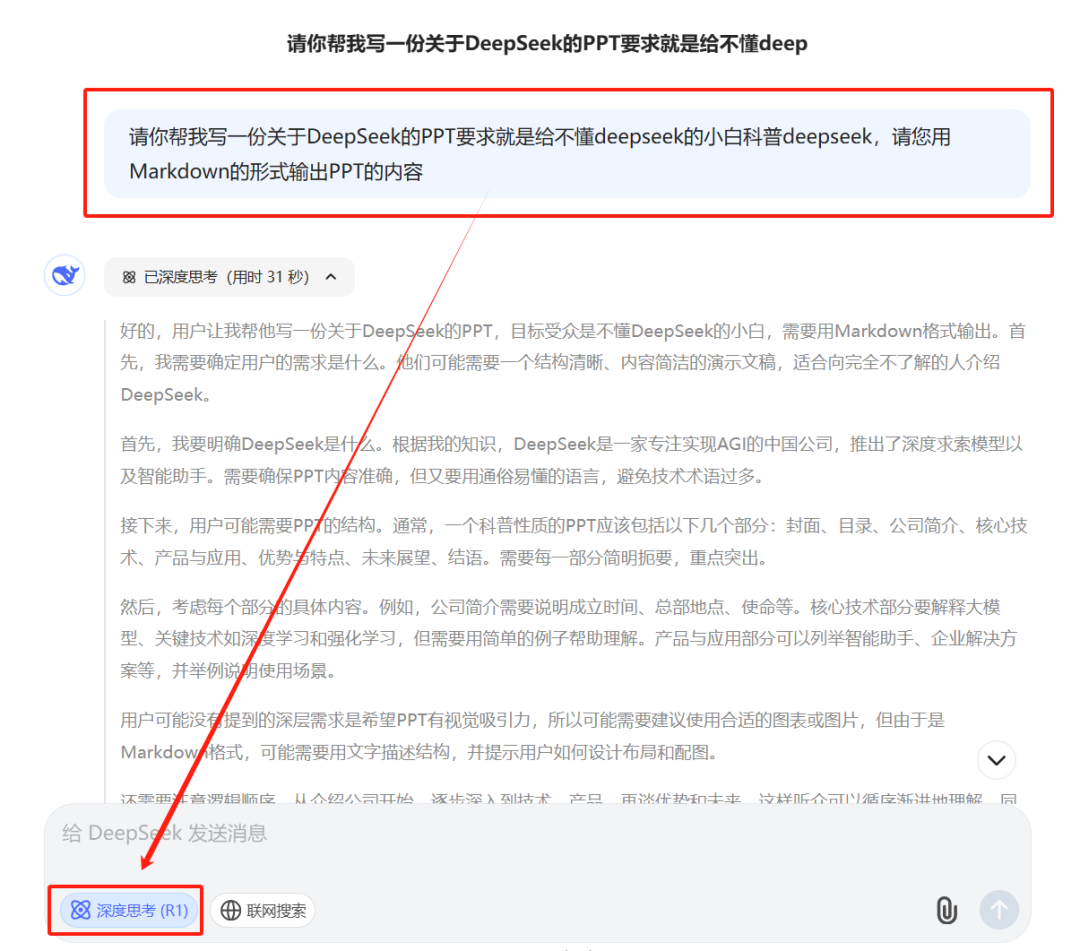
Be sure to specify Markdown as this format is directly recognized as PPT content.
At the same time, remember to turn on the DeepSeek R1 mode. Turning on DeepSeek can make the generated PPT content more refined and delicate, which is a major advantage of DeepSeek.
In no time at all, DeepSeek generates a copy of the text in Markdown format, with the text displayed in black.
We can easily copy the content in Markdown format by simply clicking the "Copy" button in the upper right corner.

Next, open the AI tool Kimi.
Click on "PPT Assistant" on the left.

When it opens, paste what you just copied and send it to it.
At this time, the interface will appear a "one-click to generate PPT" button. We just need to click it, and many beautiful templates will pop up.

Since we're making a PPT about DeepSeek, we'll use the blue hue it comes with as an example.
We can choose blue as the main color and also pick the preferred design style and simulation scenario.
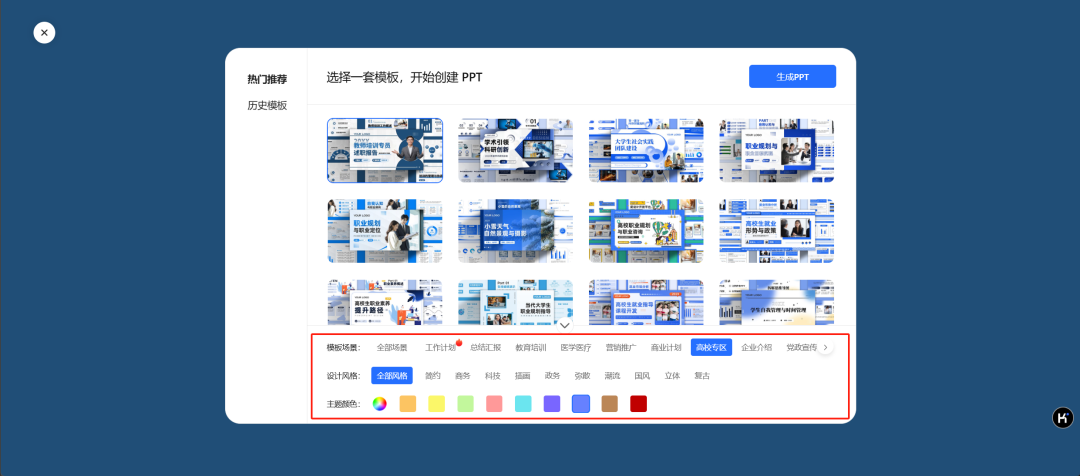
After you have made your selection, click "Generate PPT" in the upper right corner, and it will run fast and create a PPT for us step by step.
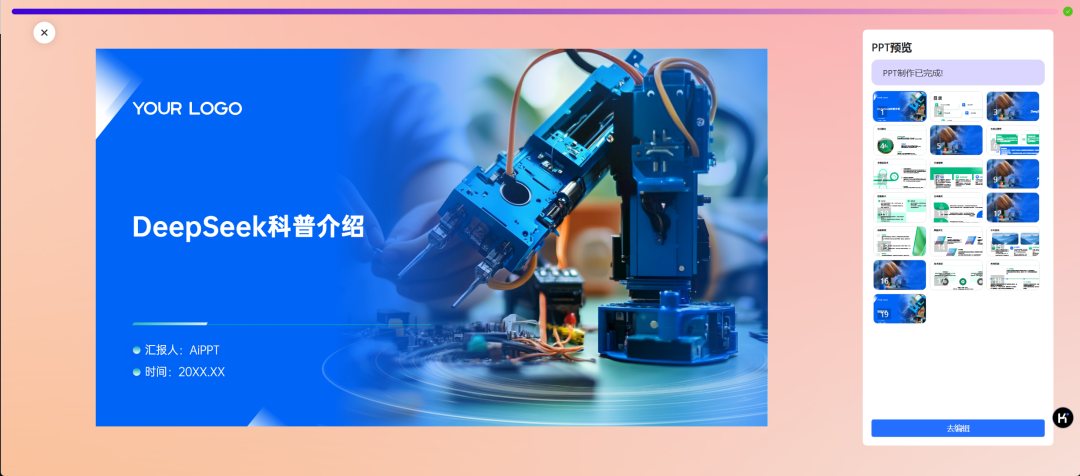

Let's take a look at the resulting effect, the text layout and the entire template has been carefully adjusted OK.
Of course, things like the logo, the reporter and the time can be refilled.
Click on "Go to Edit" in the lower right corner to go to the online editing page.
It's so convenient that you don't even have to open your local Office software.
In this editing page, we can both modify the text content and adjust the font formatting, the operation is very convenient.
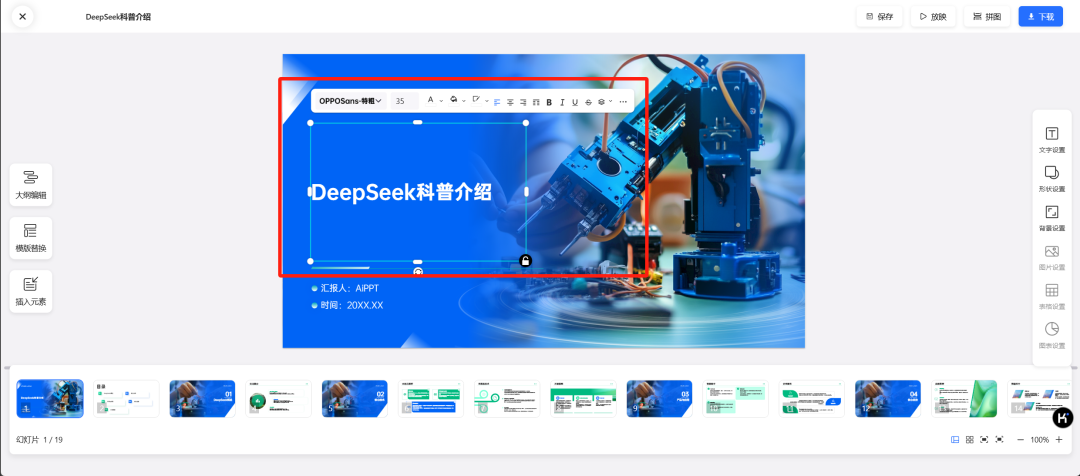
Finally, click "Finish".
Here, we can re-download the PPT, or choose to download it in PDF format, and even edit it twice.
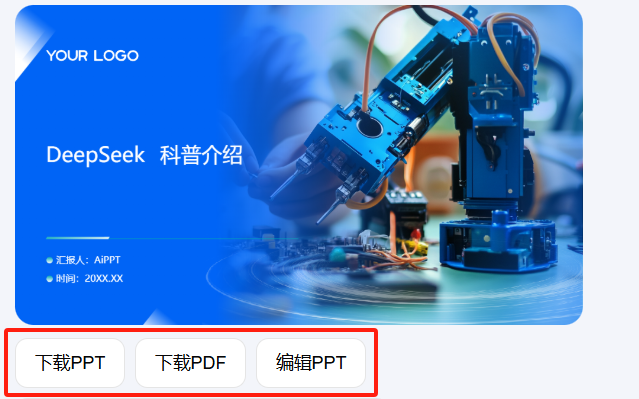
It can be seen from this thatDeepSeek and Kimi are two tools that team up to generate PPTs.It's really efficient and convenient!
As we all know well, PPT is widely used in work and study.
In our country, the use of PowerPoint is extremely widespread, both at the student and working levels.
Now with artificial intelligence tools, the originalPPTs that would have taken two hours to create can now be generated in just one minute.
Then replace the content with your own and put your name on it, and a unique and completely original PPT is born.
If you haven't used it yet, go ahead and give it a try!
You'll find that in the age of AI, these tools can really drastically improve the efficiency with which we solve problems and do our jobs.