



In this section, we will learn in-depth about image enlargement, face repair and batch generation in post-processing, as well as the acquisition and erasure of PNG image information. Through two hands-on cases, we will learn how to improve the clarity and visual effect of product images and how to fix blurry face photos.
I. Post-processing: picture enlargement and repair
1、Picture enlargement
InStable DiffusionIn the early stages of the process, the resolution of the generated images is often small and cannot fulfill the commercial use. The first function of post-processing - image enlargement - can help us enlarge the image to 2K, 4K or even 8K while maintaining clarity.
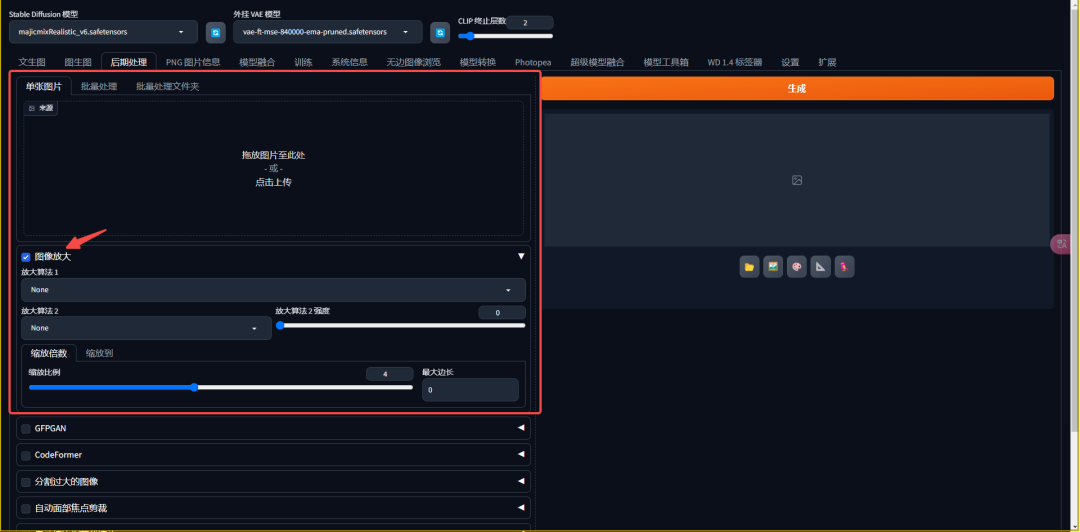
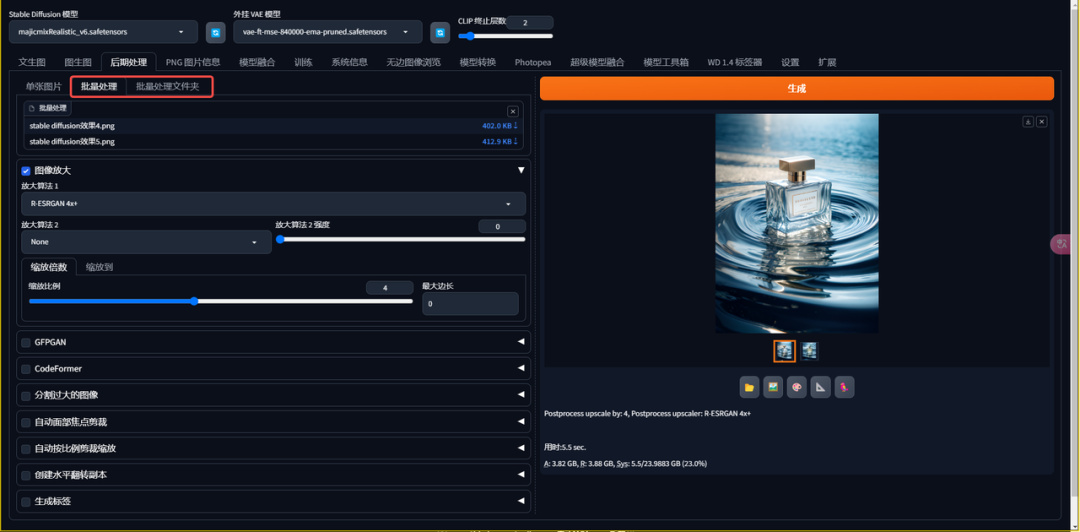
- zoom ratio: Adjust the magnification of the picture as needed, usually a maximum of four times at once to maintain the picture effect.
- Amplification algorithm: Choose a suitable amplification algorithm such asR-ESRGAN 4x+(cubic) andR-ESRGAN 4x+ Anime6B(secondary) to fill in the colors of the new pixels to ensure that the enlarged image is clear.
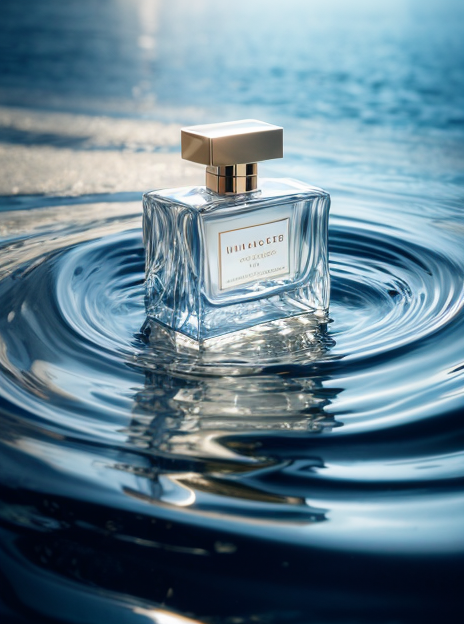
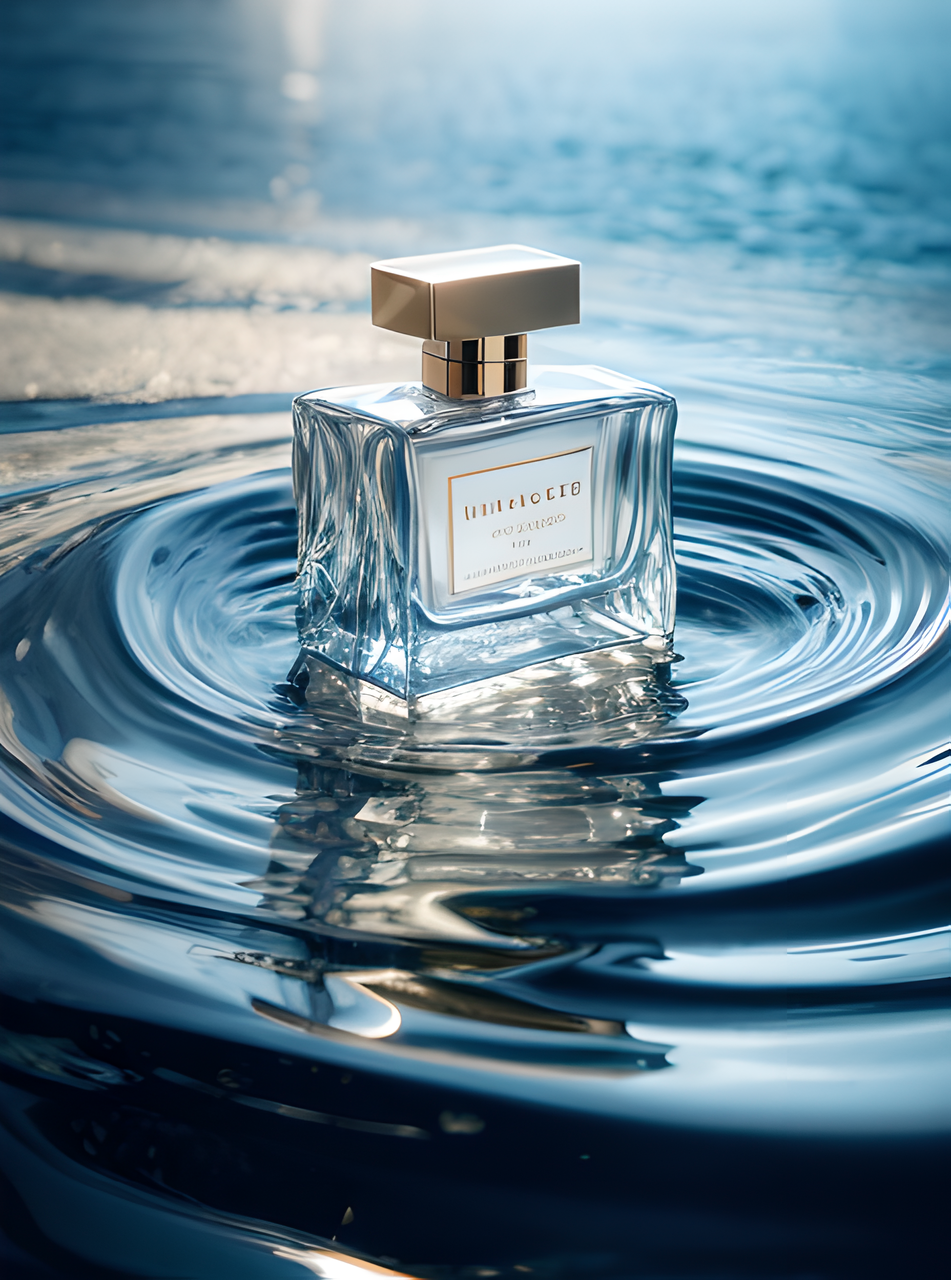
We'll go through a case study showing how to zoom in on a product image and improve its clarity to make it more suitable for business presentations.
2、Face Repair
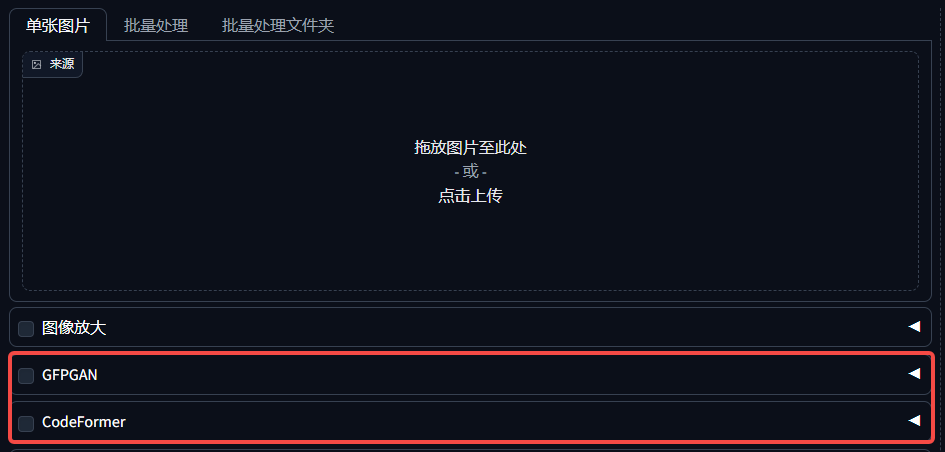
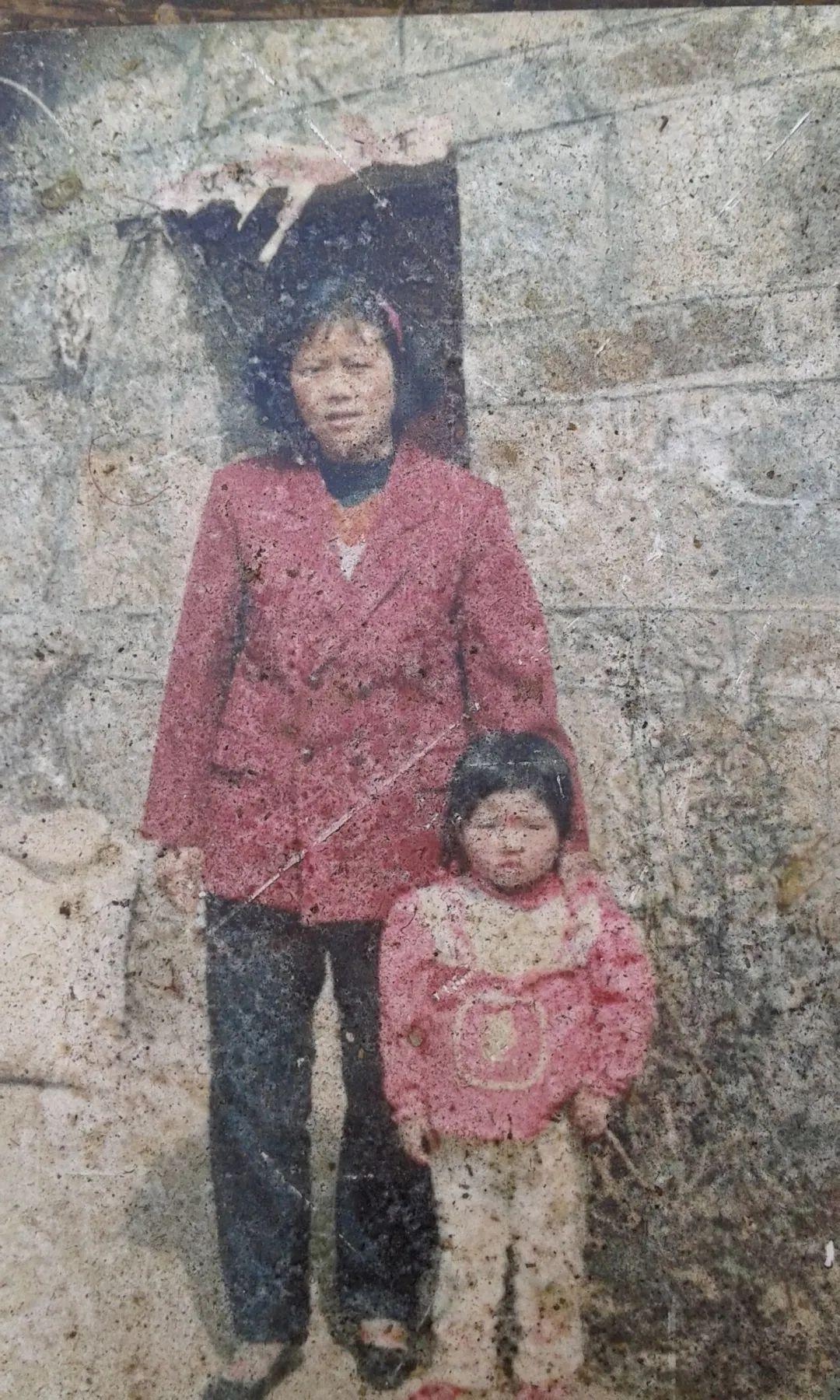
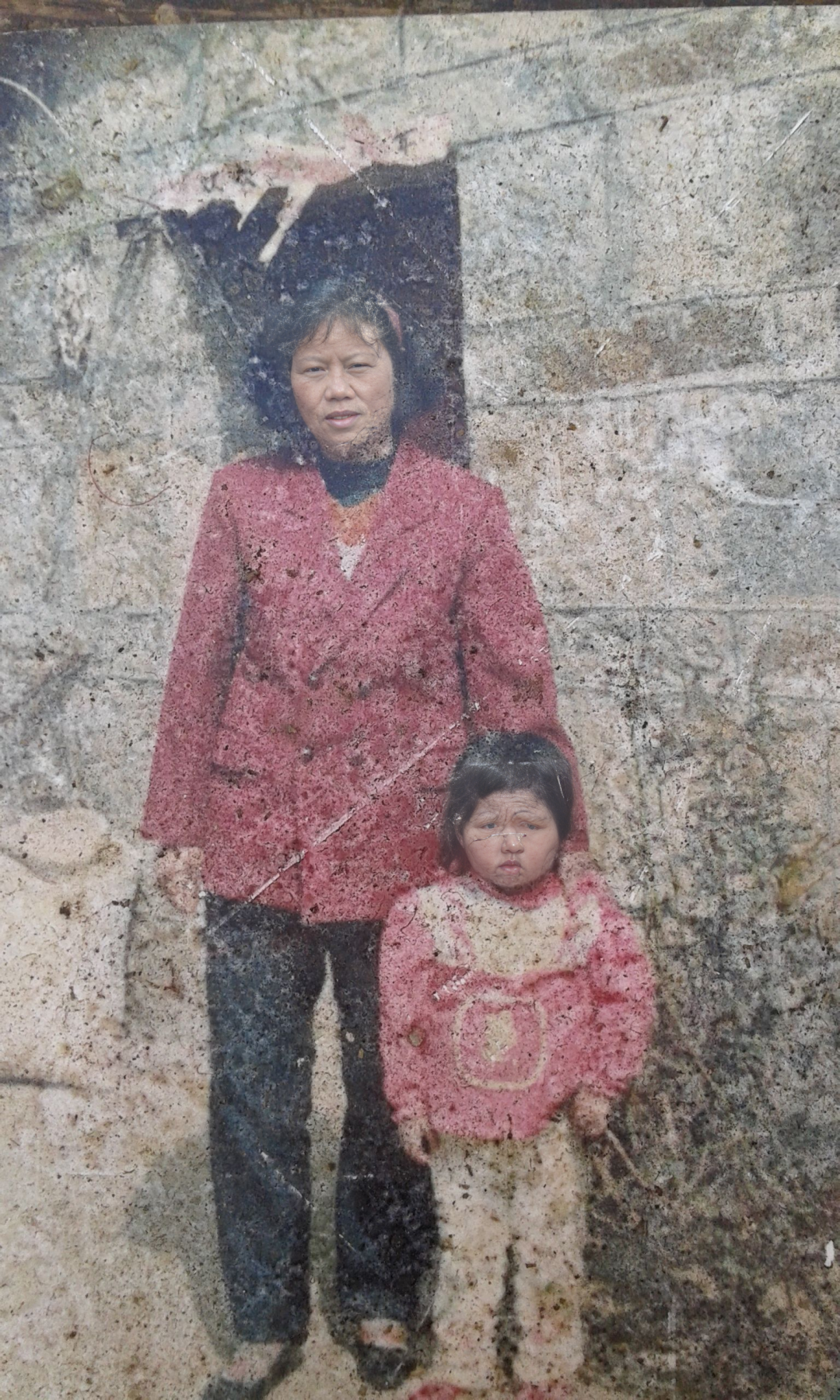
The Face Repair feature can clarify unrecognizable faces, especially for images generated when the resolution is small. We can do this by selecting different restoration algorithms such asGFPGANorCodeFormer, to optimize the details and texture of the face.
Another case will focus on how to fix blurry face photos to restore their original detail and texture.
3. Batch processing
In actual business, we may need to process a large number of images in a unified way. The batch processing feature allows us to process multiple images at once, either for zooming or face repair, which greatly improves work efficiency.
II. PNG image information: getting and erasing parameters
1、Get the parameters of other people's pictures
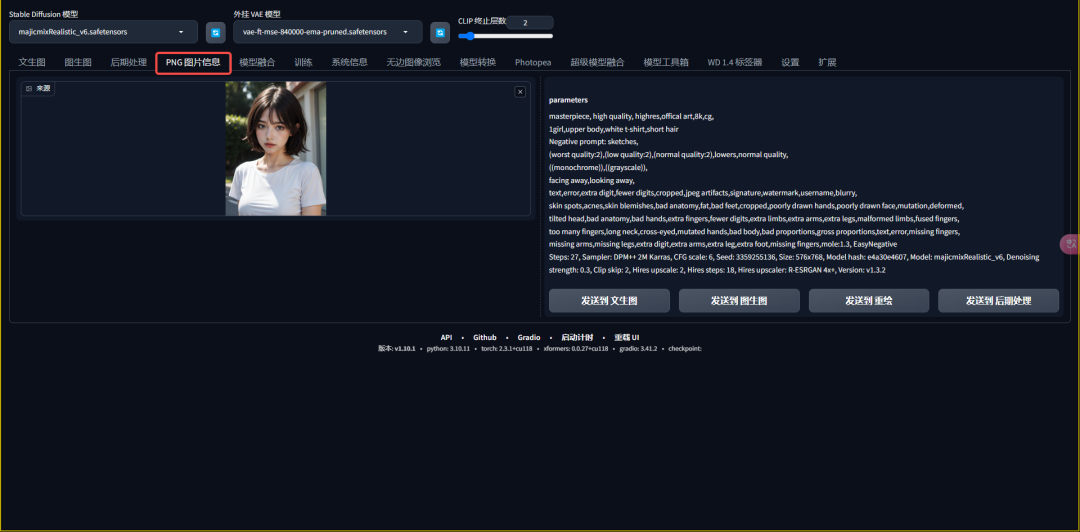
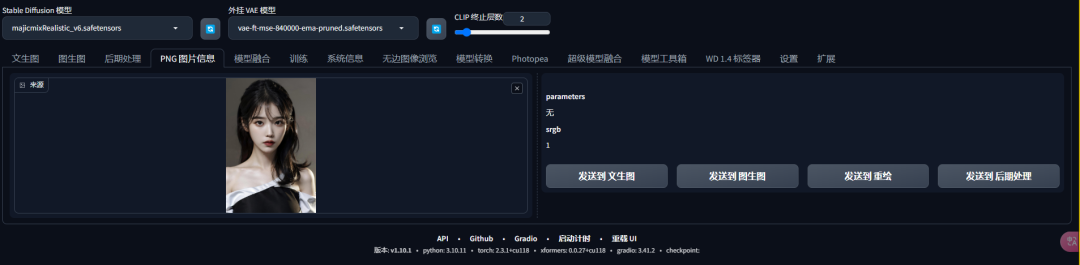
With the PNG image information function, we can easily get the generation parameters of other people's images, including positive cue words, negative cue words, sampling iteration steps, and so on. This feature is very helpful for learning and reproducing good works.
2. Erase the parameters of your own picture
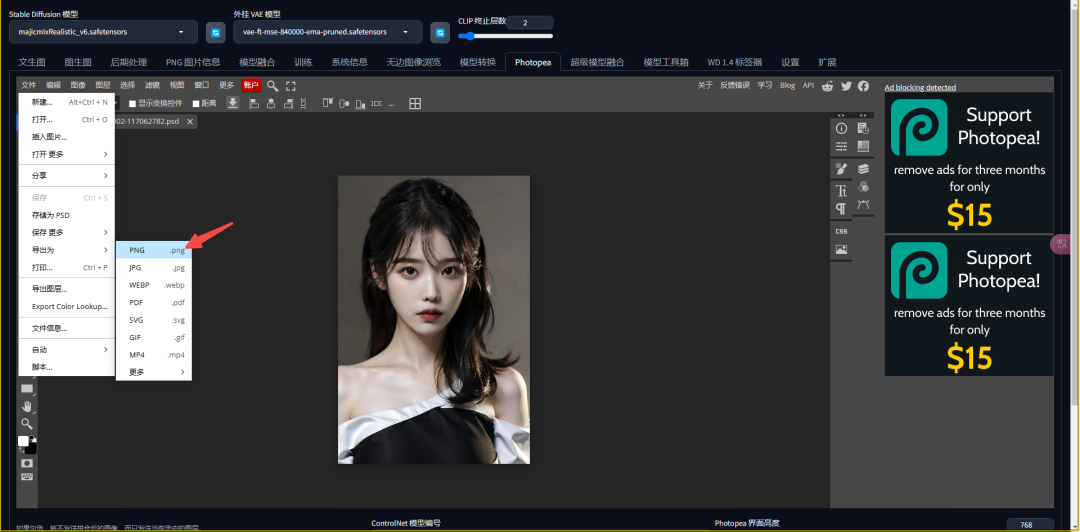
To protect our trade secrets, we can erase the generation information from our images. By exporting the image using PS or Photopea, we can overwrite the original parameters generated with Stable Diffusion, thus hiding our generation practices.
III. Summary
In this section we learn practical skills for Stable Diffusion post-processing, including image enlargement, face restoration and batch processing, as well as how to read and erase parameters in PNG image information. These skills will help us to improve the quality of our images and protect our creative achievements in real projects. I hope this article will help you better master the post-processing skills of Stable Diffusion.