



DeepSeek has flamed out of the sky.
If you don't know where to use it yet, I've selected 10 platforms for you to use.
There is no need for any additional complex configuration, there is no threshold, open and ready to use.
First, DeepSeek's official website.
Needless to say, it's official in the first place, and that's the source.
Official website link:https://www.1ai.net/24339.html
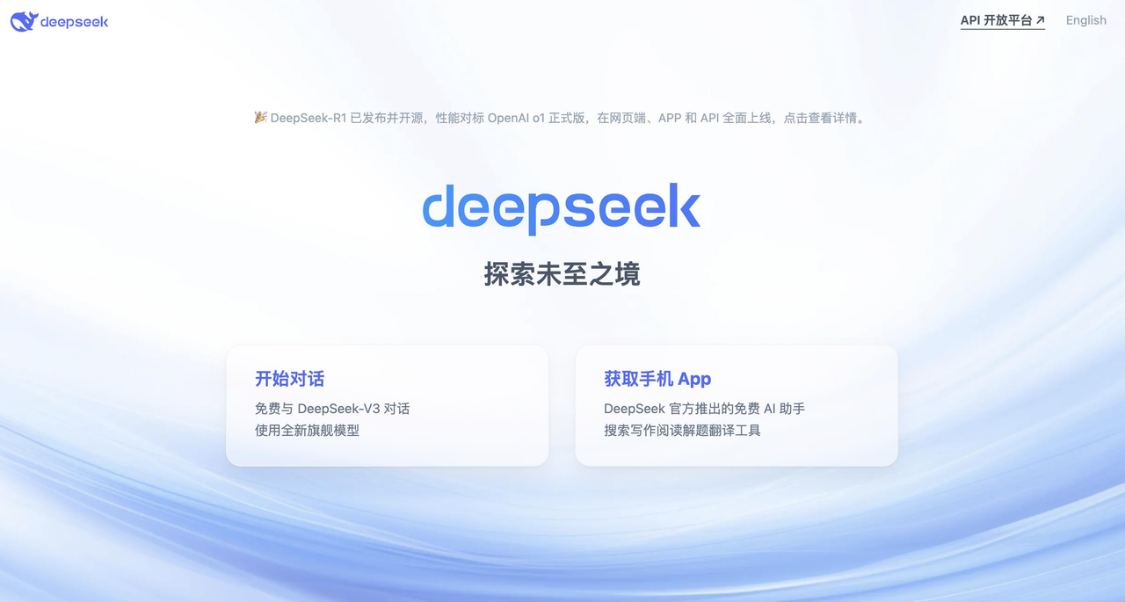
The mobile version can be installed by directly searching "DeepSeek" in major app stores.
However, the official website is not fully resourced due to the influx of people, and the service is sometimes busy and interrupted.
This is a situation where an alternative platform would be useful.
Going down.
Second, the National Supercomputing Internet
The Nationals went straight to the field for access, opened the link and went straight to using it without even logging in.
Official website link: https://chat.scnet.cn
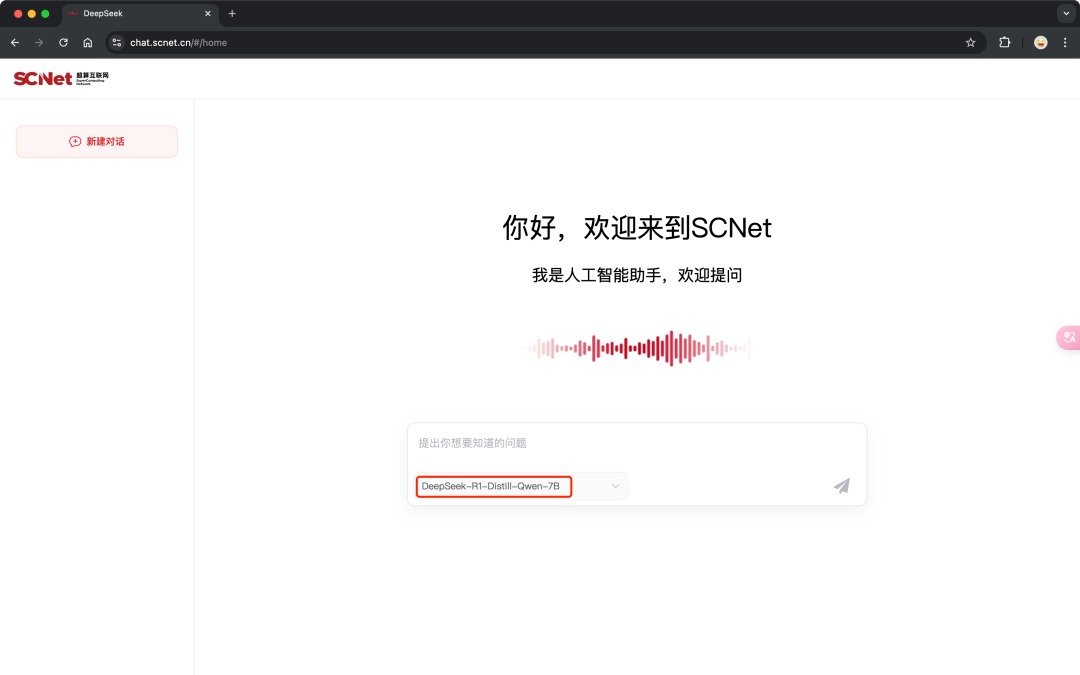
The experience wasn't good enough when I first started accessing that, now it's silky smooth.
Third, Tencent Yuanbao
Tencent this wave is a full embrace of DeepSeek, Yuanbao, Tencent documents, ima, etc., all-round access.
Official website link:https://www.1ai.net/11784.html
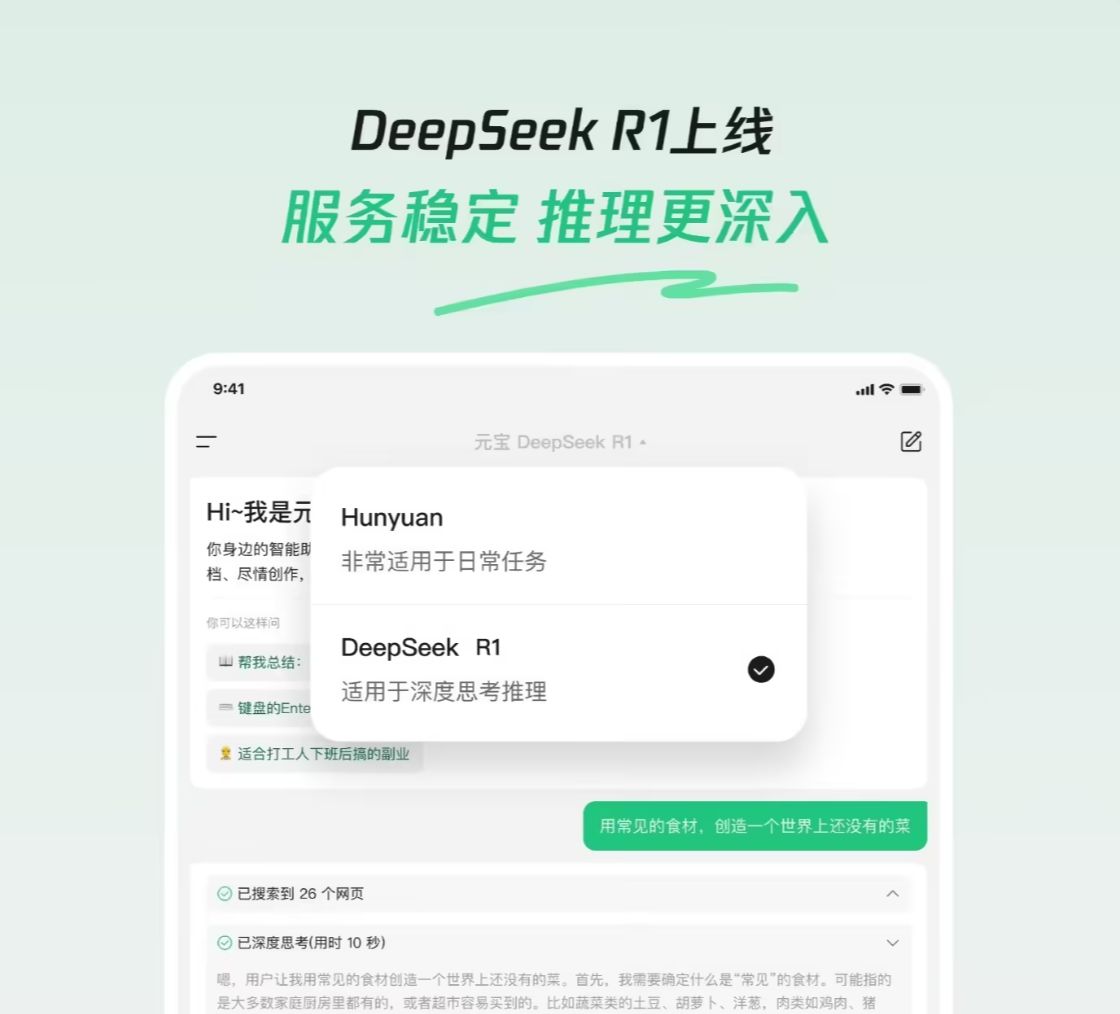
To use it, just check "DeepSeek".
Like the DeepSeek website, if you don't check the "Deep Thinking" box, the default is to use the V3 version.
So, for some jobs that require logical reasoning, check "Think Deeply" to maximize the effect.
Internet search function on demand.
For mobile version, directly search "Tencent Yuanbao" in the app store and download it.
Fourth, Tencent AI document assistant
Tencent documents produced by the Tencent documents can be used directly in the Tencent documents, can also be used independently.
Official website link: https://docs.qq.com/ai
The mobile version of the direct application store to download "Tencent documents" on the line, but also supports the use of small programs, it is very convenient.
Fifth, the Secret Tower AI search.
The early bearer players doing AI search in China accessed a full-blooded version of R1 shortly after DeepSeek went out of the loop.
Official website link:https://www.1ai.net/11523.html
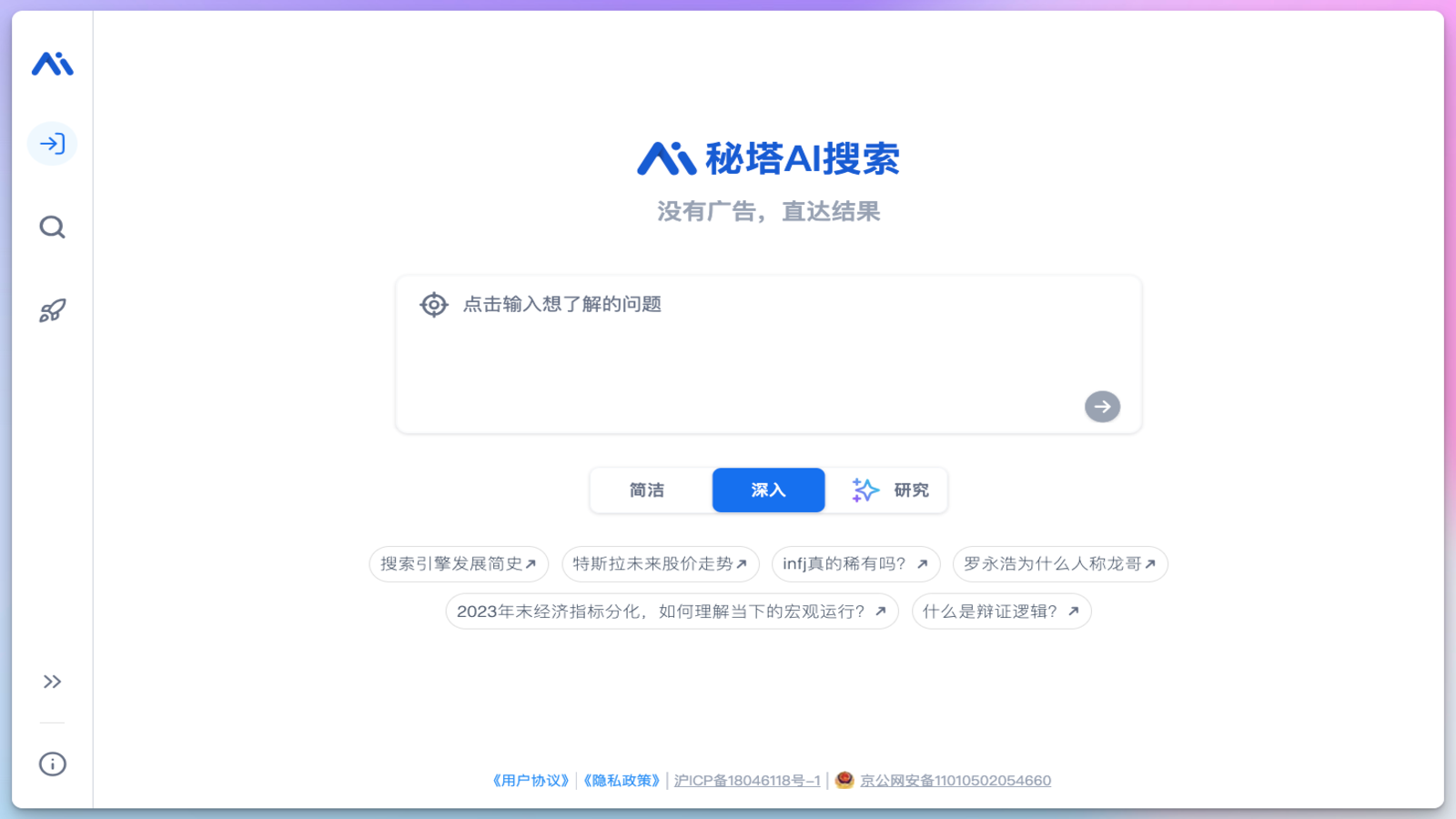
When you use it, check the "Think Long R1" box, and you are using the full-blooded version of the DeepSeek R1 model.
Also support mobile and small program version, search and download in the cell phone application store, or search for small program in WeChat to use it directly.
Sixth, nano AI search
360 old Zhou produced, after DeepSeek out of the circle, is considered the first access to the full-blooded version of the R1 of a group of players.
Official website link:https://www.1ai.net/24025.html
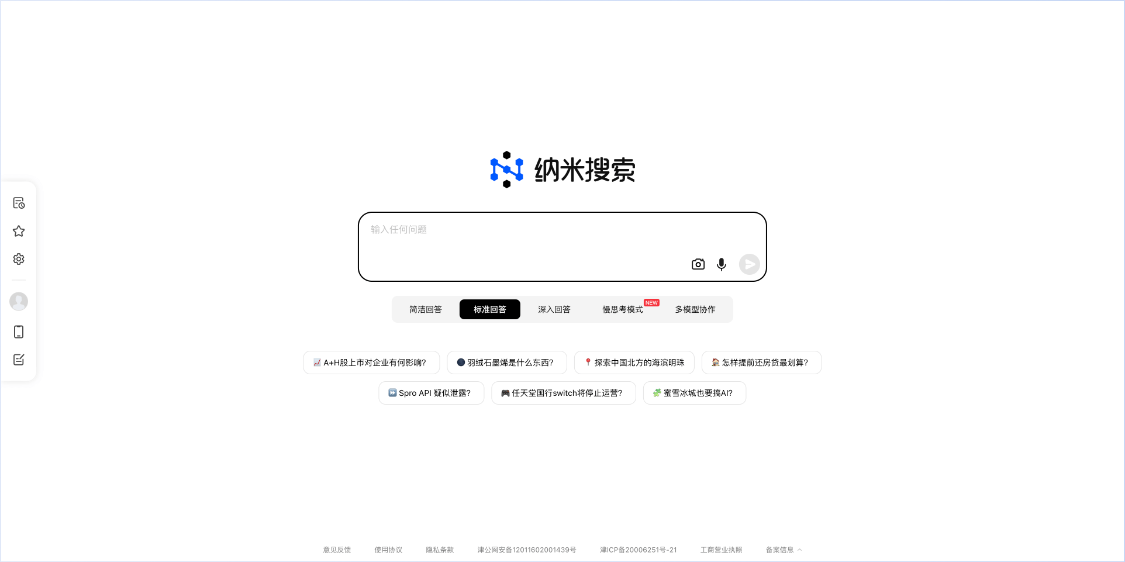
It is now available not only for cell phones, but also for Windows clients on the official website.
Seventh, Alipay Treasure Box
From AliPayPal, this is one of those tools that is underrated and not even that well known, but actually works very well.
The full-blooded version of DeepSeek R1 is now also accessed.
Official website link: https://tbox.alipay.com/community
Search for "Treasure Box" in Alipay and open it to use it directly as well.
Eighth, WPS Rhinoceros
Before the official DeepSeek access, to use DeepSeek in WPS, you had to use a plugin to configure it, which required a bit of fiddling.
Now it's good, official direct access, full-blooded version of R1, for free.
Official website link: https://copilot.wps.cn/
You can use it independently by going to the official website, or you can click on "Rhinoceros" in the left navigation of wps and go to use it.
You can also search for "WPS Spirit Rhinoceros" in the applet and use it directly applet.
Number nine, Know Direct
Knowledge's AI platform, now also accesses DeepSeek R1 Full Blooded Edition.
Official website link: https://zhida.zhihu.com/

To use it, just check the box "Think Deeply".
Tenth, Tiangong AI.
Skyworks, the veteran AI, also accessed the R1 full-blooded version soon after as DeepSeek went out of the loop.
Official website link:https://www.1ai.net/10467.html
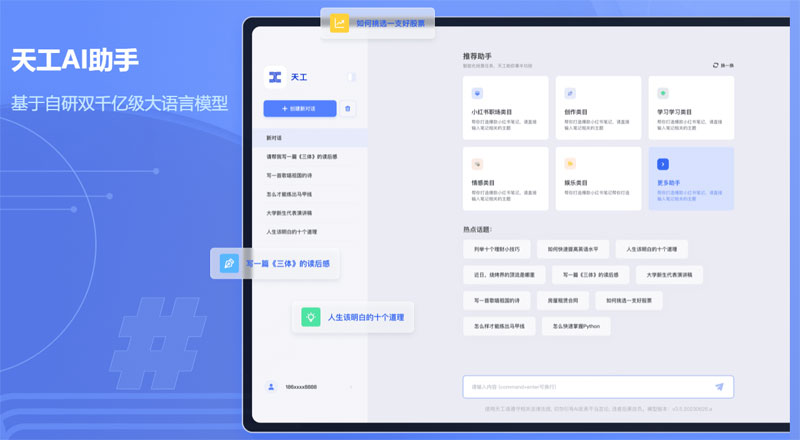
To use it, check "Deep Thinking R1".
Above that, 10 DeepSeek-using platforms, that's enough.