



Recently resurrecting historical figures from textbooks is really too hot, all the major official media and AIGC are posting their works. And the figures are all very good!

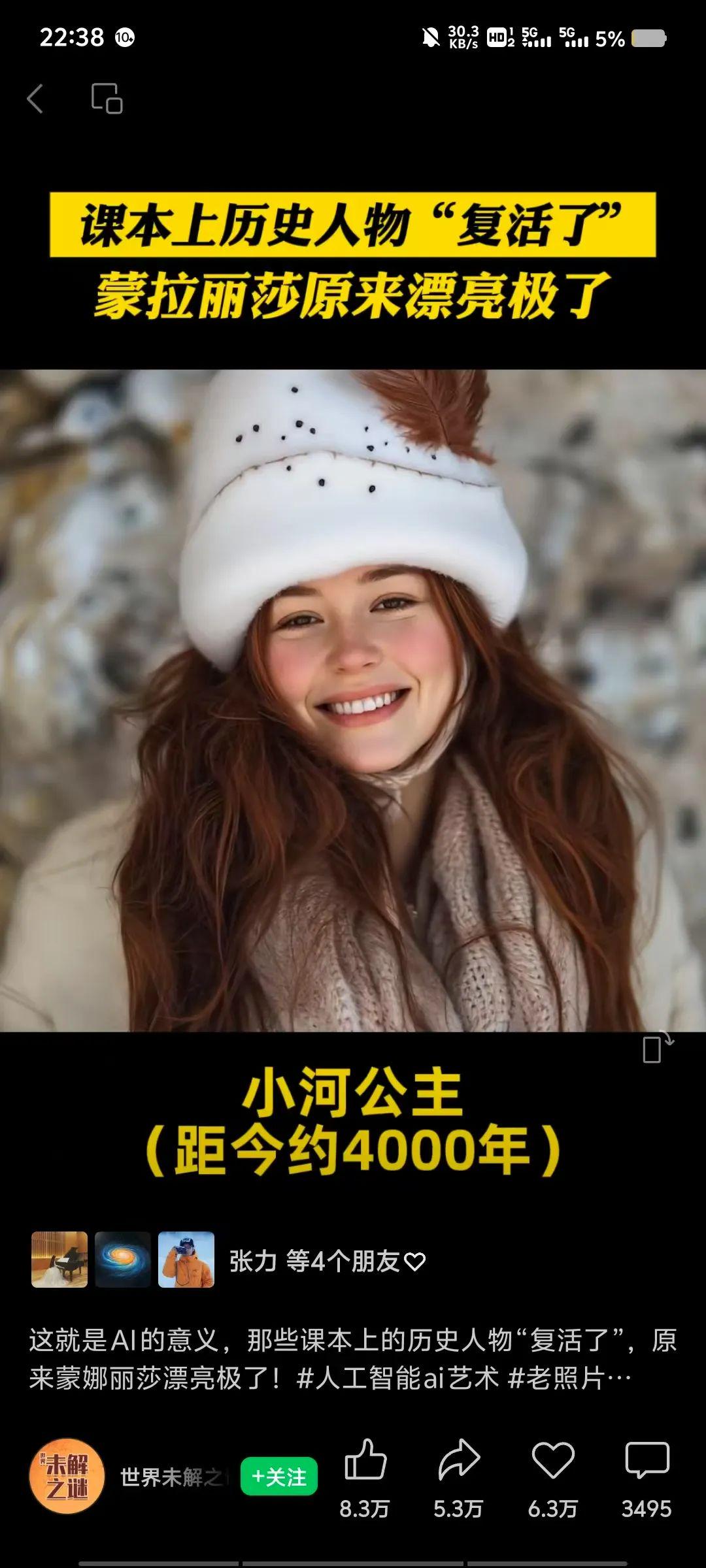
Actually, it's like this.AI video productionIt's very simple, three easy steps to teach everyone!
Dang! When you don't have a clue, ask deepseek to help you make a list of suitable characters, and of course if you still want to add some character introductions, that's fine too!

The first step is to prepare the reference figure, i.e. the Dream AI Raw Figure
Prepare the character to be resurrected in advance, either a statue, a textbook, or a historical document ..... Once the reference character is prepared, it is reproduced through the Instant Dream AI.
I found a random online portrait of Confucius, Qin Shi Huang, Tang Taizong, Du Fu, Li Qingzhao and other celebrities as an example to explain. It is recommended to try to choose high-definition pictures, which will directly affect the quality of your output, the image ratio cropped to 3:4 or 9:16.
The specific operations are as follows:
Login to Dream AI
https://jimeng.jianying.com/ai-tool/home
Dreamina - One-stop AI Creation Platform
(80 points for daily login, 1 point for one crafting, equivalent to free crafting)
Here we use that the Dream AI's text-to-map function. The specific operation is as follows:
Open Dream AI
Click on the AI image to generate an image

1.The dialog box enters the word for the Vincennes diagram prompt: for example:
Portrait photography, realistic skin of a person, 50 years old, long flowing sleeves, sushis, wise and intelligent eyes, full body, photo, natural light, woods in the background

2. Choose to import the reference map, the reference intensity of 80 - 100, select the edge contour, click Save

3.Image 2.0 model, select fineness 5 by default and click Generate Now.
4. Select the one you think is closer and choose HD Ultra HD Zoom. (This action is to improve the clarity of the screen, ultra HD zoom does not deduct points)

5. Click on the little three dots of the picture and go to the canvas for editing (this is done to remove the watermark)

6. It is recommended to zoom in super high definition once more, and then select 2X to download and save it

Use the same method to generate as many other character images as you want.
The second step is to generate a video of the first and last frames of the Kerin AI
There are a lot of tools to choose from for graphic video, but the first and last frame function and the domestic AI tool with good results is preferred to Keling AI. of course, if you pursue cost-effective vidu can also be used.
Koring AI: https://klingai.kuaishou.com/
Keyline AI - A New Generation AI Creative Productivity Platform
Open Kerin AI and select AI Video
Select model 1.6 and upload pictures (first and last pictures)

Add descriptor: Figure 1 character naturally changes into Figure 2 character, showing details of the change process
Choose high quality and suggest a duration of 10S, allowing time for transitions and the dynamics of turning real people! Generate immediately! Download and save without watermark

Everyone with plenty of time can use the same method to generate several more different sets of characters.
Also put a few sets of operation interface examples for your reference


Step 3: Edit the movie
Import all the generated video clips into Cutscreen, add background music
The material, you can also all the music Shake's other popular tunes!
According to the content of the screen, add corresponding elements and so on, such as subtitles introduction, music. Finally, adjust the details and export.

This is a complete character resurrection AI video clip is finished!
The above is the content of today's sharing, have you learned it?