



Although it is said that a treasure prohibit "to AI generated pictures pretend to be real pictures", but not we can not use AI to do some aspects of the work of e-commerce. As e-commerce personnel or business owners also want to promote their own business and products, then AI production is a must-have, such as the dream 3.0 is also released, directly on the entire design industry is a wave of impact. But we have to remember that AI is just a tool, look at how they use. Achieve twice the result with half the effort.
As an e-commerce personnel, I believe: customize a model, change clothes style color, change shoes, product main picture design and so on is indispensable work content, today we will take you together to speed up.
Okay, here's where we get into the practicalities.
There are AI tools that need to be used on this:
1. Main core tool: Mito Design Studiohttps://www.1ai.net/16750.html
2. Raw video tools: Keling/Imagic Dream
3. Video editing tools: Cutting and Mapping
Part I: Functional Testing
Today we're using the Meitu Design Studio AI fitting
Step 1: Prepare our clothes and pants in advance, here is a direct random (currently clothes can be roughly divided into 3 categories, dresses, pants, dresses, etc.)
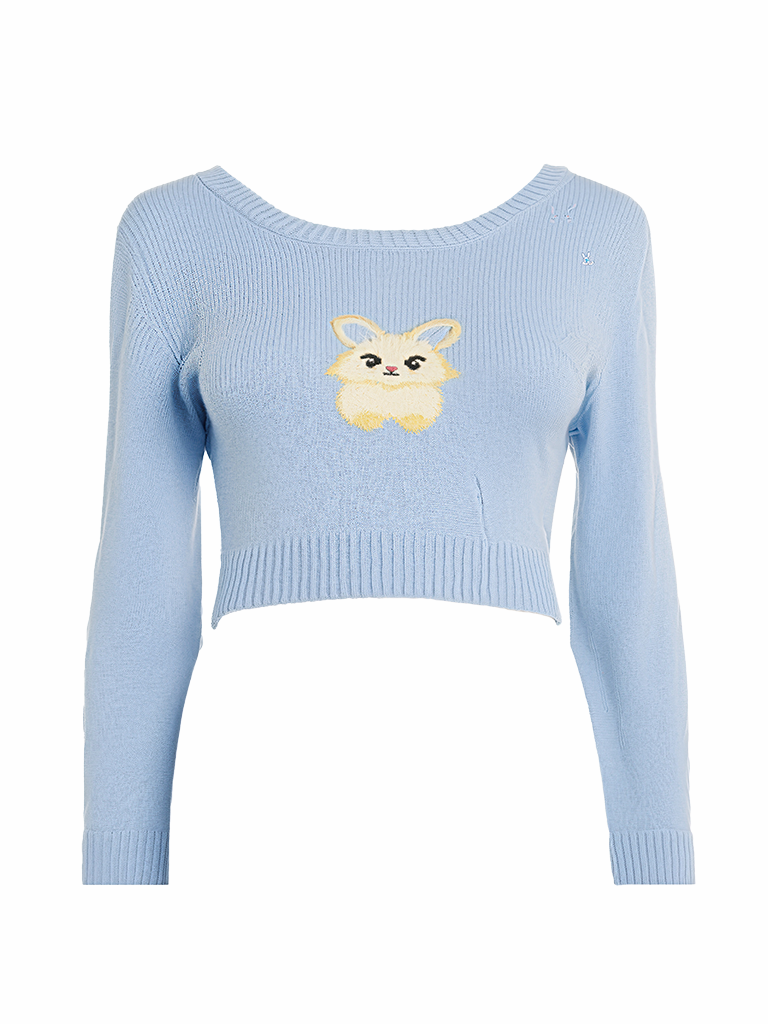
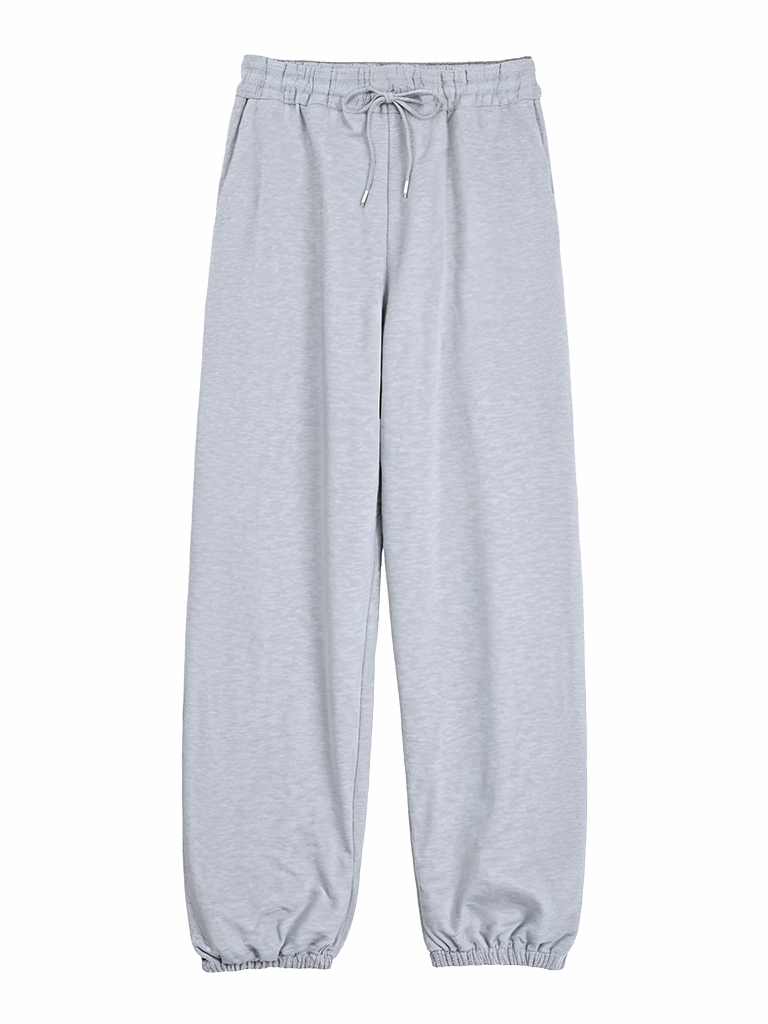
You can refer to the following criteria when uploading so that it comes out better.
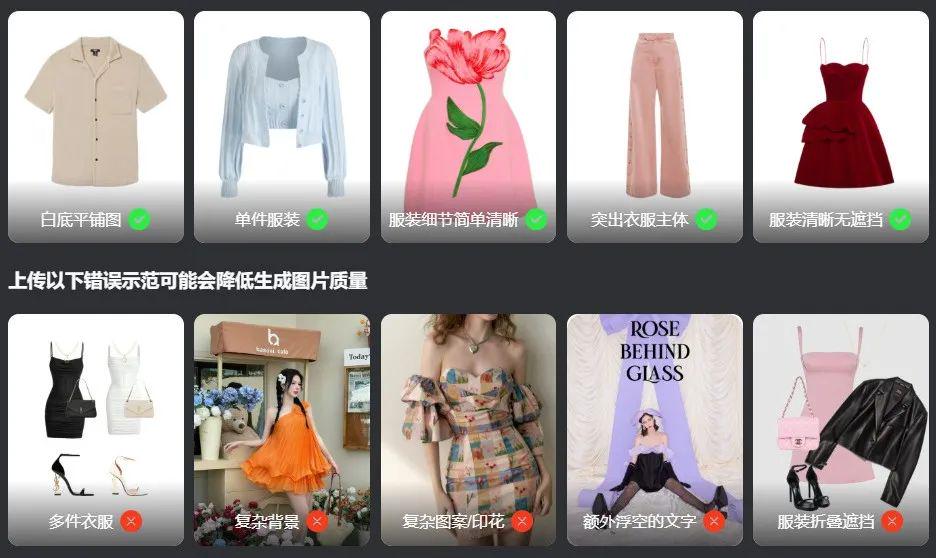
Step 2: Open the Mito Design Studio AI fitting, select the official model image - select the character pose (it is recommended to use a full-body character for better results) - upload our prepared clothes - click generate
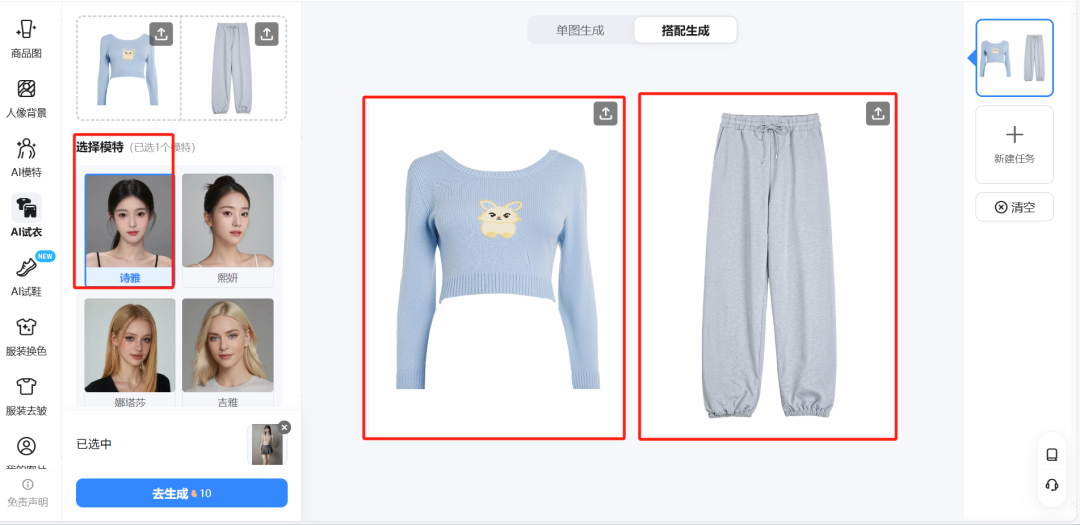
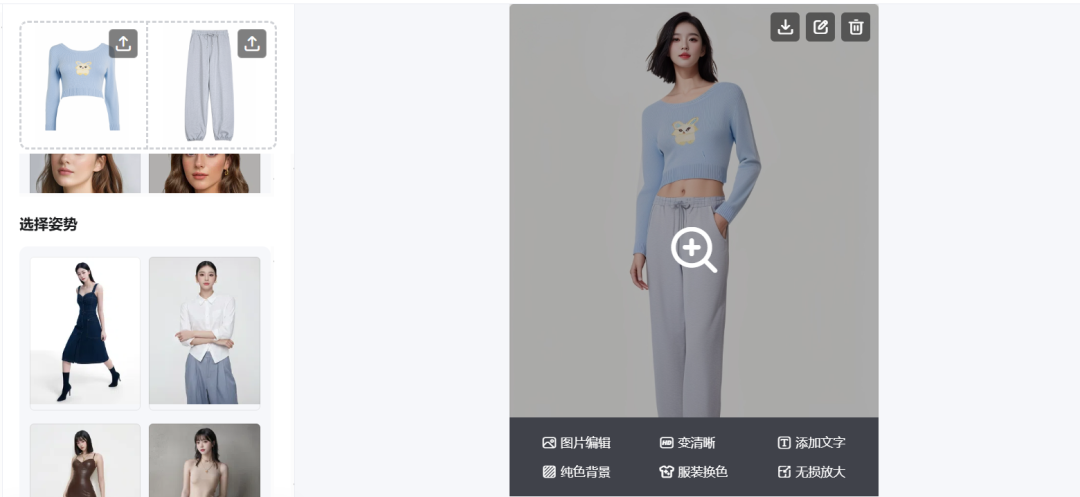
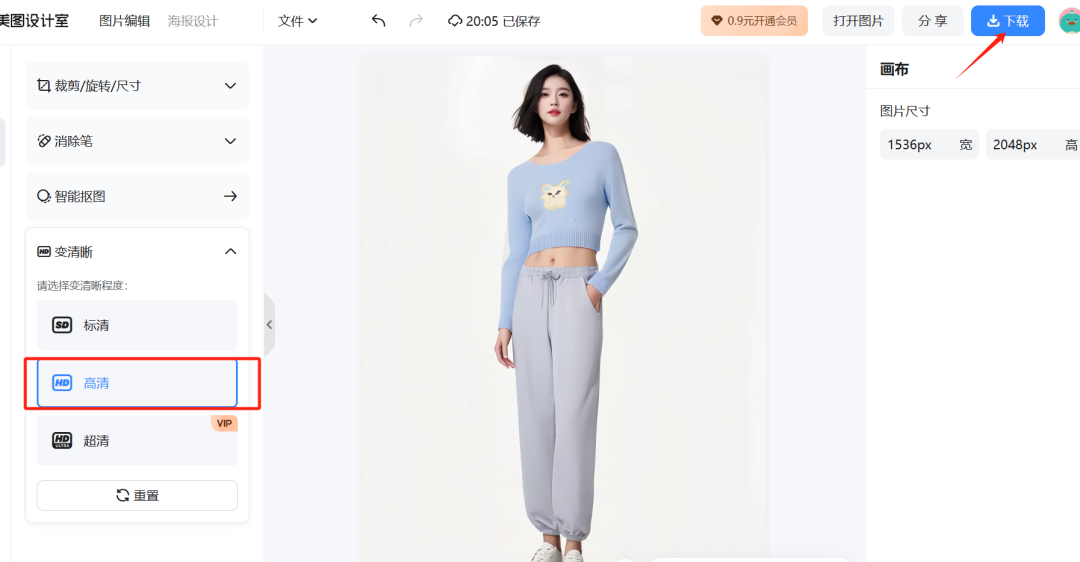
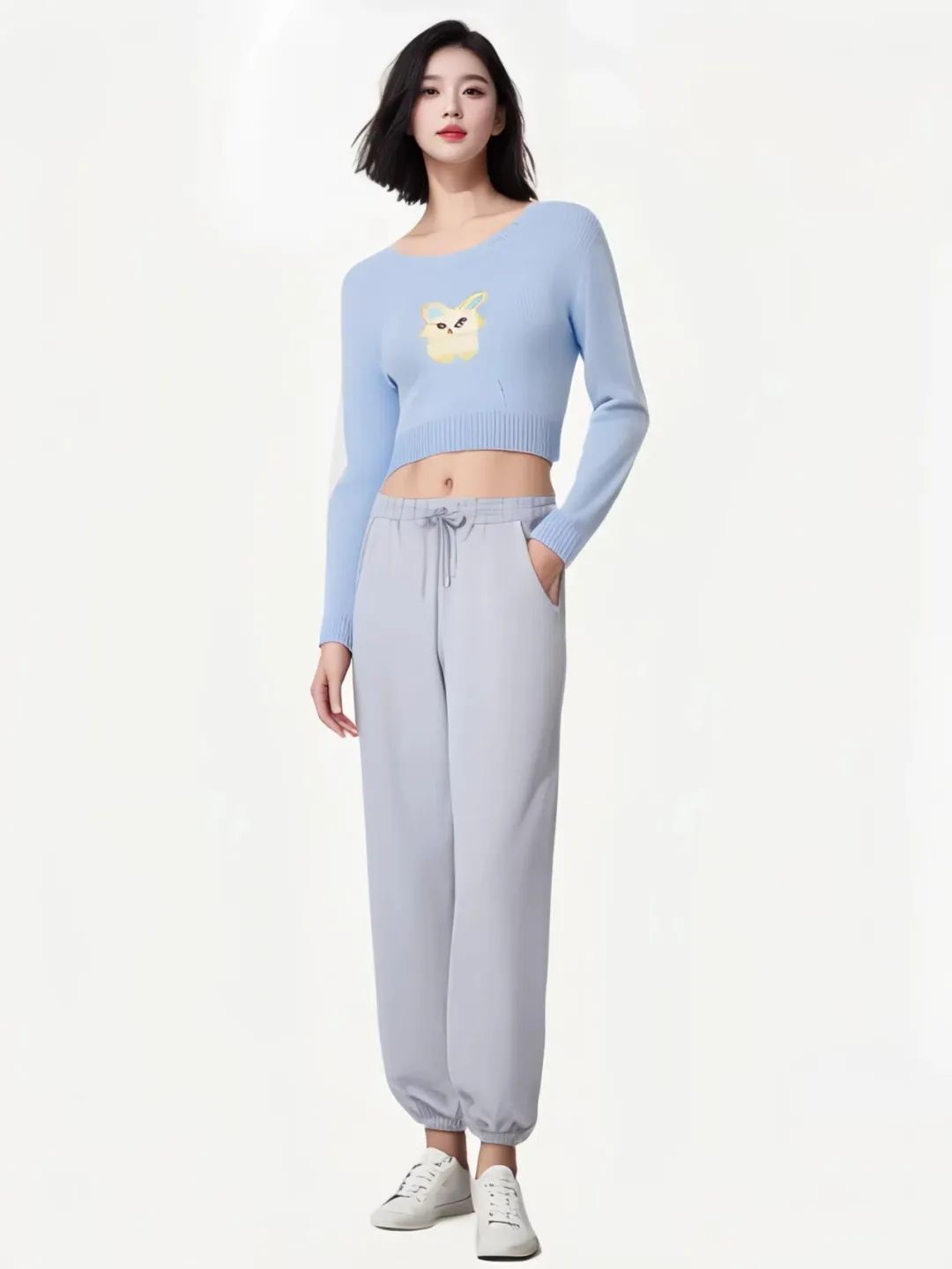
HD download local save backup, but you think here is finished, no, we can be generated according to the model after the effect of direct color matching to the clothes, a direct solution to our various color styles.
If it's a top and bottom, we can just choose them individually and color match them.
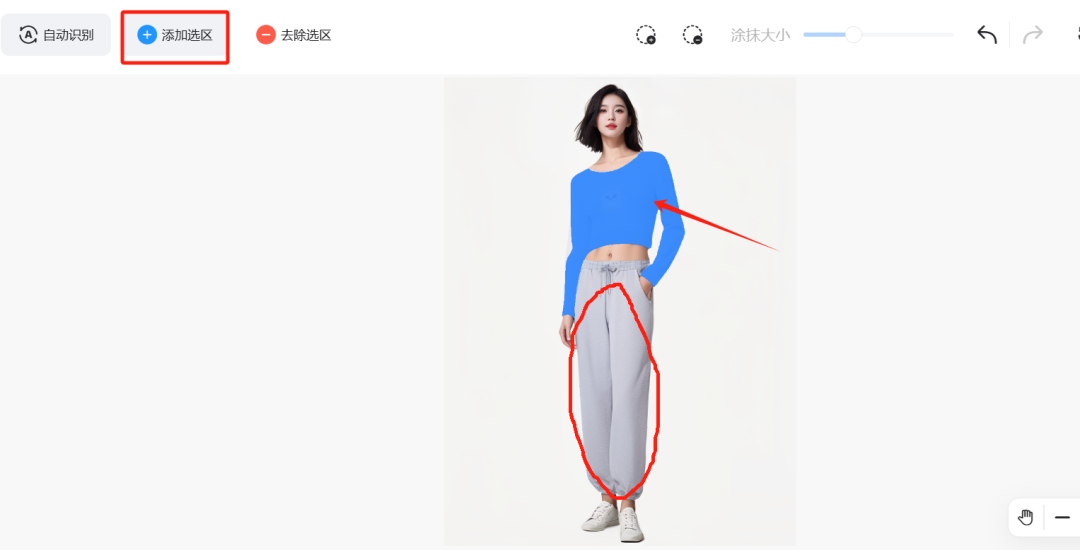
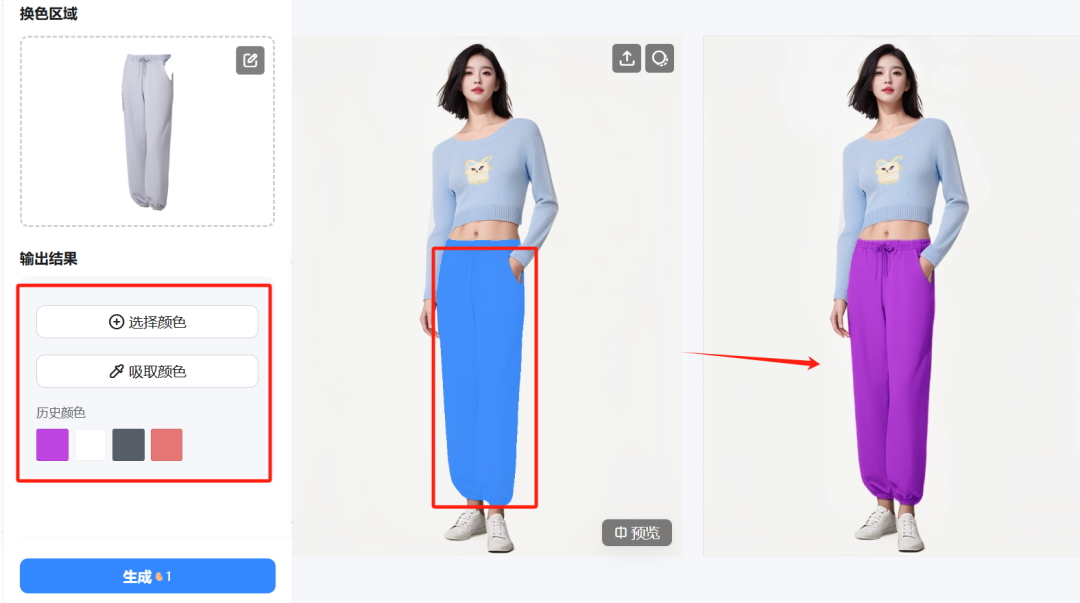
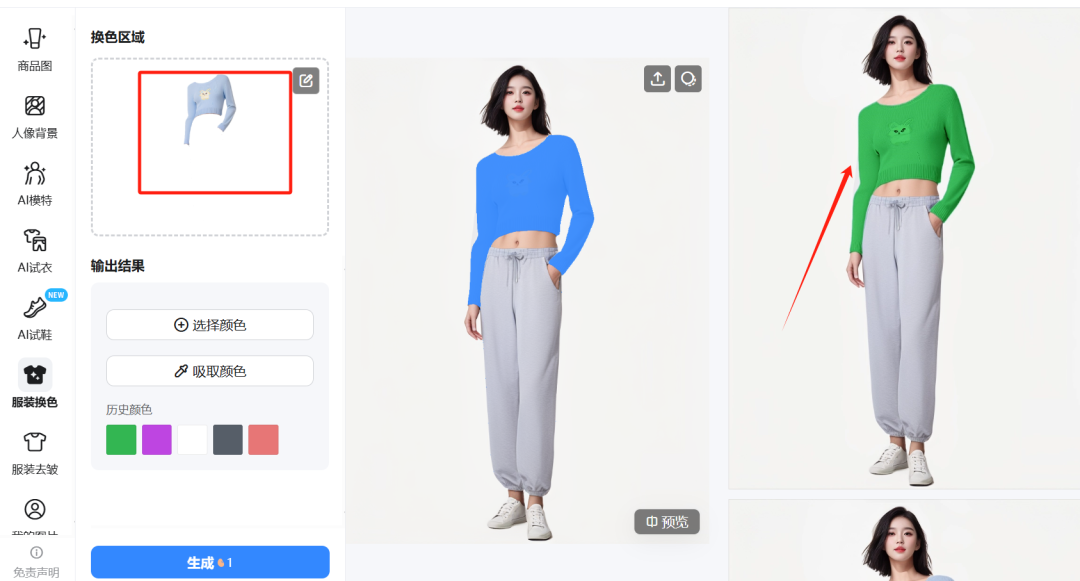
Directly select the color to match the color, after completion of the HD save to use, if we want to use their own personal image, directly select the picture under the change of models, and change the face is similar to quickly change to their own image.
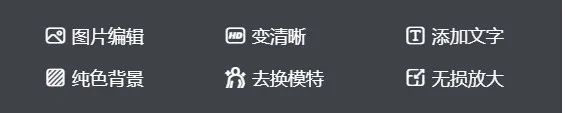
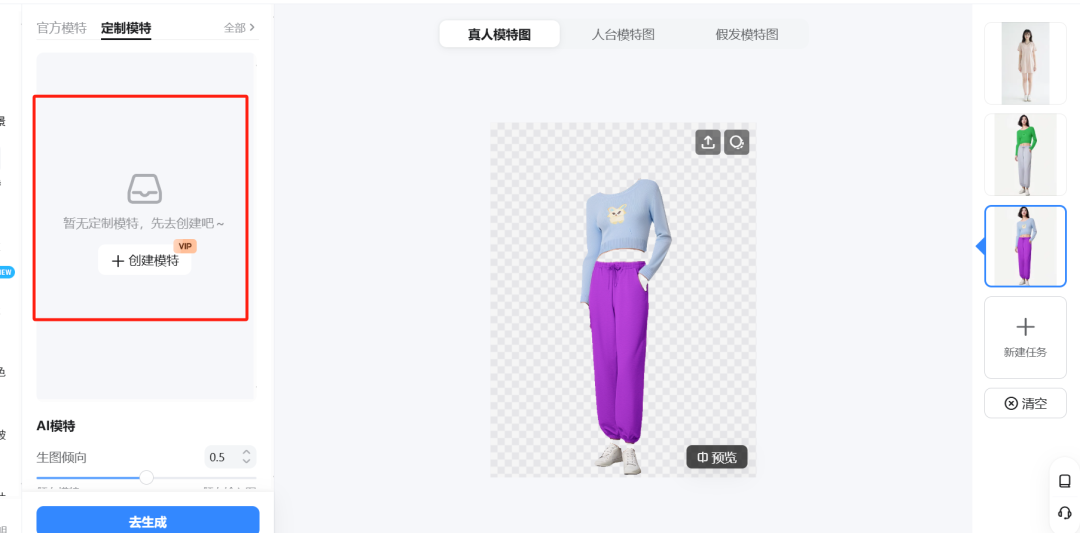
This way we get the final image of the clothes we want to change.
AI shoe fitting
Step 1: Mr. Become a Leg Model Shoes
Casually start by finding a branded shoe right away.
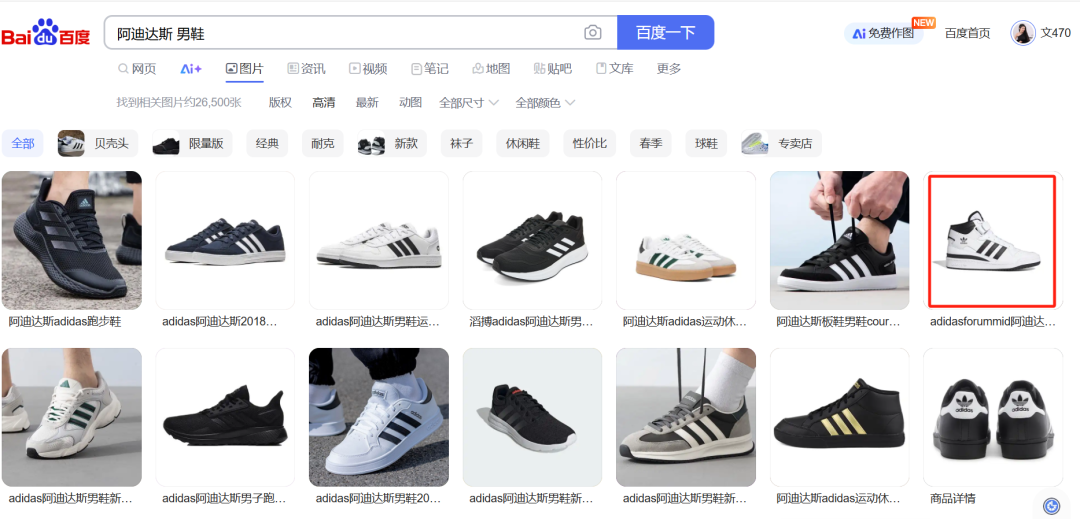
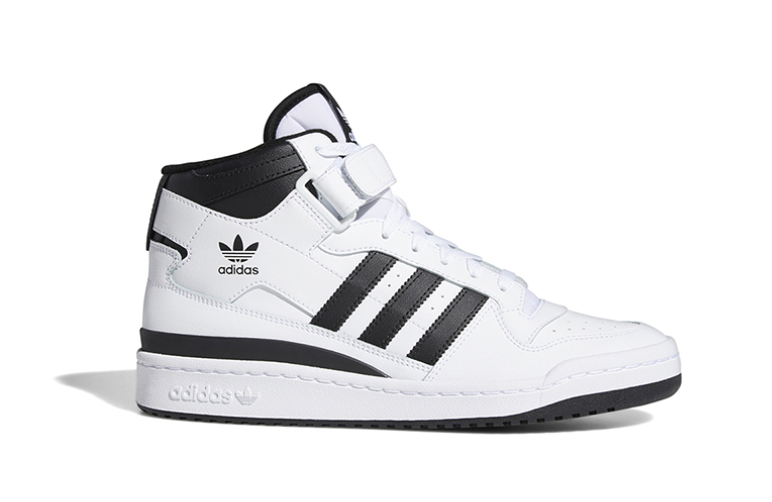
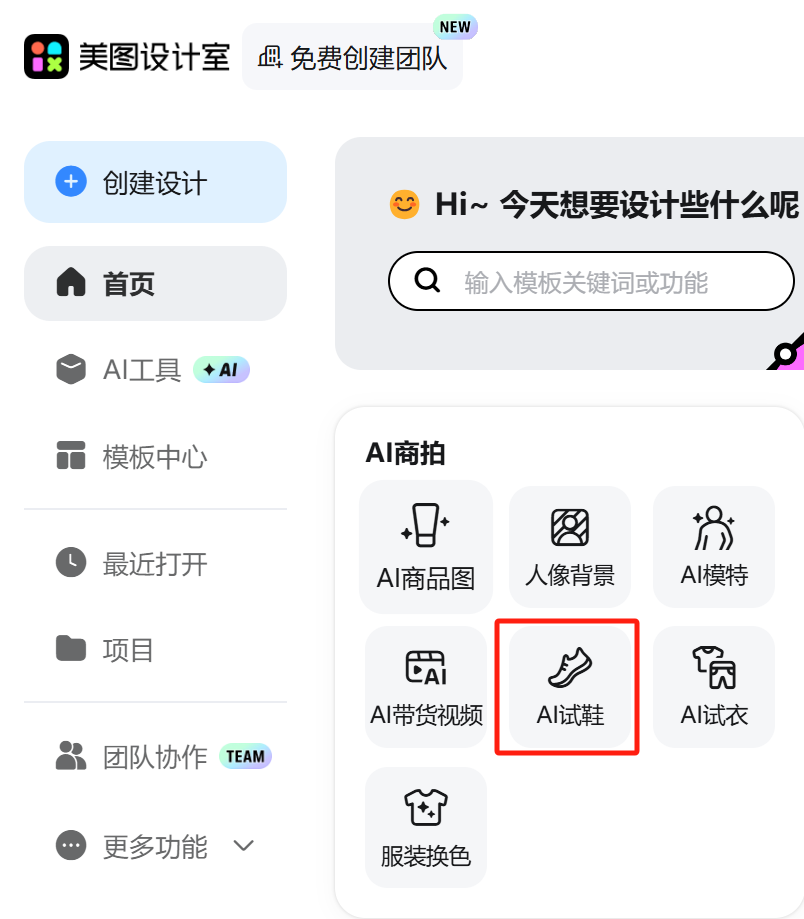
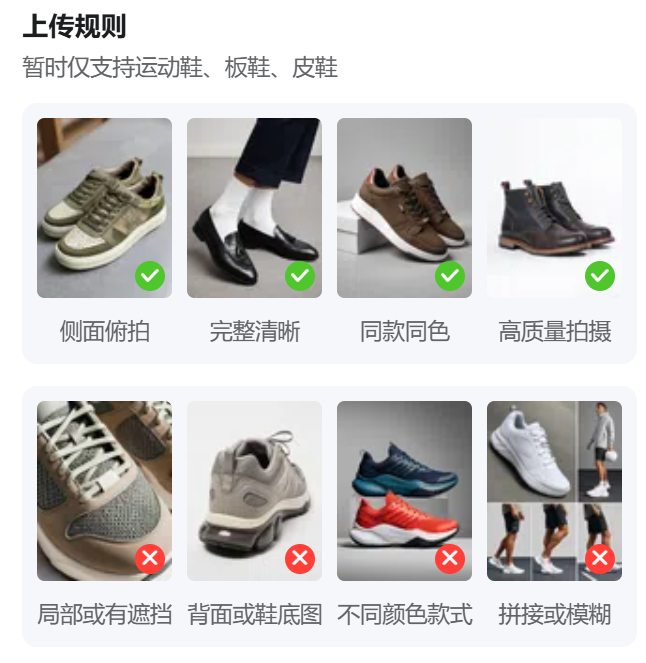
Open the Mito Design Studio - Click [AI Shoe Trial].
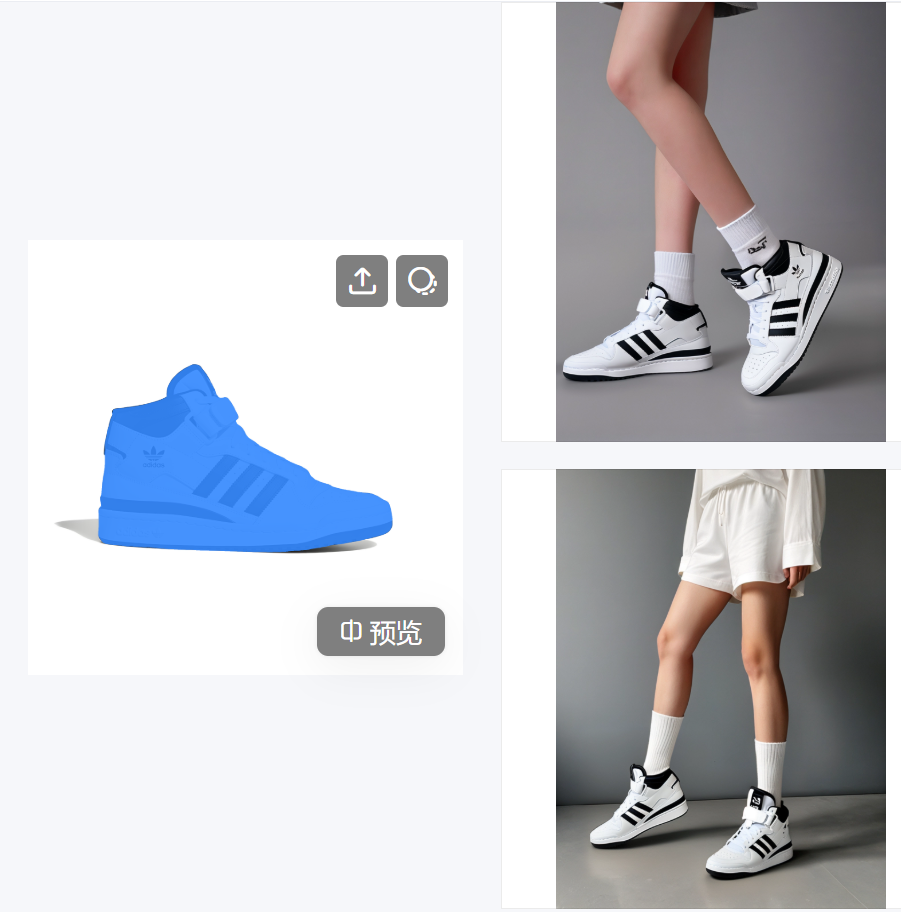
Upload our high-resolution shoe image and choose our shoe fitting pose!
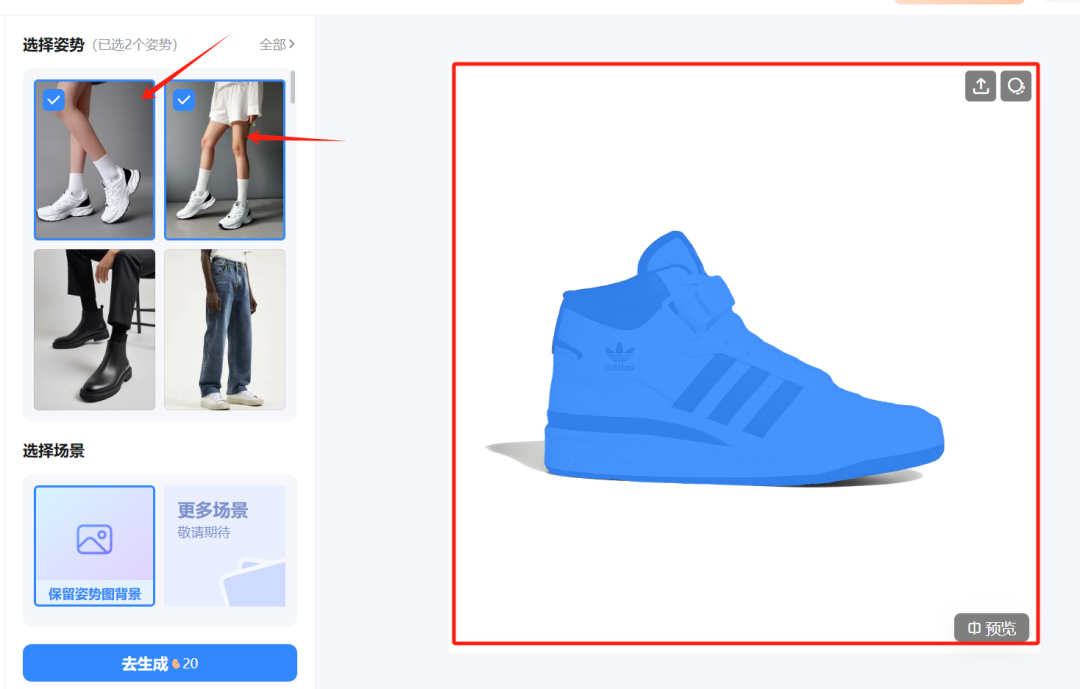
Generated effect
In Putting Pictures in HD HD
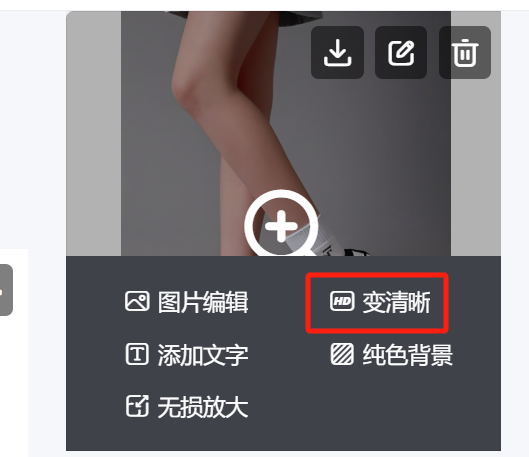
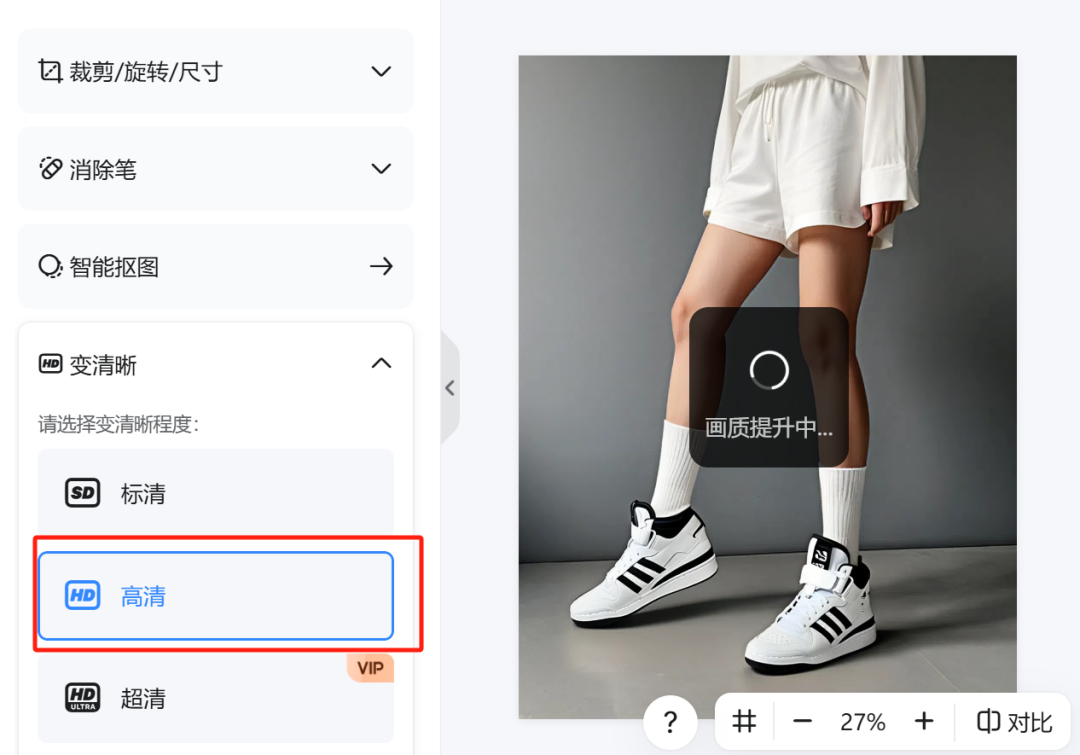
Download and save for later after lifting.
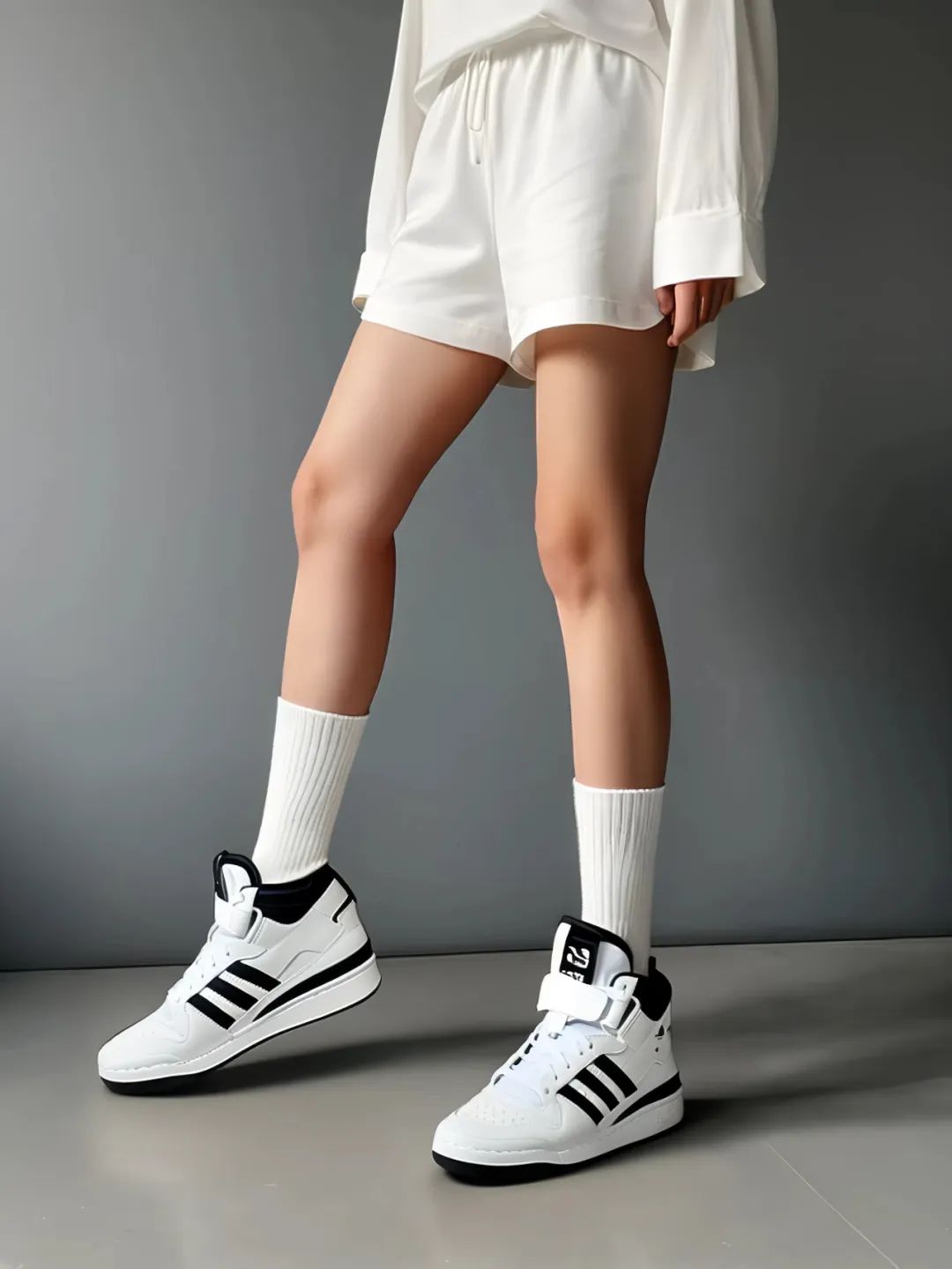
The overall shoe style is relatively good, of course, to 100% exactly the same or need to P point, for example, some logo text on the upper will still be deformed.
AI main picture
In addition to the above, then introduced to you, quickly change the background of the main picture function, in order to demonstrate the purpose of finding a bag from Baidu, many people students or want their own products and explosives have the same background, but the similar scene shooting high cost, long cycle, with this AI merchandise map scene replica ability, can be realized in seconds to measure the product!
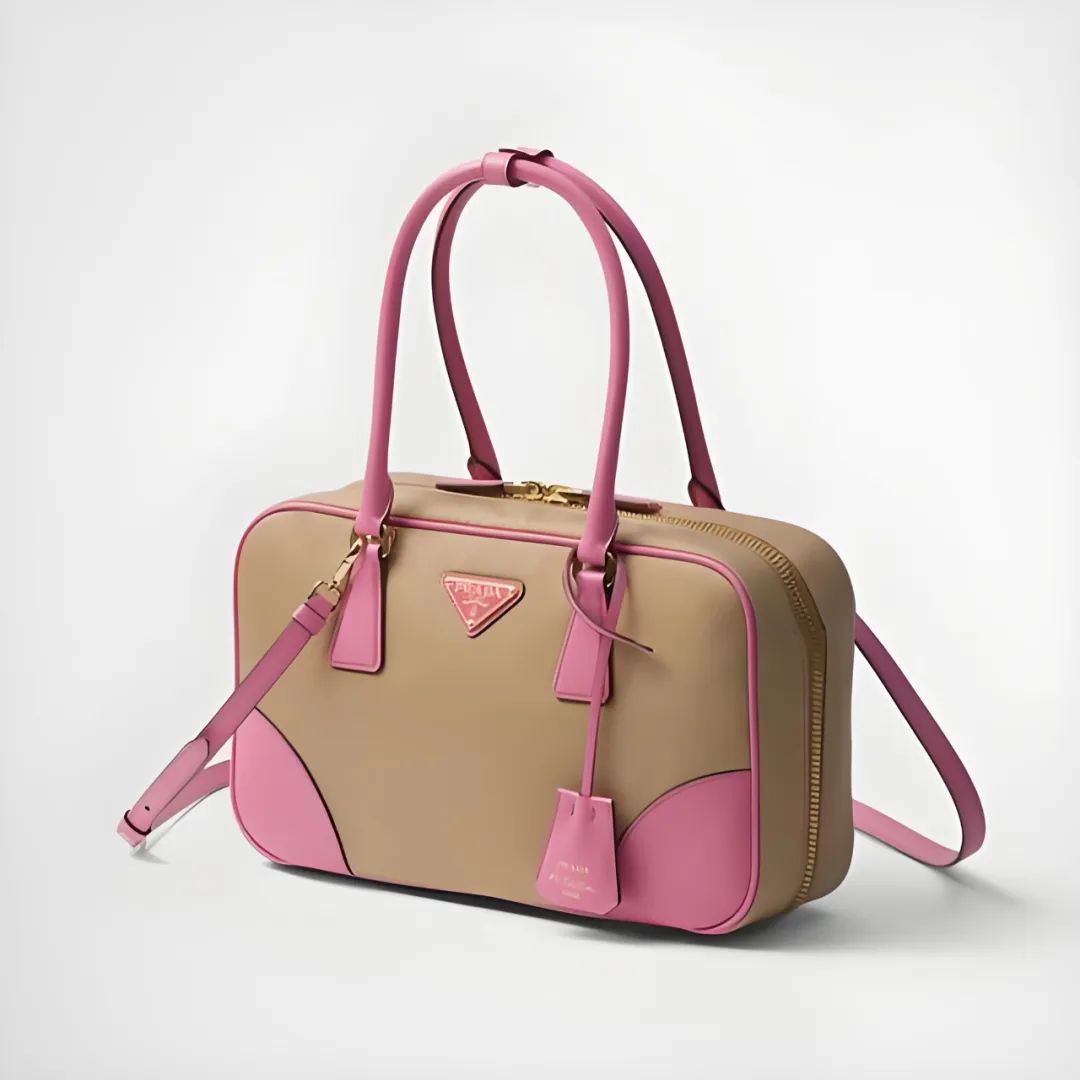
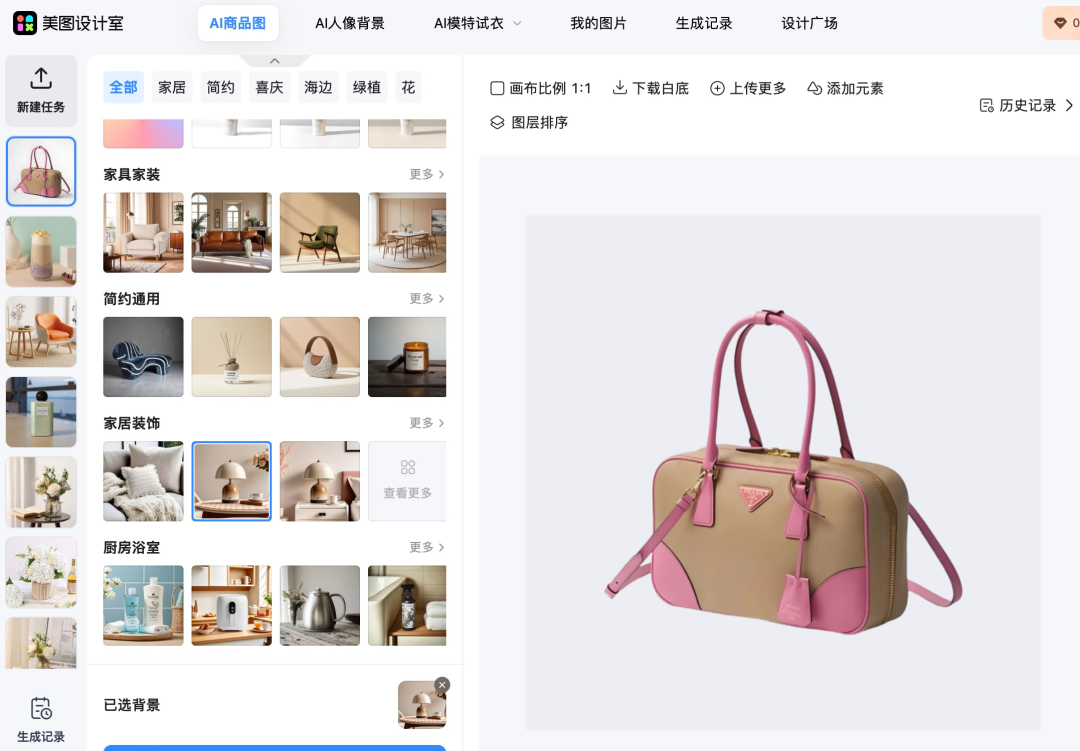
Open the product image - upload our prepared bag, then select a scene - click on Generate
It will be easy to get our rendering.
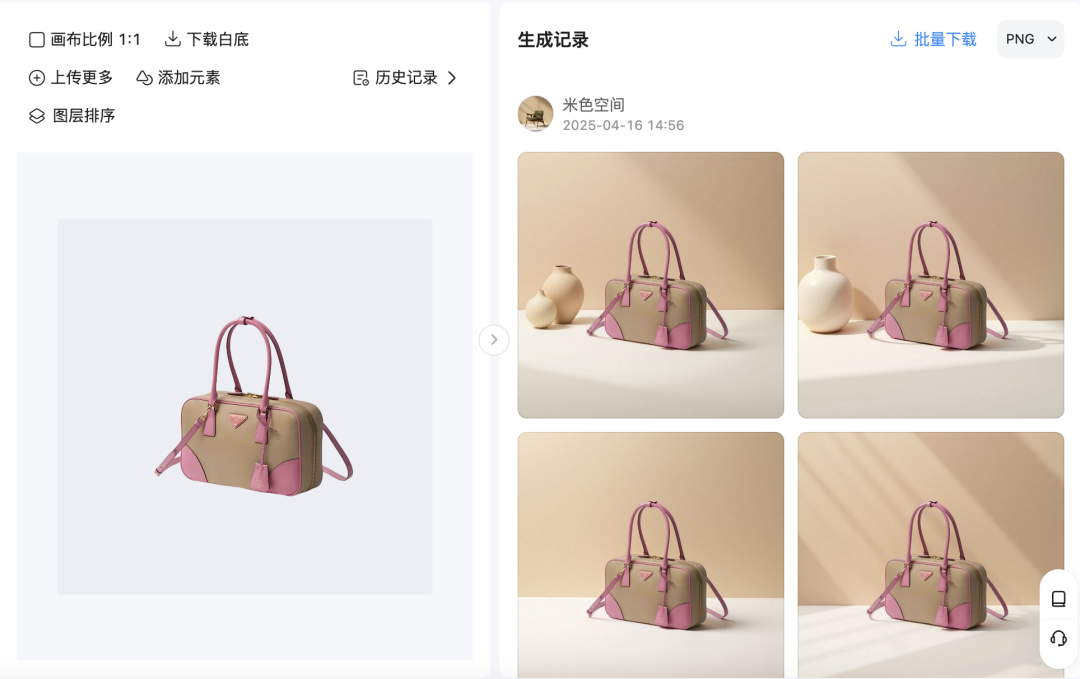
More effects you can test on demand.
Well with all these effects in front of us, next we have a raw image to promote or use.
Part II: Generating dynamic presentation videos
The tools for graph generated video are actually said to be many kinds, and there are in the toolkit prepared for you, here we will test it with Koring first. First, we upload our model clothes and bags, respectively, enter the prompt word generation
Cue word for the Toussaint video:
Clothes: a model turns around to show off the clothes
Bag: The camera shoots the bag in a wrap-around style
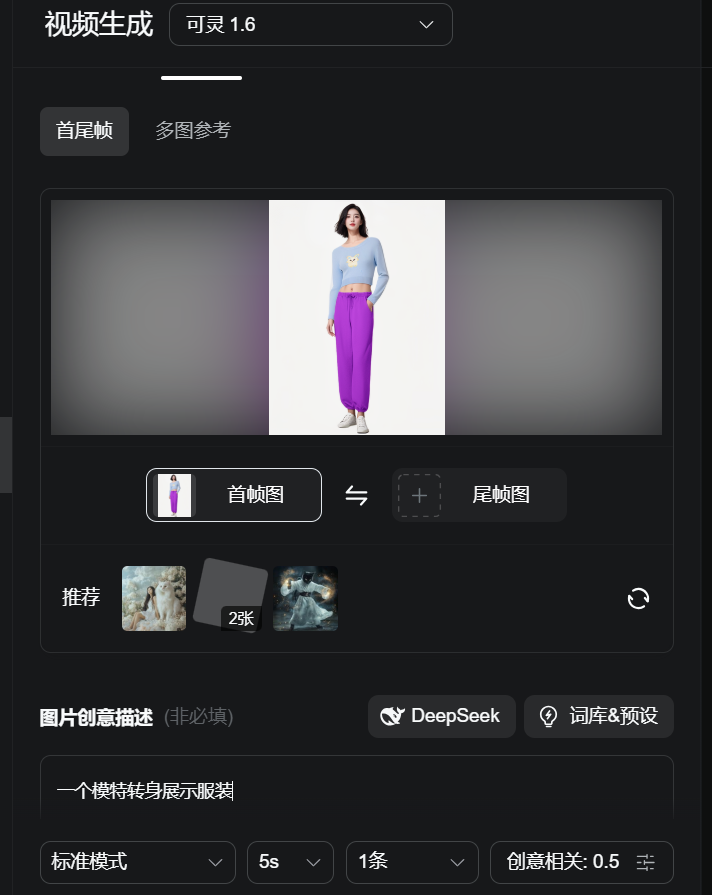
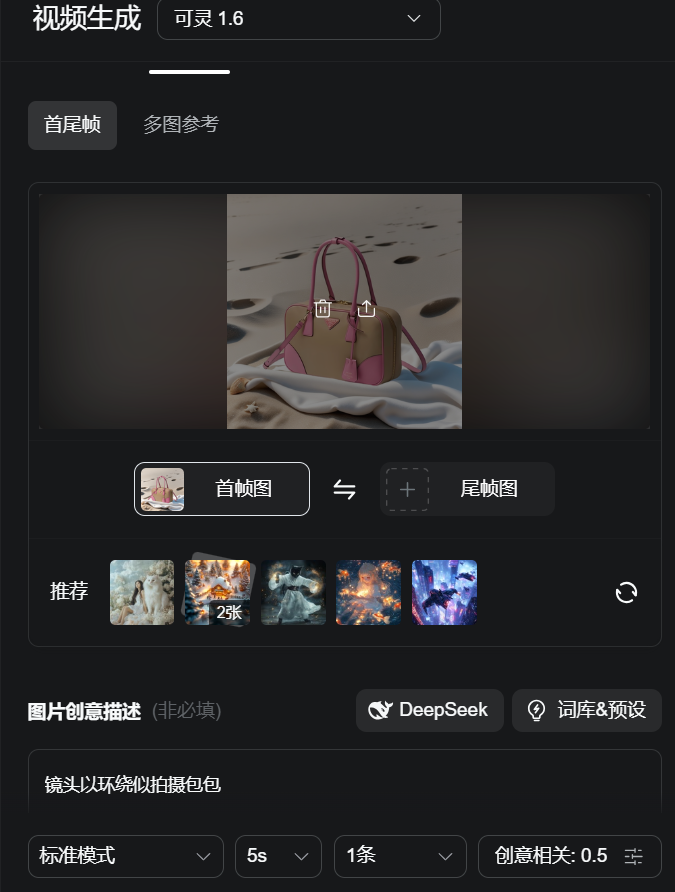
Shoes test use namely dream map raw video, in order to show you different effects, upload pictures - select model S2.0pro (more points but good results) - click to generate video.
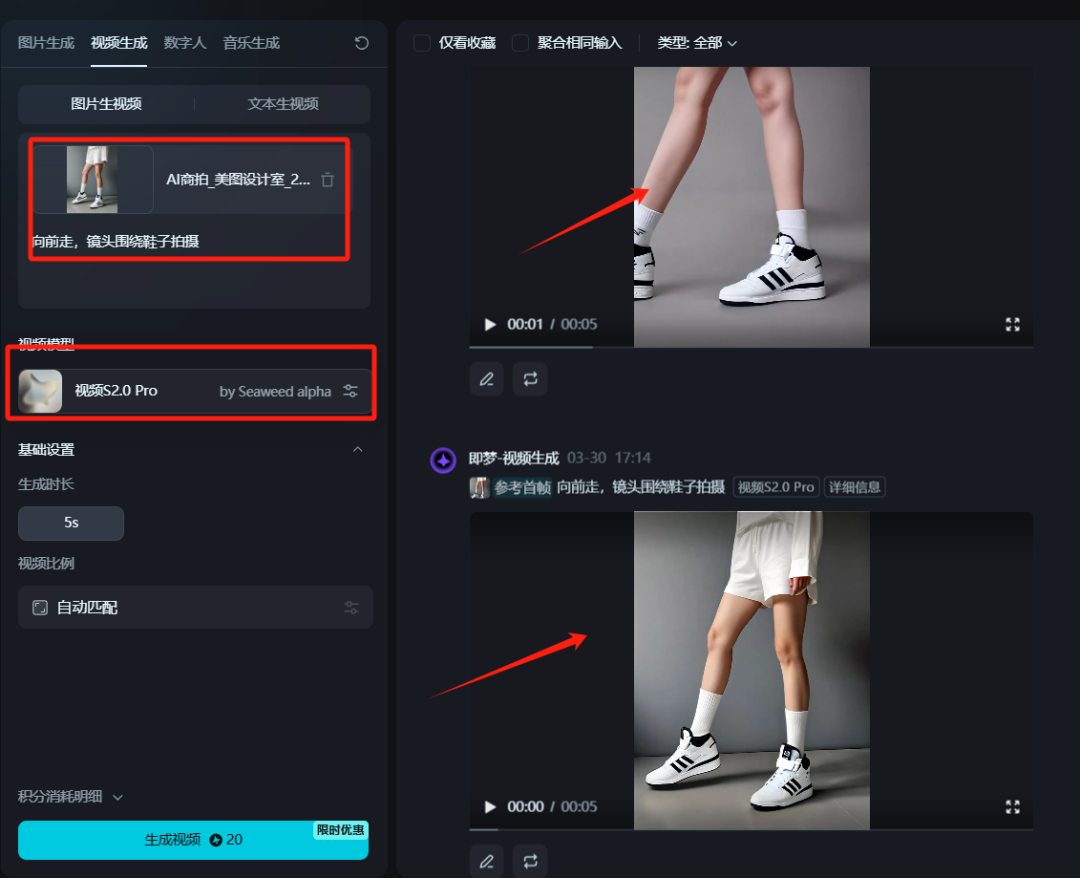
The results are all good.
Part III: Editing
1, open the cut screen PC Professional Edition, enter the main interface, click [+ start creating].
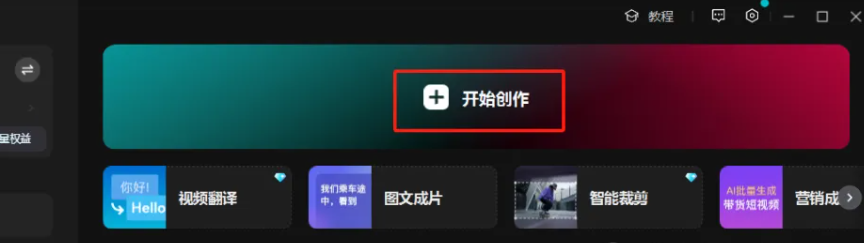
2, add the saved video clips, add background music, you can directly search in the cut screen
3, the appropriate location to add the right sound effects, you can double the effect of the video.
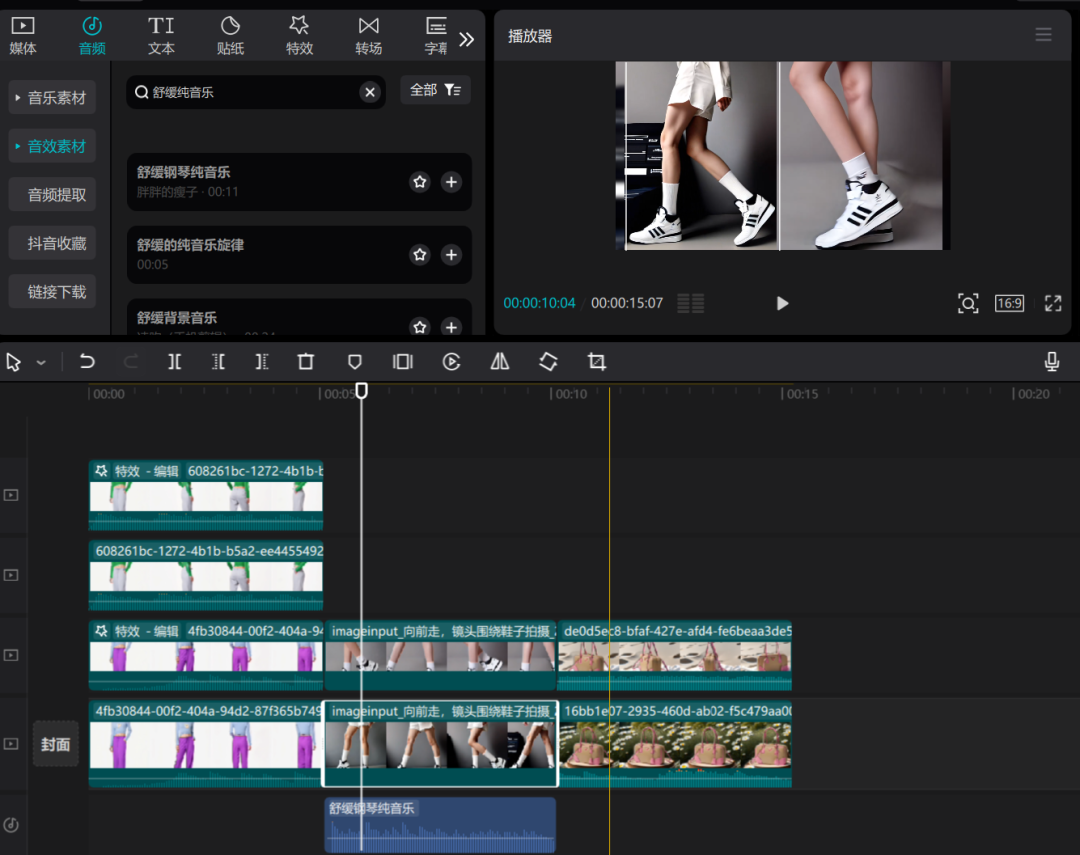
Learning point: text, the addition of a background can make the picture feel better.
Cautions and Operational Recommendations
1. Maintain originality: Do not directly copy the content of other people's cue words, by modifying the creative body of the cue words or adjusting the details of the screen video, to ensure that the work has a certain degree of originality.
2. Optimize the rhythm of the video: too long animation content may lead to viewers skipping, it is recommended to control the video time to ensure a compact rhythm.
3. Accurately locate the audience: choose a platform and time period where the target audience is clear to publish the video, for example, uploading it in the evening for better results.
4. Interaction to enhance fan stickiness: actively reply to fan comments, increase the interaction rate, attract more users to pay attention to and forward.