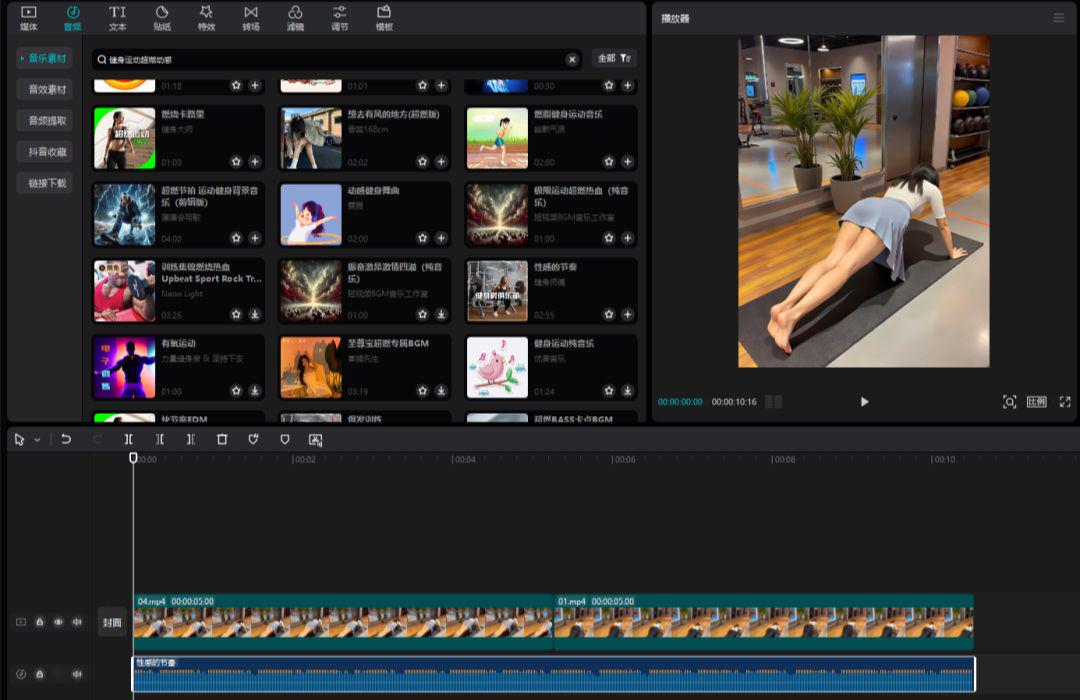
A friend shared an account about a beautiful woman's fitness with me and asked me if these kinds of videos can be made with AI. I took a look and these videos are made with AI.
The account attracted nearly 7,000+ followers in a month with the theme "Pushup Girl". Although it did not create explosive content, the traffic has remained stable and the overall performance is not bad.

And this new number, 14 videos up 900+ powder, account and traffic is normal.
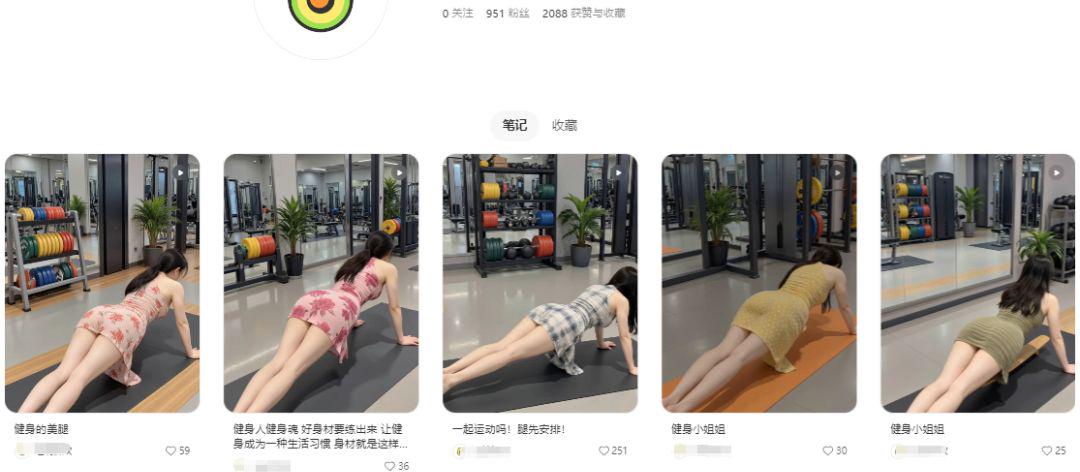
What's even more fierce is that this account is 1 video per day for 16 days, up 7000+ powder, and all the accounts and traffic are normal.

Creating the same type of content is actually quite simple, and I'll walk you through the process below.
I. Get Pushup Girl Picture Cue Words
First let's go to the reference video and take a screenshot inside, I took the one below.

Open the beanbag: https://www.doubao.com/chat
Upload this image, or you can just copy and paste it in, immediately after typing the prompt words below:
You are the master of AI drawing cue words, please help me to write the detailed cue words
click again[Sending]button.
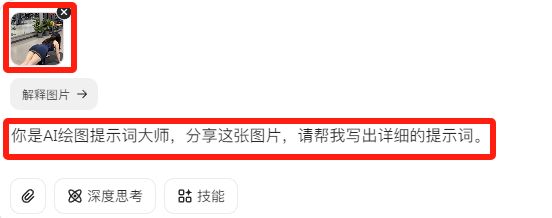
Beanbag quickly gives a detailed description of the picture screen.

The prompt words are as follows:
In a modern gym scene, a long-haired woman is doing a plank support move. She is wearing a navy blue sleeveless dress with gold lines at the hem . The woman is positioned at the bottom right of the image, on a black yoga mat, her body in a straight line, her hands on the ground and her long hair falling naturally. In the background you can see a variety of gym equipment, such as dumbbell racks, strength training machines, etc., with colorful barbell pieces on the equipment. Mirrors reflect the interior space of the gym, adding depth to the scene. In front of the mirror there are several green plants planted in gray pots, adding life to the scene. The floor of the gym is covered with light gray tiles, and the overall environment is bright and clean, with bright lighting, creating a professional and energetic fitness atmosphere.
Second, high-definition push-up girl picture production
HD realistic effects are key in videos like the one above, but are difficult to achieve with both i.e. Dream and Korin. While ComfyUI is ideal, it is more difficult for newbies. All things considered, the Starstream AI was ultimately chosen as an alternative.
We open Starstream Ai at https://www.xingliu.art/
Click on the home page[Immediate Raw Chart]

Next, click on the[Enhanced modeling]

Enter keywords in the search box"Push-ups."Choose this.[Push-ups F.1]This Lora.

The base model selection above[Base model F.1]After that, copy and paste our cue word into the cue word box below.

Select image scale[3:4], set the number of generated images, and then click[Sengoku]button, the picture starts to be generated.

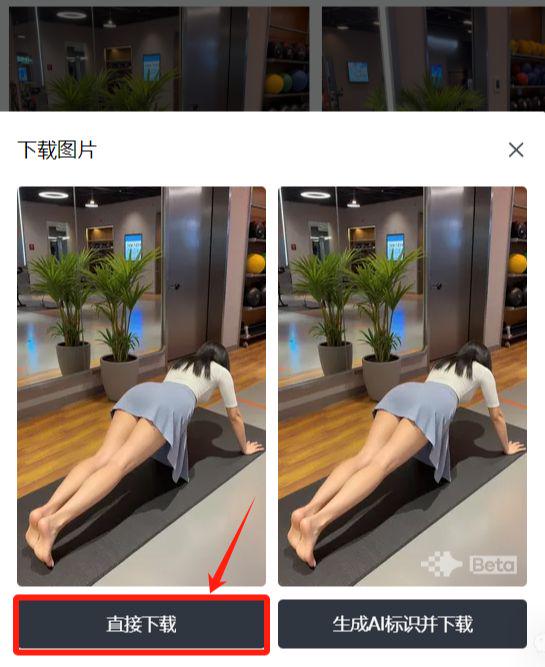
After generating a satisfactory image, we click[Right Mouse Button] - [Download Image]

In the options that pop up select[Direct Download], save the image locally.
Three, push-up girl picture to video
Go to the i.e. Dream homepage: https://jimeng.jianying.com/ai-tool/home
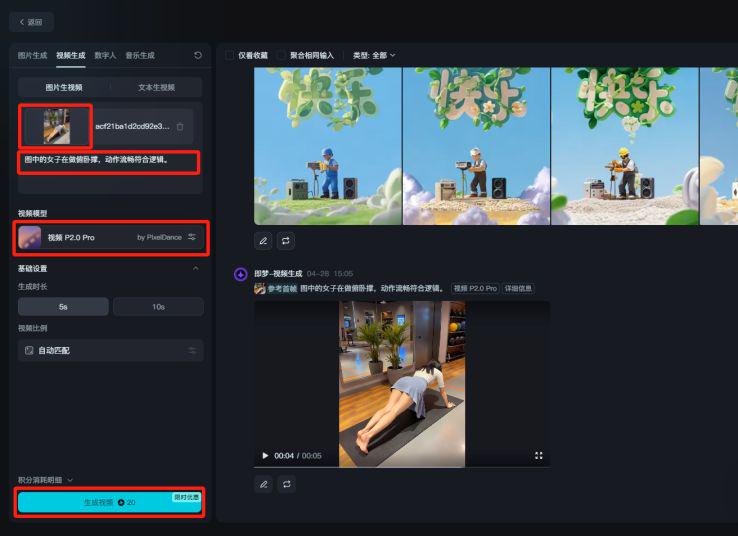
option[Video Generation], go to the video generation page.

Upload the picture of the push-up girl generated in the previous step and enter the descriptor:
The woman in the picture is doing push-ups in a smooth and logical motion.
Video Model Selection[Video P2.0 Pro]Click[Generate Video]
IV. Editing the video
We open the clipping, import the generated video into the track, add a suitable background music and export the video.