



Recently, some netizens are inquiring about how to realize multi-character character dialogues in videos to achieve the effect they want, and we are making a variety ofAI skitsIn the video screen more characters to lip-sync, is also one of the common, so what can we do to realize it? In fact, really want to do AI short drama in addition to the characters, images, audio, screening is also a core skill that needs to be mastered.
Today, it's really just 2 main scenarios picture to lip-sync and video to lip-sync.
Below we show you how to implement
1. Video lip-synching
First we have to prepare a target video and a prepared audio.
Here is a 10S character dialog video generated directly from the Instant Dream AI.
1. First of all, we text to generate a map, enter the following simple prompt words to generate the screen.
Martial arts style, a girl and a boy sitting on a cliff, facing the camera and looking ahead. Moonlight is hazy, close up shot to emphasize the faces of the characters

2. Graphic Video
Generate a 10-second video of a conversation using Instant Dream's Video 3.0
Fixed shot, 1-5 seconds of the boy on the right talking, the girl looking, 6-10 seconds of the girl talking, the boy on the right looking, the clouds floating, the scenery is natural, the breeze blowing the hair

But only the character's mouth moves, our final realization is that we want the character to speak according to the content of our text.
3. i.e. Dream Video Counterpoint (because the demo is a video, the video does not currently support Masters, choose standard mode)
There will be a problem here, it's not possible to control 2 characters talking at the same time, what should I do?
Next is the core operating technique, where you want to use clipping.
Open Cutscreen - Import Us - 10S Video

First, we separate the two types of character talk. Then we select one of the boys part - Mask - Linear Mask - Extract the boys character part separately

Next, right click and select the video and audio portion of our boys' talk, time region - select region by clip - in the export
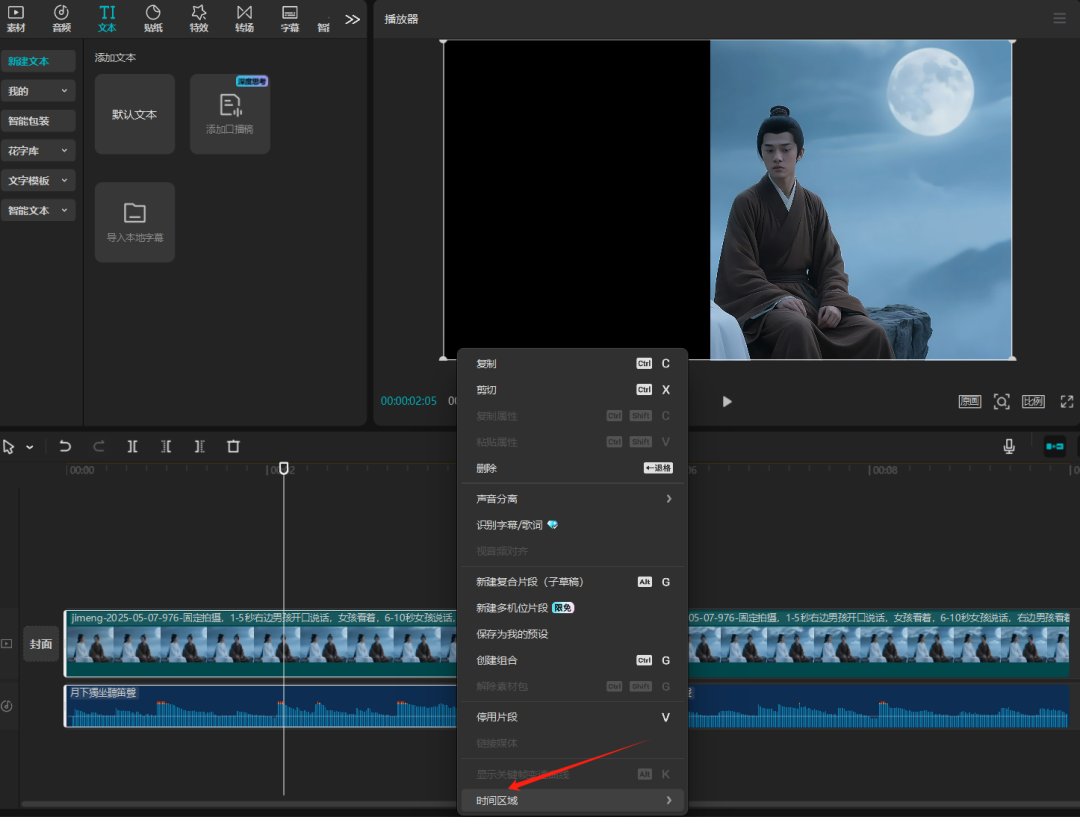

This way the single character and audio are all downloaded locally.
Then we follow the same method to get what the girls say.

Finally, upload 2 videos of each lip sync


4. Editing and synthesizing
Upload 2 videos with Picture-in-Picture function to its track main video track. Select the video we uploaded, add mask - invert 180 degrees (in order to overlap the effect of better feathering we adjust the value of 15-20)


This way the characters all talk on the same screen with multiple characters.
2. Picture Counterpoint
Picture lip-synching is a little easier, and the same method of separating the characters in the picture
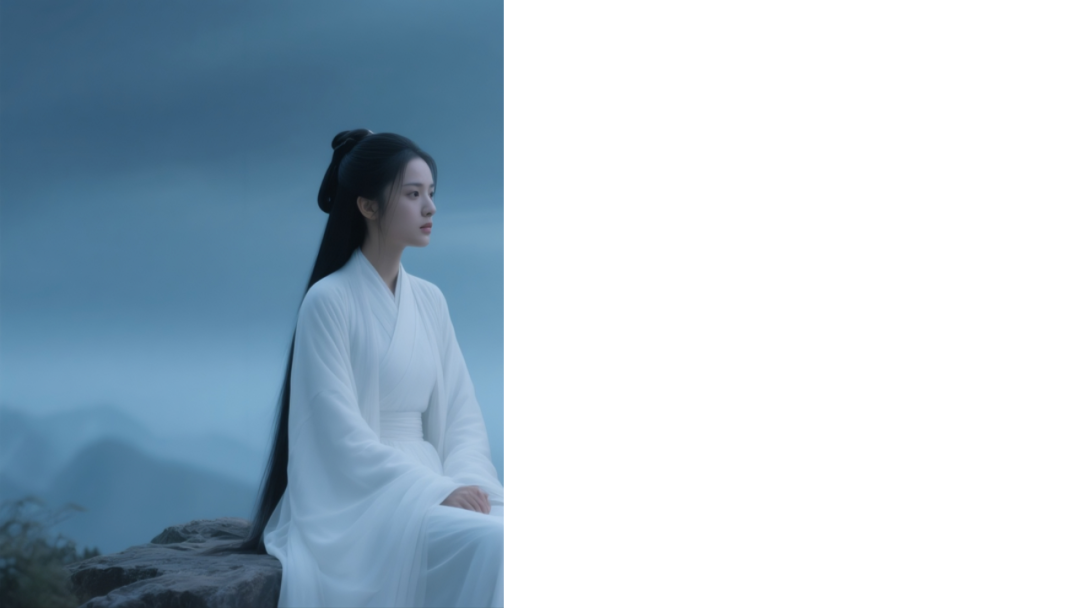
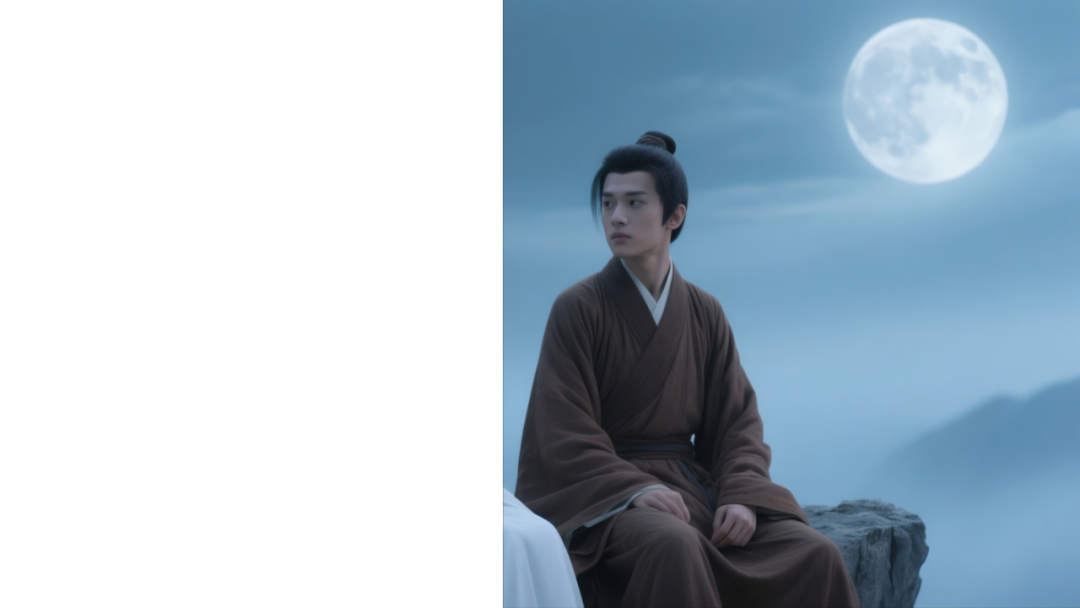
Separately, the dream masters lip-sync
Then the compilation in the clipping, using the mask function to deal with it, you can also achieve the effect, but there is a little bad, one person talking when the other will be stationary, the character effect is a lot worse or not recommended, you can also go to try.
Learning points: music, sound effects can make the picture more feeling, if it is other anime or animals in the video, in fact, we only need the main body of the mouth to move on the line, do not necessarily have to be on the text of the mouth.