



DeepSeekWhile writing article content works well, it's important to writeWord documentWhenever you copy content and paste it into a Word document, the formatting is all messed up, the fonts and layout are a mess, and you need to spend a lot of time to organize the layout of the content.
Previously, there are netizens message hope to generate Word directly, today share a DeepSeek superb hidden skills, the operation is also very simple to quickly allow DeepSeek generated content directly exported into a beautiful Word document format.
Hands-on teaching you how to use DeepSeek to generate neatly formatted Word documents, directly export the desired Word document, the previous need for an hour of typesetting can now be easily done in just 1 minute.
Note: Let AI write the content of the theme can be modified, layout requirements can be modified according to their own requirements, at the same time must be written in HTML format to generate a Word document with a download button! After entering the descriptor click Generate to wait.
Detailed steps
1. Open DeepSeek
It is recommended that it is better to use a computer to operate more easily, and the method of use is exactly the same as the regular use of DeepSeek.
2. Enter the hidden command
You can directly copy the content of the following descriptors for modification, this step is the most critical is the need to enter the instructions of the typographical requirements. For example, I want to write a speech about the June 1 Children's Day speechPrompt wordas follows:
"Help me write a [content for a speech about June 1 Children's Day] in about 1,500 words.
Typographical requirements are as follows:
1. The main title is in bold, three-point type, with 30-pound line spacing;
2. Subheadings are bolded in italics, small three;
3. The body of the text is written in four characters of imitation Song_GB2312, with the first line indented by two characters and aligned at both ends;
Generate Word documents with download buttons in HTML format! "

3. Click the Run button
AI generated content, the top right corner of the page will appear to run button, click [Run]. Here do not care what it means to run, do not understand it does not matter, after clicking the opportunity to appear after the download button.

4、Download Word document
After clicking Run, you can see the download button on the page (be sure to wait until the content is completely generated after clicking Run before the download button appears), click Download to download the complete Word document to the local.
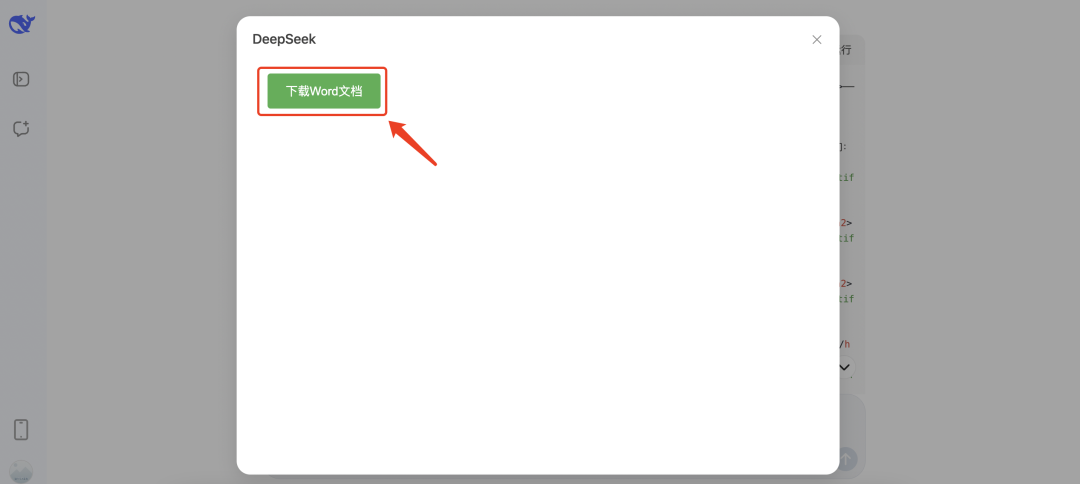
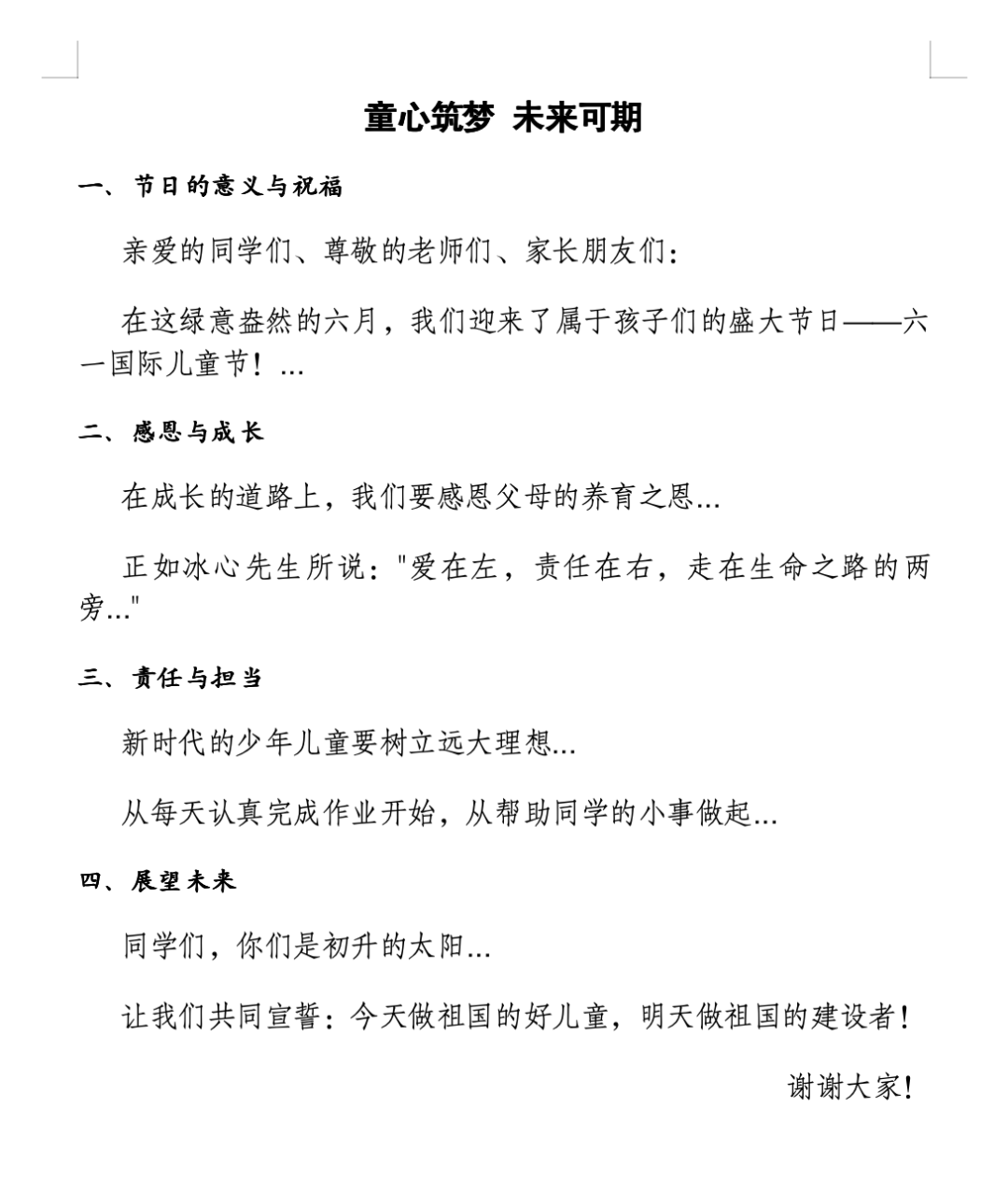
Automatically download to the computer, download and open you can see the beautifully formatted Word document, the following is to open the Word document screenshot.
Scratch that, hide the cue word template:
"Help me write a piece [about xxx].
Typographical requirements are as follows:
1. The main title is in bold, three-point type, with 30-pound line spacing;
2. Subheadings are bolded in italics, small three;
3. The body of the text is written in four characters of imitation Song_GB2312, with the first line indented by two characters and aligned at both ends;
Generate Word documents with download buttons in HTML format! "
Write articles with DeepSeed no longer need to manually adjust the formatting! Use this hidden feature to write Word document content can save a lot of time, hurry to experience try it ~!