



Wouldn't it be nice to think that with simple AI tools, you can hand rub a cartoon out at home, and replace all the characters in the cartoon, with real ones.
There are many fans in the education field right in the community, and they have been able to increase their income on the side by helping students under the institution to create personalized orders, such as customized commercial orders for children's picture books and cartoons after the face change.
Today we will teach you how to use AI tools to create the same Disney animation works, you can learn to go to the national style, cyberpunk and other different types of subjects.
Those who have channel resources and traffic capacity can each do their part to realize side income, and I hope we can all make a difference.
Step 1: Beanbag AI generates split-screen scripts and batch out graphics
The difficulty of the short film type is the overall style of the screen and the consistency of the unity of the characters, a comprehensive comparison of other AI tools on the market, currently the most simple and direct and free, but also suitable for white people to start is the beanbag AI.
Here we choose to use a good effect of the operation is also simple bean bag AI to give you a demonstration.
Cell phone operation to download the App, computer operation directly open the official website to use, the operation method is almost the same, you go to choose.
Doubao Address:
https://www.doubao.com/chat/
Open the beanbag.
Select a new dialog
Open up to deeper thinking
Dialog box input: I want to produce an episode of Disney style animation through AI, please help me to write a complete script, the theme is: Aaron's Forest Adventure, duration of 1 minute, 8 sub-plots, the content of the three best friends to explore together, one of the main characters for the little boy Aaron, the overall painting style to maintain uniformity, 3D animation style. According to the script content, please write a complete sub-plot script, requirements include scene, transport mirror, voice-over, lines (in English and Chinese) corresponding to the text of the picture, the picture of the video cue words, in the form of a table summarize to me!
Click to send

Getting the Conversation
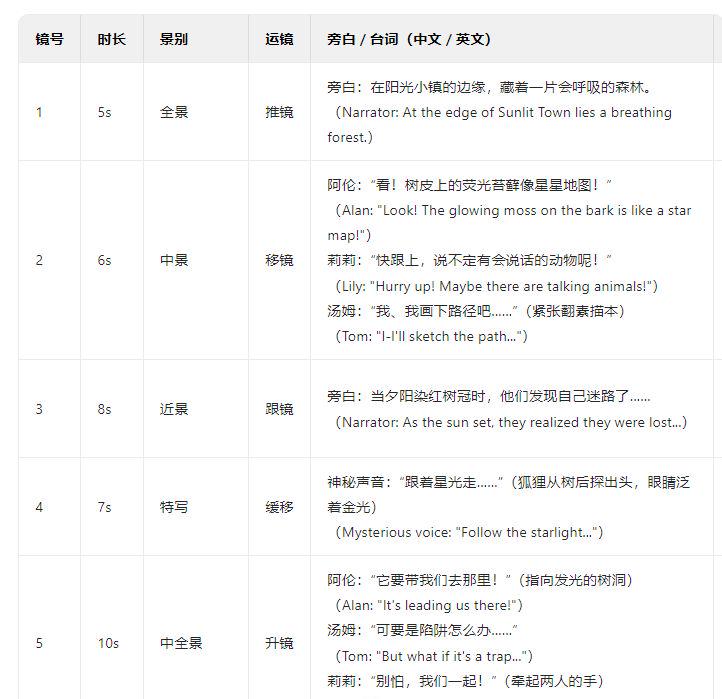
After the content is generated, you can decide whether you want to continue the conversation or not, depending on your needs.
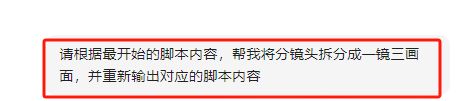
For example, here I feel that 1 minute is only 8 frames, the number of shots is relatively small, so I choose to give the command: please help me split the split shot into one shot and three frames according to the content of the script at the very beginning, and re-export the corresponding script content
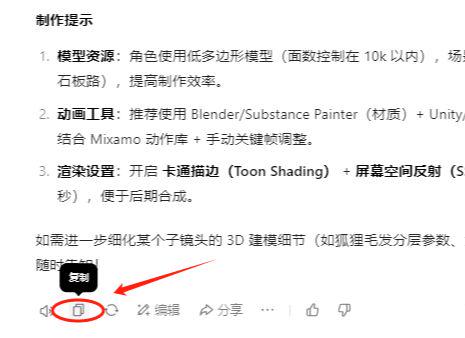
-Click on Copy in the lower left corner when you are satisfied with the content of the script.
Back to Beanbag AI Home
Select Image Generation
Paste the copied content into the dialog box
Click to send
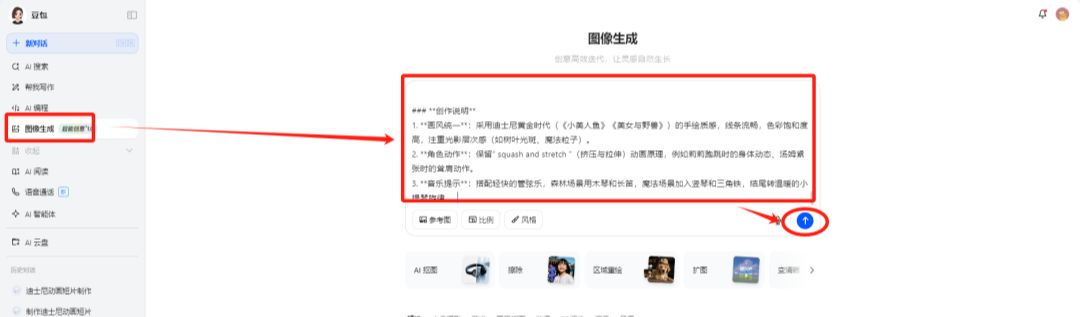
Batch generate images corresponding to mirror numbers
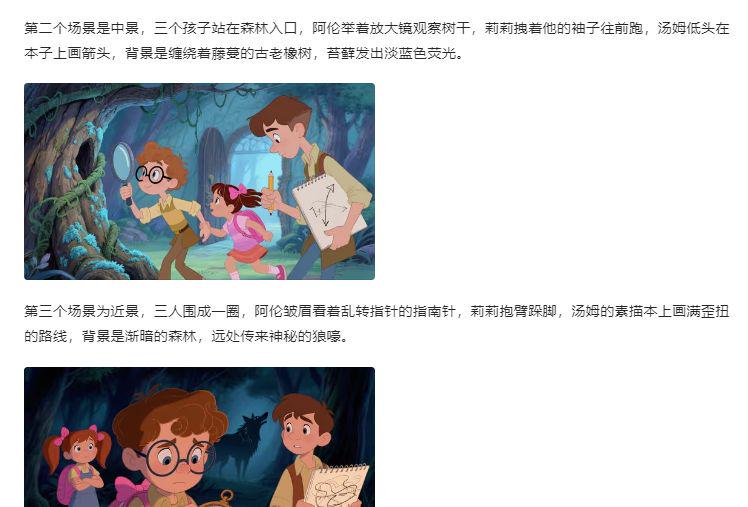
It is also possible to make instructional changes to the generated images.
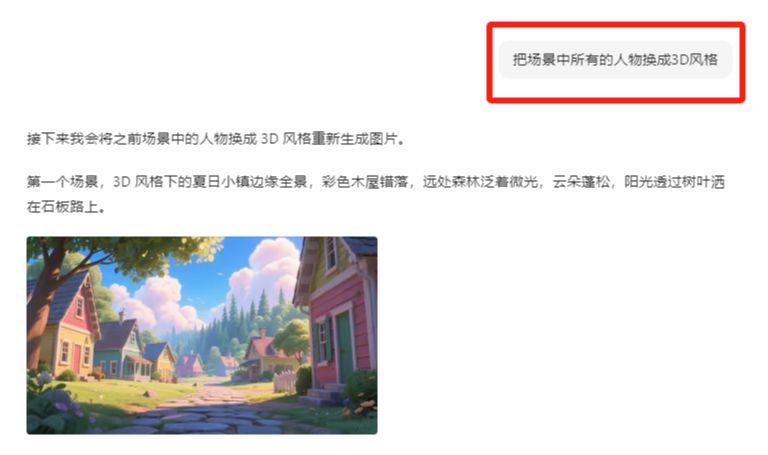
Here I think the picture is too monotonous, you can dialog box to continue the next command: change all the characters in the scene to 3D style
If you are not satisfied with the generated screen, click on Regenerate until you are satisfied
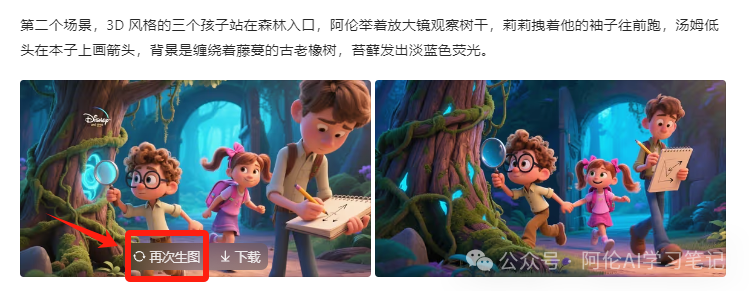
Select the image you like and download and save it in order

From the obtained images we found that the batch generated images are not only the same style, even the image of the characters are almost identical, small flaws in the place you can also choose to local repainting for the second revision.
Step 2, Vidu Toussaint Video
Vidu address: https://www.vidu.cn/create
AI Tusheng video can choose more tools, Vidu, Keling, conch, that is, the dream, etc. We can try, and finally compare and choose the best effect.
Vidu, which can be generated infinitely with staggered peaks and has a good first and last frame, is chosen as a demo.
The specific operations are as follows:
Open Vidu
Select Tucson Video
Click to create
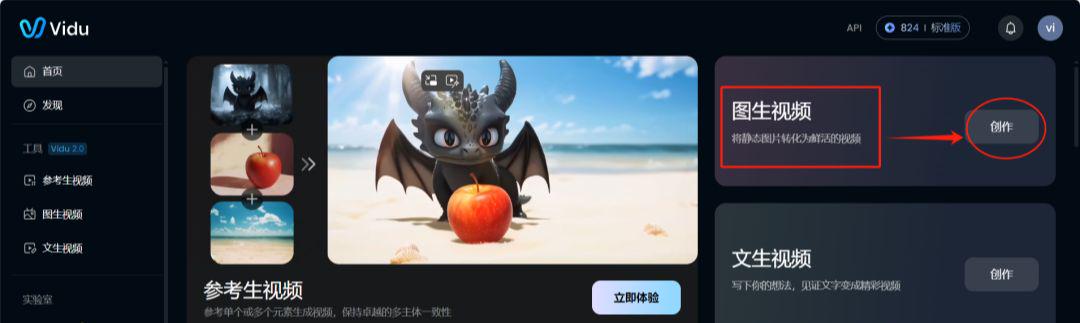
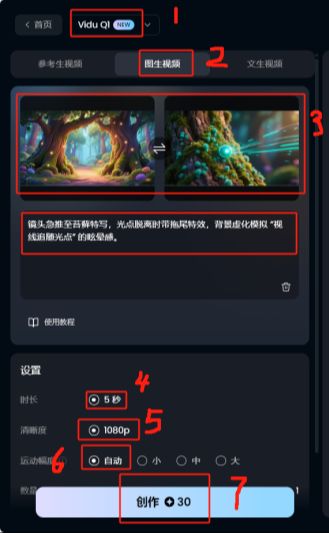
Select ViduQ1 model
Click on the graphic for a video
Upload a picture
Fill in the descriptive cues: camera pushes sharply to close-up on the moss, with trailing effects as the point of light breaks away, and background bokeh to simulate a "line of sight following the point of light" vignette.
Duration 5 seconds
Clarity 1080P
Range of motion automatic
Start creating
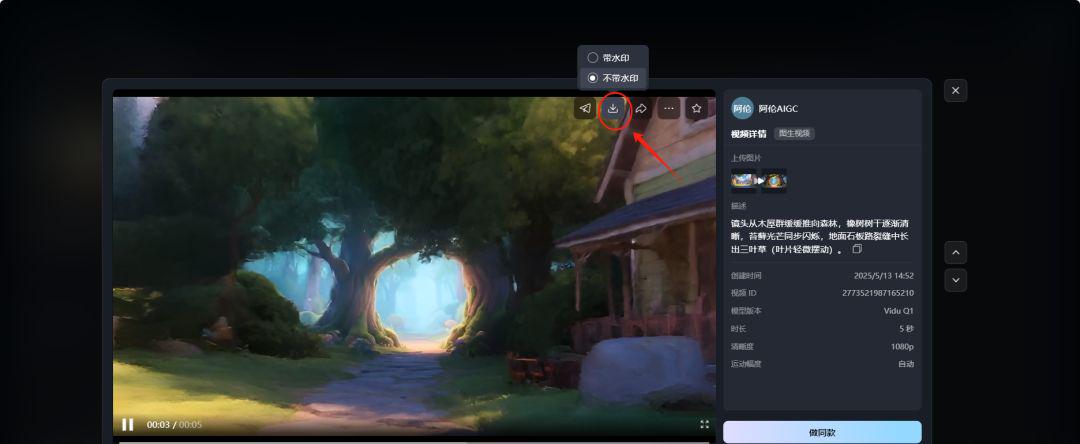
Download and save
Using the same approach, generate other clips and just edit them into a full video at the end.
Step three. Cut the movie. Cut the movie.
Import all the generated video clips into Cutscreen.
Voice-overs according to the content of the text
Add background music, sound effects and other elements
Finally adjust the details and export
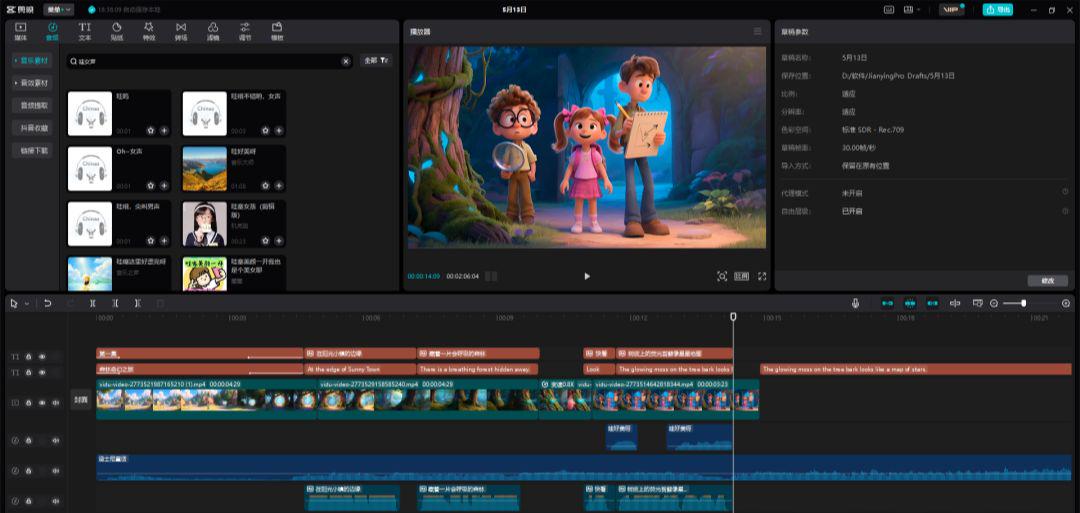
Space is limited and only the first few images have been chosen as a demonstration, focusing on teaching the method, so you can polish the details on your own.