



Historical FiguresThis track has always been there, in the earliest days, listening to the radio, radio anchors to slowly tell the story, then watching TV, an emperor's story to tell a 40 or so episodes of a serial, and later, in the form of a movie ......
todayShort VideoThe era of the AI, coupled with AI-enhanced, AI historical figures (celebrities) biographies of the life of the following form of presentation, just more than 1 minute of short video, moving 10W + likes, too combustible, right!

From Genghis Khan to Zhu Yuanzhang, from Xin Qiji to Lu You ...... almost strip work million plays, 100,000 likes work countless.
With 5,000 years of Chinese history, there is an inexhaustible supply of inspiration and subject matter to produce a celebrity story every day.
This type of work platform and audience are very like, but also in line with the platform traffic support quality content, if you want to really use AI to do valuable content, this type of subject matter suggests that you must go to learn from the study.
Today we will break down how to make this kind of short video works, and hope that you can find your own position early, deepen the content, polish the works, and make more excellent original works.
Without further ado, let's get straight to the dry goods!
Step 1: Beanbag AI writes outlines and batch generates charts
China's history is full of famous people, such as all Chinese emperors, famous poets, patriotic generals and so on. To name a few, from ancient times to modern times, from home to abroad, there is an inexhaustible amount of AI content material that can be created.
Here is a demonstration of the story of Wu Zetian, an empress of the generation.
Beanbag AI:
https://www.doubao.com/chat/
The prompts are as follows: (modify as required)
I want to make a documentary on "The Life of Wu Zetian" with AI. Please help me write the major historical story points of the life of Wu Zetian from her birth to her death according to the historical records. Output 20 different photos of different stages. Image ratio 9:16, Portrait Photography Style
-Open the beanbag AI
-Select Image Generation
-Dialog box to enter prompts
-Click to send

-Get Batch Images
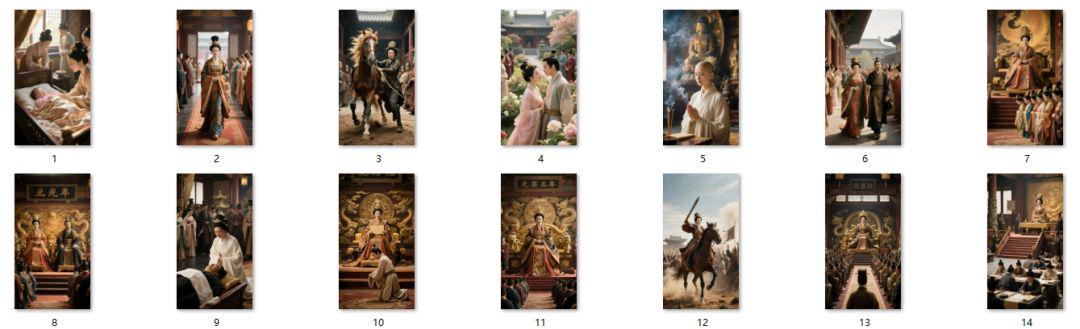
-Download and save in order
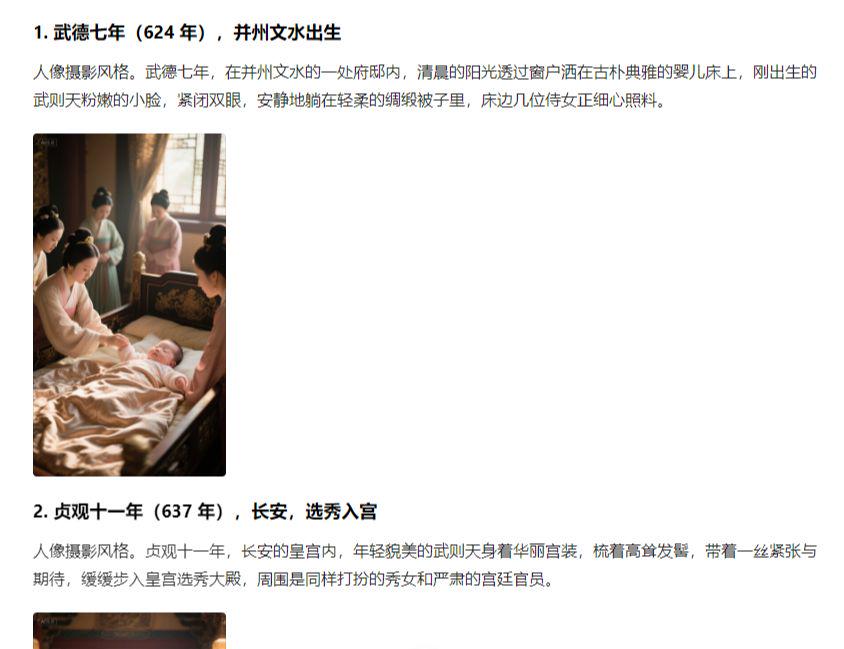
-Options to regenerate unsatisfactory images

-All images are downloaded in order

Step 2, i.e. Dream AI Tupelo Video
Tusheng video can choose more tools, that is, Dream, Keling, Conch, Vidu can be, we can freely choose according to their own habits of use.
Here Aaron chose to generate faster, send free points every day that dream AI to demonstrate.
i.e. Dream AI.
https://jimeng.jianying.com/ai-tool/home
-Opening the dream
-Select Video Generation
-Upload image
-Dialog box with descriptors: camera pushes in, baby in bed crying, woman at bedside bends down to coax baby
-Video Model 3.0
-Duration 5S
-Generate Now

-Waiting for generation
-Download and save

Using the same procedure, create the remaining video clips.
The third step is to cut and edit the movie
-Import all generated video clips into Cutscene.
-Add background music, sound effects and other elements
-Finally adjust the details and export

This way a biographical video of a historical figure is finished! The emphasis is on teaching the method, so you can polish the details on your own.