



“Bean curd"We've all certainly used it, and what exactly are the graphic tasks that Beanbag can accomplish now. To what extent is it competent for the various needs of our daily image processing and creation?
With all this curiosity, I got my hands dirty and gave it a try.From simple keying and erasing, to style changes and element replacement, to generating sophisticated product images and photo-realistic photos, Beanbag's performance is still all respectable.
If you're also trying to make Beanbag your first easy-to-use and versatile AI photo assistant, then these experiences below mightHelps you quickly understand what it's really like.
image retouching
Let's start with a look at the retouching I've used relatively sparingly before.
First of all, Beanbag provides a couple of basic functions in image generation. I tried the more commonly used everyday keying and erasing.

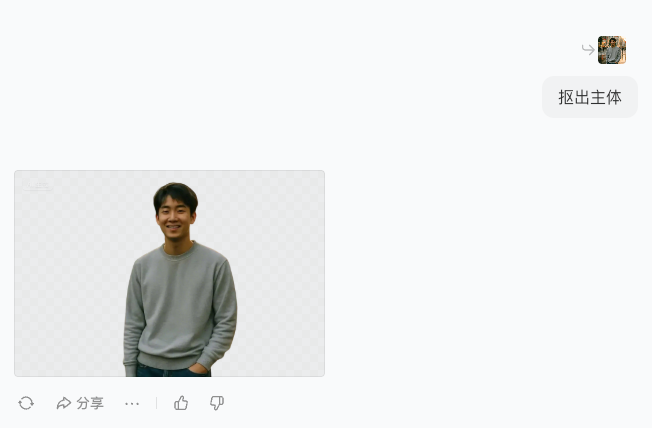
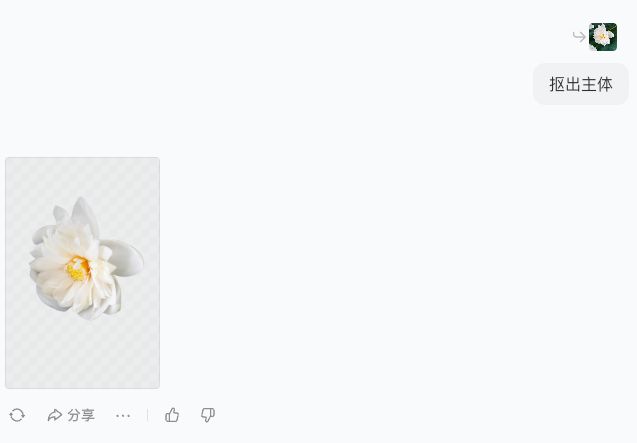
1. Keystrokes
There is an option to have it key out the subject. Also not benchmarked against PS, I compared it to MMT. Same result. People can choose as needed.
2. Erasure
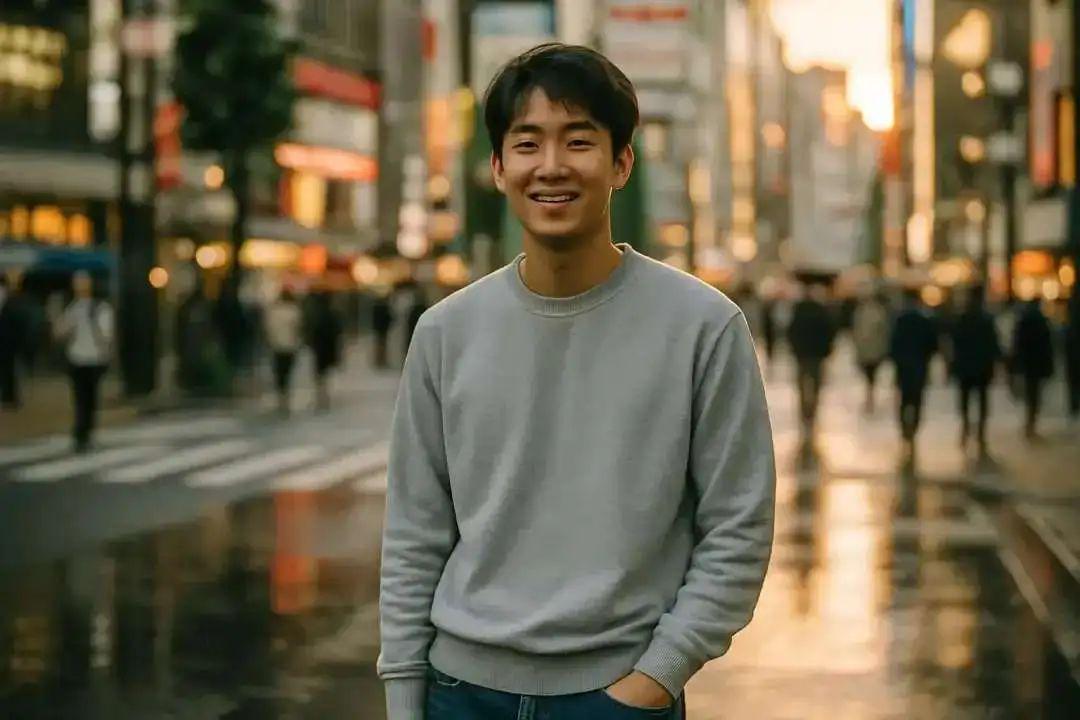
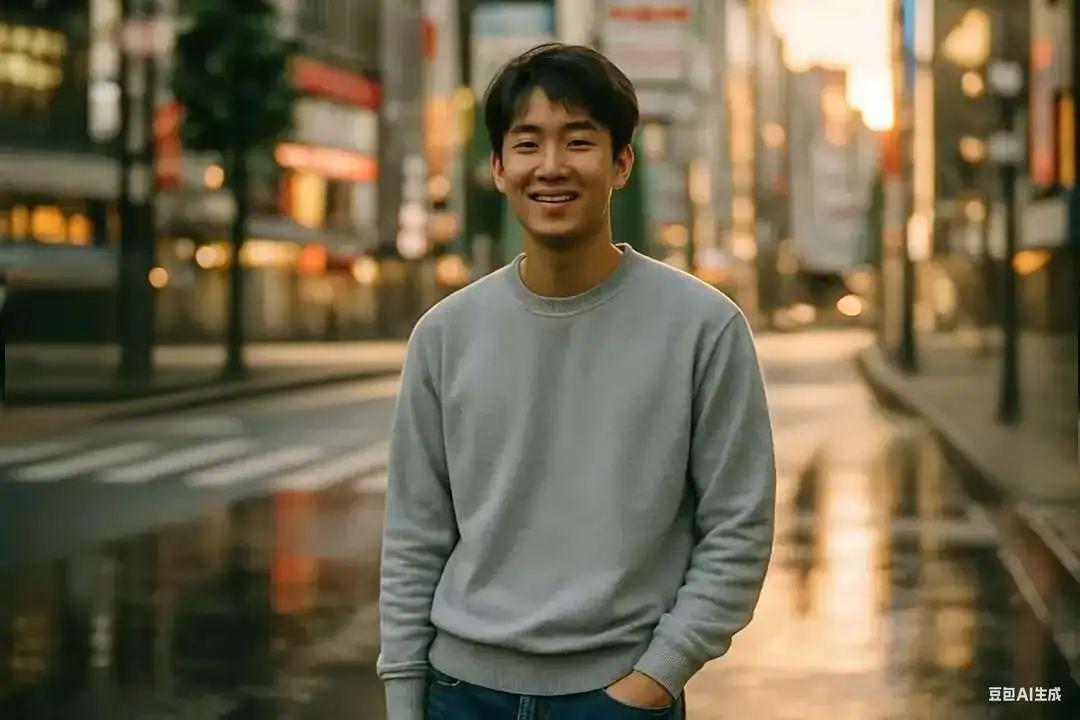
It can be applied to erase the crowd, and the scenery reduction effect is good. p vacation crowded travel photos when the feeling will be very good to use.
This one is much better than Meitu, and Meitu requires a membership, this one is free.
In addition to the basic functions it offers, through dialog, we can also reach another number of retouching effects.
3. Styling images
For example, turn a photo into an anime style.
- Please change this image to Disney 3D style / Ghibli style / Pixel style ......
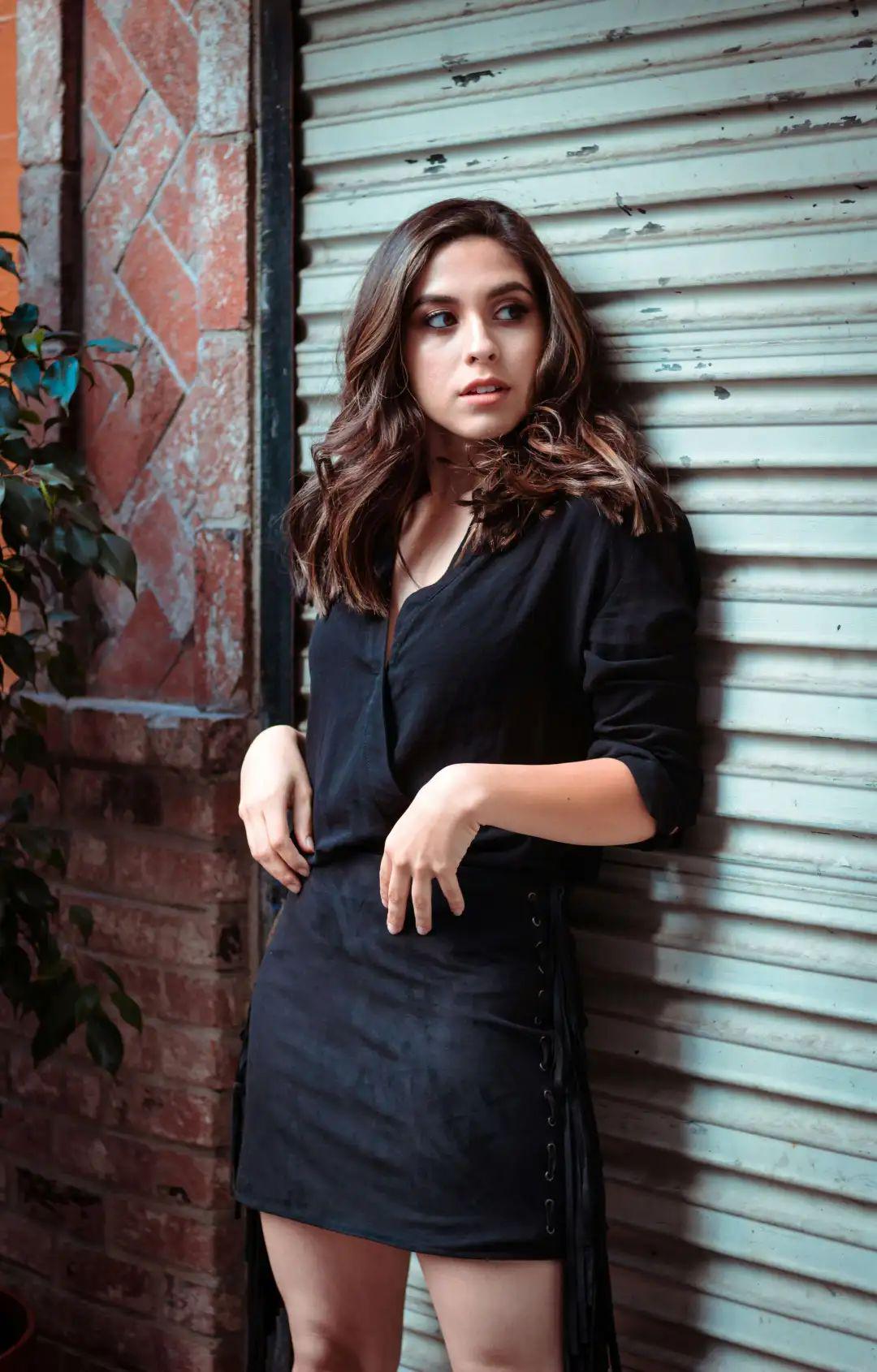
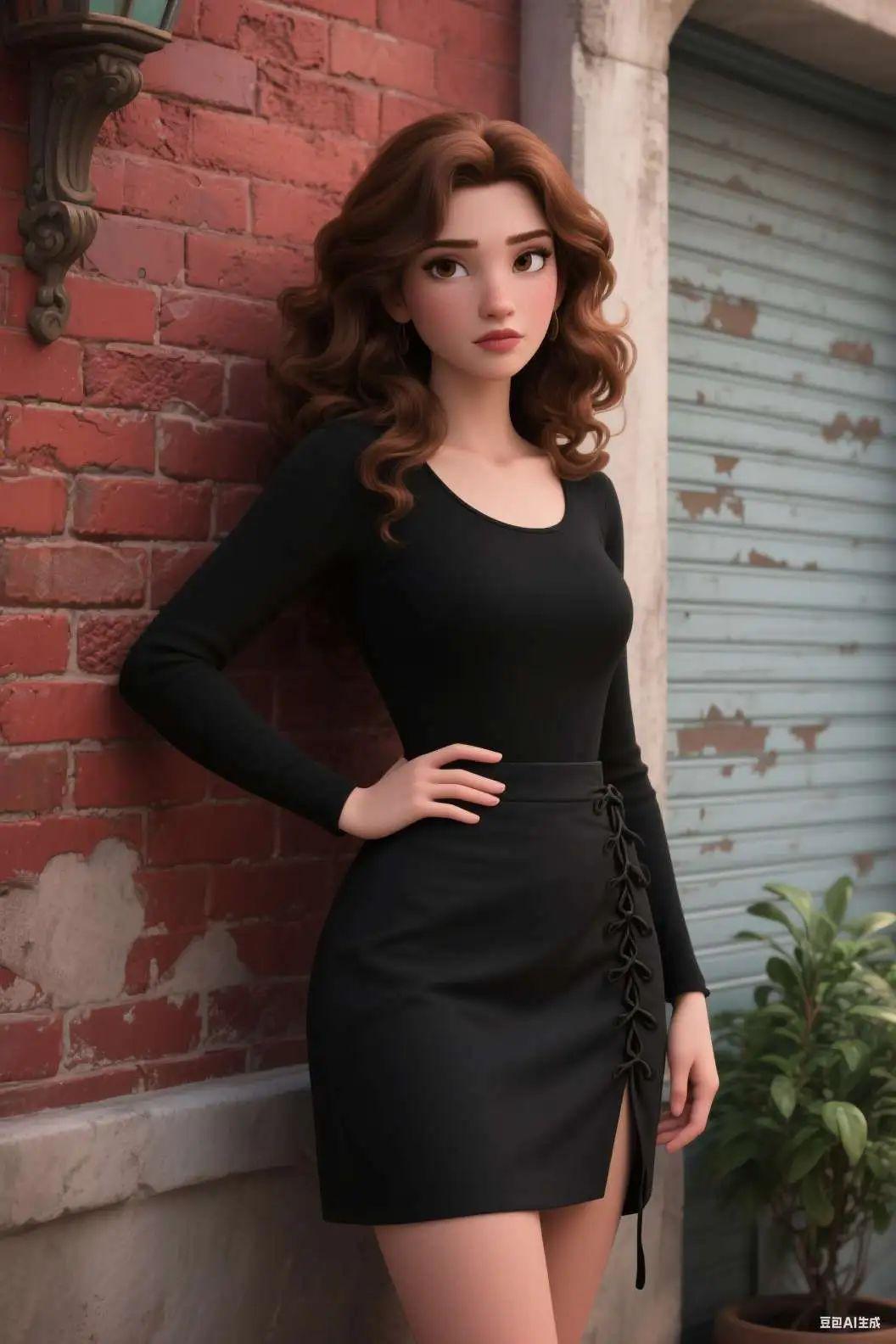
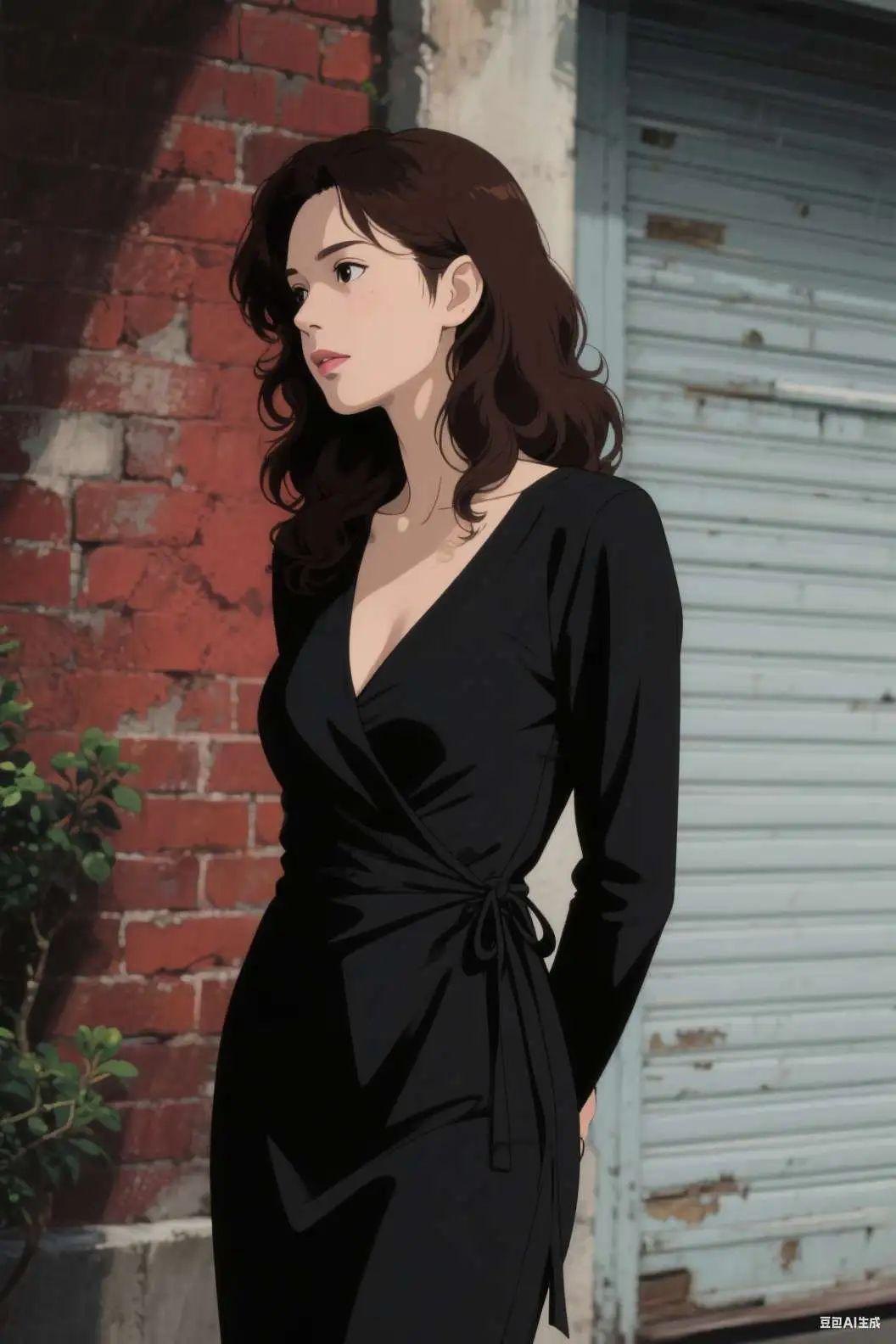
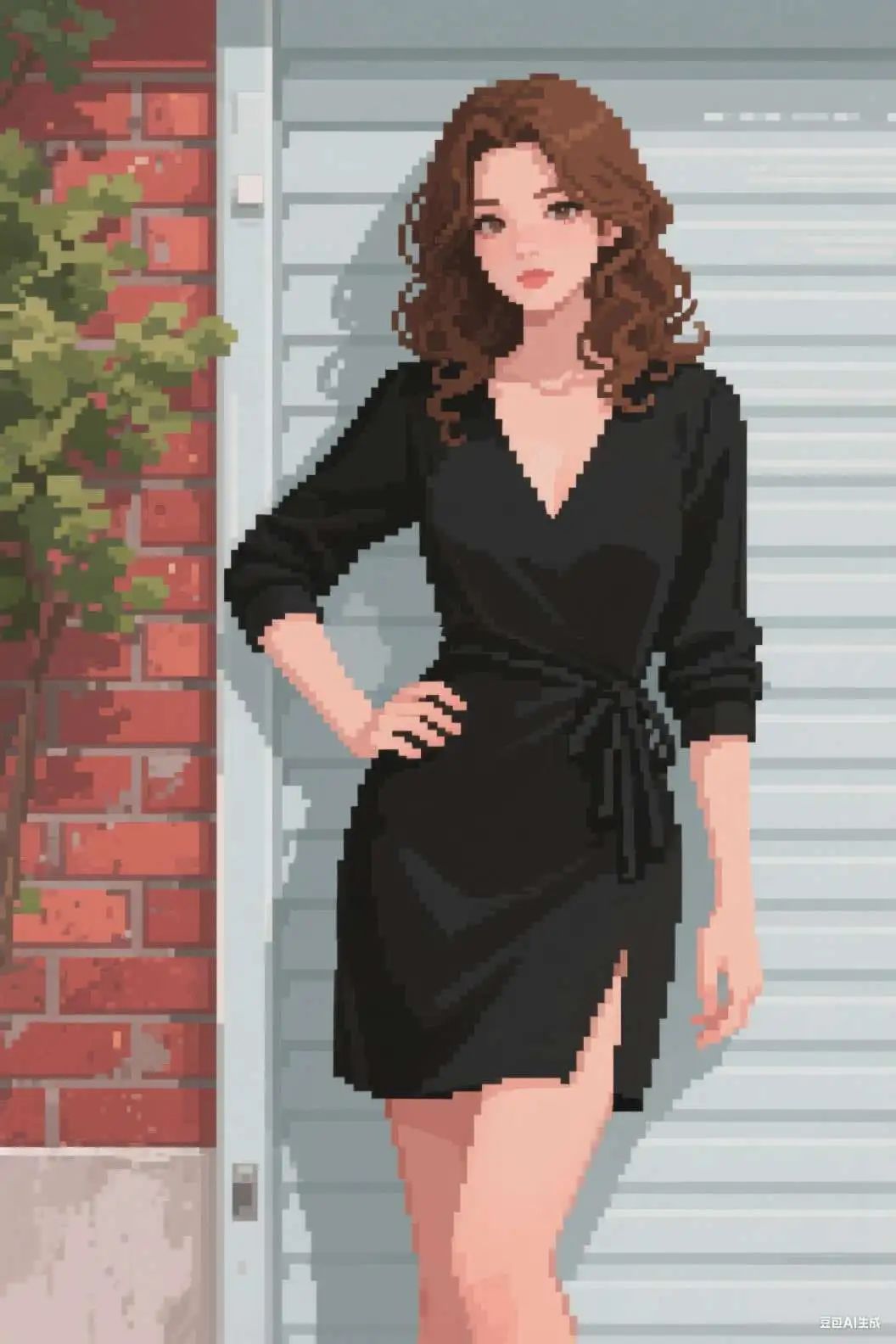
I don't know why it must be mirrored over, it might have something to do with the processing algorithm.
Modifying elements
In addition, beanbags can modify elements on the chart, such as the color and style of clothing and character backgrounds.
4. Model change
- Change the model's dress to purple

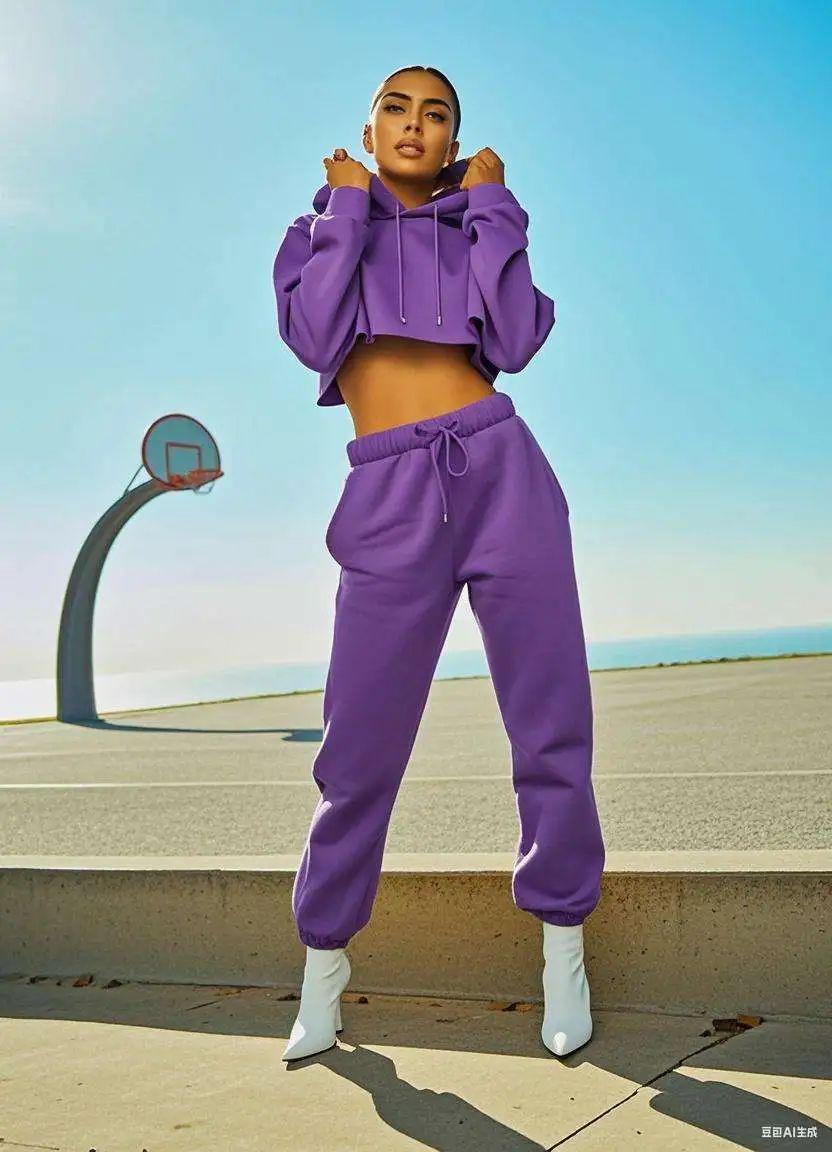
- Give the model a black sleeveless dress.
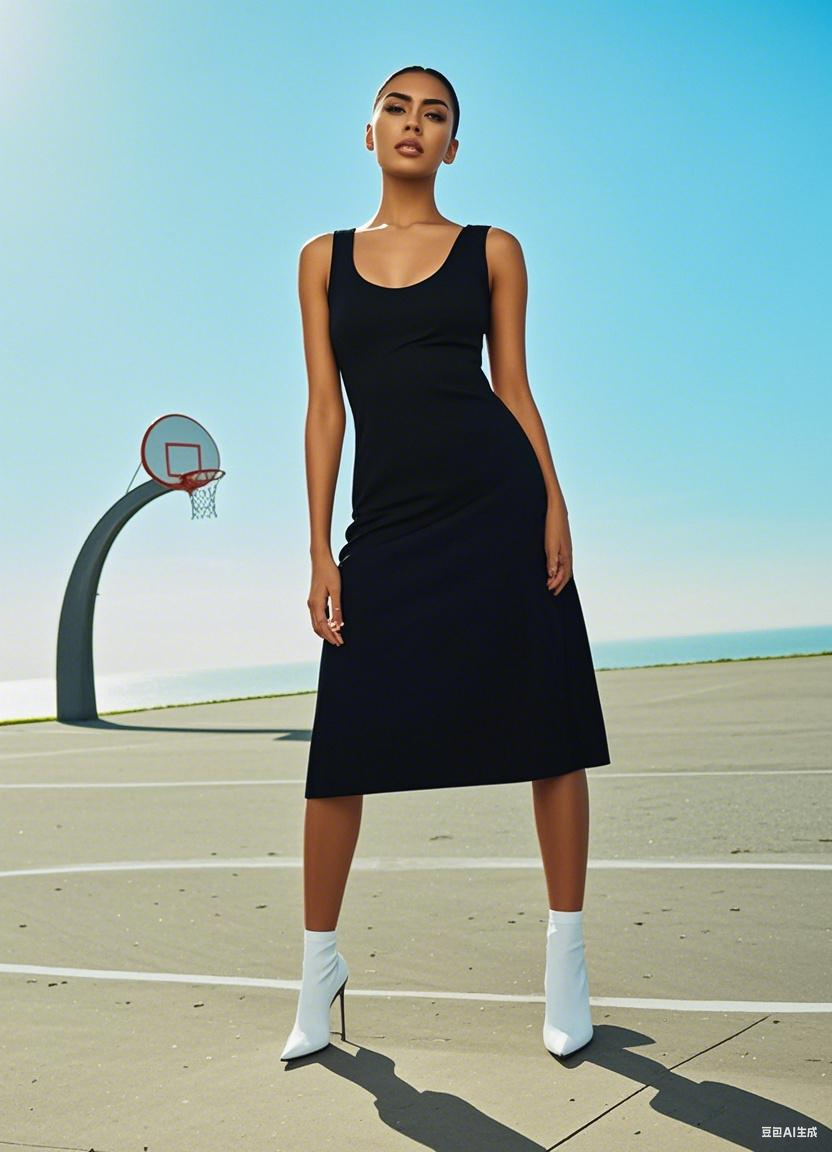
5. Additional elements
- Put a bowler hat on the puppy.
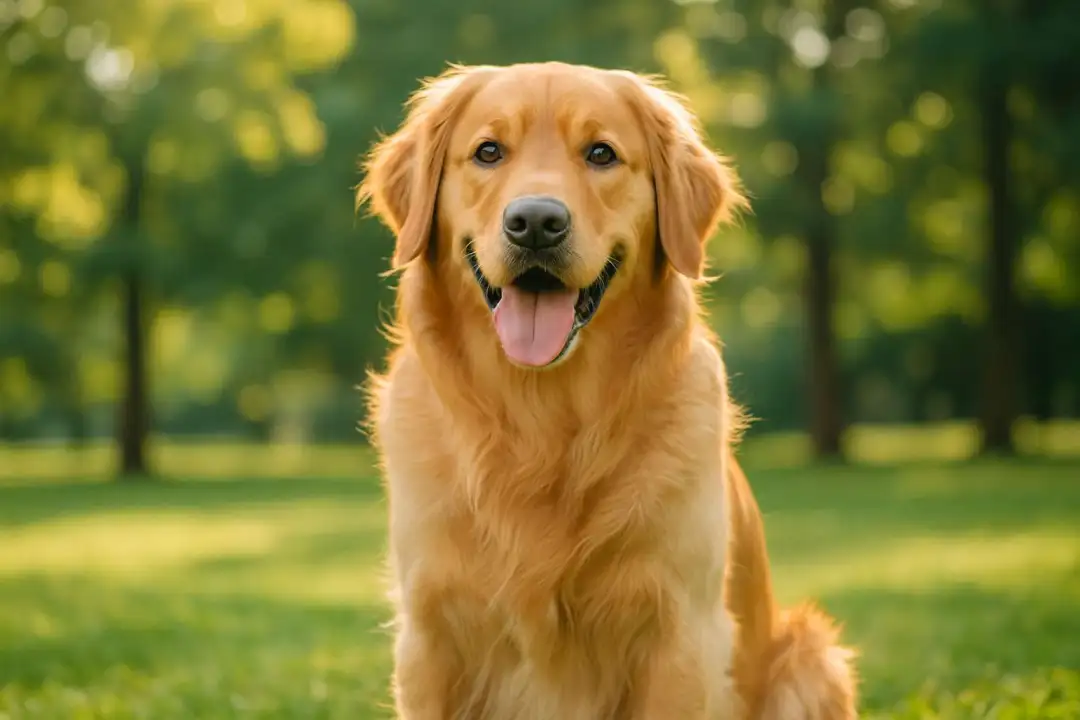
6. Addressing context
- Keep the street view unchanged and remove the characters
Sign text is a little mildly distorted.

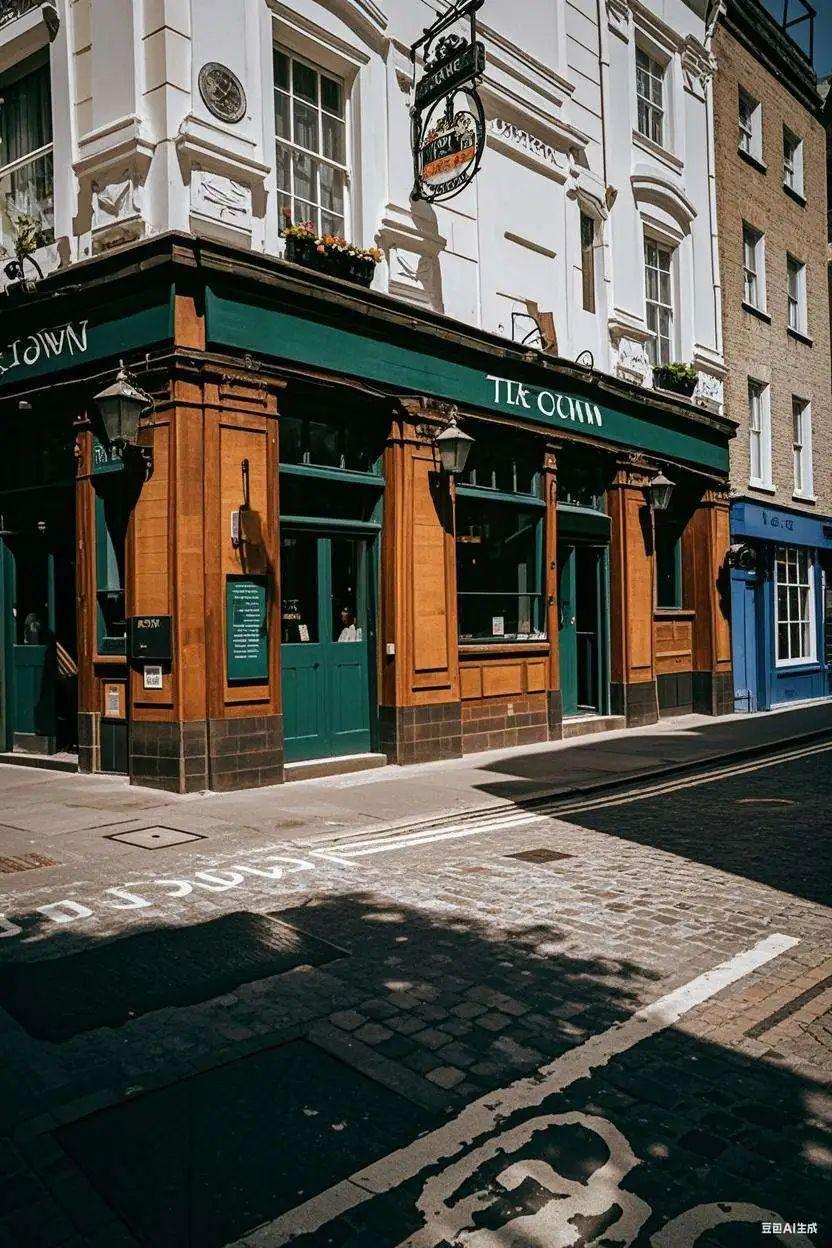
7. Merchandise display charts
If you are looking for a simple shot of a product, you can also try to generate a product display image.
Let it freewheel for a bit first.
- Generate a product display by product attributes
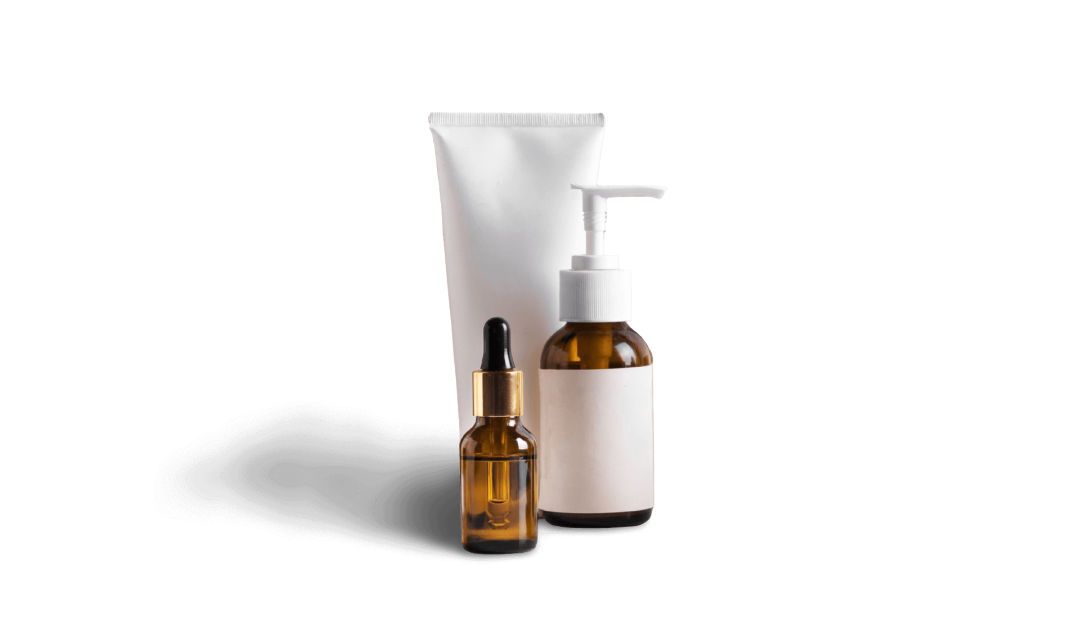

Then try to set to follow the big name style and overlay booth elements to generate.
- Keep the appearance of the product unchanged, generate a product promotional image, the requirements of high-end style atmosphere, the background using the booth elements

8. Colorization of line drawings
You can also try different drawing methods to get the beanbag to color the line drawing.
- Color this line drawing with watercolor.
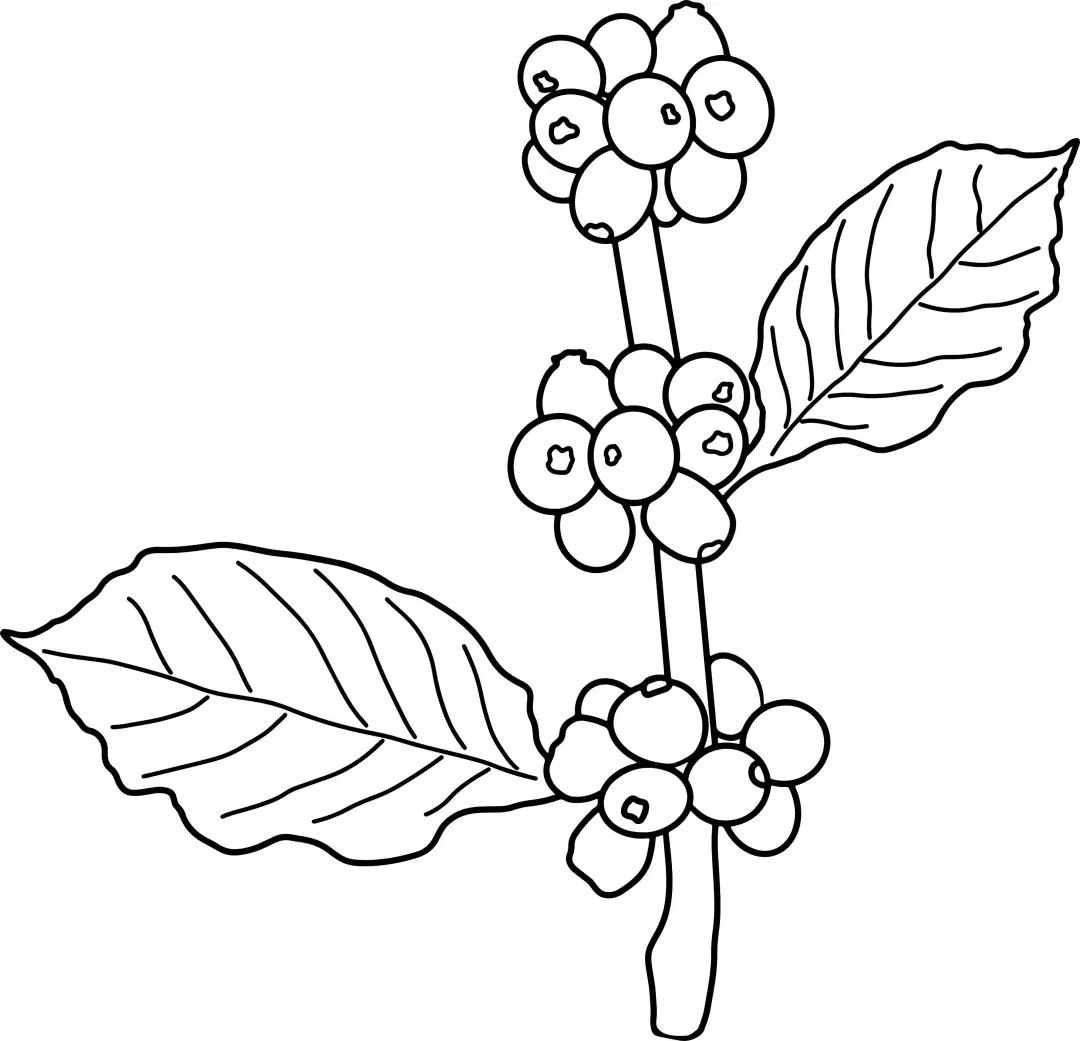
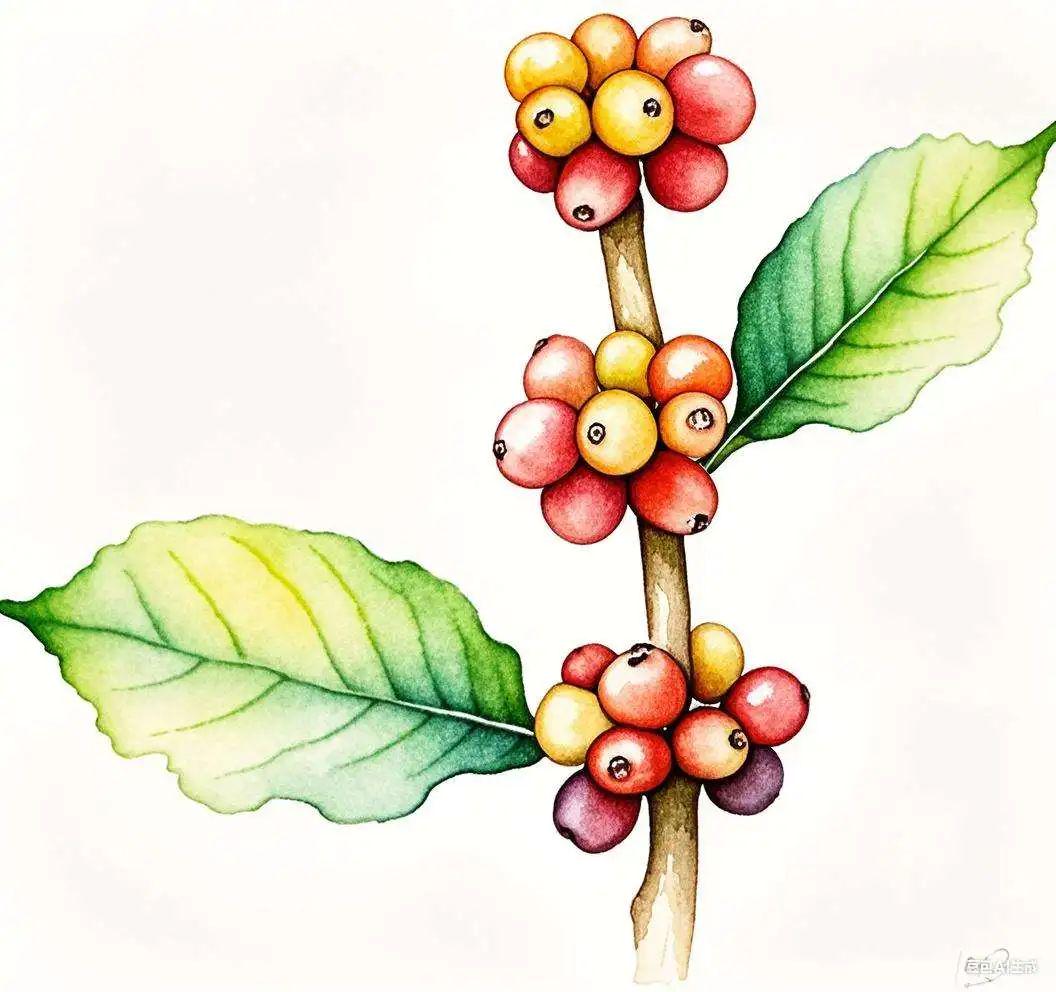
Generate Image
The last time I did a photo meta cue word, a friend asked me how come I didn't generate it with a beanbag. This time it's just in time to make up for it.
Visually, the beanbag is not very different from the results of the last round of instant dream generation.
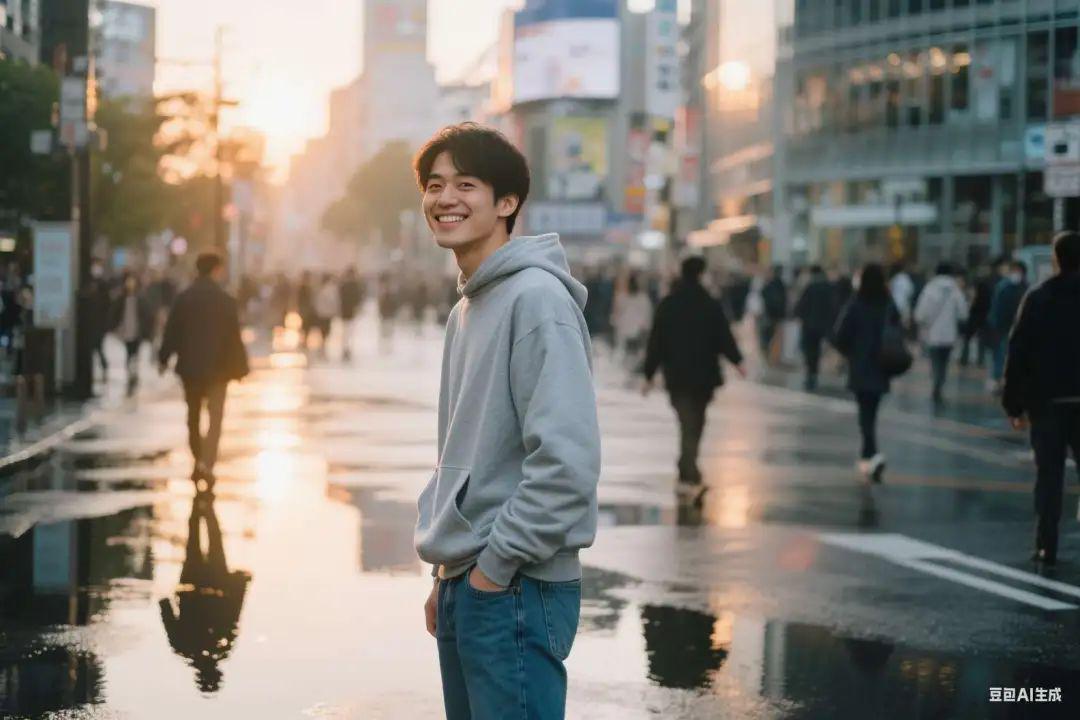
9. Generation of photographs
- An Asian male in his 20s, wearing a light gray sweatshirt and jeans, stands on a street in Shibuya, Tokyo, with a relaxed and smiling expression. In the background are blurred street scenes and pedestrians, with reflections of rainwater on the ground. Natural light from the side and back at sunset creates a warm glow. Using a shallow depth of field, the people are clear and the background is blurred, and the photo is close to street documentary photography, with a slightly grainy film feel.
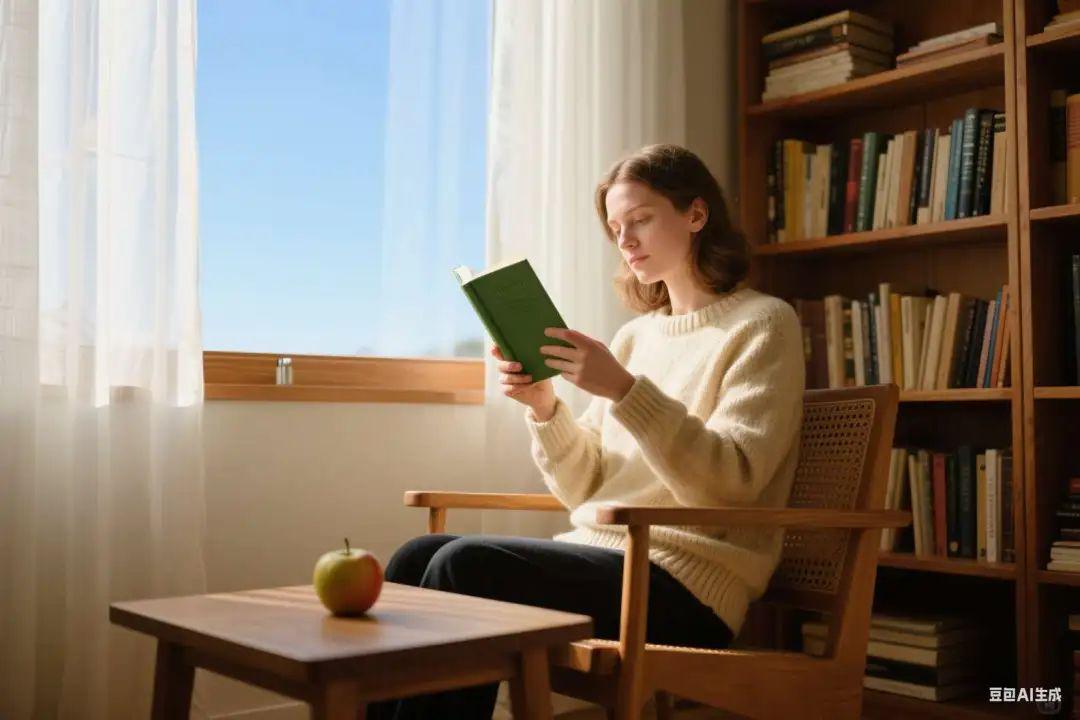
- A 30-year-old white woman sits in a wooden chair by the window, wearing a beige sweater and holding a book. Outside the window is a clear blue sky, and sunlight pours in through the white gauze curtains, illuminating the side of her face. In the background is a row of wooden bookshelves and a small coffee table. The composition is in thirds, the camera is horizontal and slightly overhead, and the overall style is warm and quiet, simulating a portrait of life in natural light.
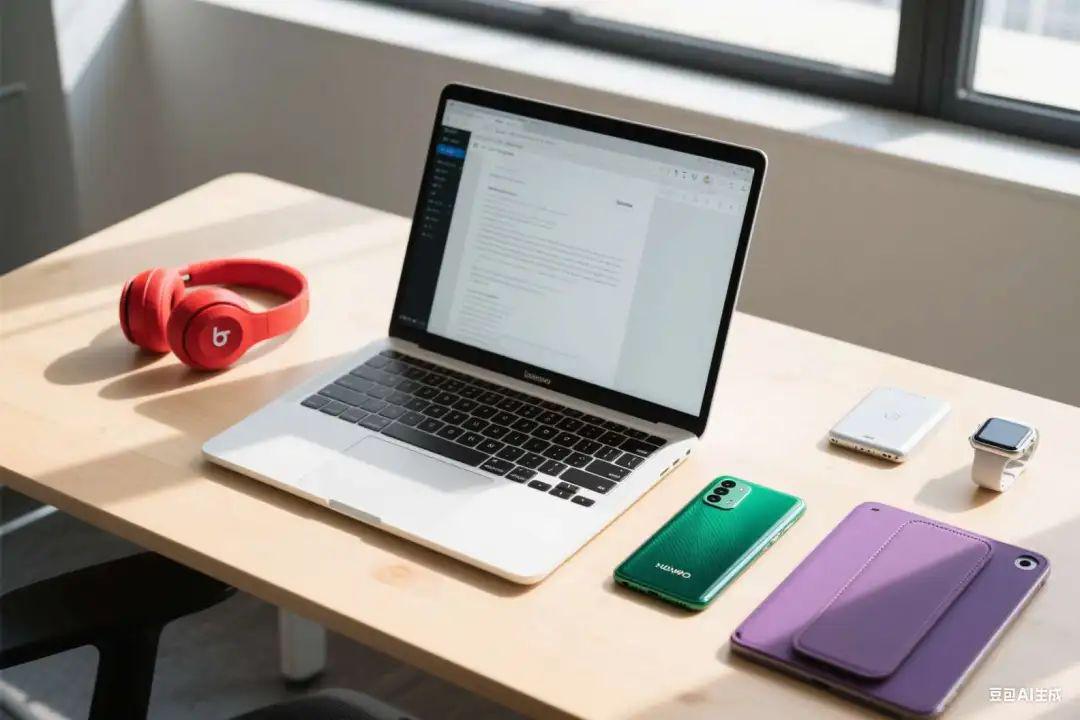
- From above overhead view, a table full of digital products, desktop neat, placed with laptops, smartphones, tablets, headphones and smart watches and other devices, the environment is a modern indoor office space, the background is a light-colored wooden desktop and minimalist office supplies, the light is soft natural daylight, the overall picture is clear, clean, modern style, slightly macro feeling, details can be seen in the fingerprints, gloss and screen reflections. The atmosphere is quiet and focused.
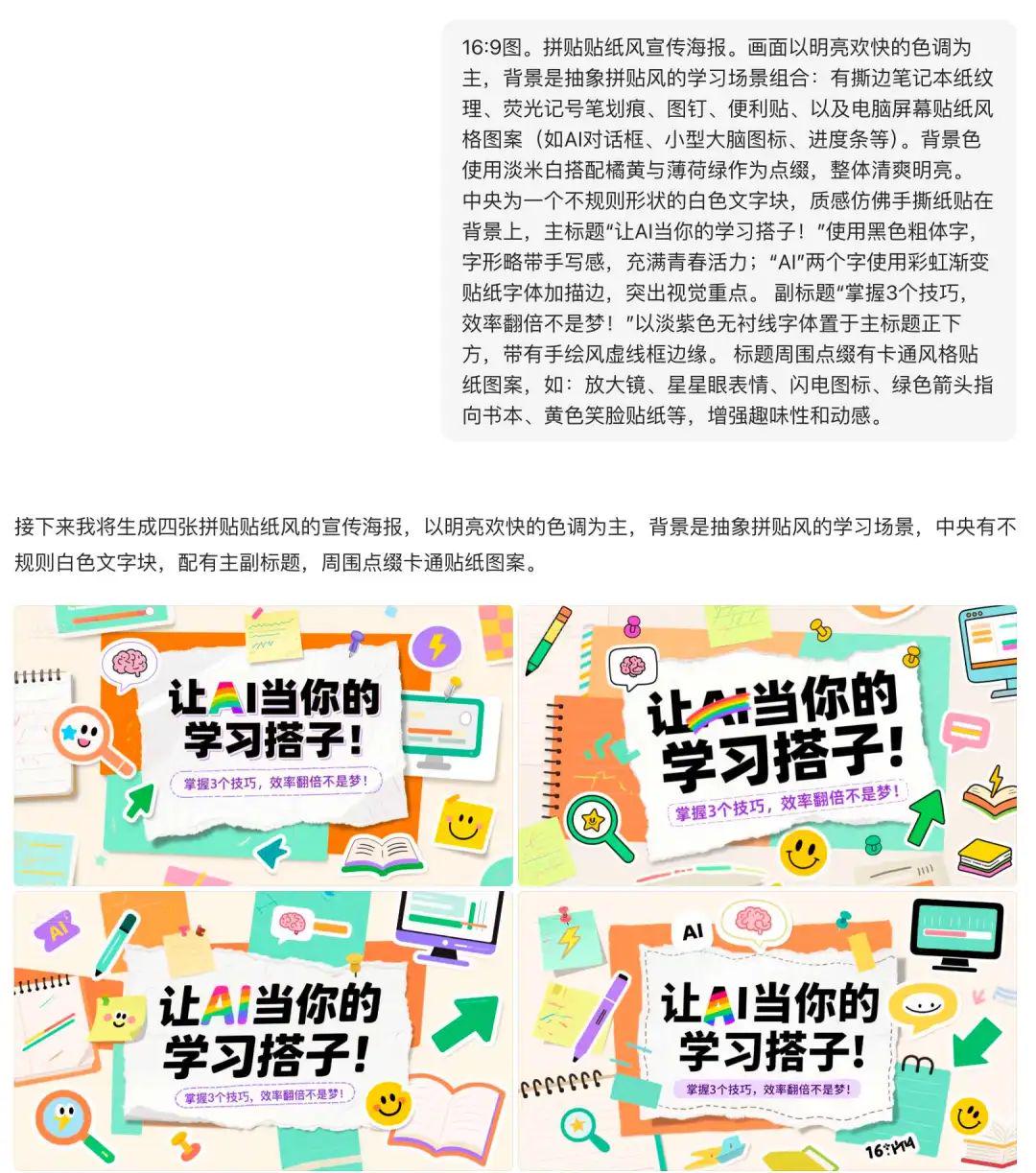
10. Generating content covers
In addition, we have also tried to generate different kinds of content covers with Imagine Dream before. At that time, there was still a gap between Beanbag and Imagine, but now we see that the results have gotten much better.
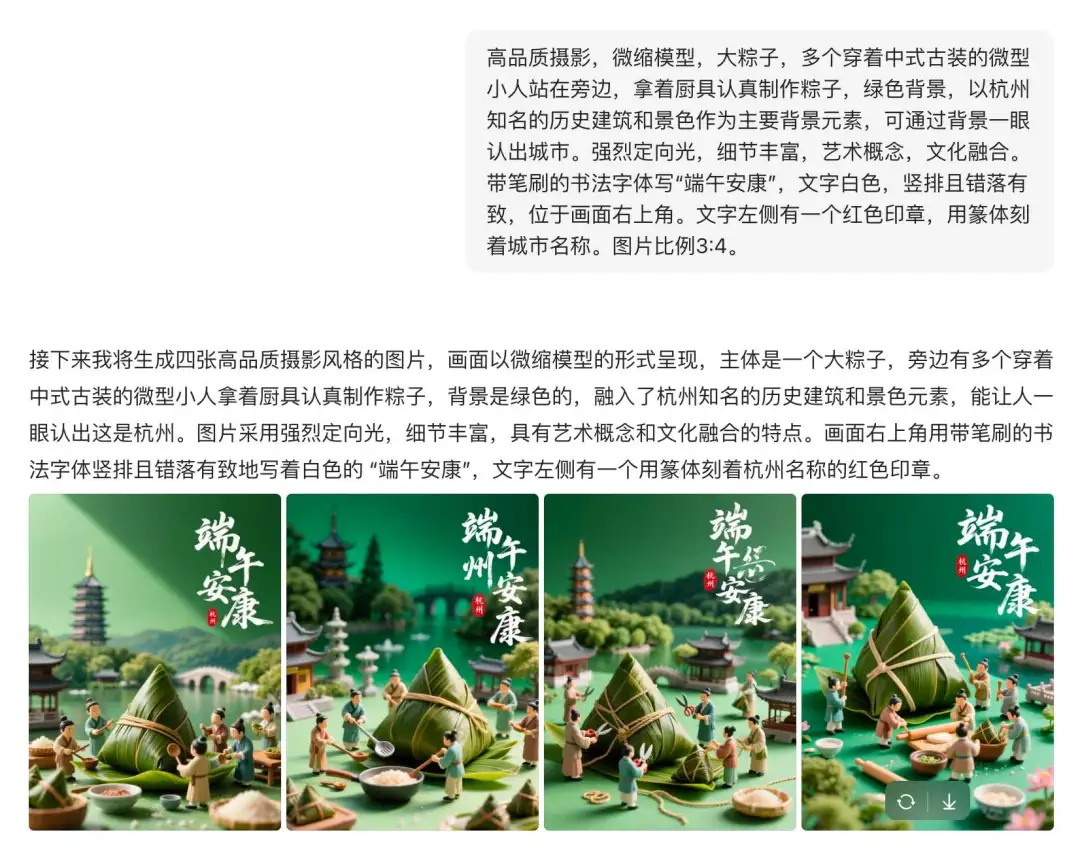
11. Generation of holiday charts
12. Backpropagation of cues & graphs
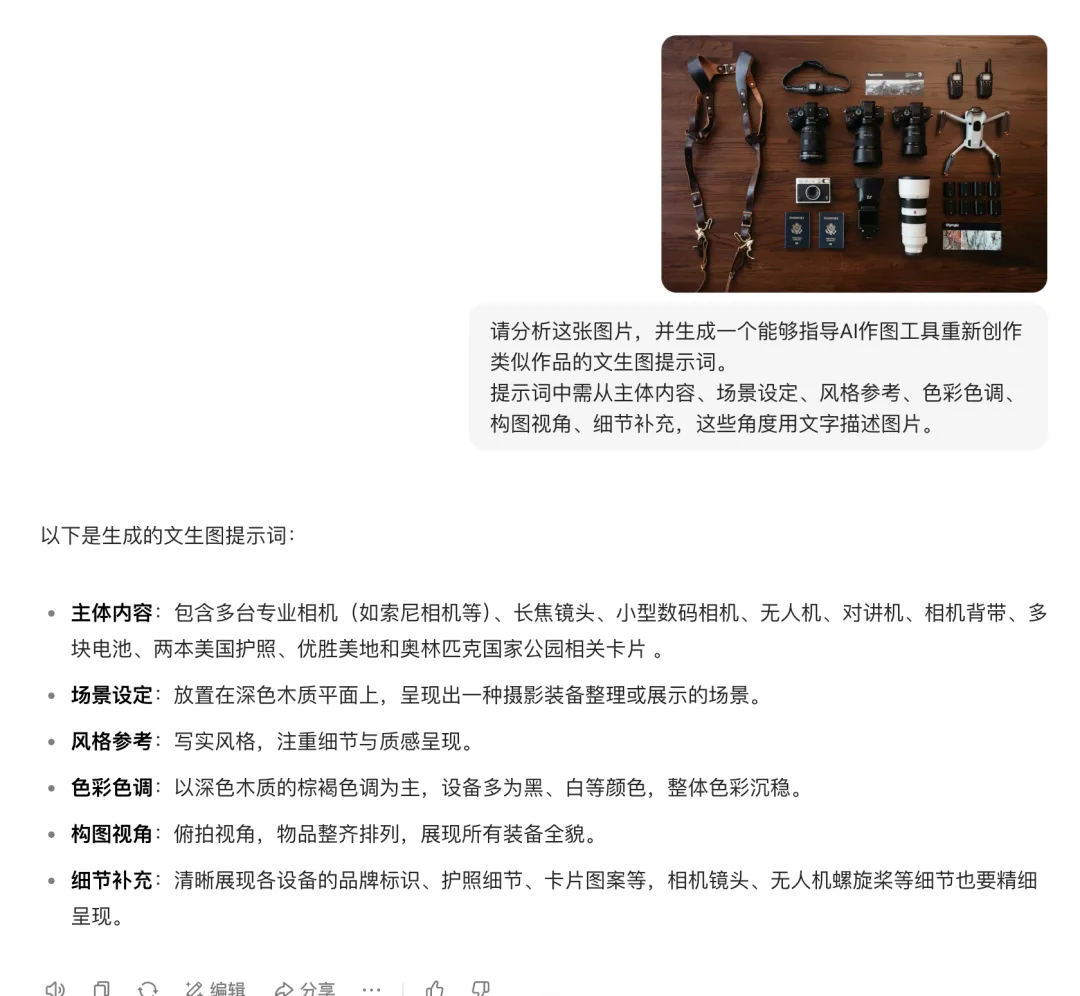
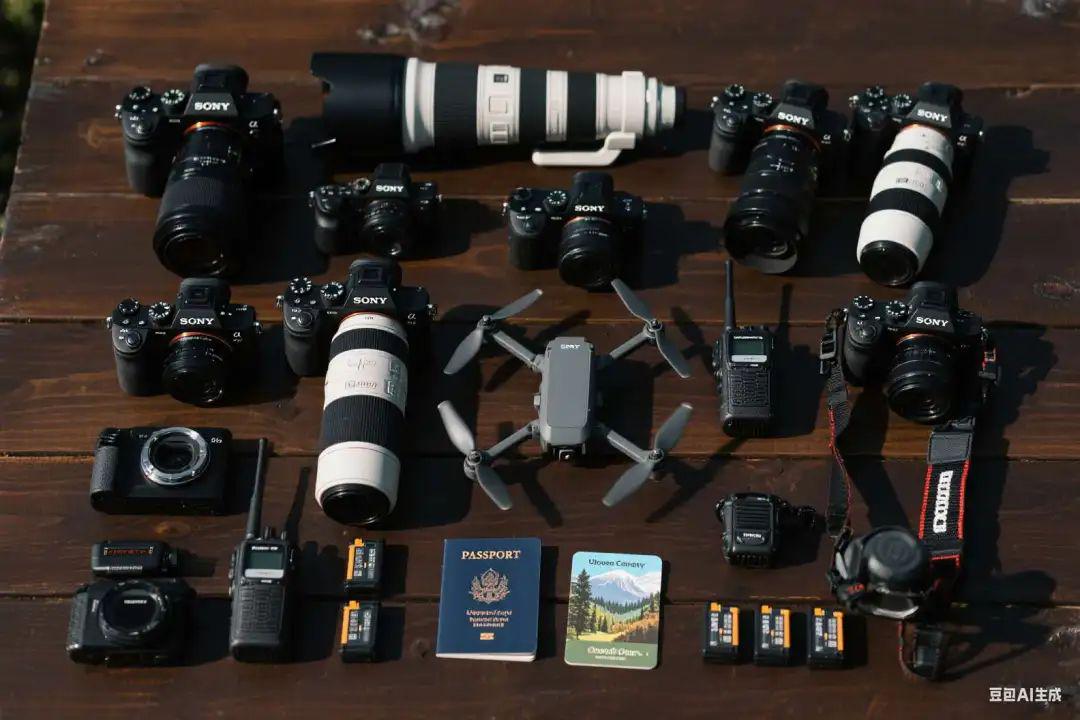
And of course there's no shortage of beanbag's best backtracking cue words + re-generating charts.
- Please analyze this image and generate a Vincentian cue word that will guide the AI mapping tool to recreate a similar piece of work. The prompt should contain the following information: subject matter, scene setting, style reference, color palette, compositional perspective, and additional details.
To summarize.
Beanbag's image-related capabilities have advanced from "usable" to "useful" in certain scenarios.
Everyday for quick retouching, style conversion, or to generate the scene sense of the photo, product images, it can be relatively simple way, give not bad results. Of course.The images it produces may be nowhere near as good as professional raw tools, but it's already a worthy addition to the everyday content creator.