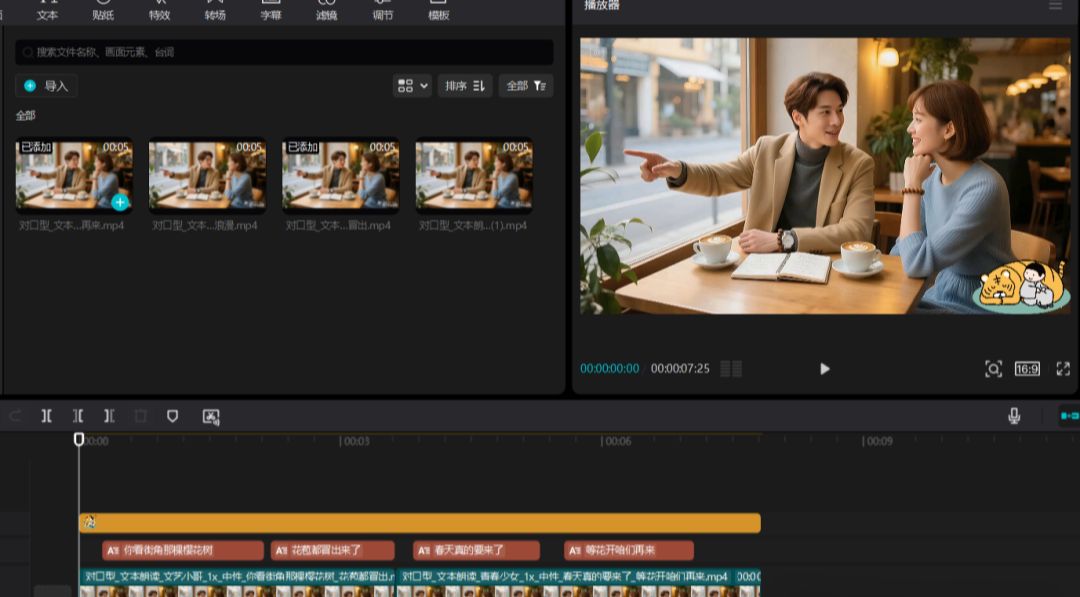
I had made a video of two people having a real conversation using beanbags and instant dreams.shape of mouthIt matches the subtitles better and is more realistic. But the details leave something to be desired.
Multi-character lip-synching, as it should be at the momentAI skitsOne of the major difficulties of the
KeLing AIIt has just been updated with the Multi-Person Counterpoint feature, a feature that allows users to create videos containing multiple characters, greatly enriching the flexibility and expressiveness of video production.
Currently, the merged generation of multiple dubs with multiple character tracks is not supported.
It still needs to be generated individually by role, exported and merged for video post editing.
Korin has been used less in recent times, and now that it's been introduced, it's a good time to see how it works.
AI Tools
Beanbag: https://www.doubao.com/chat
i.e. Dream: https://jimeng.jianying.com
Korin: https://app.klingai.com/cn
Screening: PC Professional
1、Beanbag-Generate multi-person photos
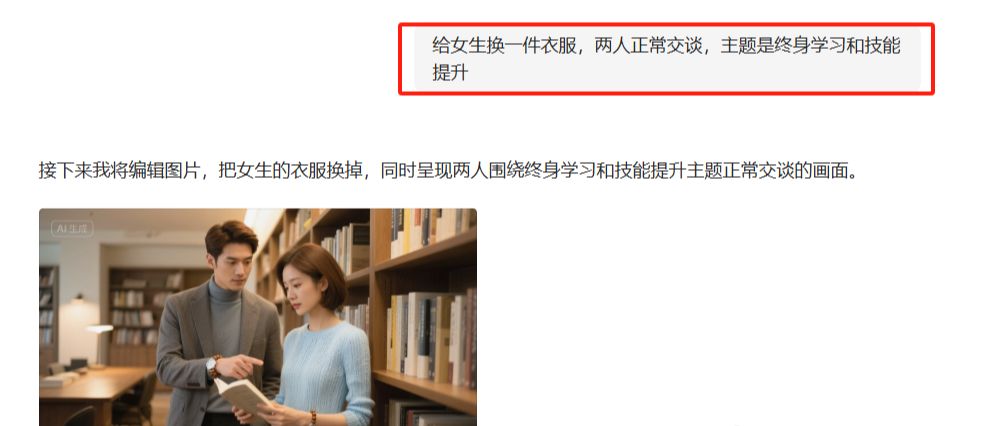
First of all, you need to generate a picture with more than one person, in order to reduce the difficulty, here only generate a picture of 2 people. In fact, you can also directly use the last article, the picture of the 2 people in the conversation, the effect of experiments in the Korin.
The easiest way to do this is to just tell the beanbag to generate a picture of 2 people having a conversation.
However, I'm using a beanbag here to combine 2 images into one. Upload the 2 images first, then generate the prompt words according to your needs, as I'll demonstrate below:
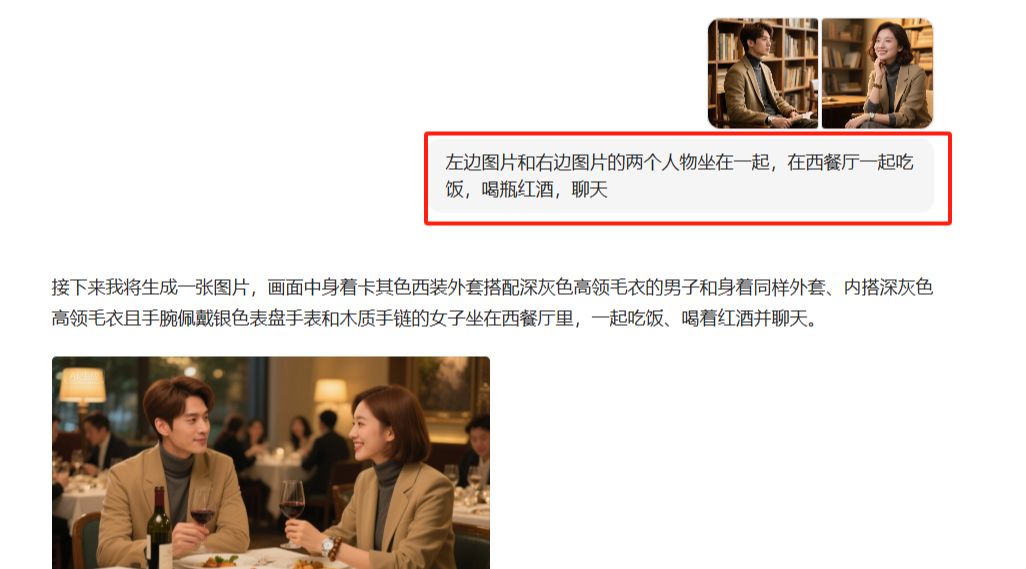
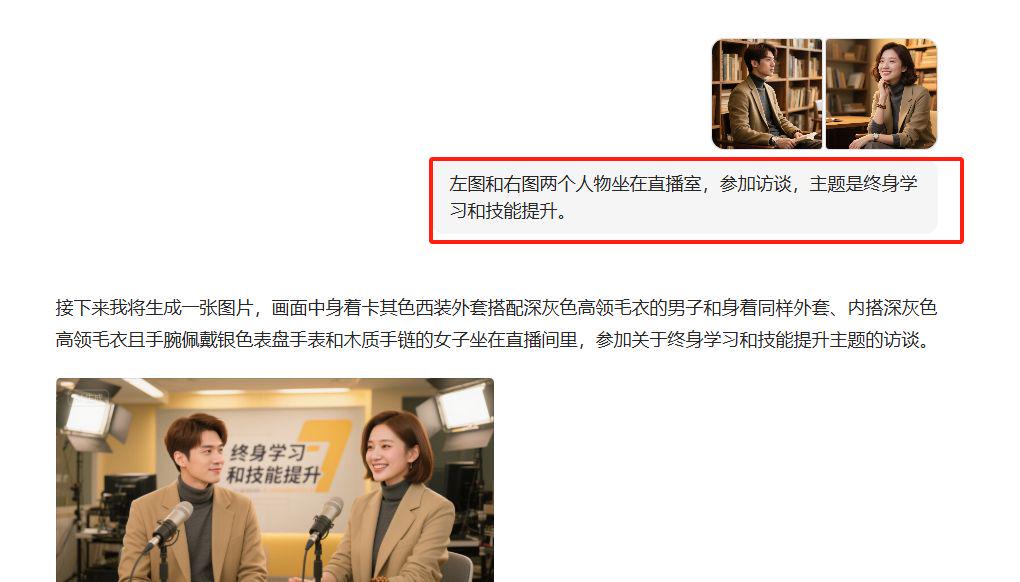
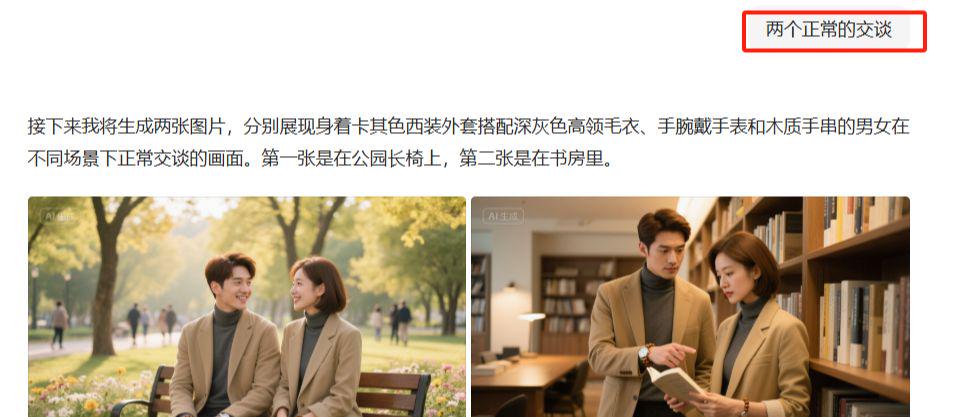

2, that is, dream-generated video clips
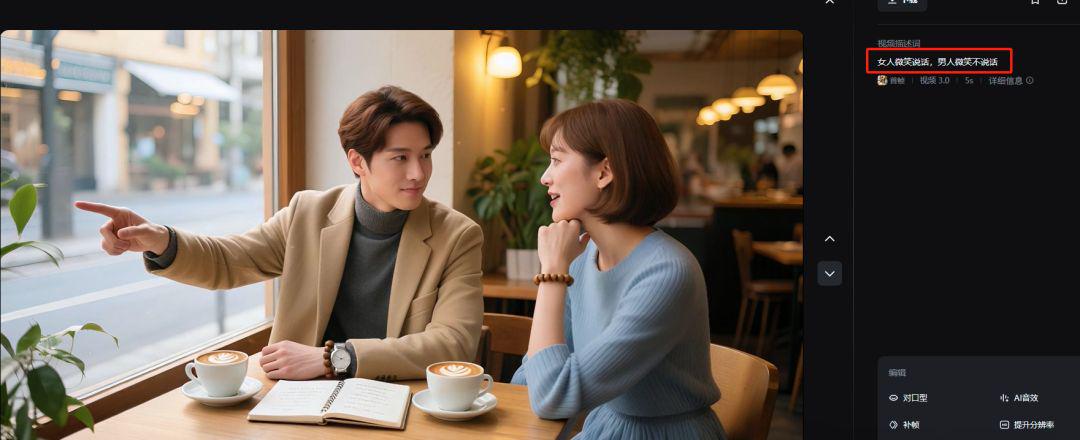
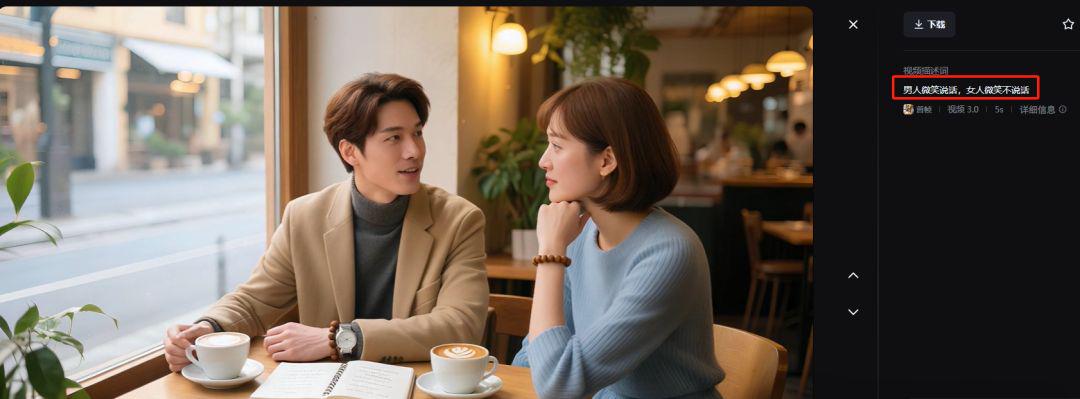
For this step, use this image above to generate 2 separate 5s clips. You can use a beanbag and use can be used i.e. Dream.
I'm using Instant Dream Video 3.0 here.
Women smile and talk, men smile and don't talk
Men smile and talk, women smile and don't talk
3. Beanbag - Generate Counterpart Copy
Open Beanbag, upload the image above, and enter the prompt: based on this image, design a dialog to match it. Output as male, female, dialog
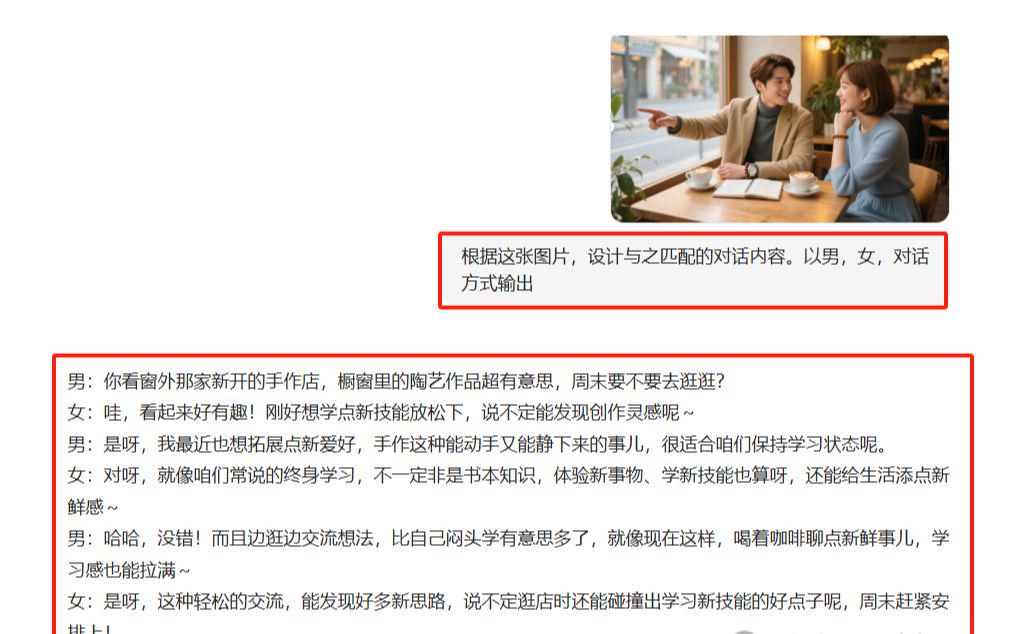
If you are not satisfied, continue to optimize

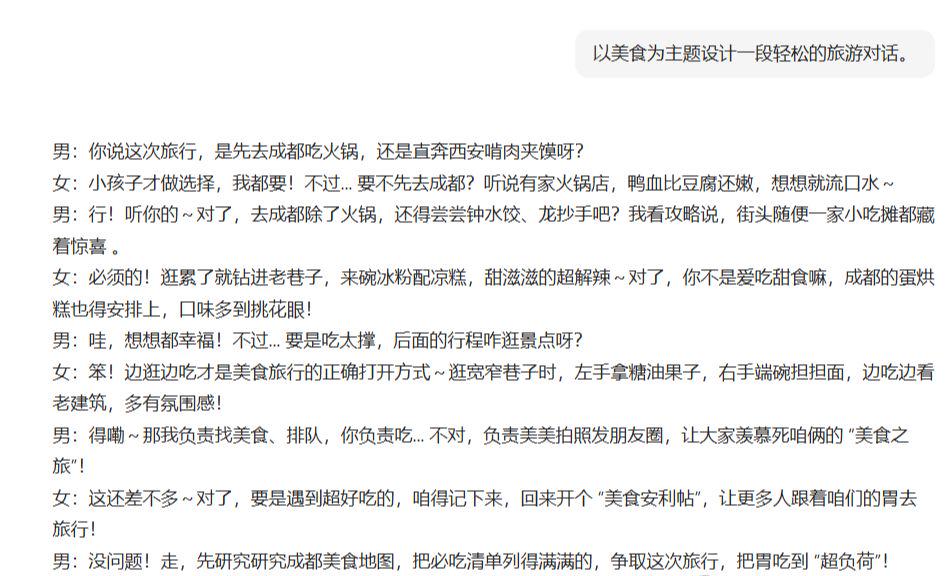
You can have beanbags and generate concise copy. Otherwise it takes too much time and expense to produce.
Then like the previous post, put together the copy.
4, can Ling - generate multi-person lip-sync video
Open Korin and click [Counterpoint].
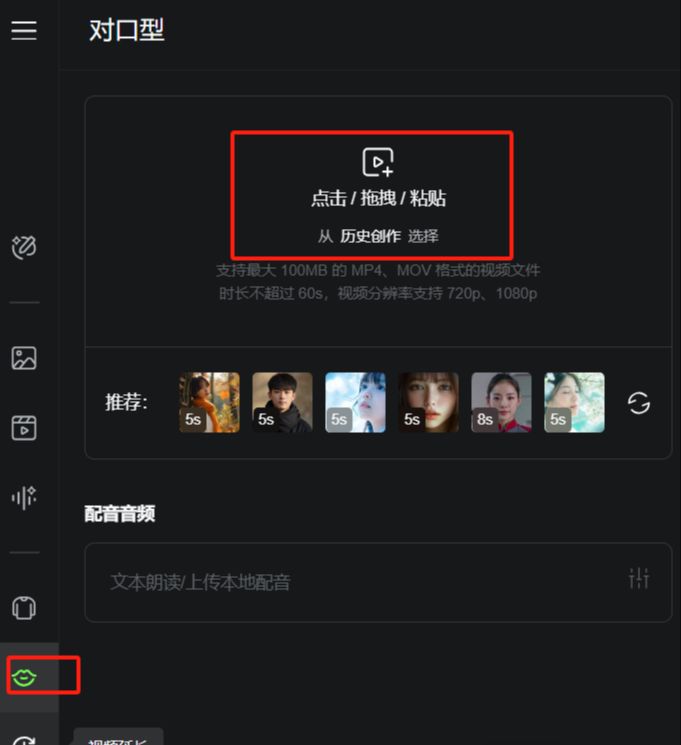
Upload the clip of the boys talking and the girls not talking first

It is important to note that character 1 above, selecting the boys, corresponds to the video clip, and then it is a matter of entering the text, selecting the timbre, and not exceeding 5s in duration, which is the most painful of all.
It's a test of patience if you're going to make a video that's a couple minutes long.
Ditto for uploading another clip of the girl talking, entering the text, choosing character 2, timbre, etc.
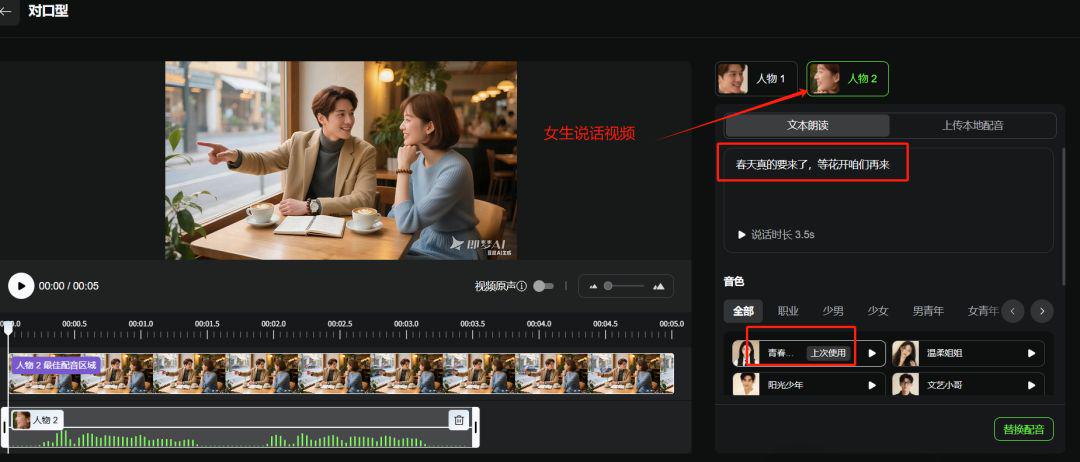
And so it goes, one clip at a time is generated. Those not long enough for 5s are edited later in the cutscene.
5. Cutting and editing
Open the cutout, import the video clip, and add the stickers.