



Using AIErchon VideoHow to make it? Is there a detailed tutorial?
The following will be a hotly anticipatedTV dramaThe original video of a wonderful clip from Lychee in Chang'an, hand in hand, the original video of a wonderful clip from Lychee in Chang'an, here are the details of the steps I did, you can follow to learn how to do it.
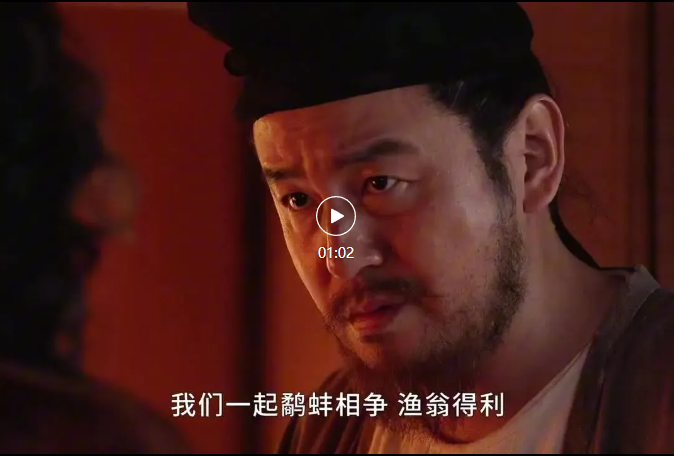
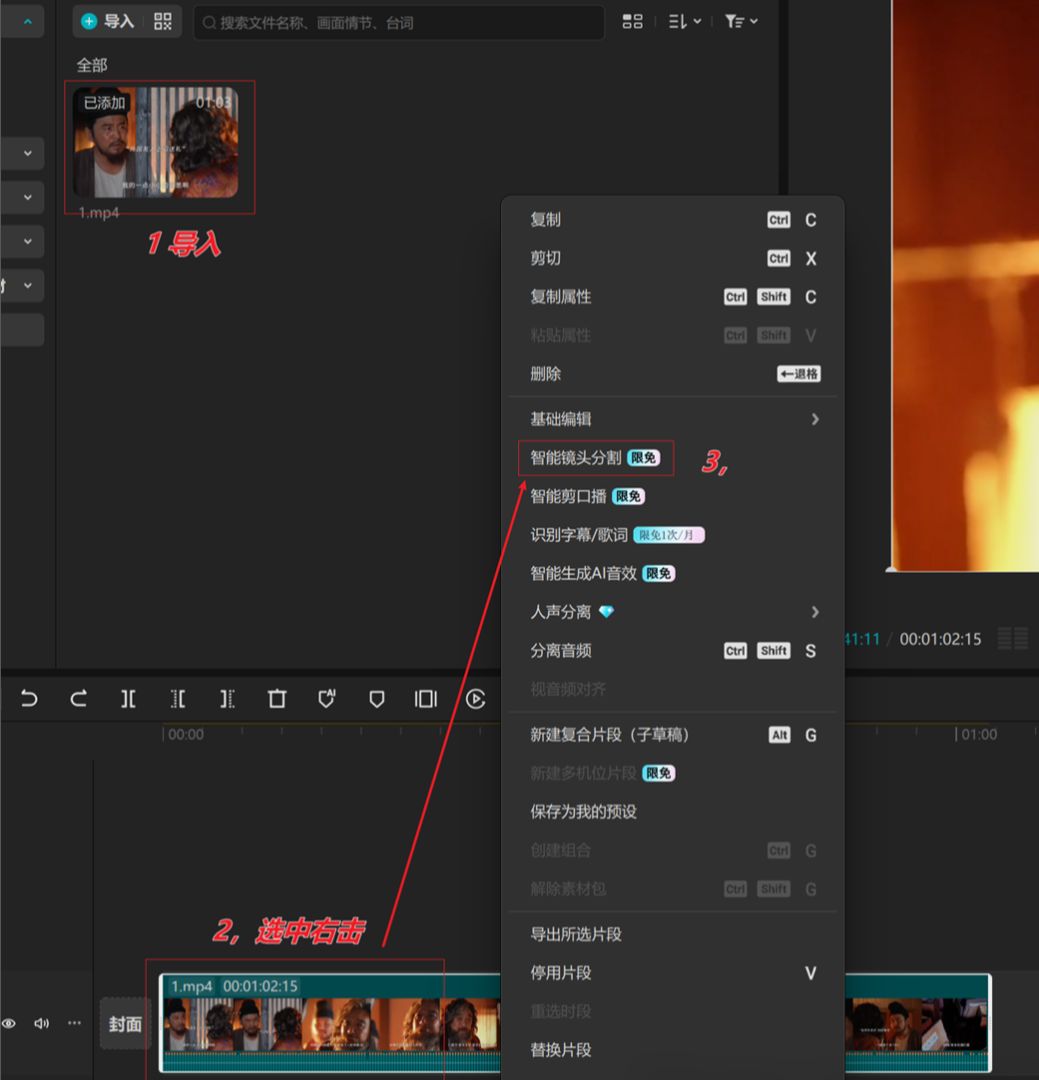
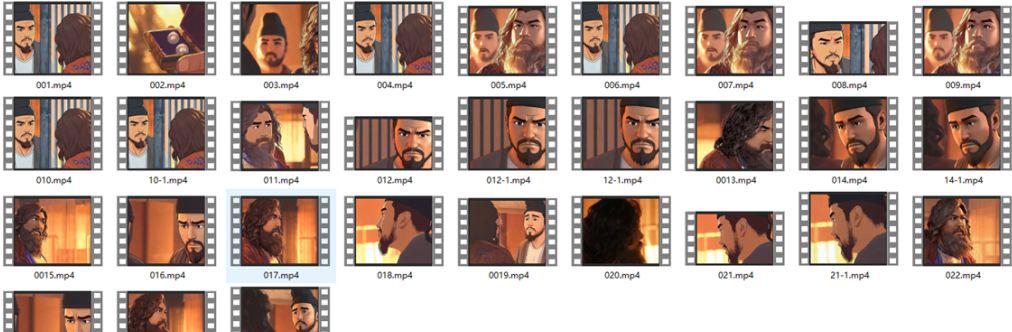
1. Download the original video and import it into Cinema Cut for intelligent lens segmentation.
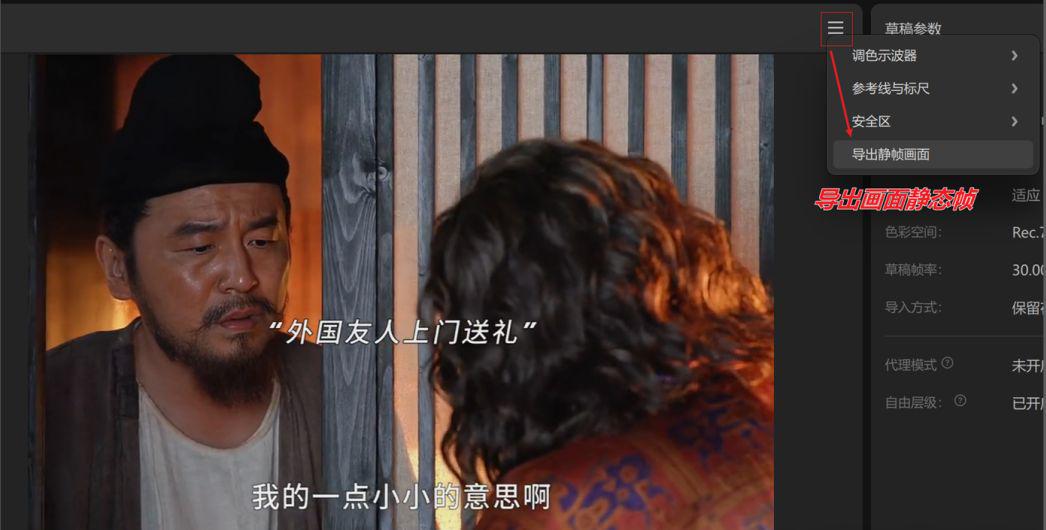
2. Export screen keyframes
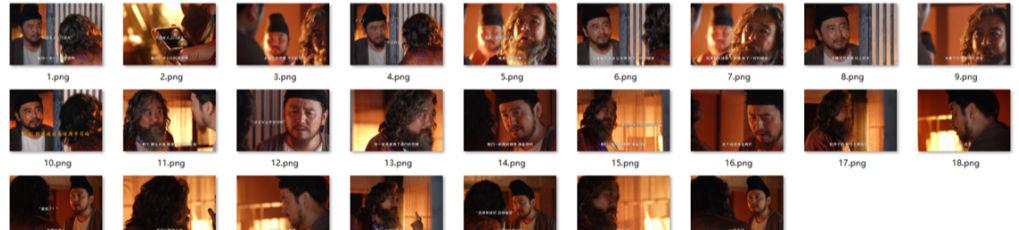
3. Get all keyframes
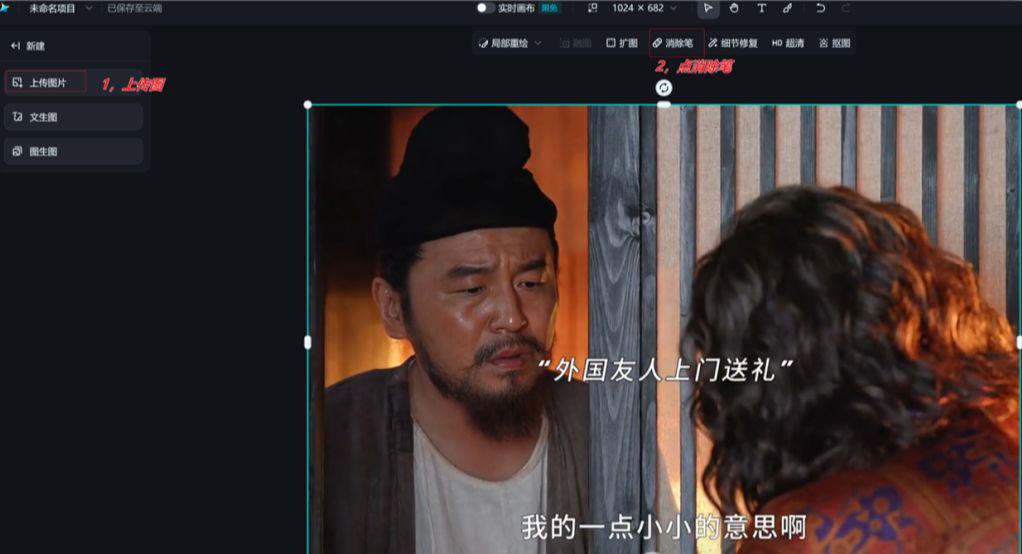
4. Eliminate text on keyframe images
4.1 Open Imagine Dreams and click on the canvas as shown below
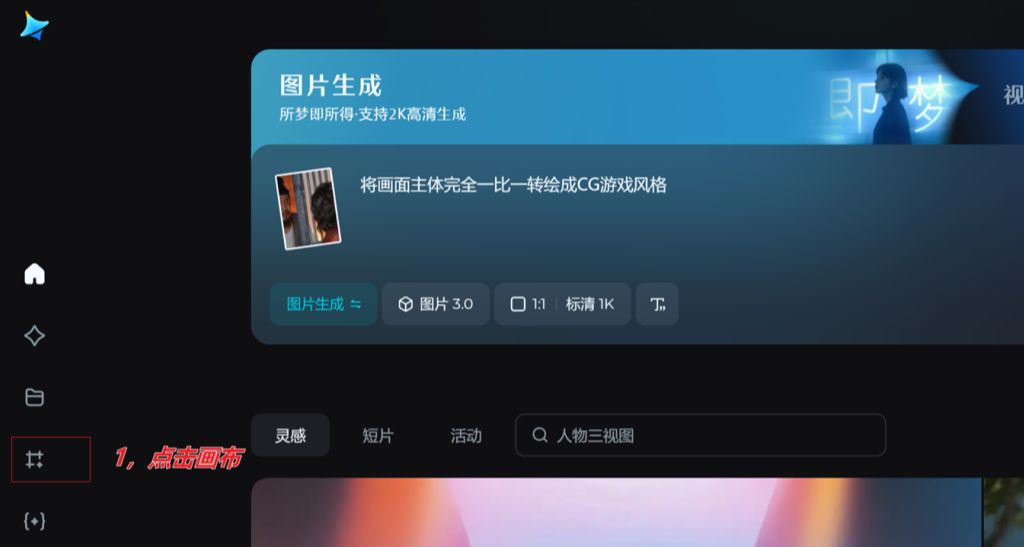
4.2 The above image needs to be eliminated from the text image
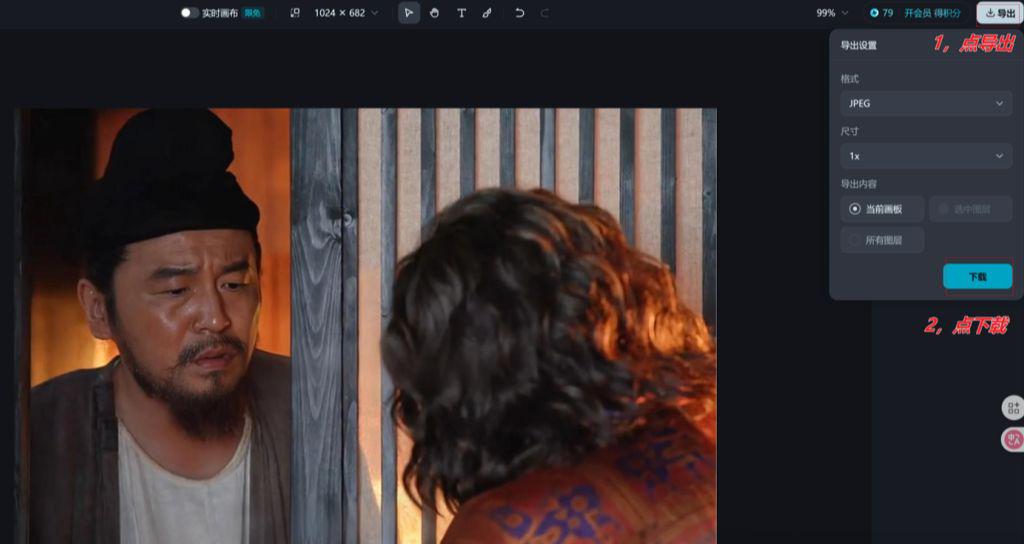
4.3 Download Post-Elimination Diagram
5. That is, dream image 3.0 to draw
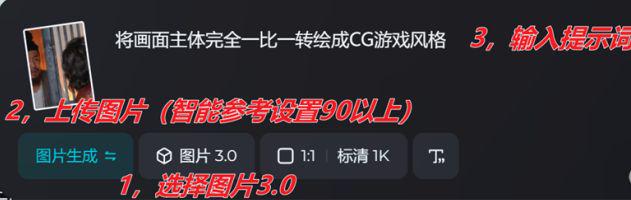
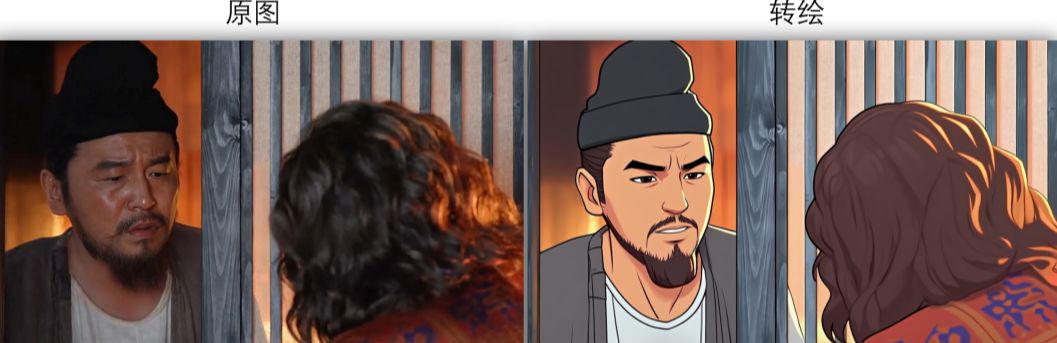
Using the same method as above, all keyframes were transplotted
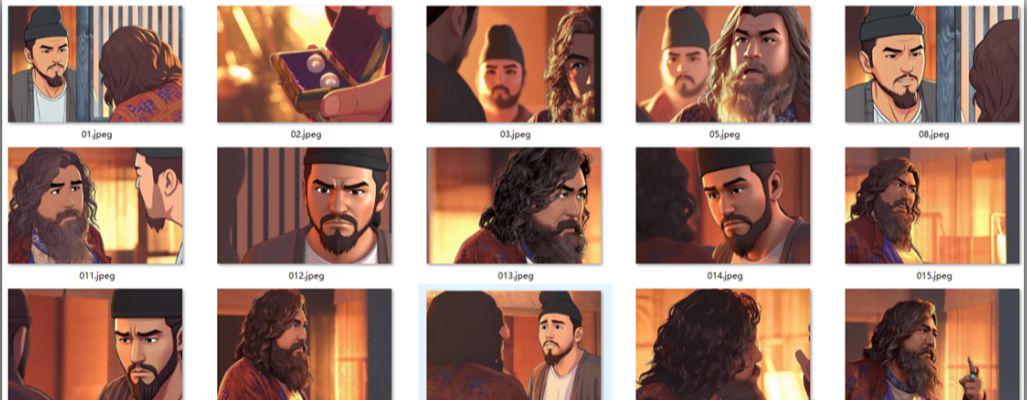
6. Toussaint video with lip-synching
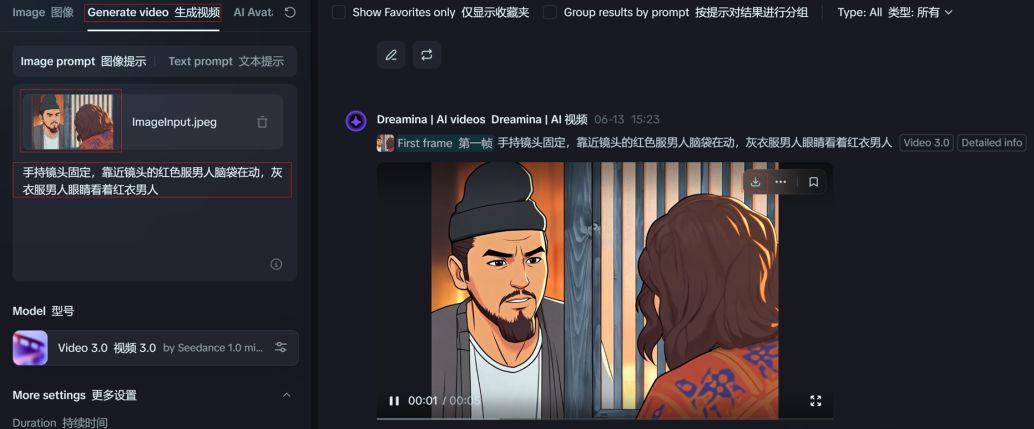
According to the key frame map selection, do not need the characters to speak to the mouth to snap down the figure, it is carried out figure born video as follows
Instant Dream Tucson Video 3.0
upload a picture
Enter the Tucson video cue word
Download Video

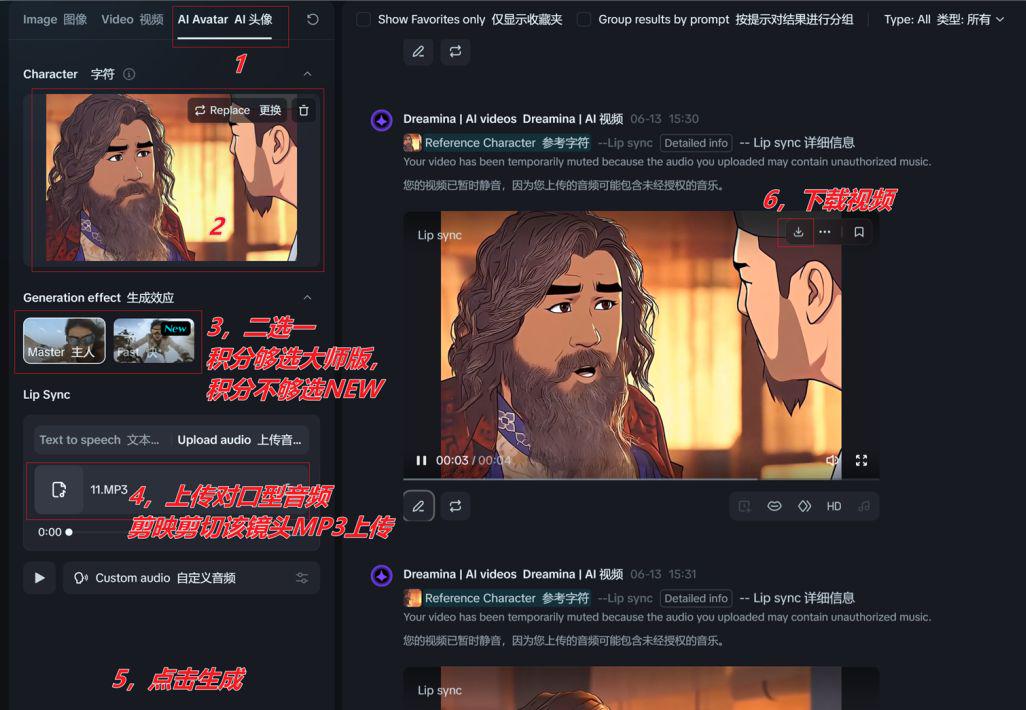
If the keyframes need to be lip-synched, pick the number man

Using the same method as above, all split-screen videos were obtained
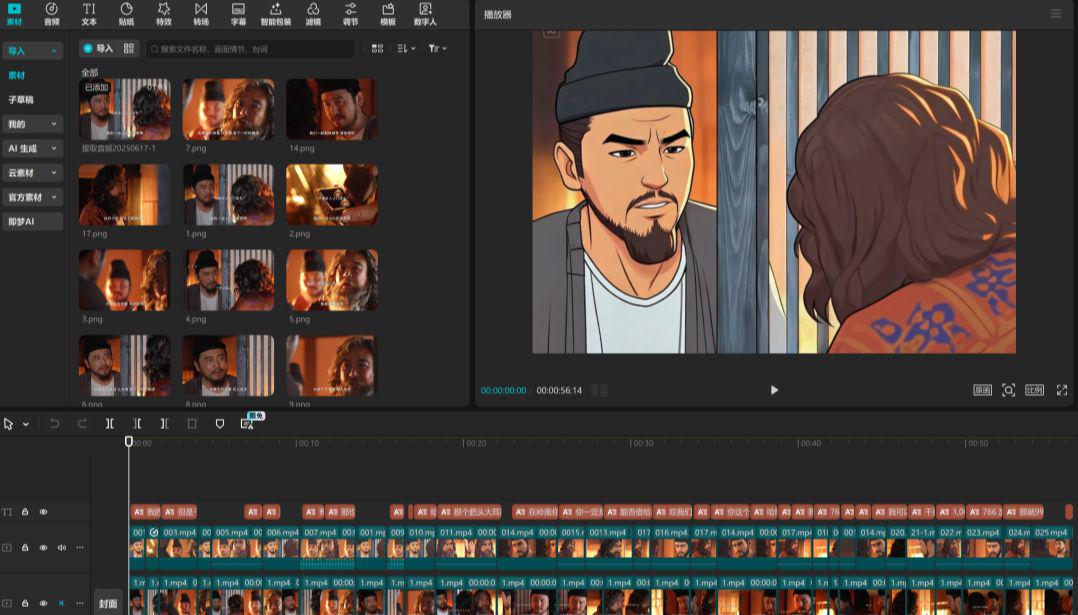
7. Finally, all the sub-scene video imported into the cut screen, for editing into a movie
Import all the generated video clips into Cutscreen.
Add background music and other elements according to the content of the screen
Finally adjust the details and export
Space is limited to a snippet demo, so go ahead and polish the details on your own.