



Still working on makingMotion PosterWracking your brain? Worried that you don't have professional design skills? Don't worry! Today we will bring you a super simple AI dynamic poster production tutorial, even if the design white, can be made in a few minutes to amaze the circle of friends works.
1. OpenDream AI
go intoImage Generation InterfaceAfter that, the first step is to get yourProduct images are imported for referenceEnter. This step is critical, it allows the AI to better understand your needs and generate images that are more relevant to your product.

2. Editing Cues
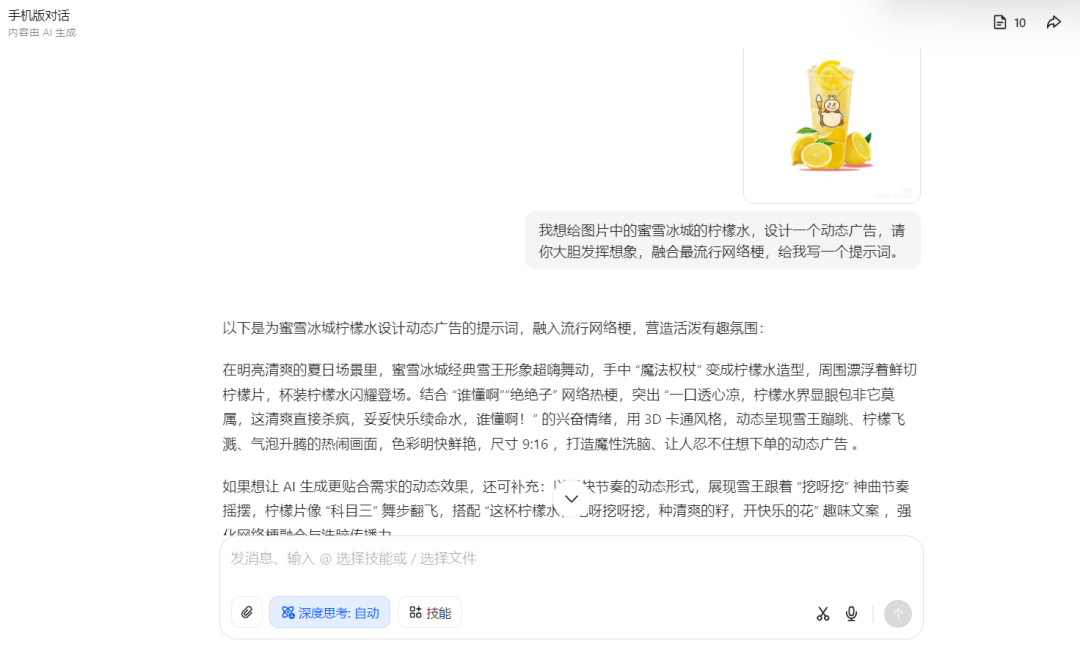
Enter a cue word here to guide the AI to generate the effect you want. If you don't know what to write, you can refer to some quality cue words, or, of course, you can tell Beanbag exactly what you want, theLet Beanbag help you tailor the right cue words!, save your mind and your energy.
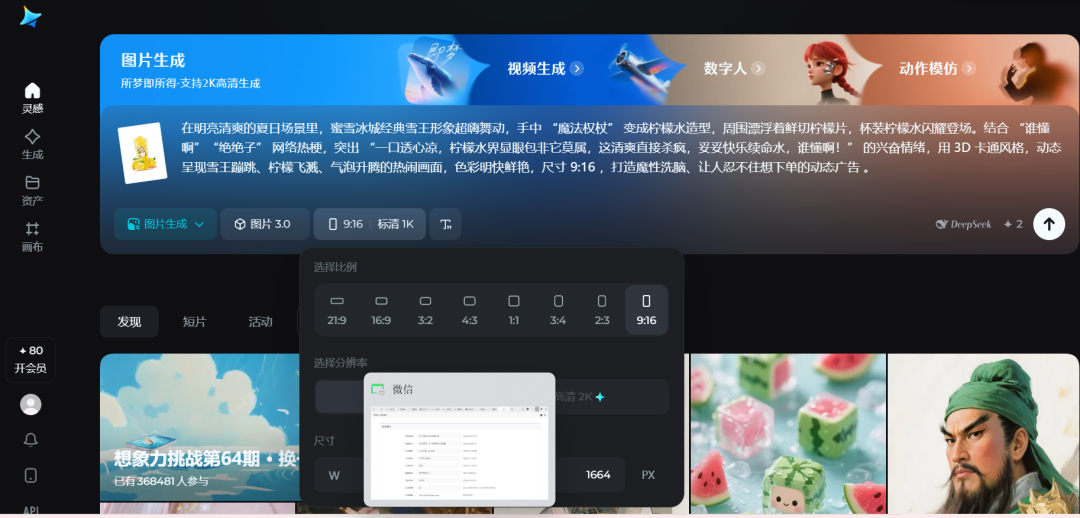
3. Parameter setting
Picture Model Selection 3.0The images generated by this model are very good;Size selection 9:16This ratio works well in many scenarios and the visual presentation is comfortable. Once you have set it up, click Generate Image and you can quietly wait for the AI's masterpiece.
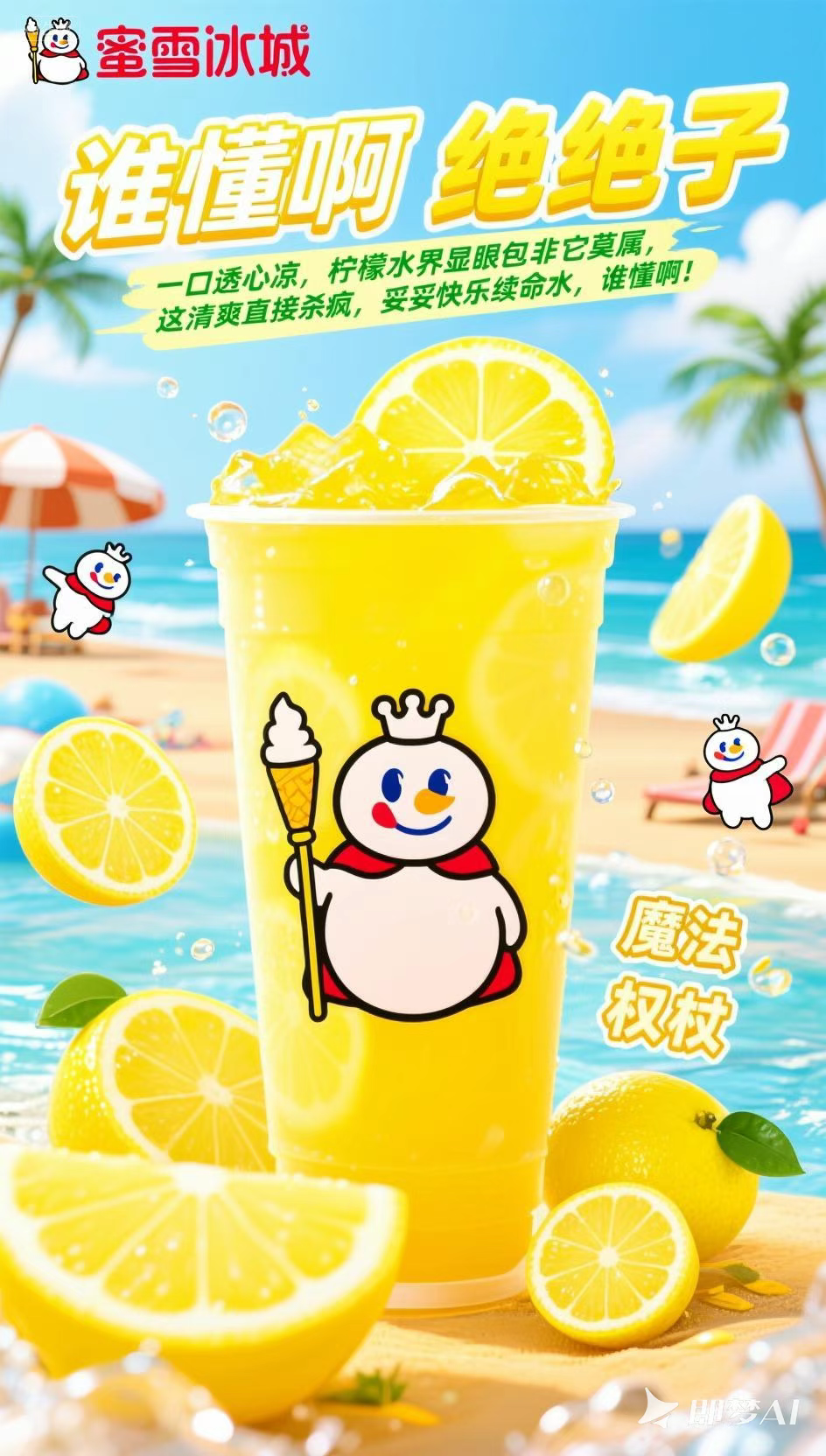
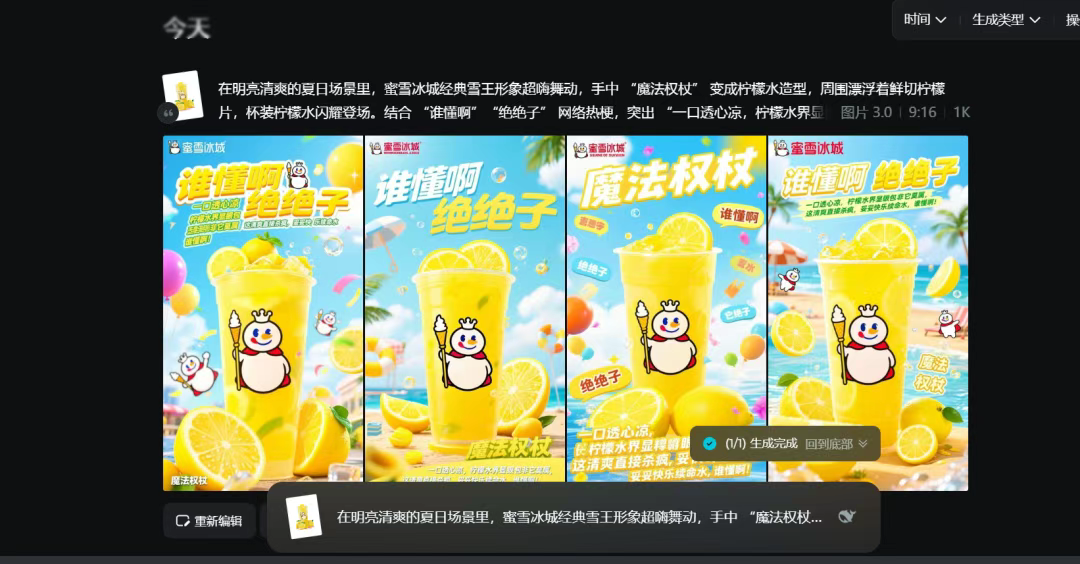
After generating the image, there is no need to rush if you are not satisfied. We can use theLocal modification functionMake adjustments to accurately optimize unsatisfactory areas; if you feel that the overall style is not right, you can also keep brushing the picture until there is a picture that makes you look good.
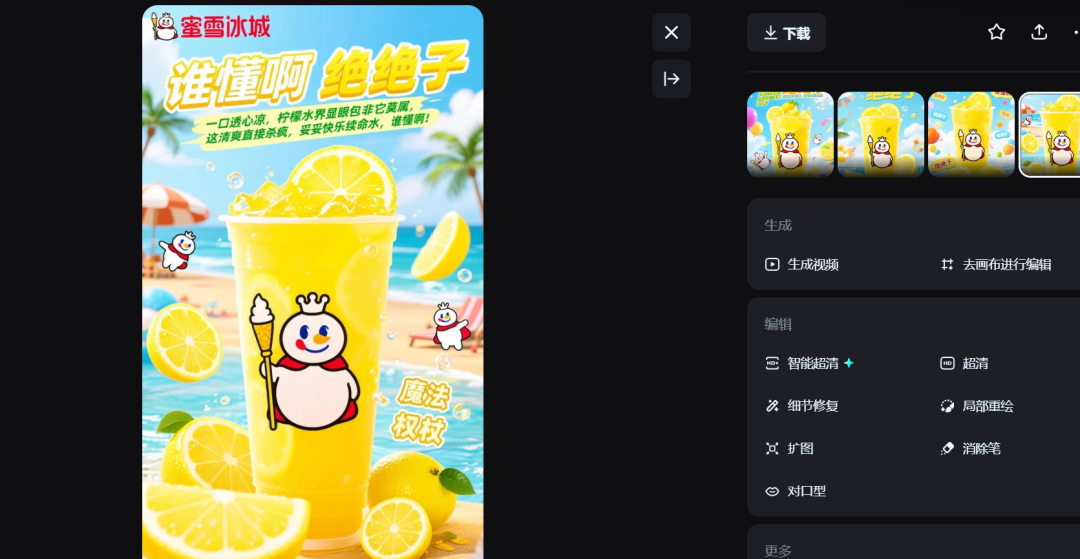
4. Graphic Video
After selecting the one you are most satisfied with, click on Video Generation and again enter the appropriate cue words.Video model recommended 3.0The dynamic effects generated will be more smooth and natural. In this way, a basic dynamic poster video is ready.
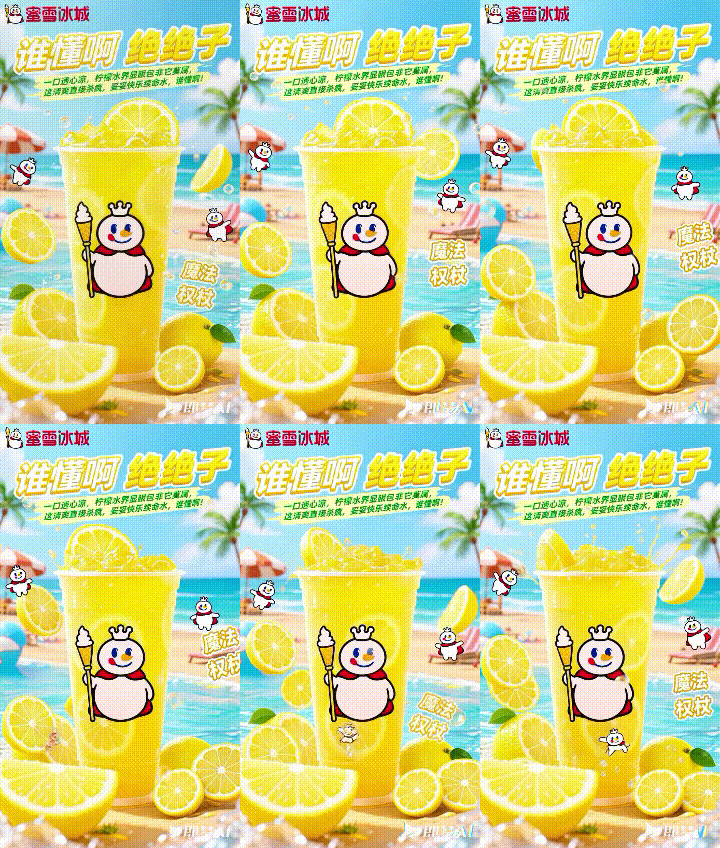
5. Importing clipping
Finally, saving the generated video, theImport to CutsceneIn the middle of it, give it the right background music. A BGM that fits the theme can instantly take your dynamic poster up a notch.
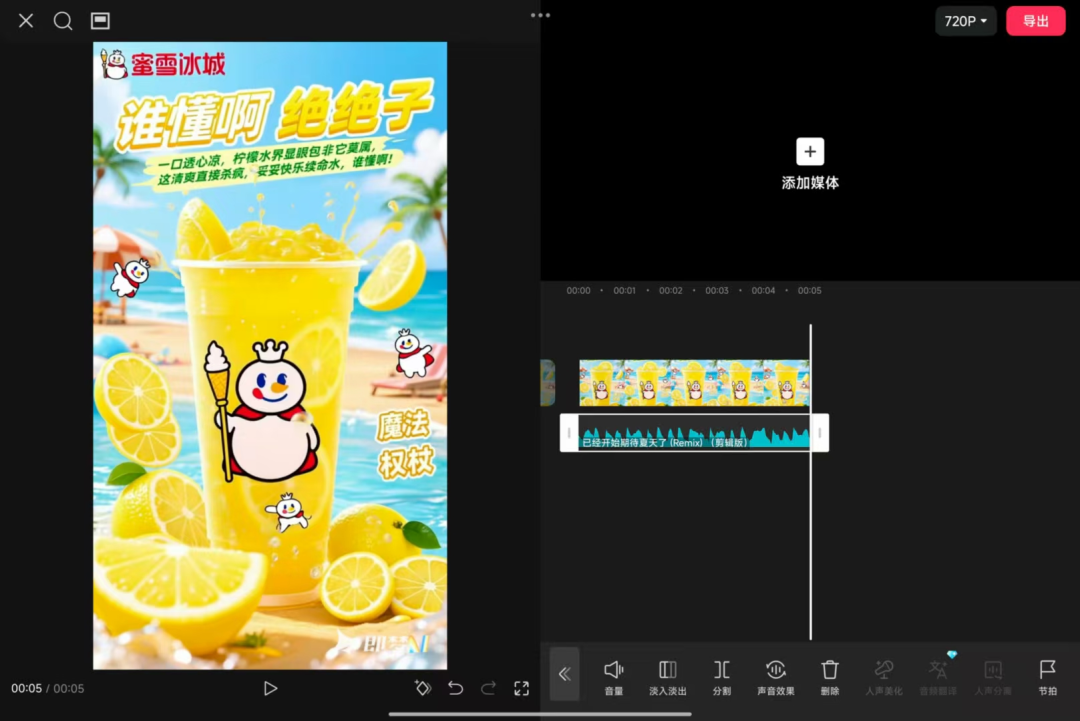
Follow this step by step operation, an eye-catching dynamic poster is finished. Isn't it super simple? Try it now and make your product posters stand out in the crowd!