



AI+intangible cultural heritageofAI short videoIt's been a long time since I've been a part of a great teamAIGCThe contest's favorite。
THE OFFICIAL MEDIA, REPRESENTED BY INO, HAS REPEATEDLY PUBLISHED NON-RELICT WORKS GENERATED BY AIGC TECHNOLOGY, WHICH IS EXTREMELY HOT。
MANY OF THE BEST WORKS OF AIGC ARE OFTEN PAINTED, SUCH AS "AAI QUEUE" AND "AI'S NON-LANGUAGE RIVER MAP" BY BYTES, OR BY DREAMAI。
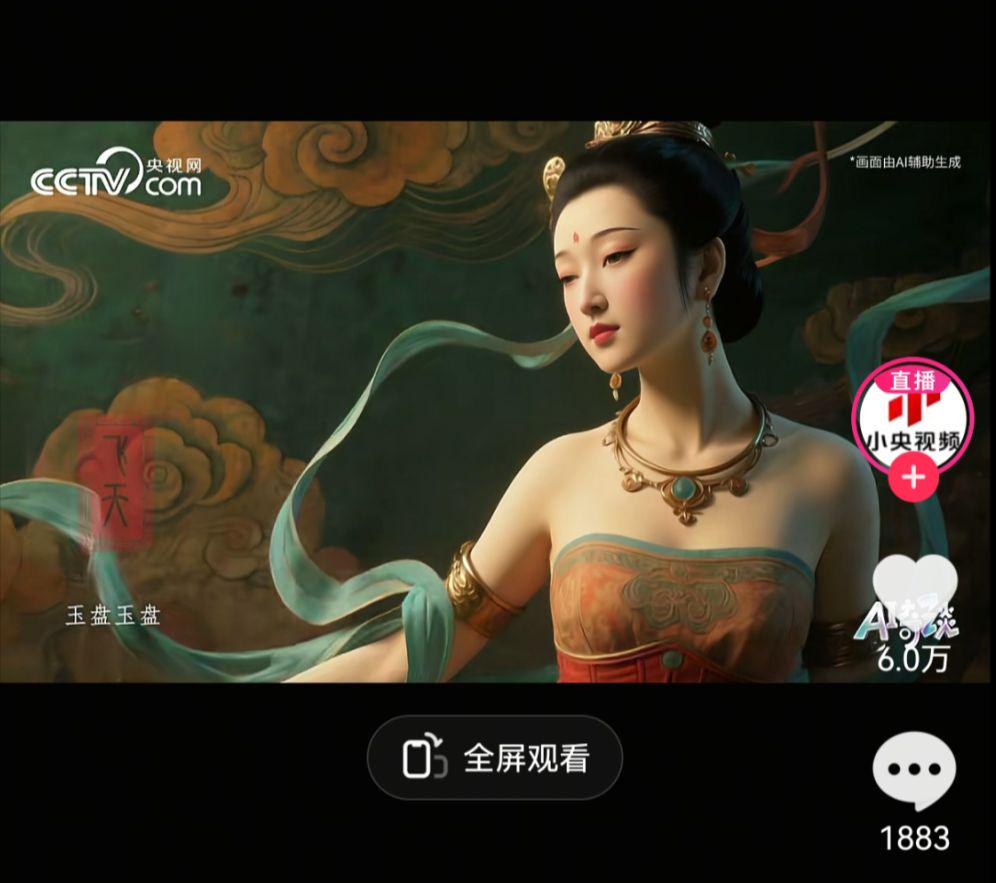
Each piece is amazing, and the area of the bomb scene is also covered with subtitles such as paintings and great rivers and mountains。
From Zhejiang Ga Xing's blue-printed filament art to Heining Leather play, from Shashi Xian's leather play to Lucien's south knitting, to your fine white wine brewing art...
A non-remnant paper is slowly spreading from the microworld and can't help but lamenting the “non-inheritance, super-pretty scroll”。
WHETHER IT'S A SHORT VIDEO PLATFORM, OR A FRIENDS' CIRCLE, THE AIG WORKS ON NON-REMOVABLE TOPICS CAN ALWAYS BE POPULAR。
TODAY, WE WILL SHARE WITH YOU HOW TO PRODUCE AN "AI NON-HOMELAND MAP" OF THE SAME FUND, FROM WHICH INTERESTED PARTNERS CAN LEARN。
Step one: DeepSeek writes a specter script
There are many AI tools that can be used to write scripts: DeepSeek, bean bags, GPT etc. can get the desired results. People can choose their tools according to their usage habits。
I'll give you the example of DeepSeek. (Computer and cell phones operate in the same way)
address: https://chat.deepseek.com/
-Open DeepSeek
- Select Depth Thinking & Network Search
-Dialog box to enter prompts
I'M A SHORT VIDEO CONTENT CREATOR OF A NON-PENAL CULTURE, WHO WOULD LIKE TO PRODUCE AN AIG PIECE ON NON-PENAL CULTURE. PLEASE DESIGN A SHORT VIDEO SCRIPT FOR ME
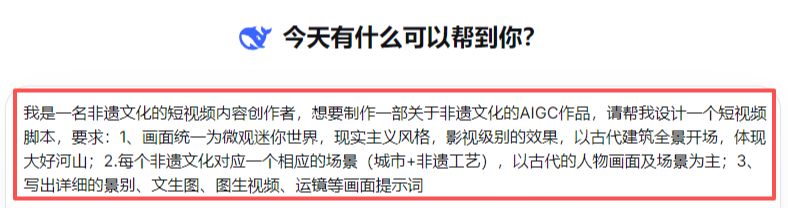
-Get dialog information
From the theme of the video to the core style, to the opening music, to the Ventura, to the Tuttian video alert, it is very detailed。
All we need to do is make the script content in visual pictures and videos, and then cut it into a film。
STEP TWO, DREAM AI VENSHENG
I.e. Dream AI:
https://jimeng.jianying.com/ai-tool/home
- OPEN THE DREAM AI
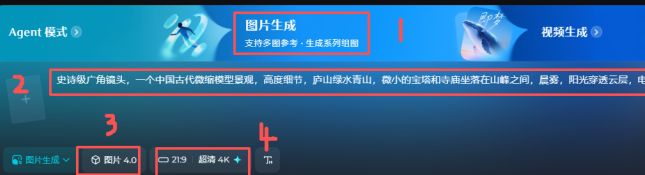
- Select Picture Generation
-Dialogue Enter the hint in the script
- Model 4.0
- Choosing the scale
-Send generation
- Choose the right image
- Click to generate video

-Dialogue Enter Video Description
-Video Model 3.0
-Duration 5S
-Send generation

-Download and save
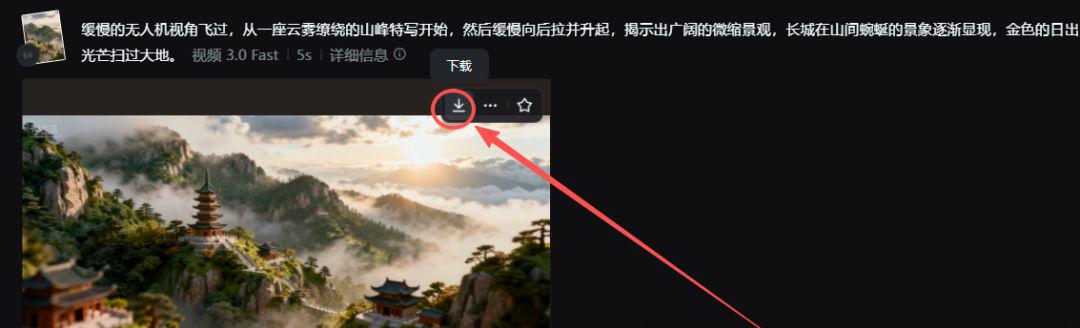
Generate the rest of the footage in the script using the same operation。
Step three. Cut the movie. Cut the movie.
-Open the cutscene
- Import footage
- Add subtitles/background music, etc
- Adjust Details Export

With a limited space and a focus on teaching methods, the first 30 seconds were selected as a demonstration of the effect, and you were able to grind the details。