A lot of students ask where to download it Gemini 3. How
Most of the people asked are outside the Internet industry, and apparently Gemini 3 doesn't need to download, just use it。
Several methods using Gemini 3 are described below。
1. Google AI Studio
The simplest is to access the address at https://aistudio.google.com/ via AI Studio of Google, where you can see the Gemini 3 Pro Preview option, click and enter a hint below。
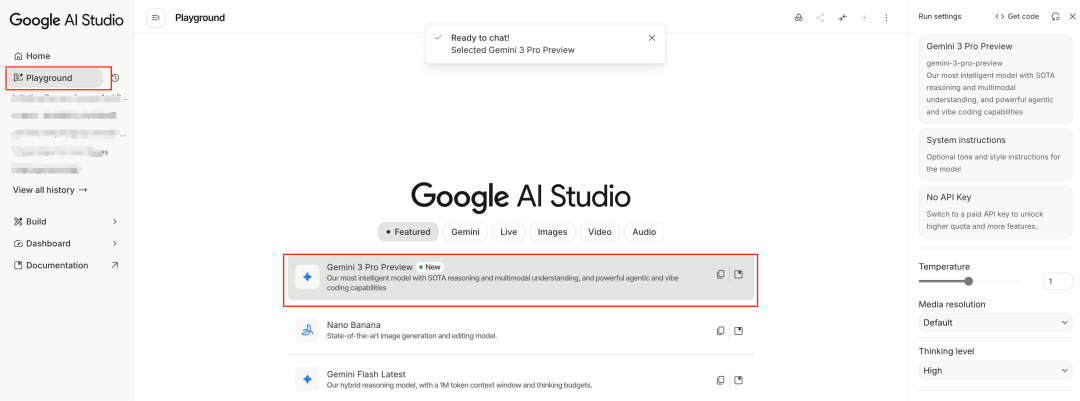
This is used by chat。
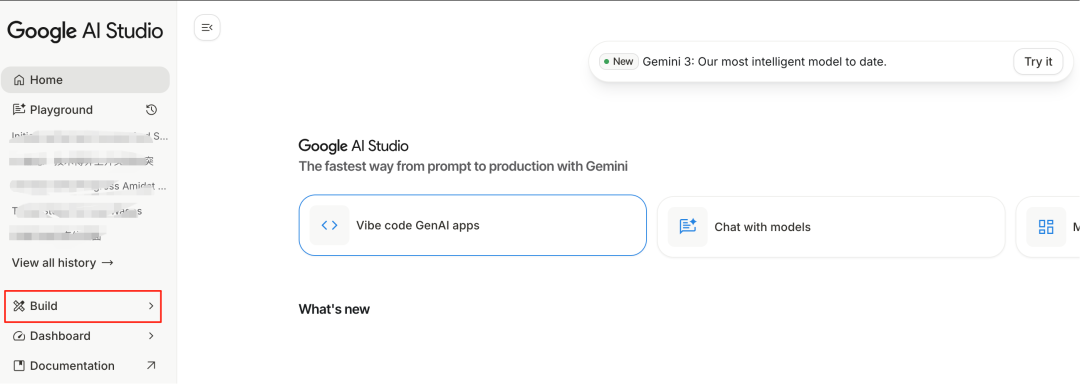
There is another way to click on the left-hand Build, where you can create web pages, like websites, games, 3D animations。
2. Google Gemini
In addition to Google AI Studio, there is a dedicated Gemini platform。
address: https://gemini.google.com/app
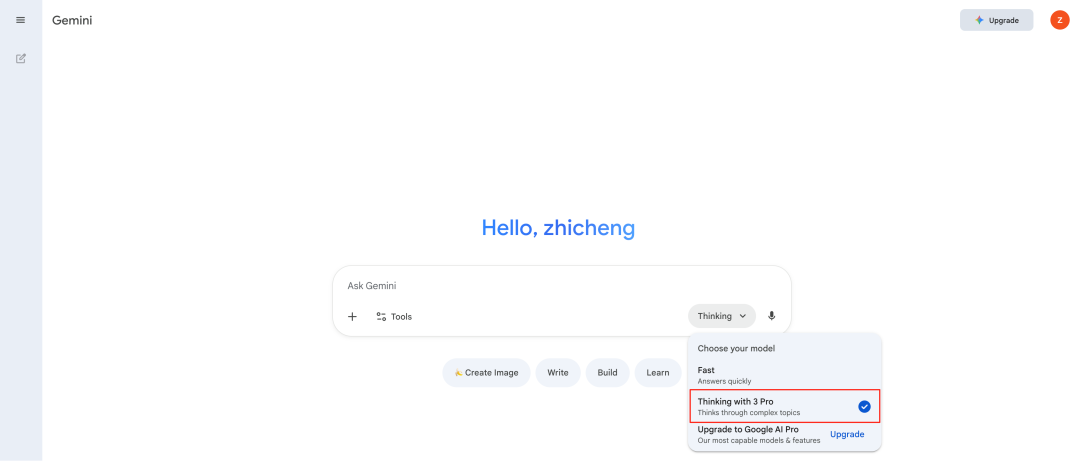
On the Gemini platform, you can create pictures, write, make web pages, and make PPTs。
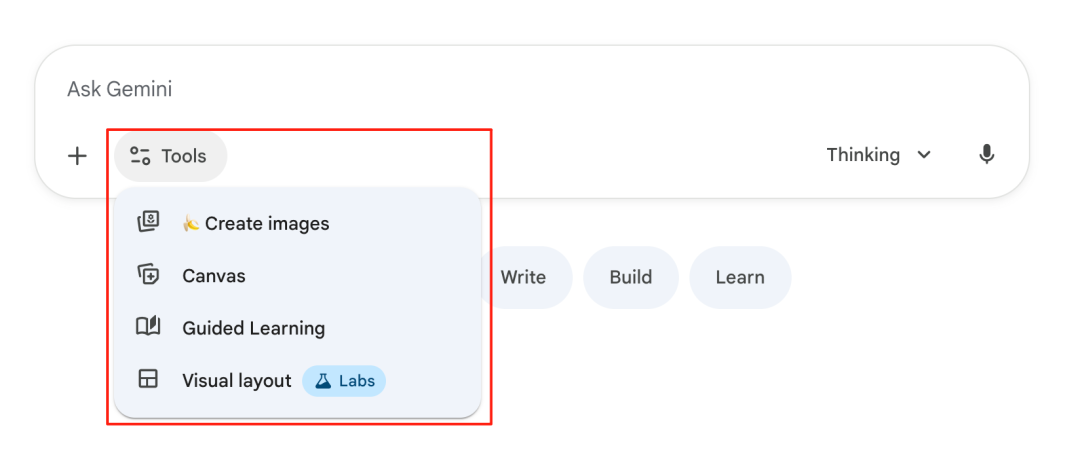
But the Gemini 3 model here has a limit, about 10 times a day。
3. LMArena
It's actually a training ground for users to experience big models, like Gemini 3, which was put on this platform by an anonymous name just a few days before it was released。
address: https://lmarena.ai/
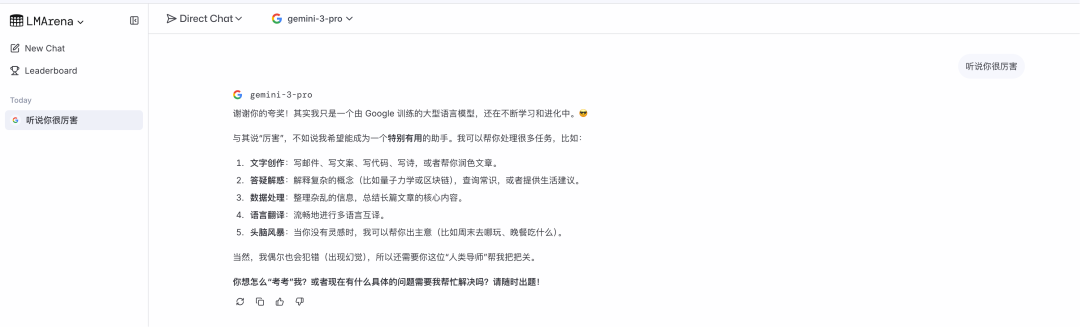
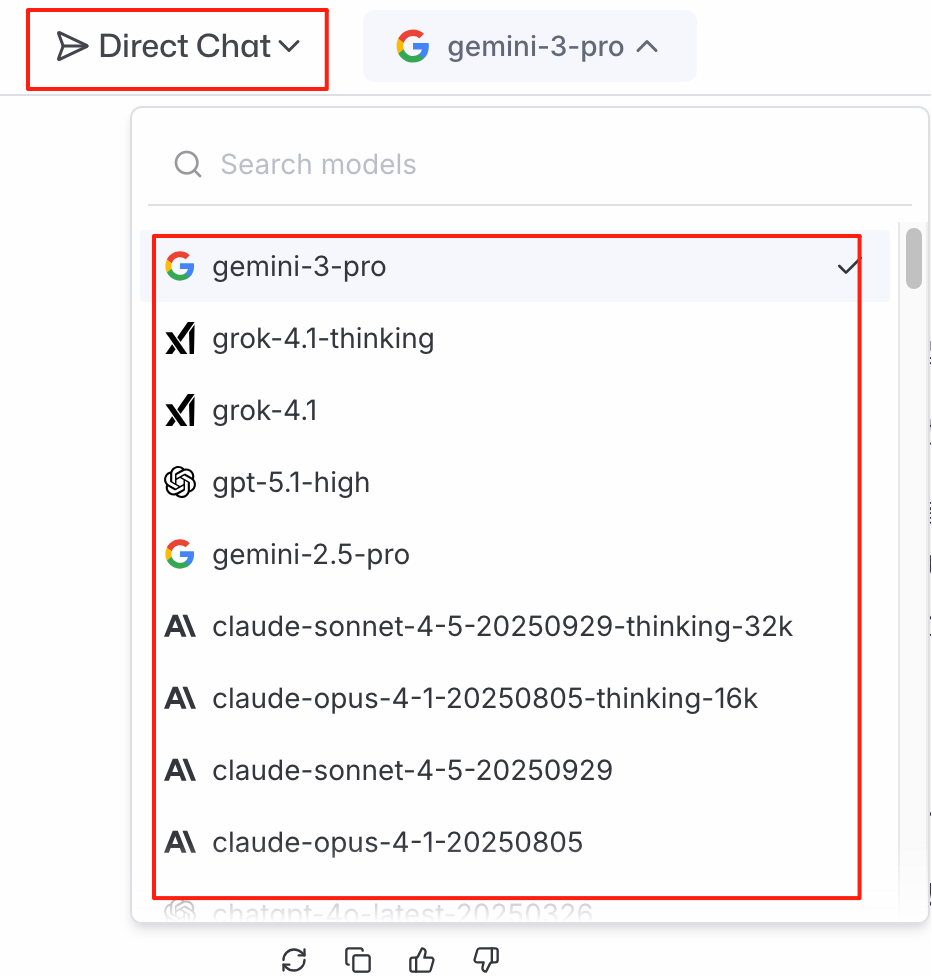
Directly selects a specific large model by choosing Direct Chat。
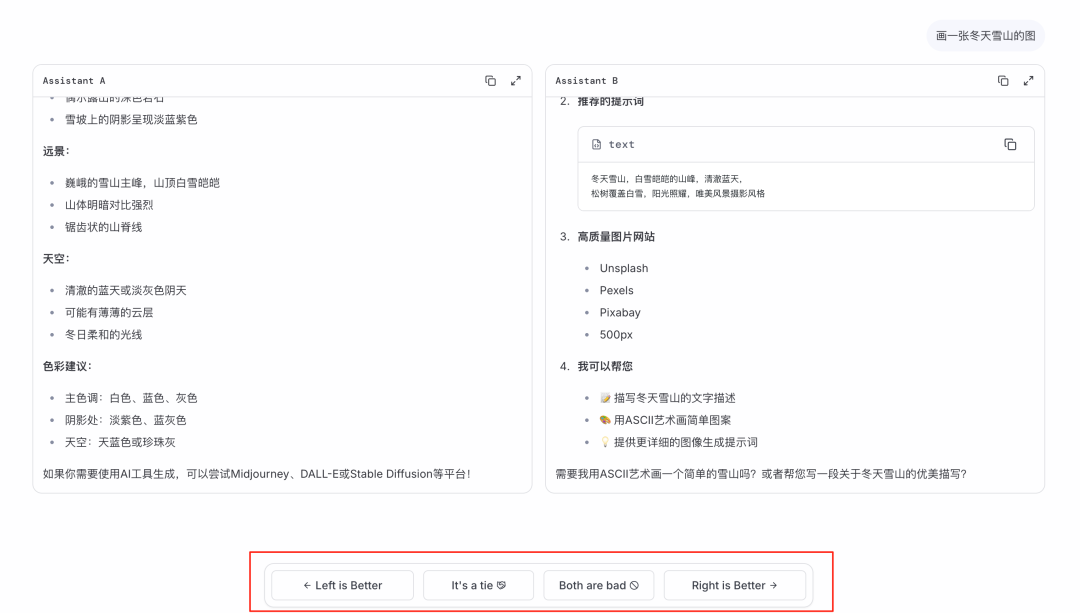
With the Battle model, two large models can answer the same question
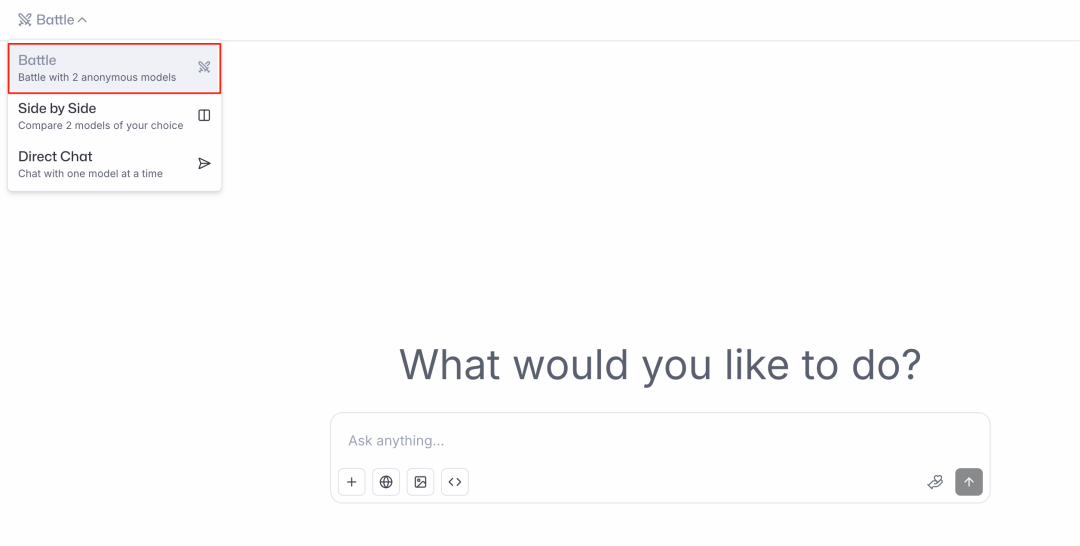
For example, when I'm done with a question, two models answer the question, and then you can choose which one is better and vote for it. The name of the model is shown after the vote。
4. ZenMux
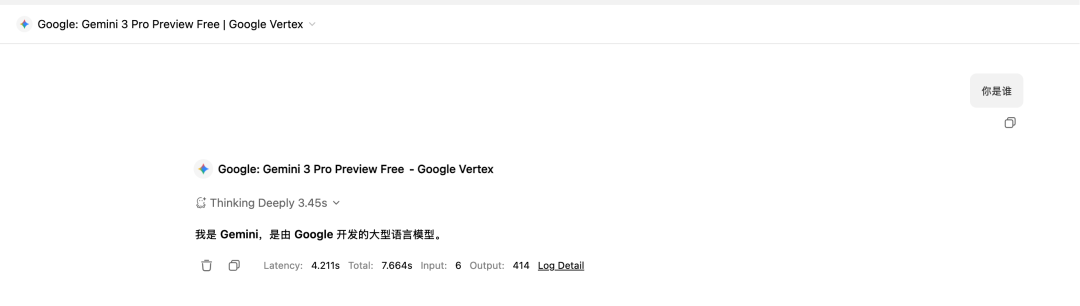
It's a stop, just like OpenRouter. Now there's one on ZenMuxfreeVersion 3 of Gemini can be used。
address: https://zenmux.ai/
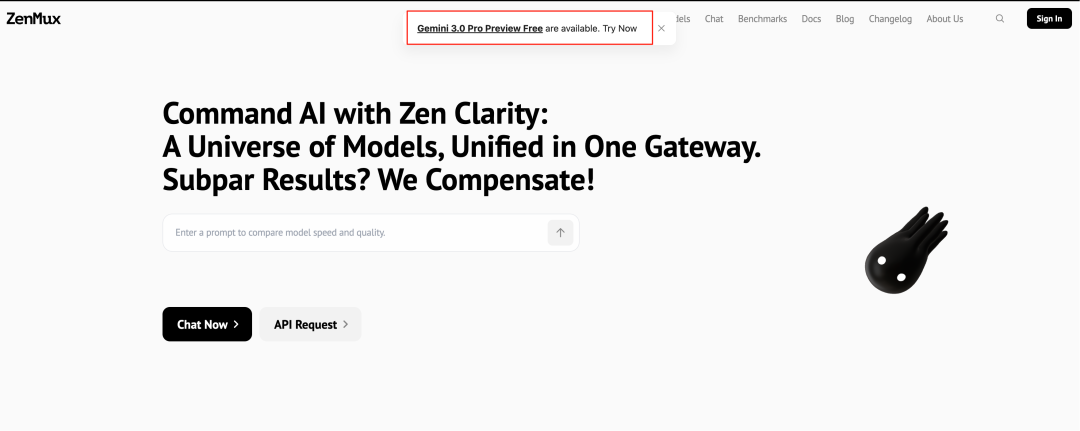
It can be used directly online。
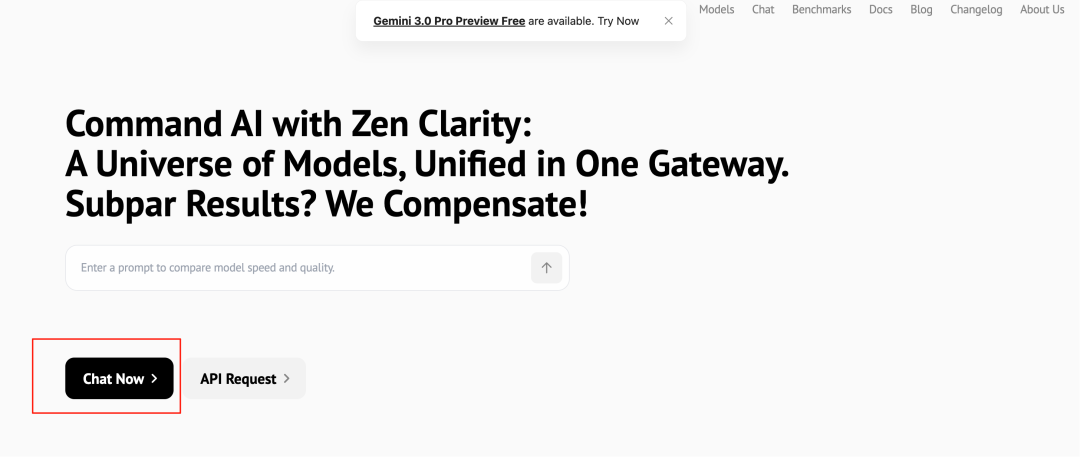
Choose this free version。
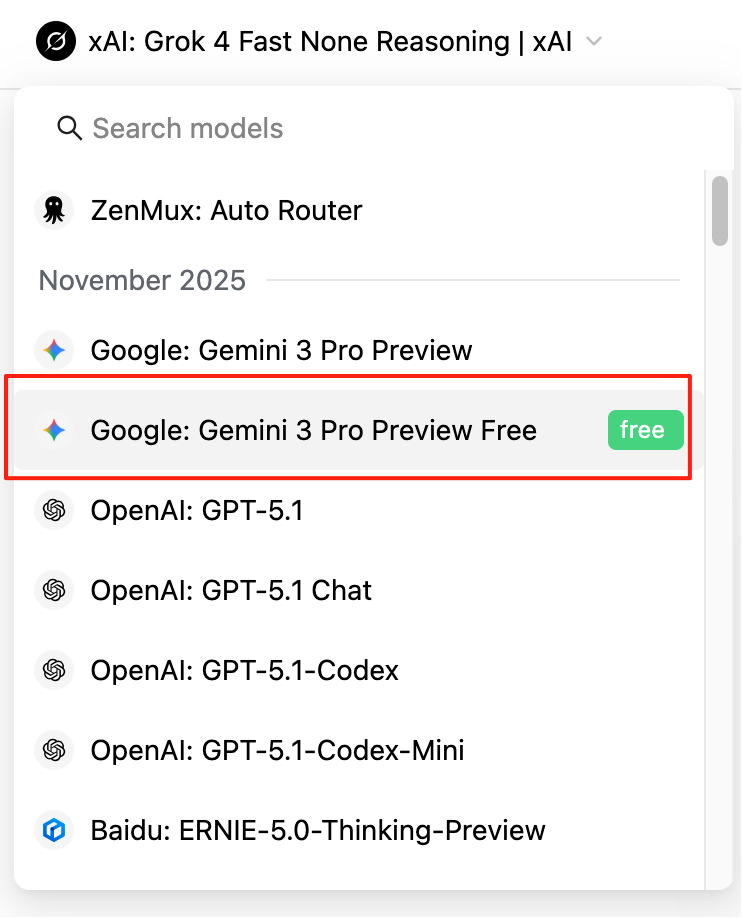
Try it。
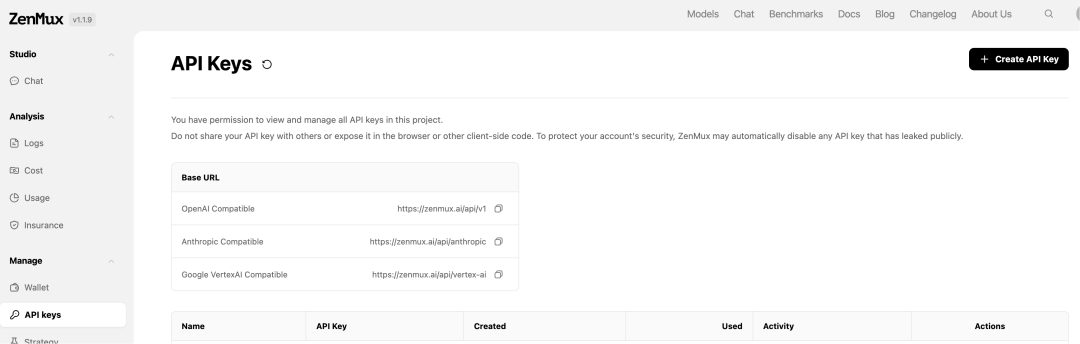
YOU CAN ALSO ACCESS THE API。
Create a key that allows access to various ChatBot terminals。