



RecentlySkills"IT'S TOO HOT IN AI
Everybody's using it to add all kinds of "buffs," make it write code, form, etc
But a lot of little friends are watching GitHub get excited about the Skills, and when the locals want to play, there's a lot of trouble with Claude code
I've been asked by a lot of young people beforeOpenCodeI'll borrow Skills to talk about OpenCode's deployment and use
It's very simple, whether you want to use a graphical or a command lineTutorialIt'll make it easy for you
Let's start with OpenCode. Skills
Table of contents:
1. How to download and install OpenCode
2. How to install and configure Skills
3. Method of setting environmental variables
4. Common commands and operating techniques
5. How to address problems encountered
6. How to create their own Skills
I. Download installation, super simple
Download address:
https://opencode.ai/download
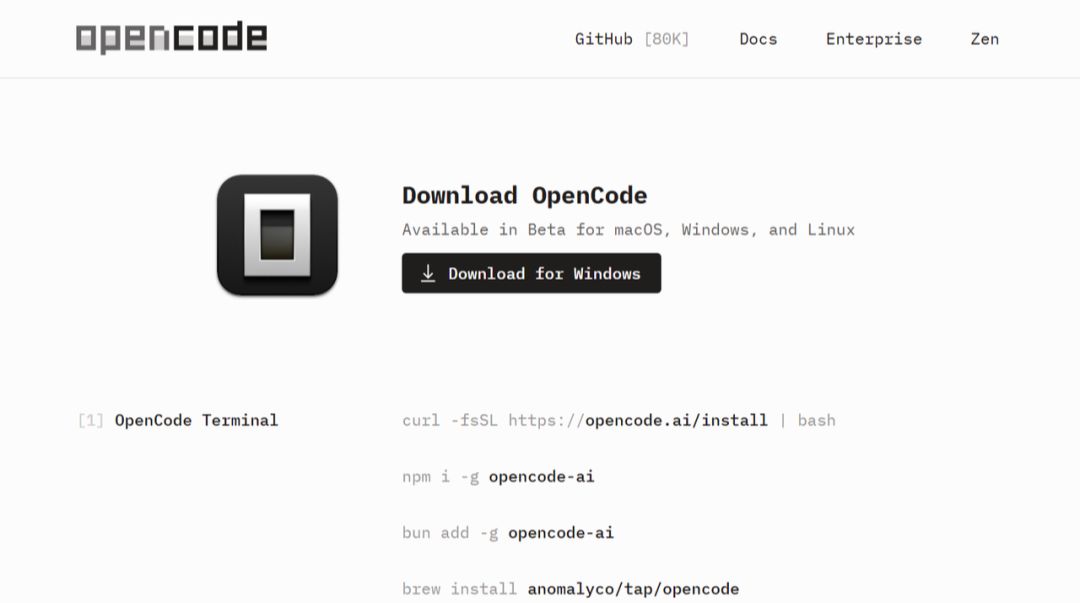
in order for you to reduce the unnecessary time consumption associated with the deployment of the installation, we can choose to use the windows desktop-end approach. the software installation is simple and will not be repeated here。
once installed, there will be three exe programs under the directory:
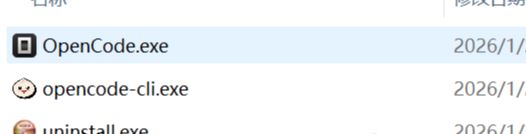
• OpenCode.exe - This is the OpenCode desktop end. It's with an interface. The whole interface is clear

• OpenCode-cli.exe - THAT'S THE CLASSIC COMMAND LINE MODE
• i'm sorry - Unmount Program
II. Installing Skills to experience more functionality
let's start with a few skills to experience, configuration, operation, etc。
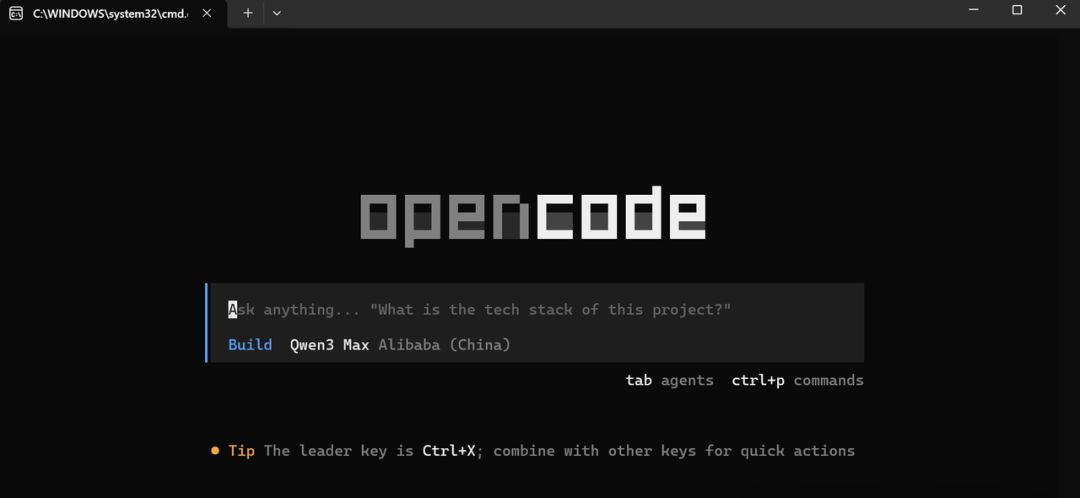
Double-click OpenCode-cli.exe to open the interface and ask "What can I use?"
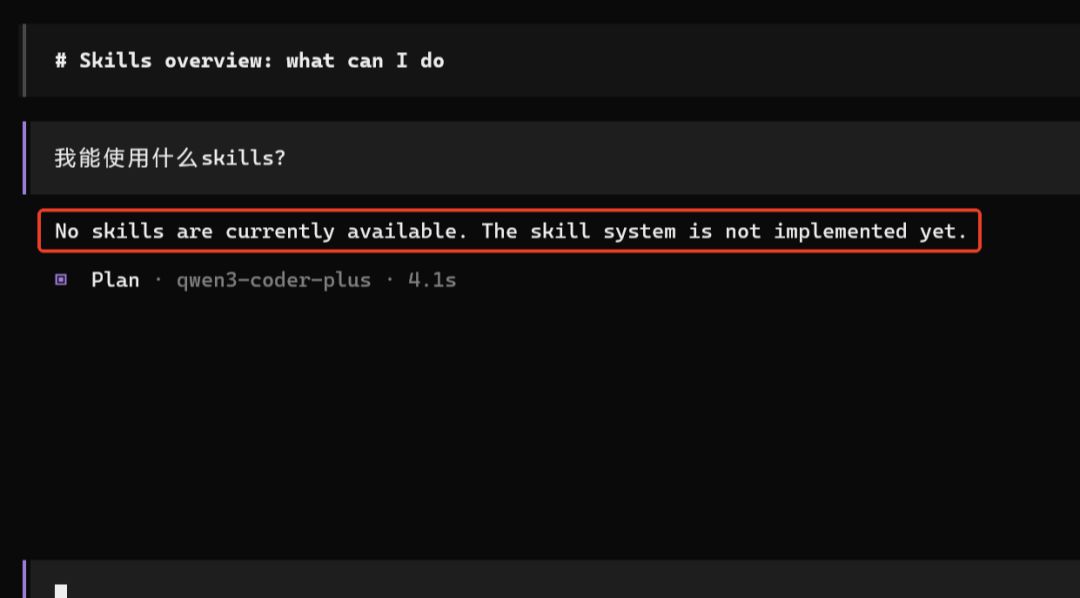
as you can see from the above, i don't have any skills, okay, let's add some now
- LITTLE TIP: I'VE CONFIGURED MY OWN MODEL, SO THE MODEL YOU SEE HERE MAY NOT BE THE SAME, BUT IT DOESN'T MATTER, AND THEN I'LL TELL YOU HOW TO CONFIGURE THE API。
next, let's download the compressor pack from skills website, or we can download skills from github
Here's an official Skills presentation
- 1. create a directory under the software installation catalogue called .opencode, with a good look
- 2. GitHub address: https://github.com/antropics/skills
- 3. when the download is completed, the following contents will be visible with the uncompression file
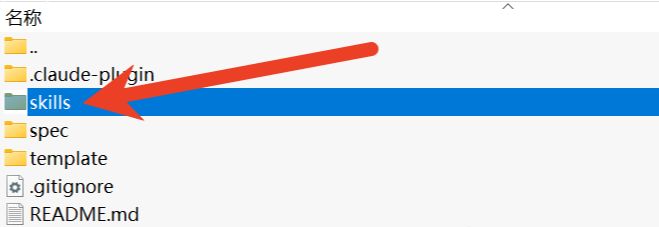
- 4. copy the skills here into the directory that was just created
return to opencode and enter/init back into it, at which point it will be seen that opencode is beginning to understand the project and load these skills。
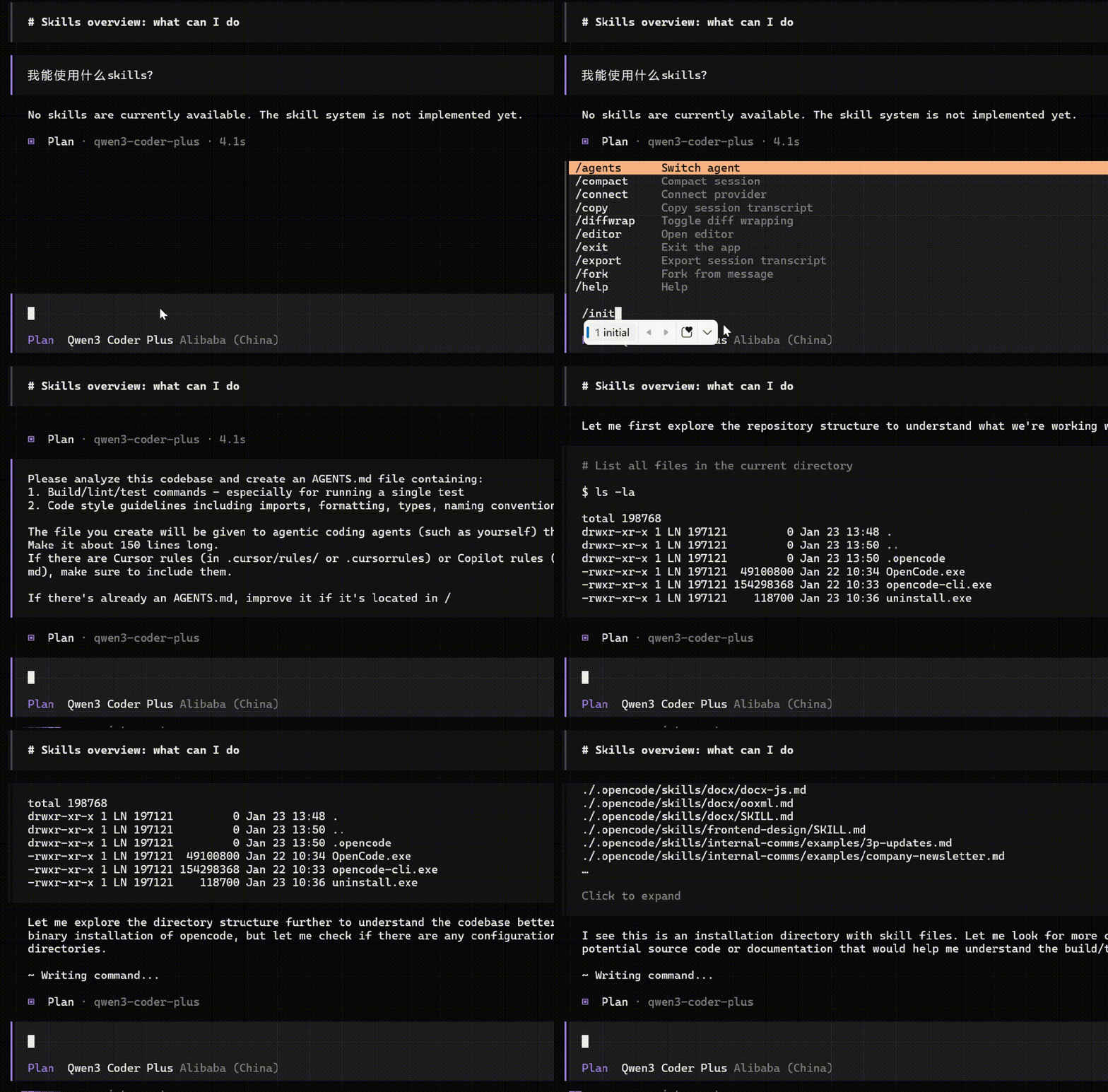
- Notice: Before entering/init, you need to press the tab of the keyboard to switch the plan to the bild mode。
Verify Installation"what can i use?"
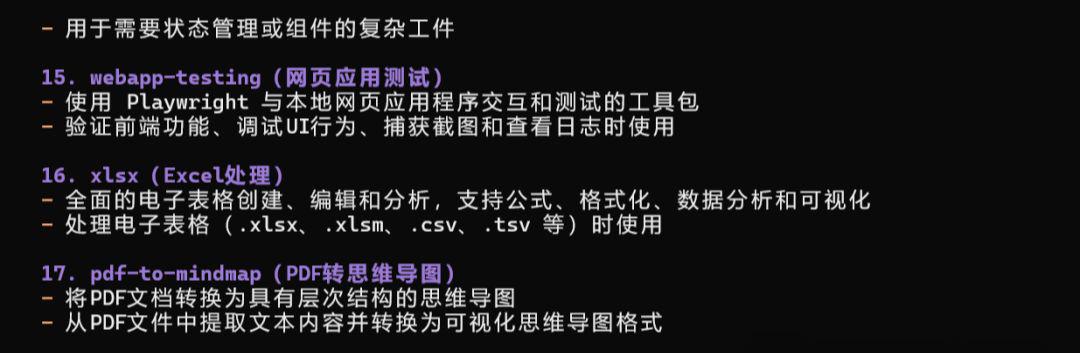
Opencode will know what you have skills
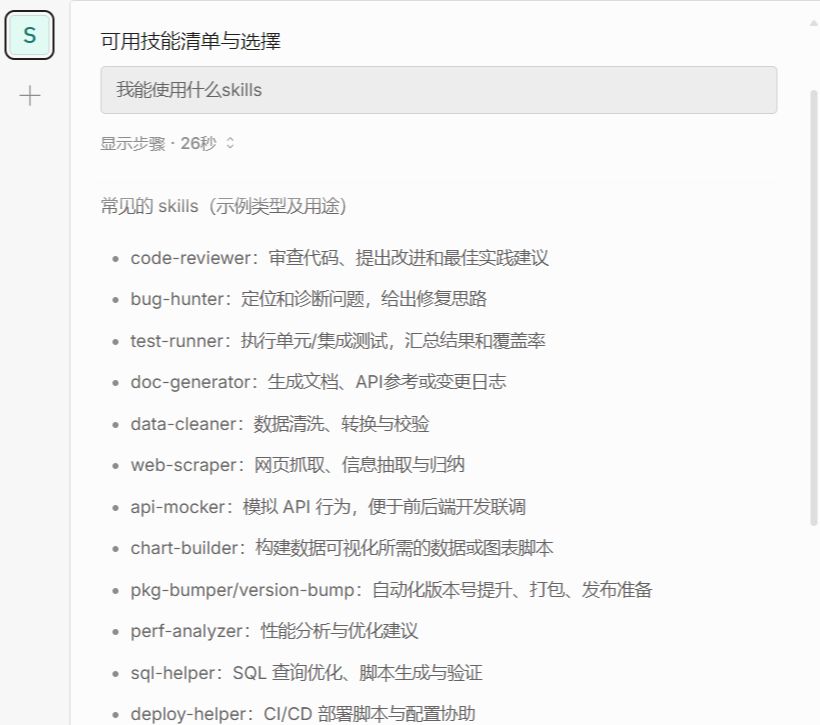
OpenCode.exe is used the same way。
III. Environmental variables, flexible and convenient
OpenCode does not need an opencode.json file to run because it has default configuration and multiple configuration loads. Here are two of the most common:
1. Global configuration
~.config/opencode/opencode.json
Global context variable path: C:\Users\your username\.config\opencode
2. Project configuration
opencode.json in the project directory
Project Environment Variable: A path can be configured at will. For example, my project path is at D:\Software-Install\OpenCode\.opencode
IV. Common commands. Just remember these
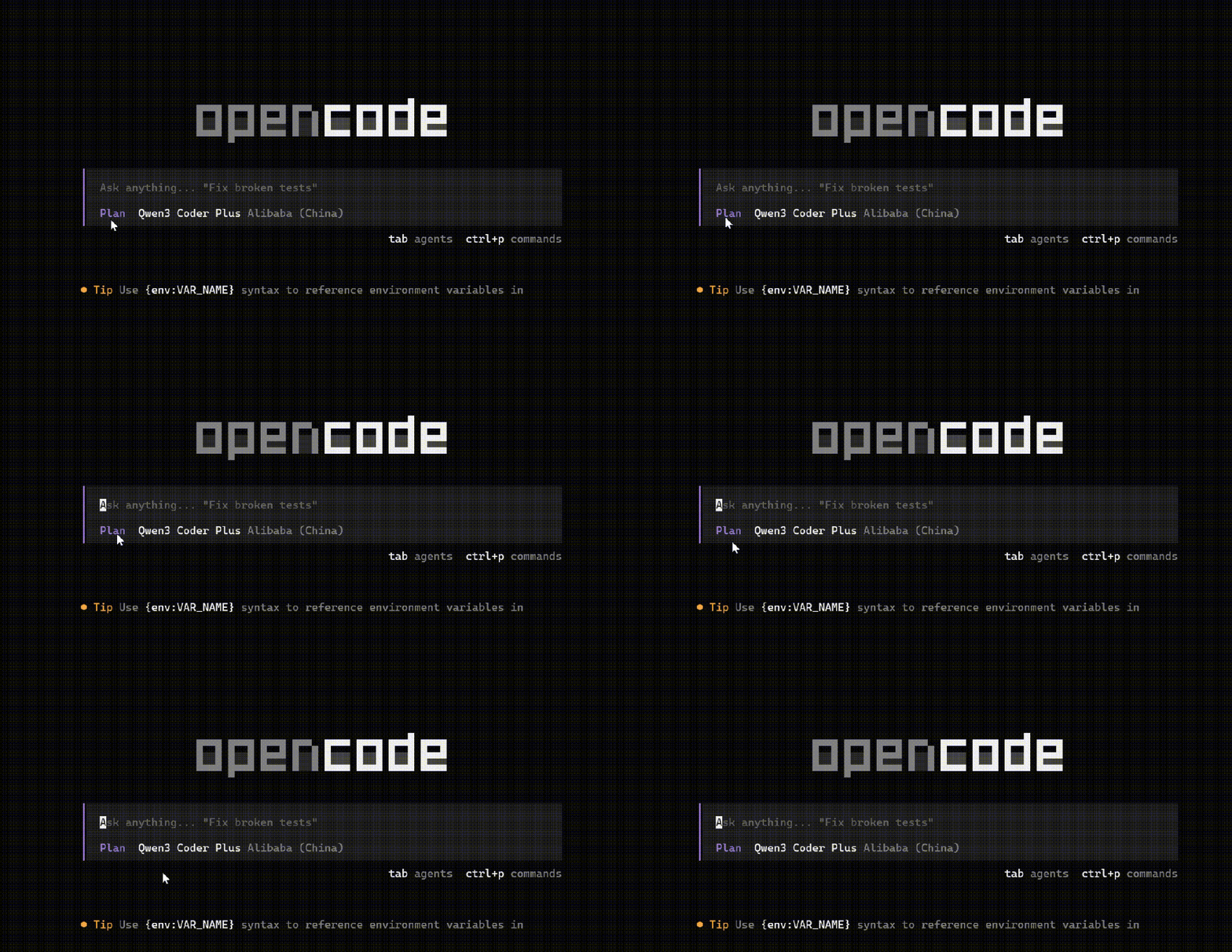
1. Switch mode
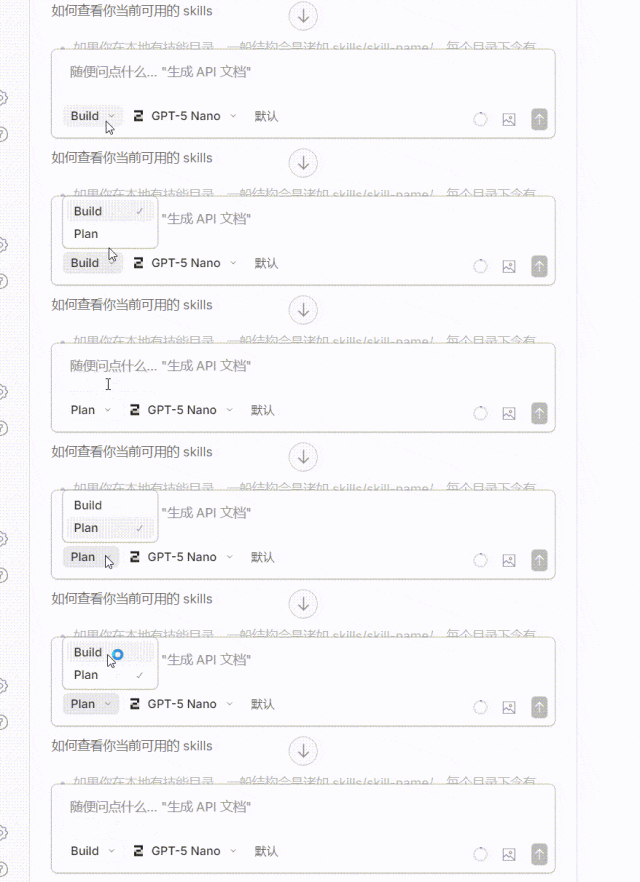
OpenCode has two models:planandi'm not sure what i'm talking about, use Tab to switch。
If you use the desktop end, or OpenCode.exe, it's all graphical. It's simple。
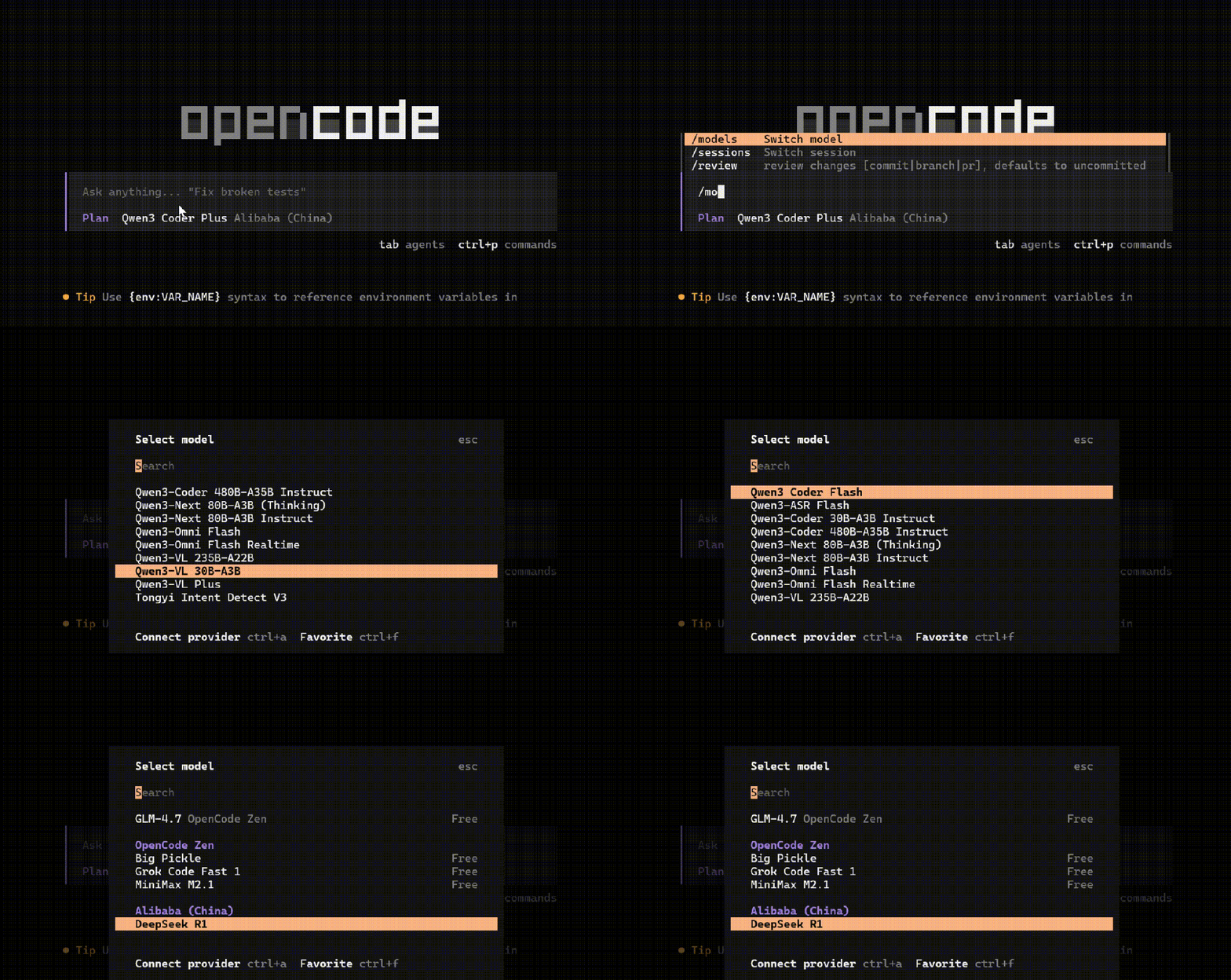
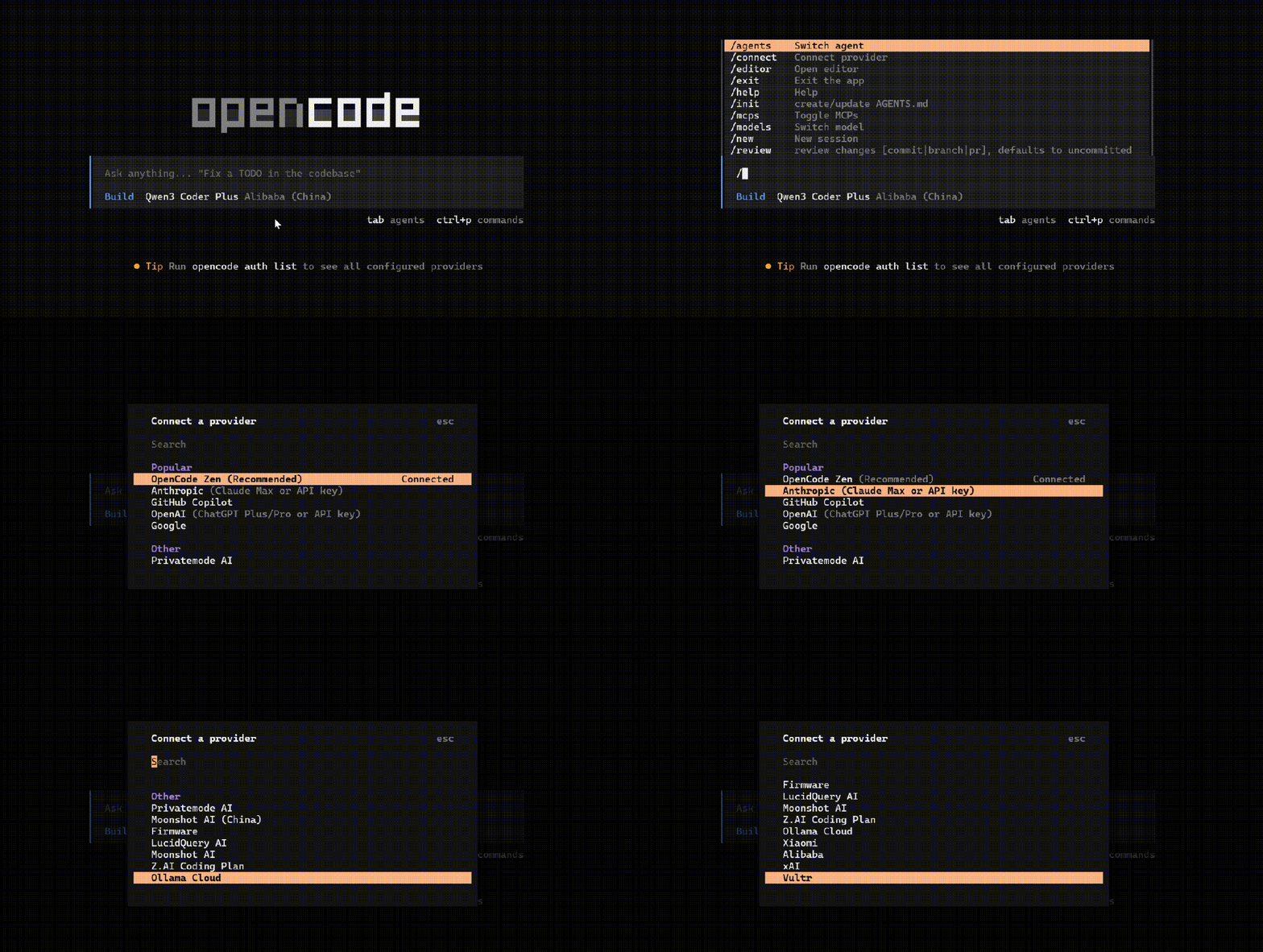
2. Choose a model
use/models, provide 3 free models by default (free, so link failure occurs)
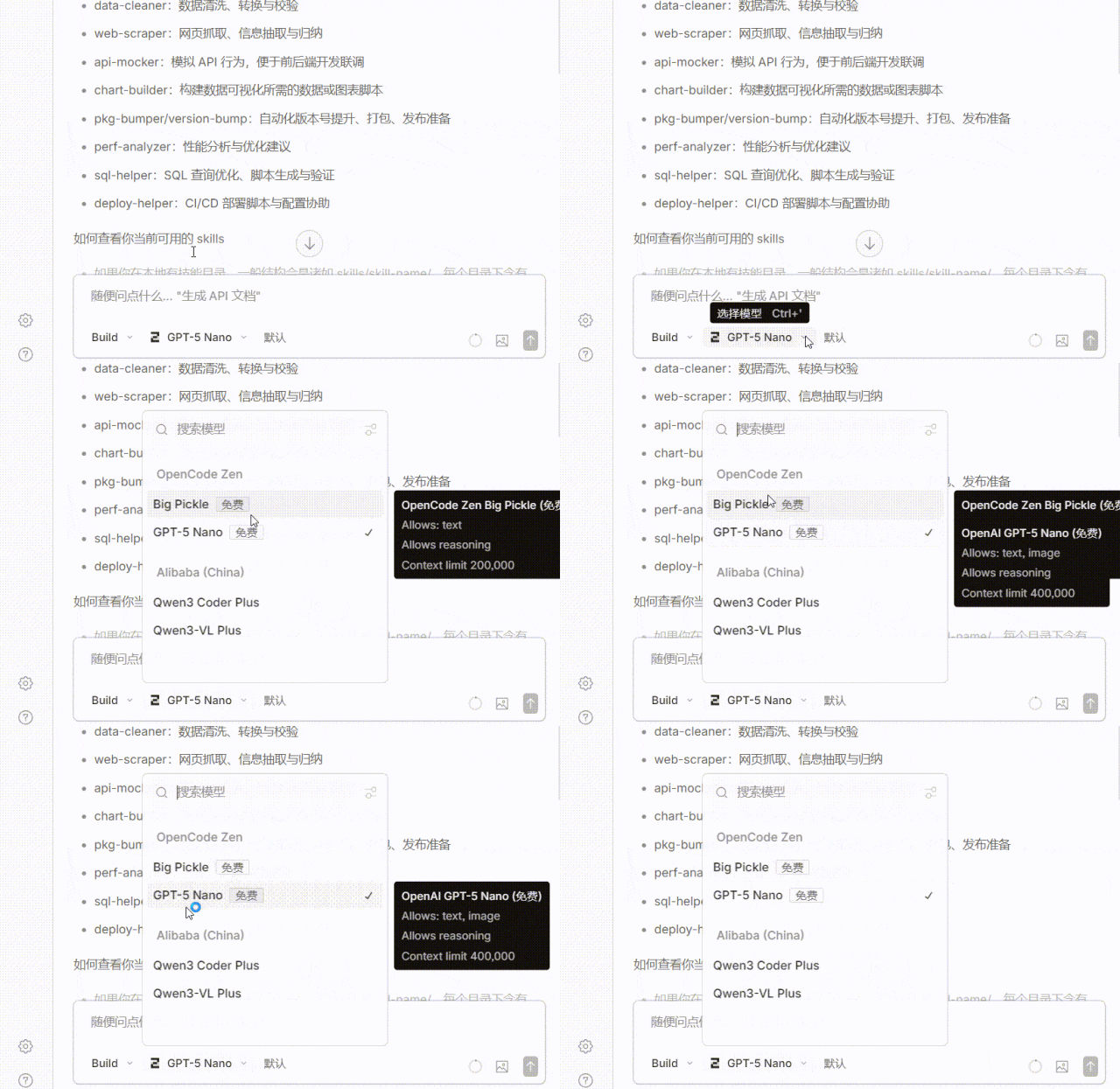
3. ADDING ITS OWN MODEL API
many options are provided here。
4. citations skills
as long as the trigger conditions for skills are included in the input, the corresponding skills can normally be called, or the required skills can be specified by @, the top and lower key selection and the return key confirmation. desktop-end operations are the same
5. Summary of main slash commands
|
|
|
|
|---|---|---|
| Connections and Settings |
|
|
|
|
|
|
|
|
|
|
|
|
|
|
| Dialogue management |
|
|
|
|
|
|
|
|
|
|
|
|
|
|
|
|
|
|
| Edit and Undo |
|
|
|
|
|
|
|
|
|
|
| Project and Agent |
|
|
|
|
|
|
|
|
|
|
|
|
|
|
| other |
|
|
V. Operational demonstration. What about problems
Question 1: What does Opencode do
Just ask him A default model is enough。
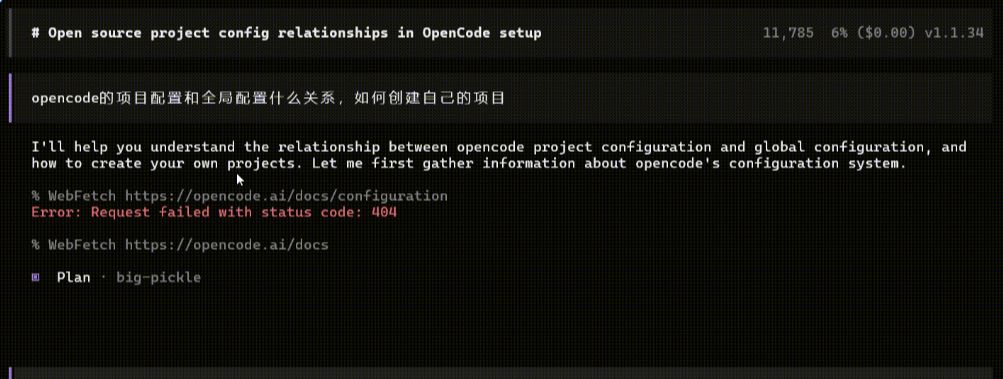
from here it becomes clear that if i want to create a project-level configuration, then first i have to go into a specified project, open an opencode in the directory, then execute/init, and then create a project-based configuration。
This tiered system allows you to have both a global personal preference and a customized configuration for each project
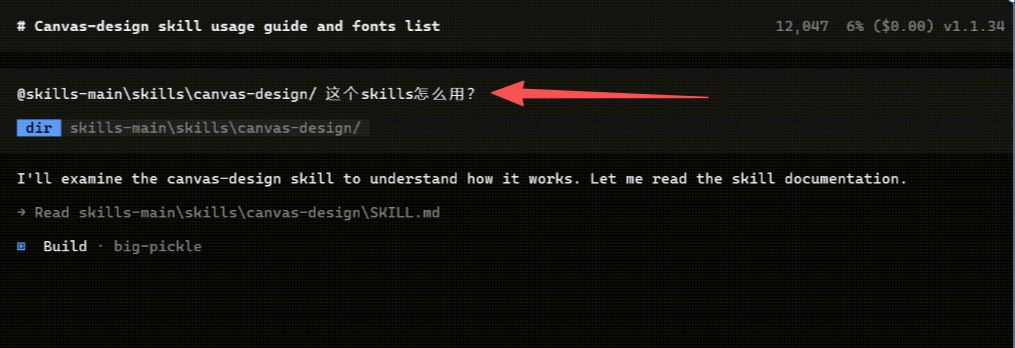
question 2: what if skills doesn't work
Just ask it:
@You need to know SKILLS, and add "How does this skills work?"
QUESTION 3: WHERE IS THE ADDED MODEL API KEPT
no configuration can be used for free large models, but if you want to use your own model and use/connect to open the model configuration interface to choose your own model provider
FOR EXAMPLE, I'M USING ARI TO PASTE THE MODEL API AND GET BACK TO THE CAR。
THE QUESTION IS, WHERE'S THE API I FILLED IN
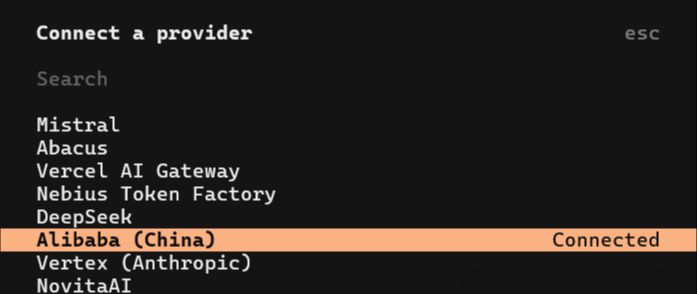
Save default in the following path:
C:\Users\yourusername\.local\share\opencode\auth.json
issue 4: create your own skills
all you have to do is @skill-creater, and you'll have to explain your skill description. for example:
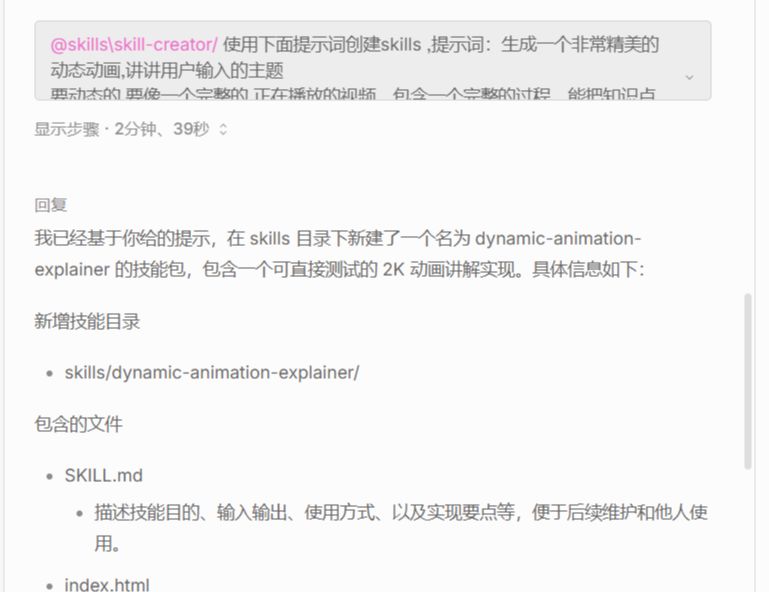
OpenCode will automatically generate the skill profile according to your description, and the whole process is very intelligent. You just have to tell it what you want and leave the rest to it
Next you can:
• Try to create your own Skills so AI can automate your work
• Explore more open-source Skills on GitHub and expand your toolbox