



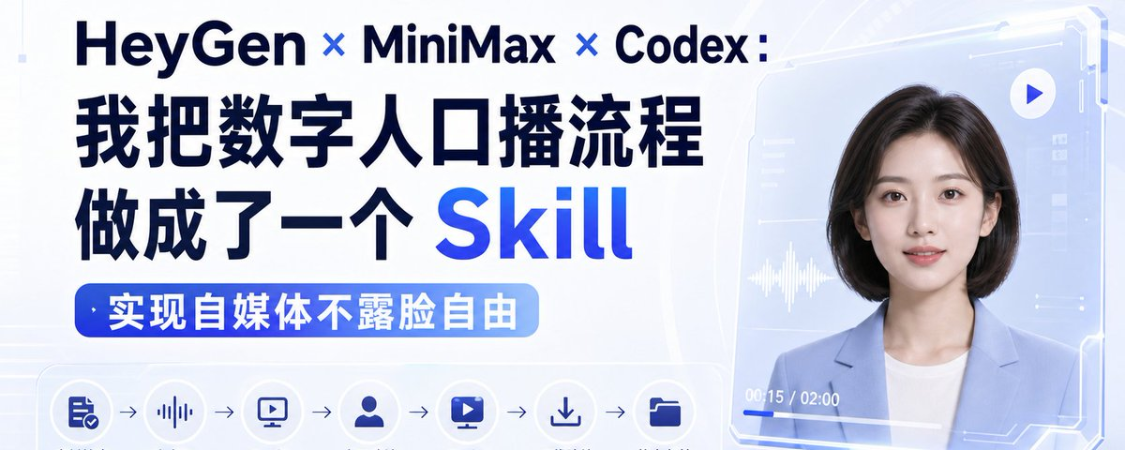
I sent one yesterdayDigital HumanSPEAK OF FDEoral videoMany people's first reaction is not to ask me what tool I'm using, not to believe it's really digital. I made the whole digital population program a reusable one Codex Skill。
GitHub Repository: https://github.com/Jingyi-Wu-Richael/rachel-digital-human-protection
My final work stream is:
Material check MiniMax Generate sound HeyGen 15 seconds of samples, → HeyGen full copy, → download, → status archive
THIS PACKAGE IS SUITABLE FOR KNOWLEDGE BROADCASTING, SHORT VIDEO BULK PRODUCTION, COURSE DELIVERY, PRODUCT INTRODUCTION, MULTILINGUAL CONTENT AND FIXED IP DIGITAL ACCOUNTS。
I. How to divide the whole chain
At the heart of the package is the sound and image being removed。
Mini Max: Responsible for voice cloning and TTS。
HeyGen: The person in charge is like a driver, mouth, face and action。
Codex: Responsible for inspection of materials, call processes, recording of status, risk control。
The complete link is:
Preparation of a live recording, using Mini Max overseas cloned sound。
2. Hand over the file to Mini Max TTS to produce a cloned sound MP3。
Prepare a clear and positive image。
4. Upload the image and the MP3 generated by Mini Max to HeyGen。
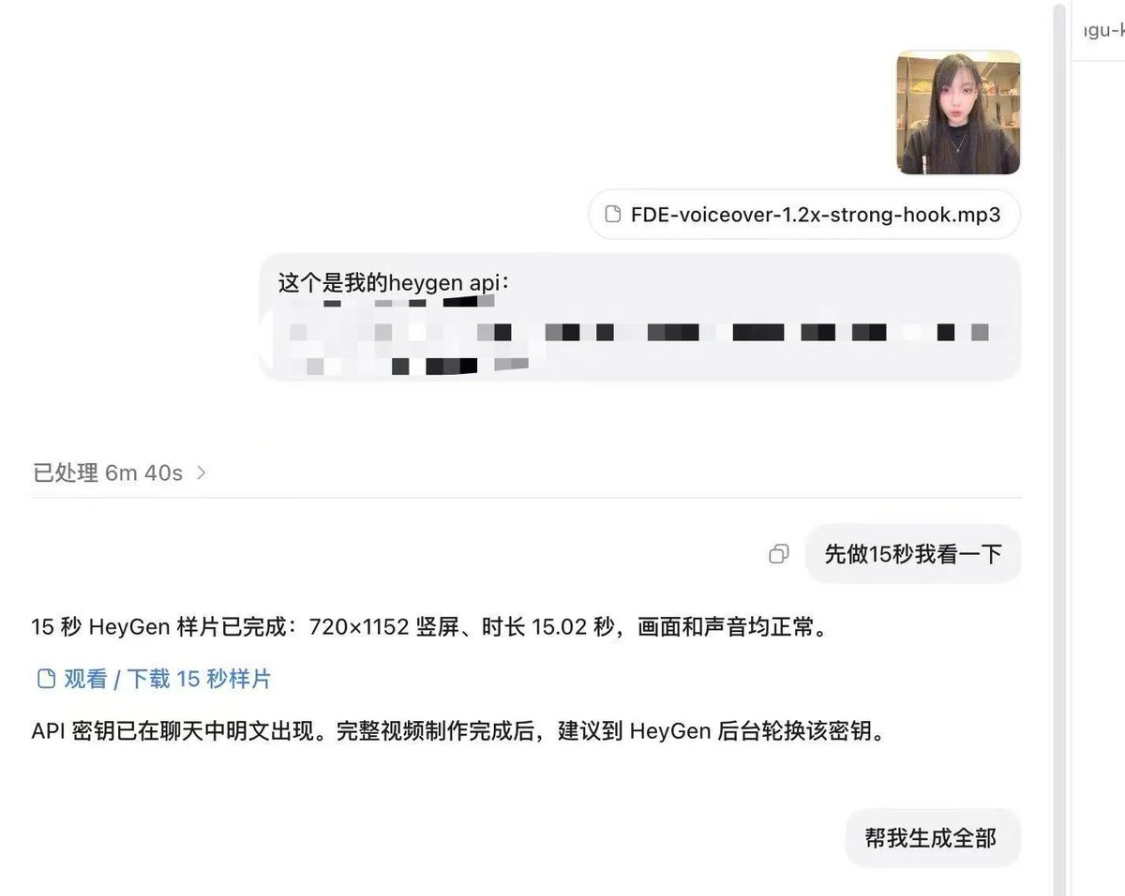
5. Mr. 15 seconds to make a sample, confirm and then generate a complete video。
The easiest mistake here is that the voice has been cloned by MiniMax and has been reprogrammed by HeyGen。
If the goal is to preserve MiniMax 's cloned sound, the audio generated by MiniMax should be uploaded to HeyGen, using this audio-driven image. Do not cut back the `script + voice_id ' scheme of HeyGen, otherwise sound likeness will be covered。
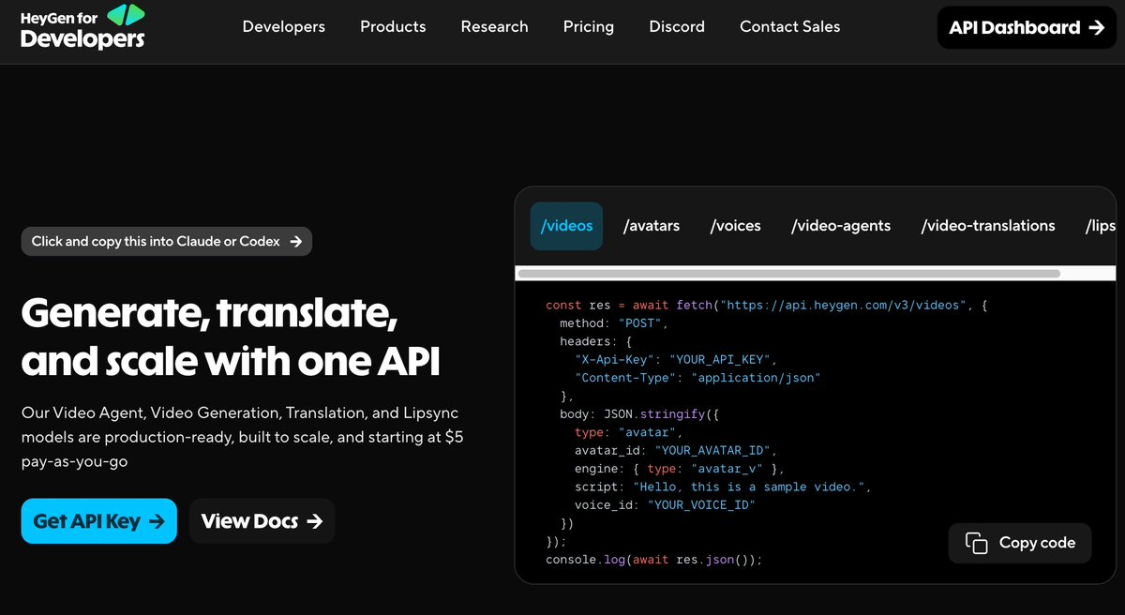
Two, HeyGen and Minimax
For the first operation, it is proposed to use `Image-to-Video ' directly, just api key, and a 2-min video consumes approximately two knives。
It is light: Avatar is not trained at the outset, but is able to quickly see the availability of the mouth, expression, face stability and image by uploading an image and an audio。
My suggestions:
Single test: Use Image-to-Video first。
Long-term production of fixed account numbers: Photo Avatar。
Don't rush training until it's certified. Avatar, the lighter the test, the better。
And again, Mini Max, my advice:
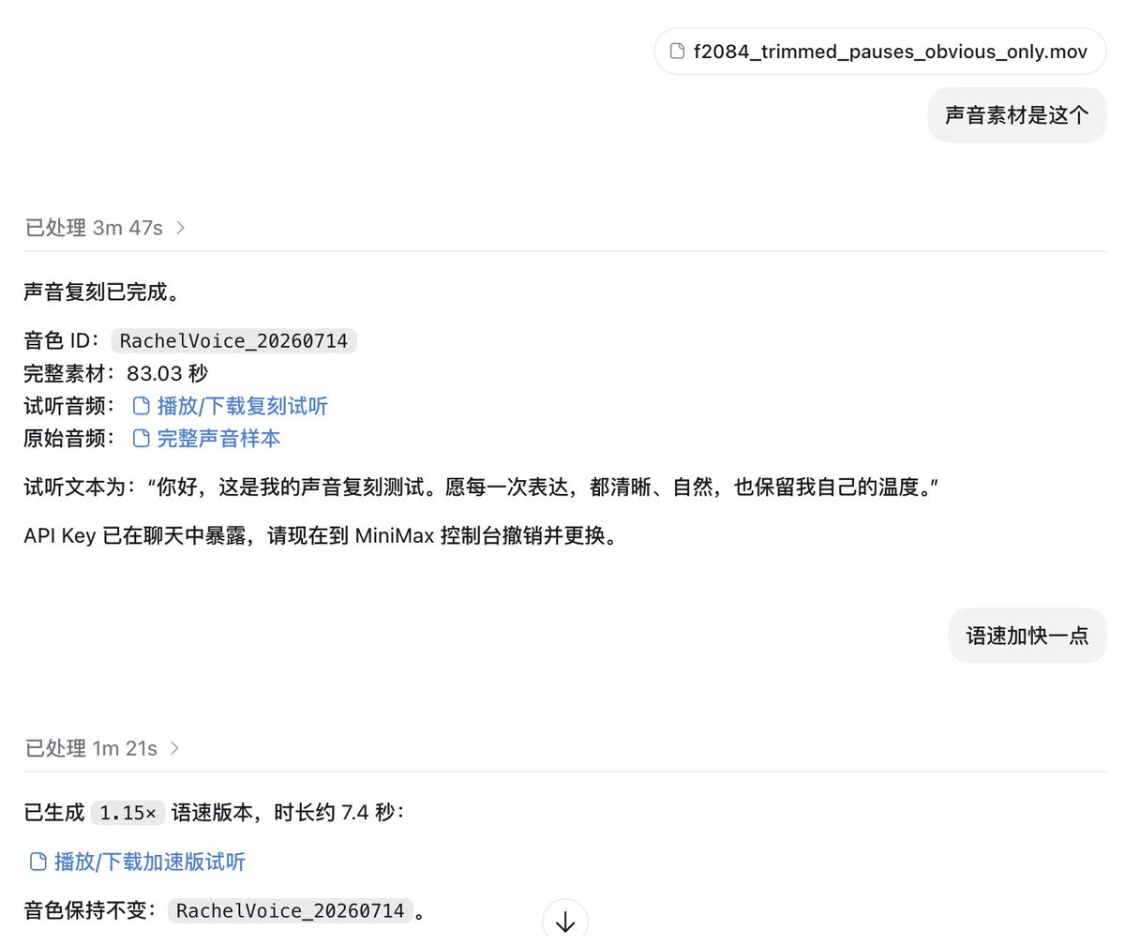
First test: clone sound with an overseas version of Voice Clane and generate MP3 with TTS。
`speech-2.8-hd '。
search speed and bulk preview: the first run test can be used for `speech-2.8-turbo ' 。
Preparation of materials: no complexity, but clean
Sound cloning was not working well, and often it was not a model that failed, but a sample that was not clean。
In the current official demand, Mini Max, sound samples need to be met:
FORMAT: MP3, M4A OR WAV。
Length: at least 10 seconds and at most 5 minutes。
FILE SIZE: NO MORE THAN 20 MB。
Optional alert audio: less than 8 seconds and to provide text that fully corresponds to the audio。
I suggest 30 to 90 seconds: single, backgroundless, non-obvious mix and current, volume stable, speed of speech close to the daily mouth, not to overnomic, mutation or compression of severe second-hand audio。
Same thing with people. Clean up:
Face-to-face, five officials with no cover。
SHOW YOUR HEAD, SHOULDER AND UPPER BODY, AND THE CHARACTER IS ON THE SCENE ABOUT 50% TO 70%。
The mouth is clear and not covered by hair, hands, filters。
The vertical short video is preferred to a 9:16 or close to 9:16。
HeyGen Assets API supports PNG, JPEG pictures; the upper limit for flyer files on general material is 32 MB。
The clearer the mouth, the more stable the mouth; the cleaner the sound, the more like it is。
IV. HOW TO PUT IT IN CODEX
I'll put every digital project in the same directory structure:
project/
inputs/
ideas -portrait.jpg
image-source.mp3
script.md
_work/
imageover-full.mp3
-preview-15s.mp3
_other organiser
└-outputs/
- preview-15s.mp4
– final-1080p.mp4
And then to Codex said:
“`text
Please use Mini Max for overseas voice cloning and HeyGen API for digital population。
Input:
documentation: inputs/script.md
image: inputs/portrait.jpg
sound samples: inputs/voice-source.mp3
Mini Max Key from Environmental Variable MINIMAX_API_KEY
HeyGen Key from Environment Variable HEYGEN_API_KEY
Process:
1. Check material first。
2. Mr. 15 seconds。
3. The full version of the sample will be generated after confirmation。
4. All tasks ID are written to work/job-state.json。
Do not display the full key in the log, script or document。
"`
This step focuses on standardization。
You don't have to believe you remember every time. You just have to put the right process in Skill and get Codex to do it every time。
V. This Skill fixed something
Warehouse address:
https://github.com/Jingyi-Wu-Richael/rachel-digital-human-production
Call:
“`text
This video is made using $rachel-digital-human-producation, with a 15-second sample。
"`
It fixed:
Fixed directory structure。
Check first the case, the image and the sound samples。
Mini Max is in charge of the voice, Heygen is in charge of the video。
Mr. Forever becomes 15 seconds of a sample。
The sample is not explicitly confirmed and does not produce a full version。
each step records `voice_id ' , `asset_id ' , `video_id ' and state。
Failure is not blindly retried to avoid double deductions。
EVENTUALLY MP4 MUST BE FULLY CHECKED。
Do not write API Key, authorized header, temporary download links to a log or status file。
vi. little tips
Digital video is the easiest place to step on。
Common problems include: sound that does not match itself, Chinese accent, slight face deformation, strange mouth angles and jaw movements, irregular blinking and shoulder movements, and inadequate configurations for short video platforms。
So I wrote "15 seconds sample" as a mandatory step. 15 seconds to confirm sound, mouth, image and image. Make sure it's okay. Run the whole video again。
Related Links:
GitHub Repository: https://github.com/Jingyi-Wu-Richael/rachel-digital-human-protection
Mini Max Voice Cline Official Document: https://platform.minimax.io/docs/guides/speech-voice-cline
HeyGen Image to Video Official Document: https://developmenters.heygen.com/image-to-video
HeyGen Assets Official Document: https://developmenters.heygen.com/assets