



A friend asked if something like the followingcute babyHow do you make a popular video entry that sends the message "You must be rich"? Is there a tutorial on how to do this?
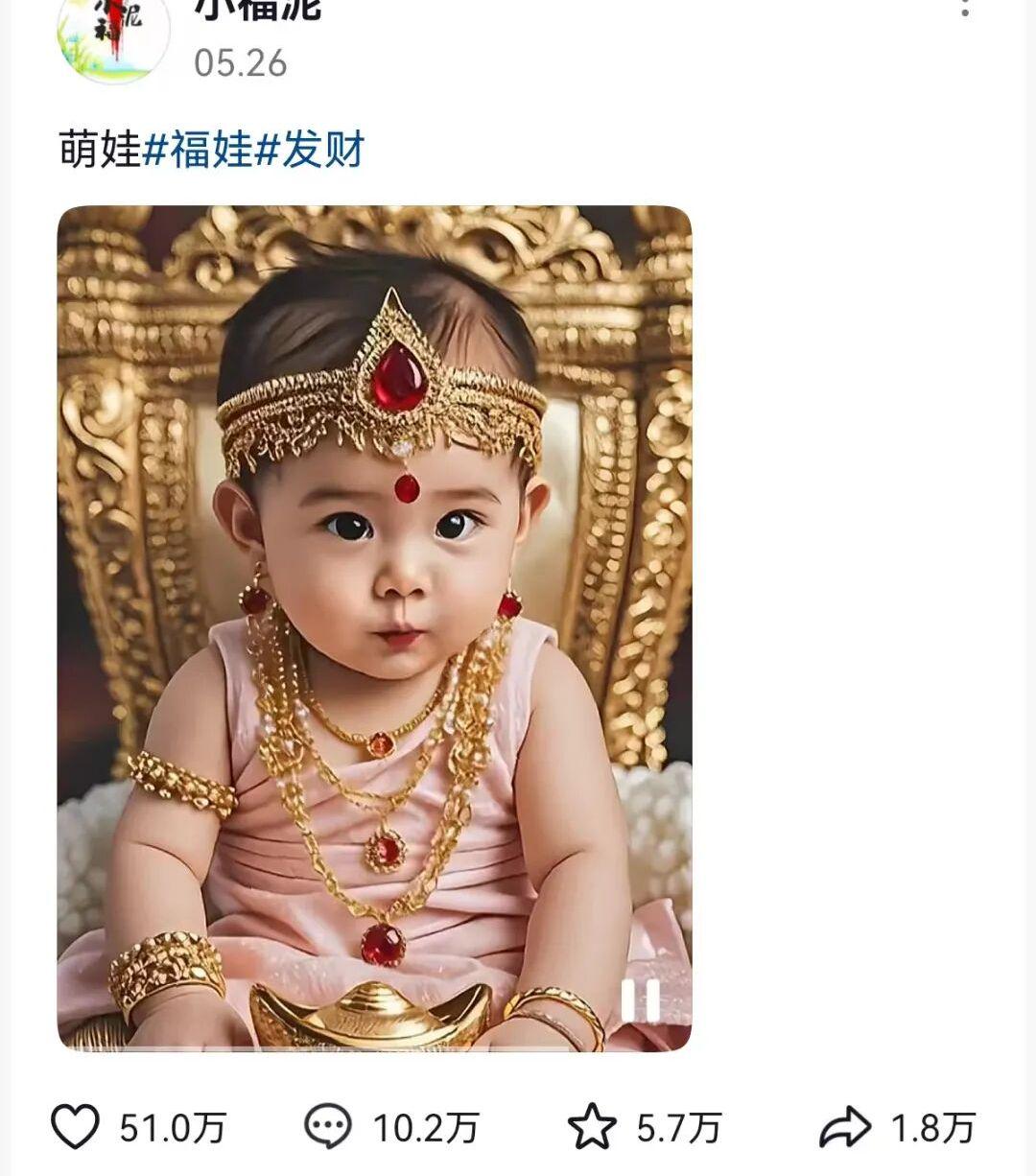
It just so happens that I've also recently been experimenting with AI tests for rapid generation ofDigital Humanoral videoEffectively, here, make an installment of tutorials to share with you.
Solution
① Go to Shake Shack to find the explosive video, do not know how to find the explosive video can refer to the pot head of the previous article: free, how to quickly find the Shake Shack recent explosive video?
②That is, Dream AI pictures generate munchkin pictures.
② Based on the munchkin picture, use the Instant Dream Digital Man function to upload the video as an audio native tone reference to generate the video.
If you also want to make a similar effect of the video, the next follow this tutorial hands-on step by step operation can be.
How to use the Instant Dream Munchkin Blessing oral video?
Open the Instant Dream AI App on your phone.
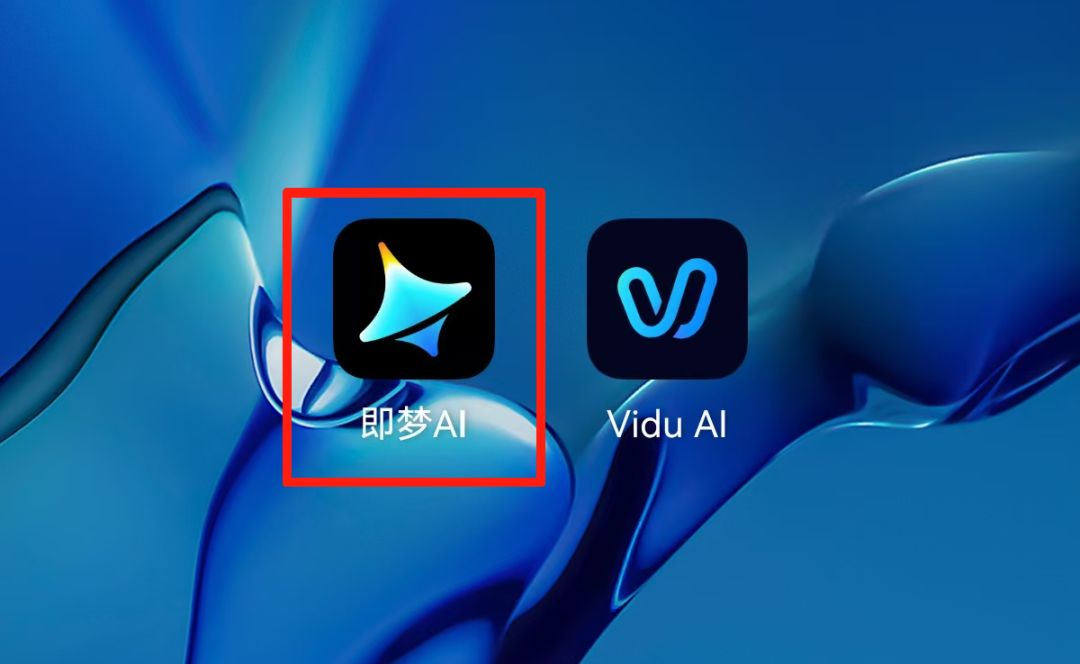
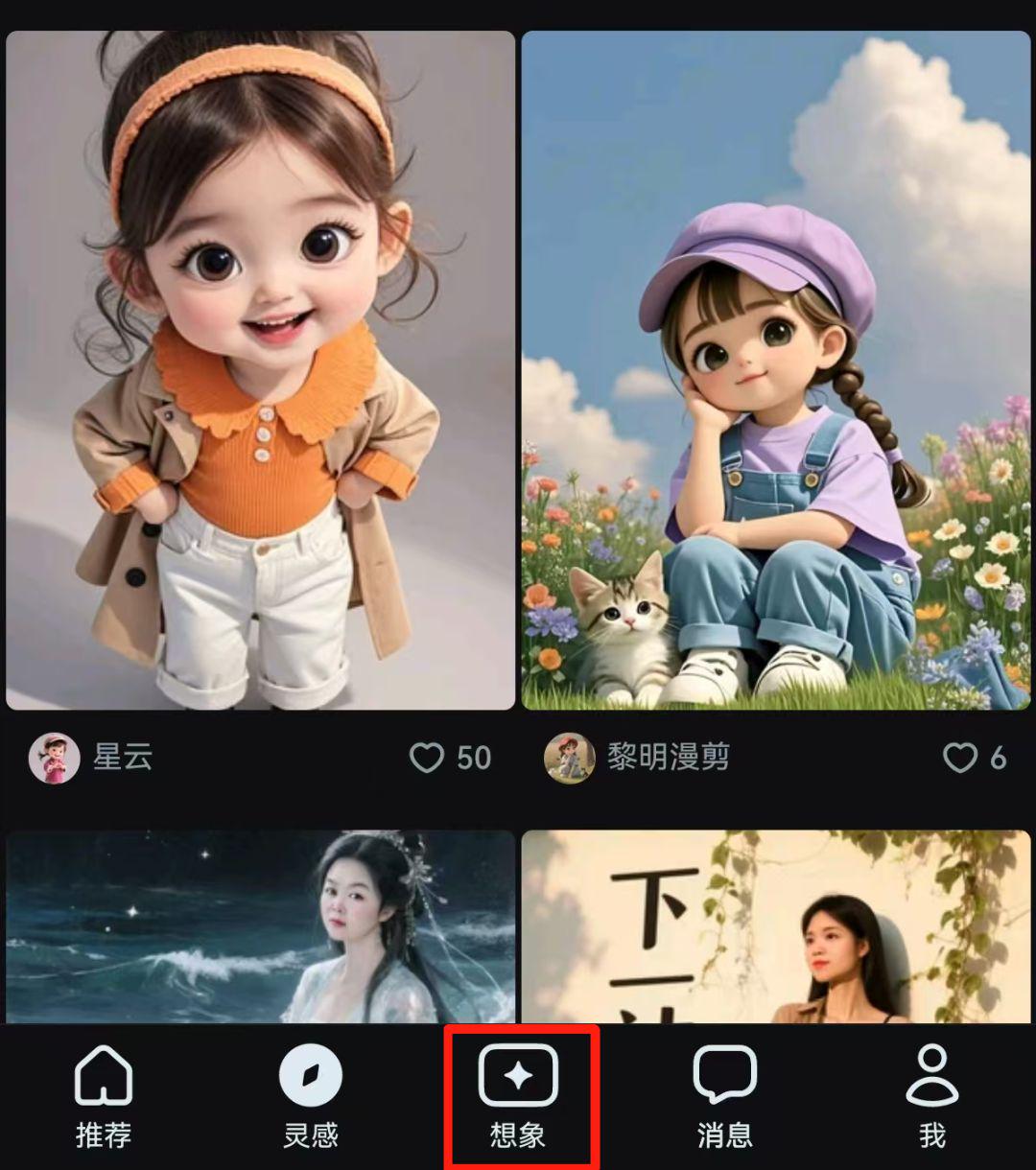
Enter the main interface of Imagine AI and click the [Imagine] icon at the bottom.
Enter the prompt word and click [Generate].
Main body: super cute and lovely ancient China 1 year old Tang Dynasty baby boy, cute baby style, three-dimensional face, big head, willow leaf eyebrows, European eyes, cherry mouth, facial apple muscle, baby skin, highlighting the baby's witty dorky playful and cute.
Wearing costumes: wearing the golden official hat of the God of Fortune, wearing a golden belly-band, and wearing a full body full of exaggerated gold and silver jewelry.
Expression: grin.
ACTION SCENE: Sitting on the back of a huge golden bull daemon made of gold, holding a huge golden golden dollar in his hand, the ground at the bottom of the picture is covered with golden dollars.
Background: Superior, with a clean, large red background at the top of the image and the title "Fortune" written in gilt above the center in medium letters.
Shooting image: soft light baby muscle close-up, rich and auspicious mengbao painting style.

Wait for the images to finish generating and click on one of them that you are happy with.
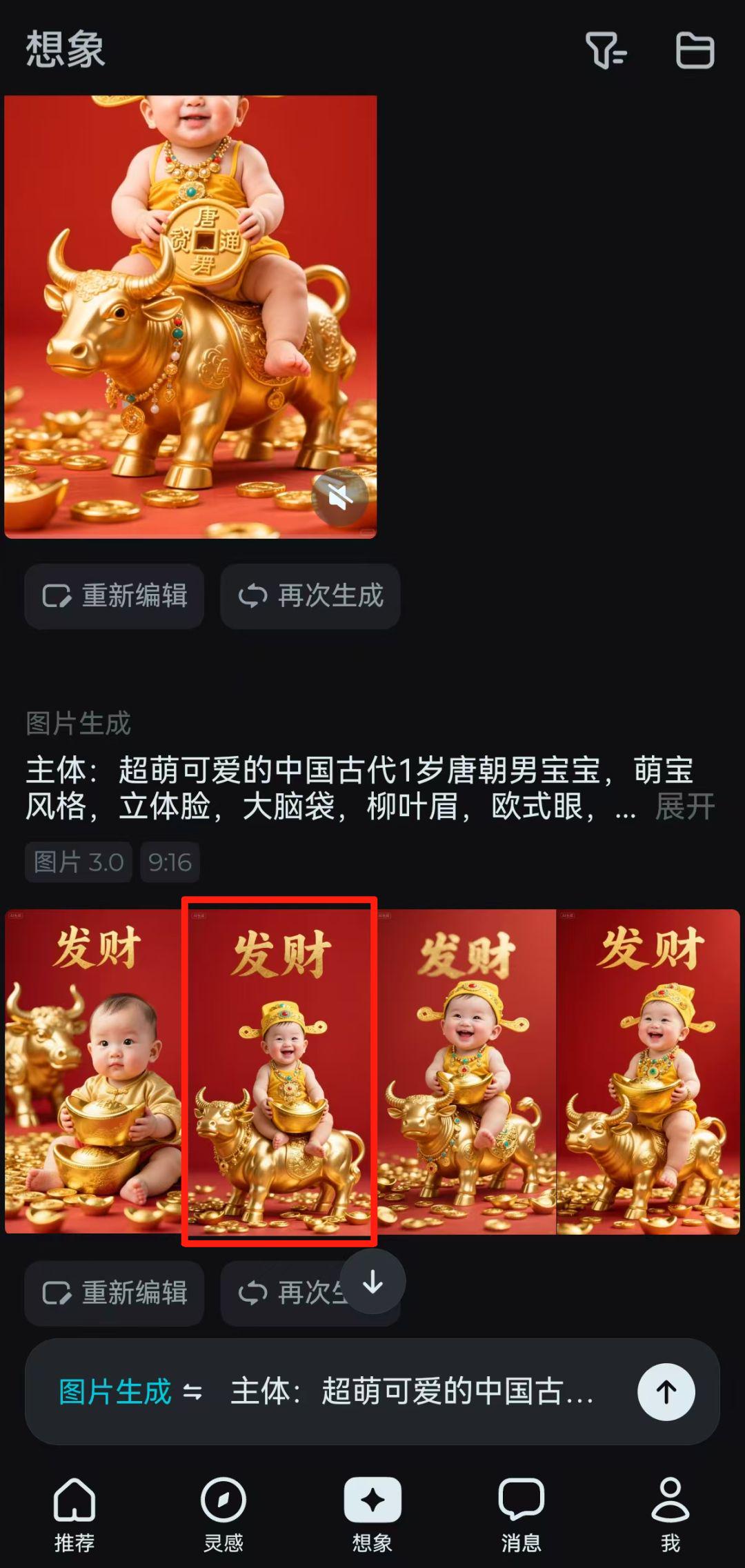
Go to the picture details and click on [Digital People].
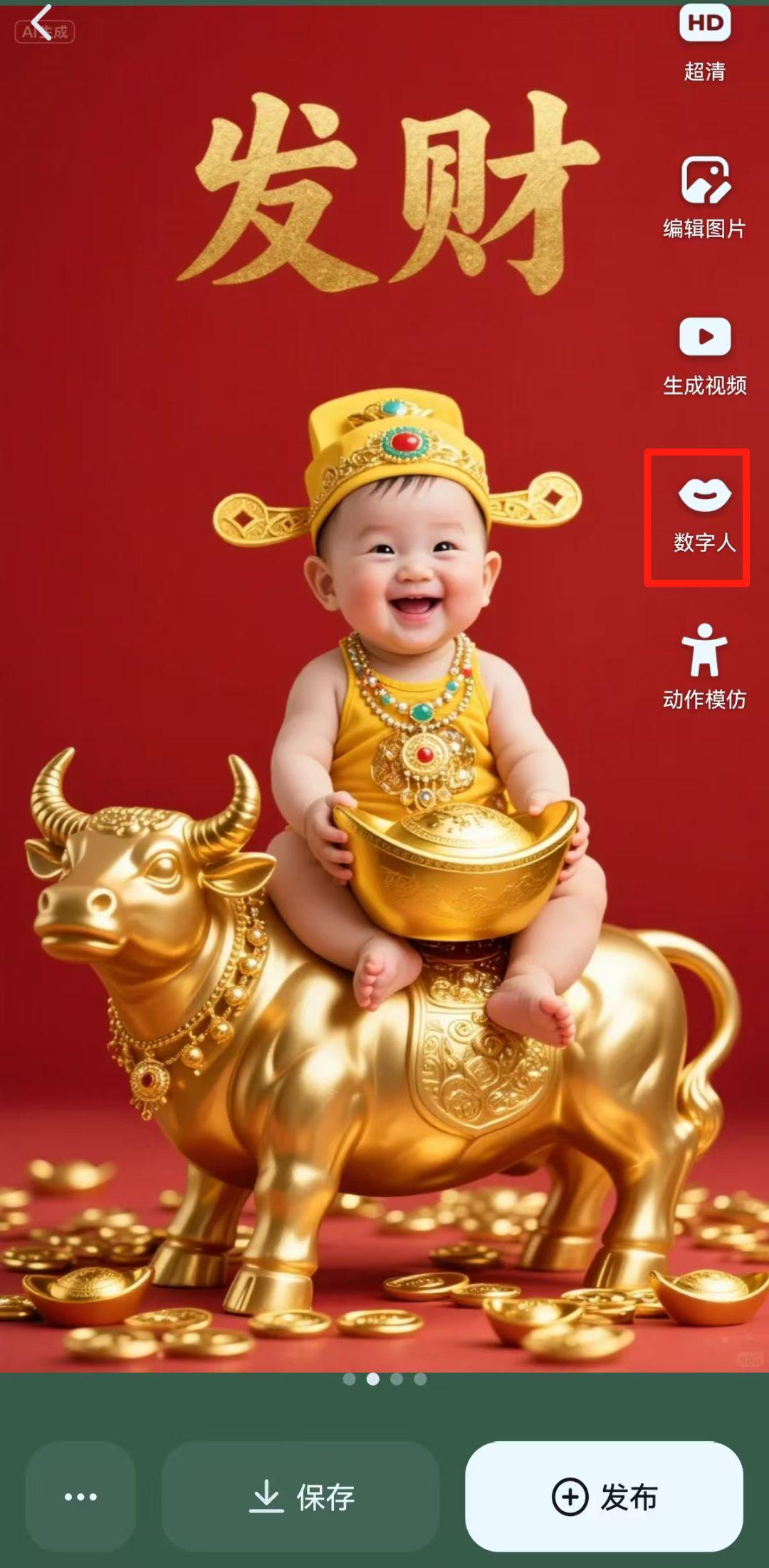
Go to the Digital Man interface, where you can customize the input of what you're talking about, or just upload the original video or audio. Potheads upload pop-up videos here.
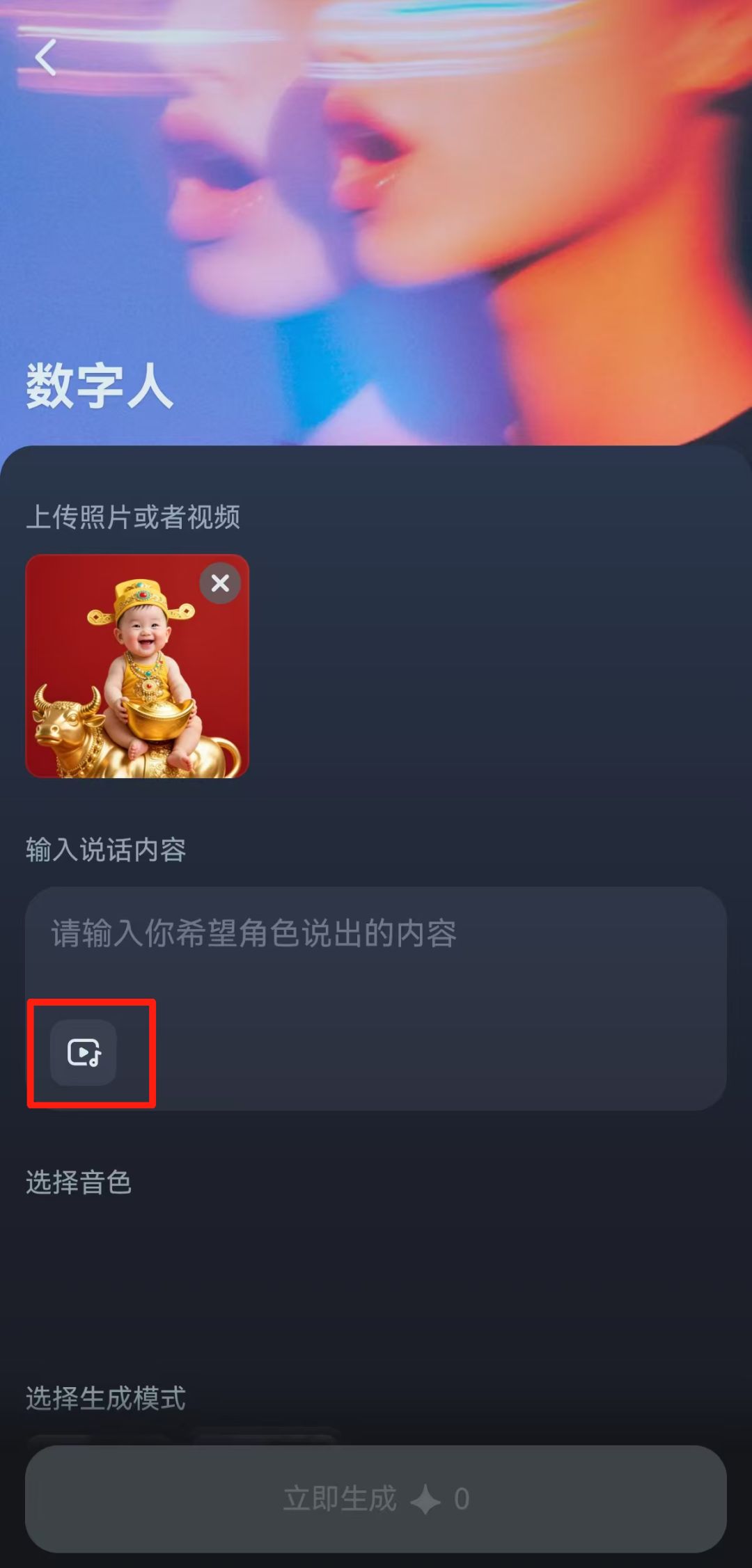
After uploading the original video, it will be automatically parsed into audio native tones, select the generation mode as "Master" and click [Generate Now].

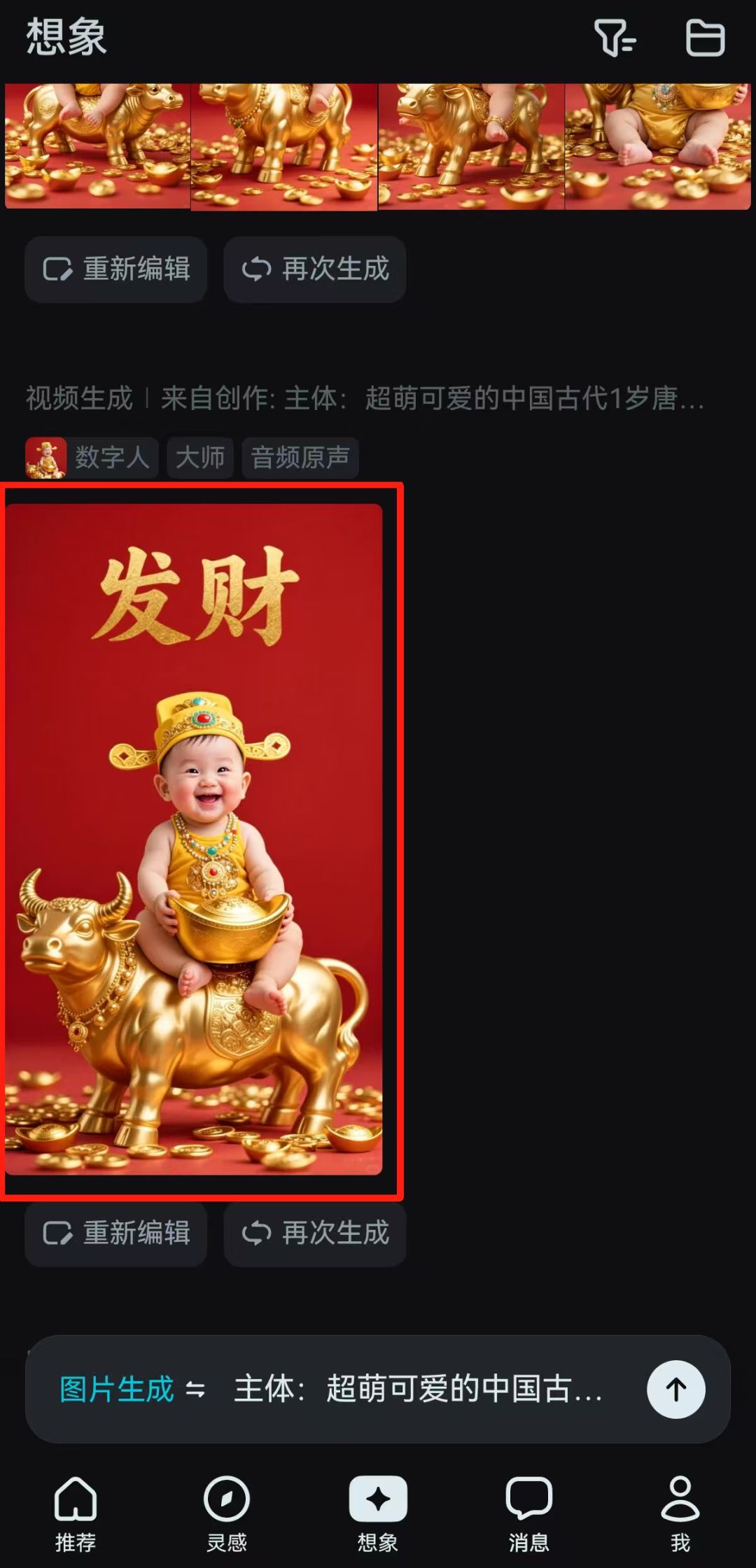
Digital person generation is complete, click on the video to go to the details page.
After entering the details page, click [Save].
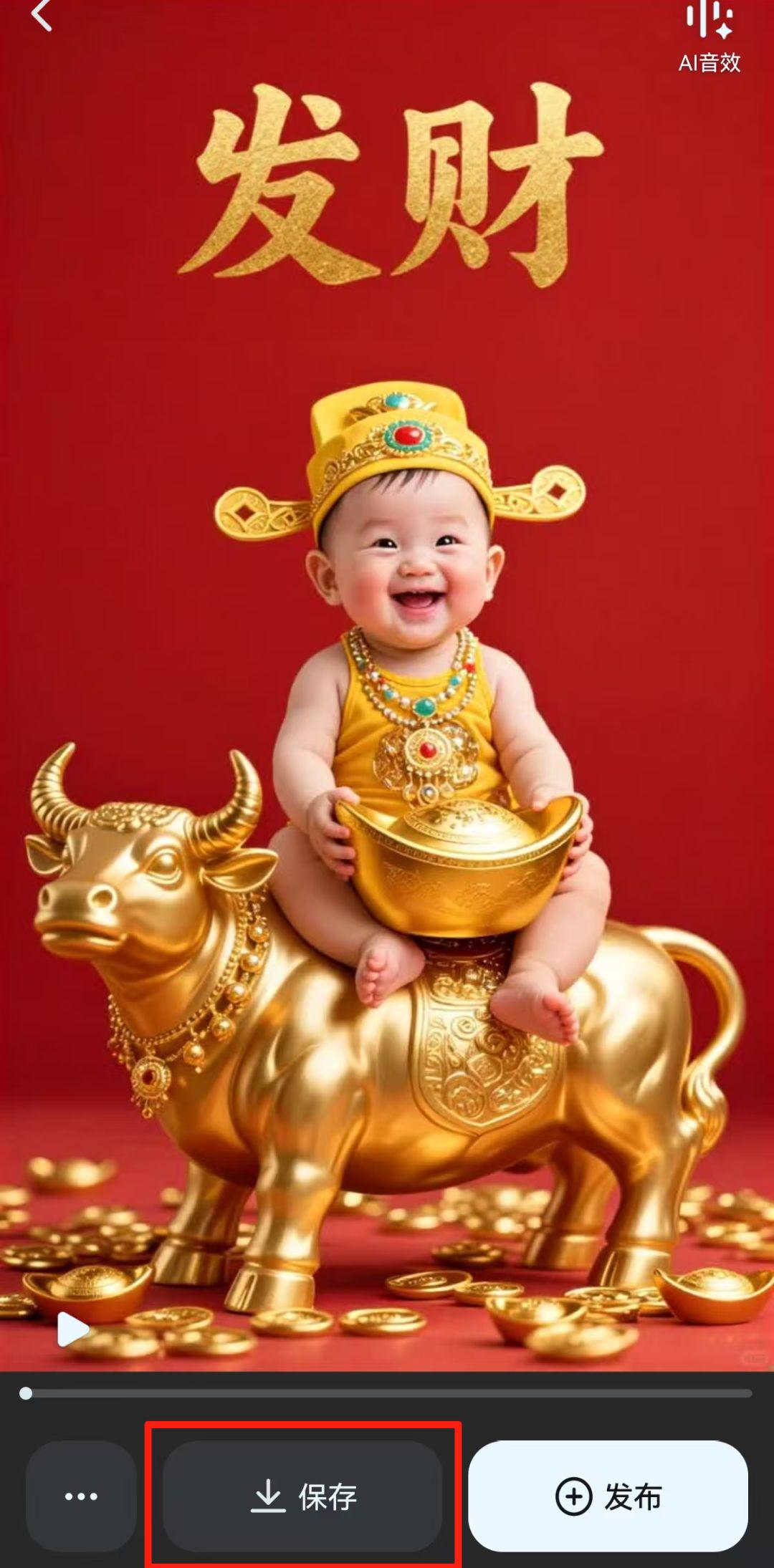
By now, we have completed the digital podcast video of the munchkin sending blessings, have you learned it yet?
Learning Summary
Let’s review and summarize what we have learned:
① Find the video of the munchkin delivering the blessing orally that you want to make.
② Generate munchkin pictures through Instant Dream AI Picture 3.0.
③ Generate a digital human video based on the munchkin picture referencing the original video.
This wave of walking down, we can quickly use AI to generate cute children to send blessings digital podcast video.