



Made a model with the one just released by Tongyi ManphaseDigital Humanvideo and felt it worked out okay. I was still a little interested today, while I could still collect points, so I thought I'd do another lip-sync video.
Wan2.2-S2V Released! A picture + an audio to generate cinematic digital human videos!
I made a counterpart video in Tongyi Manxiang, i.e. Dreams and Cutting Reflections, respectively. But Spirit doesn't have enough points, so I'll leave it for now.
AI Tools
Beanbag: https://www.doubao.com/chat
Tongyi Wanxiang: https://tongyi.aliyun.com/wanxiang/
i.e. Dream: https://jimeng.jianying.com
Cutting and Screening PC Version (SVIP)
production step
In order to save points, you need to use AI tools wisely.
1. Generate pictures (with beanbags)
Open the beanbag and generate the character you want. I saw a video 2 days ago of Tan Jing singing "Jiu'er", a national team powerhouse singer. Many years ago, it seems that Li Yu'er also sang it, and it also sounds good. So I wanted to make such a clip.
It would probably take better tools and funding to sing the song entirely in digital human lip-sync and with a real-life effect.
As an experience and learning experience, it's still good to just use some of the current tools.
I typed into the beanbag: help me design a character who sings the song "Jiu'er", and I asked for a beautiful girl on the Loess Plateau, wearing a flowery cotton jacket, frontal shot

Next, you can make requests for beanbags based on your needs:
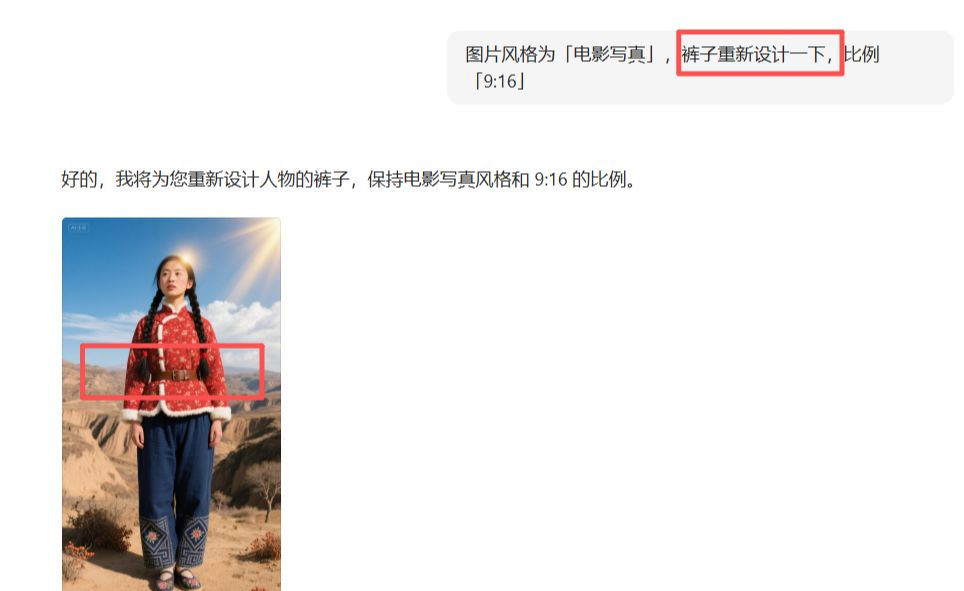
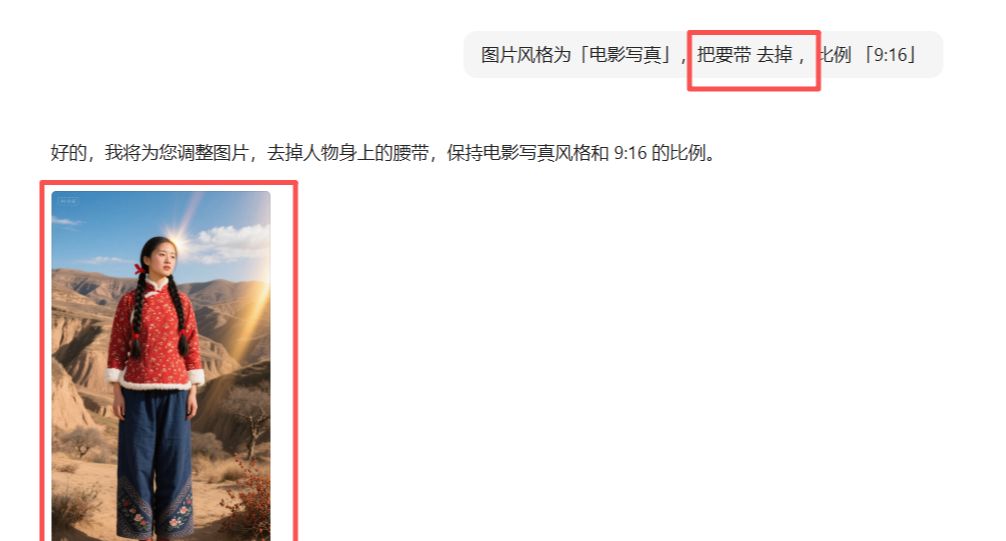

Finally decided to go with the 1st picture:

Download watermark-free images
[AI Learning] Strong push! Beanbag HD watermark-free batch download plug-in, efficient and practical!

2、Preparing audio files
For this step, you need to prepare the audio files, you can go to the cutout and search for the music that is available inside the cutout and then export only the audio files.
Note that if the digital person is generated in Tongyi Vanguard, the audio file can be exported in its entirety, as it can be automatically cropped in Tongyi Vanguard.
However, if you are generating a counterpart digital person in a korin or an instant dream, the duration needs to be limited to 15s, and the longer the duration, the more points you need.
In i.e. Dreams, 15s takes 75 points.
The minimum number of points given away per day is 66, then you have to crop the audio. It's about 12 seconds and 60 credits would be enough. If you give away 100 points per day, then you can generate 15s of video at once.
3. Generation of counterpart video clips (Tongyi Manxiang + i.e., dreaming + screen cutting)
1) The general meaning of all phases
Today in Tongyi Wanxiang, the 1st generation was not so good, generated 2 times, the 2nd was significantly better, the method was mentioned in yesterday's post.
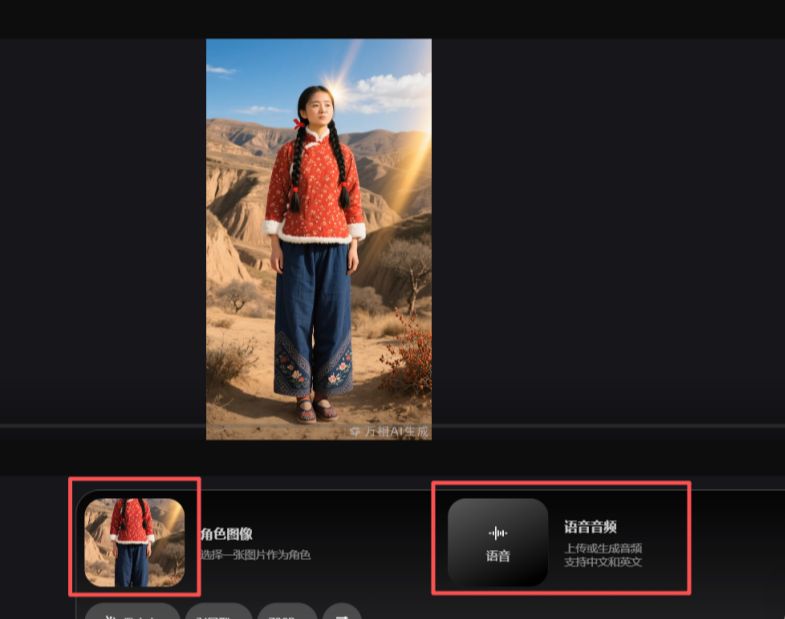
2) i.e. dreams
I cropped the audio length to 13s and 65 credits, just enough to generate it once.

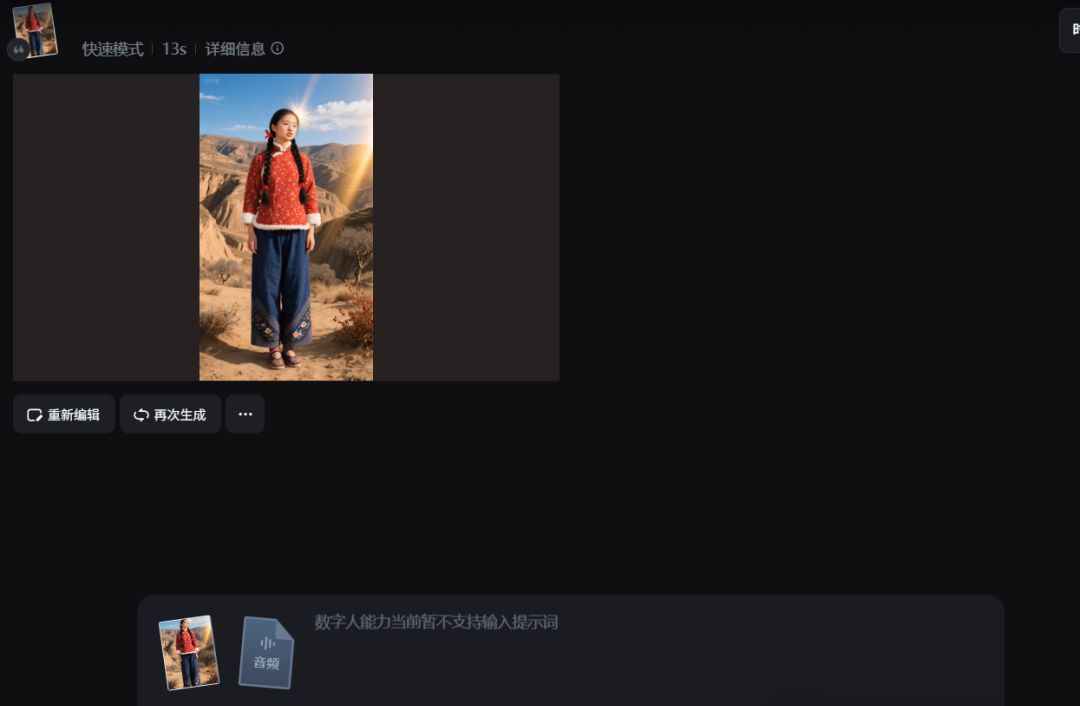
3) Cutting the movie
Cutting screen, if you are SVIP members, points are enough, then you can generate a longer lip-sync video, as shown in the following picture, drag the picture to the track, and then in the screen, select [AI lip-sync], here I chose to use the audio to generate, 32s. select [Spirit Mode]. The next step is to wait patiently.

Waiting to be generated:

After generation is complete, the screen is cropped.
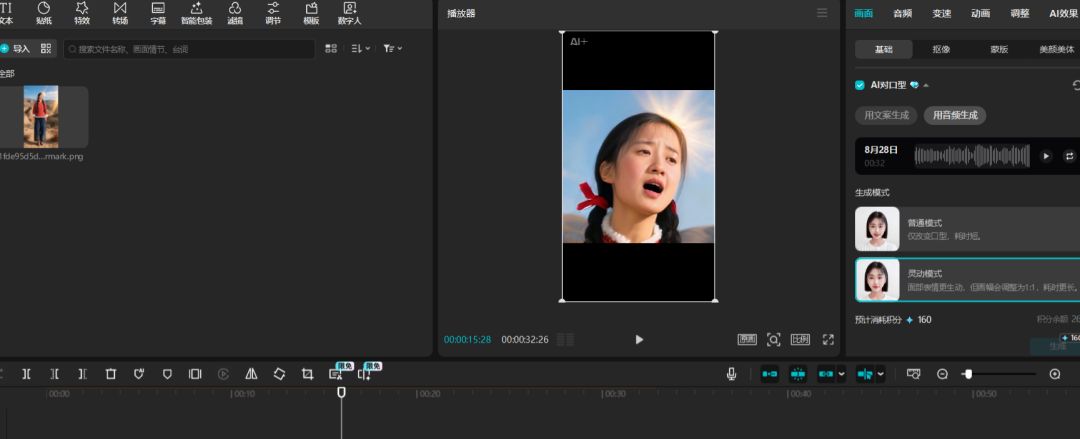
You can export the generated lip-sync video before proceeding to the next step of video editing. This will require learning some editing knowledge of cut-screen.
Well, that's all I have to share, so if you're interested, you can give it a try.