



Who's youth didn't have a couple of single song cycles of Jay Chou? Two days ago, Zhou Dong released his first entry in Shake, and in just a few days the fans have already passed 21 million.
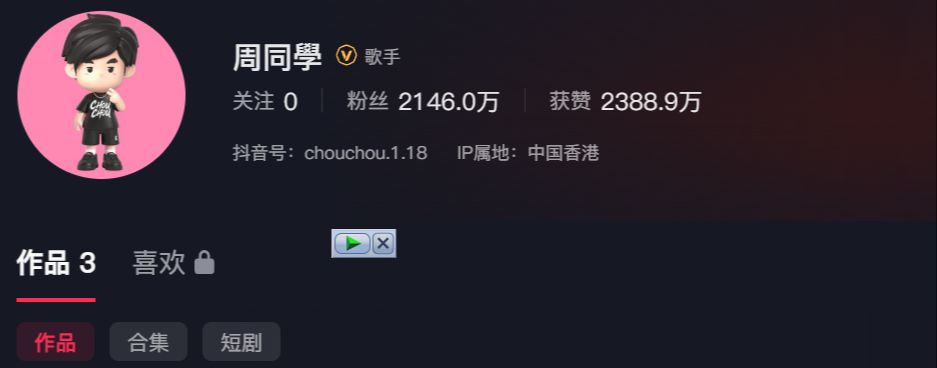
What's even more impressive is that the first entry, with upwards of 15 million likes, was actually made with AI. I have to say, AI is now really fire out of the circle.
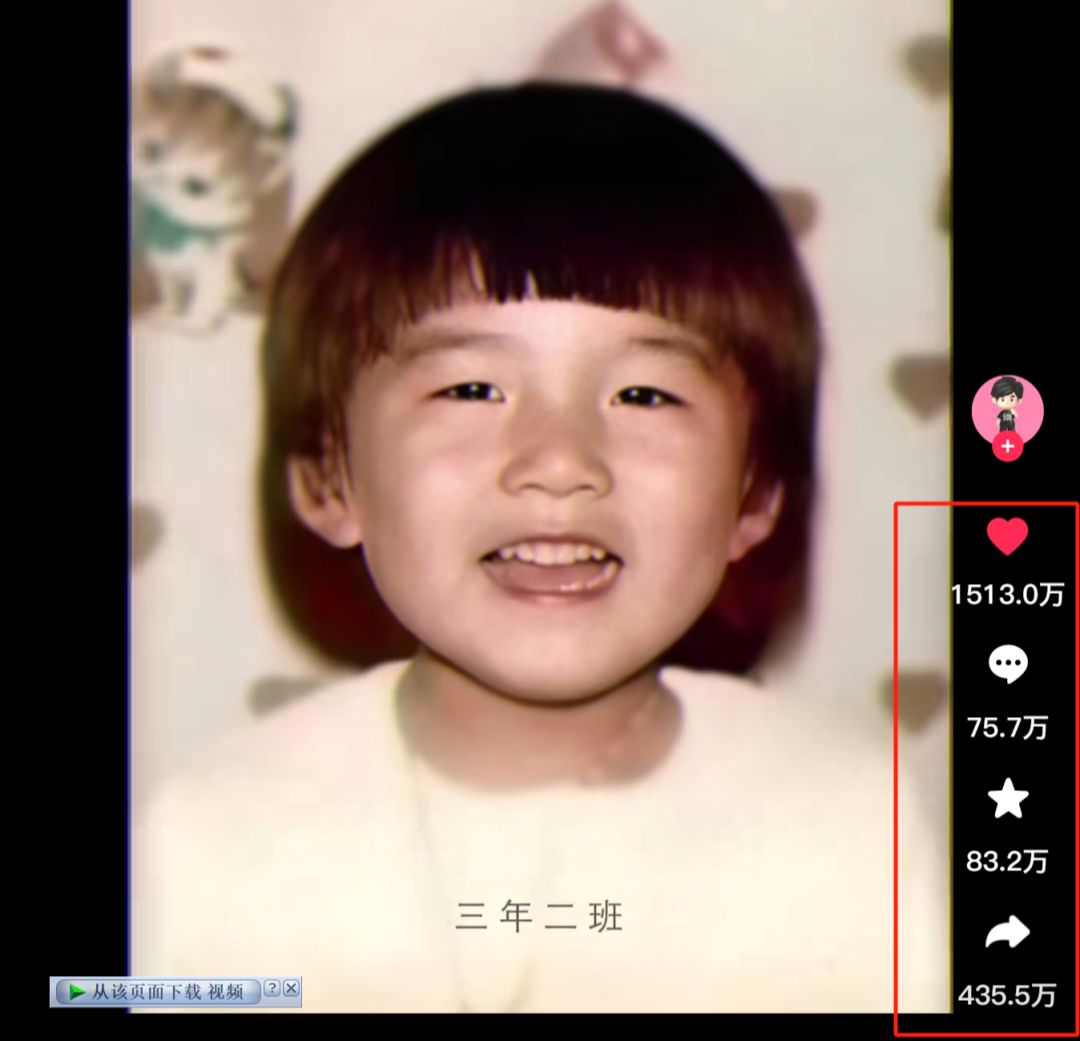
It's crazy! It's true that he was my idol when I was a student, and when the video came out, it brought back all sorts of memories. To use that internet word, it's "Master Greenback".
Those of you who read 1AI articles regularly should have guessed how it's done.AI Videoofopening and closing framesThe function can be realized, let's tell the newbie what is the first and last frames.
In simple terms, it is a function to generate video, synthesize two static photos into a dynamic video (upload two pictures, the first picture becomes the second picture), for example, the previous very hot video of the transformation of the Classic of the Mountain and the Sea, the life of the historical celebrities and so on, which is made with the first and last frames.
This issue will share how to make the same AI video as Zhou Dong.
The production process is in 2 steps:
→ ① i.e. Dream AIvideo of the first and last frames
→ ② Cutting and editing into a movie
Without further ado, let's get on the practical, Doodle strives to use the simplest way to teach everyone, white people can also easily get started!
I. i.e. Dream AI first and last frame video
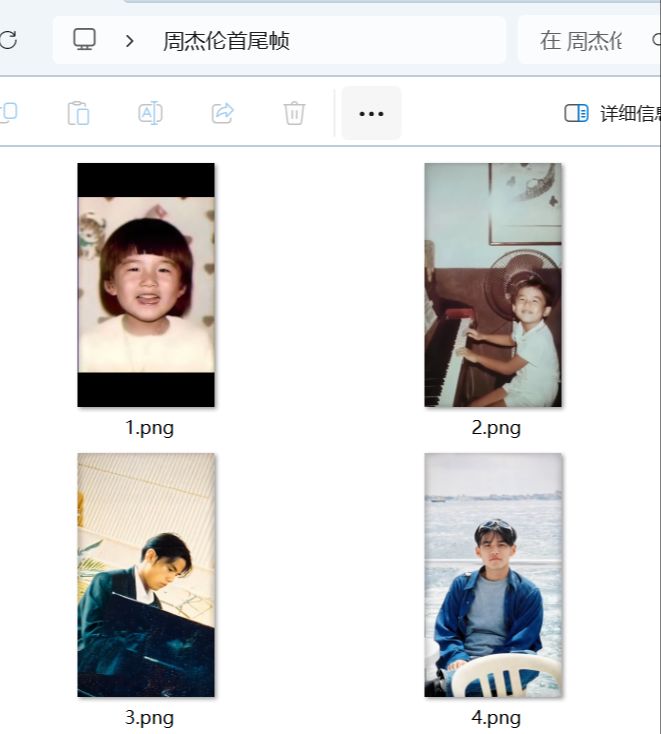
Before we make the video, we need to get the required photos ready. Here I'll use the first few pictures inside Jay's video as an example.
The first and last frames of this function, namely dream, vidu, Tongyi Wanxiang, can Ling these tools have, we use namely dream to demonstrate, the method is similar!
That is, the Dream Computer web page:
https://jimeng.jianying.com/
Mobile app store search 🔍 "Instant Dream AI"
We follow the order of the pictures, 1 and 2 combine to make a small video, 2 and 3 combine...and so on.
Open and DreamAI, select "Video Generation" - Model "Video 3.0" - Upload two images in sequence "First and Last Frames" - Input "Reminder" - Generate now.
Boy smiles, natural transition, smiles as he walks to the piano, plays the piano, then looks up at the camera with a smile
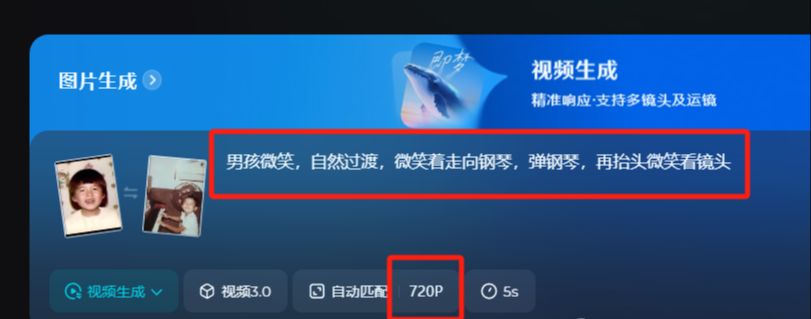
On the cue word, we do not have to think too deep, do not have to pursue the so-called standardized "cue word template", the essence of the cue word is to express clear, logical and smooth, born out of the video is basically eight, nine or ten.
For both the first and last frames, try to include the same subject and describe in text how the transition between the two frames takes place. For example:Cute little Antarctic penguins, waddling on the ice.
720P stands for the clarity of the video, no member default is 720P, with a member if you change to 1080P, the video is much clearer.
Next, use a combination of images 2 and 3, and so on, to make separate videos of the remaining shots ~ save them for later.
II. Cutting and editing to film
Import the video clip you just downloaded
Add background music
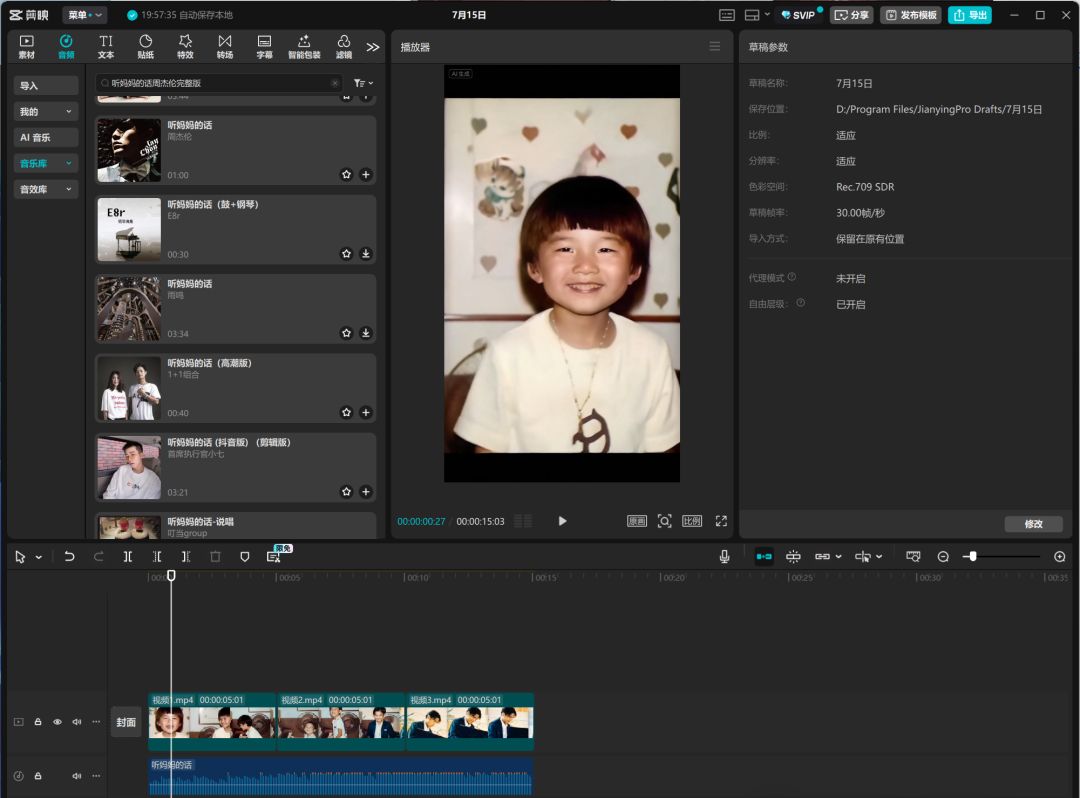
Adjusting details, such as adjusting screen clarity, filters, etc.
Export.
Did you learn it? Go ahead and try it.