



Today we are sharing with you real short videos of flowers blooming on all major platforms. Now it can also use AI to generate short videos from bud to bloom, where you can see a new life blossom.
The production idea is as follows:
1, with that dream to generate images
2. i.e. dreamsopening and closing framesGenerate video clips
3. Cutting and editing
AI Tools
i.e. Dream: https://jimeng.jianying.com
Cutting and Screening (PC Pro)
Method 1: First and last frames
1. Generate pictures
1, open that dream, enter the prompt word to generate pictures
Picture cues can be generated in Beanbag or other tools, or directly with DeepSeek in Instant Dream.
For example, I want to create a lotus flower slowly blooming from the bud, and I intend to realize the dynamic process with the first and last frames of the instant dream.
That would require 2 images, first and last frames. You can just tell DS what you need and write out the cue words for the first and last frames.
Just copy or click on the use cue word to generate an image.
However, the background and color of the 2 images generated are too different to continue optimizing the cue word.


The generated results are still unsatisfactory:

So, it can't be copied exactly, and the cue word needs to be modified.
To make sure it's the same lotus flower as much as possible, you can use a reference image and generate a tail frame image.
Determine the 1st image, i.e. the first frame, and make it HD, then download the watermark-free image.

You can generate images over and over again until you choose the satisfactory ones to do [Ultra Clear] and watermark-free processing.
[AI Learning] Found another great way to remove watermarks from instant dream images!
[AI Learning] Without plug-ins, beanbag AI picture watermarking simple method to share! (PC version)
Then, upload the 1st image without watermark, using [Smart Reference]. Enter the prompt word:
The same scene in the middle of the afternoon, deep blue water macro, the lotus cascade bloom dewdrops have not disappeared, the sunlight penetrates the petals show radial texture


Choose the one you are satisfied with, Ultra HD and download watermark-free images.
II. Generating video clips
This step generates a video clip using the first and last frames of the instant dream.
The first and last frame method is relatively simple in that you need to add 2 images.

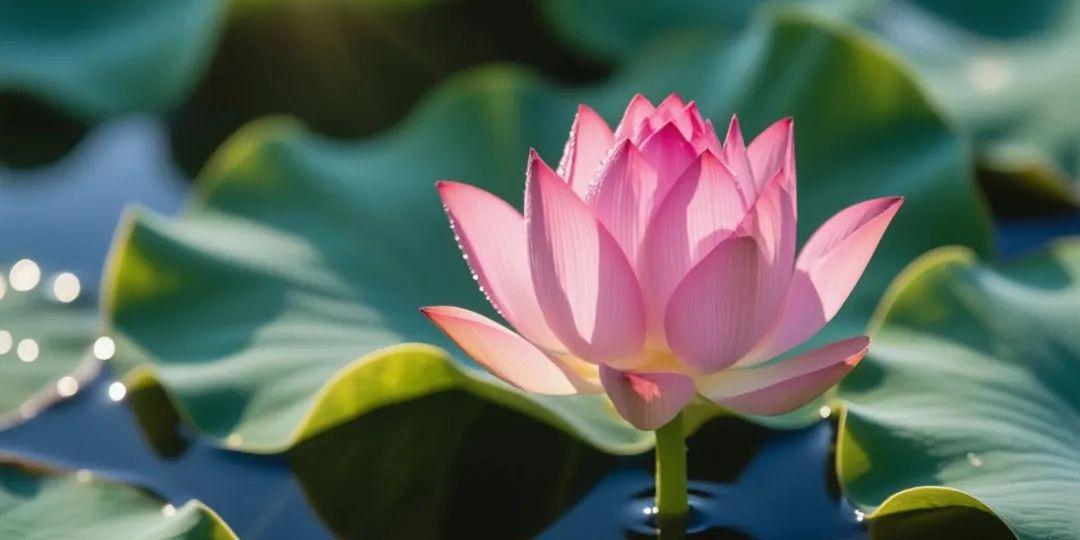
Enter the cue word: Fixed shot, silky smooth transition from figure 1 to figure 2, gradual bloom to full bloom of the lotus flower

That is, the first and last frames of Dream 3.0 work pretty well, so if you are not satisfied, you can generate them a few more times.
III. Editing the video
Open Cutscene and edit the video clip directly in Cutscene to add suitable background music.
AI Learning】Shear and screen directly synchronized with the Dream AI, solving two major pain points in one fell swoop!

Method 2:
I.e. Dream Bunsen Video
Enter Vincennes video cue words directly into Instant Dreams, for example:
Close-up time-lapse photograph of a blossom's silver-white bud with night dew on a dark green background, supported by leaves, to completely record the transient process of petal spreading during nighttime blooming.
Vincennes videos are also random, like this one I only generated it once, and when you see it later you'll see that the blips aren't particularly real, and you can optimize the cue words and draw the card a few more times.
Both methods have their advantages.
That's all for today.
Did you learn it? You can learn by example and make other videos of flowers in bloom!
If interested, you do the same!